- التسوق ، اصبح سهلا.
- /
- احصل على التطبيق!
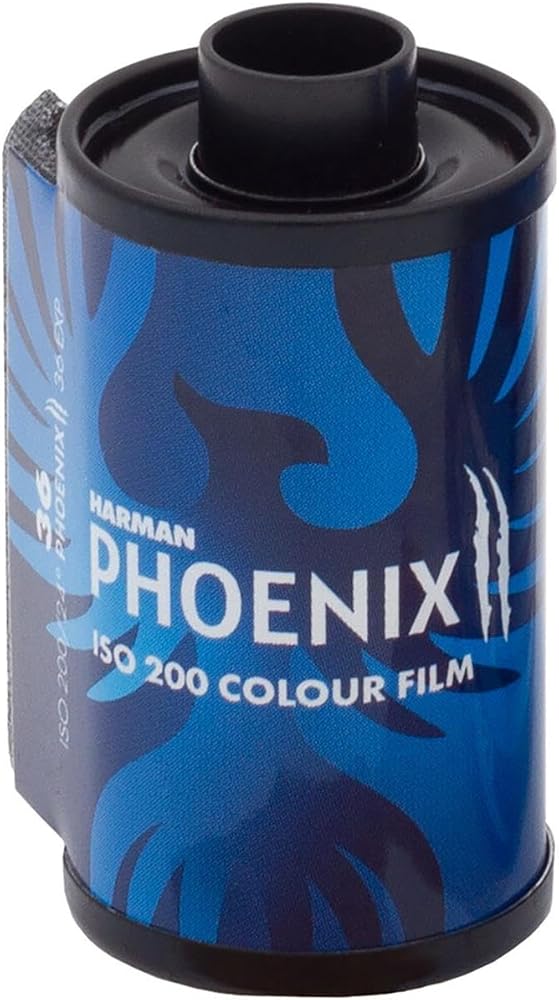
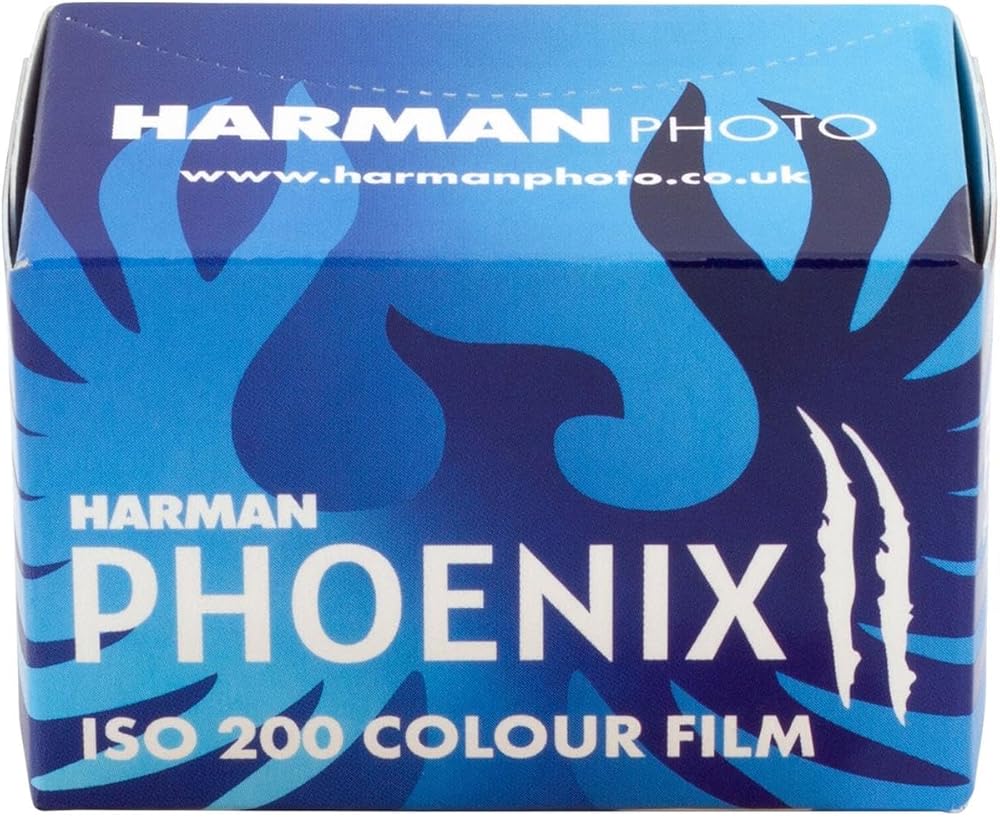
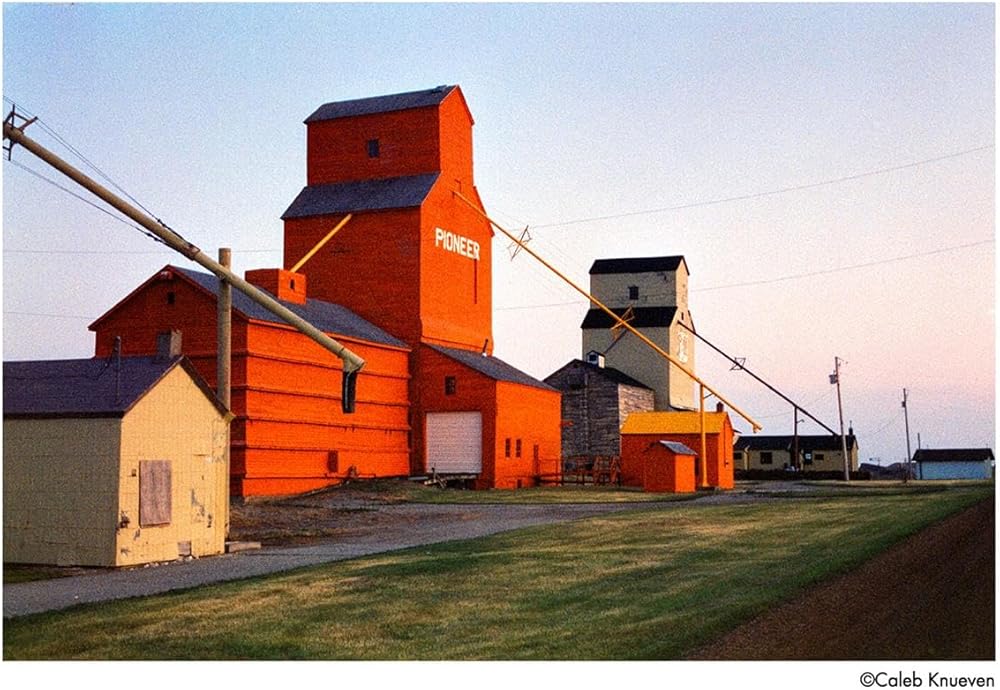
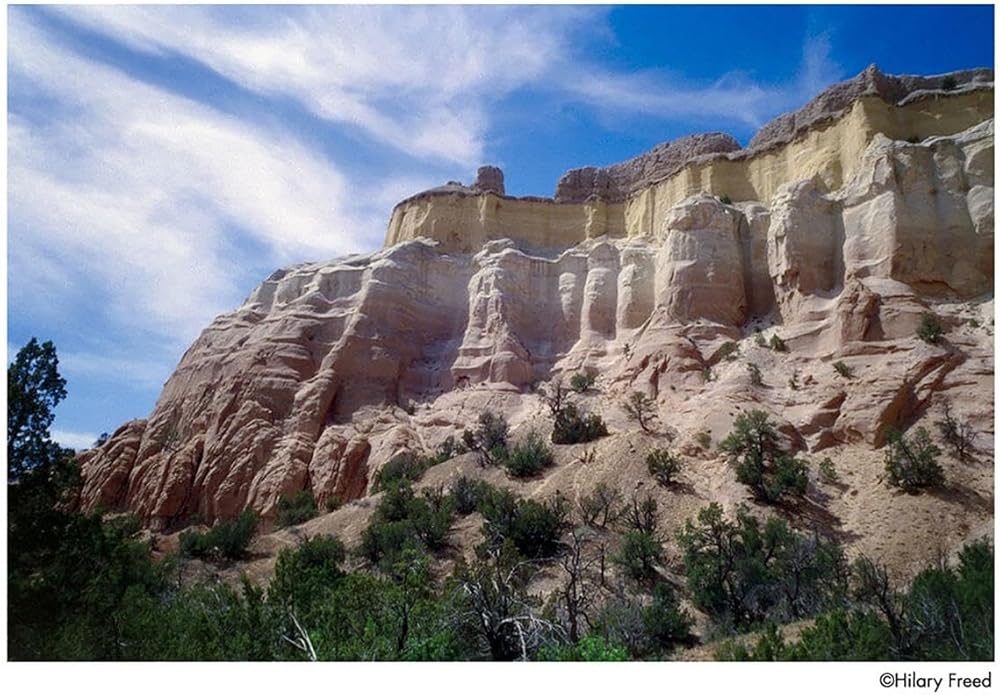
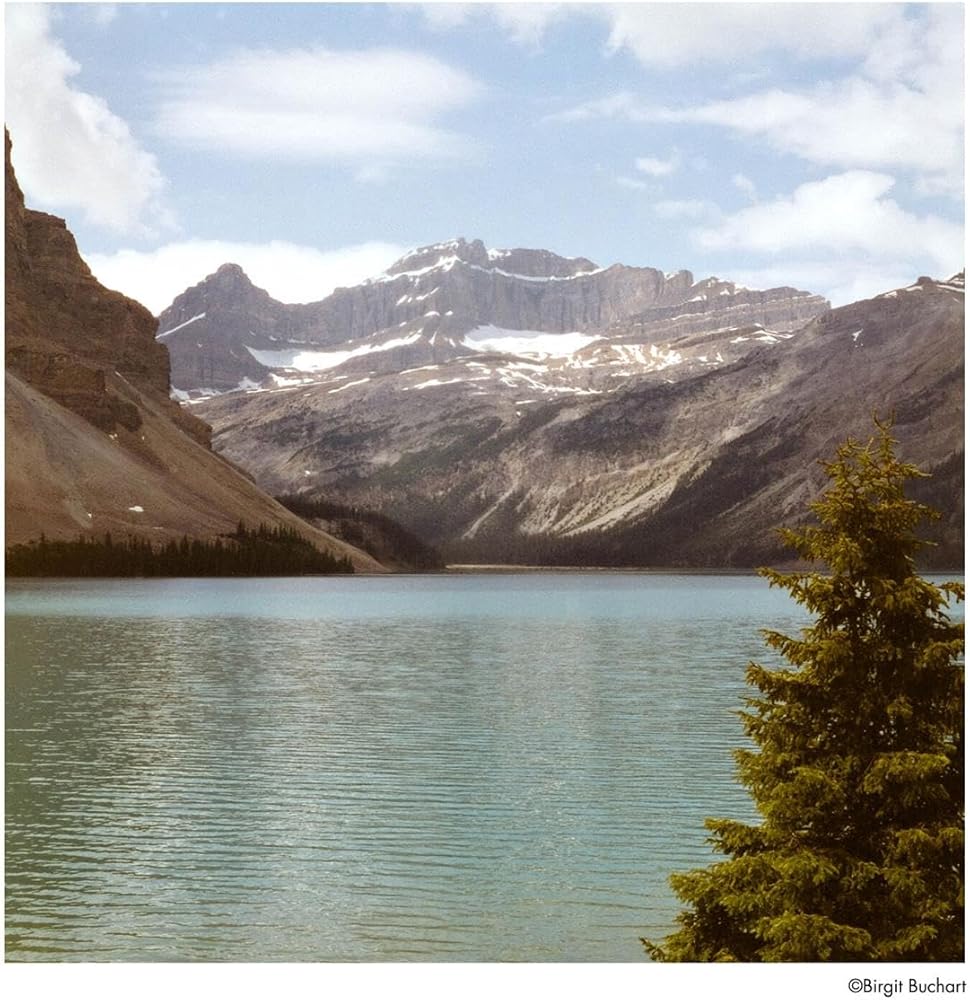
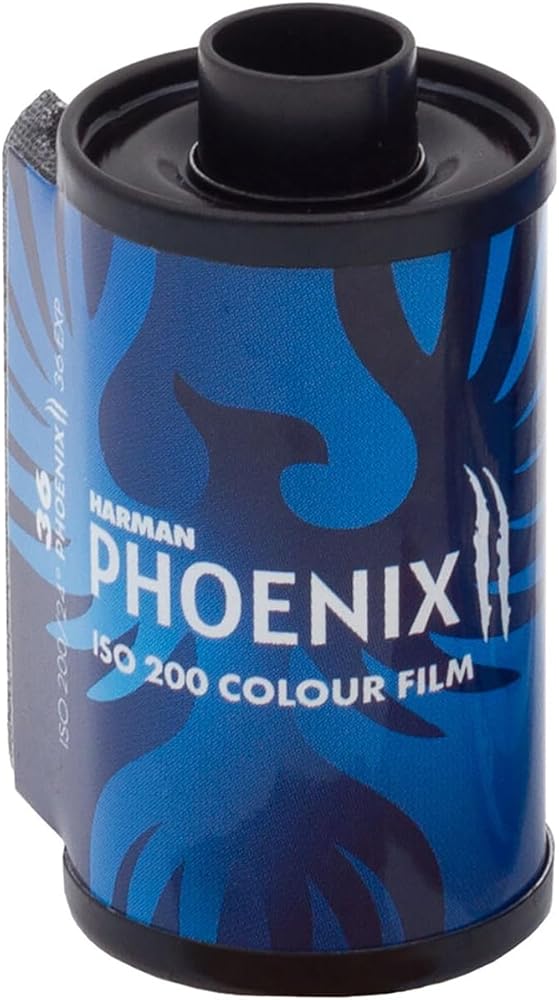
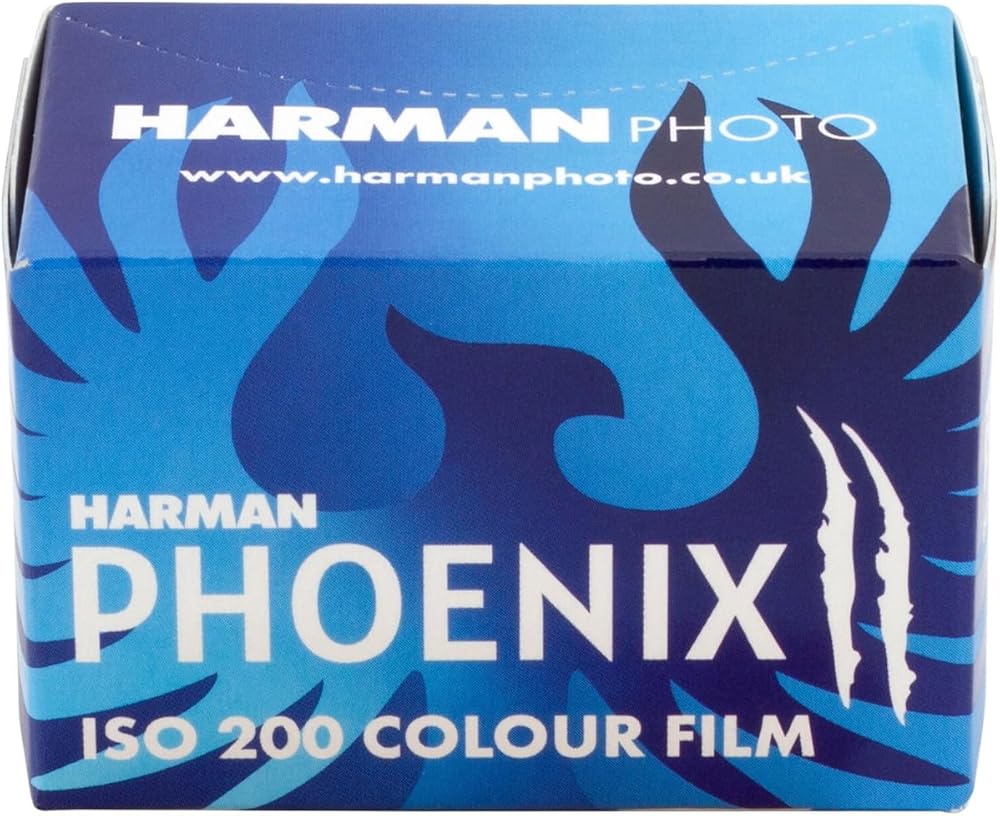
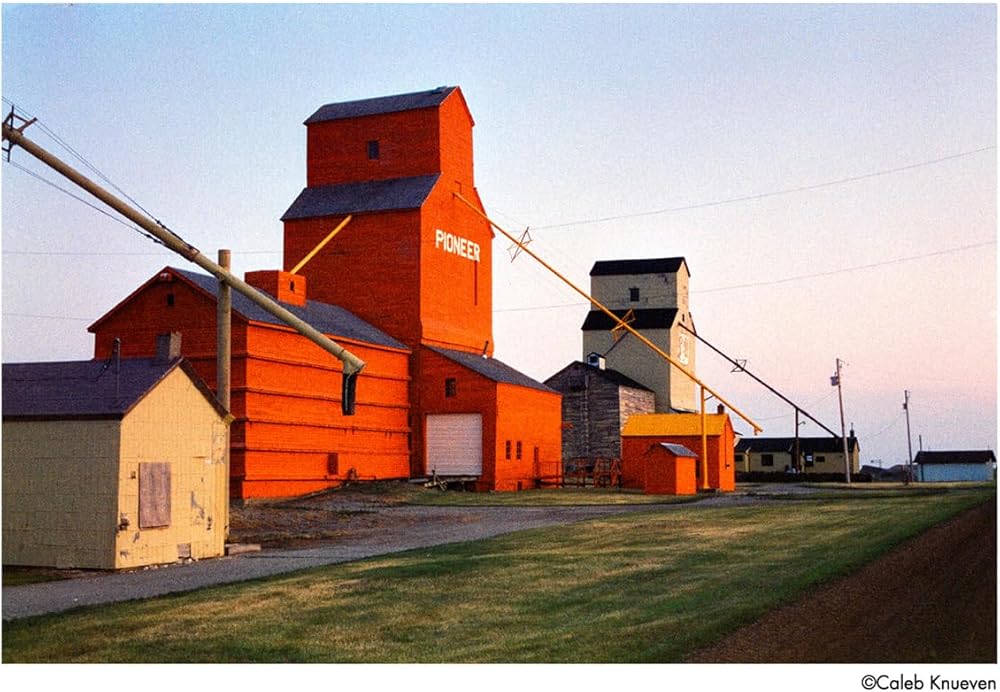
HARMAN Phoenix II is our 2nd generation ISO 200, C41 process, color negative film. It can be used for any photographic subject with results dependent on ambient lighting conditions, color palette, and exposure accuracy. Best results are typically obtained outdoors whilst metering for the mid-tones. On bright days, use of a UV filter will improve color and clarity. Some adjustment of standard scanning parameters is advised to achieve the best results.HARMAN Phoenix II is easily processed in C41 photo chemicals. The best overall results are generally obtained between EI 100 and EI 200 depending on scene brightness and contrast. Some exposure bracketing is advised particularly with high brightness scenes or more challenging exposure conditions. HARMAN Phoenix II film is coated on 0.125mm/5-mil acetate base and is available in 36 exposure ISO 200 DX coded cassettes suitable for all 35mm cameras and in 120 Roll film format, edge numbered 1 to 19.How Does Phoenix II Compare With Phoenix I ?Compared to the original Phoenix film, Phoenix II has a more normal contrast, color balance and finer grain. It also has a wider exposure latitude and is more flexible and less radical than original Phoenix, yet still offers a different look and feel to mainstream color films and should still be considered a creative, experimental film.The film can exhibit halation in high contrast lighting and lack of an orange mask means the color rendition can be unusual compared with an established color film. Negatives have a purplish appearance when processed in standard C41 chemicals, this is normal.Exposure RatingHARMAN Phoenix II film has a speed rating of ISO 200/24 Degree (200ASA, 24DIN, EI 200) to daylight. The speed rating was measured using standard C41 processing and the ISO standard method. Practical evaluations have shown that the film works best in the range EI 100-200. We recommend bracketing your exposures initially to find out the best settings that work for you.Spectral SensitivityWedge spectrogram to tungsten light (2856K).Filter FactorsHARMAN Phoenix II film may be used with all types of filters (e.g., Polarizing or neutral density filters) in the usual way. Follow the instructions given by the filter manufacturer.Making Long ExposuresFor exposures between 1 and 1/10 000 second, no adjustments are needed for reciprocity law failure. When exposures longer than 1 second are given, HARMAN Phoenix II, along with other films, needs to be given more exposure than indicated by a meter.Processing HARMAN Phoenix II film is processed in the standard C41 color negative film process. This film can be processed alongside all makes of color negative film.Safelight recommendationsHandle HARMAN Phoenix II film in total darkness.C41 type processingHARMAN Phoenix II film is fully compatible with C41 type processing chemicals, both replenished (e.g. in dip and dunk or roller transport processors) and unreplenished (e.g. in spiral tanks or with Jobo one-shot rotary processing). The film can be put through standard C41 lines with no adjustment to processing speed, temperature, or replenishment rates.DryingIf processing by hand and to avoid drying marks, use a clean squeegee or chamois cloth to wipe the film before hanging it to dry. Dry the film at 30-40 Degree C/86-104 Degree F in a drying cabinet or at room temperature in a clean dust-free area. Machine processing - use default C41 machine settings.Push processingPush processing is not recommended for HARMAN Phoenix II.StorageFor immediate use, store HARMAN Phoenix II in a cool (10-20 Degree C/50-68 Degree F), dry place in its original packaging. HARMAN Phoenix II may be stored in a fridge/freezer but allow plenty of time for the film to acclimatize prior to use.Exposed filmOnce exposed, process HARMAN Phoenix II as soon as practical. Exposed films should always be stored in cool, dry conditions - as recommended above.Unexposed FilmStore unexposed film in the same way as other color films, i.e., in a cool (10-20 Degree C/50-68 Degree F), dry place in its original packaging.NegativesStore processed negatives in a cool (10-20 Degree C/50-68 Degree F), dry place, in the dark. Suitable storage sleeves include those made of cellulose triacetate, Mylar, paper (pH6.5-7.5) or inert polyester. Correctly processed HARMAN Phoenix II negatives usually have a magenta / purple tint, although the exact image color will depend on the method of processing.Emulsion side identificationUnlike some negatives HARMAN Phoenix II emulsion has a glossy surface. To determine the emulsion side, view the negatives towards a light source, with the edge signing reading correctly the emulsion is facing away.Scanning & PrintingPrint makingHARMAN Phoenix II negatives are printed in the same way as other color C41 films. Either via scanned negatives or direct analogue exposure.ScanningUnlike more traditional color negative films, HARMAN Phoenix II does not have an orange mask. This can affect scanner response, and some adjustment may therefore be required to achieve the optimum results. Some recommendations for best settings are shown below. These scanning settings were developed in conjunction with our in-house lab HARMANLab.com NB. As with other C41 process films, Digital Image Correction and Enhancement (Digital ICE) can be used to remove dust and scratches automatically from the image.Fujifilm SP3000The Fujifilm SP3000 is a very popular scanner and can be used on the default settings, however better results can be obtained by creating a separate channel with some adjustments to contrast and color saturation.Recommended settings Scanned as Color Negative on Fuji SP3000Below are our starting point recommendations. Nb. many labs will have their own preferred workflow, so these should be treated as guidance only. These settings can be assigned to a custom channel as follows.Main Menu > Setup & Maintenance > Password "7777" > Print condition set-up & check > Custom setting register.Assign the settings to any free channel and save under appropriate name e.g., Phoenix II - please see the Scanner manual for further information.Channel SettingAll defaults except:Tone CorrectionOne adjustment = All HardOther CorrectionsSaturation = +2Color Balance and density - Starting pointsC= -2, M= 0, Y= 0, Density = Adjust as required.Noritsu HS1800, LS600, LS1100Noritsu scanners can easily be configured to work with HARMAN Phoenix II. Many labs will have a preferred configuration. Below is our recommended starting point to give good results.DSA SettingsOverall Contrast = 3, Chroma = 100, Automatic Contrast 2 = 5Color Balance and density - Starting pointsC= +1, M=0, Y= -2, Density = Adjust as required. Settings can be adjusted during the workflow and applied to all frames using the hold function, or by creation of a print channel specifically for HARMAN Phoenix II. To create a print channel, you must log in with the service menu password.In the function menu - Press F1 then F9, enter the service password in the prompt "2260".Entering the service password will now allow you to edit and save new print channels. Please see your operation manual for your scanner / EZ Controller for more information.Epson flatbed scannersUse full autoexposure and auto color. Alternatively, we can recommend scanning as reversal (slide) film and inverting in software such as Negative lab pro or Adobe photoshop. This will generally achieve the best results possible and give maximum control.Digital Camera ScanningPlease follow your normal workflow for scanning with a digital camera. Using your conversion software, you can adjust the parameters to suit your tastes. We recommend use of Negative lab pro or Adobe Photoshop for inverting the negatives.Other ScannersFor scanners not listed above, as a guide use the following settings. Auto exposure / Color correction = On Sharpening - Standard
 3-20-502221 - شفرة مروحة مدفأة هارمان، مجداف مزدوج 5 بوصات، تناسب المواقد التالية P38، P61، P68، P43، XXV والمزيد.
KWD 11
3-20-502221 - شفرة مروحة مدفأة هارمان، مجداف مزدوج 5 بوصات، تناسب المواقد التالية P38، P61، P68، P43، XXV والمزيد.
KWD 11
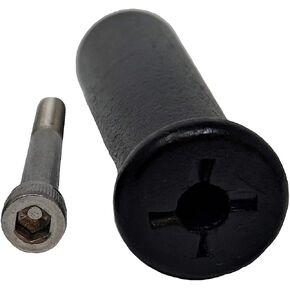 موقد خشب هارمان، مقبض خشبي بديل 10000249
KWD 8
موقد خشب هارمان، مقبض خشبي بديل 10000249
KWD 8
 كاميرا فوجي فيلم إنستاكس ميني 41 الفورية باللون الأسود. + حزمة Fujifilm القيمة (40 ورقة) + حزمة ملحقات الغالق، تتضمن حقيبة حمل متوافقة مع الطراز القديم، ألبوم صور أسود 64 جيبًا
KWD 65
كاميرا فوجي فيلم إنستاكس ميني 41 الفورية باللون الأسود. + حزمة Fujifilm القيمة (40 ورقة) + حزمة ملحقات الغالق، تتضمن حقيبة حمل متوافقة مع الطراز القديم، ألبوم صور أسود 64 جيبًا
KWD 65
 فيلم فوجي فيلم إنستاكس ميني بلو ماربل - 10 تعريضات
KWD 8.500
فيلم فوجي فيلم إنستاكس ميني بلو ماربل - 10 تعريضات
KWD 8.500

 الكويت