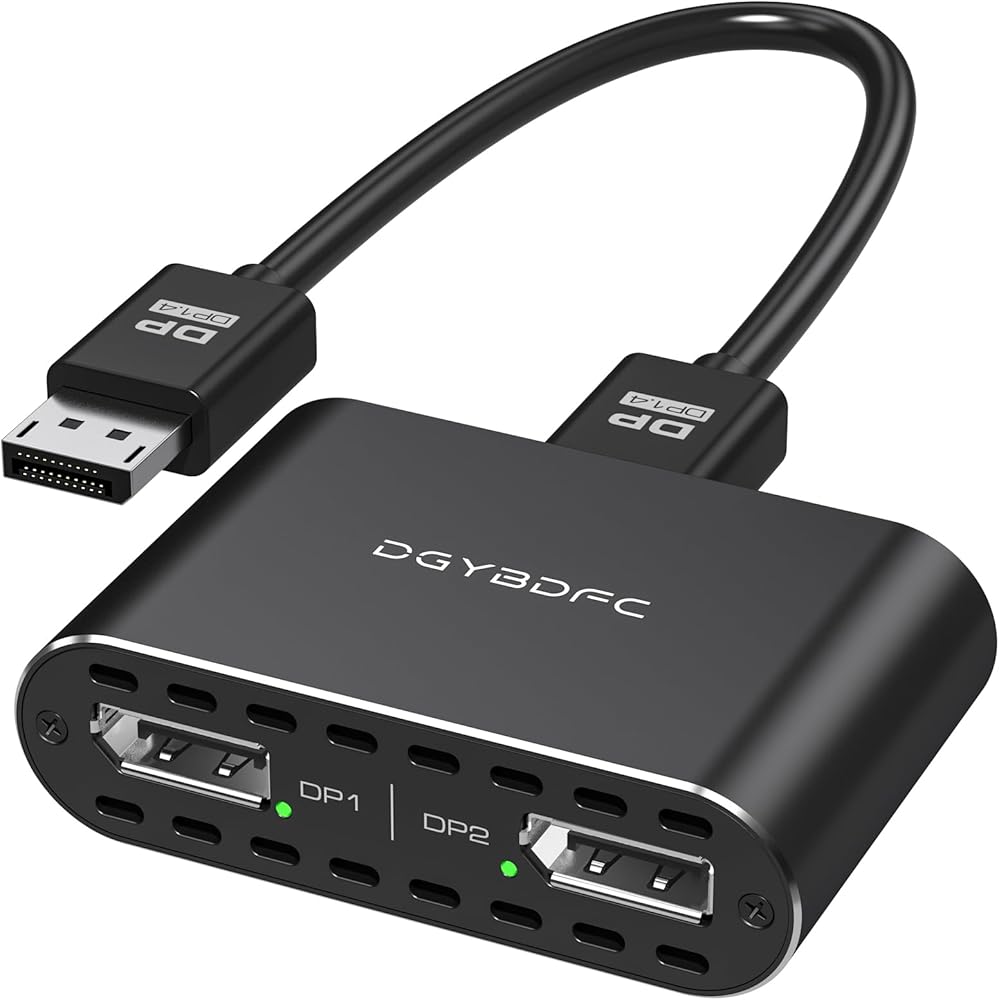
محول DisplayPort إلى Dual DisplayPort مزدوج 4K120 هرتز أو 4K144 هرتز+4K60 هرتز تمديد/وضع النسخ/SST/MST إلى 2 DP محول منفذ عرض لشاشتين (MacOS يدعم وضع SST فقط، لا يوجد كابل DP) DP إلى Dual DP أسود
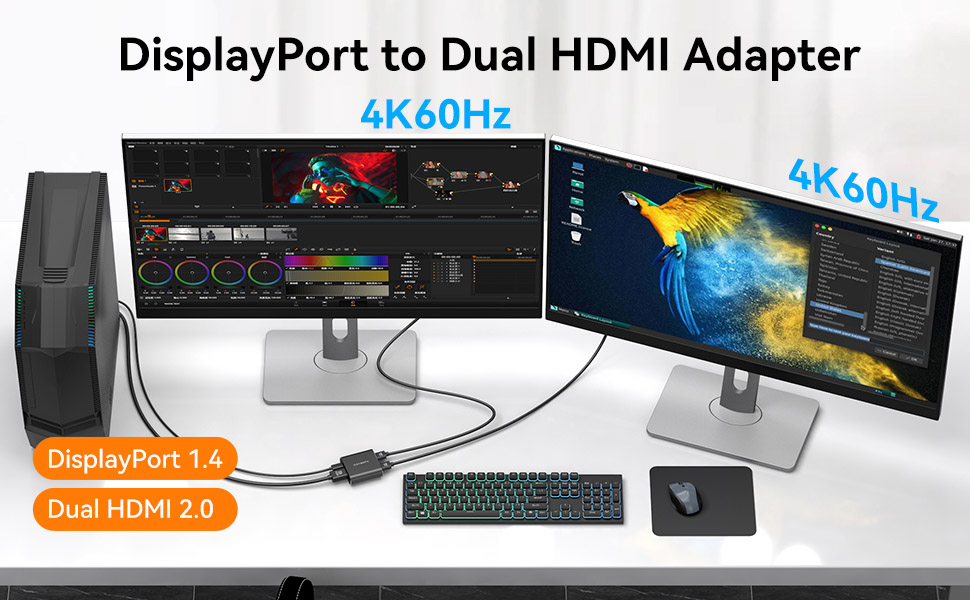
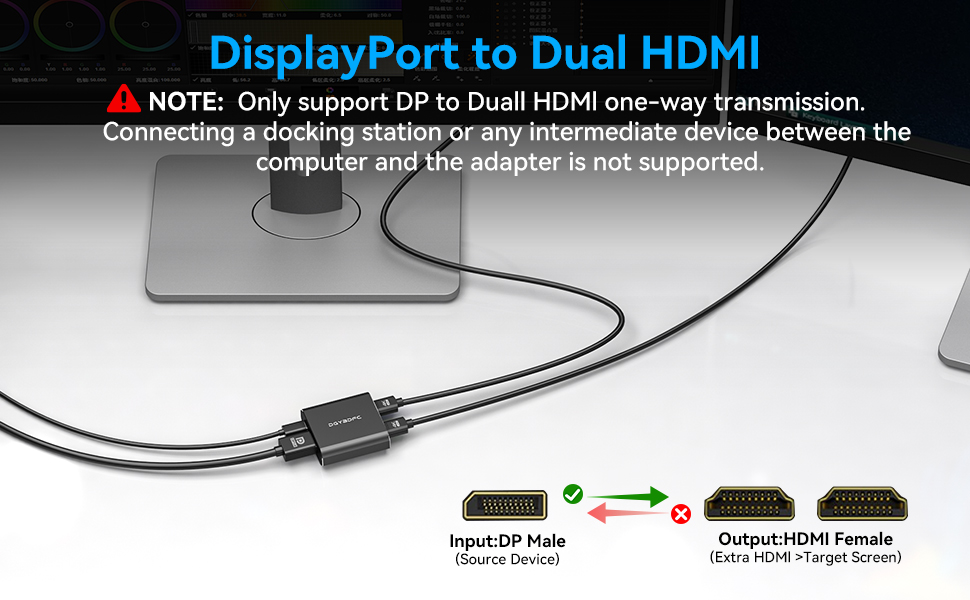
【محول DisplayPort إلى HDMI مزدوج】يمكن لمحول DisplayPort إلى HDMI المزدوج إخراج إشارة DP واحدة إلى شاشتي HDMI في نفس الوقت، والتي يمكن أن تدعم استخدام الوضع الممتد ووضع النسخ المتطابق (AAA/ABB/ABC) لتلبية احتياجاتك من شاشات العرض المتعددة (يتم الإرسال بشكل أحادي الاتجاه فقط من مصدر إشارة DP واحد إلى شاشتي HDMI). يدعم نظام التشغيل Mac وضع SST فقط (AAA/ABB).
【مرآة وشاشة ممتدة】يدعم وضعين للعرض، لسطح المكتب/الكمبيوتر المحمول/بطاقة الرسومات DP 1.2/1.4 (يدعم Windows MST)، يمكن ضبط شاشتين على شاشة ممتدة أو معكوسة، ويمكن للشاشات عرض نفس الصورة أو صور مختلفة؛ بالنسبة لنظام التشغيل Mac OS، نظرًا للقيود الخاصة به، يمكنه فقط دعم وضع المرآة، ويمكن للشاشات عرض نفس الصورة فقط. ملاحظة: إذا فشل عرض الصورة، يرجى ضبط الدقة على 720 بكسل أو 1080 بكسل.
【دعم عالي الدقة 4K@60 هرتز】يدعم ما يصل إلى 4K@60 هرتز (3840x2160) للشاشات المزدوجة إذا كانت بطاقة الرسومات الخاصة بك متوافقة مع DP 1.4. (إذا كان المصدر الخاص بك هو DP 1.2، فسوف تنخفض الدقة إلى 4K عند 30 هرتز). ملحوظة: يرجى التأكد من أن كابلات HDMI الخاصة بك هي الإصدار 2.0 القياسي أو أعلى لتحقيق أداء 4K.
【يجب القراءة ولا يوجد كابل DP 】تحقق من منفذ الكمبيوتر الخاص بك أولاً! هذا هو منفذ عرض (DP) إلى محول HDMI مزدوج، فهو يتطلب أن يكون لجهاز الكمبيوتر/بطاقة الرسومات الخاصة بك واجهة DisplayPort. لا تشترِ إذا كان جهاز الكمبيوتر الخاص بك يحتوي فقط على منافذ HDMI أو USB-C. لا يستخدم محطات إرساء أو محولات فيديو أو محولات USB-DP أخرى لمشكلات التوافق. مطلوب اتصال مباشر.
【التوصيل والتشغيل، سهل الاستخدام】لا يتطلب تركيب برنامج التشغيل، فقط قم بتوصيل مدخل مصدر DP ومخرج شاشة HDMI (لا يوجد كابل DP)، ثم قم بتشغيل كابل الطاقة USB C المتضمن في العبوة. إذا واجهت أي مشاكل فقط اتصل بنا في أي وقت. ملاحظة: لا يتم دعم أجهزة التلفزيون والشاشات كمصادر للإشارة ولا يمكن توصيلها إلا بمنفذ إخراج HDMI الخاص بالمنتج.
 محور USB 3.0 ذو 4 منافذ، محور USB نحيف للغاية للبيانات، لأجهزة MacBook وMac Pro وMac mini وiMac وSurface Pro وXPS وPC ومحرك أقراص Flash ومحرك الأقراص الصلبة المحمول (U1 0.59ft)
KWD 2.500
محور USB 3.0 ذو 4 منافذ، محور USB نحيف للغاية للبيانات، لأجهزة MacBook وMac Pro وMac mini وiMac وSurface Pro وXPS وPC ومحرك أقراص Flash ومحرك الأقراص الصلبة المحمول (U1 0.59ft)
KWD 2.500
 -28%
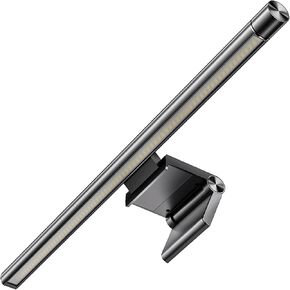
شاشة شريط الضوء , شريط ضوء الكمبيوتر , مصابيح قراءة USB شاشة قابلة للضايق ، مناسبة للمسطحات المسطحة من أحجام مختلفة ، تعمل بمكتب منزلي لا تعمل بالتوابل ، مصباح العمل المنزلي.
KWD 10.500
-28%
شاشة شريط الضوء , شريط ضوء الكمبيوتر , مصابيح قراءة USB شاشة قابلة للضايق ، مناسبة للمسطحات المسطحة من أحجام مختلفة ، تعمل بمكتب منزلي لا تعمل بالتوابل ، مصباح العمل المنزلي.
KWD 10.500
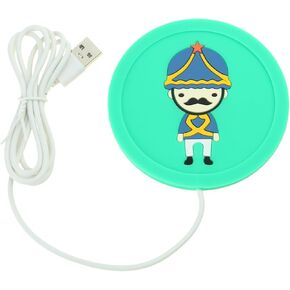 كرتون USB القهوة دافئ كوب الراتنج راتنج الفقاعات مزيل القالب تسخين سخان الحصير السيليكون لأدوات علاج الراتنج
KWD 4
كرتون USB القهوة دافئ كوب الراتنج راتنج الفقاعات مزيل القالب تسخين سخان الحصير السيليكون لأدوات علاج الراتنج
KWD 4
 تدفئة اليد USB نصف قابلة للارتداء 5V USB مدعومة باليد الخبز المحمص الدافئ أحرف الخبز المحمص الساخن
KWD 8.500
تدفئة اليد USB نصف قابلة للارتداء 5V USB مدعومة باليد الخبز المحمص الدافئ أحرف الخبز المحمص الساخن
KWD 8.500

 الكويت