- التسوق ، اصبح سهلا.
- /
- احصل على التطبيق!
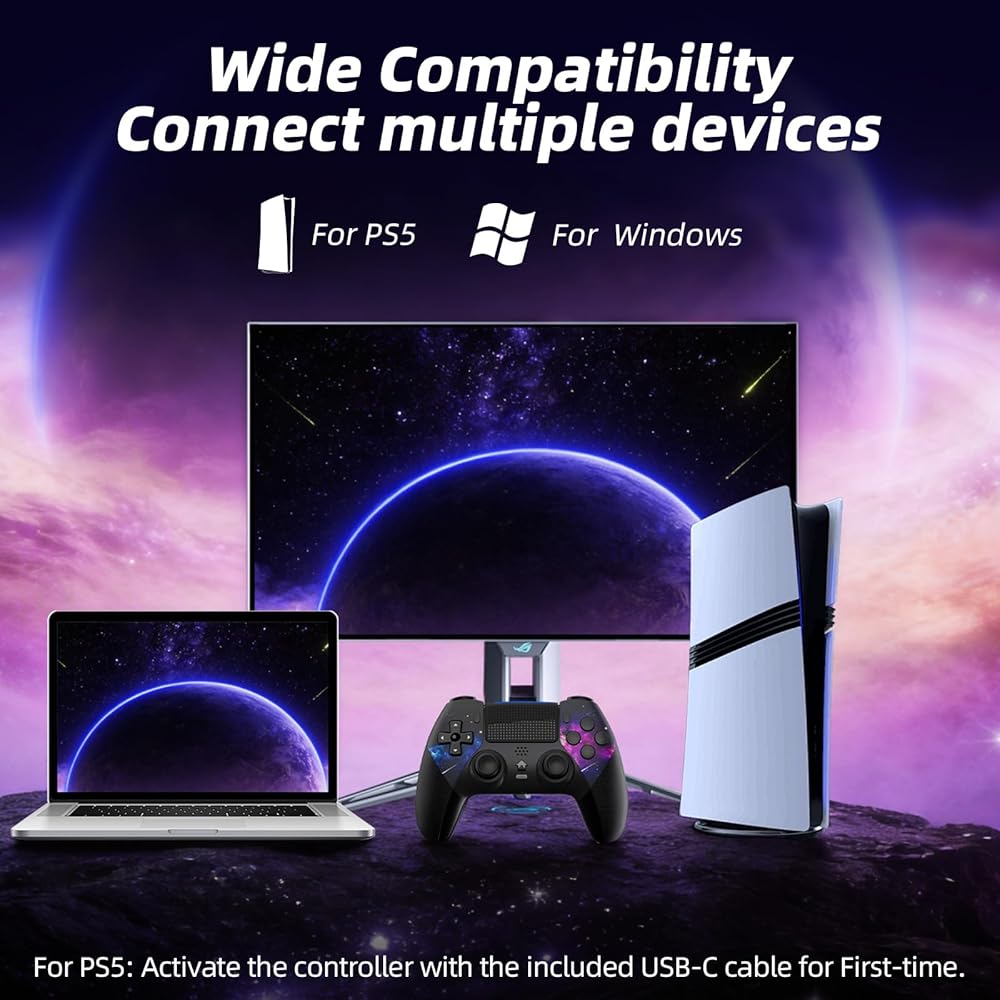
👉️Q: How should the controller be connected to the P-5 for the first time?
👋A: Step 1: Connect the P-5 and the controller with a USB-C data cable that comes with the package(OR the P-5 original data cable). Please note that there must be a USB-A interface at the rear of the general console.
Step 2: After the connection is completed, press the Home button on the gamepad. If you see the light flashing slowly, it means the pairing is successful, and you can use a wireless connection to the P-5 subsequently.
👉️Q: What hosts can the controller be compatible with?
👋A: It can compatible with P-5/ with P-5 Pro/ with P-5 Slim and Windows PC. NOT For Mac, for P-4 and Phone.
👉️Q: Can charge at charging stations?
👋A: The controller does not work with the charging station and only supports USB-C charging
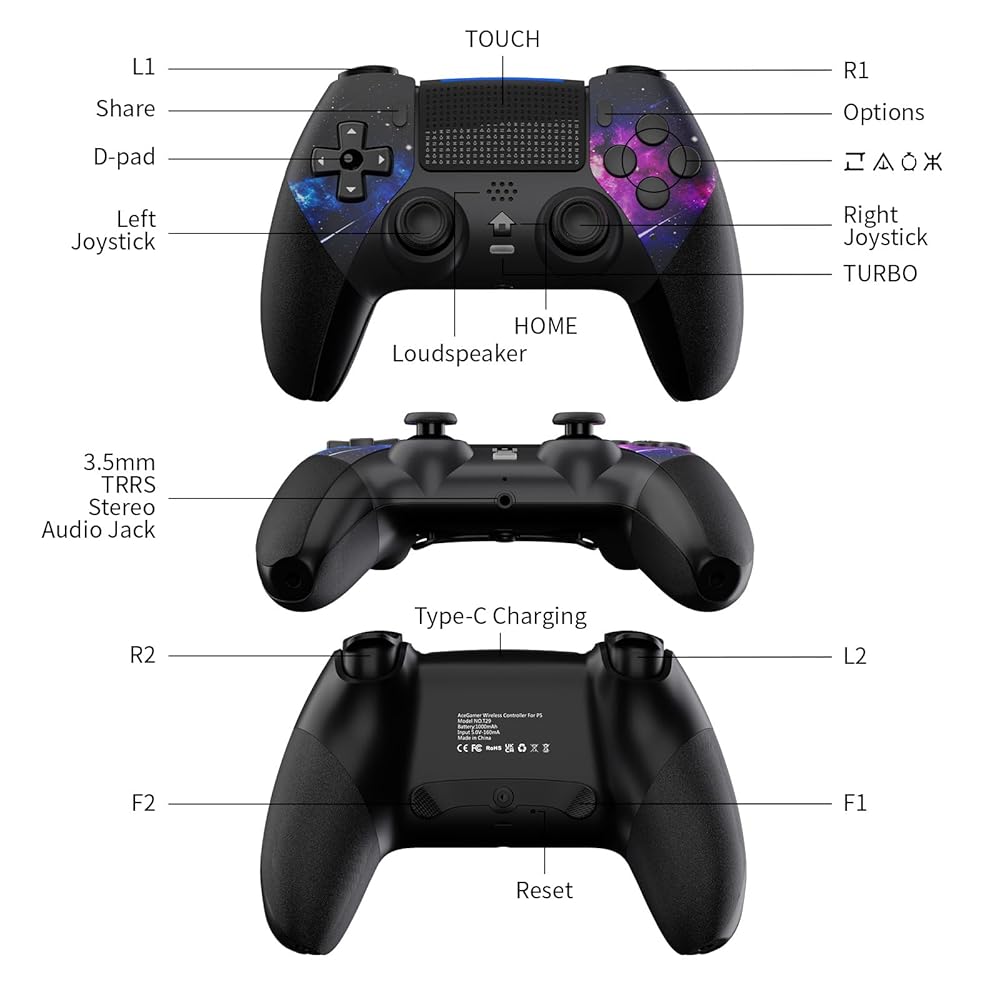
Features:
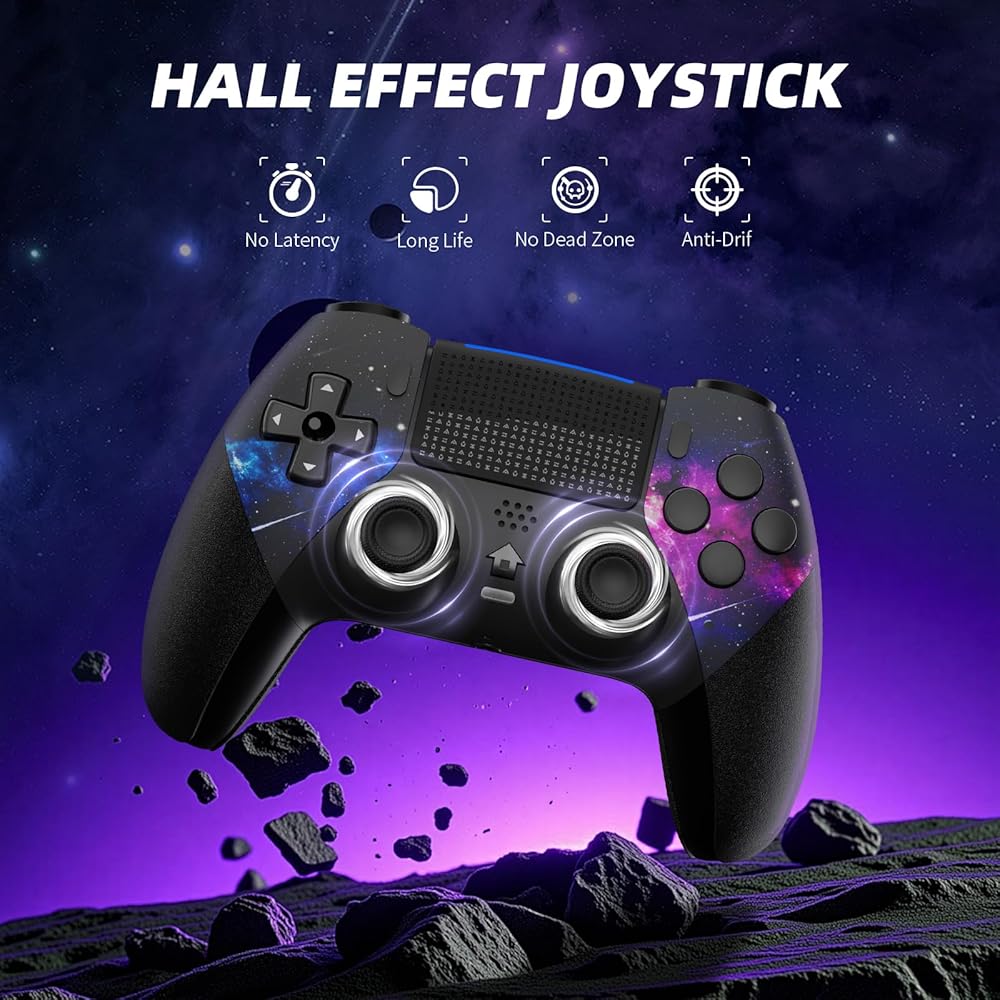
✔ Hall-effect joystick for precise control
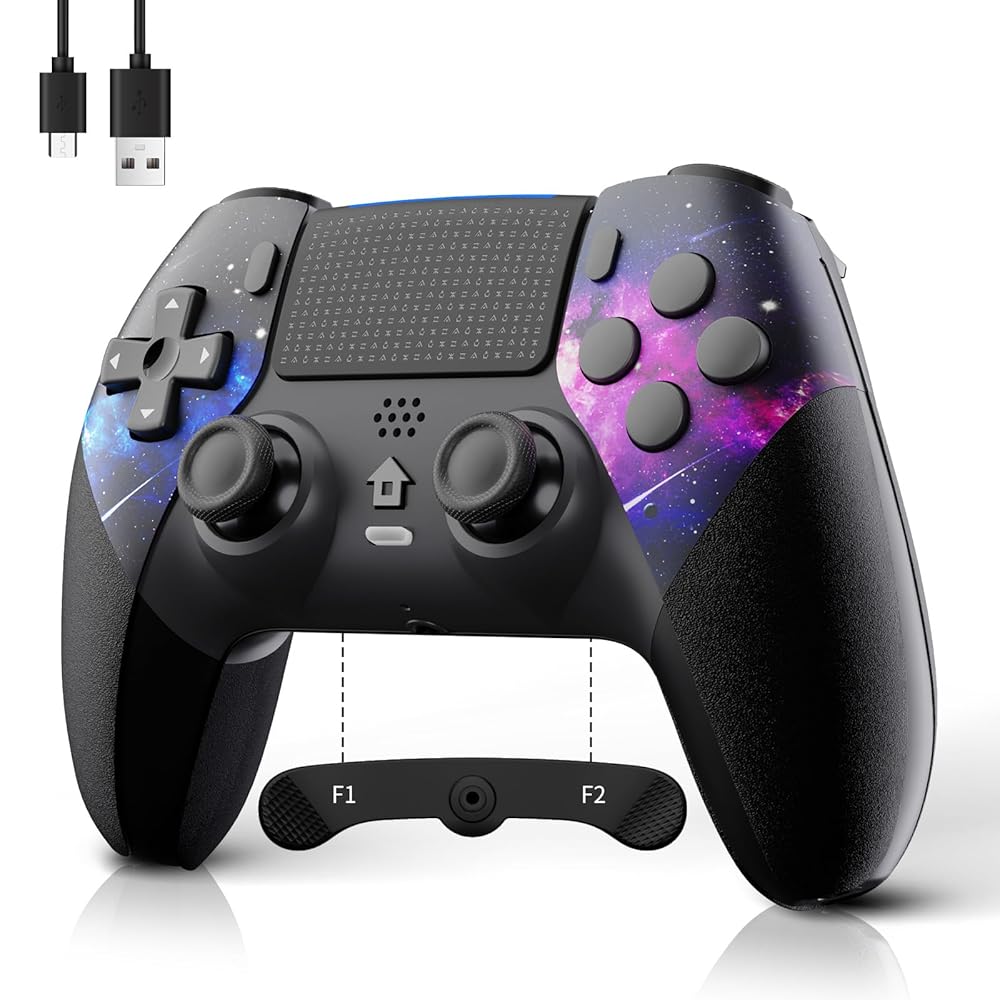
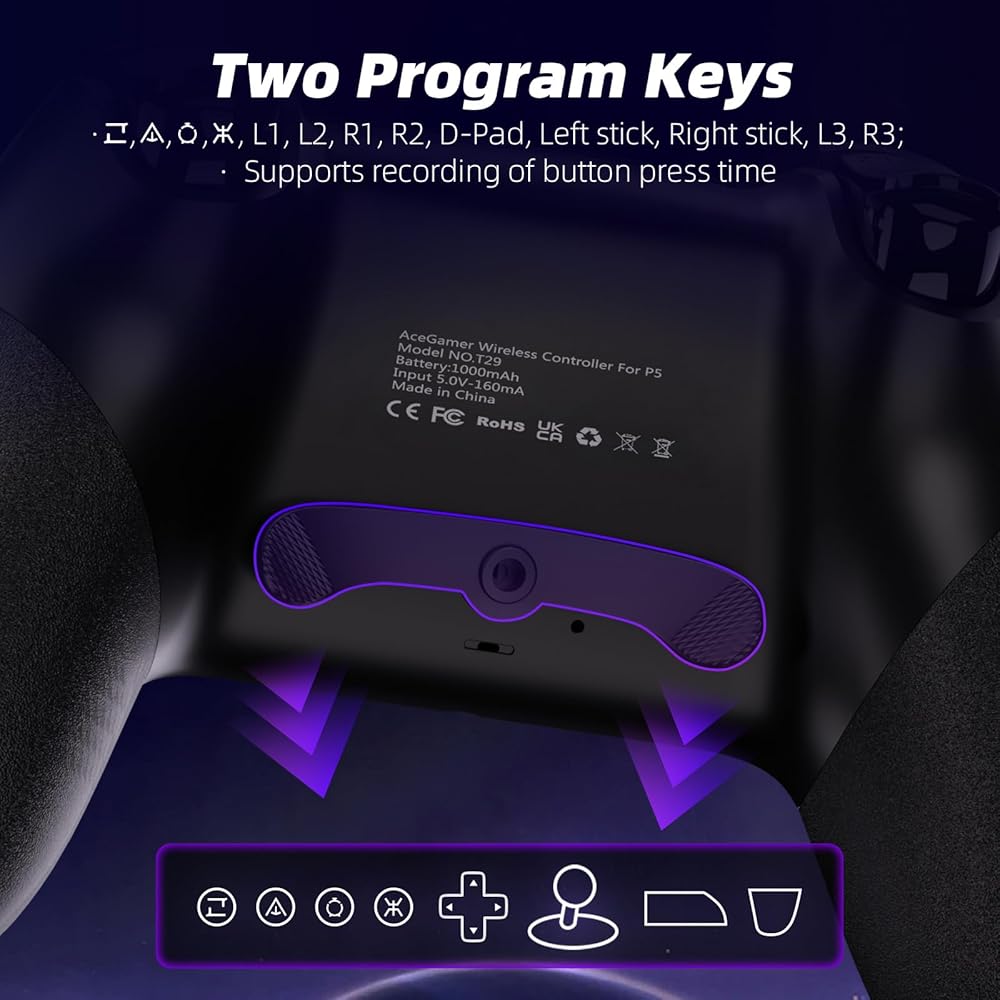
✔ 2 programmable macro buttons for customizable macro sequences
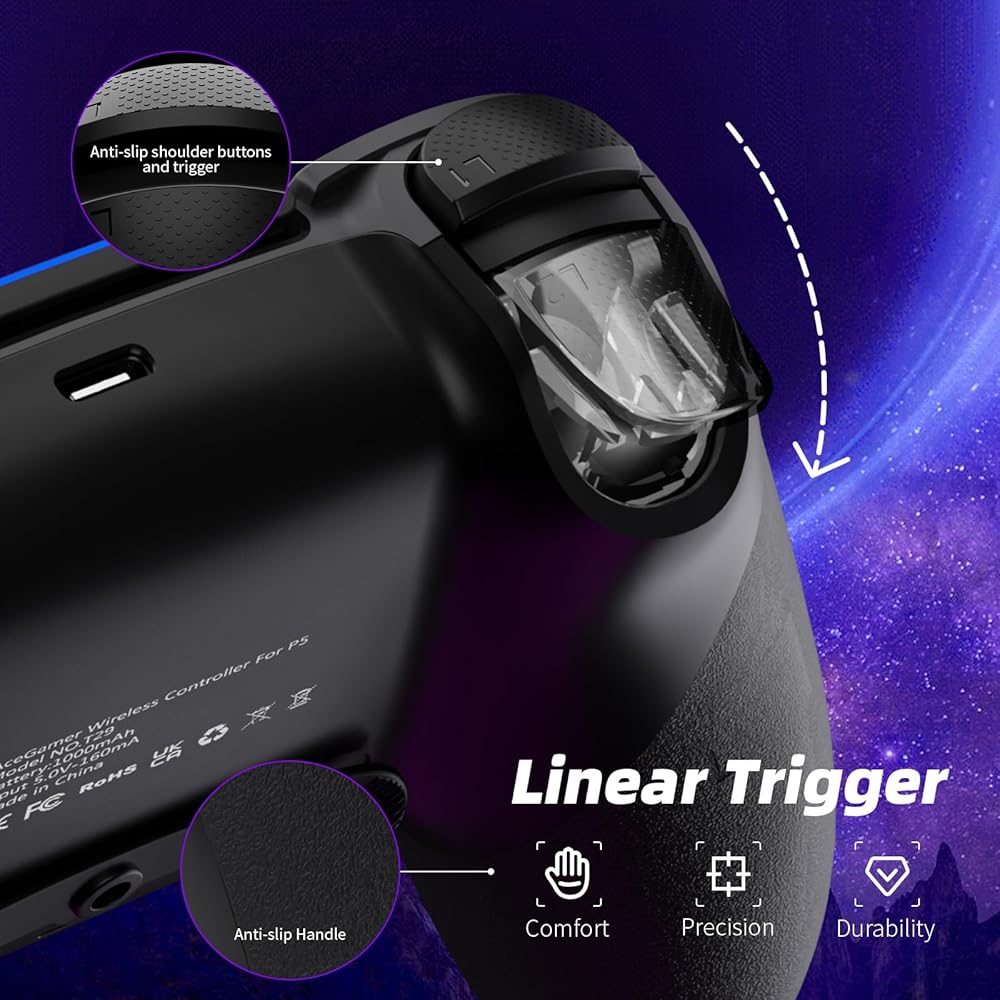
✔ Gaming-grade conductive rubber buttons with a 500,000-press lifespan
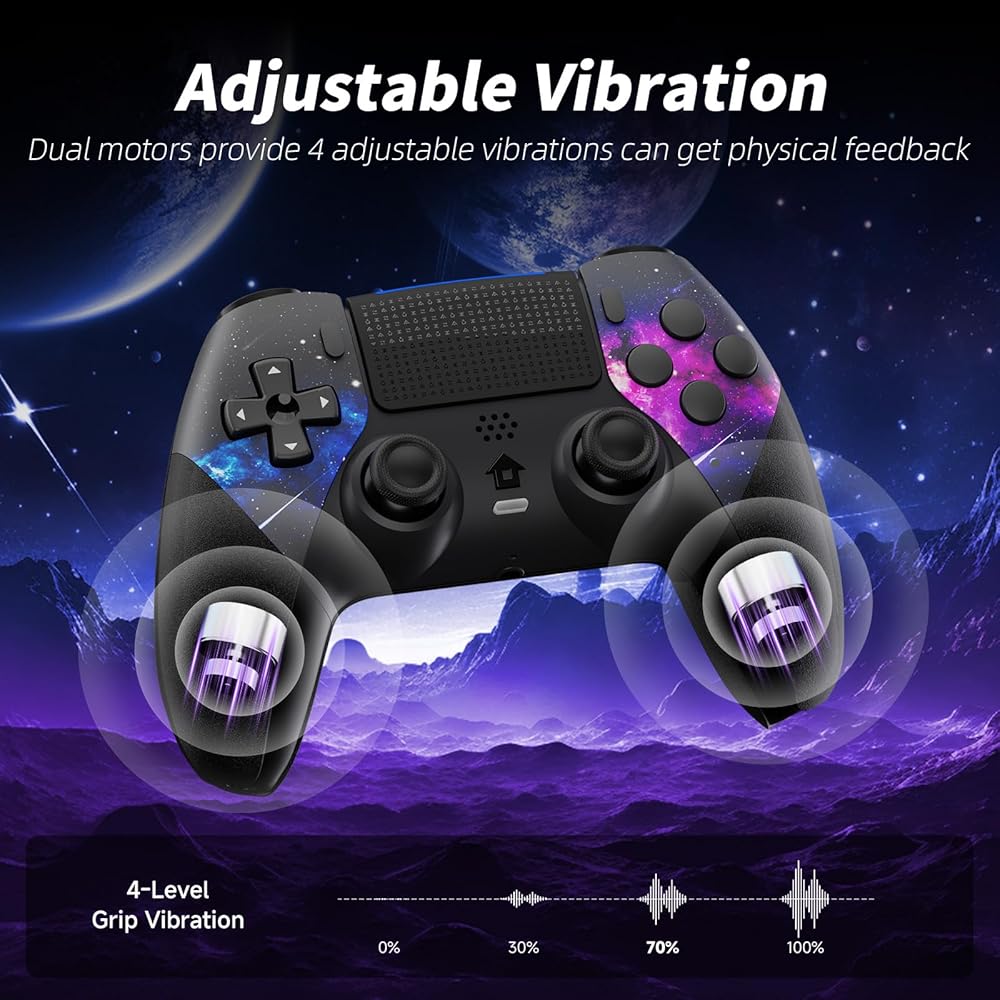
✔ 1000 mAh high-capacity battery for extended gameplay
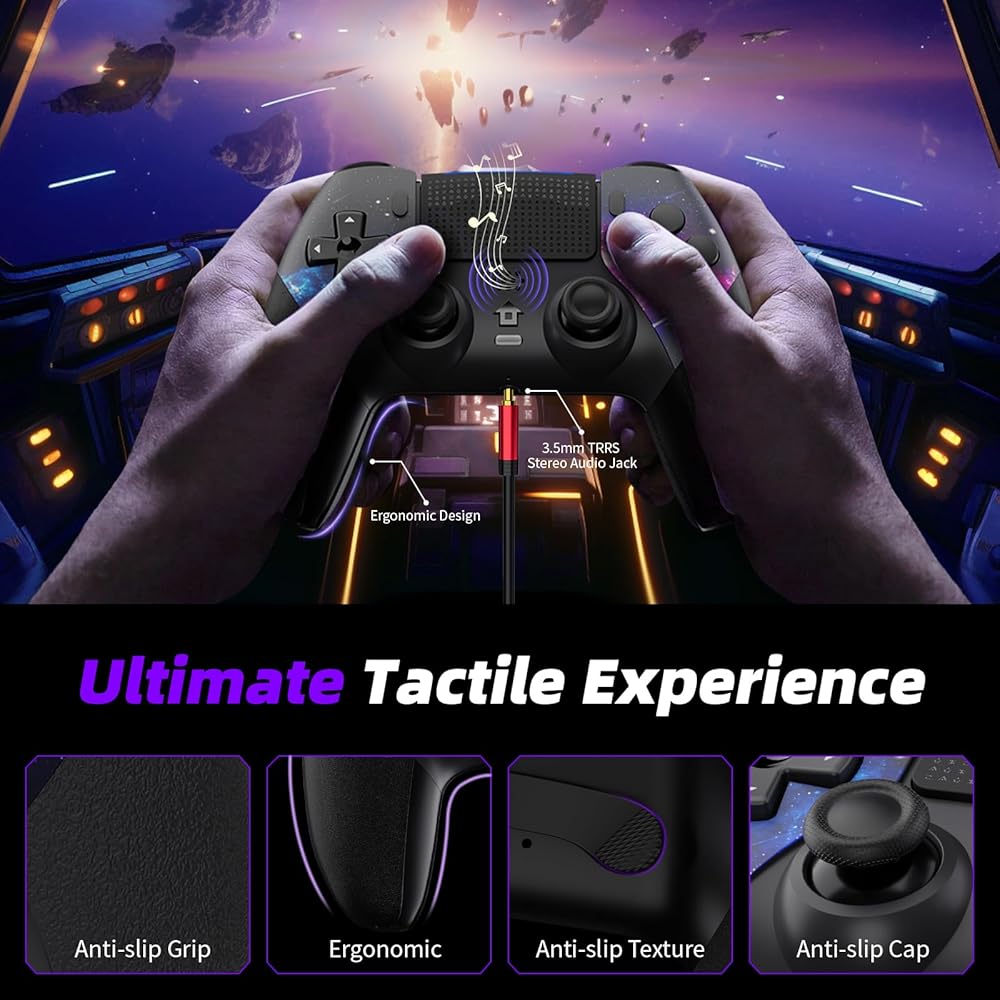
✔ It is equipped with a 3.5mm TRRS headphone jack(Not compatible with Apple headphones.)
Package include:
controller *1
Type-c cable *1
box *1
 محطة شحن مزدوجة من AceGamer لوحدات تحكم PS5 وVR2، قاعدة شحن 4 في 1 لجهاز PS VR2 مع حامل عرض سماعة الرأس VR، حامل سماعة الرأس، مصابيح LED و3 موصلات مغناطيسية، ملحقات الإلكترونيات
KWD 32.500
محطة شحن مزدوجة من AceGamer لوحدات تحكم PS5 وVR2، قاعدة شحن 4 في 1 لجهاز PS VR2 مع حامل عرض سماعة الرأس VR، حامل سماعة الرأس، مصابيح LED و3 موصلات مغناطيسية، ملحقات الإلكترونيات
KWD 32.500
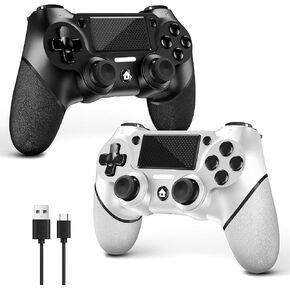 وحدة تحكم الألعاب اللاسلكية AceGamer لجهاز PS4، تصميم عالم أحمر مخصص مع قبضة مضادة للانزلاق، متوافقة مع PS4/Slim/Pro/PC مع اهتزاز مزدوج/مستشعر حركة 6 محاور/وظيفة الصوت
KWD 13.500
وحدة تحكم الألعاب اللاسلكية AceGamer لجهاز PS4، تصميم عالم أحمر مخصص مع قبضة مضادة للانزلاق، متوافقة مع PS4/Slim/Pro/PC مع اهتزاز مزدوج/مستشعر حركة 6 محاور/وظيفة الصوت
KWD 13.500
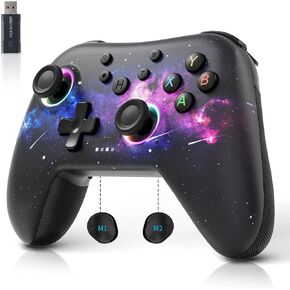 وحدة تحكم الكمبيوتر السلكية AceGamer لجهاز Xbox 360، وحدة تحكم الألعاب لجهاز Steam PC 360 مع اهتزاز مزدوج متوافق مع Xbox 360 Slim والكمبيوتر الشخصي الذي يعمل بنظام التشغيل Windows 7,8,10,11
KWD 10.500
وحدة تحكم الكمبيوتر السلكية AceGamer لجهاز Xbox 360، وحدة تحكم الألعاب لجهاز Steam PC 360 مع اهتزاز مزدوج متوافق مع Xbox 360 Slim والكمبيوتر الشخصي الذي يعمل بنظام التشغيل Windows 7,8,10,11
KWD 10.500
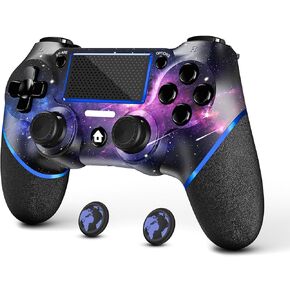 وحدة تحكم لاسلكية AceGamer لجهاز PS4 مع قبضتي إبهام، ووظيفة صوت 3.5 مم وتوربو، وعصا تحكم V2 Gamepad ذات تصميم مخصص باللون الأرجواني لجهاز PS4، متوافقة مع أجهزة PS4 وSlim وPro وWindows PC
KWD 8.500
وحدة تحكم لاسلكية AceGamer لجهاز PS4 مع قبضتي إبهام، ووظيفة صوت 3.5 مم وتوربو، وعصا تحكم V2 Gamepad ذات تصميم مخصص باللون الأرجواني لجهاز PS4، متوافقة مع أجهزة PS4 وSlim وPro وWindows PC
KWD 8.500

 الكويت