- التسوق ، اصبح سهلا.
- /
- احصل على التطبيق!
Warm Tips :
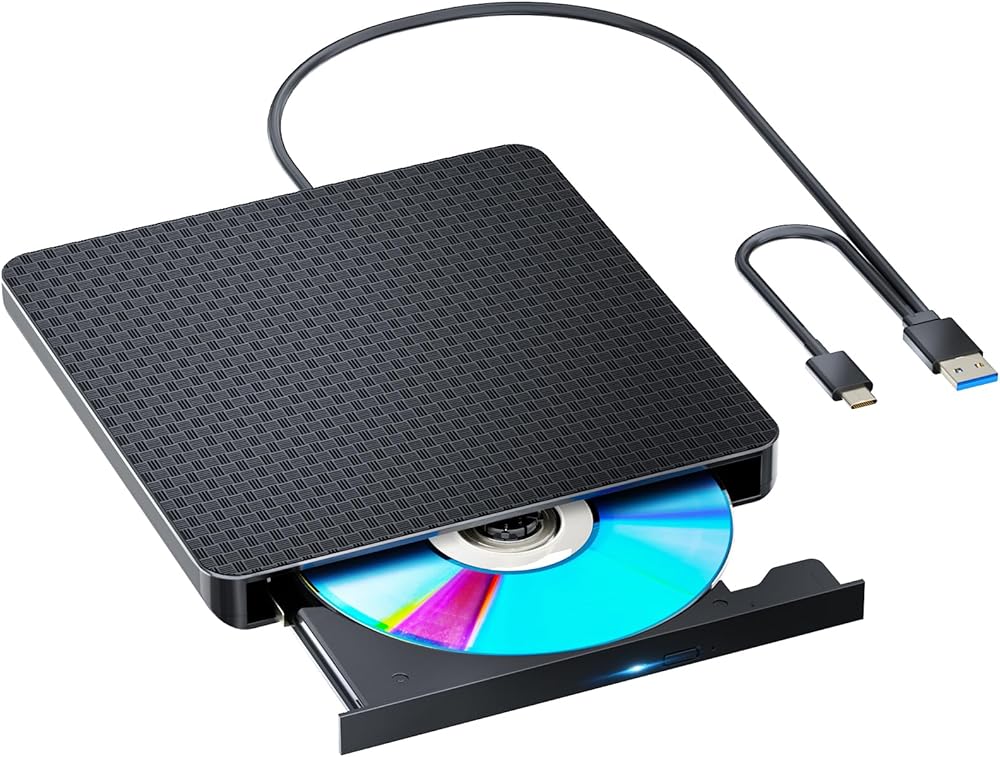
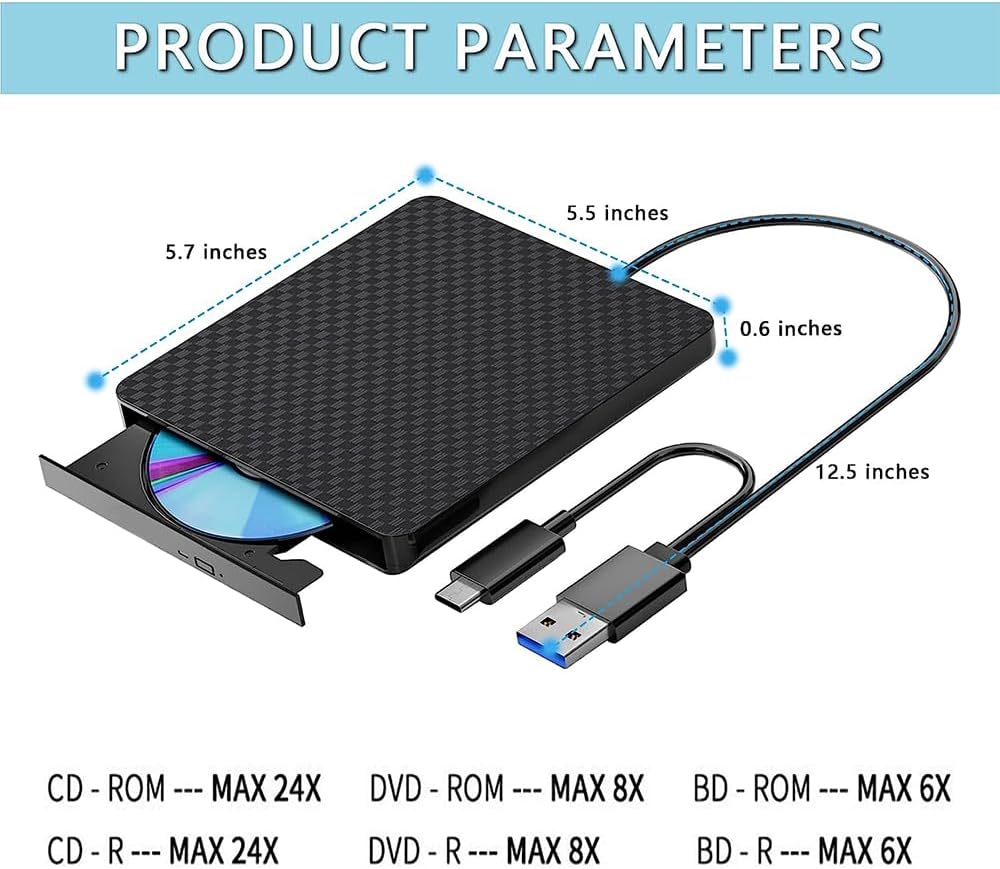
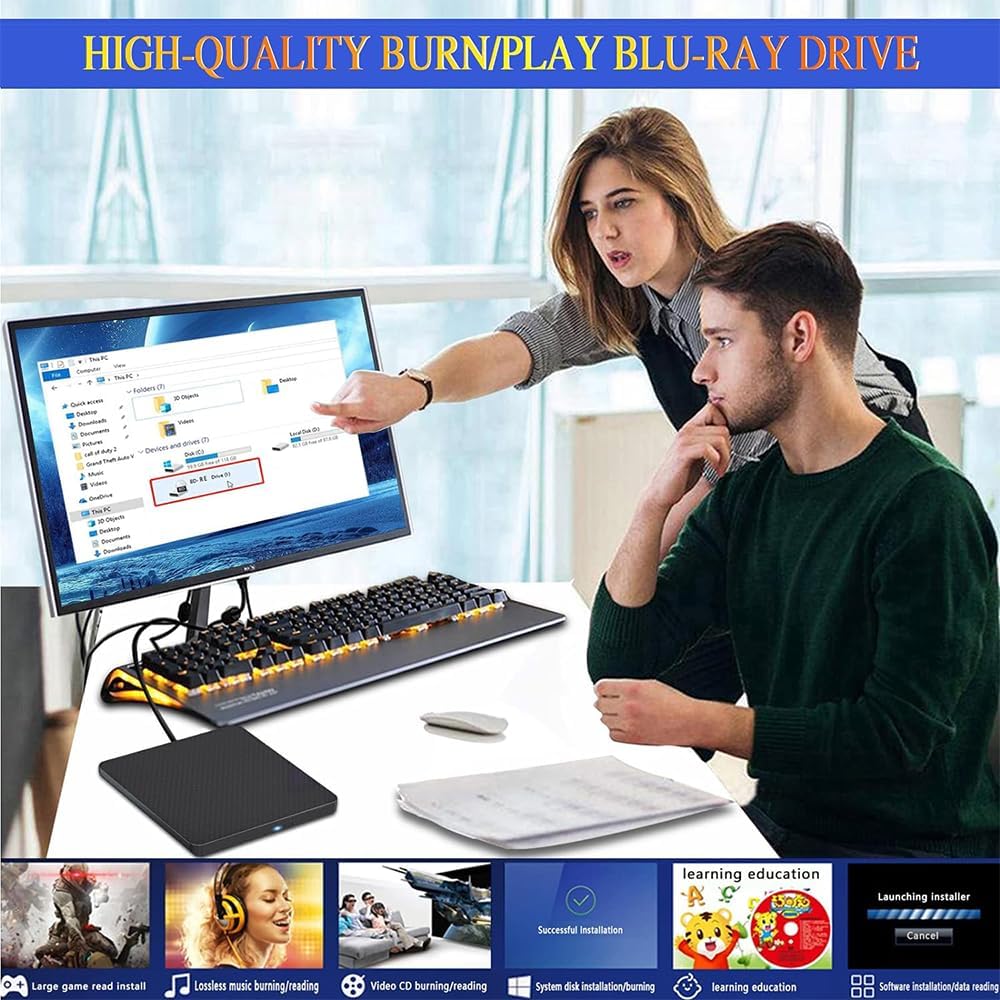
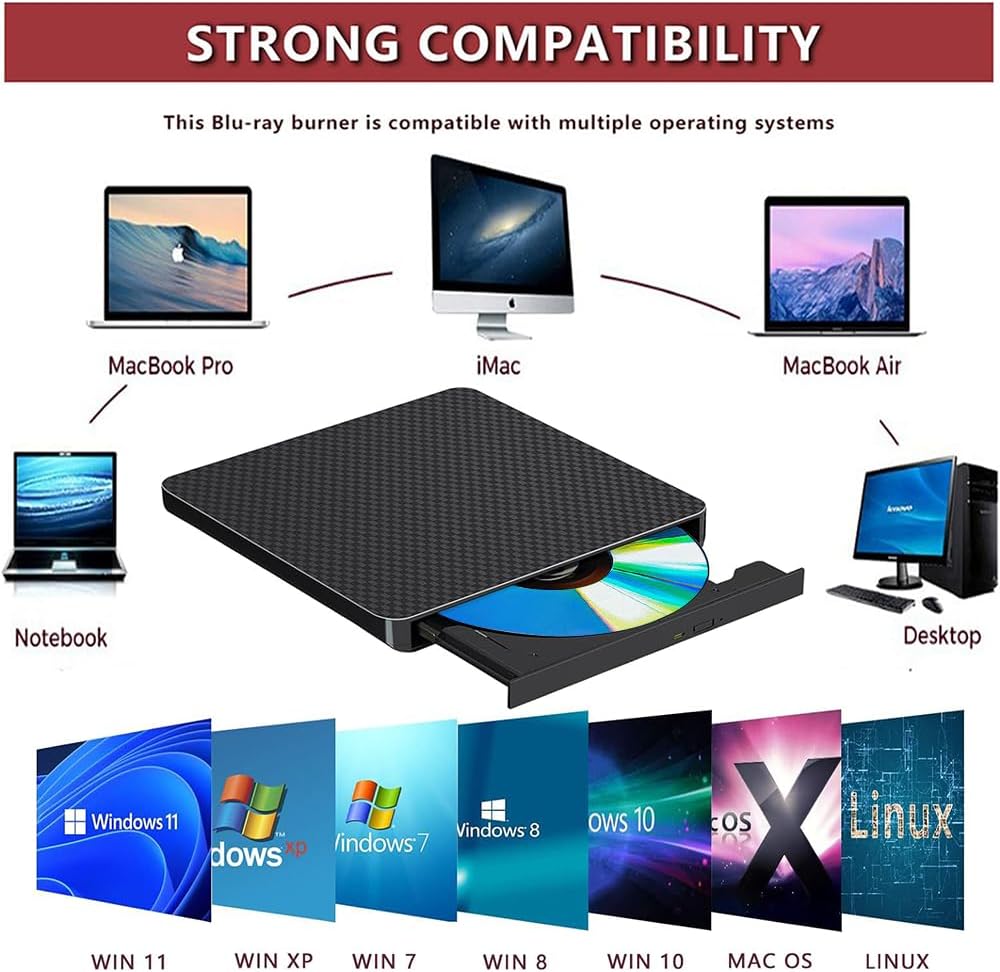
1:This external Blu-ray DVD Burner needs to download the Blu-ray player/Burner software itself before it can read and burn Blu-ray DVD.
2:Due to the low voltage conditions of some tablets, this Blu-ray recorder/recorder cannot be used on tablets, such as the Surface series.
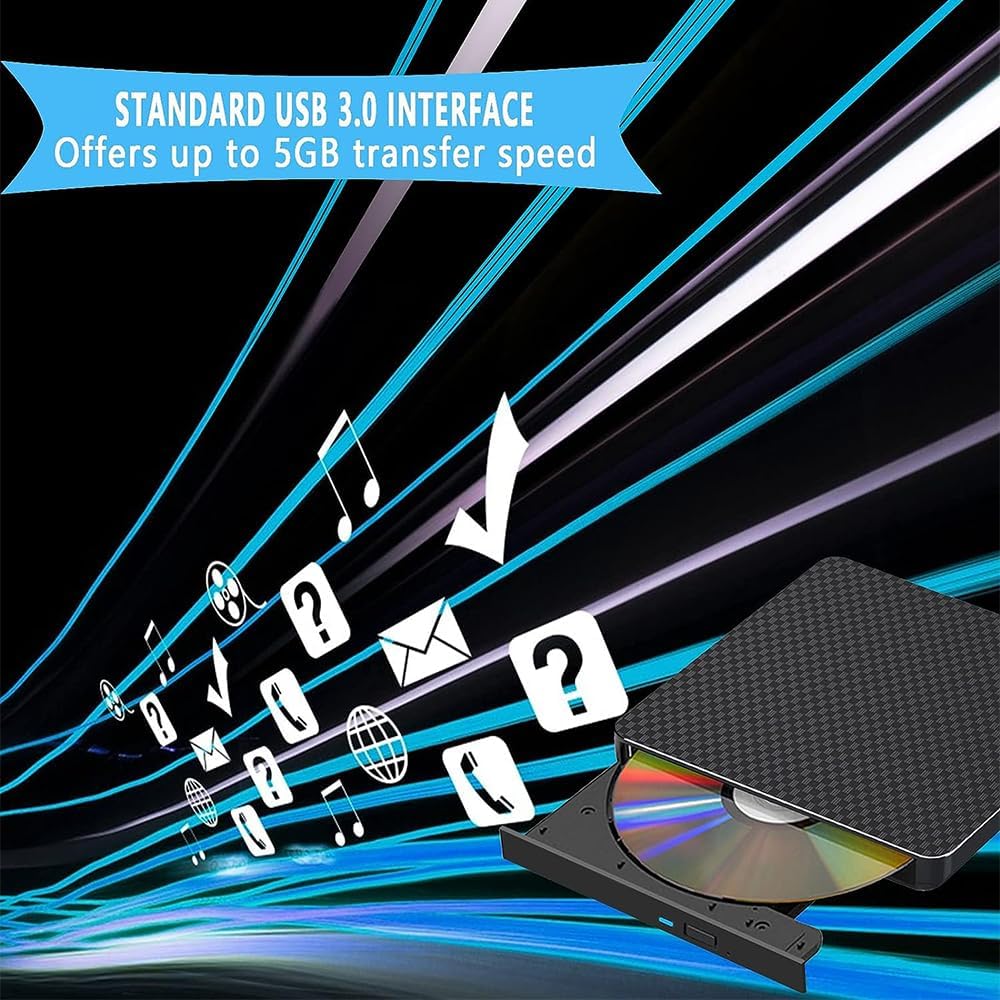
3:Please hook up the device to the direct USB port on your computer. For desktop computers,to the drive work properly, please make sure connect the device to the USB port on the motherboard. If you connect it to a USB hub or extension cable, you may not be able to recognize the drive or read the BD, CD/DVD.
4:The Bluray DVD Drive does play 4K Ultra HD Discs.
5: For better performance, we recommend you connect the power cable during use.
common problem:
1:After connecting to my computer, why can't my computer show this blu-ray drive?
:Please make sure that your computer is in enough power, for desktop, please plug usb cable directly to the USB interface of the motherboard behind. you can also plug the power cable into your computer's USB interface. If you still can't see the blu-ray drive, please re-start your computer.
2:My WIN10 system can't recognize it, what should I do?
: Please right click ‘My Computer' --‘Management' -- ‘Double click Device Management' -- then click the‘DVD/CD-ROM Driver'.
There are three situations you may encounter:
(1):You may get to know the model of the External Drive after click the DVD/CD-ROM Drive, which means that the drive works perfectly.
(2):You may get to know the model of the External Drive with a exclamation mark which means there is an error of your computer system.
(3):You may get nothing after click the DVD/CD-ROM Drive which means that the external drive does not be recognized by your computer.
After trying these, for any further questions, please contact the seller for support timely by email.
 محرك أقراص مضغوطة خارجي محرك أقراص محمول USB3.0 محرك أقراص محمول يمكنه قراءة أقراص DVD/CD مناسب لمحرك أقراص CD/DVD خارجي ناسخ ناسخ أقراص DVD/CD ROM ونقل البيانات بسرعة عالية
KWD 33
محرك أقراص مضغوطة خارجي محرك أقراص محمول USB3.0 محرك أقراص محمول يمكنه قراءة أقراص DVD/CD مناسب لمحرك أقراص CD/DVD خارجي ناسخ ناسخ أقراص DVD/CD ROM ونقل البيانات بسرعة عالية
KWD 33
 -19%
محرك أقراص مضغوطة خارجي محرك أقراص محمول USB3.0 يمكن قراءة أقراص DVD/CD وهو مناسب لنقل البيانات بسرعة عالية لأجهزة الكمبيوتر المحمول/أجهزة الكمبيوتر المكتبية Windows xp /7/8.1/10 ونظام التشغيل Linux
KWD 23.500
-19%
محرك أقراص مضغوطة خارجي محرك أقراص محمول USB3.0 يمكن قراءة أقراص DVD/CD وهو مناسب لنقل البيانات بسرعة عالية لأجهزة الكمبيوتر المحمول/أجهزة الكمبيوتر المكتبية Windows xp /7/8.1/10 ونظام التشغيل Linux
KWD 23.500
 -19%
محرك أقراص CD DVD خارجي للقراءة/الكتابة ناسخ أقراص CD/DVD محمول USB 3.0 Type-C محرك أقراص مضغوطة متوافق مع نظام التشغيل Win10//8/7 Mac OS
KWD 23.500
-19%
محرك أقراص CD DVD خارجي للقراءة/الكتابة ناسخ أقراص CD/DVD محمول USB 3.0 Type-C محرك أقراص مضغوطة متوافق مع نظام التشغيل Win10//8/7 Mac OS
KWD 23.500
 متوافق خارجيًا مع Pluray Player قراءة واكتب الموقد المحمول المتوافق مع USB 3.0 ومنفذ Type-C/Win 7-11/MAC OS متوافق لقراءة BD/DVD/CD يأتي ضمان العام معهم
KWD 18
متوافق خارجيًا مع Pluray Player قراءة واكتب الموقد المحمول المتوافق مع USB 3.0 ومنفذ Type-C/Win 7-11/MAC OS متوافق لقراءة BD/DVD/CD يأتي ضمان العام معهم
KWD 18