- التسوق ، اصبح سهلا.
- /
- احصل على التطبيق!
Product Use:
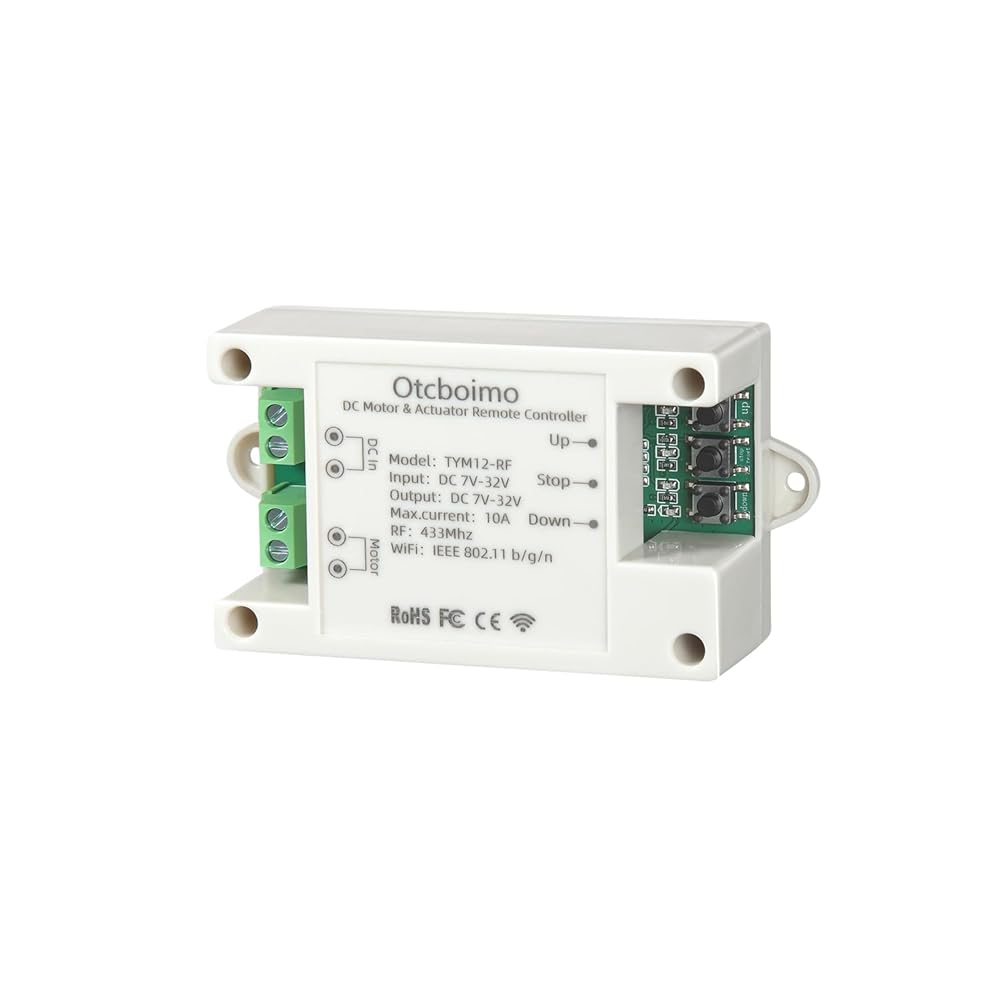
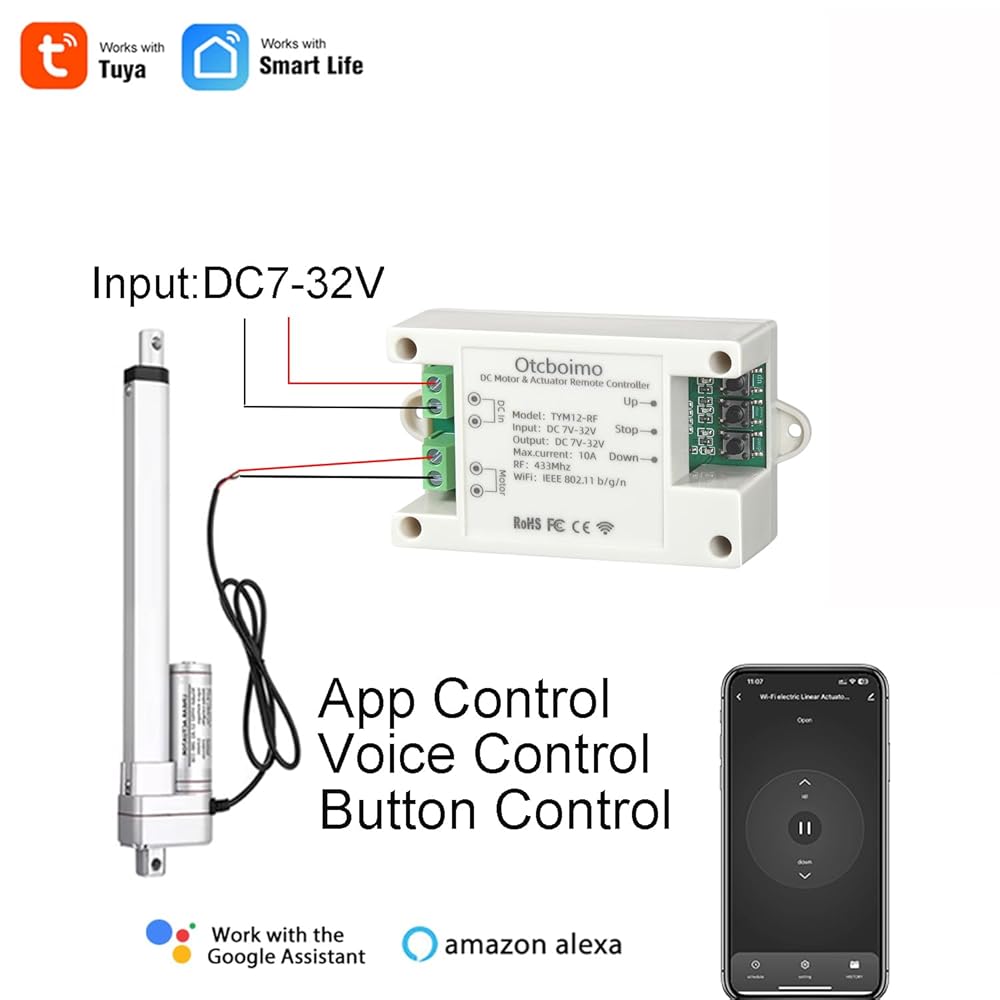
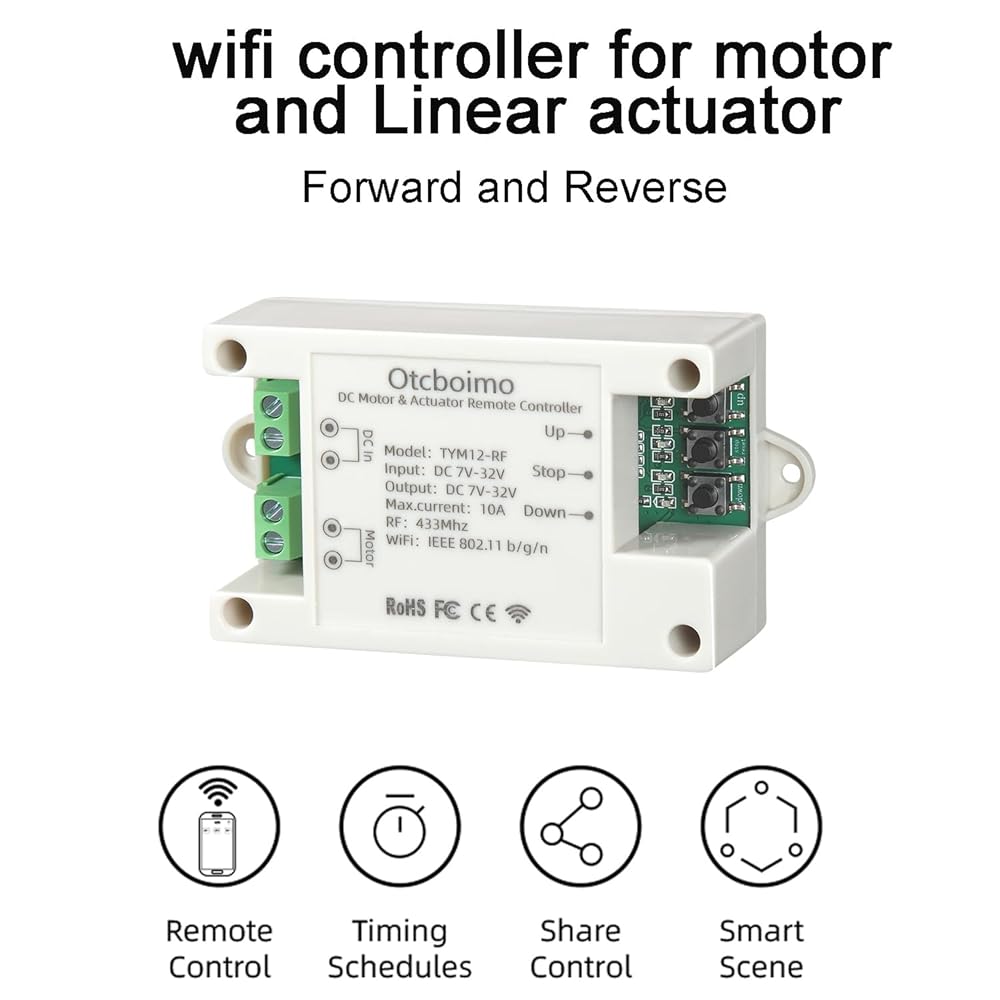
This product is designed to modernize traditional DC motors and linear actuators, allowing users to control them remotely, set timers, use a remote control, or even control them via voice with Alexa, Google Home, or Siri.
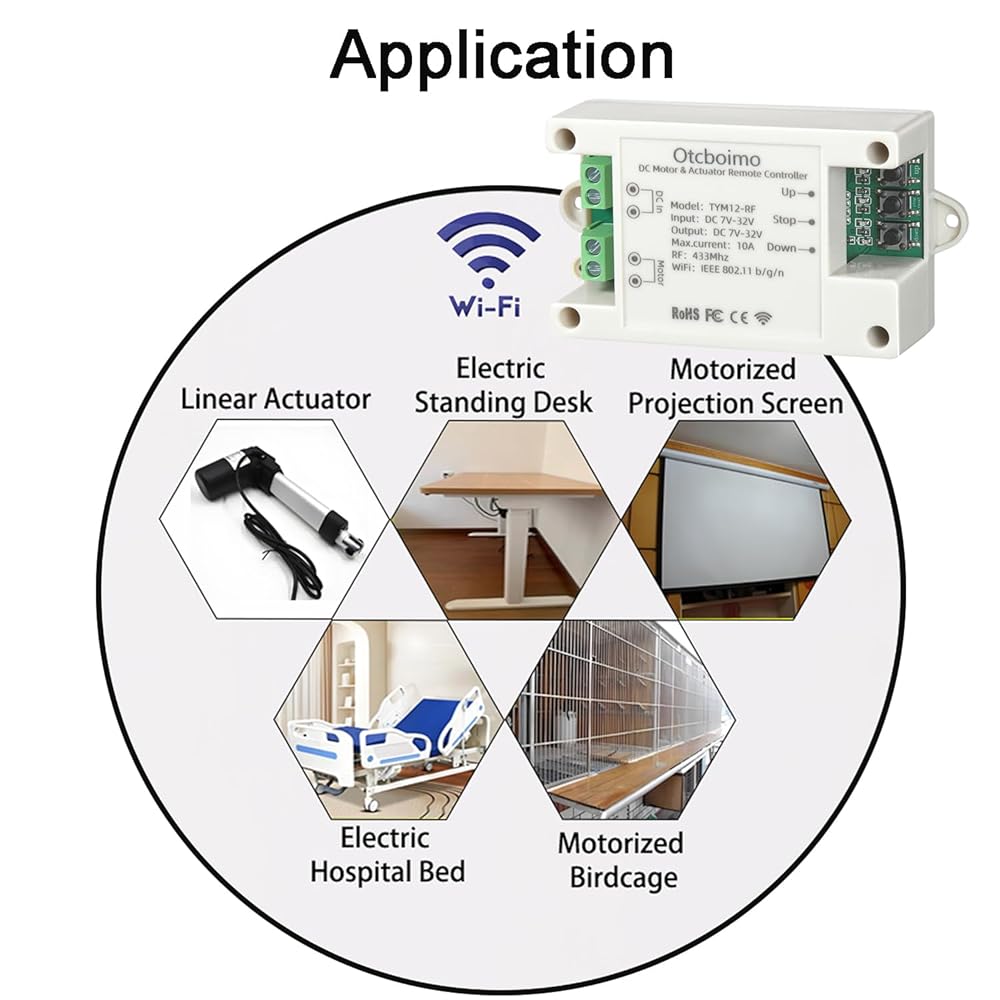
Application Scenarios:
Electric windows, electric TV lifts, electric projector screens, electric height-adjustable desks, electric adjustable beds, electric chicken coop doors, and similar situations.
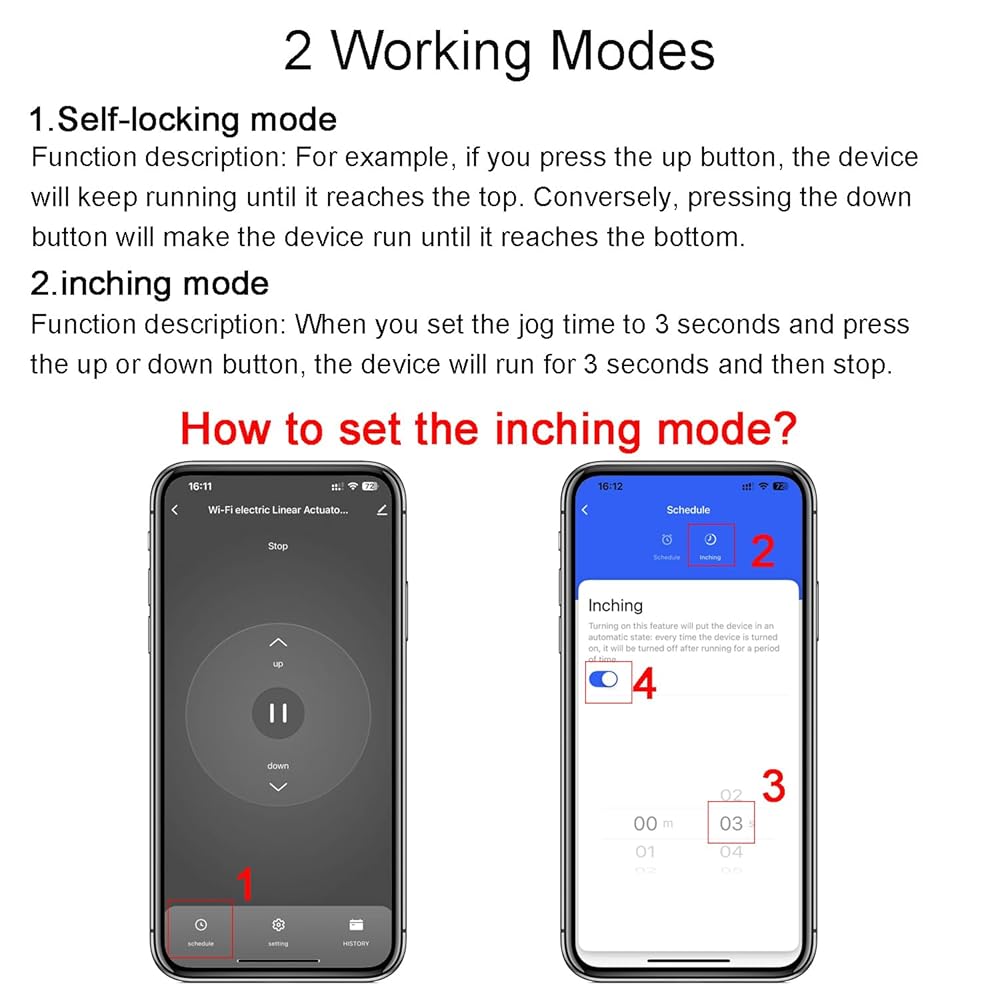
2 Working Modes:
1.Self-locking mode
Function description: For example, if you press the up button, the device will keep running until it reaches the top. Conversely, pressing the down button will make the device run until it reaches the bottom.
2.Momentary operation mode
Function description: When you set the jog time to 3 seconds and press the up or down button, the device will run for 3 seconds and then stop.
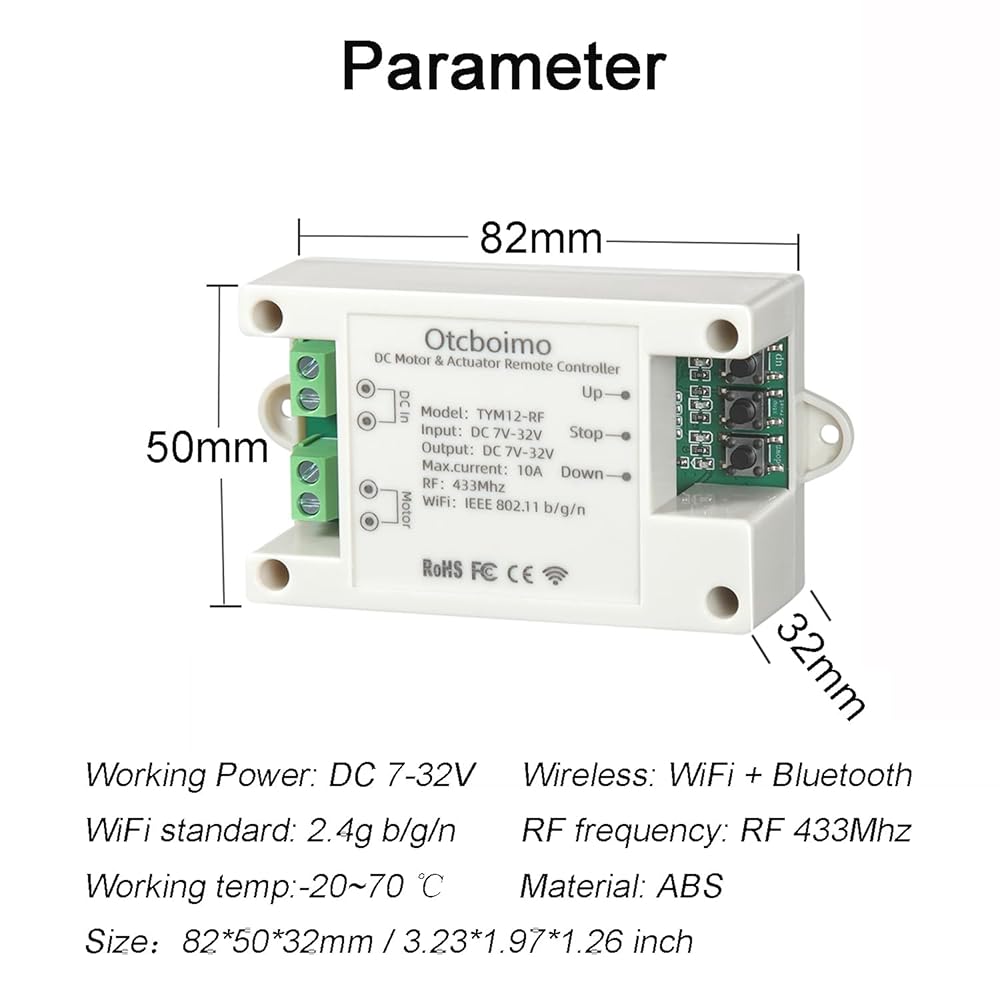
Product Parameters:
Working Power: DC 7-32V
Wireless: WiFi+ Bluetooth
WiFi standard: 2.4g b/g/n (don't supports 5G wifi)
RF frequency: RF 433Mhz
Working temp:-20~70 ℃
Material: ABS
Size: 82*50*32mm / 3.23*1.97*1.26 inch
Common Reasons Why the device Cannot Connect to the Network
1.The device is not in pairing mode.
2.Your Wi-Fi network is dual-band (2.4GHz and 5GHz combined).
3.Your Wi-Fi name (SSID) or password contains special characters (such as @, &, )
4.MAC address filtering is enabled on your router.
5.Your phone is not connected to the same 2.4GHz Wi-Fi network.
6.Location permission is not granted (for Android users).
How to Test with a Mobile Hotspot (for troubleshooting)
1.Turn off your home Wi-Fi on both the phone and the device.
2.Use a second phone to create a 2.4GHz mobile hotspot (name and password should be simple, no special characters).
3.Connect your main phone to this hotspot.
4.Reset the device into pairing mode.
5.Open the Smart Life app and try pairing the device using the hotspot network.
If the hotspot pairing is successful, there is a problem with the router settings.
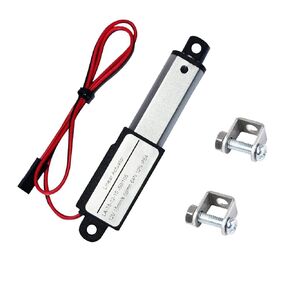 المحرك الخطي الكهربائي الصغير 12 فولت - 2 بوصة، 64 نيوتن/14.4 رطل، السرعة 0.6 بوصة/ثانية مشغل حركة صغير مقاوم للماء صغير 12 فولت تيار مستمر، مع دعامات تثبيت، لشفرات المروحة، الخزانات، فتاحة النوافذ، الروبوتات، الطاولة
KWD 16.500
المحرك الخطي الكهربائي الصغير 12 فولت - 2 بوصة، 64 نيوتن/14.4 رطل، السرعة 0.6 بوصة/ثانية مشغل حركة صغير مقاوم للماء صغير 12 فولت تيار مستمر، مع دعامات تثبيت، لشفرات المروحة، الخزانات، فتاحة النوافذ، الروبوتات، الطاولة
KWD 16.500
 المحرك الخطي عالي القوة للأتمتة التقدمية - المحرك الخطي 2000 رطل 12 بوصة 24 فولت - المحرك الخطي للخدمة الشاقة مع حماية الجهد الراجع IP65 للاستخدام الصناعي PA-17
KWD 133
المحرك الخطي عالي القوة للأتمتة التقدمية - المحرك الخطي 2000 رطل 12 بوصة 24 فولت - المحرك الخطي للخدمة الشاقة مع حماية الجهد الراجع IP65 للاستخدام الصناعي PA-17
KWD 133
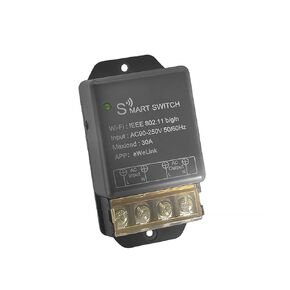 مفتاح مرحل ذكي يعمل مع Ewelink، 30 أمبير واي فاي لاسلكي ذكي للتحكم عن بعد، مصابيح الأجهزة المنزلية، مضخة مياه، تطبيق تحكم صوتي مع مفتاح تحكم عن بعد 2.4 جيجا
KWD 7
مفتاح مرحل ذكي يعمل مع Ewelink، 30 أمبير واي فاي لاسلكي ذكي للتحكم عن بعد، مصابيح الأجهزة المنزلية، مضخة مياه، تطبيق تحكم صوتي مع مفتاح تحكم عن بعد 2.4 جيجا
KWD 7
 وحدة تحكم محرك مشغل خطي WIFI ، مرحل للأمام وعكس ، مفتاح DIY للأتمتة المنزلية الذكية ، TUYA APP / RF433MHZ 328FT عن بعد ، TIMER ، (DC5V 12V 24V 32V)
KWD 11
وحدة تحكم محرك مشغل خطي WIFI ، مرحل للأمام وعكس ، مفتاح DIY للأتمتة المنزلية الذكية ، TUYA APP / RF433MHZ 328FT عن بعد ، TIMER ، (DC5V 12V 24V 32V)
KWD 11