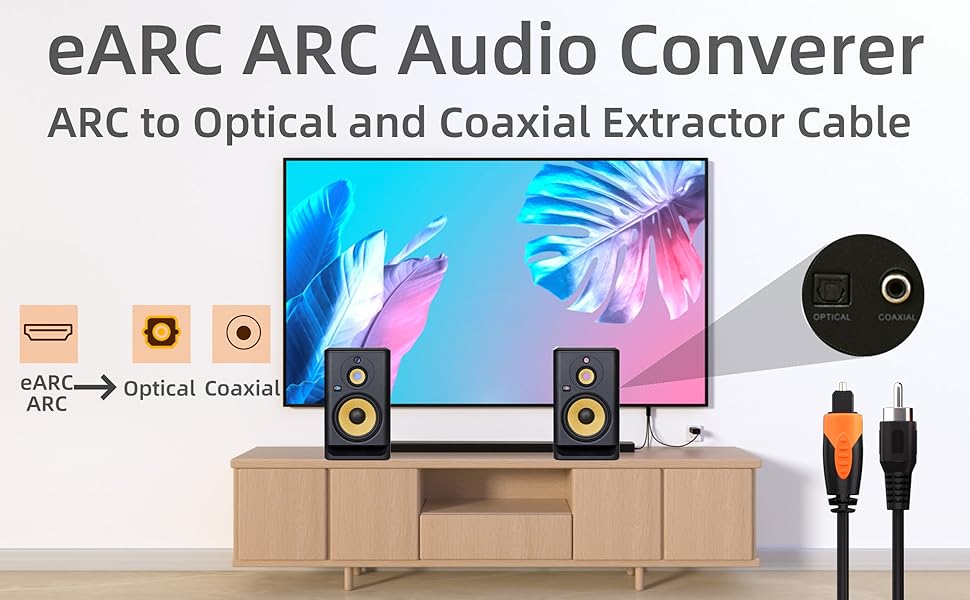
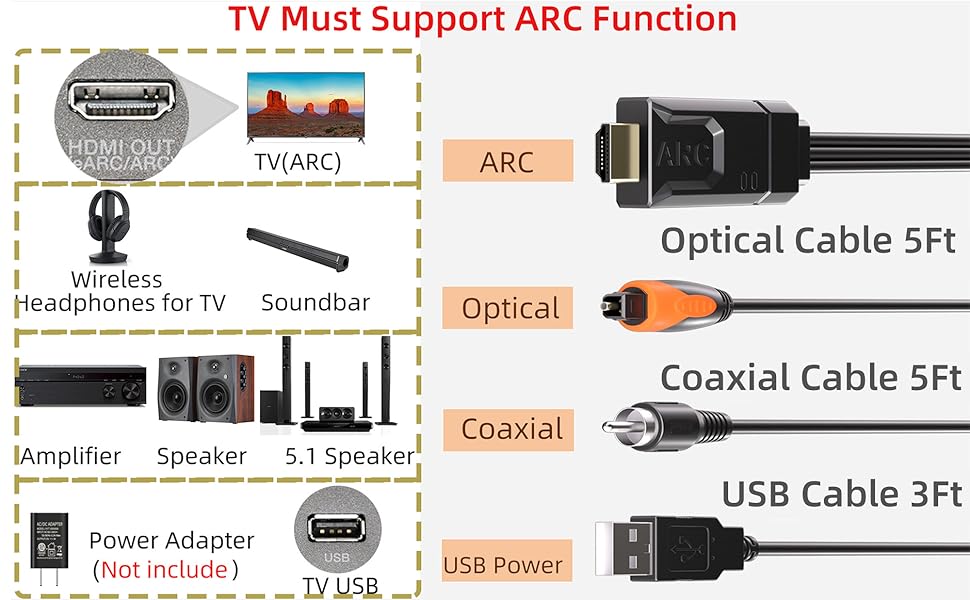
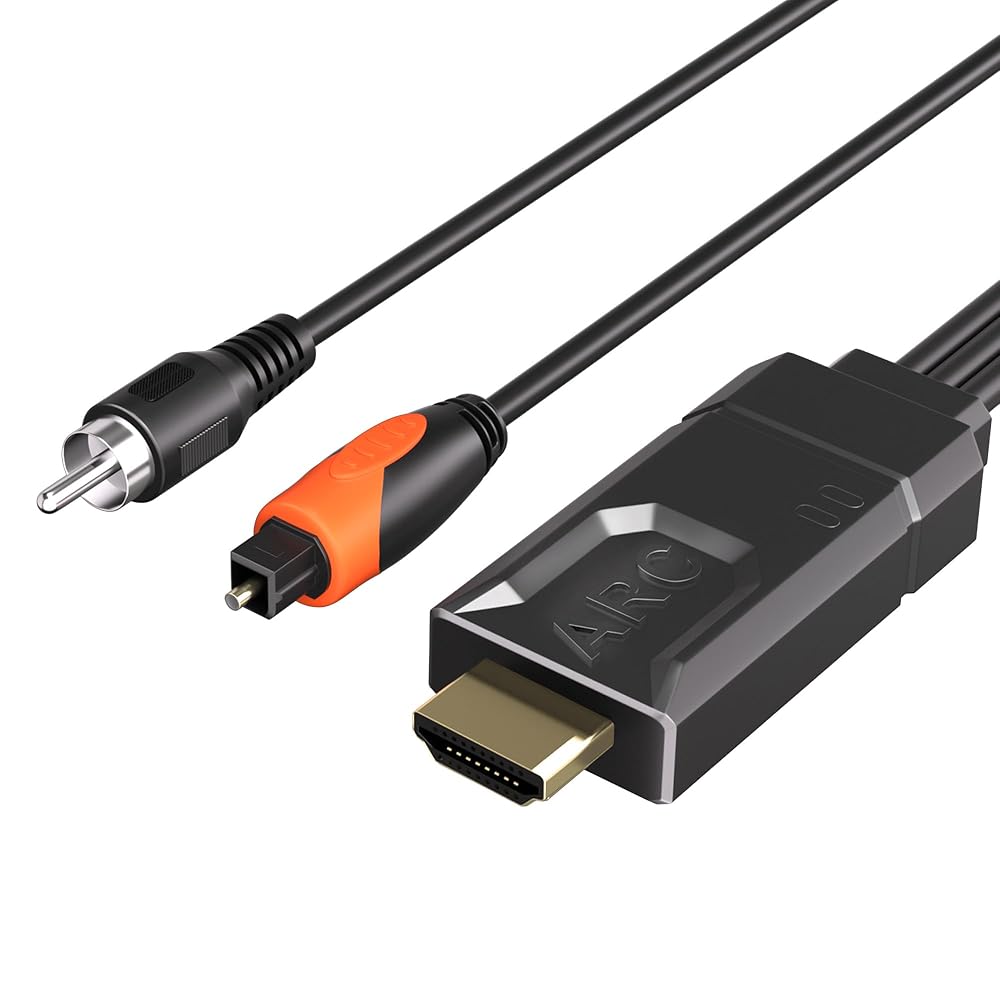
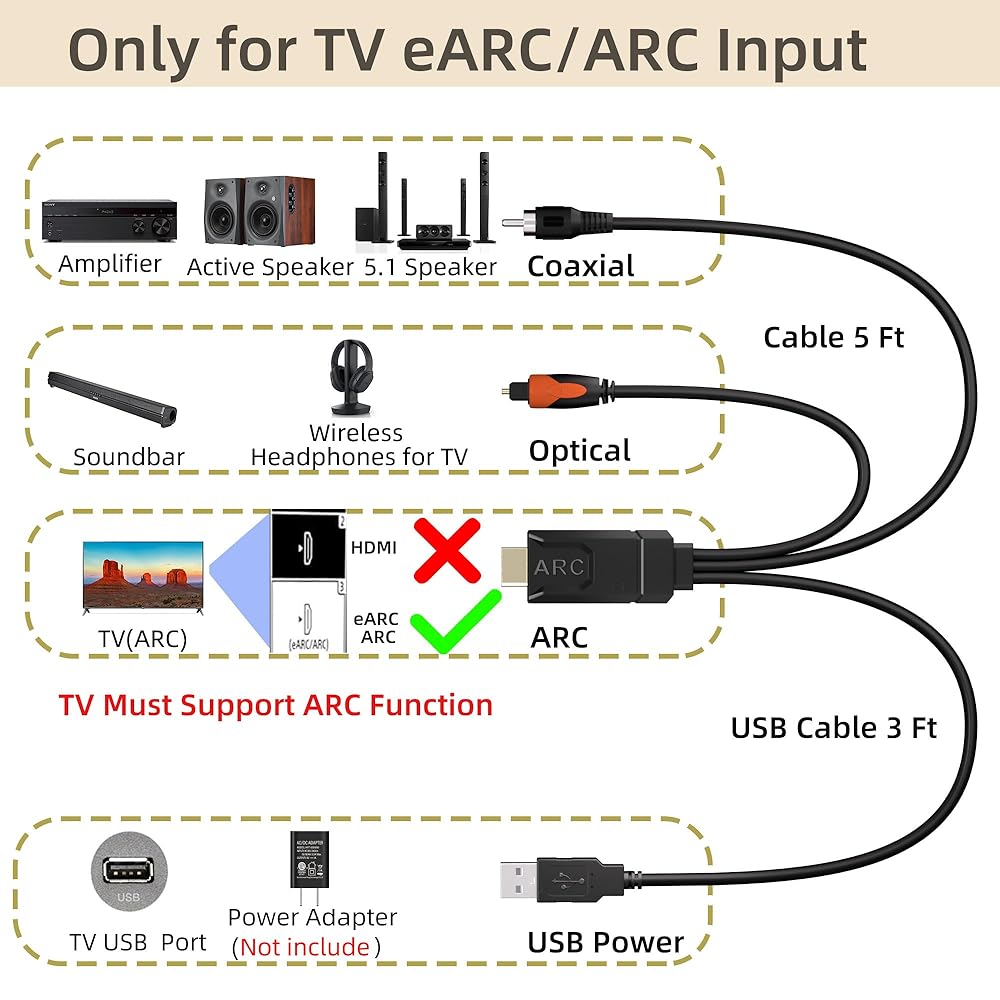
مستخرج صوت ARC/eARC: لا تحتوي بعض أجهزة التلفزيون على واجهات بصرية أو محورية. يمكن لهذا المنتج تحويل قناة الصوت ARC الخاصة بالتلفزيون إلى مخرج بصري رقمي أو محوري، مما يحل مشكلة التوافق بين التلفزيون ونظام الصوت المنزلي
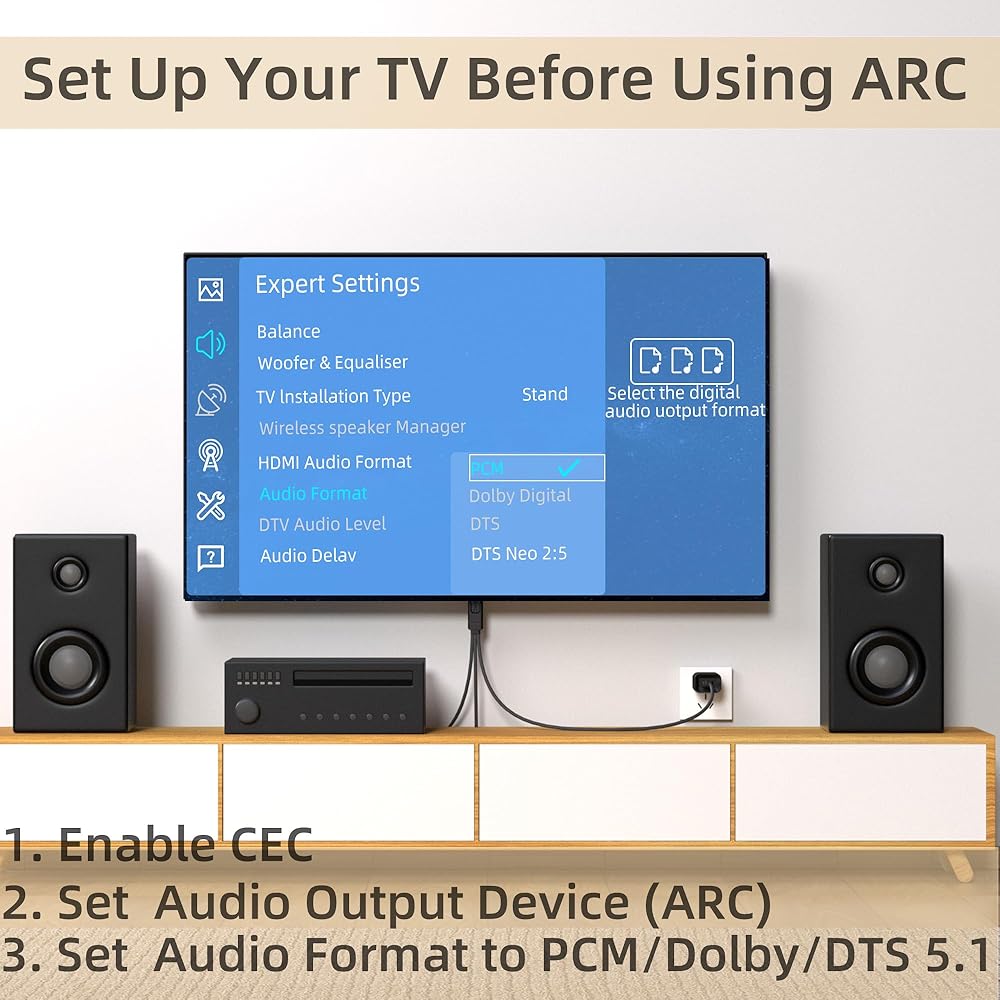
إعداد التلفزيون قبل الاستخدام: 1. قم بتمكين وظيفة CEC الخاصة بالتلفزيون 2. اضبط إخراج صوت التلفزيون على جهاز ARC 3. اضبط تنسيق الصوت على PCM
صوت عالي الجودة: يدعم كابل الصوت الرقمي ARC معدلات عينات الصوت 24 بت/192 كيلو هرتز، ويتصل عبر واجهات بصرية أو محورية بأشرطة الصوت أو مكبرات الصوت أو أنظمة الصوت الأخرى
التوصيل والتشغيل: لا يتطلب تثبيت برنامج تشغيل معقد. ما عليك سوى توصيل كابل USB الخاص بالمحول بمنفذ USB أو محول الطاقة الخاص بالتلفزيون
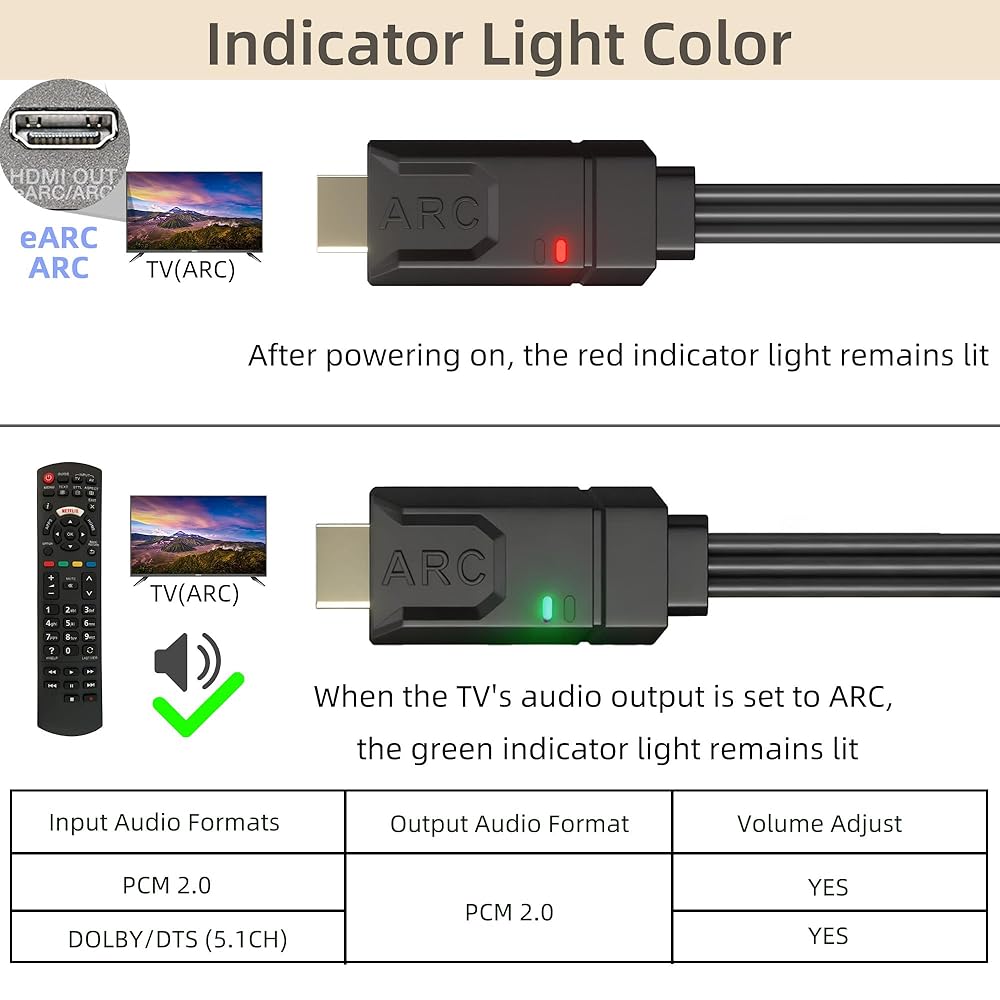
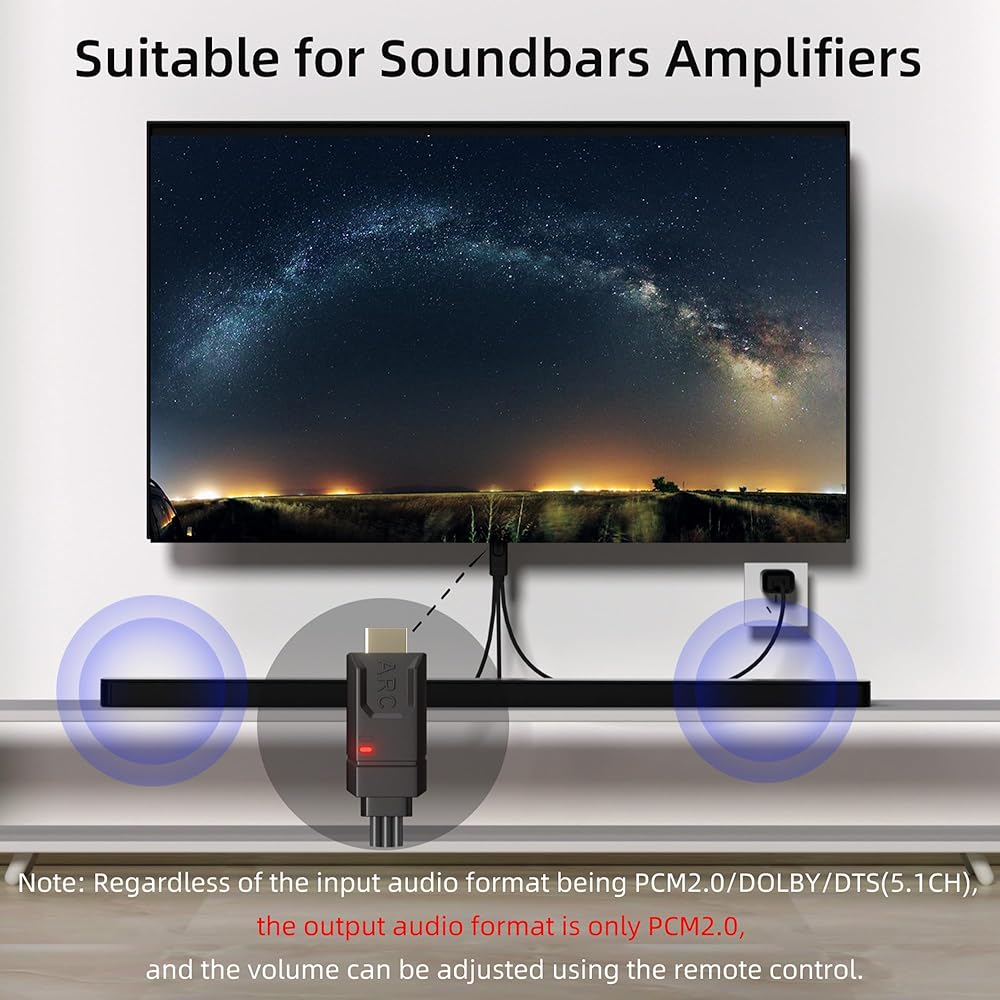
ضوء المؤشر: بعد التشغيل، يظل ضوء المؤشر الأحمر مضاءً، عندما يتم ضبط إخراج صوت التلفزيون على ARC، يظل ضوء المؤشر الأخضر مضاءً. يمكن تعديل مستوى صوت التلفزيون من خلال جهاز التحكم عن بعد (ملاحظة: يمكن أن يكون تنسيق الصوت الناتج PCM 2CH فقط)