الاجهزه الالكترونيات الامريكية قد تحتاج الى محمول فولت من ١١٠ الى ٢٢٠.قد تحتاج إلى محول كهرباء
مميزات خاصة
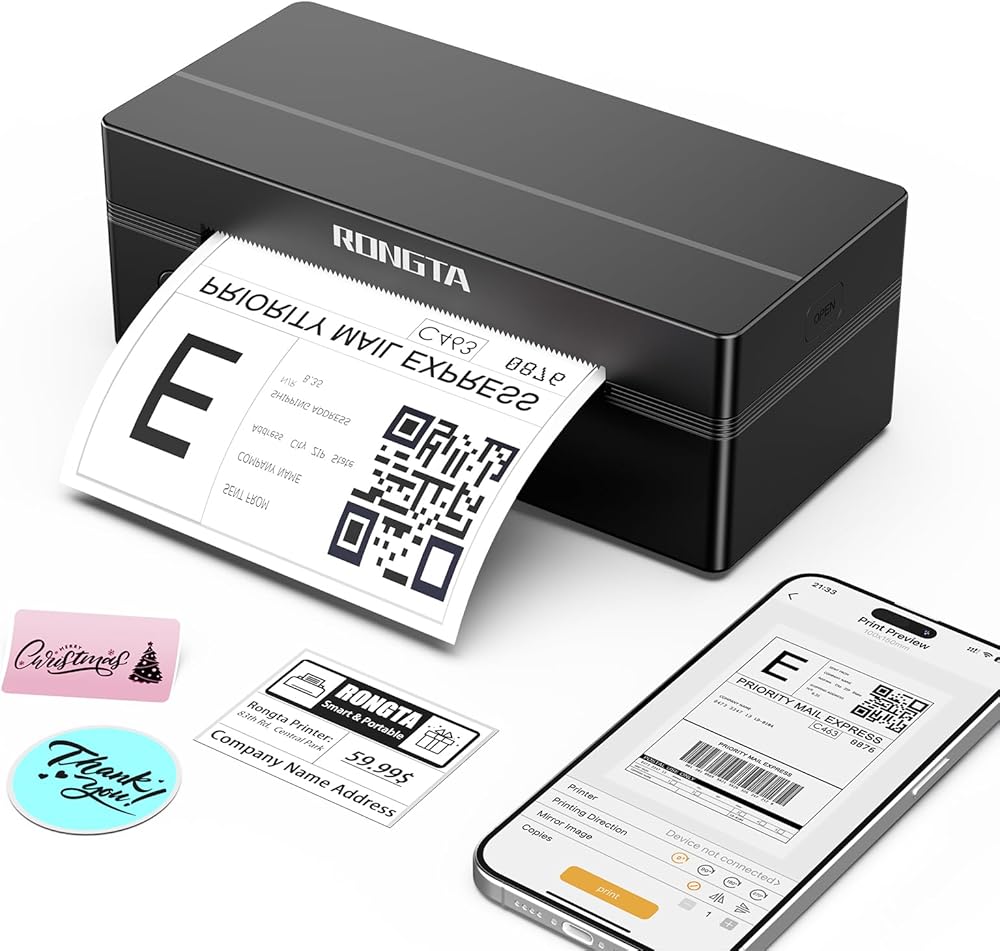
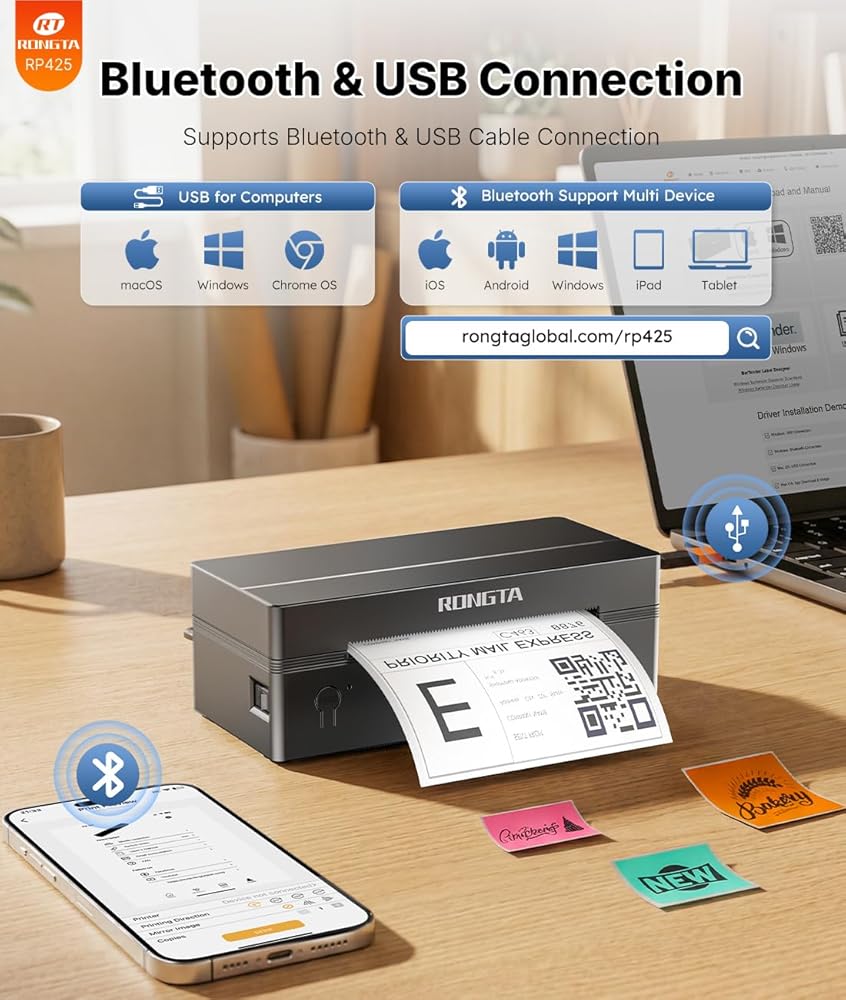
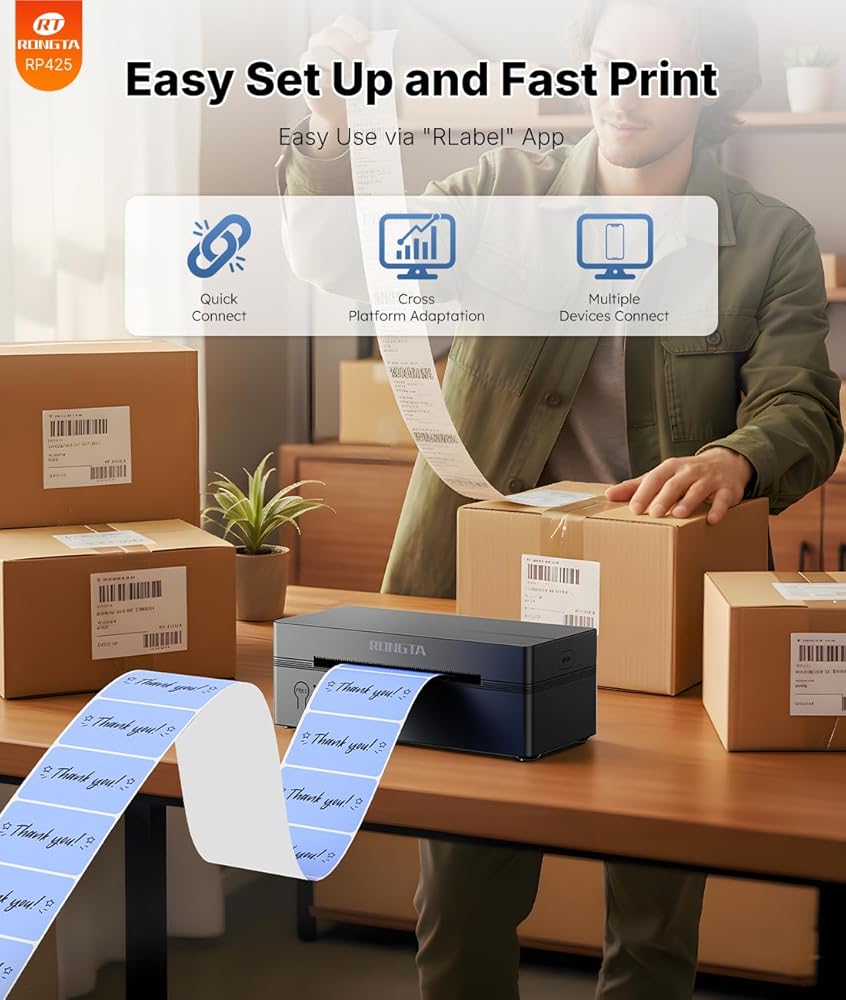
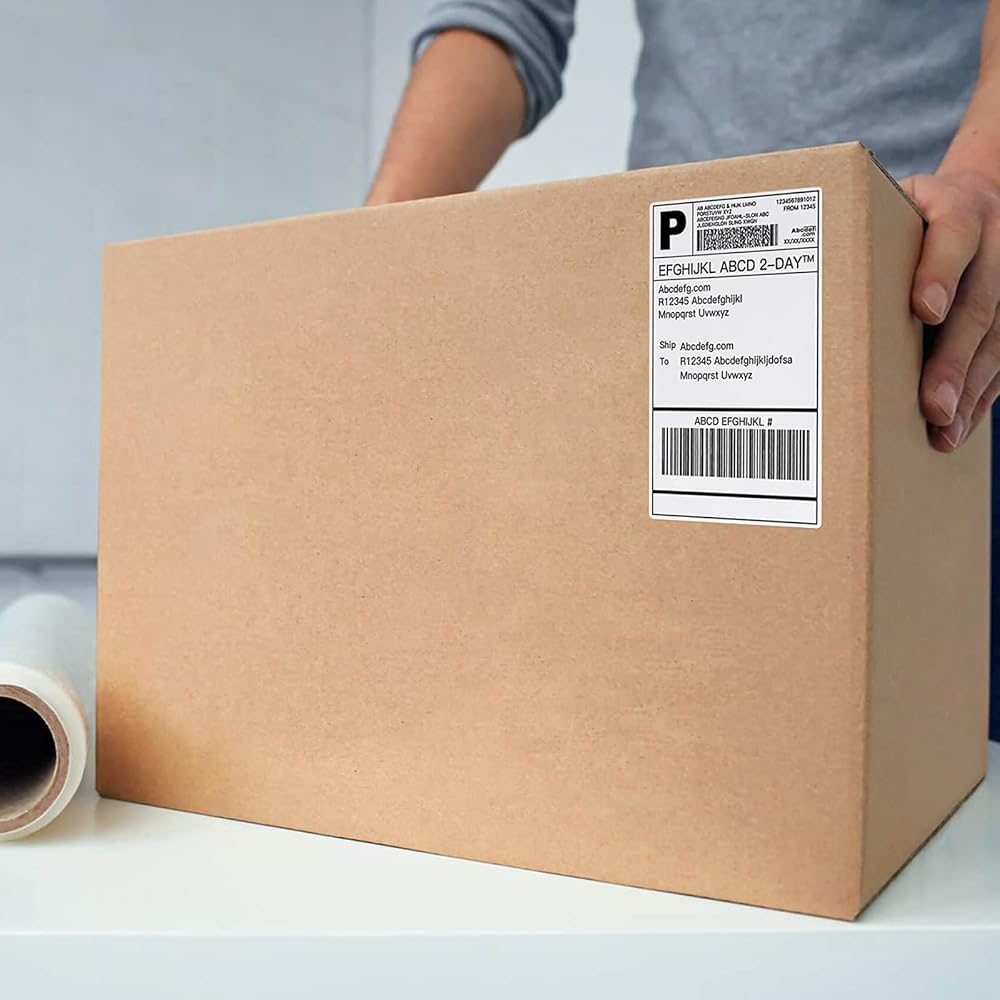
Phone/Tablet Start Print: Step 1: Download APP "RLabel" in google play or ios app store; Step 2: Turn on the RP425 label printer and make a Bluetooth connection in the APP; Step 3: Click the "+" sign to complete the device connection and select the file type to start print
PC Start Print: Step 1:Please download and install the RP425 driver from the Instruction Card; Step 2: Connect with bluetooth or USB cable with your computer; Step 3: Select and open your document, and choose RP4xx in the printer list (For Chrome OS: Achieve seamless Bluetooth pairing through the matching extension)
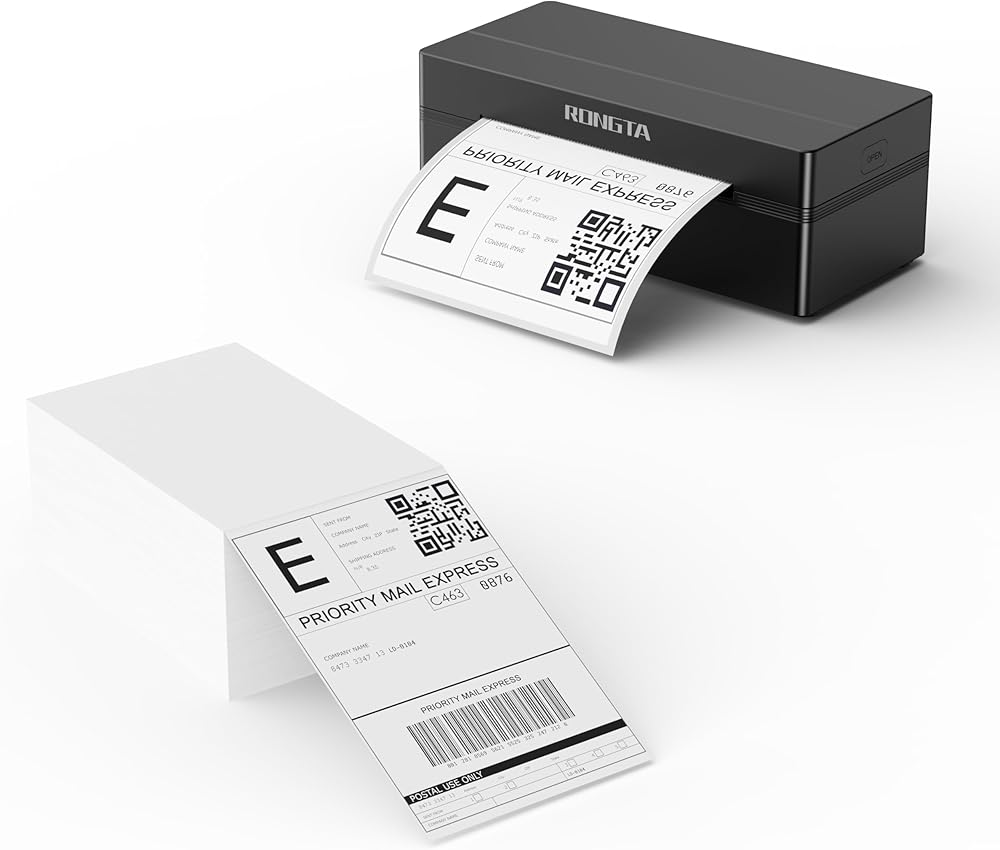
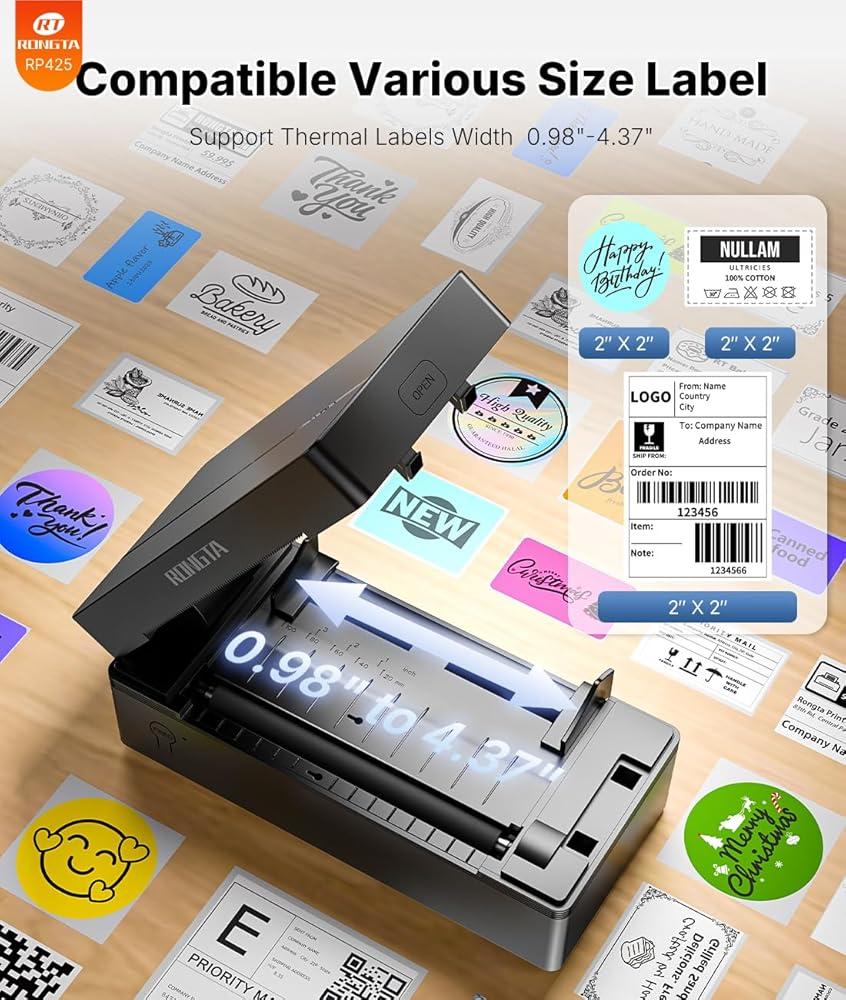
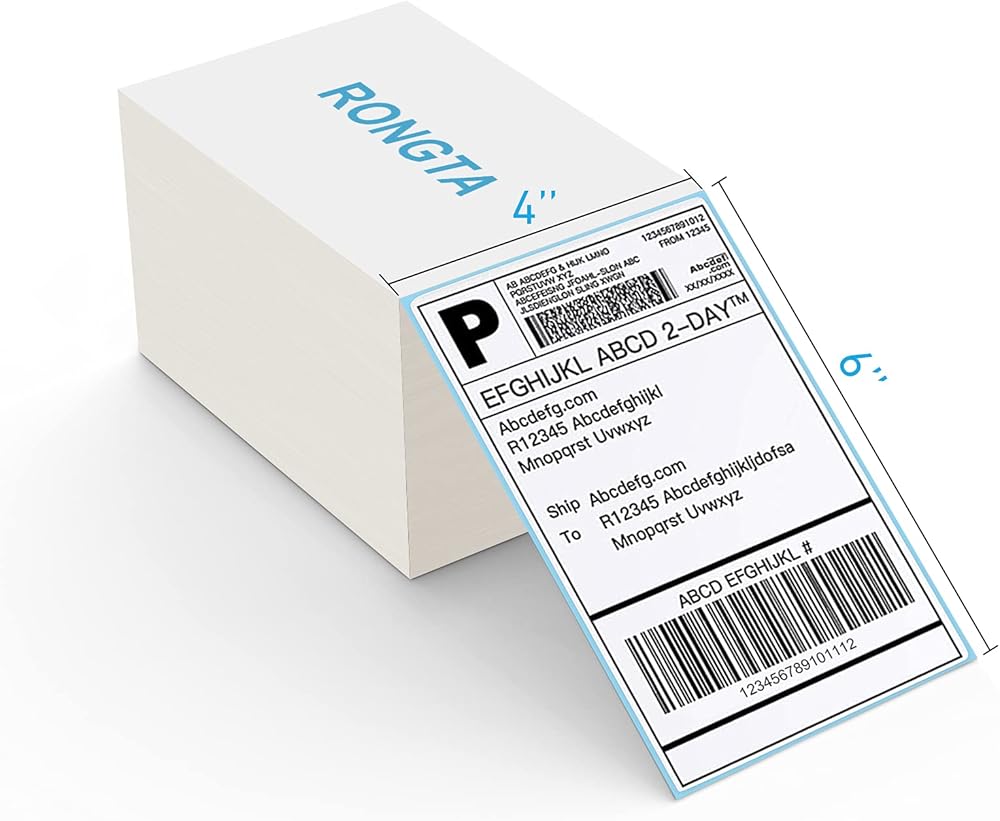
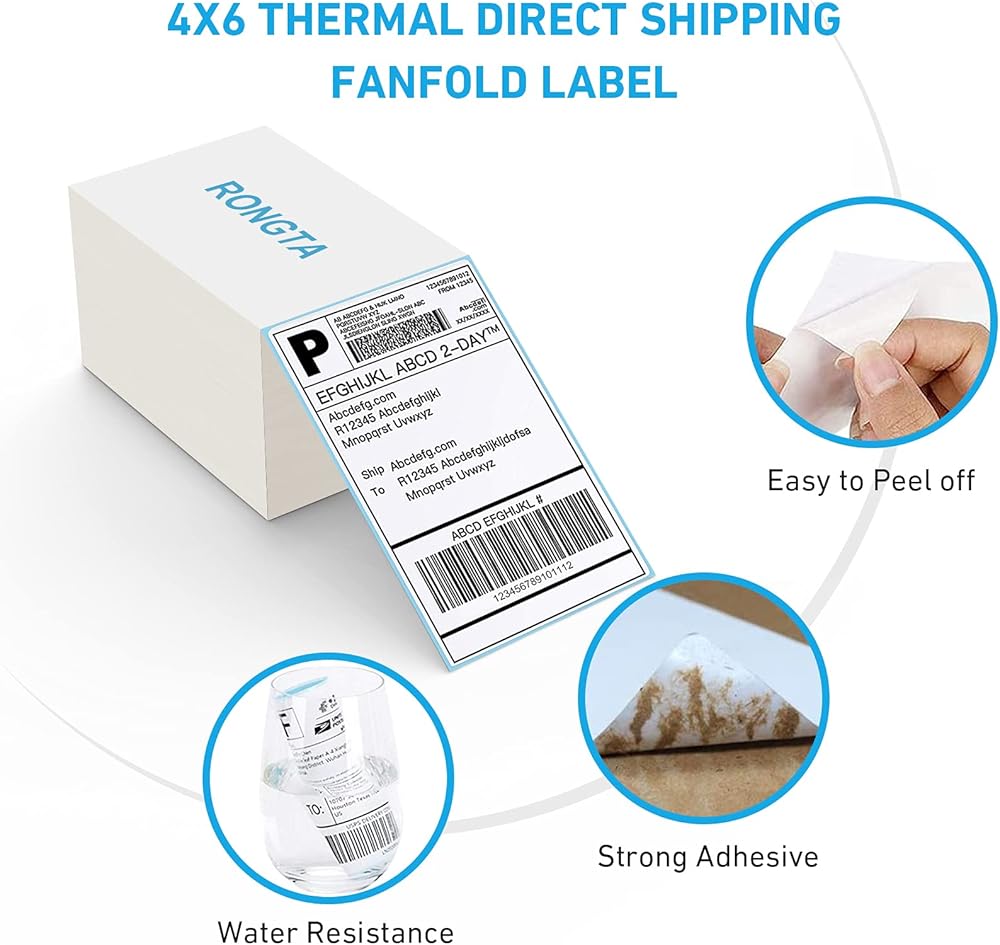
High-Speed and Easy Set: Easy setup. The package includes Rongta RP425 Printer, User Manual, Instruction Card, Type-C Adapter, you can set up as needed. Print up to 60 labels per minute (127mm/s). Direct thermal technology, no ink or other consumables needed. Easy set and print via "RLabel" app
Compatibility: Rongta RP425 printer support IOS/Android phone&tablet. Works with WINXP/WIN7/WIN8/WIN10/WIN11/MAC/Chrome. Compatible with all major shipping and e-commerce platforms inlcuding FedEx, DHL, Amazon, Etsy, eBay, Shopify, etc
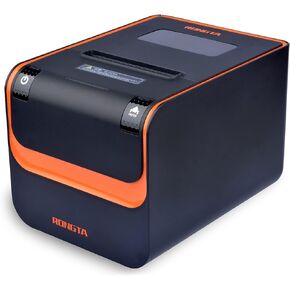
 طابعة إيصالات Rongta POS، طابعة حرارية 80 مم، ESC/POS، طابعة مطبخ للمطاعم مع قاطع آلي يدعم درج النقود، طابعة إيصالات إيثرنت تسلسلية USB للشركات الصغيرة
KWD 37
طابعة إيصالات Rongta POS، طابعة حرارية 80 مم، ESC/POS، طابعة مطبخ للمطاعم مع قاطع آلي يدعم درج النقود، طابعة إيصالات إيثرنت تسلسلية USB للشركات الصغيرة
KWD 37
 -11%
طابعة Rongta POS، طابعة إيصالات حرارية مباشرة مقاس 80 مم مع قاطع تلقائي، واجهة إيثرنت تسلسلية USB، تدعم درج النقود Windows/Mac/Linux، طابعة مطبخ المطاعم لـ ESC/POS (RP332)
KWD 33
-11%
طابعة Rongta POS، طابعة إيصالات حرارية مباشرة مقاس 80 مم مع قاطع تلقائي، واجهة إيثرنت تسلسلية USB، تدعم درج النقود Windows/Mac/Linux، طابعة مطبخ المطاعم لـ ESC/POS (RP332)
KWD 33
 -10%
طابعة Rongta POS، طابعة إيصالات حرارية 80 مم، طابعة مطبخ مطعم مع قاطع تلقائي، واجهة إيثرنت تسلسلية USB، أمر ESC/POS، دعم درج النقود لنظام التشغيل Windows/Mac/Linux (RP850)
KWD 37
-10%
طابعة Rongta POS، طابعة إيصالات حرارية 80 مم، طابعة مطبخ مطعم مع قاطع تلقائي، واجهة إيثرنت تسلسلية USB، أمر ESC/POS، دعم درج النقود لنظام التشغيل Windows/Mac/Linux (RP850)
KWD 37
 -12%
طابعة Rongta 80mm Mobile POS الحرارية المباشرة مع بلوتوث + USB، متوافقة مع هاتف Android، لا مربعة/Ipad/كمبيوتر/كمبيوتر لوحي Android، طابعة إيصالات محمولة (RPP300)
KWD 29
-12%
طابعة Rongta 80mm Mobile POS الحرارية المباشرة مع بلوتوث + USB، متوافقة مع هاتف Android، لا مربعة/Ipad/كمبيوتر/كمبيوتر لوحي Android، طابعة إيصالات محمولة (RPP300)
KWD 29