- التسوق ، اصبح سهلا.
- /
- احصل على التطبيق!
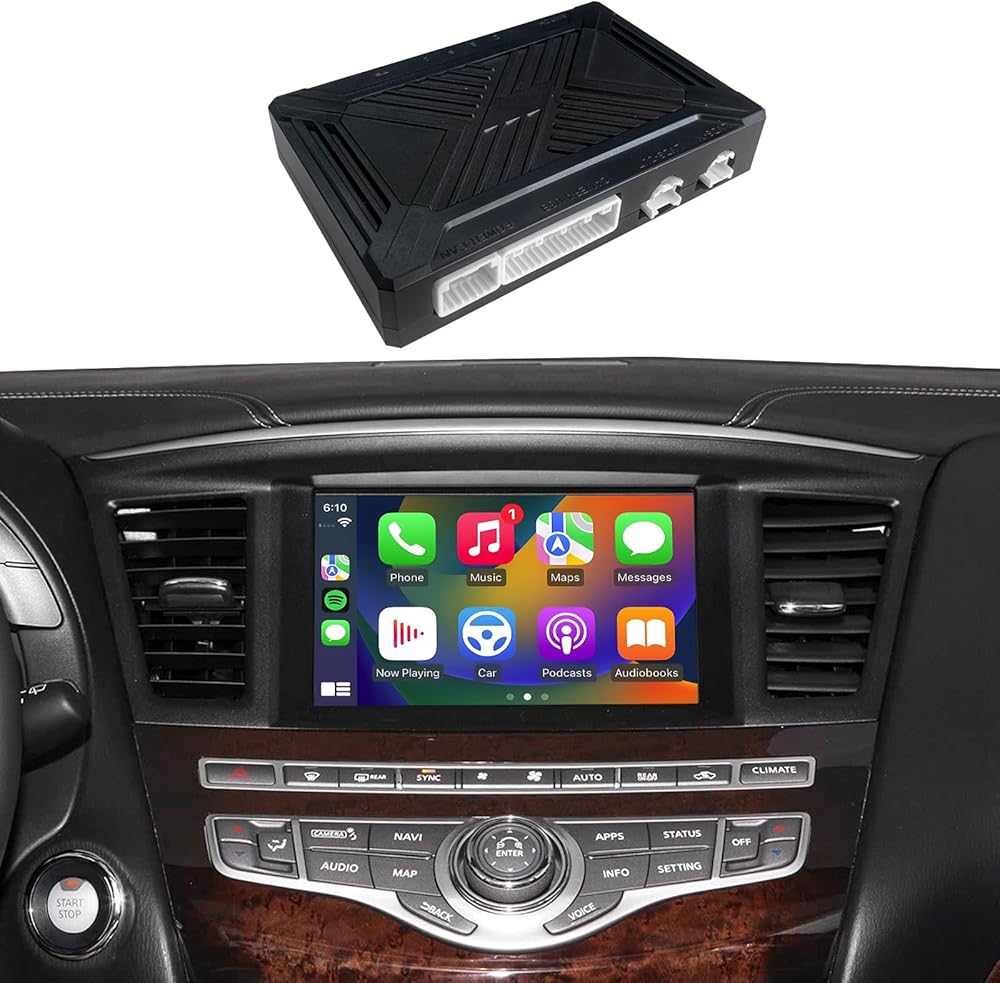
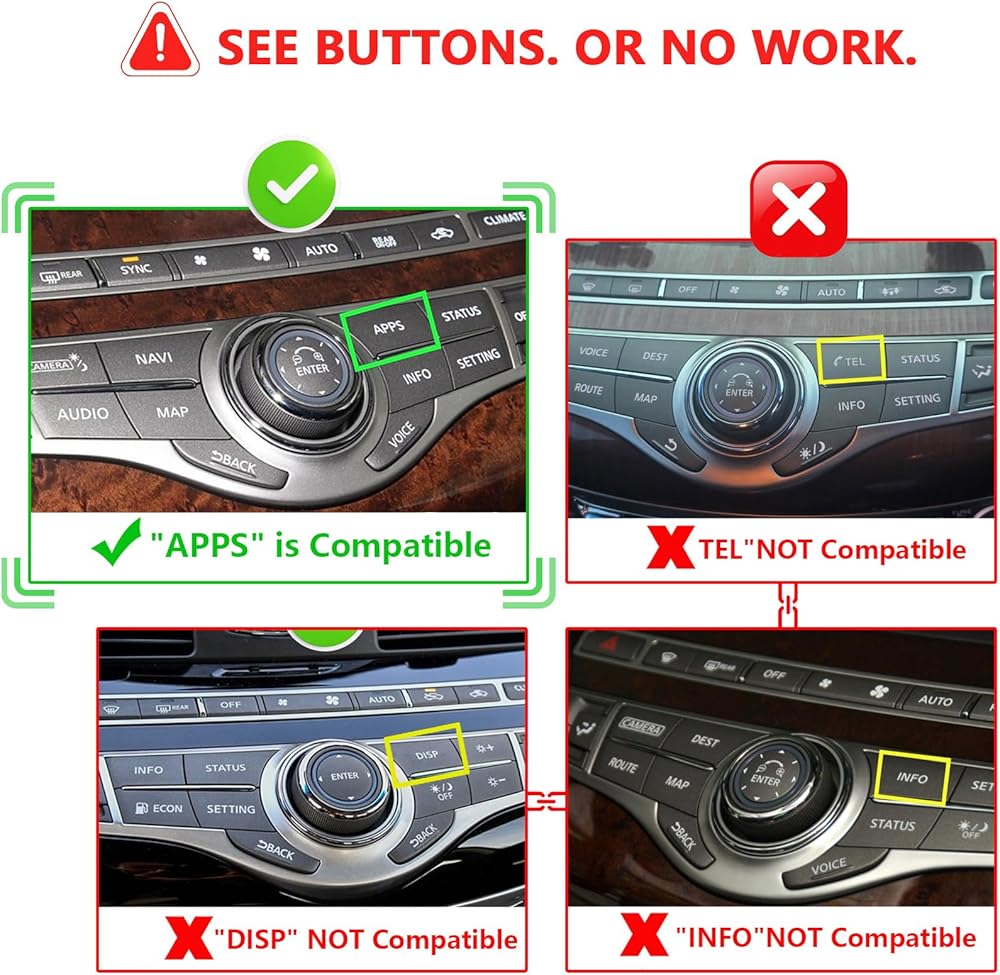
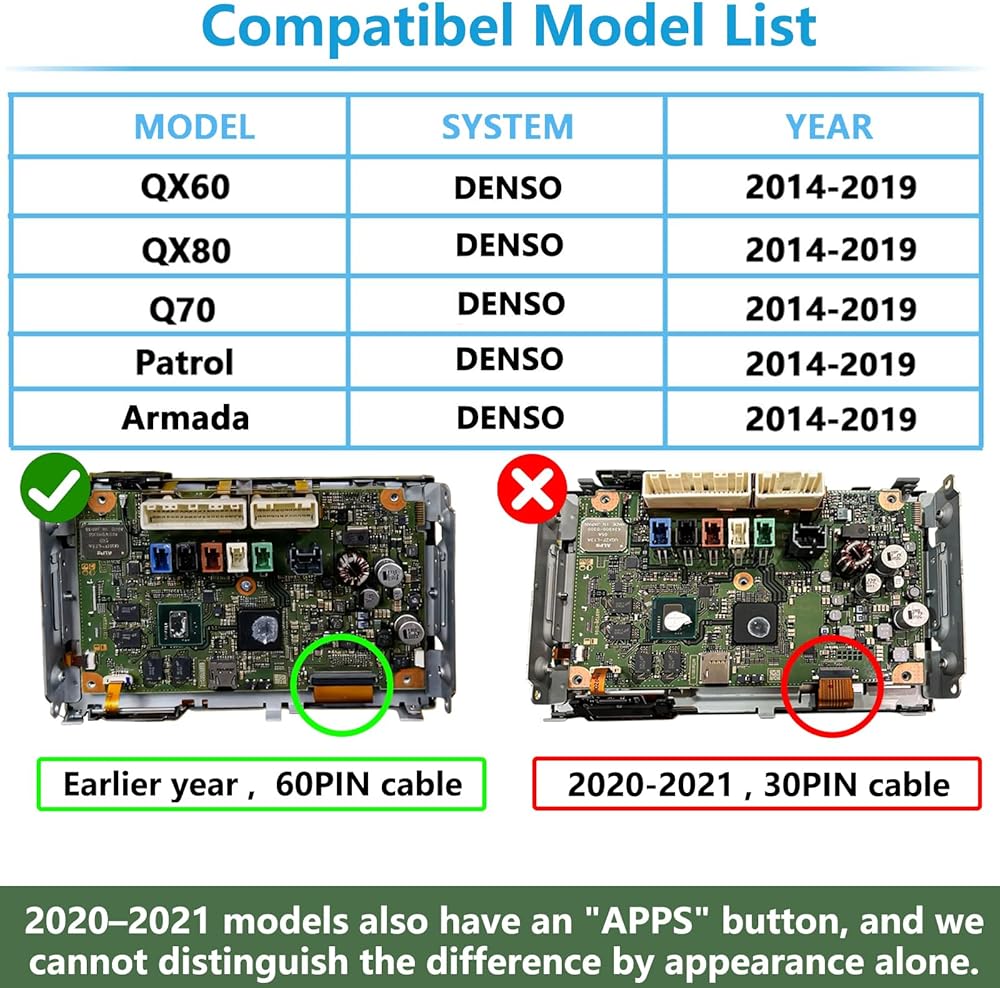
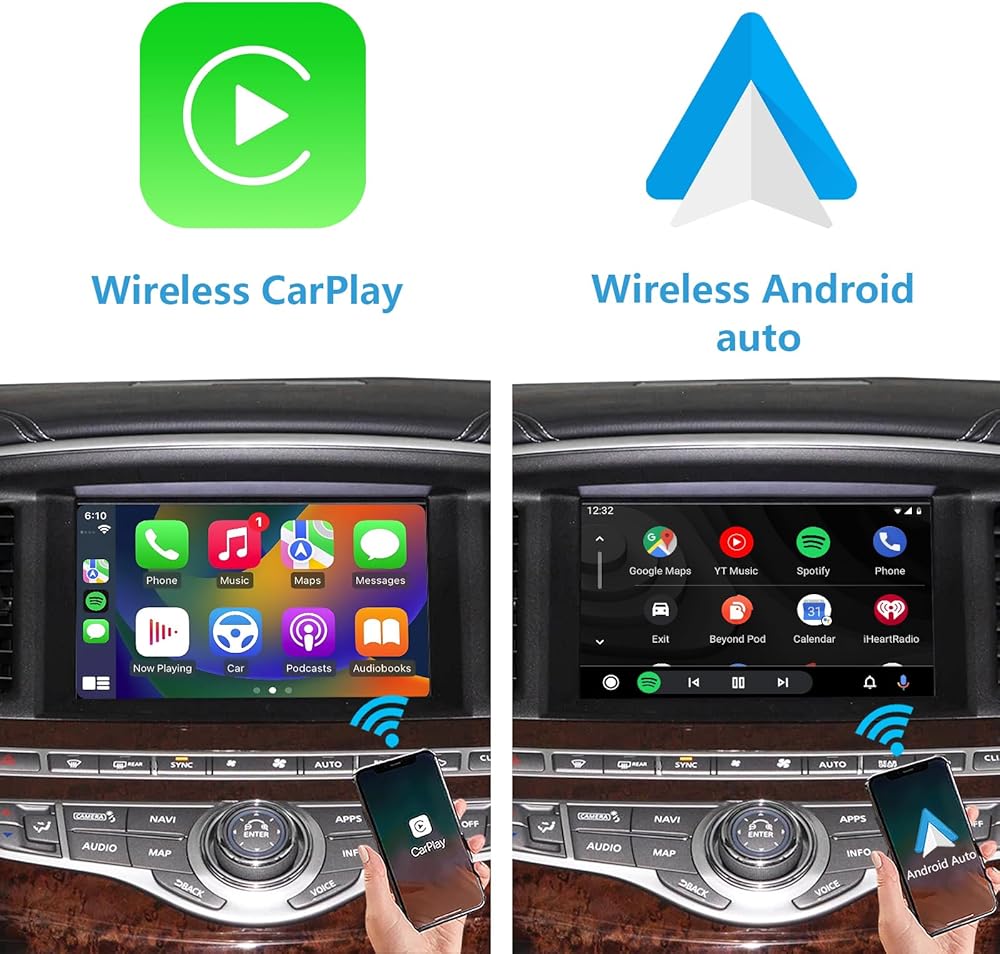
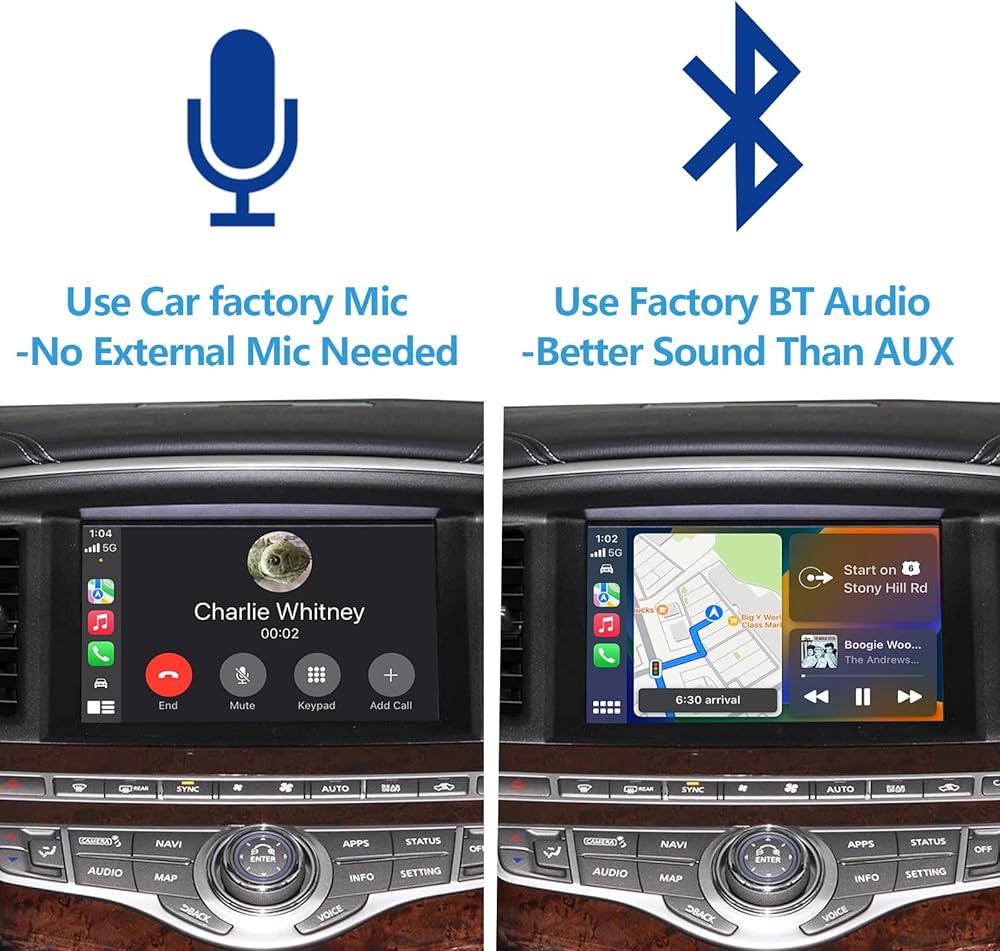
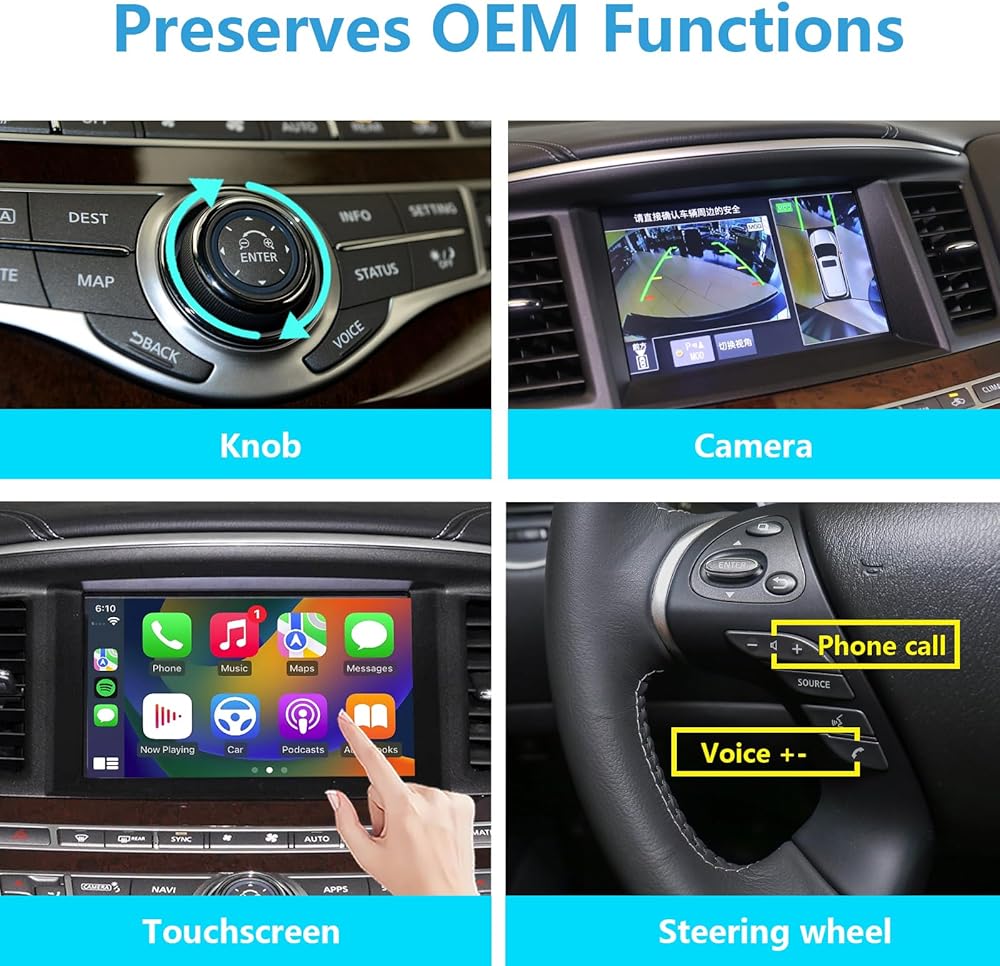
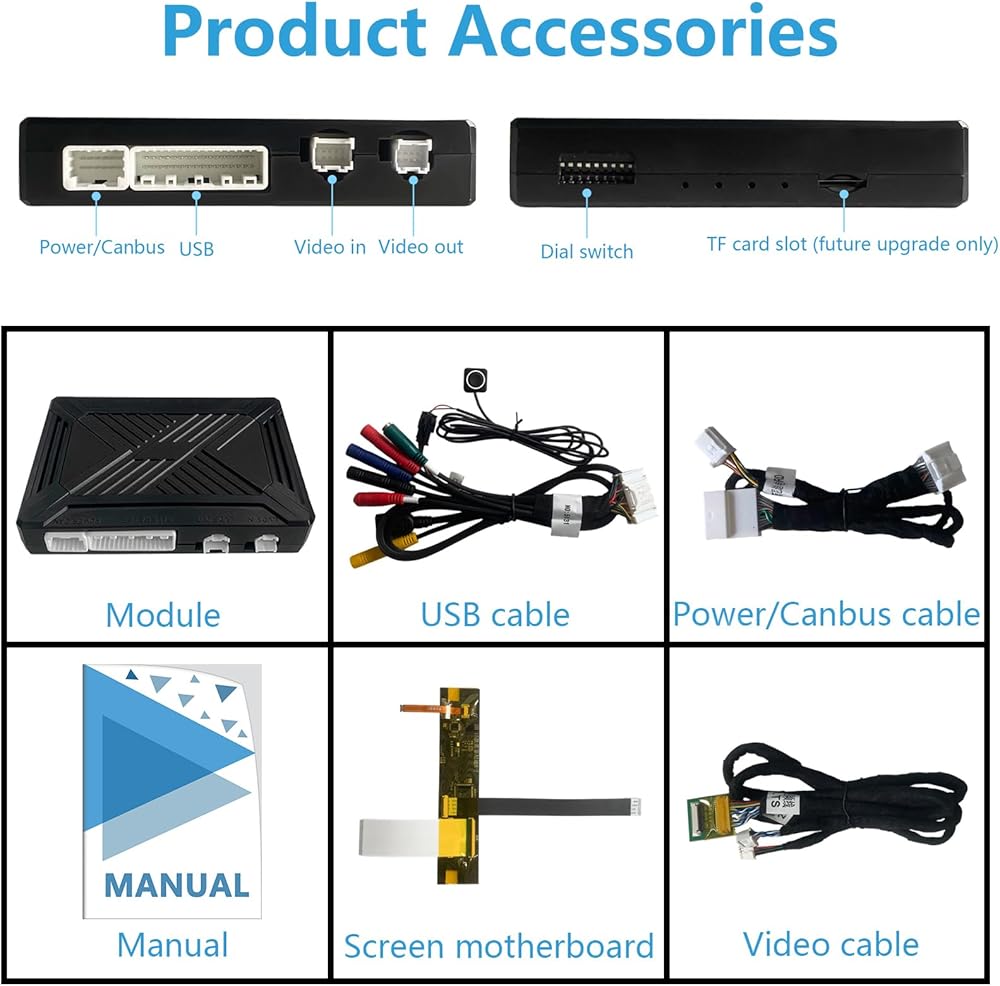
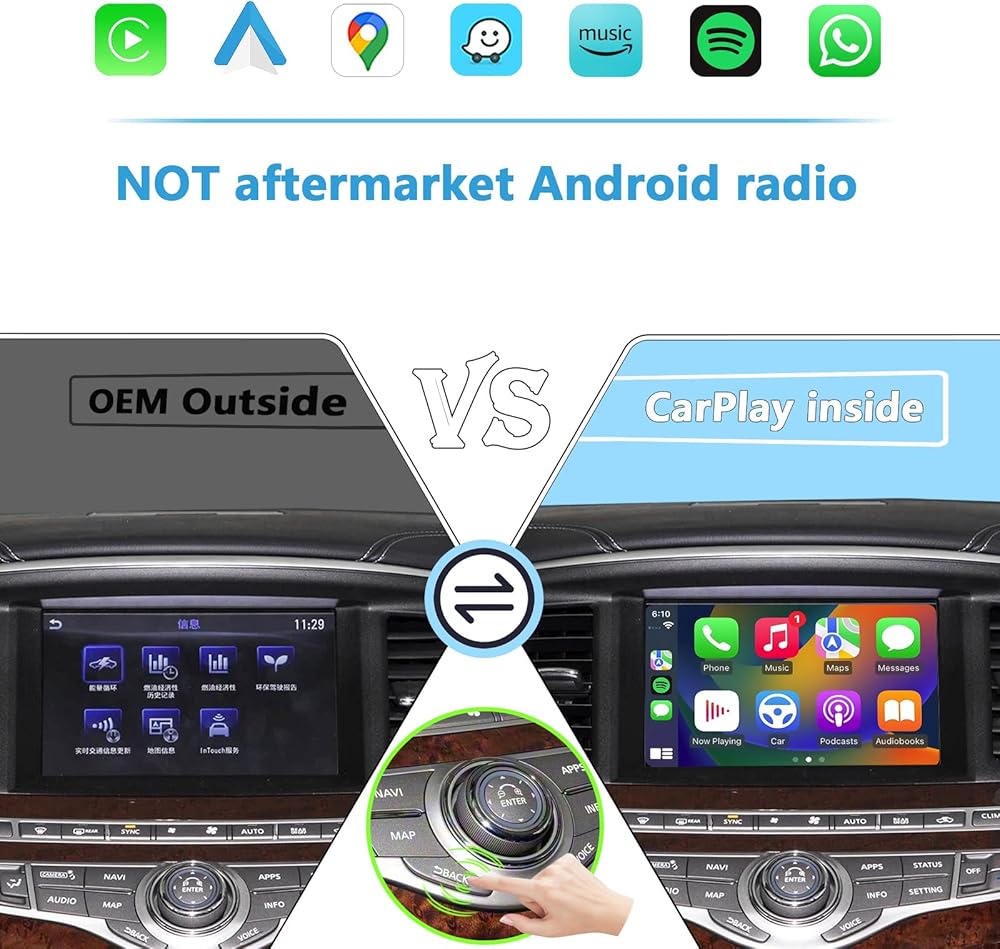
Important Installation Notice – Please Read Before Purchasing This product comes with a printed, step-by-step installation manual to guide you through the process. However, please note that installation requires a moderate to advanced level of technical skill and hands-on experience with vehicle electronics or display systems. To successfully install this item, you will need to: Carefully remove your vehicle's factory display unit, Fully disassemble the display housing to access the internal components, and Connect the included FPC (Flexible Printed Circuit) cable to the designated port on the display's mainboard. If you have never performed this type of installation before, the process may prove challenging—even with the provided instructions. It involves delicate handling of sensitive electronics, precise alignment of connectors, and the use of specialized tools. A steady hand, patience, and prior experience with automotive infotainment systems are strongly recommended. We strongly advise that you consult a professional installer if you are unsure about any step of the process. Incorrect installation could potentially damage your vehicle's display or other components. Before purchasing, feel free to contact us directly! We're happy to provide additional installation guidance, answer your questions, or help you assess whether this is a suitable DIY project for your skill level. Your confidence and success with this product are important to us. *Please send me a picture of your vehicle's screen for compatibility confirmation. *This is a LINUX device for factory radio screen, not an aftermarket Android radio screen.It doesn't have Google Play. You can't download apps. *Neither CarPlay nor Android Auto supports any video apps. *Retain all original factory functions. *You can add aftermarket AHD front and rear camera. *CarPlay and Android Auto connect wirelessly—no extra cable needed. *Plug & Play - No Programming Needed. *The kit includes: ①CarPlay/Android auto module ②Power Canbus cable ③Screen motherboard ④Video connection cable ⑤Video connection board ⑥WIFI antenna(built in) ⑦USB cable ⑧Installation manual *This product has been successfully installed in North America, Europe, and the Middle East with proven compatibility *Never drops connection - works on both 5GHz (fast) and 2.4GHz (long-range) WiFi *Use Bluetooth audio instead of AUX for better sound quality
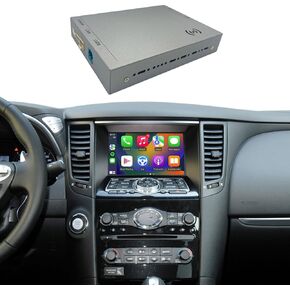 وحدة Carplay & Android Auto متوافقة مع Infiniti QX50 QX70 G25 G37 G37 EX25 EX30 EX35 EX37 FX35 FX37 FX50 RETROFIT KIT PLUP & PLAY SUPERT ORNORITION
KWD 112.500
وحدة Carplay & Android Auto متوافقة مع Infiniti QX50 QX70 G25 G37 G37 EX25 EX30 EX35 EX37 FX35 FX37 FX50 RETROFIT KIT PLUP & PLAY SUPERT ORNORITION
KWD 112.500
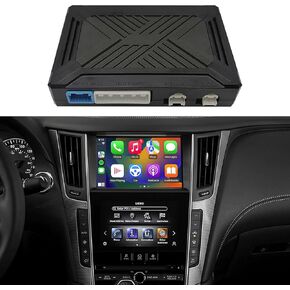 وحدة CarPlay&Android التلقائية المتوافقة مع مجموعة التحديثية Infiniti Q50 2015-2019، تدعم الكاميرا الأصلية، صوت بلوتوث وميكروفون
KWD 94.500
وحدة CarPlay&Android التلقائية المتوافقة مع مجموعة التحديثية Infiniti Q50 2015-2019، تدعم الكاميرا الأصلية، صوت بلوتوث وميكروفون
KWD 94.500
 1-1275 مفصل عالمي
KWD 14.500
1-1275 مفصل عالمي
KWD 14.500
 6an ذكر إلى 3/8 "sae انفصال سريع الذكور دفع على EFI محول ملاءمة الألومنيوم 2pcs
KWD 0
6an ذكر إلى 3/8 "sae انفصال سريع الذكور دفع على EFI محول ملاءمة الألومنيوم 2pcs
KWD 0