- التسوق ، اصبح سهلا.
- /
- احصل على التطبيق!
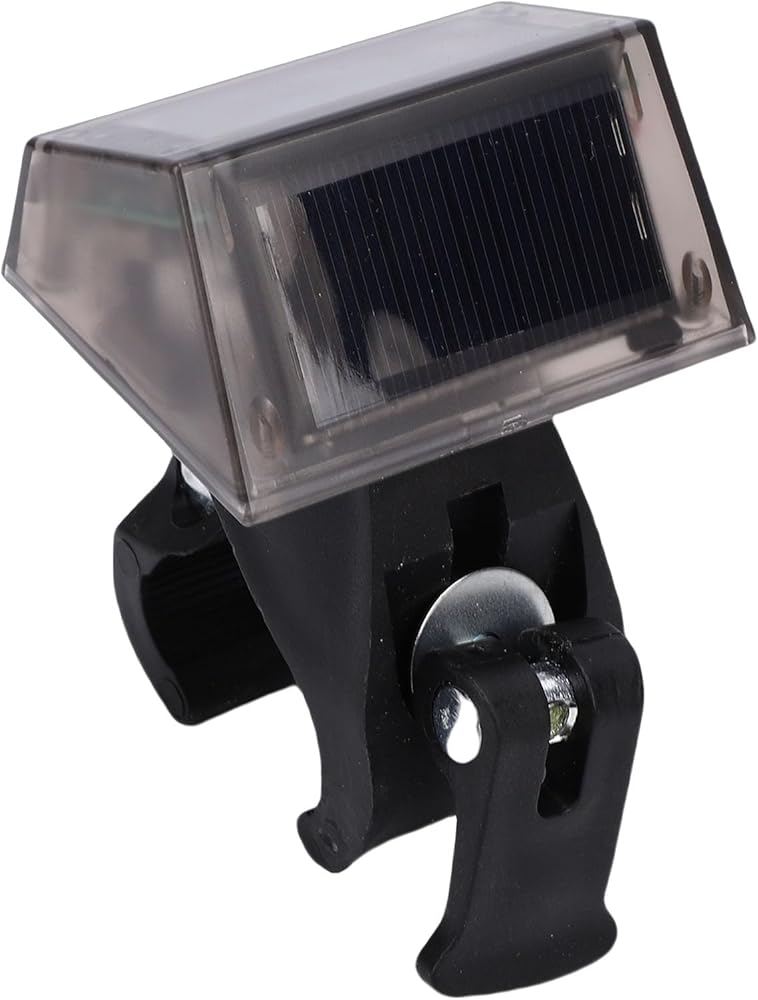
Spec:
Item Type: Electronic Clock
Battery: 200mAh Battery (Shipped with Built in Battery)
1. Remove the waterproofing plug at the back of the product, use a pen or toothpick to push the sliding switch inside the product upwards to turn on the power.
2. This product uses touch keys, simply touch the keys with your fingers to operate. Only operate one key at a time, do not press two keys simultaneously. The keys are located on the side below the display screen. Time setting instructions:
A. Press upper or down to switch between °C - °F.
B. Press and hold ● for 3 seconds to enter the time setting mode, then press ● to set the order: Hours → Minutes → Year → Month → Date → Confirm.
C. In setting mode, press upper or down to adjust the numbers.
D. Press ● to switch between 12/24 hour mode.
3. In dark environments, the backlight automatically lights up when driving, and turns off automatically in daylight or strong light.
Weight: Approx. 100.00g / 3.53oz
How to Use:
There are two installation methods for the product: 1. Equipped with double sided adhesive, clean the pasting position before pasting, and then paste it.
2. The bracket clip is optional accessory, tighten the screw to clip on the armrest, install the product with the solar panel facing towards a bright position, so that the product can continue to charge.
packing list:
1 x Clock
1 x Stand
1 x Mat
2 x Double Sided Tape
1 x User Manual
Note:
After setting the time, remember to replace the waterproofing plug. If the product freezes, turn it off by pushing the switch at the back of the product, wait a few seconds, then turn it back on. The product can withstand rain when installed properly from above, but do not expose it to rain from the back, as it may damage the product.
 ساعة منبه إسقاط، جهاز عرض الطقس LED، وظيفة الإسقاط شاحن USB LED لغرفة النوم الداخلية والخارجية (أسود)
KWD 7.500
ساعة منبه إسقاط، جهاز عرض الطقس LED، وظيفة الإسقاط شاحن USB LED لغرفة النوم الداخلية والخارجية (أسود)
KWD 7.500
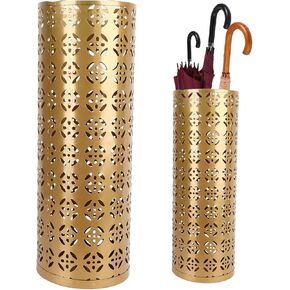 حامل المظلة Fabater ، حامل مظلة معدني ، منظم رف في المظلة الداخلية مع تصميم مجوف ، تخزين المظلة للمدخل ، المكتب ، المنزل (الذهب)
KWD 14
حامل المظلة Fabater ، حامل مظلة معدني ، منظم رف في المظلة الداخلية مع تصميم مجوف ، تخزين المظلة للمدخل ، المكتب ، المنزل (الذهب)
KWD 14
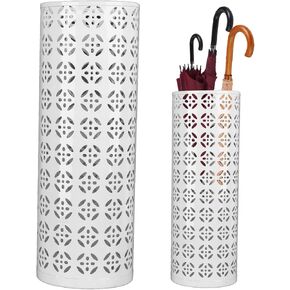 حامل المظلة Fabater ، حامل مظلة معدني ، منظم رف في المظلة الداخلية مع تصميم مجوف ، تخزين المظلة للمدخل ، المكتب ، المنزل (أبيض)
KWD 10.500
حامل المظلة Fabater ، حامل مظلة معدني ، منظم رف في المظلة الداخلية مع تصميم مجوف ، تخزين المظلة للمدخل ، المكتب ، المنزل (أبيض)
KWD 10.500
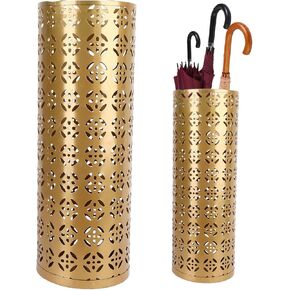 موقف المظلة ، حامل مظلة معدنية ، منظم رف في المظلة الداخلية مع تصميم مجوف ، تخزين المظلة للمدخل ، المكتب ، المنزل (الذهب)
KWD 21.500
موقف المظلة ، حامل مظلة معدنية ، منظم رف في المظلة الداخلية مع تصميم مجوف ، تخزين المظلة للمدخل ، المكتب ، المنزل (الذهب)
KWD 21.500

 الكويت