- التسوق ، اصبح سهلا.
- /
- احصل على التطبيق!
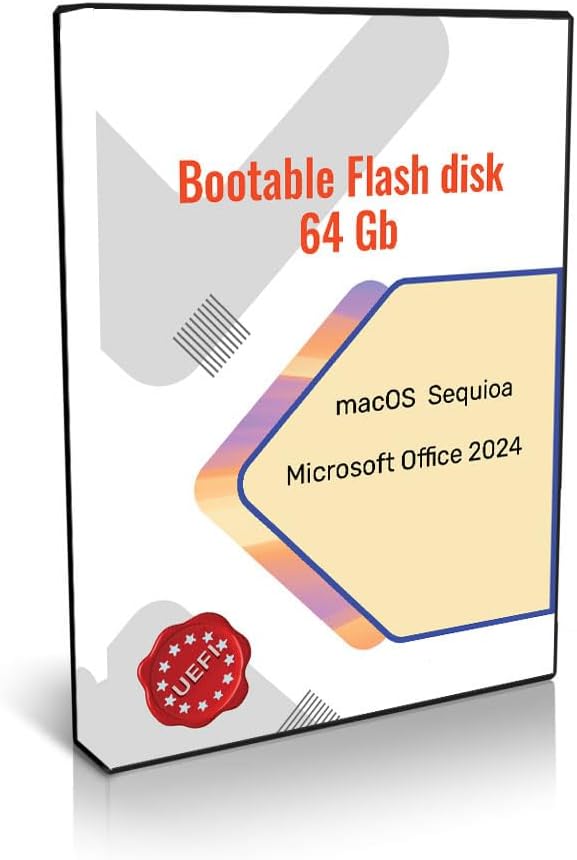
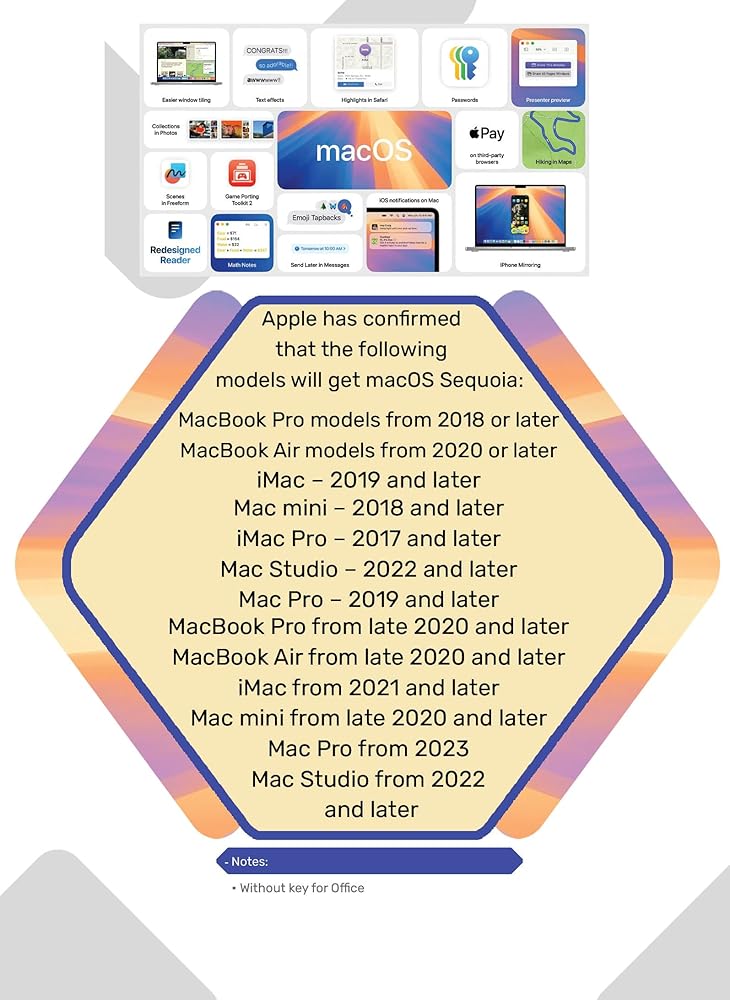
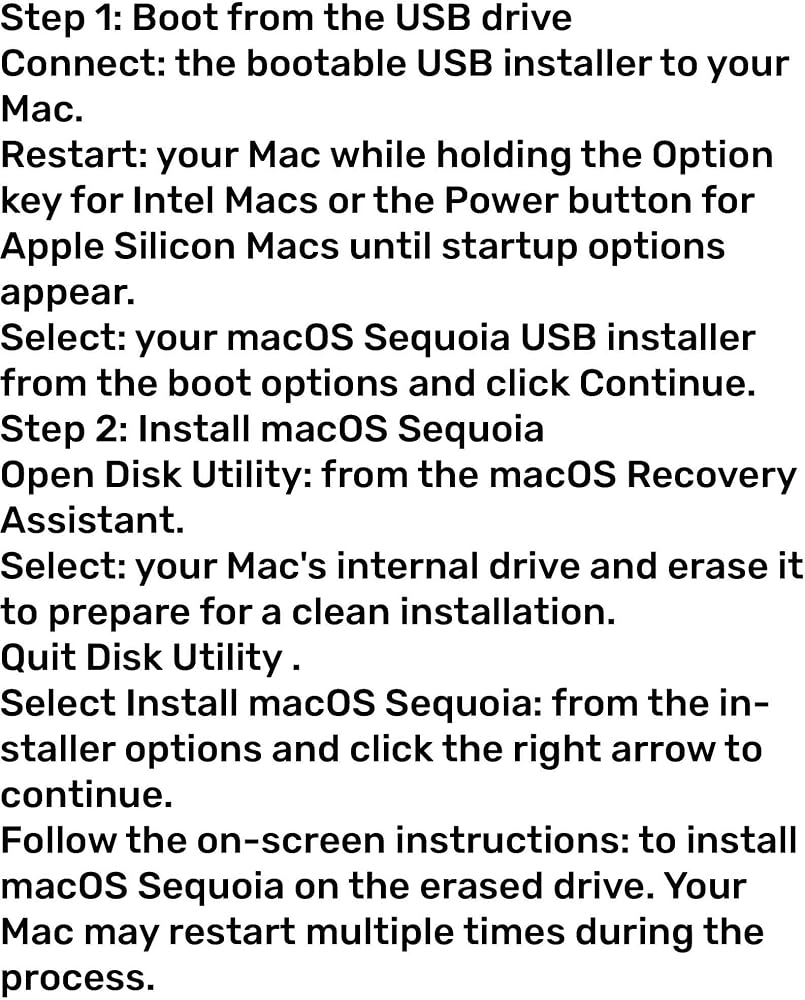
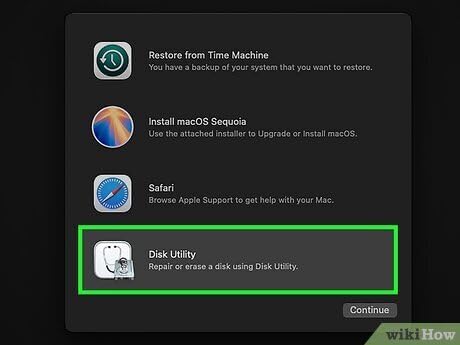
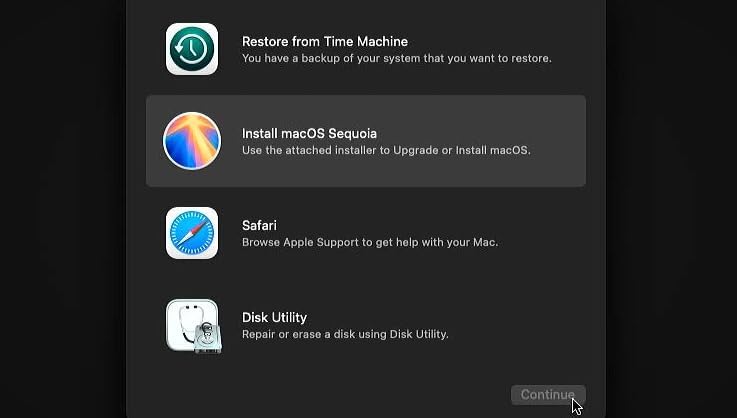
Contains macOS Sequoia Operating System. The operating system mentioned, macOS Sequoia (version 15), was released by Apple in September 2024. You can install it by yourself very simply. -Plug in the prepared bootable USB flash drive. -Restart your Mac (or power it on if it's off). -Immediately press and hold the Option (⌥) key. -Release the key when you see the Startup Manager screen showing the available bootable volumes. -Select the USB drive (often named "Install macOS [Version]") using your cursor or arrow keys and press Return. -The Mac will boot into the macOS Utilities window. From there, you can choose to install the OS (after potentially using Disk Utility to erase your internal drive, if a clean install is desired).
 Techshoppro متوافق مع محرك أقراص فلاش USB Micro Win 11 PRO (الإنجليزية) FPP 64-BIT ENG INTL
KWD 49.500
Techshoppro متوافق مع محرك أقراص فلاش USB Micro Win 11 PRO (الإنجليزية) FPP 64-BIT ENG INTL
KWD 49.500
 مجموعة برامج CAD ثنائية وثلاثية الأبعاد USB - حزمة برامج مكونة من 8 أنظمة تشغيل Windows وmacOS - أدوات تصميم وصياغة كاملة
KWD 8.500
مجموعة برامج CAD ثنائية وثلاثية الأبعاد USB - حزمة برامج مكونة من 8 أنظمة تشغيل Windows وmacOS - أدوات تصميم وصياغة كاملة
KWD 8.500
 Parrot Security 7 OS - محرك أقراص فلاش USB قابل للتمهيد (إصدار الأمان)
KWD 8.500
Parrot Security 7 OS - محرك أقراص فلاش USB قابل للتمهيد (إصدار الأمان)
KWD 8.500
 Ubuntu Server 25.10 أحدث محرك أقراص فلاش USB قابل للتشغيل
KWD 8.500
Ubuntu Server 25.10 أحدث محرك أقراص فلاش USB قابل للتشغيل
KWD 8.500