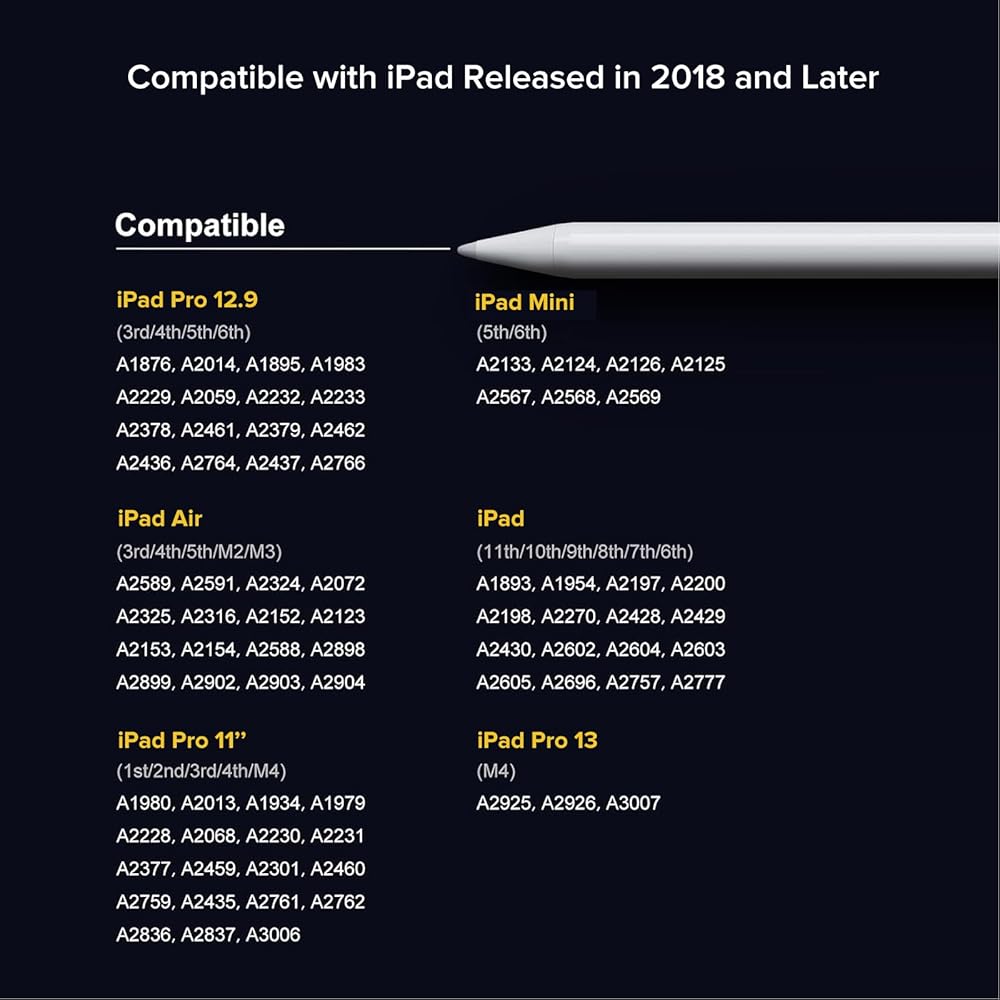
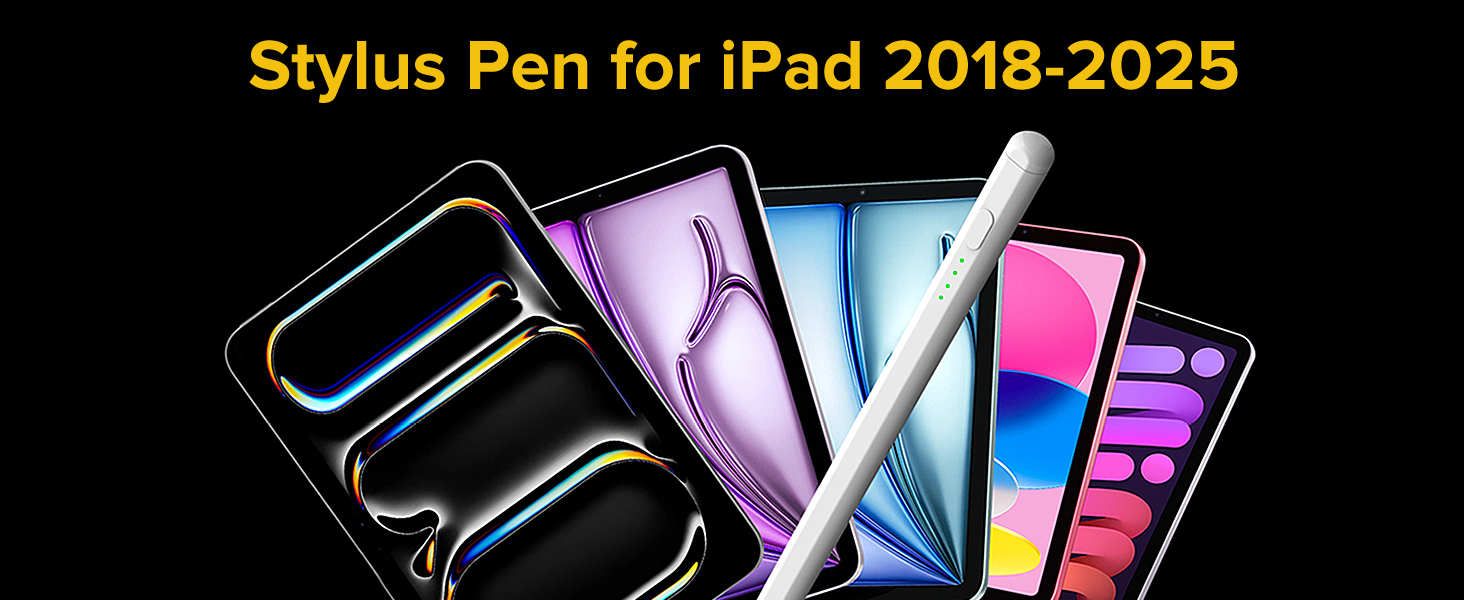
【متوافق مع iPad وiPad Pro (2018-2025)】تم تصميم قلم iPad هذا لمجموعة واسعة من أجهزة iPad، بما في ذلك iPad Pro 13 بوصة (M4)، وiPad Pro 12.9 بوصة (3/4/5/6)، وiPad Pro 11 بوصة (جميع الأجيال)، وiPad Air M3/M2/5/4/3، وiPad 11/10/9/8/7/6، وiPad Mini 6/5. تأكد من التحقق من جهازك قبل الشراء، لأن هذا القلم الرصاص غير متوافق مع الموديلات الأخرى.
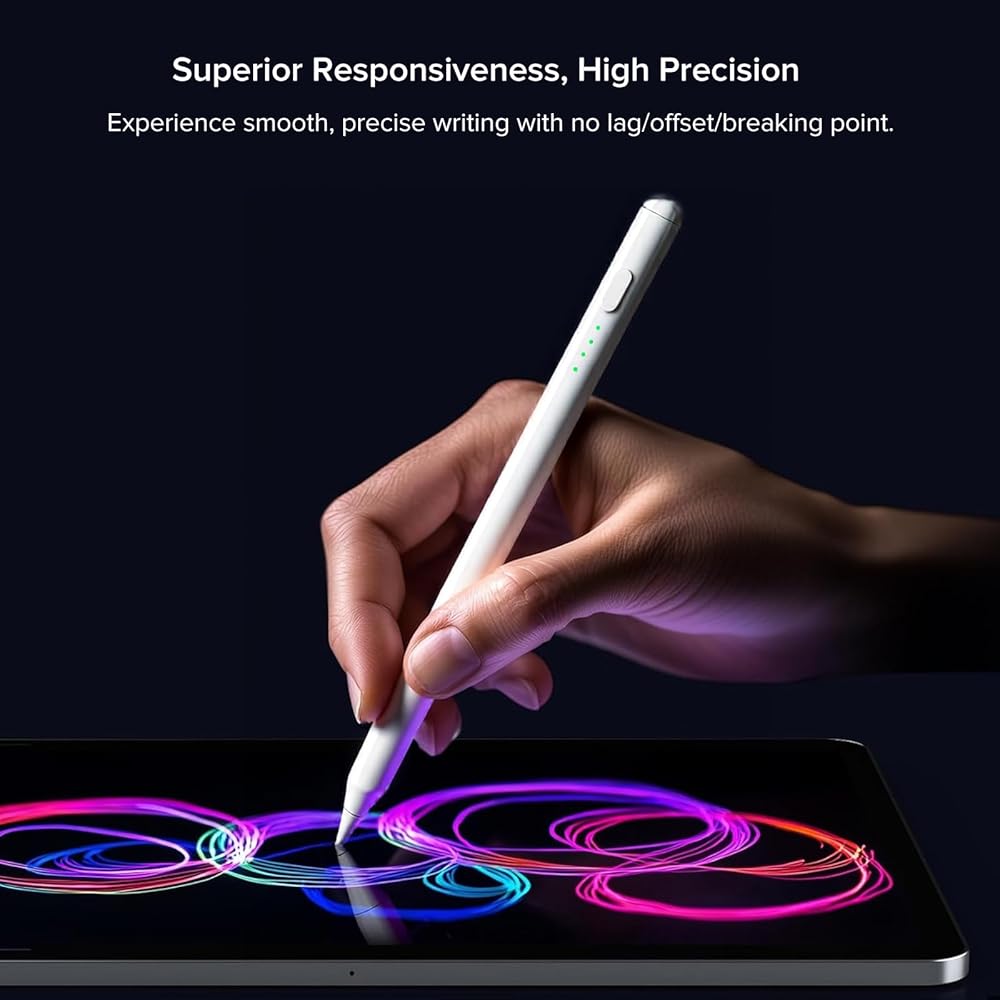
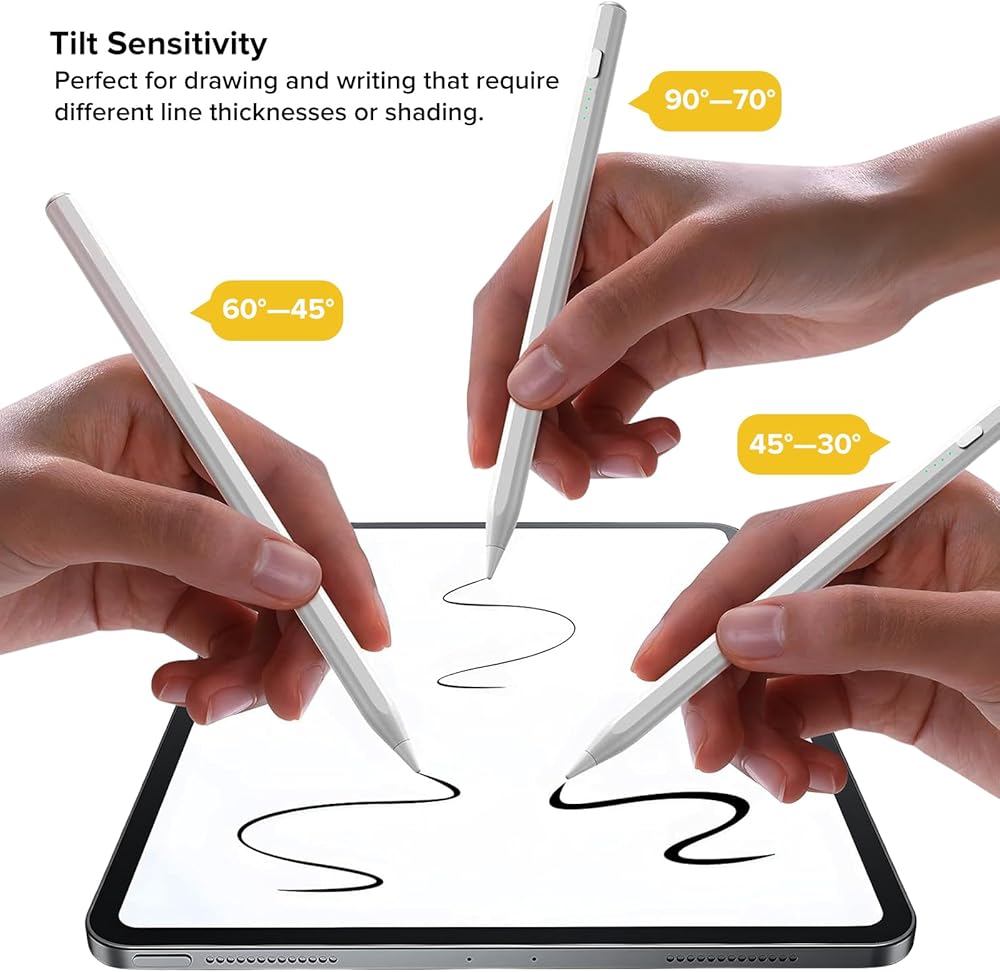
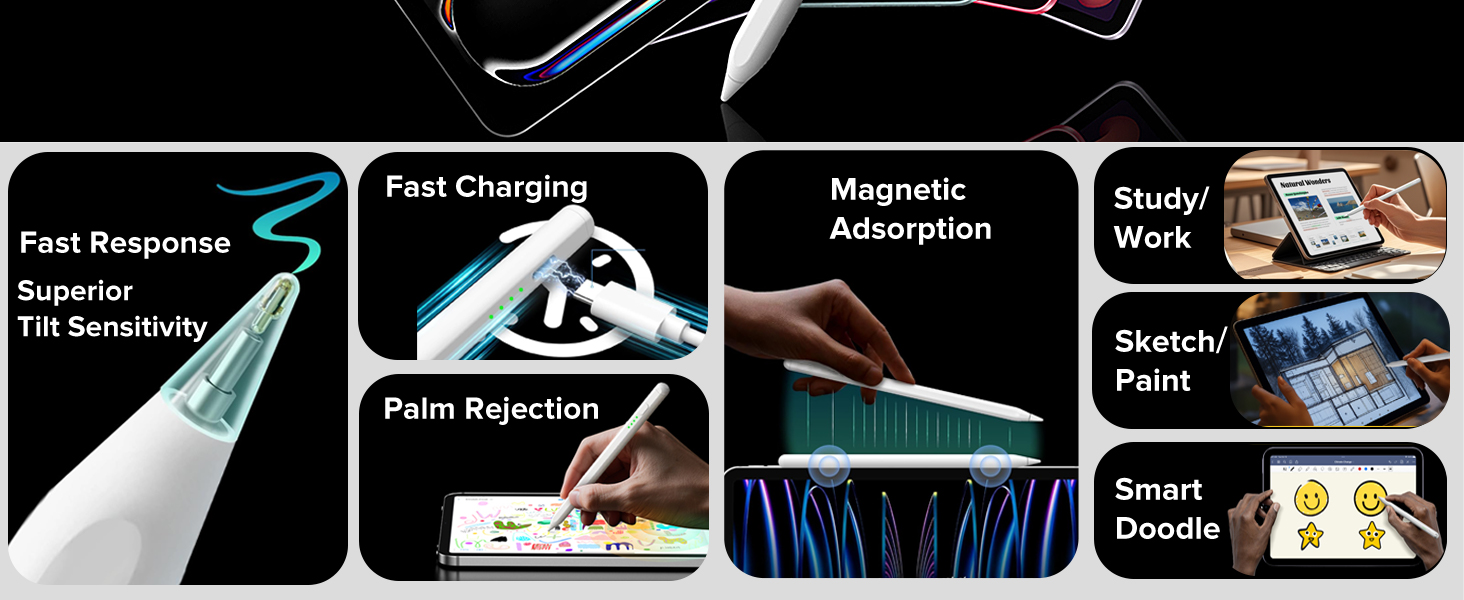
【حساسية الإمالة + استجابة عالية】تمتع بتجربة كتابة سلسة ودقيقة بدون أي تأخير/إزاحة/نقطة كسر. يسمح التصميم المتقدم بسمك خط مختلف بناءً على زاوية إمالة القلم الرصاص، مما يعزز حرية الكتابة والرسم. لا يدعم هذا القلم حساسية الضغط، ولكنه يوفر استجابة فائقة مقارنة بالقلم السلبي. بالإضافة إلى ذلك، يتم تضمين 3 أطراف بديلة من أجل الراحة.
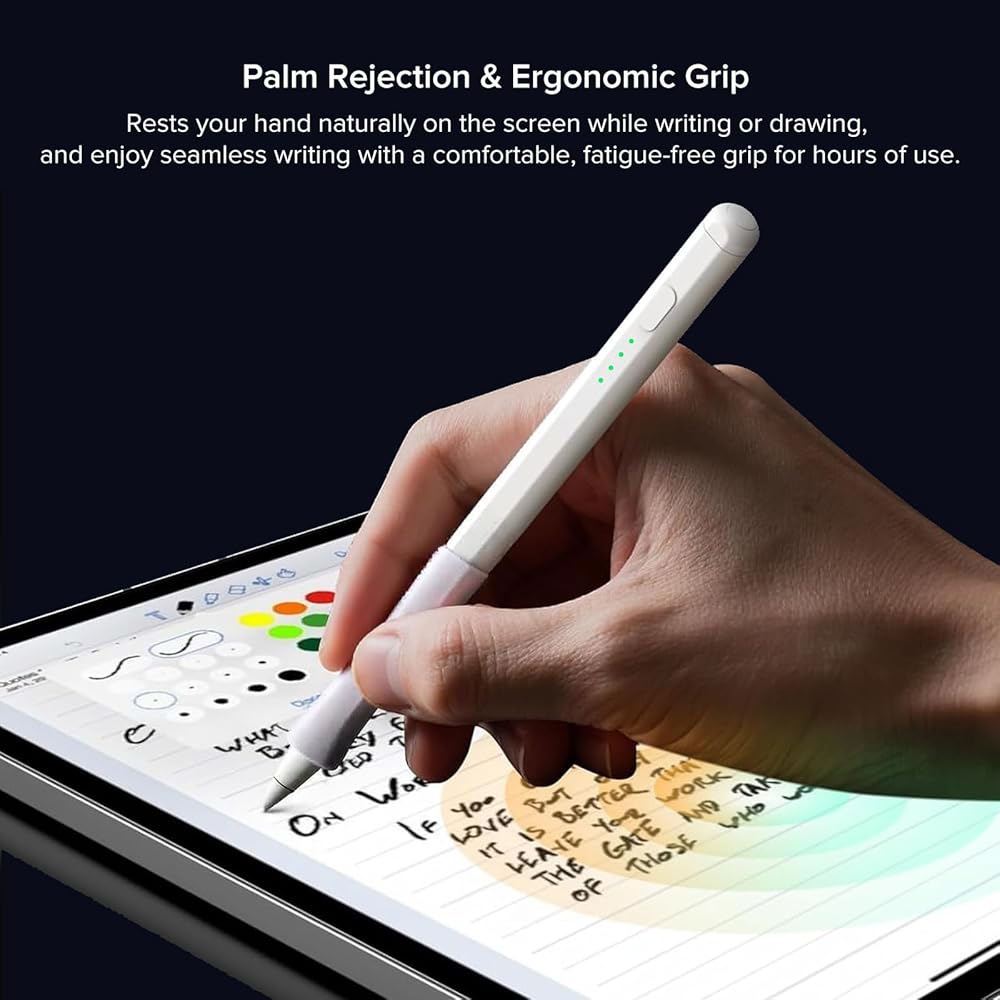
【رفض راحة اليد + قبضة مريحة】مجهز بتقنية رفض راحة اليد، يضمن قلم القلم هذا الكتابة الطبيعية والمتواصلة والتفاعل السهل مع شاشتك. تم تصميم المقبض المريح لتقليل تعب اليد وتوفير قبضة مريحة وغير قابلة للانزلاق، مما يجعلها مثالية لساعات طويلة من الاستخدام.
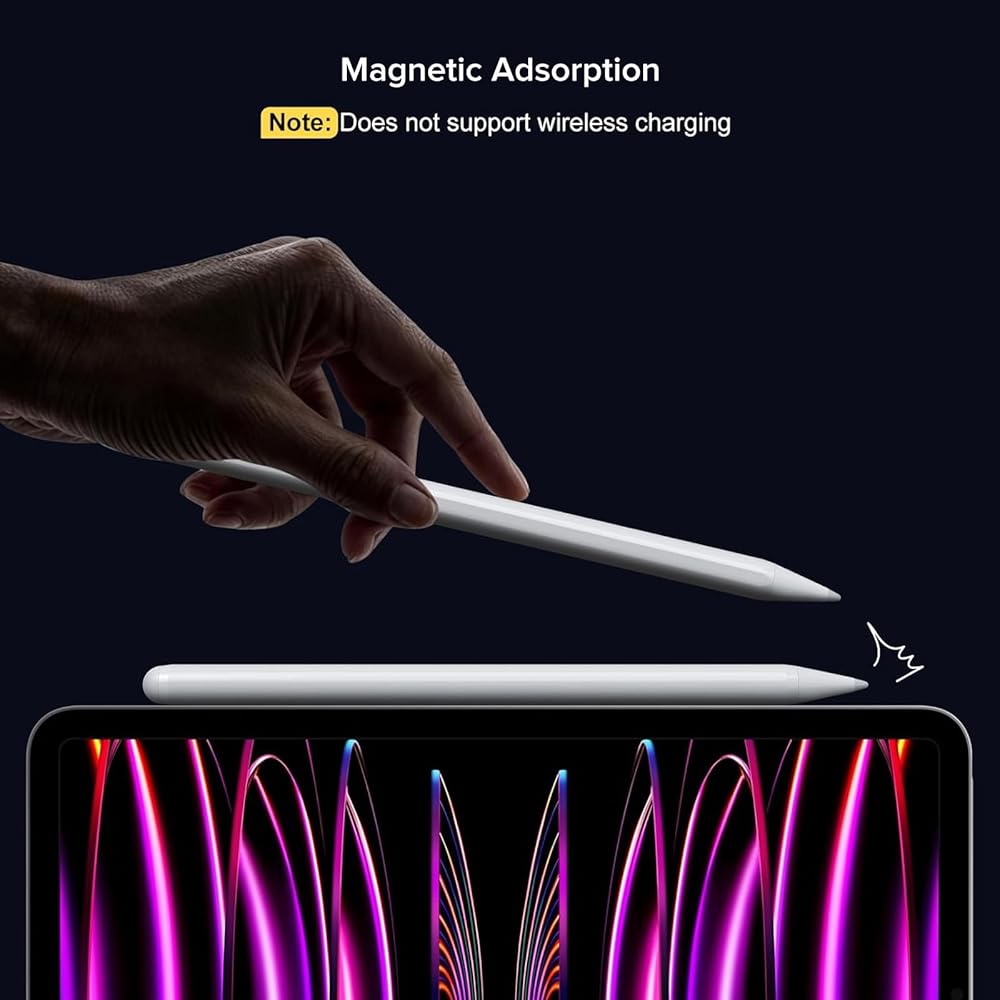
【جاذبية مغناطيسية + وضع توفير الطاقة】يسمح لك المغناطيس المدمج بتثبيت قلم القلم بشكل آمن بجهاز iPad الخاص بك، بما في ذلك iPad 10، لسهولة التخزين ومنع الضياع. حتى مع وجود مقبض القلم المرفق، تظل الميزة المغناطيسية فعالة. يعمل التصميم الموفر للطاقة على إيقاف تشغيل قلم iPad تلقائيًا بعد 5 دقائق من عدم النشاط، مما يضمن عمر البطارية الطويل.
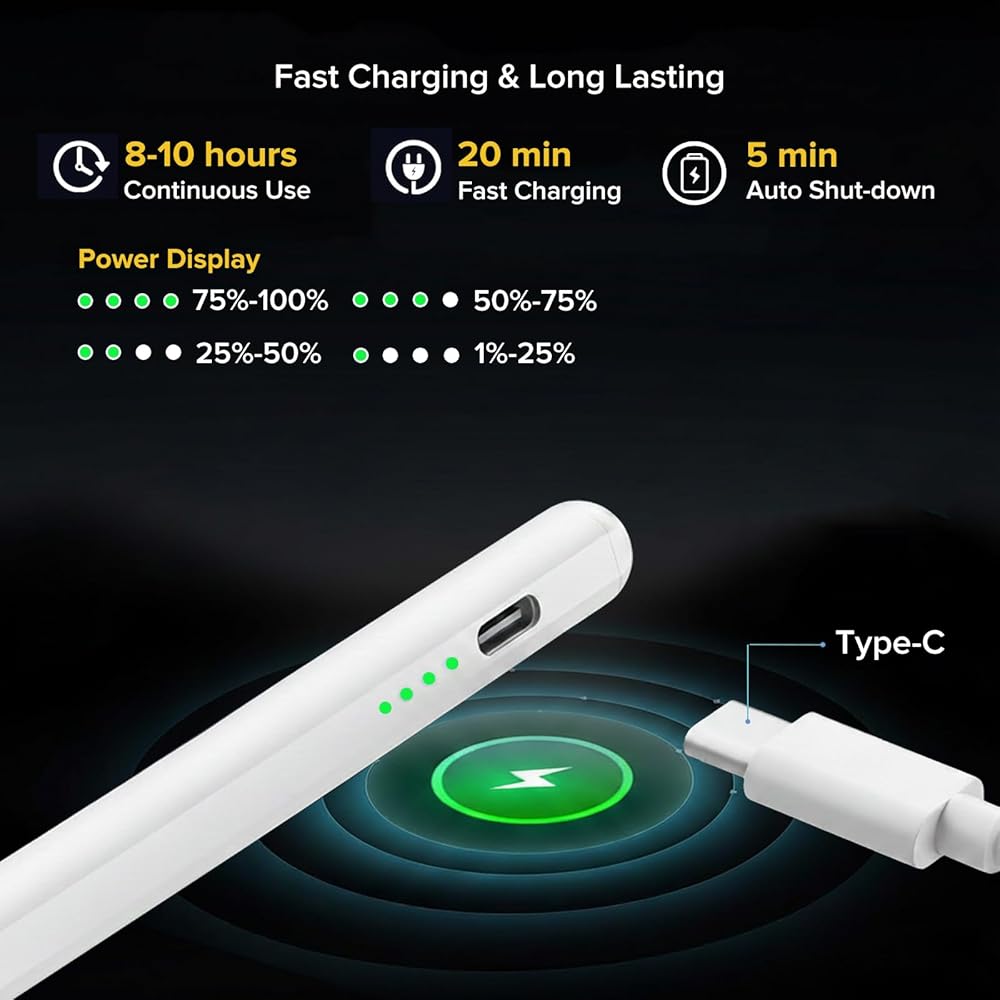
【شحن سريع ومؤشر بطارية ذو 4 مستويات 】يتم الشحن بالكامل خلال 20 دقيقة فقط لمدة تصل إلى 10 ساعات من الاستخدام المستمر. يتميز قلم القلم بمؤشر بطارية بأربعة مستويات: جميع المصابيح الأربعة: 75%-100%، 3 مصابيح: 50%-75%، مصباحان: 25%-50%، مصباح واحد: 5%-25%، ضوء وامض: أقل من 5%، وقت إعادة الشحن.
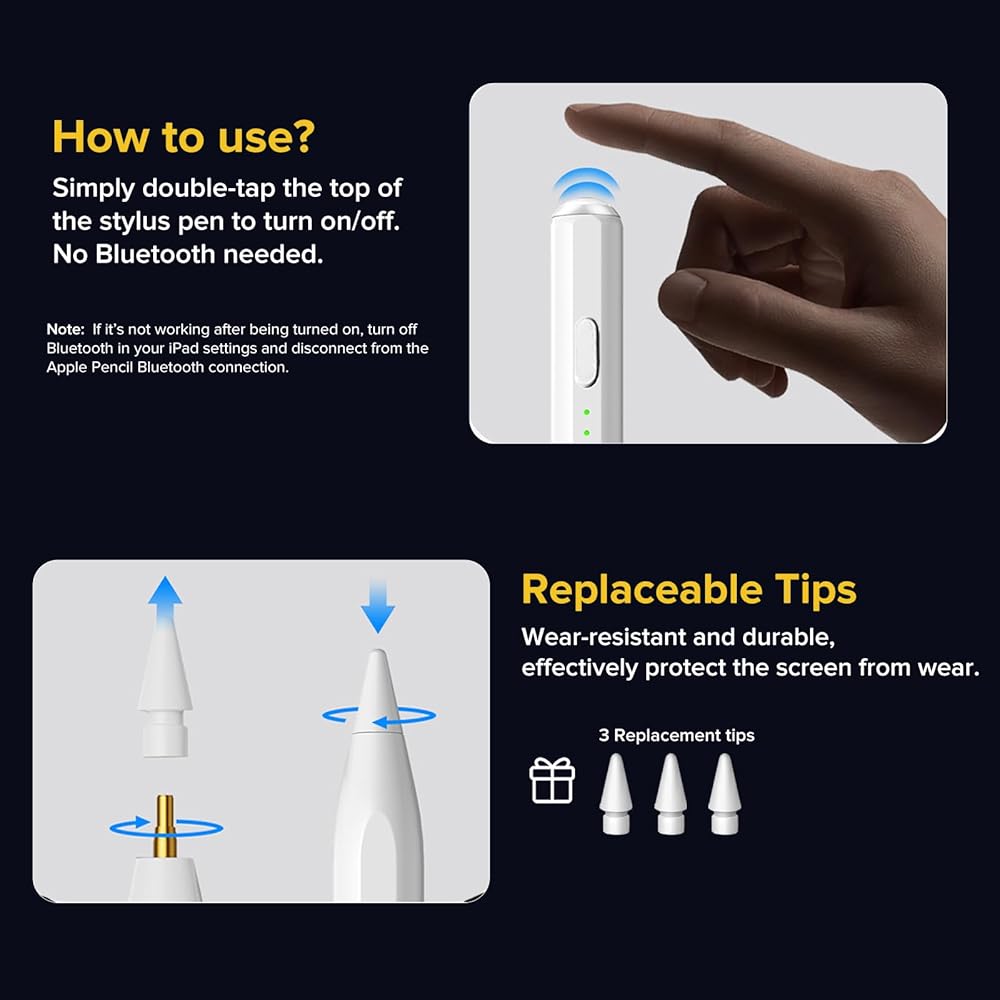
【سهولة التشغيل/الإيقاف】لا حاجة إلى بلوتوث! ما عليك سوى النقر نقرًا مزدوجًا على الجزء العلوي من قلم القلم لتشغيله أو إيقاف تشغيله. إذا لم يعمل بعد تشغيله، فقم بإيقاف تشغيل Bluetooth في إعدادات iPad الخاص بك وافصله عن اتصال Apple Pencil Bluetooth للحصول على تجربة سلسة.
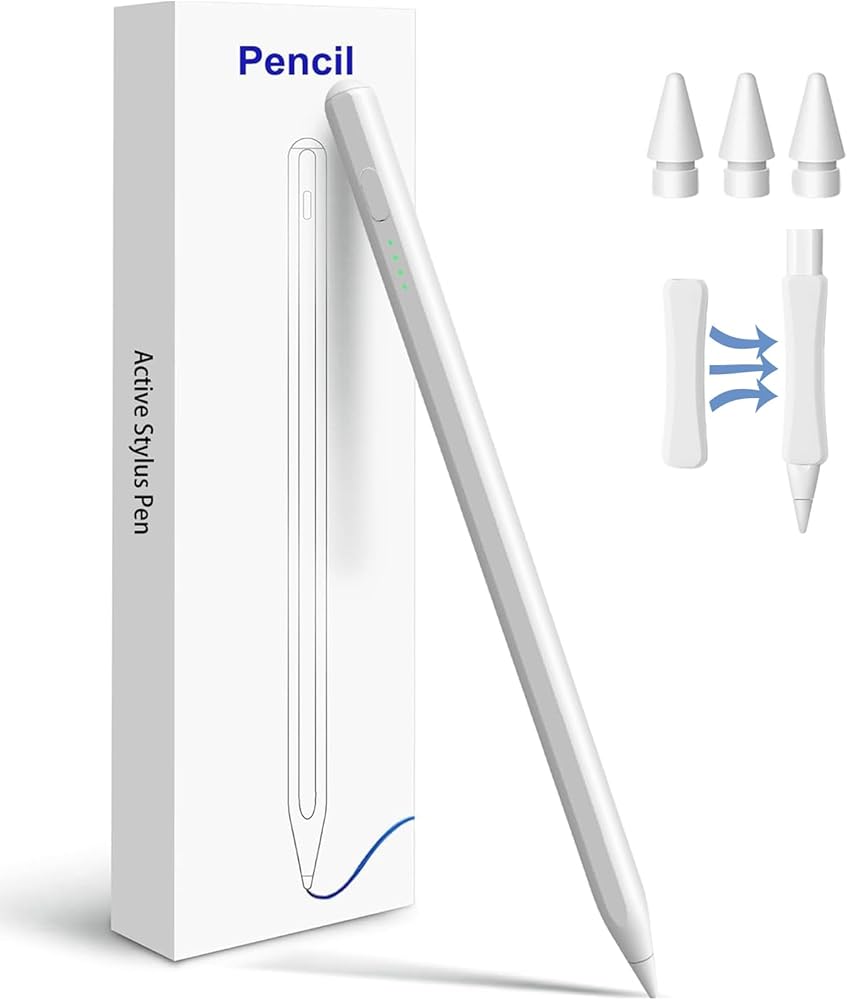
【محتويات العلبة】1 قلم ذكي، 1 كابل شحن من النوع C، 3 نصائح بديلة، 1 قبضة مريحة، 1 دليل المستخدم. لأي استفسار عن المنتج، لا تتردد في الاتصال بنا.
ملحوظة: اتبع الخطوات لفصل اتصال Bluetooth بين جهاز iPad وApple Pencil: الإعدادات > Bluetooth > Apple Pencil > اضغط على "i" > "نسيت هذا الجهاز".
 مكبر صوت بلوتوث للسيارة، مكبر صوت للسيارة بلوتوث مكبر صوت واقي من الشمس محول استقبال الصوت مكبر صوت Mp3 بدون استخدام اليدين مع مشبك خلفي للتحدث بدون استخدام اليدين
KWD 5.500
مكبر صوت بلوتوث للسيارة، مكبر صوت للسيارة بلوتوث مكبر صوت واقي من الشمس محول استقبال الصوت مكبر صوت Mp3 بدون استخدام اليدين مع مشبك خلفي للتحدث بدون استخدام اليدين
KWD 5.500
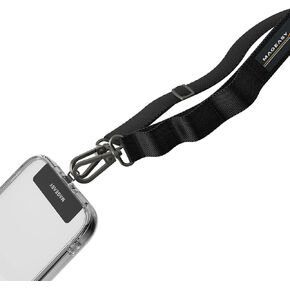 MAGEASY Rover iPhone Lanyard Crossbody مع شريط حبل وحلقة مرفقة، حزام هاتف مضاد للسرقة قابل للتعديل لهاتف Samsung Google Pixel، حبل كتف للرقبة 20 مم، يحمل 55 رطلًا (مشبك مزدوج، أسود)
KWD 12.500
MAGEASY Rover iPhone Lanyard Crossbody مع شريط حبل وحلقة مرفقة، حزام هاتف مضاد للسرقة قابل للتعديل لهاتف Samsung Google Pixel، حبل كتف للرقبة 20 مم، يحمل 55 رطلًا (مشبك مزدوج، أسود)
KWD 12.500
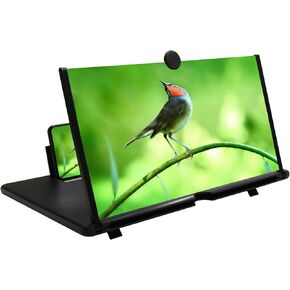 مكبر شاشة الهاتف المحمول مقاس 12 بوصة، شاشة عرض مكبرة للهاتف المحمول ثلاثية الأبعاد عالية الدقة للأفلام ومقاطع الفيديو وحامل هاتف قابل للطي مع مضخم شاشة، يدعم جميع الهواتف الذكية (أبيض، 12 بوصة)
KWD 6.500
مكبر شاشة الهاتف المحمول مقاس 12 بوصة، شاشة عرض مكبرة للهاتف المحمول ثلاثية الأبعاد عالية الدقة للأفلام ومقاطع الفيديو وحامل هاتف قابل للطي مع مضخم شاشة، يدعم جميع الهواتف الذكية (أبيض، 12 بوصة)
KWD 6.500
 وحدة تحكم الألعاب المحمولة MAJESTECH NEW D8 لأجهزة iPhone/Android/iPad/Tablet، Play Xbox Cloud، Playstation Remote Play، Steam/PC، Switch! عصا التحكم RGB Hall/جهاز التحكم في ألعاب الهاتف اللاسلكي بتقنية البلوتوث
KWD 22
وحدة تحكم الألعاب المحمولة MAJESTECH NEW D8 لأجهزة iPhone/Android/iPad/Tablet، Play Xbox Cloud، Playstation Remote Play، Steam/PC، Switch! عصا التحكم RGB Hall/جهاز التحكم في ألعاب الهاتف اللاسلكي بتقنية البلوتوث
KWD 22