- التسوق ، اصبح سهلا.
- /
- احصل على التطبيق!
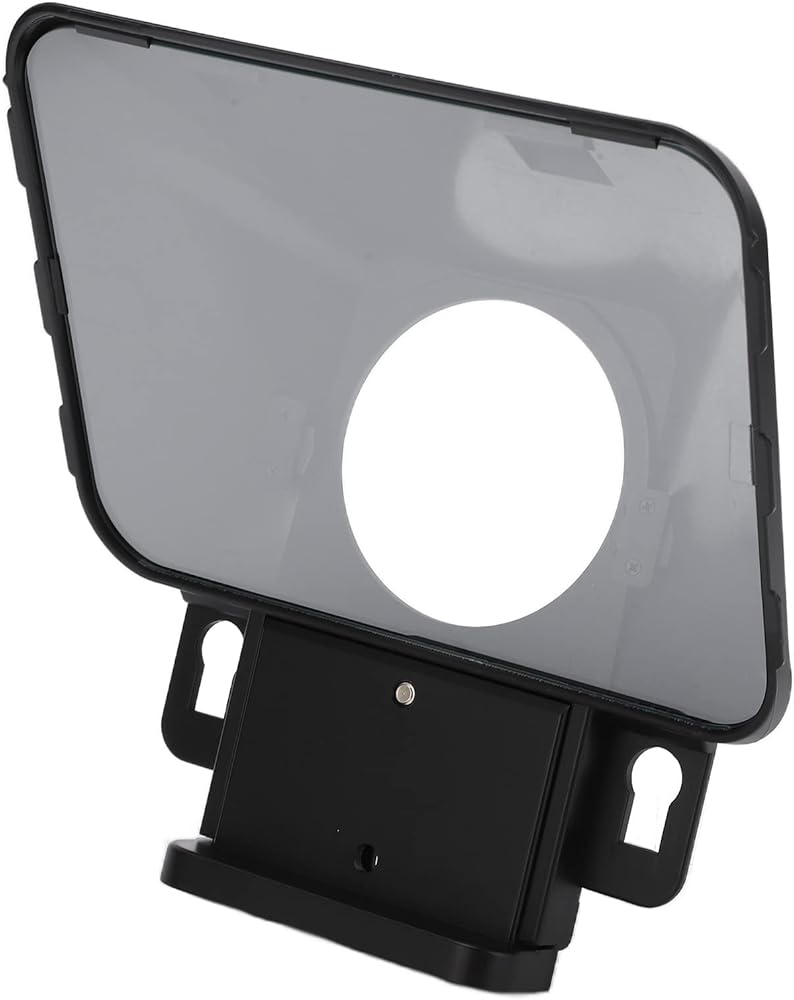
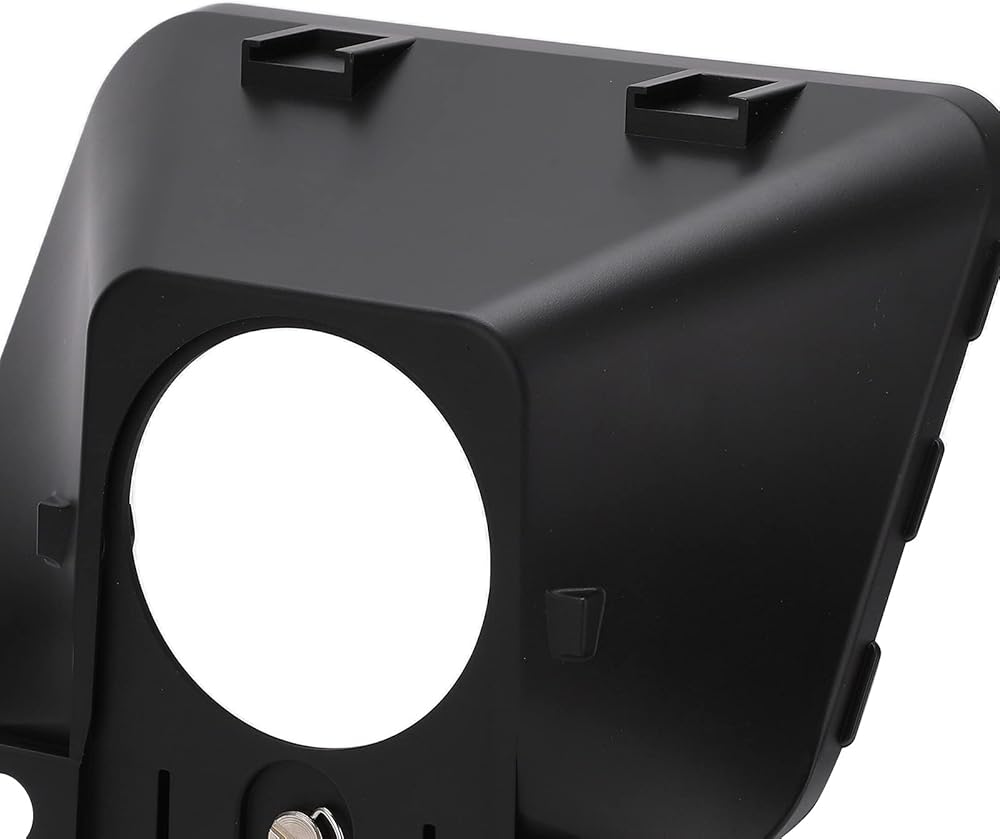
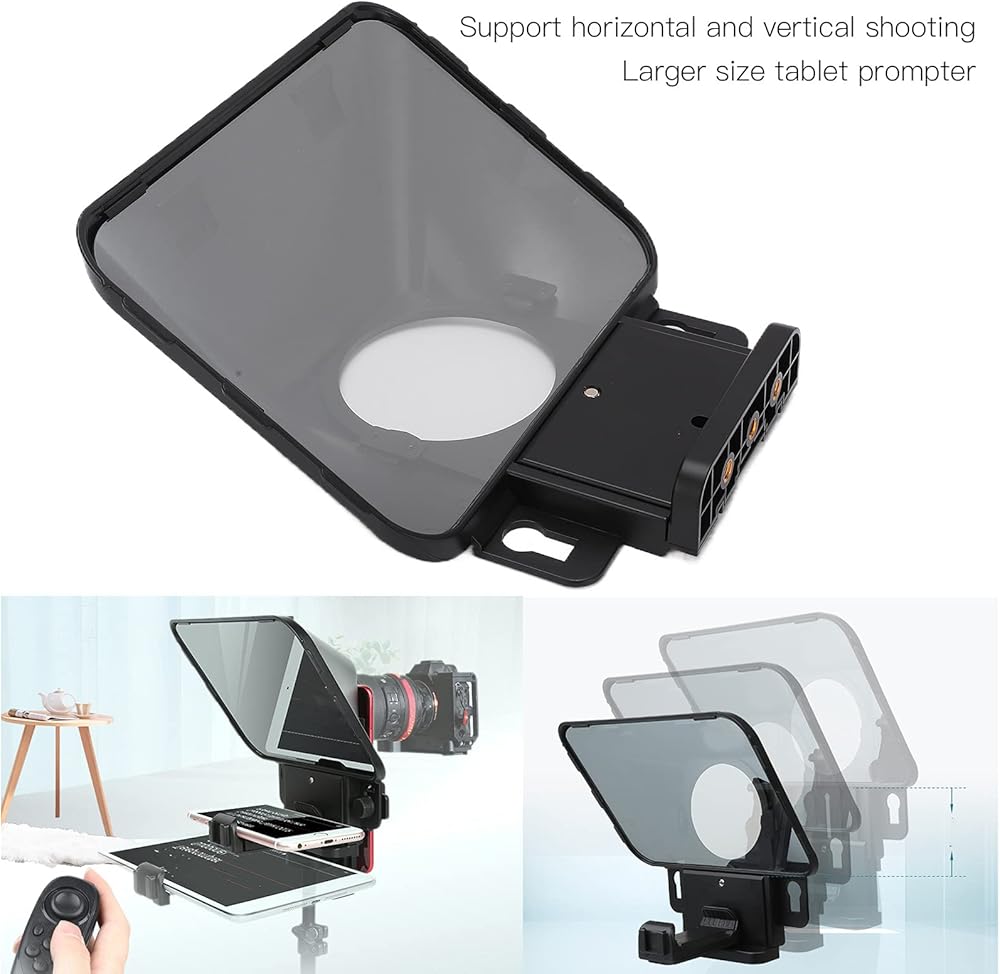
1. High definition manuscript display, the teleprompter can help the speaker to read the manuscript when facing the manuscript, so as to avoid the influence of long video recording and forgetting words on the video .
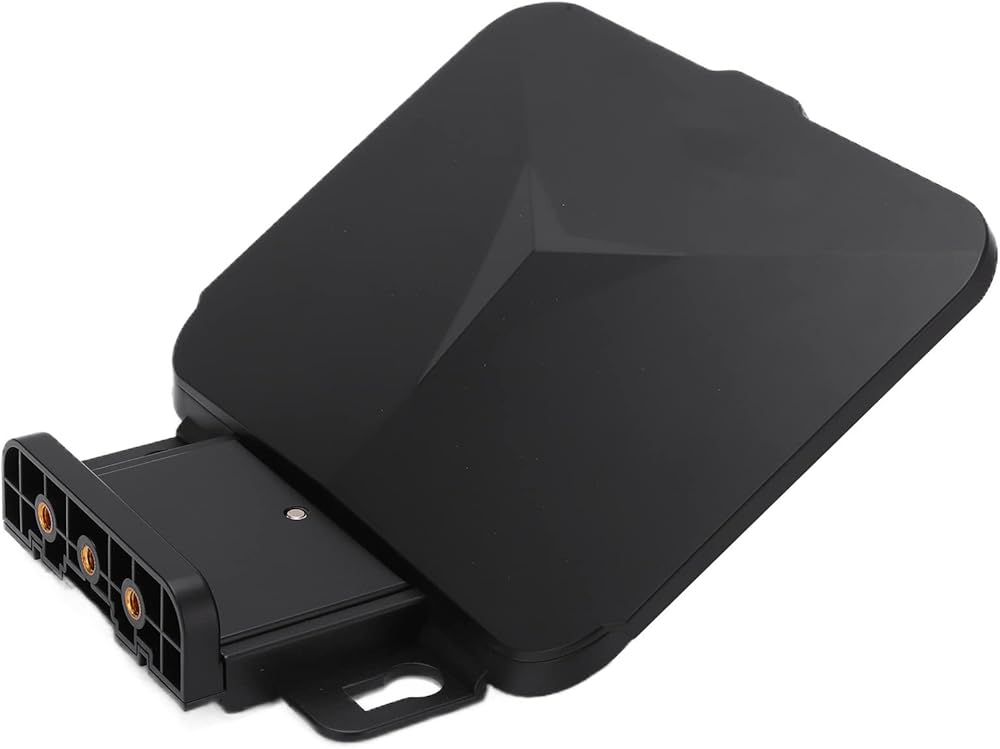
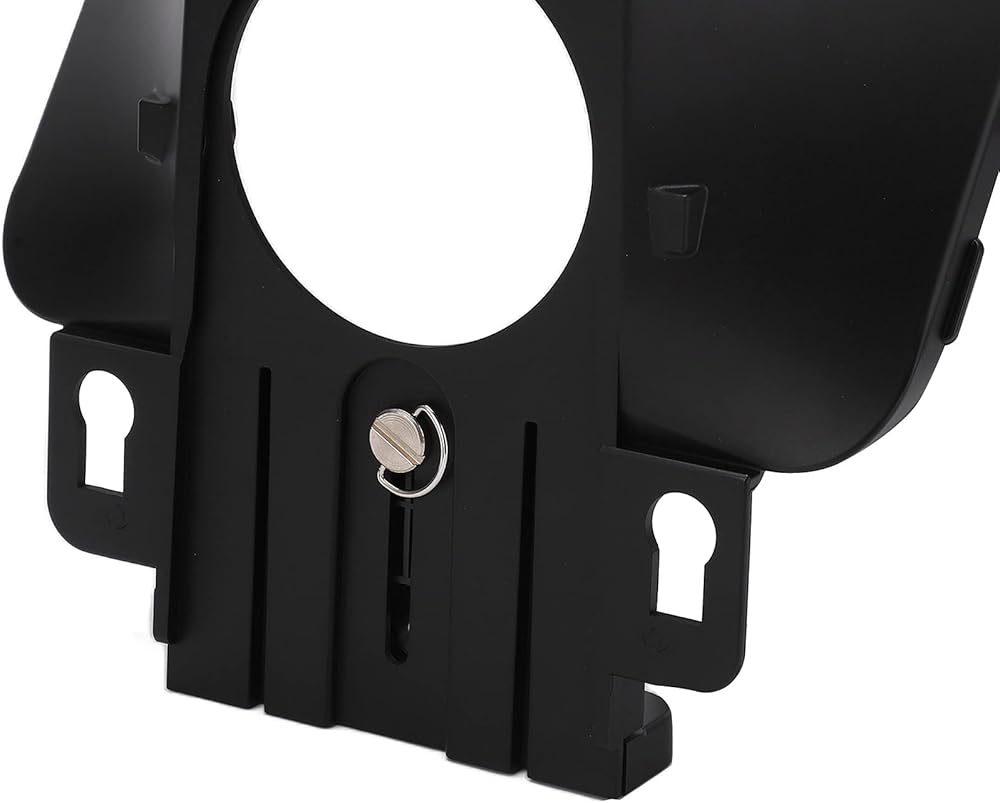
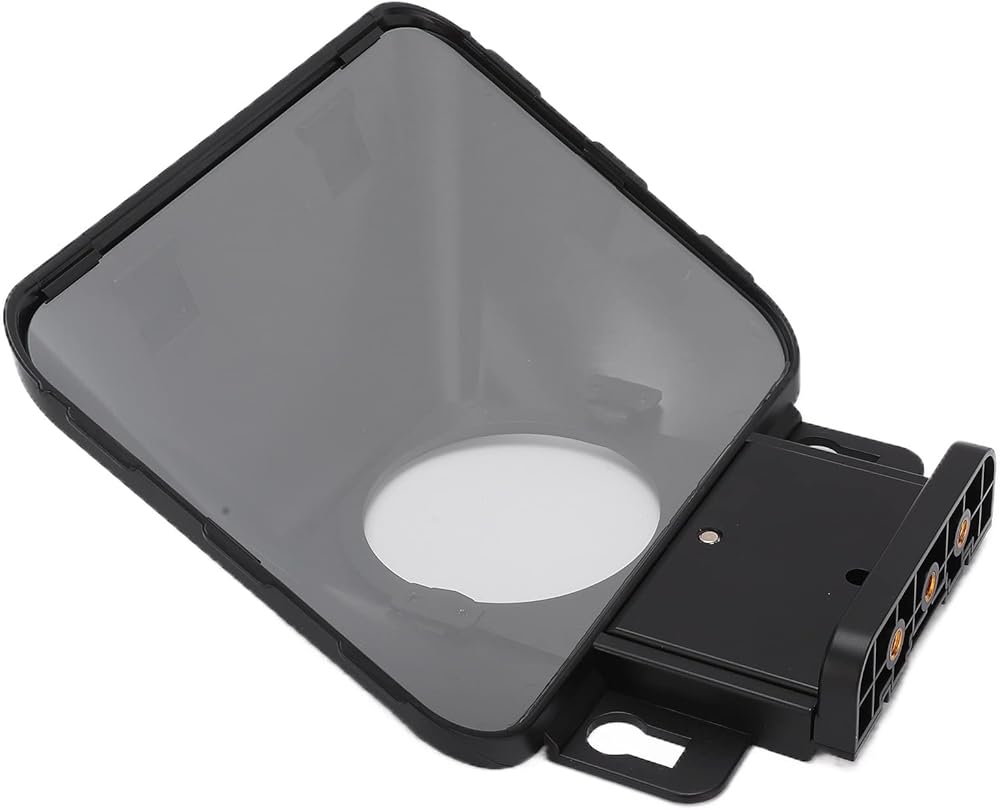
2. The telescopic base is designed, and the position of the base can be adjusted up and down to effectively solve the problem of the support or teleprompter device being in the lens when the camera is taking a vertical Take/Attempt.
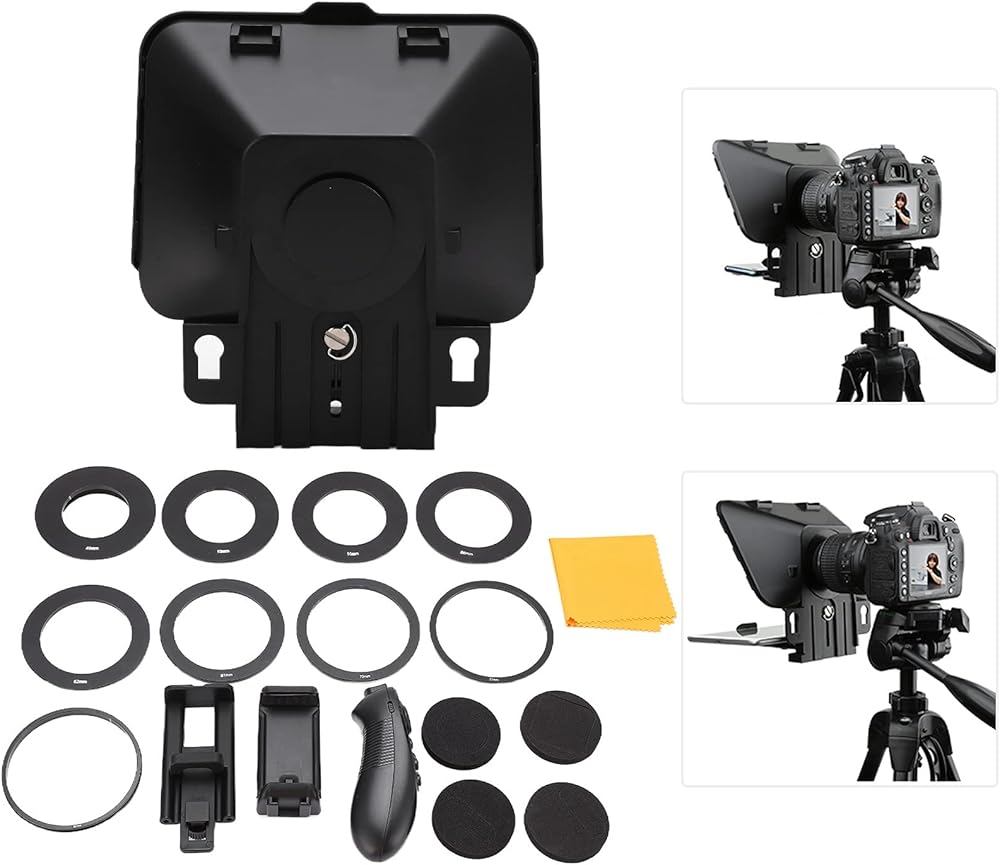
3. Support camera mobile phone vertical , short video creation and recording of horizontal , interview programs, online teaching, host commentary live or recording.
4. Download the "BSETVIEW"APP, and you can control your for or for IOS phone or tablet with a wireless remote control.
5. Upgraded version supports with a larger lens, horizontal Take/Attempt can support a minimum of 24mm length lens, vertical Take/Attempt can support a minimum of 35mm length lens.
6. Screen is made of 26 layers of coated glass tempered with a hardness of up to 7H. It has excellent transmittance and reflection effect, ensuring clear mapping documents and imaging, thus improving the efficiency.
7. At the top of the teleprompter, there are two cold shoe mount, which can be expanded to install the microphone, fill light, mobile phone stand and other auxiliary equipment.
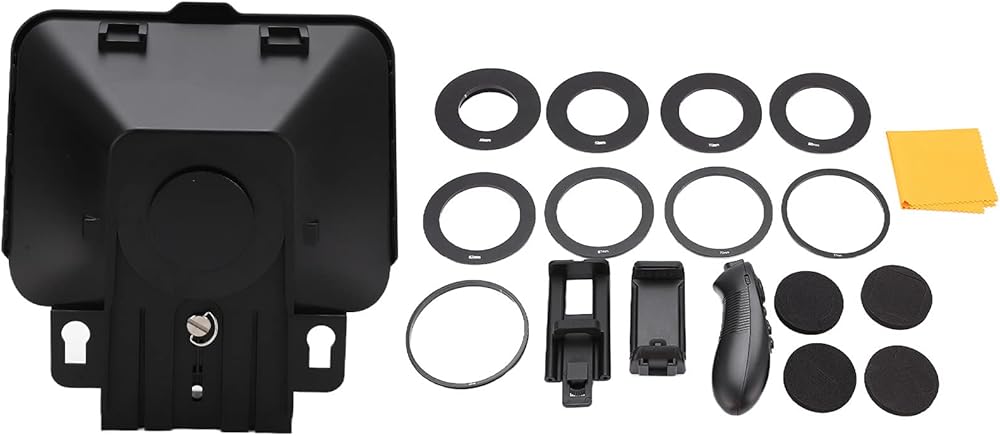
8. Compatible, equipped with 49mm, 52mm, 58mm, 62mm, 67mm, 72mm, 77mm adapter can be compatible with a variety of mobile phone and camera video recording.
Spec:
Item Type: Teleprompter
Model: T3
Colour: Black
Weight: Approx.1004g/35.4oz
Material: Plastic + Optical Glass + Alloy
Adapter : Approx. 49mm/1.9in, 52mm/2.0in, 55mm/2.2in, 58mm/2.3in, 62mm/2.4in, 67mm/2.6in, 72mm/2.8in, 77mm/3.0in, 82mm/3.2in
Bracket Interface: 1/4in Screw
Remote Control: Remote Control
Remote Control Battery: 2 x AAA (sold Separately)
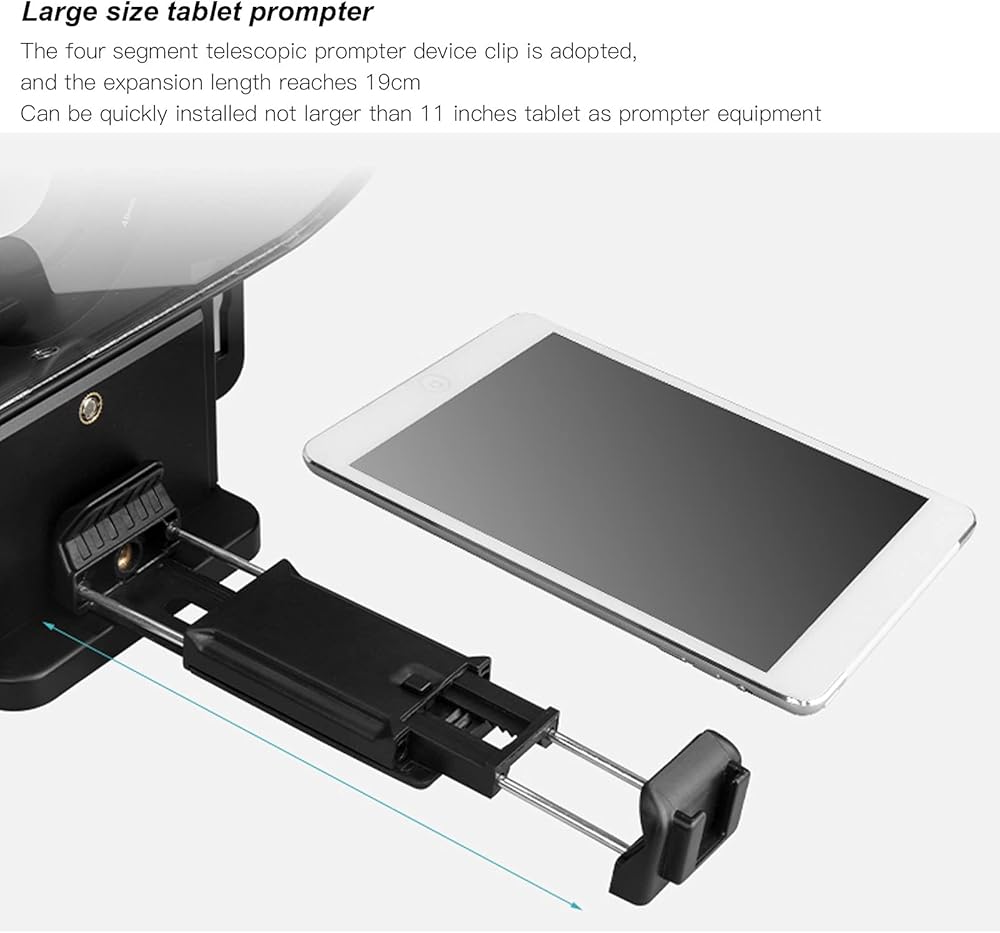
Support Smart Devices: Smart Phones, Tablets (20.066-27.94cm/7.9-11in)
How to Use:
1. Rotate and loosen the fixing screws on the lift base of the teleprompter first, and pull down the base of the teleprompter.
2. Fix the 1/4in screw hole of the mobile phone Clamp/Holder with the 1/4in screw hole on the teleprompter lifting base with 1/4in screws.
3. Rotate and loosen the screws on the back of the phone holder, pull the phone holder and put it into the tablet or phone.
4. Rotate and verify the filter adapter according to the size of the lens filter.
5. Install the camera with filter adapter along the card slot on the back of the teleprompter.
packing list:
1 x Teleprompter
1 x Remote Control
1 x Phone Clamp/Holder
1 x Tablet Clamp/Holder
1 x Side Word Foam
1 x Middle Word Foam
1 x Middle Round Foam
1 x Middle Square Foam
1 x 49mm Adapter
1 x 52mm Adapter
1 x 55mm Adapter
1 x 58mm Adapter
1 x 62mm Adapter
1 x 67mm Adapter
1 x 72mm Adapter
1 x 77mm Adapter
1 x 82mm Adapter
1 x Dust Cloth
1 x Manual
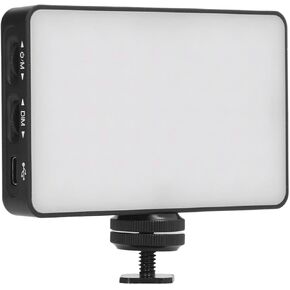 RGB Video Lights Camera Light Coll Color Plantable Photography Lighting 3000mAh Reckable 2500؟ 9000K Dimmable
KWD 13.500
RGB Video Lights Camera Light Coll Color Plantable Photography Lighting 3000mAh Reckable 2500؟ 9000K Dimmable
KWD 13.500
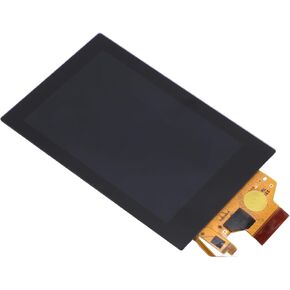 شاشة لمس شاشة LCD بديلة لـ G1 x2 M3 M10 Cameras - شاشة الإضاءة الخلفية
KWD 28.500
شاشة لمس شاشة LCD بديلة لـ G1 x2 M3 M10 Cameras - شاشة الإضاءة الخلفية
KWD 28.500
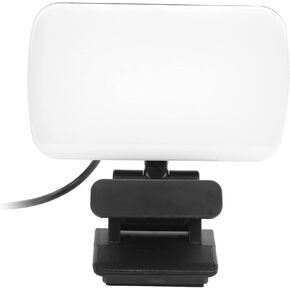 إضاءة مؤتمر الفيديو مع رأس 360 درجة قابلة للتدوير ، 3 ألوان ، 20 حبات LED ، قابلة للشحن لاستخدام الكمبيوتر المحمول وكاميرا الويب
KWD 7.500
إضاءة مؤتمر الفيديو مع رأس 360 درجة قابلة للتدوير ، 3 ألوان ، 20 حبات LED ، قابلة للشحن لاستخدام الكمبيوتر المحمول وكاميرا الويب
KWD 7.500
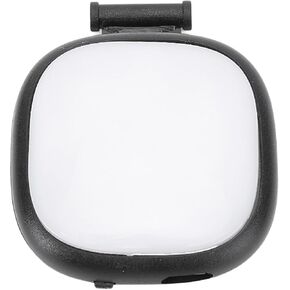 مصباح فيديو LED لجيب 3 درجات حرارة 3 درجات حرارة قابلة للتعديل
KWD 12.500
مصباح فيديو LED لجيب 3 درجات حرارة 3 درجات حرارة قابلة للتعديل
KWD 12.500