- التسوق ، اصبح سهلا.
- /
- احصل على التطبيق!
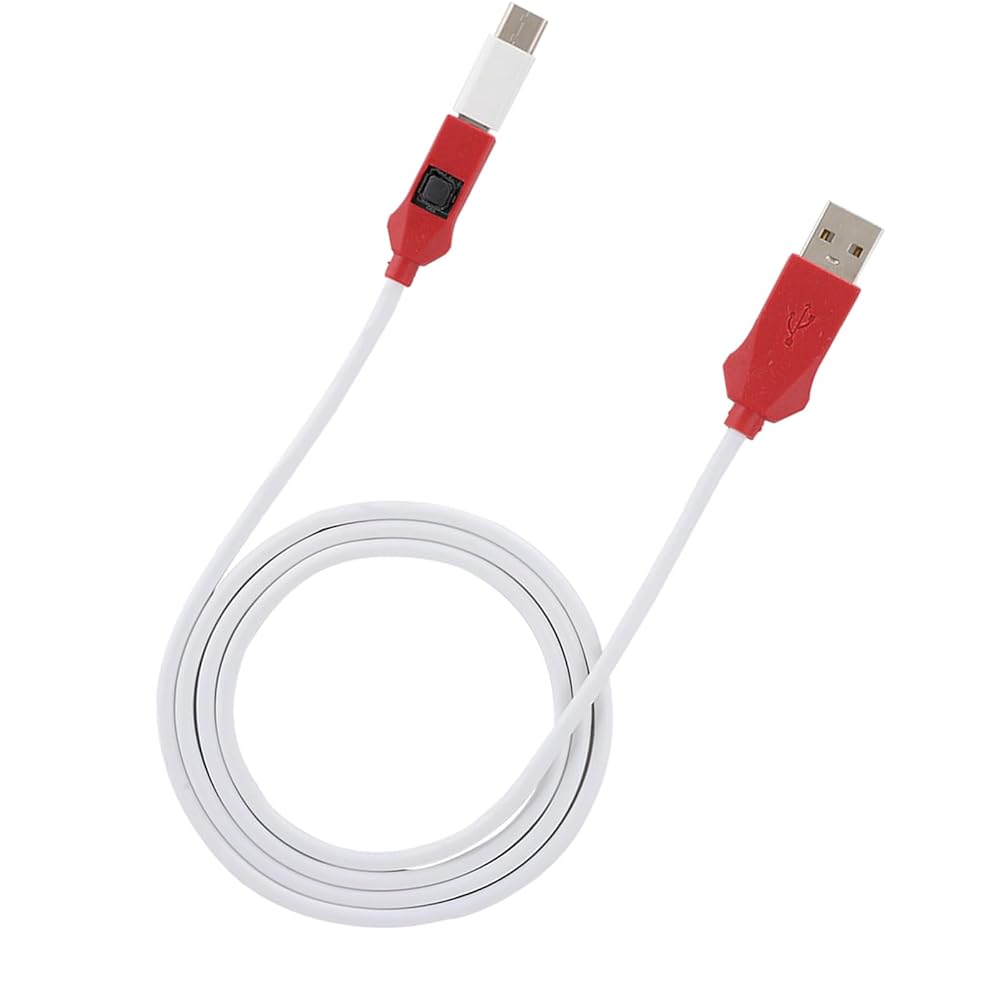
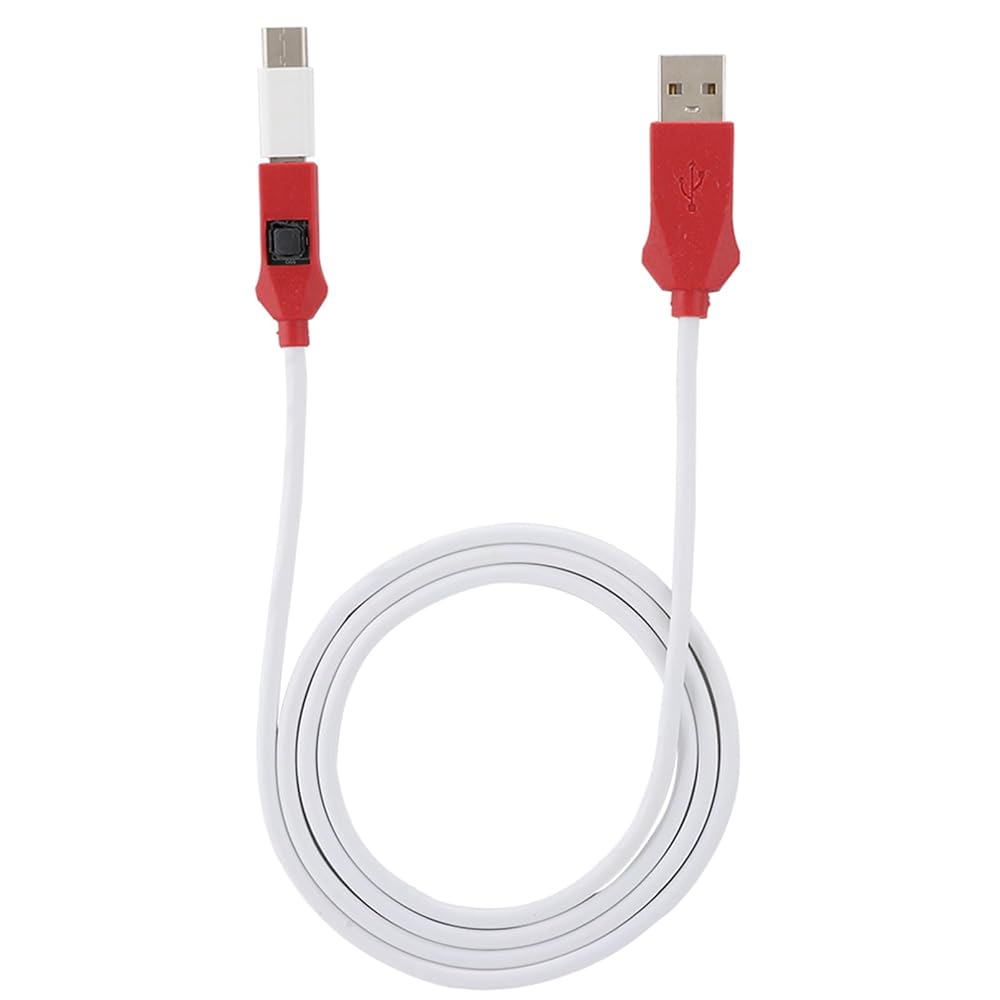
1. For engineering line, depth service cable, support all BL lock for for phone! Forced to enter the 9008 mode, deep flash!
2. with BL lock: for 4S/4C/4i, for NOTE top match, for NOTE3 full Network, for 5, for 3.
3. This line is the service cable, flashing the system software fault, as long as it can enter the 9008 mode through the engineering line, it can be repaired, otherwise it is recommended to change the font library!
4. Can ignore the existence of the BL lock, directly flash the phone to the depth!
5. Made of PVC material, the product is sturdy and durable.
Specification:
Item Type: Service Cable
Material: PVC
Applicable : For mobile phone
The Main Role of the Engineering Line:
Can ignore the existence of the BL lock, directly flash the phone to the depth!
This line is the service cable, for the system software failure to flash, as long as you can enter the 9008 mode through the engineering line, you can repair, otherwise it is recommended to change the font library!
How to protect the data to unlock:
To unlock the phone, you need to enter the REC mode and unlock it through the assistant. If the phone cannot enter the REC mode, there is no way to use the engineering line!
How to Use:
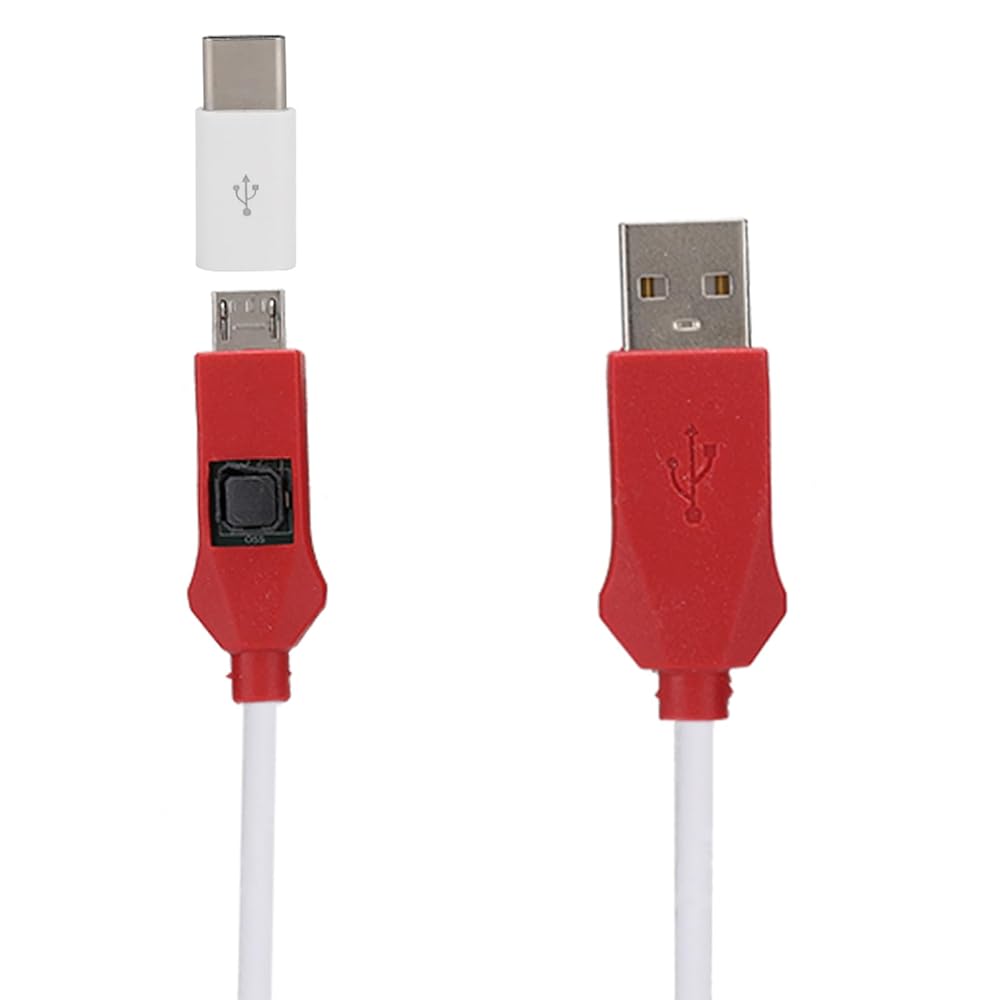
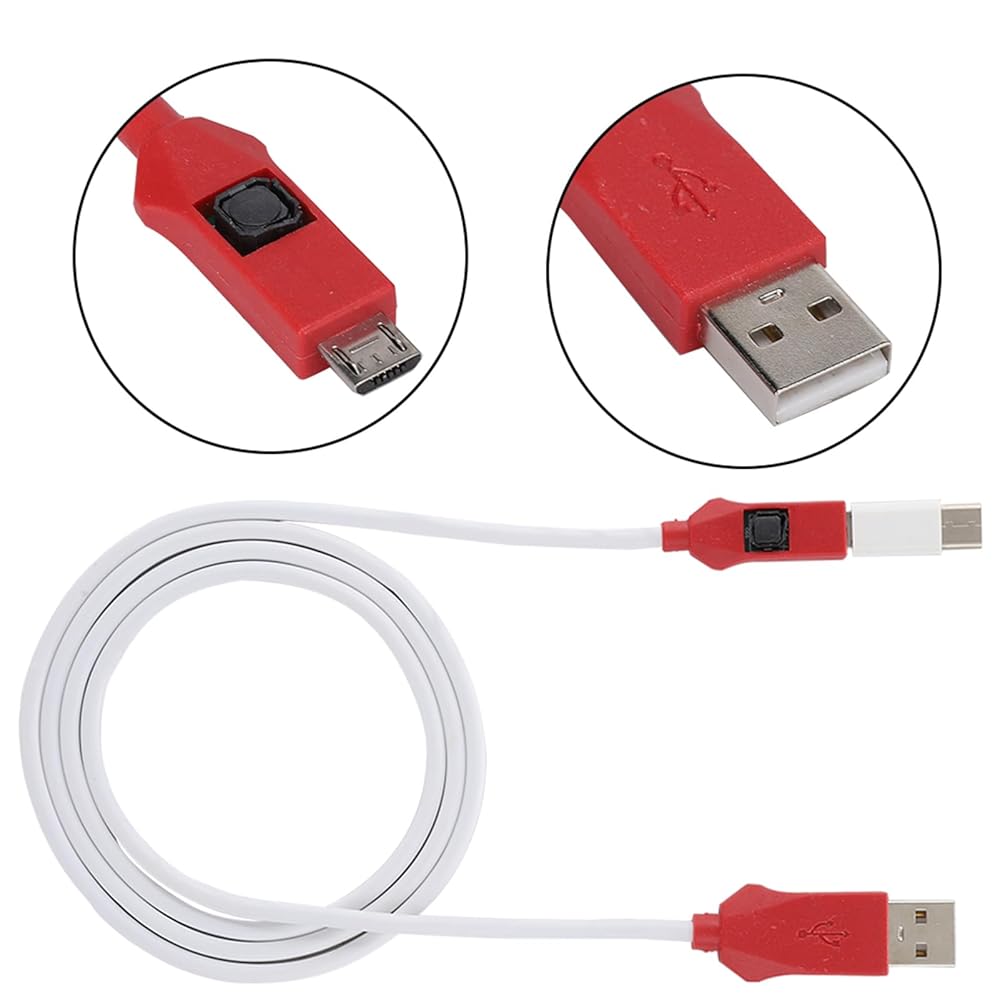
The first method: Put the phone in the off state, insert the engineering line, and press and hold the engineering line switch and the phone power for about 5 seconds, the computer will “click”, the device manager will appear 9008 port. It means that you have successfully entered the deep flashing mode, and then use the for flashing tool to flash the machine once to solve various problems!
The second method: When the phone is turned off, to enter mode, click Volume Down and power , then press the power to turn off the phone. When the phone is black, press the depth for 5 seconds, then release the hand, this time, device management inside the device can recognize 9008 port, the appearance of 9008 port indicates that it has successfully entered the deep flashing mode, and then use the for flashing machine tool to refresh the point, select the data, and then flash the machine. Solve various problems in one go! The whole process of the mobile phone is in a black screen state. This is normal and you don't have to worry.
PackageList:
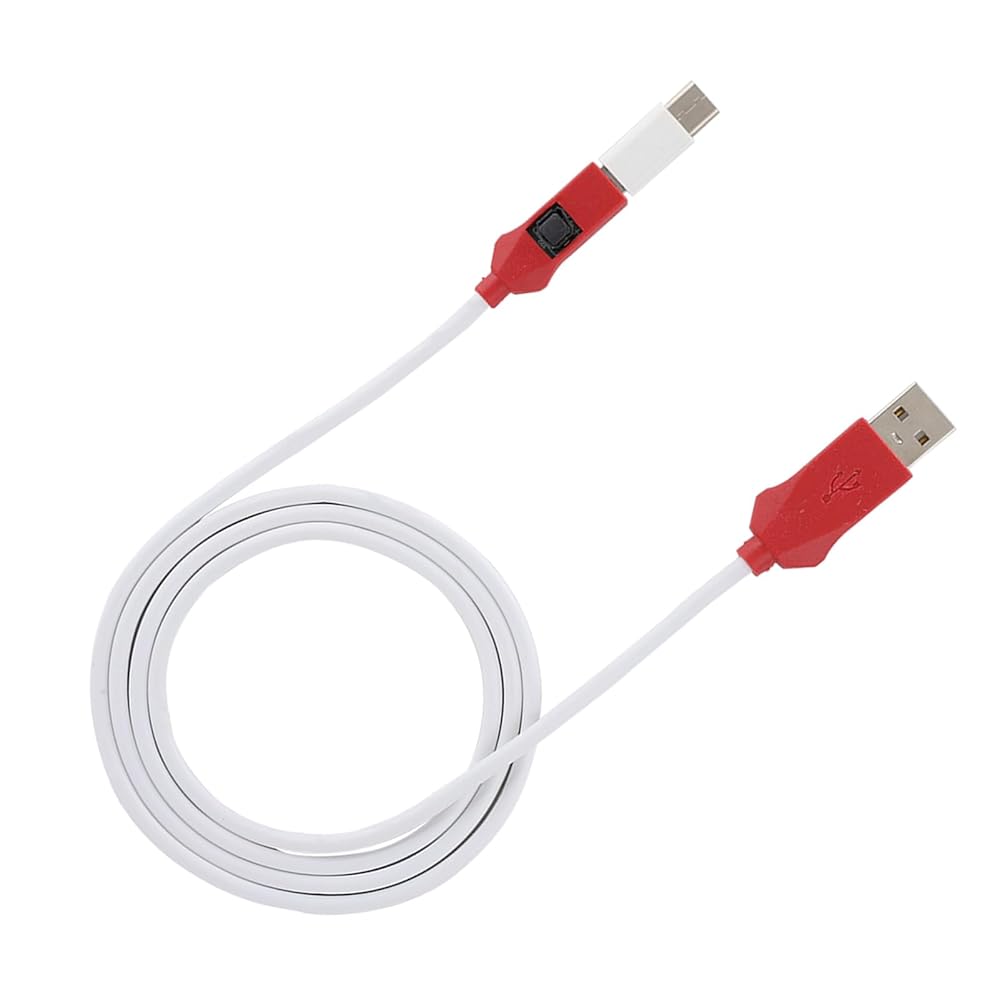
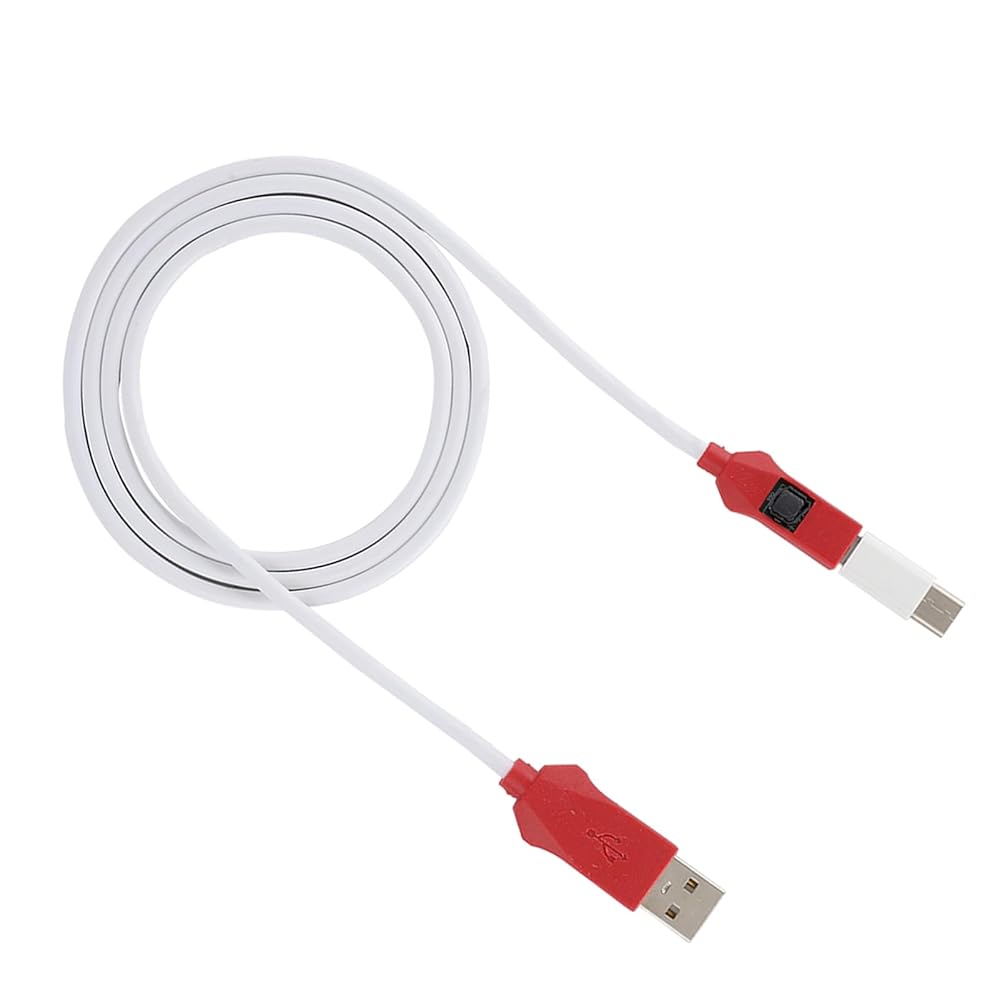
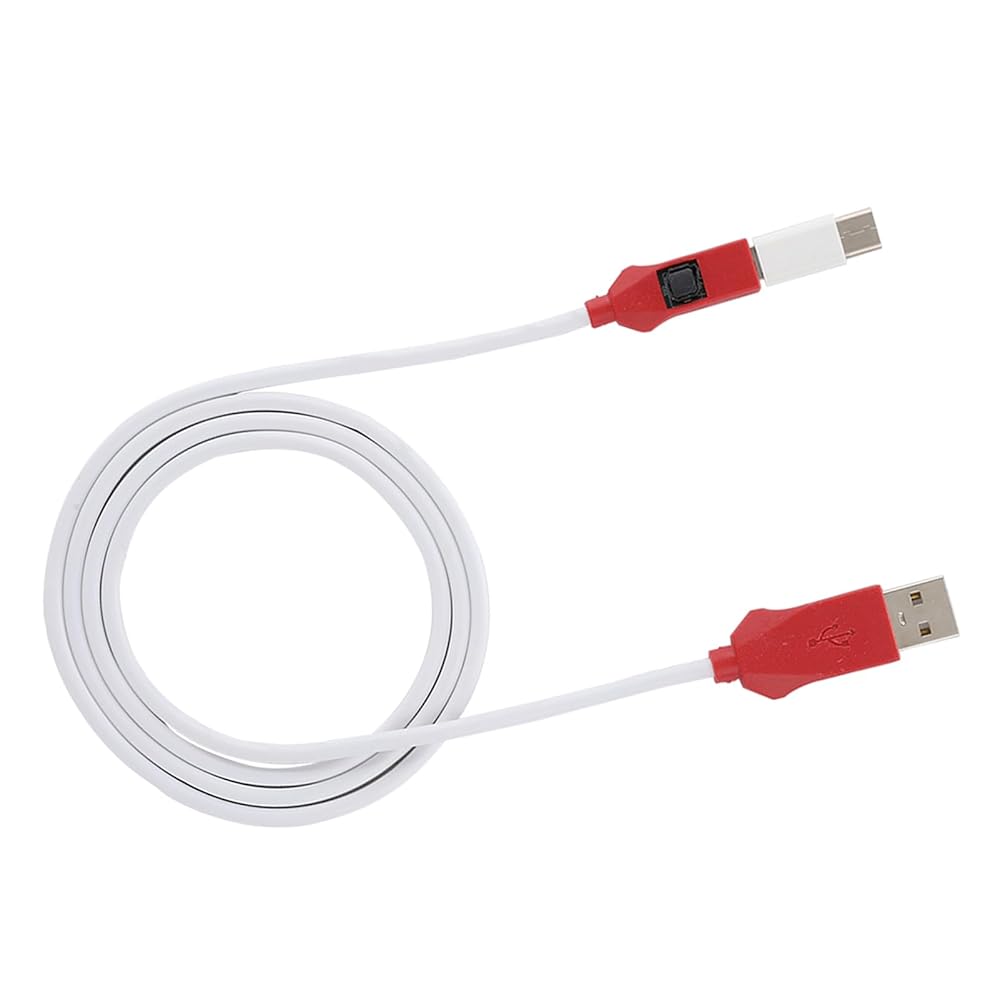
1 x Flash Cable
1 x Type-C Adapter
Notice:
Support all for BL lock for mobile phones, mobile phones without BL lock or for chip are not supported.
 Sorandy PCIe 5.0 Riser Cable ، Gen 5 GPU Card Card Cable ، تصميم مرن ، PCIe 16x 128GBPS ، متوافق مع PCI E 4.0 ، 3. ، مناسب لـ RTX4090 ، 5090 (40 سم)
KWD 25.500
Sorandy PCIe 5.0 Riser Cable ، Gen 5 GPU Card Card Cable ، تصميم مرن ، PCIe 16x 128GBPS ، متوافق مع PCI E 4.0 ، 3. ، مناسب لـ RTX4090 ، 5090 (40 سم)
KWD 25.500
 Sorandy PCIe 5.0 Riser Cable ، Gen 5 Ultra GPU Card Card Card Cable متوافق مع RTX4090 ، 5090 ، RX8900 ، RX7900 عرض GPU العمودي ، 30 AWG (30 سم)
KWD 22.500
Sorandy PCIe 5.0 Riser Cable ، Gen 5 Ultra GPU Card Card Card Cable متوافق مع RTX4090 ، 5090 ، RX8900 ، RX7900 عرض GPU العمودي ، 30 AWG (30 سم)
KWD 22.500
 Sorandy PCIe 5.0 X16 Riser Cable 20cm، كابل تمديد رسومات GPU، 180 درجة 128 جيجابت في الثانية عالية السرعة PCI Express 5.0 Port Graphics Card Extension Cord
KWD 19.500
Sorandy PCIe 5.0 X16 Riser Cable 20cm، كابل تمديد رسومات GPU، 180 درجة 128 جيجابت في الثانية عالية السرعة PCI Express 5.0 Port Graphics Card Extension Cord
KWD 19.500
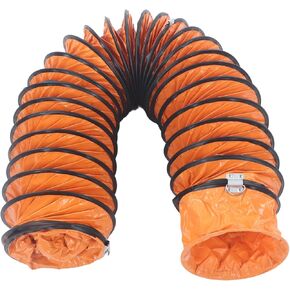 خرطوم مجاري سوراندي، خرطوم مجاري مرن شديد التحمل مقاس 8 بوصات من مادة tPVC مع دعامة فولاذية على شكل حرف S ونابض سلك كربون لتهوية مروحة العادم (10 أمتار)
KWD 29
خرطوم مجاري سوراندي، خرطوم مجاري مرن شديد التحمل مقاس 8 بوصات من مادة tPVC مع دعامة فولاذية على شكل حرف S ونابض سلك كربون لتهوية مروحة العادم (10 أمتار)
KWD 29