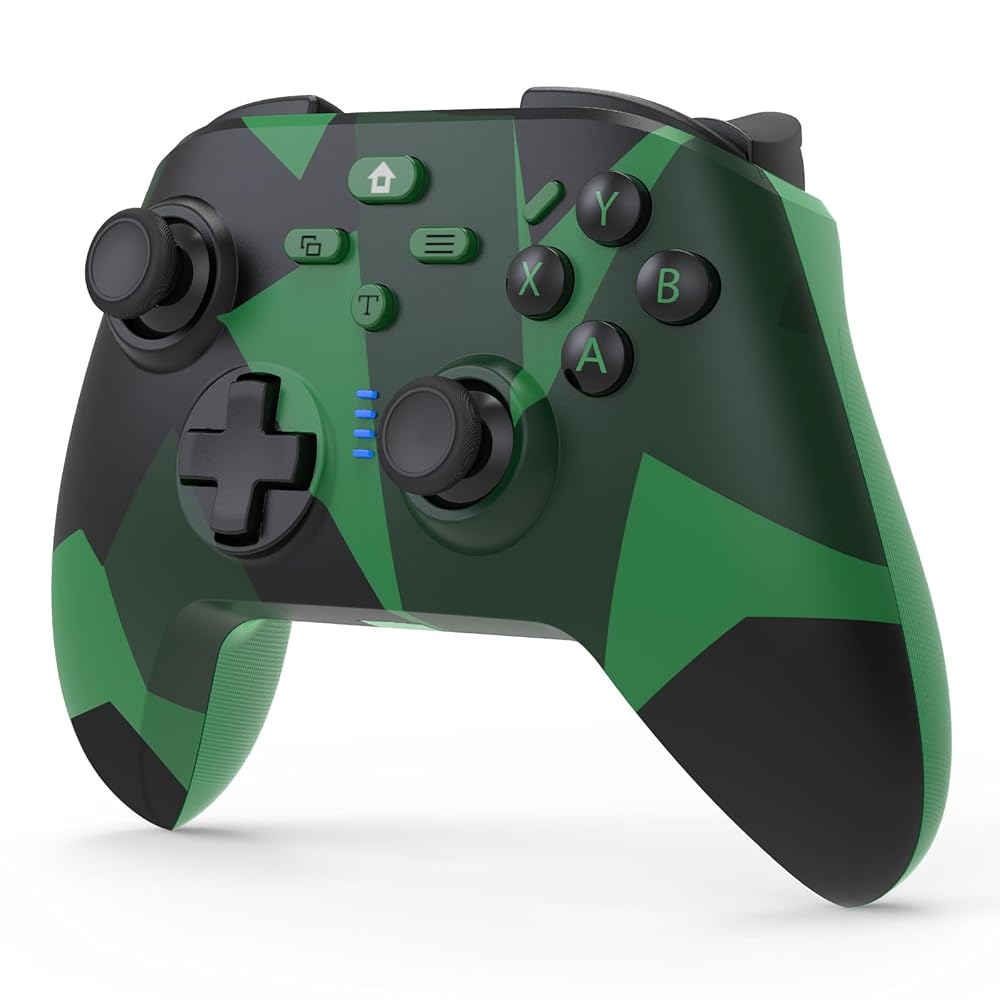
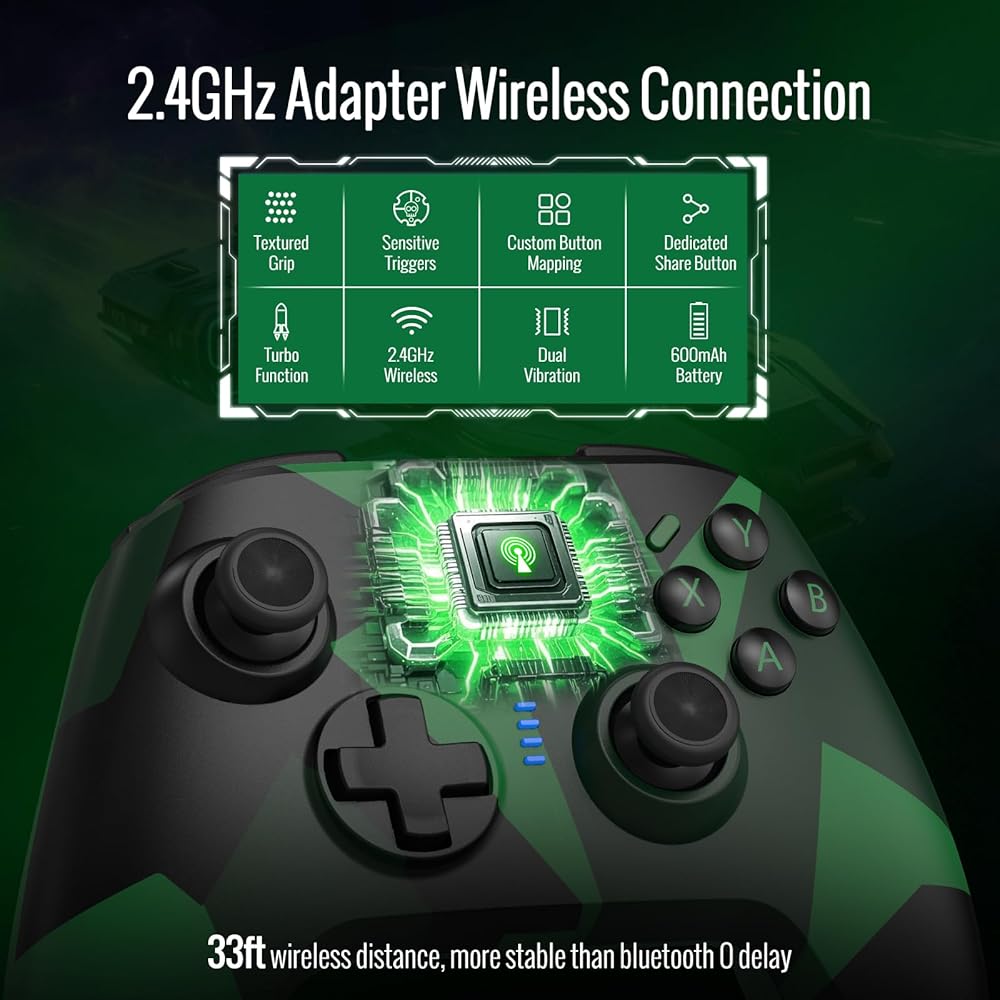
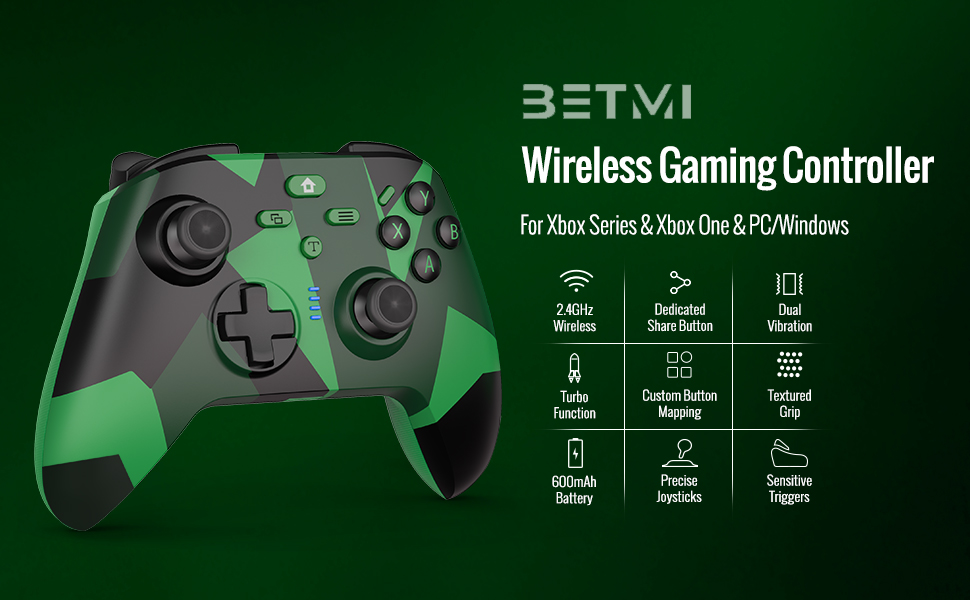
BETMI for Xbox Controller Wireless Compatible with Xbox One, Xbox Series X/S, Xbox One X/S, PC, Gaming Controller with 2.4GHz Adapter/Dual Vibration/Turbo/Marco Function
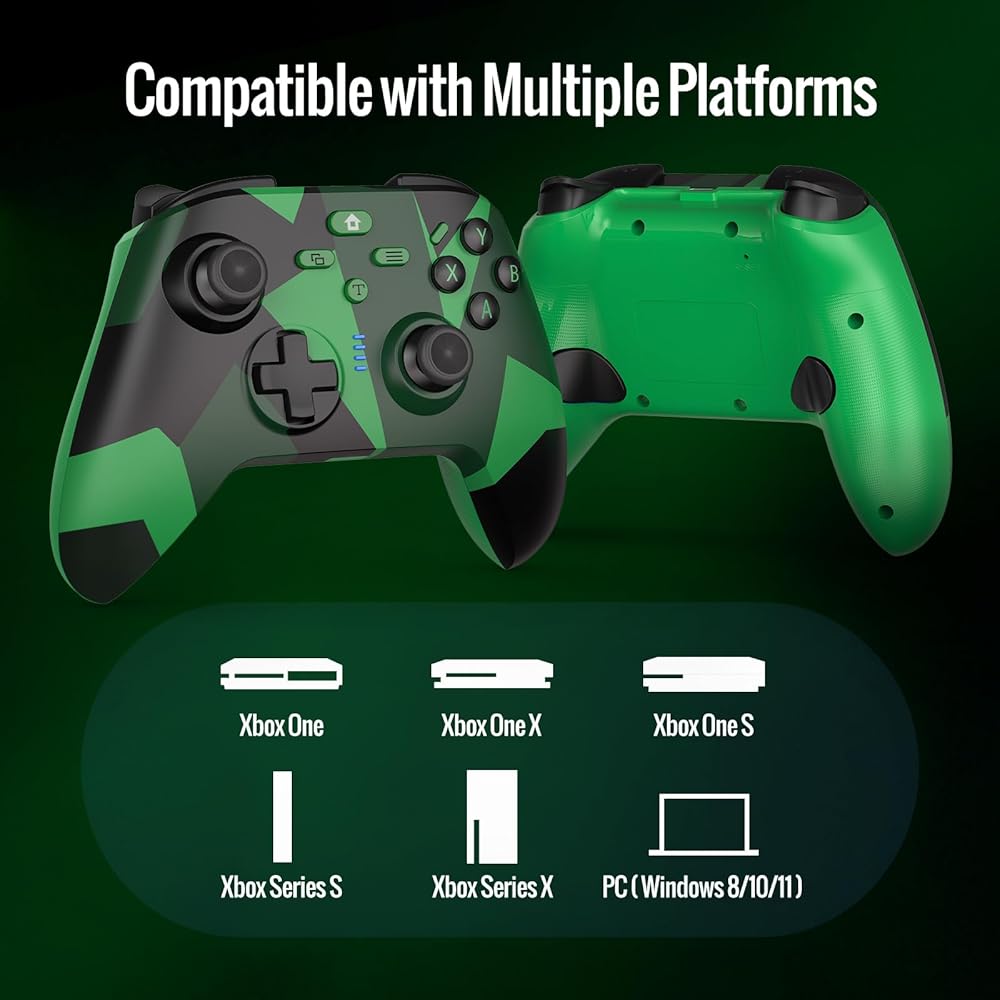
Multi-Platform Compatibility: BETMI controller is designed to be compatible with Xbox One, Xbox One S/X, Xbox Series S/X, PC(Windows 8/10/11) and so on. No matter which device you prefer for gaming, the controller provides seamless connectivity and smooth gameplay across multiple platforms, ensuring versatility and convenience
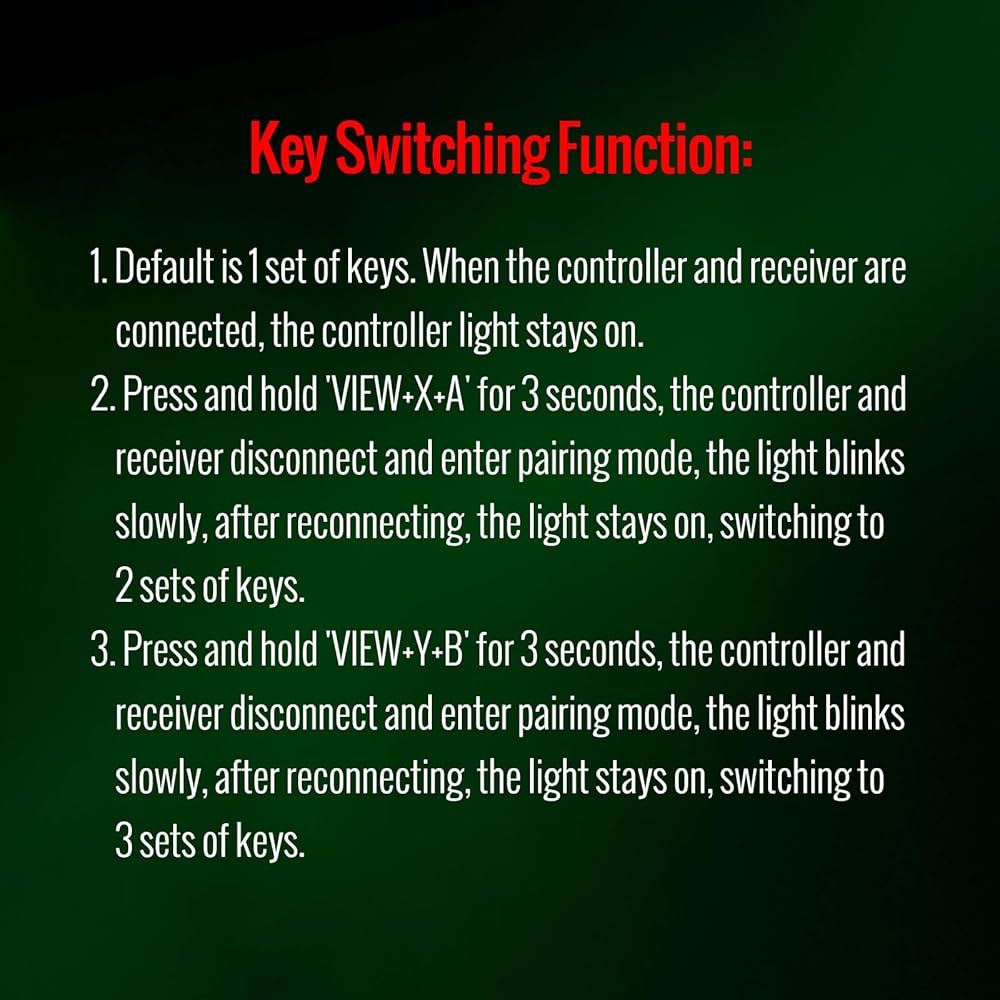
Key Switching Function: 1. Default is 1 set of keys. 2. Press and hold "VIEW+X+A" simultaneously for 3 seconds, controller and receiver will disconnect and enter pairing mode, light will flash slowly, after reconnection, the light will stay on, switching to 2 sets of keys. 3. Press and hold "VIEW+Y+B" simultaneously for 3 seconds, controller and receiver will disconnect and enter pairing mode, light will flash slowly, after reconnection, the light will stay on, switching to 3 sets of keys
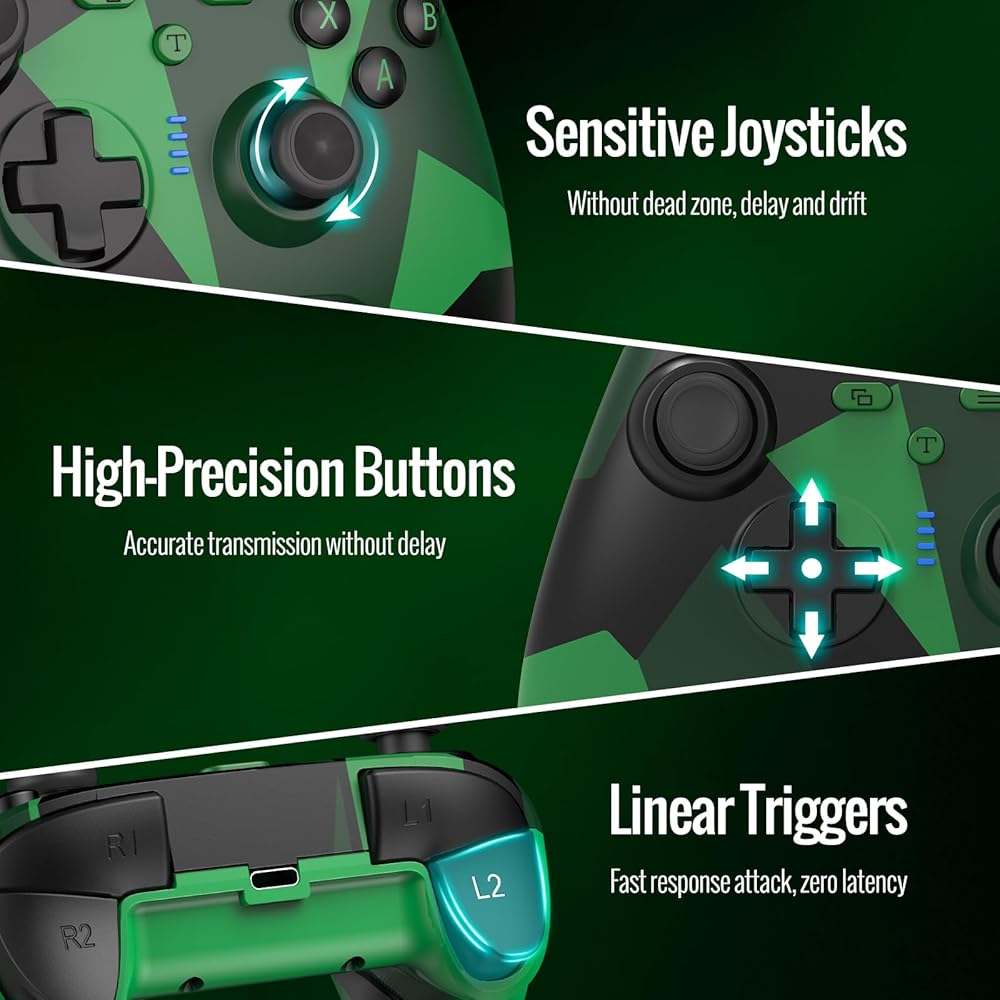
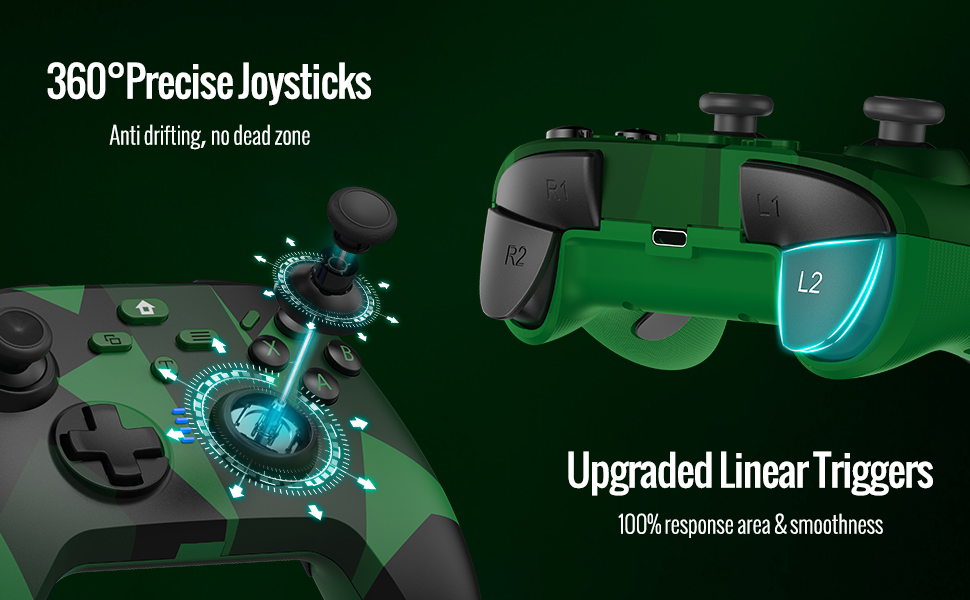
Unparalleled Joysticks & Triggers: Enjoy enhanced joysticks control with advanced sensors. These sensors provide precise and reliable input detection, allowing for smoother and more accurate movement in game. Whether you're doing throttle acceleration through virtual worlds or performing actions like shooting, sensitive triggers ensures a seamless gaming experience
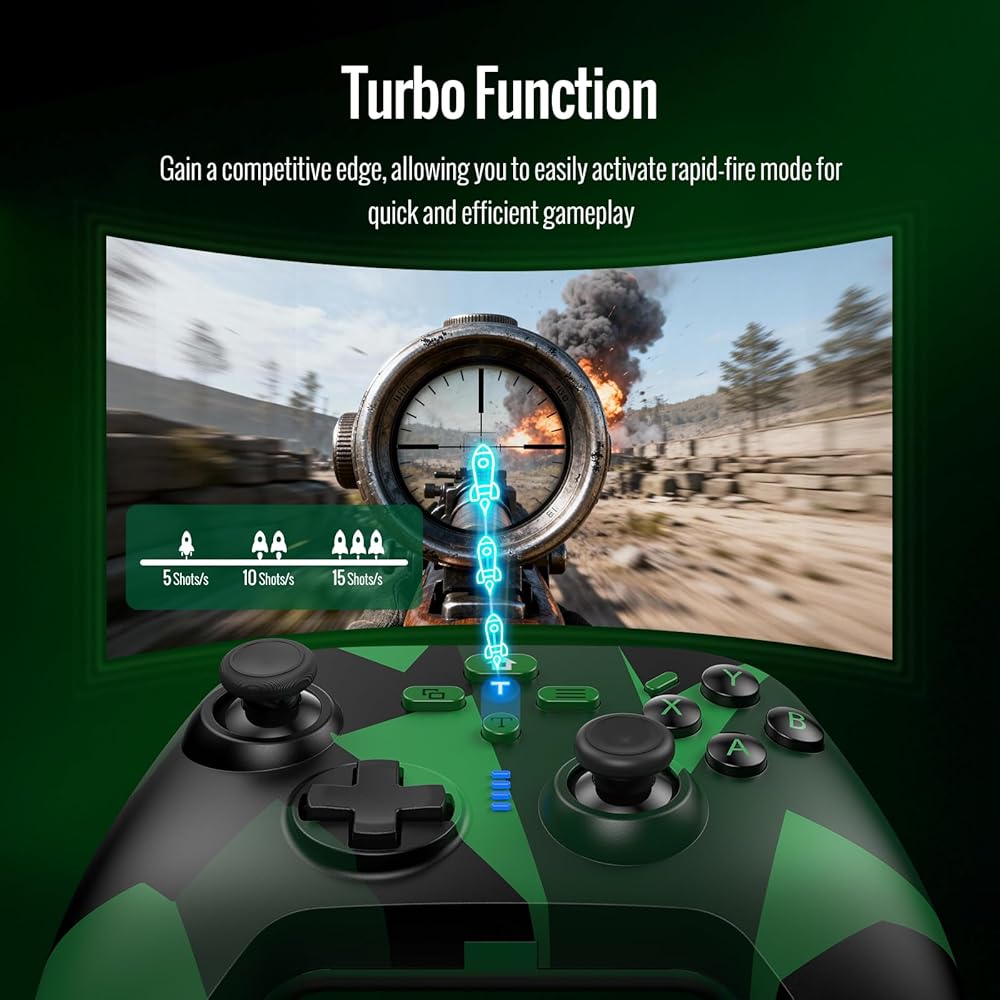
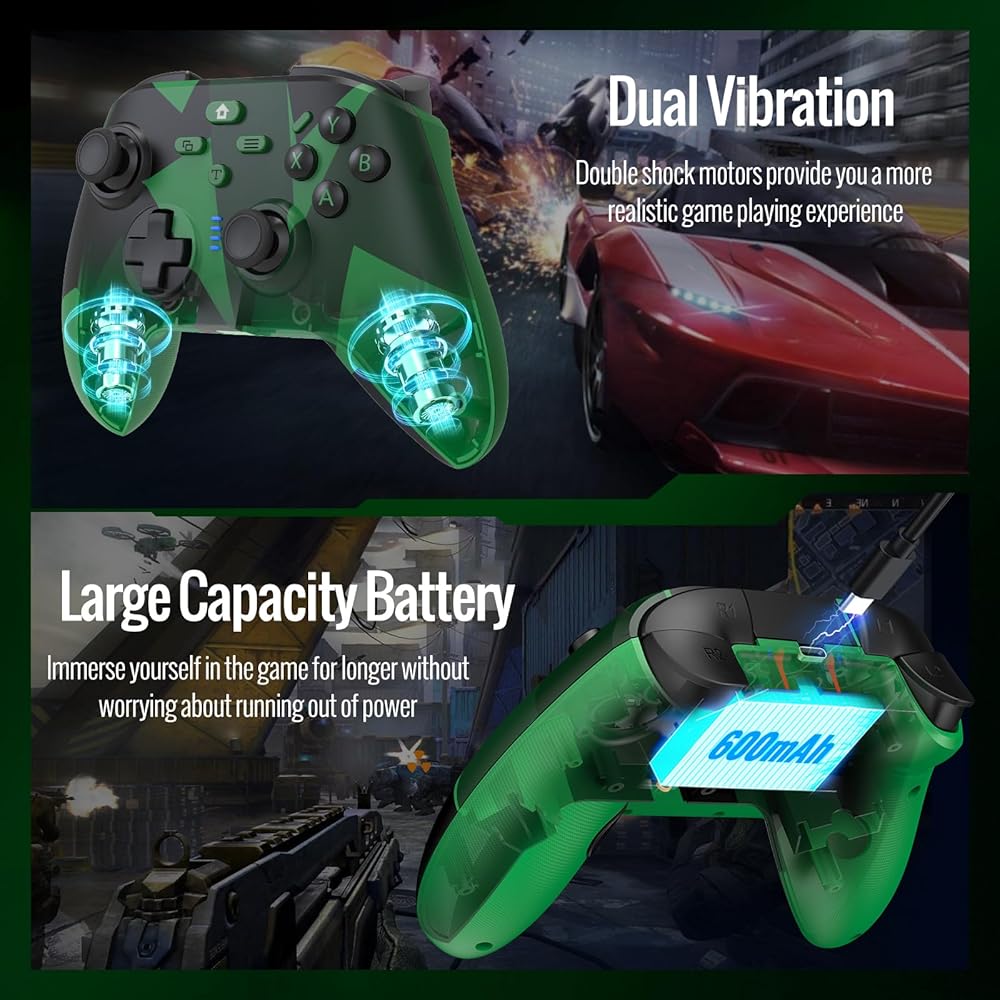
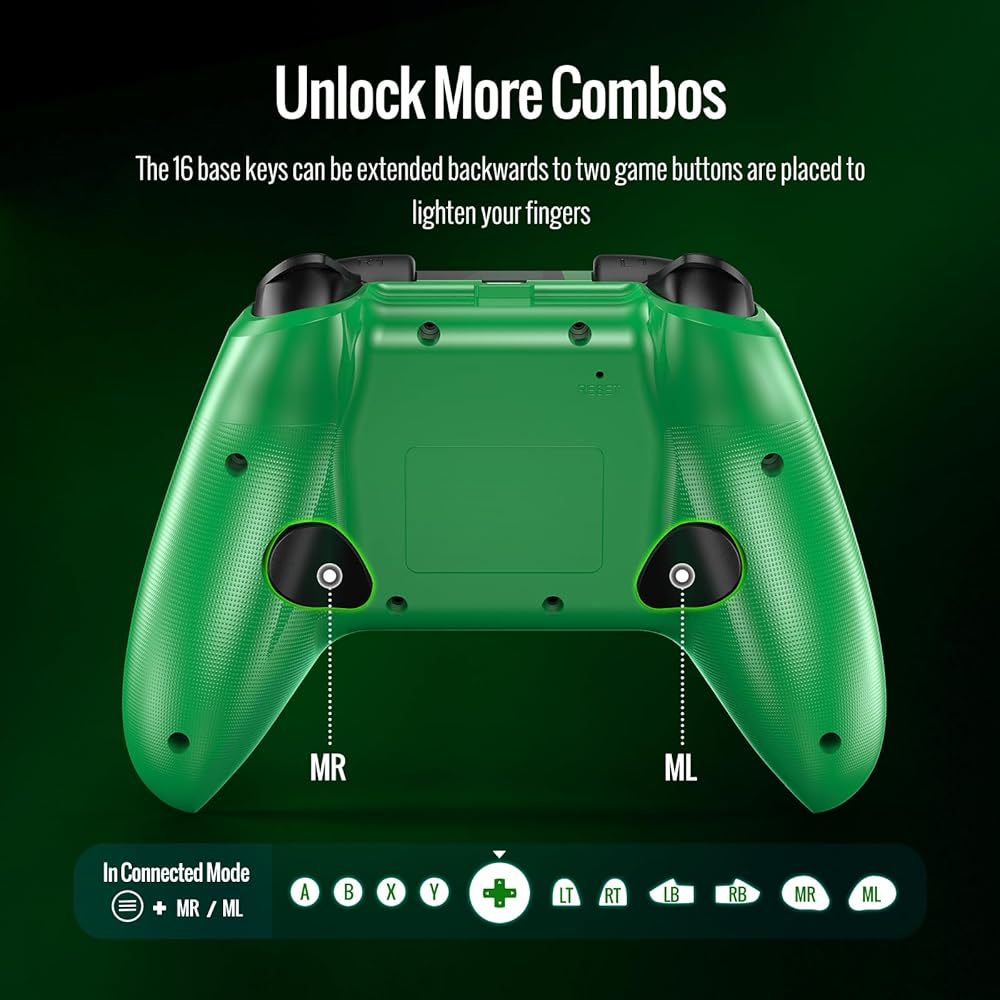
Awesome Enhanced Features: Upgraded Marco Programming Function enables you to swiftly execute a series of commands during gameplay, giving you a competitive edge against your opponents. The Turbo button allows you to switch between different combos, injecting even more excitement into your gaming sessions. The dual-motor vibration feedback ensures a realistic gaming experience
Immersive Experience: Say goodbye to interruptions during gameplay. BETMI controller is equipped with a 600mAh upgrated battery that offers up to 8 hours of playgame on a single charge. With extended battery life, you can immerse yourself in the game for longer without worrying about running out of power
2.4GHz Dongle Connection: Connect via 2.4GHz wireless adapter (included), convenient and fast to use, lower latency. Via included USB-C cable, you can charge your gaming controller
Charging Tips: 1. The controller can be charged using a PC USB port, 2. You can use a 5V 2A or lower charger for charging, 3. Do not use a fast-charging phone charger to charge the controller, 4. Do not use a non-standard power adapter to charge the controller, 5. Do not use an over-voltage or over-current power adapter for charging
How to connect to the console: Insert the Dongle into the USB port on the host, the LED on the Dongle end will flash slowly. Long press the Controller "HOME" key (1s) to turn on the device. The Controller LED will flash slowly, and then short press the Controller "HOME" key and the Dongle button. The Controller and Dongle LEDs will flash quickly and enter online pairing mode. After successful connection, the Dongle and Controller LEDs will remain on
 -16%
BETMI Wireless Controller for PS5, Pro/Slim/MAC/Android/Steam Deck, X-input for PC, Dual Vibration, Marco/Turbo, 3.5mm TRRS Stereo Jack, Accel & Gyro(6-Axis), Mute, Sensor Calibration(Black)
KWD 21
-16%
BETMI Wireless Controller for PS5, Pro/Slim/MAC/Android/Steam Deck, X-input for PC, Dual Vibration, Marco/Turbo, 3.5mm TRRS Stereo Jack, Accel & Gyro(6-Axis), Mute, Sensor Calibration(Black)
KWD 21
 -14%
PXN PC Steering Wheel, V9 GEN2 Universal Usb Car Sim 270/900 Degree Race Steering Wheel with 3-Pedals and Shifter Bundle for PC, Xbox One, Xbox Series X/S, PS4, PS3
KWD 59
-14%
PXN PC Steering Wheel, V9 GEN2 Universal Usb Car Sim 270/900 Degree Race Steering Wheel with 3-Pedals and Shifter Bundle for PC, Xbox One, Xbox Series X/S, PS4, PS3
KWD 59
 Razer Raiju V3 Pro Wireless Controller: Officially licensed for PlayStation, PS5, PC - Lag-free Esports Grade Performance - 6 Remappable Buttons - Customizable TMR Thumbsticks - Fast Triggers - White
KWD 83.500
Razer Raiju V3 Pro Wireless Controller: Officially licensed for PlayStation, PS5, PC - Lag-free Esports Grade Performance - 6 Remappable Buttons - Customizable TMR Thumbsticks - Fast Triggers - White
KWD 83.500
 -15%
Hyperkin The Competitor Wired Controller for Xbox Series X|S, Xbox One & PC - Officially Licensed Xbox, Hall Effect Joysticks & Impulse Triggers, Symmetrical Layout, Precision D-Pad, Back Buttons (White)
KWD 17.500
-15%
Hyperkin The Competitor Wired Controller for Xbox Series X|S, Xbox One & PC - Officially Licensed Xbox, Hall Effect Joysticks & Impulse Triggers, Symmetrical Layout, Precision D-Pad, Back Buttons (White)
KWD 17.500