- Shopping, made easy.
- /
- Get the app!
Specification:
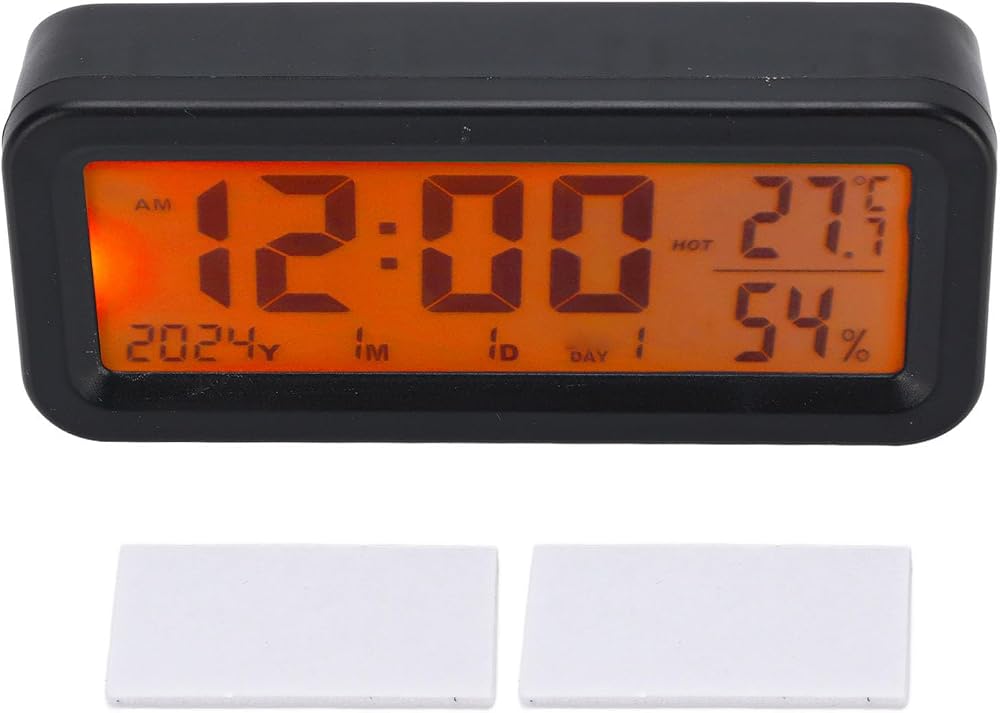
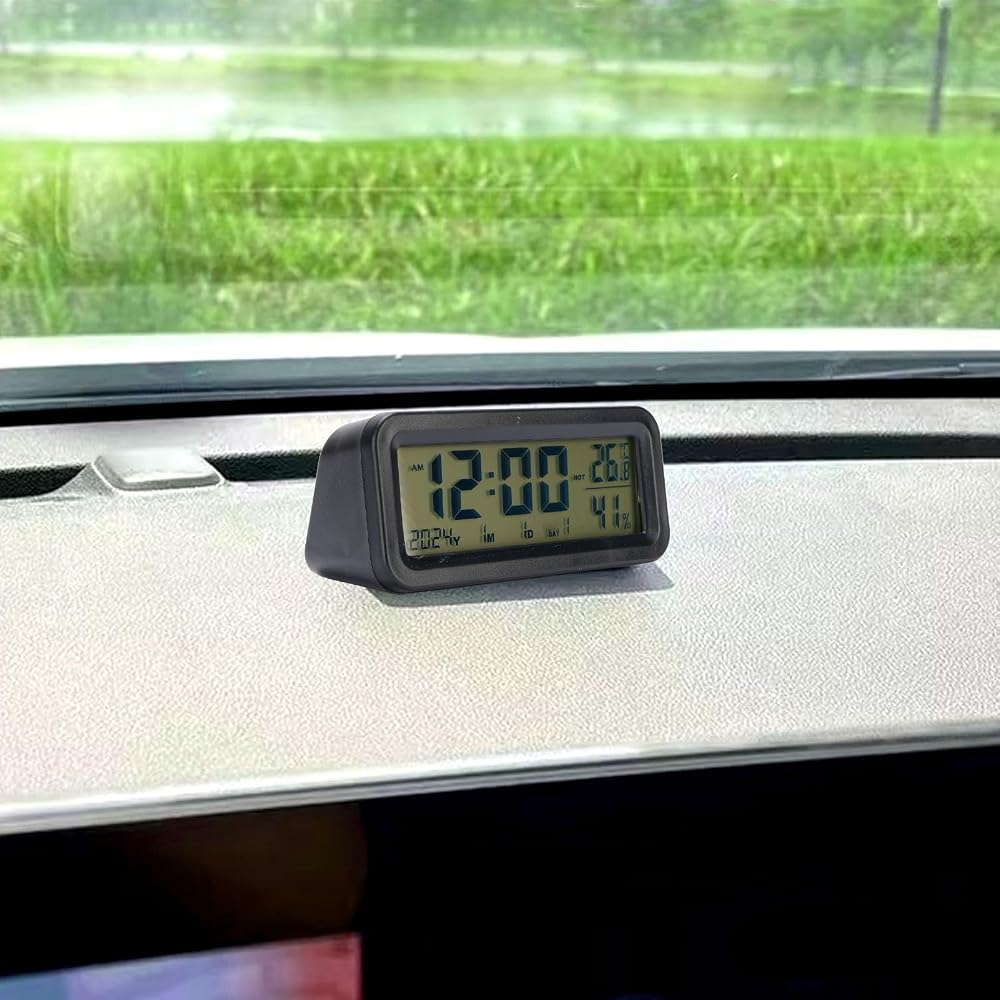
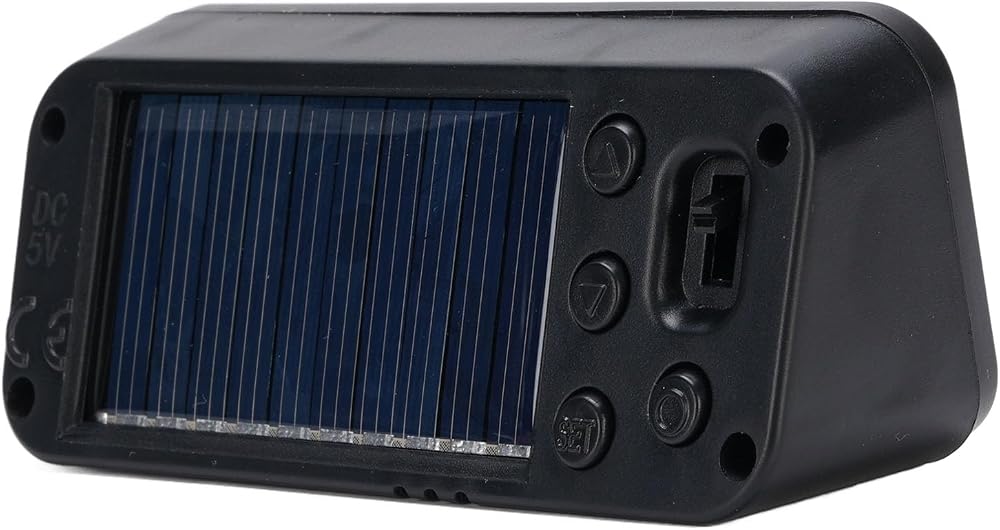
Item Type: Car Dashboard Clock
Product Material: ABS
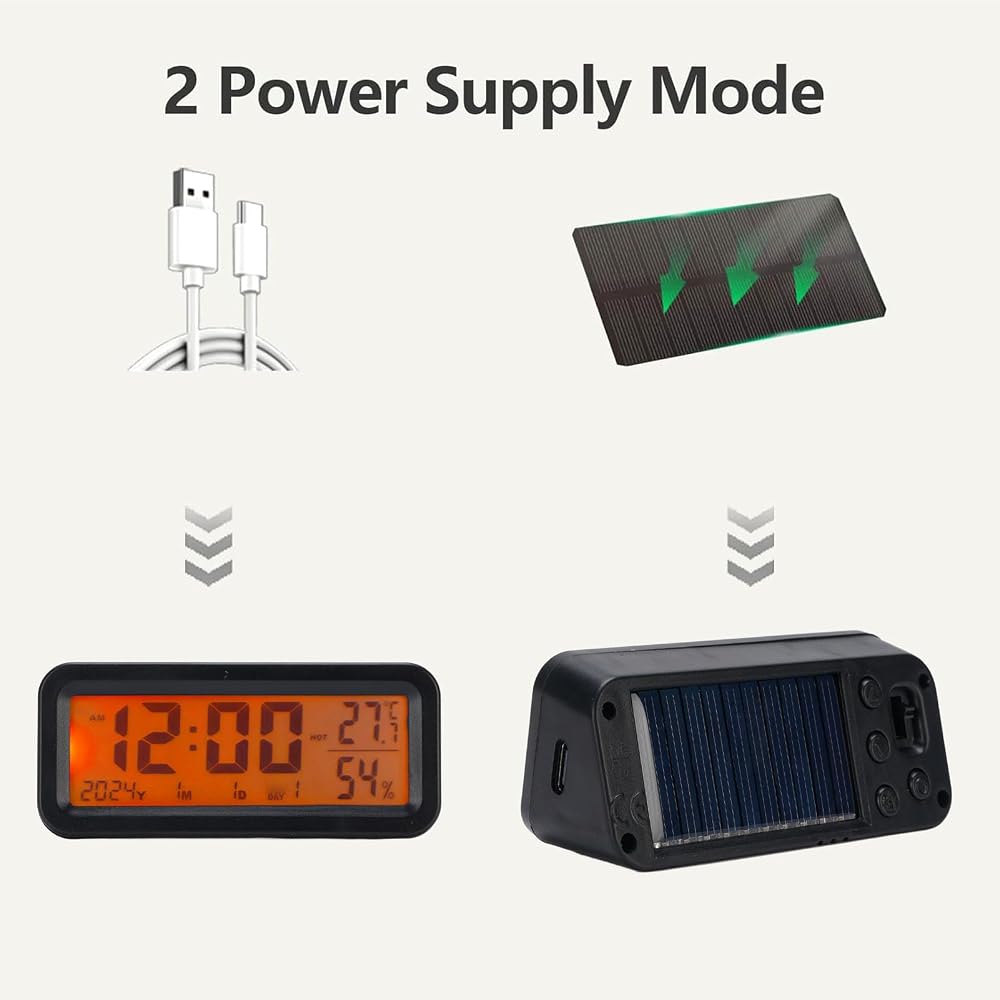
Battery: 1 x 150mAh Battery (built in battery for backup, you can choose not to use it)
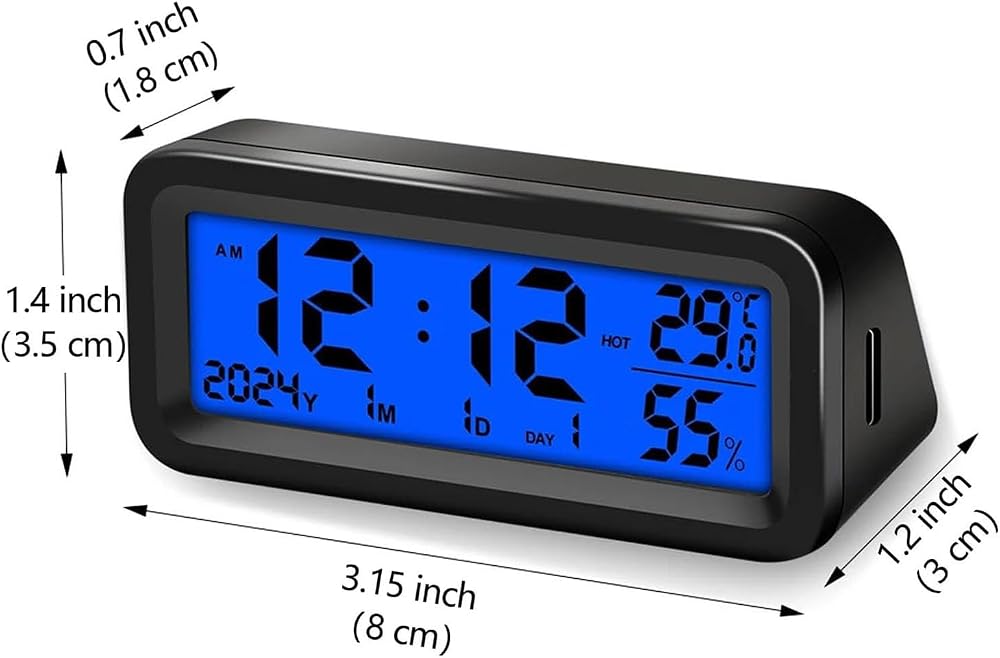
Size: Approx. 8 x 3.5 x 3cm / 3.1 x 1.4 x 1.2in
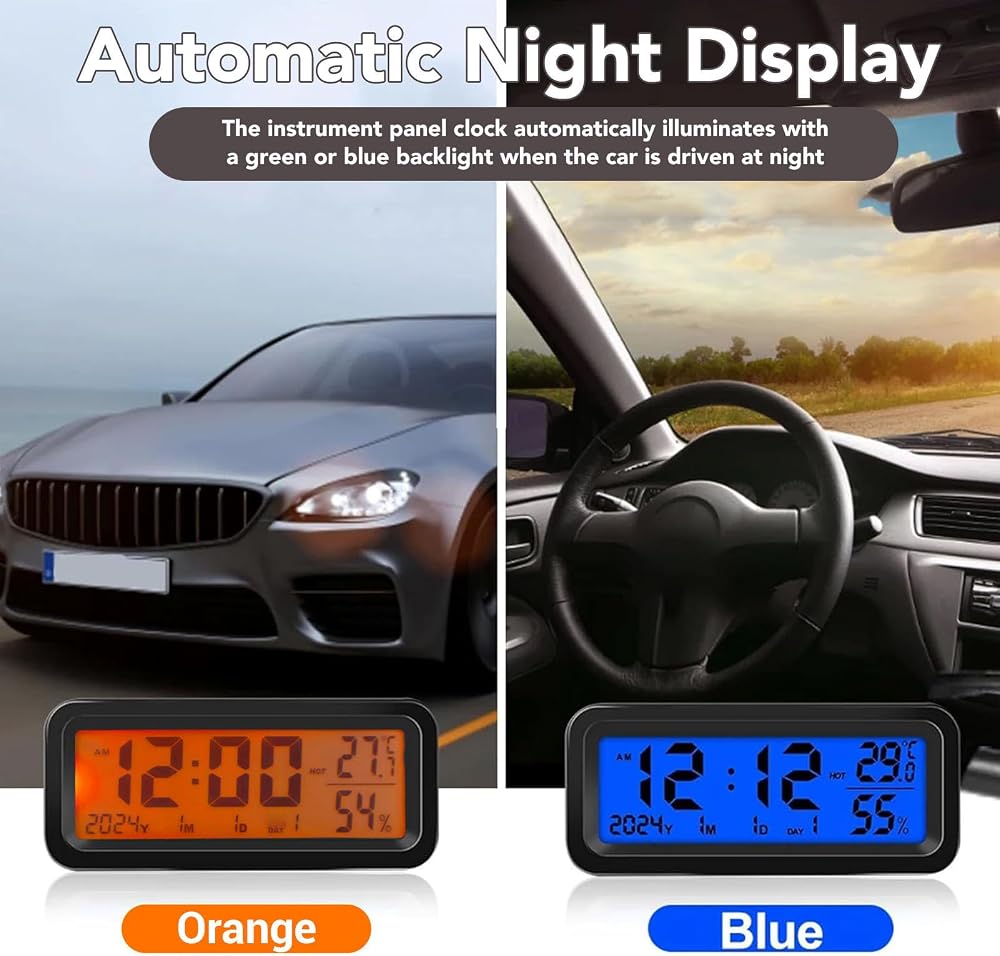
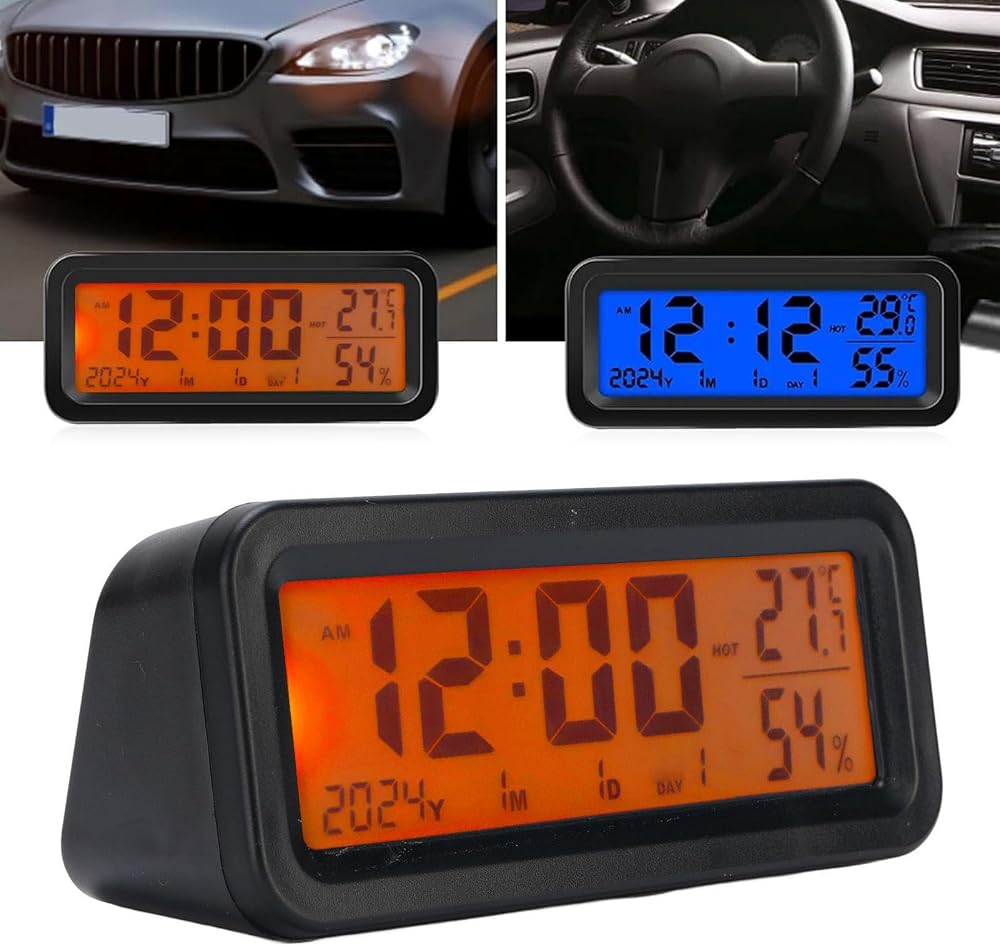
Backlight: Blue Orange Double Color
How to Use:
Equipped with double sided stickers, please clean the pasted position before pasting.
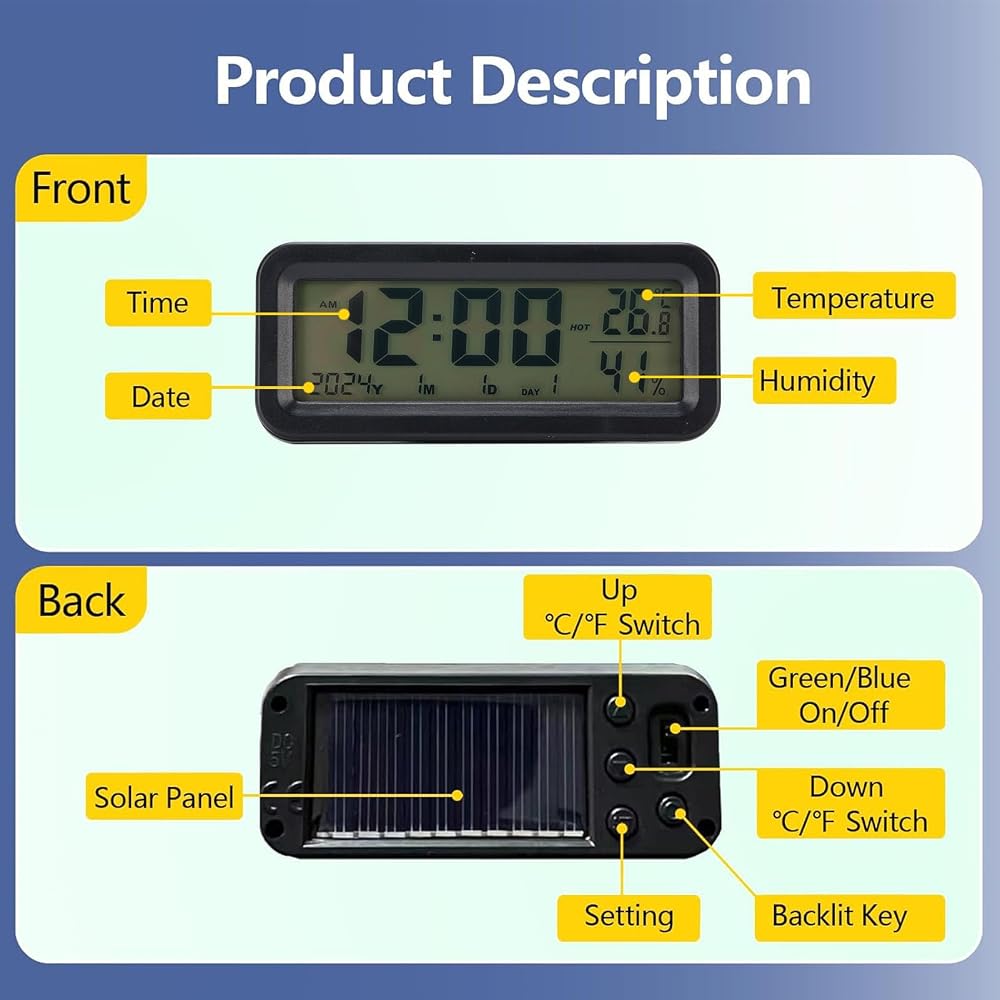
1. Push up the sliding switch on the product back to turn on the power.
2. Slide the switch on the product back again to change to a different backlight color.
3. Plug in Type C port on the product side for charging and keep the backlight on. Type C is not included.
4. Time setting instructions:
A. Press the UP/DOWN key to switch between ℃ and ℉.
B. Press the SET key for 3 seconds to enter time setting mode, then press SET key to set the order: hours, minutes, year, month, date, confirm.
C. In setting mode, use the UP or DOWN key to adjust the numbers.
5. Press the SET key to switch between 12/24 hour mode.
6. Press the O key to turn off the light after 5 seconds.
7. In a dark environment, the backlight automatically turns on when a car is driving (only for solar model). The backlight automatically turns off in daylight or strong light.
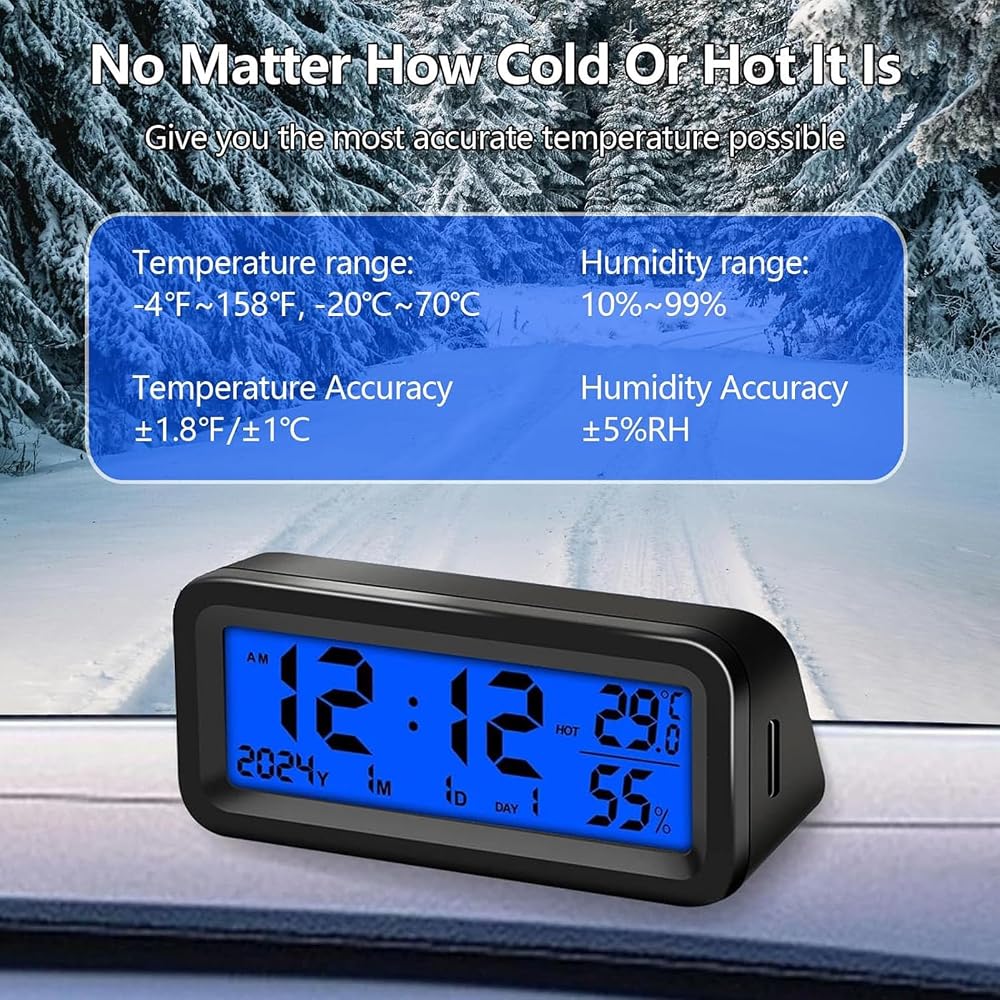
8. Depending on the current status, the temperature will display hot (HOT), comfortable (smiling face), and cool (COOL), while humidity will display dry (DRY), comfortable (smiling face), and wet (WET). Temperature range: -20 to 70℃, humidity range: 10% to 99%.
PackageList:
1 x Car Clock
2 x Stickers
 One-Way Relay Module Delay Power Off Disconnect Trigger Delay Cycle Timing Circuit Switch JZ-801
KWD 3.500
One-Way Relay Module Delay Power Off Disconnect Trigger Delay Cycle Timing Circuit Switch JZ-801
KWD 3.500
 Cylinder Piston Ring, Pneumatic Piston Ring 70mm for 0.67/1.13 7.5KW Motor Air Compressor(3-Pack), Air Compressor, Automotive Engine Piston Rings
KWD 5
Cylinder Piston Ring, Pneumatic Piston Ring 70mm for 0.67/1.13 7.5KW Motor Air Compressor(3-Pack), Air Compressor, Automotive Engine Piston Rings
KWD 5
 100W 300x120mm Silicone Heating Pad, Waterproof Heater Mat, Can Withstand -60℃ to 200℃, for Equipments with Engines(DC24V)
KWD 12
100W 300x120mm Silicone Heating Pad, Waterproof Heater Mat, Can Withstand -60℃ to 200℃, for Equipments with Engines(DC24V)
KWD 12
 Car Inclinometer Vehicle Slope Gauge Indicator Meter Level Tilt Gauge Road Safety Instrument
KWD 6.500
Car Inclinometer Vehicle Slope Gauge Indicator Meter Level Tilt Gauge Road Safety Instrument
KWD 6.500