- Shopping, made easy.
- /
- Get the app!
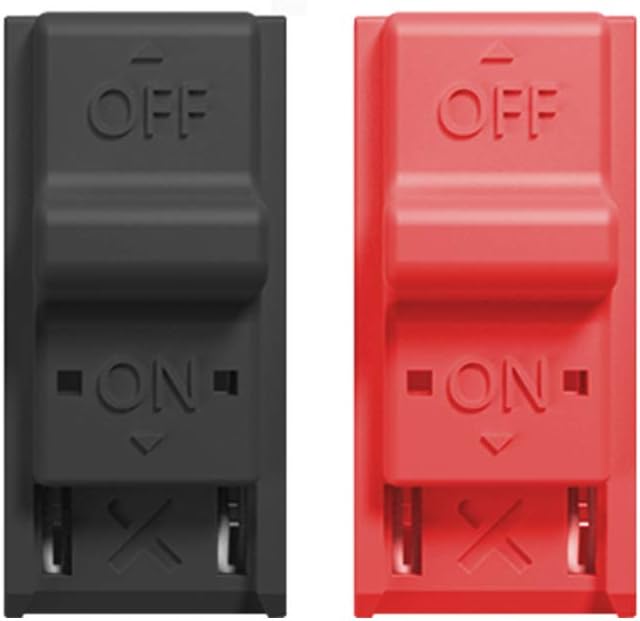
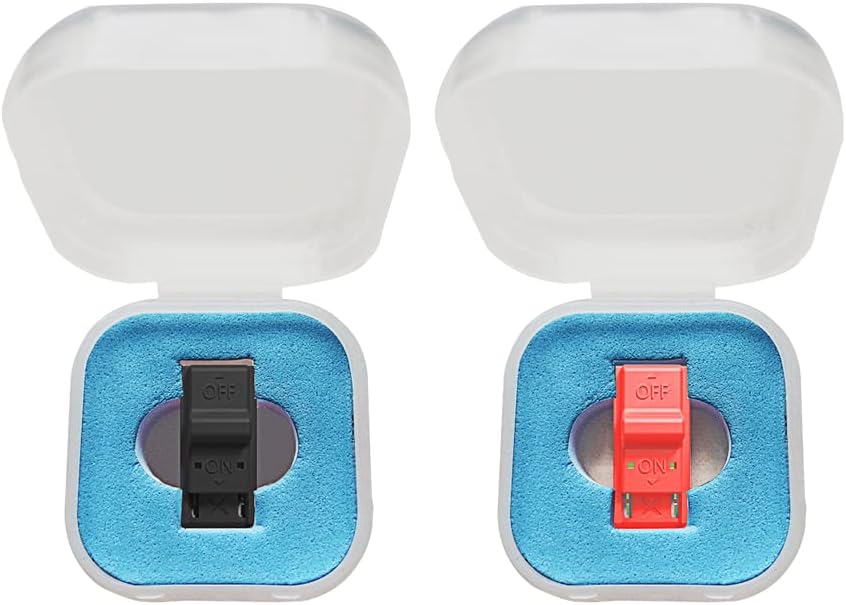
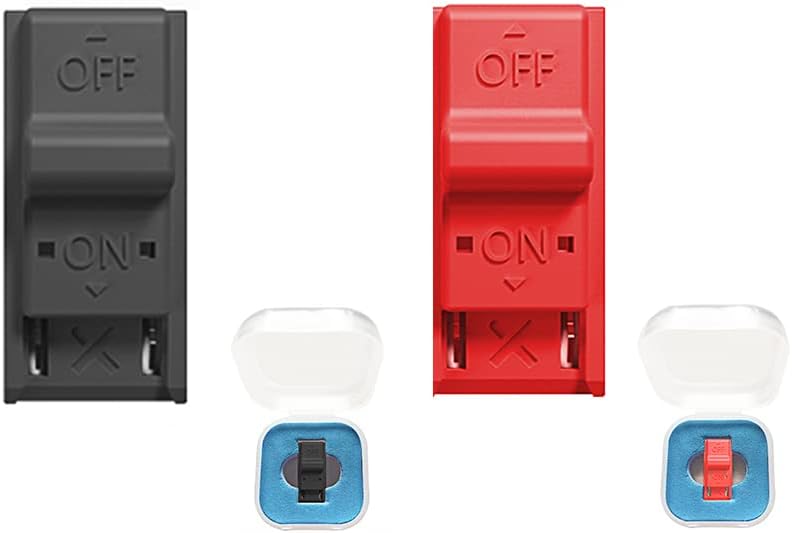
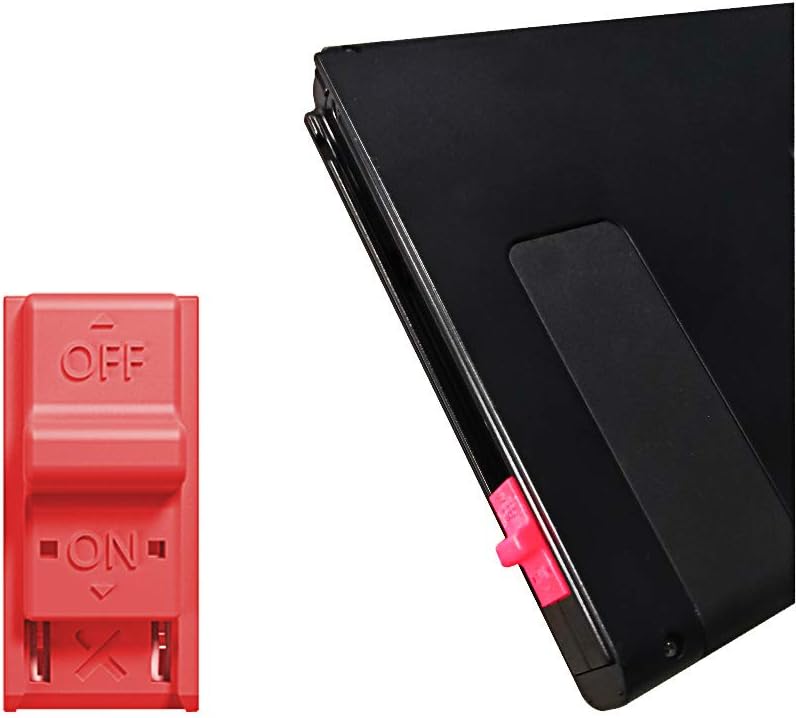
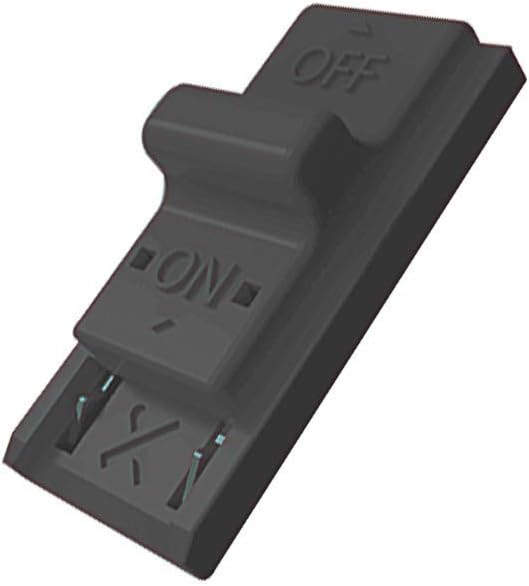
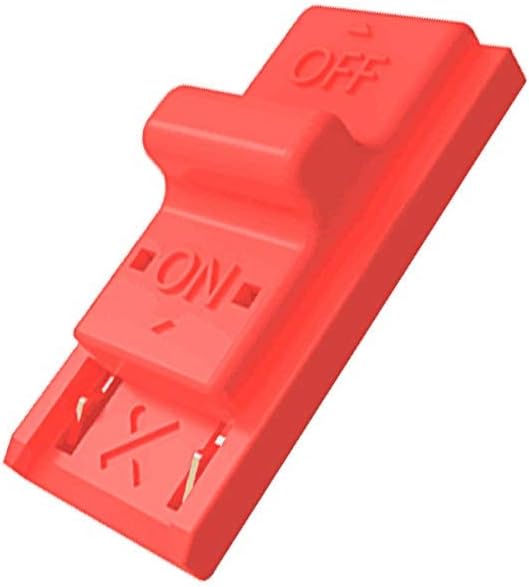
The RCM Jig allows you to enter into RCM(Recovery Mode) on your Switch. It can be used to modify the archive, play GBA / FBA and other simulators, the homemade system can already load Switch games. It is compatable with NS/SX OS RCM Jig is easy to use and install. Connect your RCM Jig to the Right-Hand Joycon rail of switch. Then hold VOL+ press the Power Button.
Specifications
Material: ABS plastic
Suitable: for Switch RCM / NS SX OS
Size: 3.5 x 3.5 x 1.8 cm / 1.38 x 1.38 x 0.71 in
Weight: 12g
How to use RCM Jig?
1. long press NS power button, pop-up menu select "power option",click "turn off". Turn NS off completely.
2. Copy needed files to the root directory of your TF card
3. Connect your RCM Jig to the Right-Hand Joycon rail of switch.
4. Then hold VOL+ press the Power Button.
5. NS is still in black screen, but already enter into RCM.
6. Connect your NS and computers/Android phones/dongle and inject the boot program via the microUSB Cable.
7. Guide you to the TF card system, you can run a variety of homemade software, systems, games.

 -14%
JZW-Shop 4 Ports USB Hub 2.0 for Xbox Series X/S, High Speed USB Hub Splitter Expansion Adapter Compatible with Xbox Series X/S Console
KWD 6
-14%
JZW-Shop 4 Ports USB Hub 2.0 for Xbox Series X/S, High Speed USB Hub Splitter Expansion Adapter Compatible with Xbox Series X/S Console
KWD 6
 Keyboard Mouse Converter for PS4/N-Switch/PS3/Xbox One, USB Mouse Keyboard Adapter Converter
KWD 7
Keyboard Mouse Converter for PS4/N-Switch/PS3/Xbox One, USB Mouse Keyboard Adapter Converter
KWD 7
 -14%
4 Ports USB Hub 2.0 for Xbox Series S, High Speed USB Hub Splitter Expansion Adapter Compatible with Xbox Series S Console
KWD 6
-14%
4 Ports USB Hub 2.0 for Xbox Series S, High Speed USB Hub Splitter Expansion Adapter Compatible with Xbox Series S Console
KWD 6
 -37%
PS5 Cooling Stand with Fan, Dual PS5 Controller Charging Station for PS5 Console, Multifunctional PS5 Stand Cooling Station with Controller Charger and 3 USB Hub for PS5 Accessories
KWD 6
-37%
PS5 Cooling Stand with Fan, Dual PS5 Controller Charging Station for PS5 Console, Multifunctional PS5 Stand Cooling Station with Controller Charger and 3 USB Hub for PS5 Accessories
KWD 6