- التسوق ، اصبح سهلا.
- /
- احصل على التطبيق!
Spec:
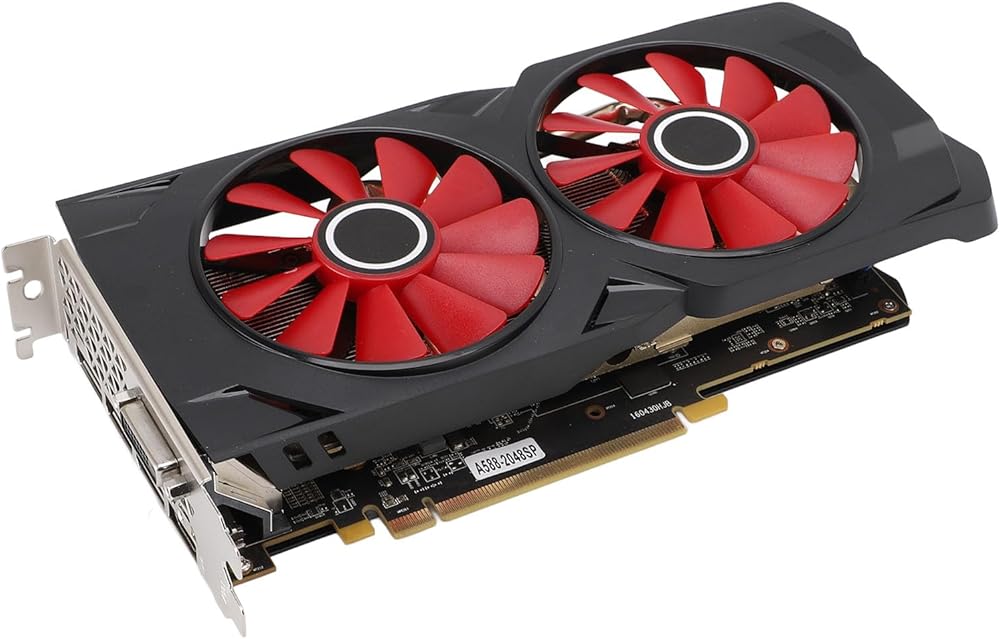
Product Material: ABS, PCB, Metal
Core Code and Process: For Ellesmere/14nm
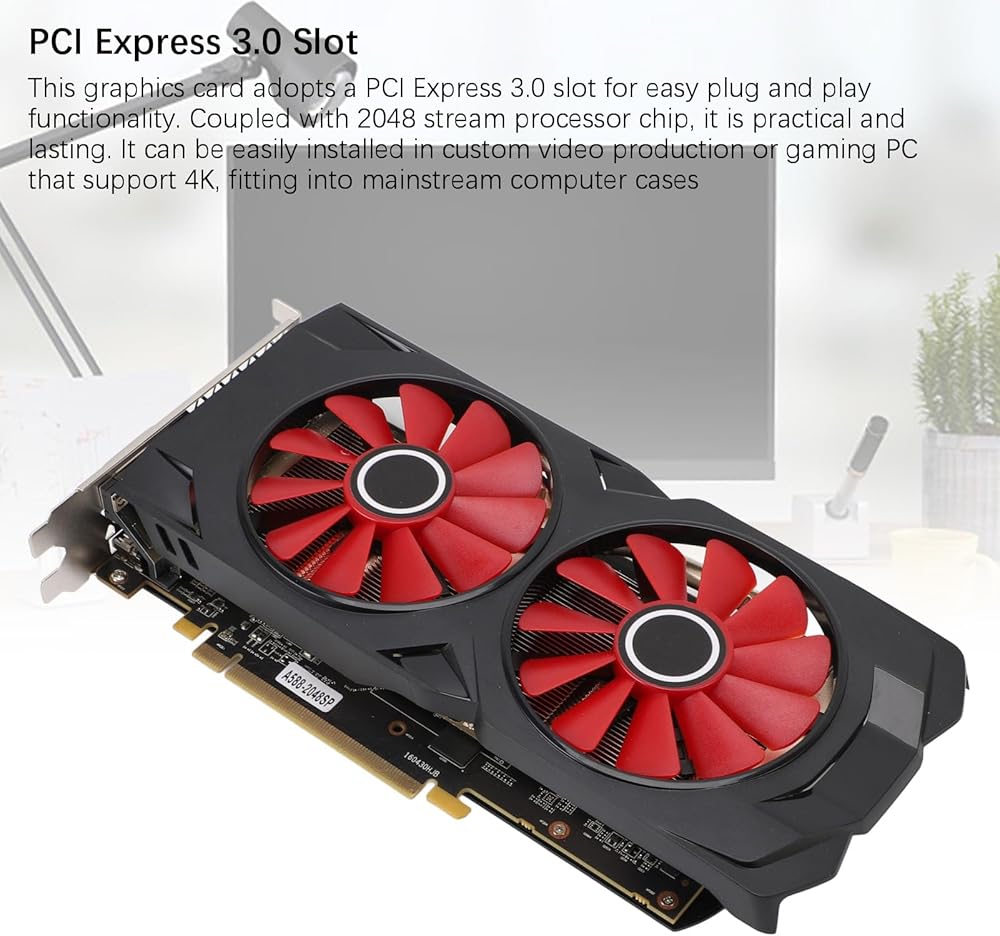
Unified Shader: 2048
Core Frequency and Memory Frequency: 1244/7000MHz
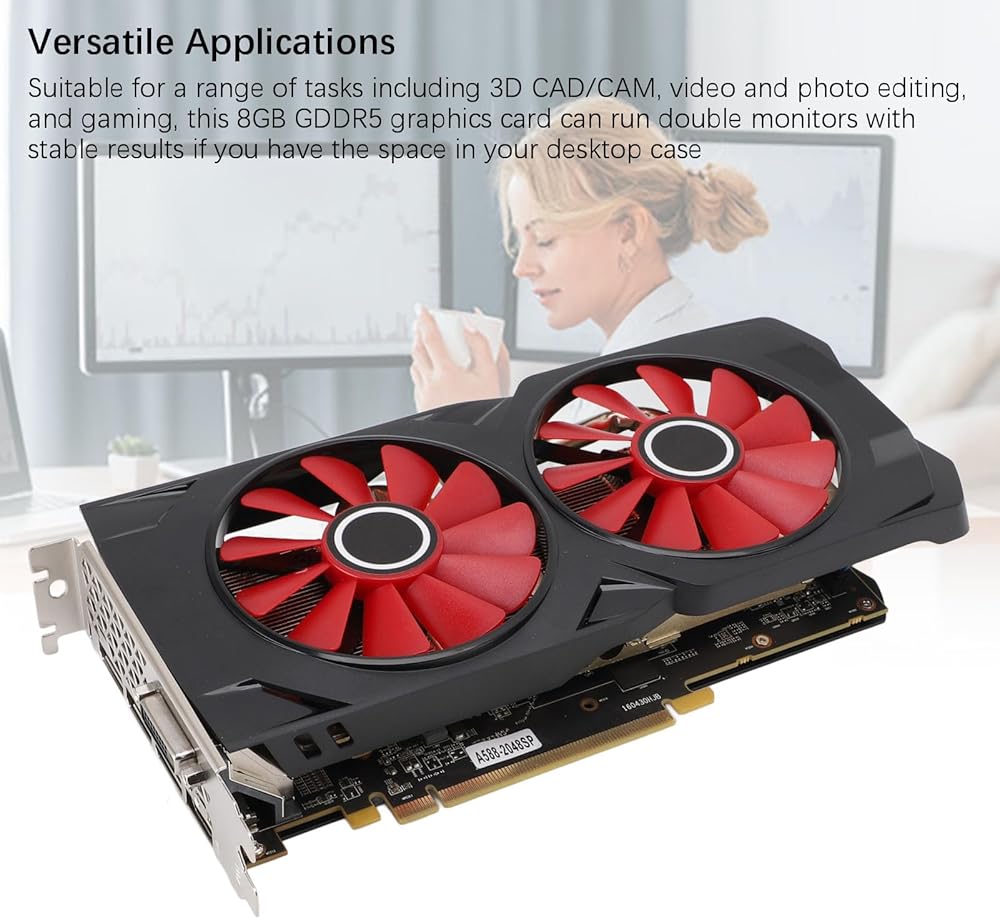
Memory Capacity and Specifications: 8G/256bit/GDDR5
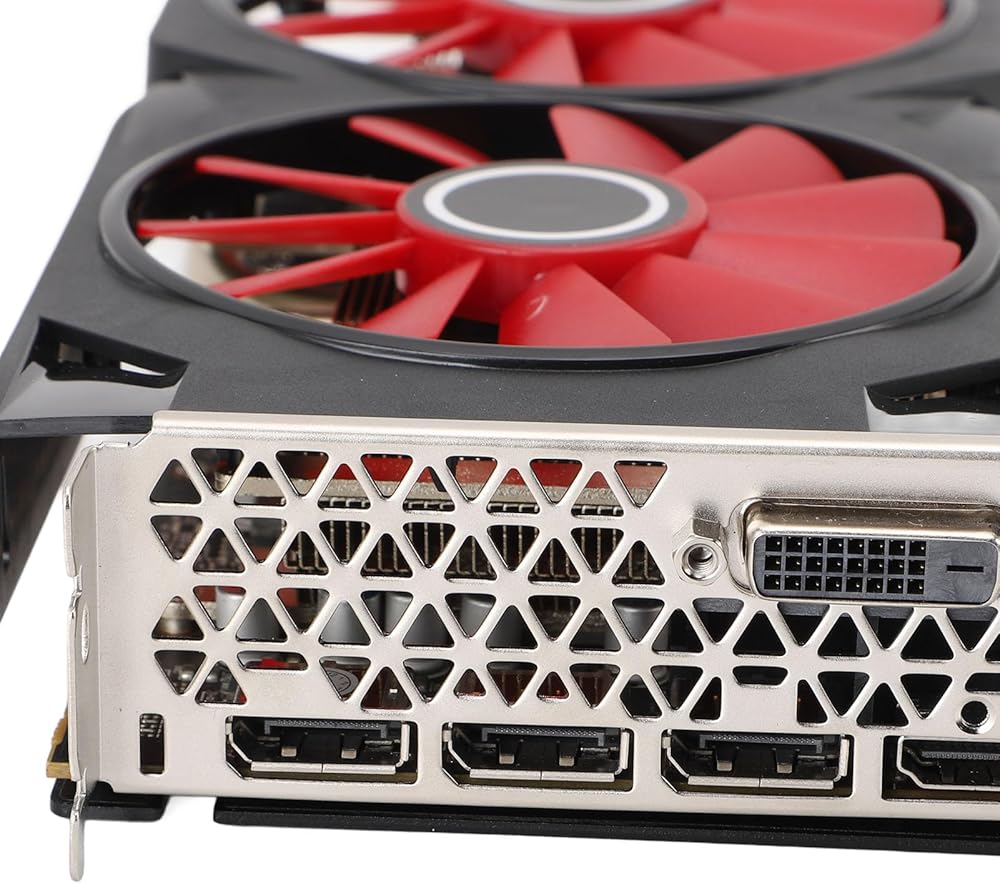
Output Interfaces: DPx3 + HD Multimedia + DVI
Bus Interface: PCI-Express 3.0 x 16
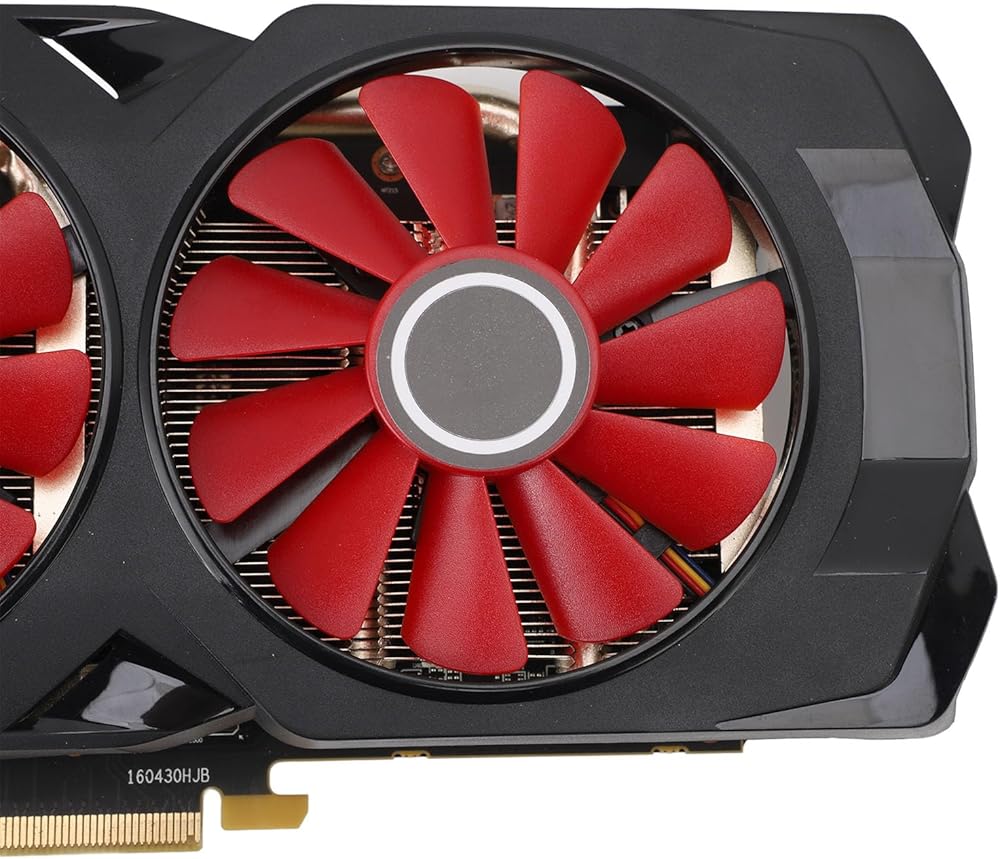
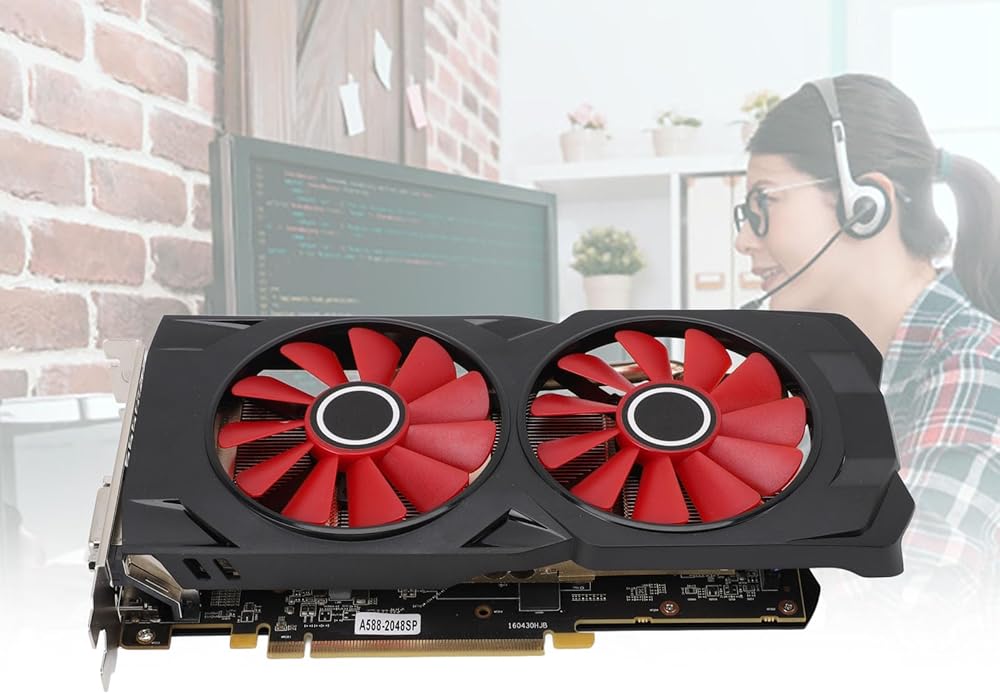
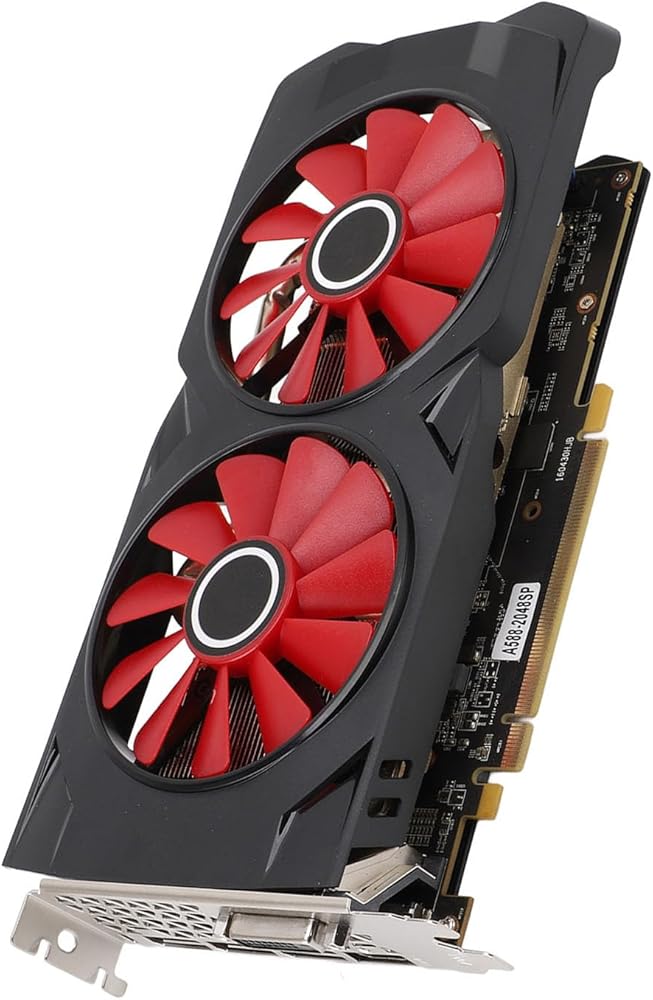
Cooling Fan: 2 Fans
How to Use:
Product Installation
1. Turn off the power and unplug all connectors; open the main chassis.
2. If there are other display cards installed on the motherboard, please remove them first, then insert the new display card into the PCI Express X16 slot provided on the motherboard.
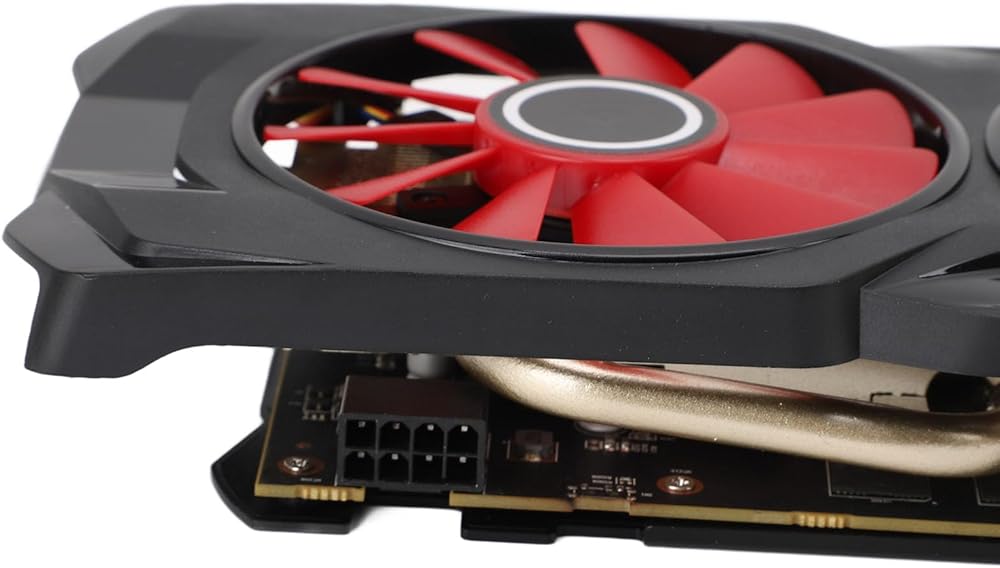
3. If the graphics card comes with additional power input interfaces, locate the corresponding plug on the main power supply and connect it to the graphics card, using these adapter plugs to provide sufficient power to the graphics card.
4. Tighten the fixing screws on the graphics card bracket to ensure the card is securely in place.
5. Close the chassis, reconnect all peripheral device connectors, and then plug the display connector into the corresponding interface on the graphics card.
Package List:
1 x Graphics Card
1 x User Manual
Note:
1. Please make sure that the product is a renovated part before purchasing.2. It is recommended to download the stable version of drivers for 10 64 bit version for 22.10.3 Optional (WHQL)
3. The power supply adapted for the product needs to have a real power of over 350W to be able to use it; otherwise, it may cause recognition failure, unable to start, and other abnormalities.
 بكرة صيد الطعم المعدنية خفيفة الوزن وقوية وناعمة، بكرة صيد طويلة مصبوبة للمياه المالحة والمياه العذبة، وظيفة خط مضاد للانفجار، نسبة تروس 7.2:1، قوة فرامل 8 كجم
KWD 7
بكرة صيد الطعم المعدنية خفيفة الوزن وقوية وناعمة، بكرة صيد طويلة مصبوبة للمياه المالحة والمياه العذبة، وظيفة خط مضاد للانفجار، نسبة تروس 7.2:1، قوة فرامل 8 كجم
KWD 7
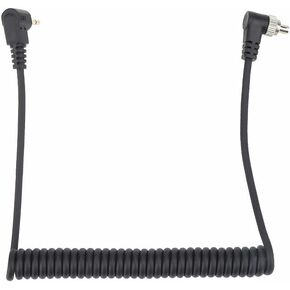 كابل مزامنة فلاش للكمبيوتر الشخصي مقاس 2.5 مم إلى ذكر، قابس بطول 39.3 بوصة إلى سلك مزامنة فلاش ذكر مع قفل لولبي، سلك ملفوف للتصوير الفوتوغرافي للكاميرات الرقمية والفلاش
KWD 4
كابل مزامنة فلاش للكمبيوتر الشخصي مقاس 2.5 مم إلى ذكر، قابس بطول 39.3 بوصة إلى سلك مزامنة فلاش ذكر مع قفل لولبي، سلك ملفوف للتصوير الفوتوغرافي للكاميرات الرقمية والفلاش
KWD 4
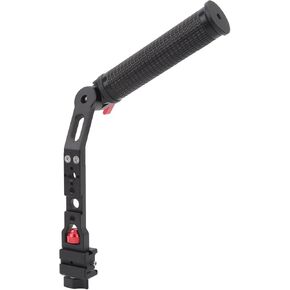 مقبض يد مثبت، مقبض عالي القوة قابل للتعديل، دوران 360 درجة، فتحات لولبية 3/8 بوصة، تصوير متعدد الزوايا لـ DJI Ronin RS3 لـ DJI Ronin RSC2
KWD 16
مقبض يد مثبت، مقبض عالي القوة قابل للتعديل، دوران 360 درجة، فتحات لولبية 3/8 بوصة، تصوير متعدد الزوايا لـ DJI Ronin RS3 لـ DJI Ronin RSC2
KWD 16
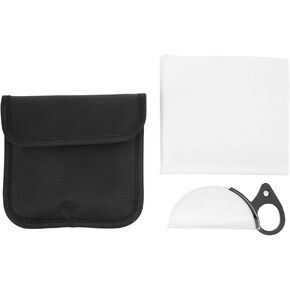 عدسة الكاميرا بريزم 80 ملم من الزجاج البصري بتأثير خاص على شكل نصف قمر مع حلقة إصبع للتصوير الفوتوغرافي
KWD 9.500
عدسة الكاميرا بريزم 80 ملم من الزجاج البصري بتأثير خاص على شكل نصف قمر مع حلقة إصبع للتصوير الفوتوغرافي
KWD 9.500