- التسوق ، اصبح سهلا.
- /
- احصل على التطبيق!
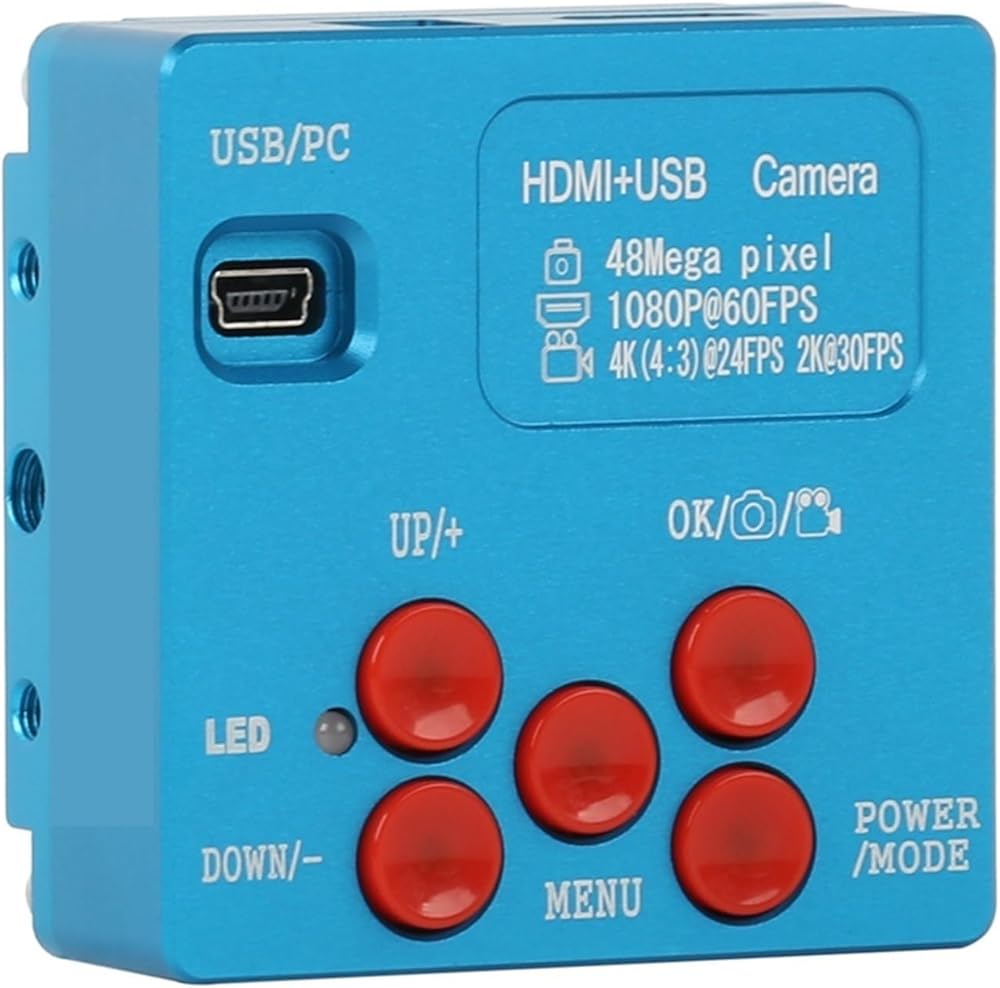
Function:
Picture Pixel: 9280X5 48MP
TF Card: Video Recorder
Grid line:8 horizontal lines, 8 vertical lines
Video Frame Rate: 4K@20FPS 2K@30FPS 1080P@60FPS 720P@60FPS
CMOS pixel:1.33um x 1.33um
Lens jack:C-mount
Color setting:Auto
Power:12V/1A
White balance:Auto/one button calibration/Manual
Size:64x64x35mm
EV:Auto/Manual
Weight:165g
Language:Chinese, English
Camera mode:HDMI output 2K 24fps/1080P 60fps/720P 60fps
Working temperature:0-70
USB/PC Interface:
1.connect the camera to your computer with USB cable, then power on,
if a SD card available in camera, then you will enter U disk mode and can prereview the pictures/videos from camera SD card or copy to your computer.
2.If no SD card in camera, you will enter PC-CAM mode to view pictures from your computer directly, and no driver needed here.
Note: DC/12V interface is for camera with 5V-12V/1A input power adapter, and unsuited adapters can't be used, otherwise the camera will be burned broken then
HDMI Interface: connect camera to a monitor with HDMI interface,
please use 16:9 wide monitor.
POWER/MODE:
This camera is -in to power on, long press the button for 3 seconds
to power off, then short press for 1 second to power on. Power on
success if you hear ticking with red indicator light on. After power on,
short press for 1 second to change to video mode, press one more
second to change to picture/video playback mode, one more press
back to camera mode.
MENU:
Short press the button for 1 second and enter menu setting page. Use
UP/DOWN button to select related funtions and press OK button to
enter submenu.
a)Chinese/English lan
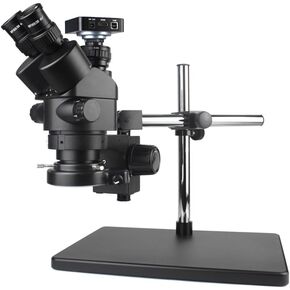 Simul-Focal Trinocular Stereo Digital Industry Industry Camero
KWD 1,125
Simul-Focal Trinocular Stereo Digital Industry Industry Camero
KWD 1,125
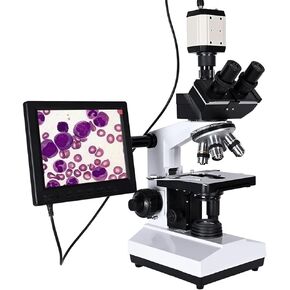 المعمل المحترف المجهر ثلاثي العينية Zoom 2500x + USB كاميرا CCD الرقمية الإلكترونية + 8 بوصة LCD
KWD 1,736
المعمل المحترف المجهر ثلاثي العينية Zoom 2500x + USB كاميرا CCD الرقمية الإلكترونية + 8 بوصة LCD
KWD 1,736
 Microscope Professional Professional Biological HD Microscome Microscy Zoom 2500x + USB كاميرا CCD الرقمية الإلكترونية + 8 بوصة LCD
KWD 902
Microscope Professional Professional Biological HD Microscome Microscy Zoom 2500x + USB كاميرا CCD الرقمية الإلكترونية + 8 بوصة LCD
KWD 902
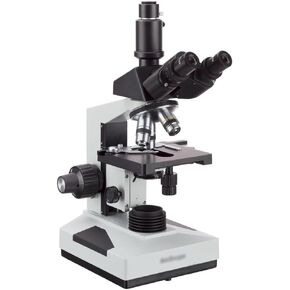 التحليل Upplies 40x-2000x مجهر Darkfield Compound Compound
KWD 1,172
التحليل Upplies 40x-2000x مجهر Darkfield Compound Compound
KWD 1,172