- التسوق ، اصبح سهلا.
- /
- احصل على التطبيق!
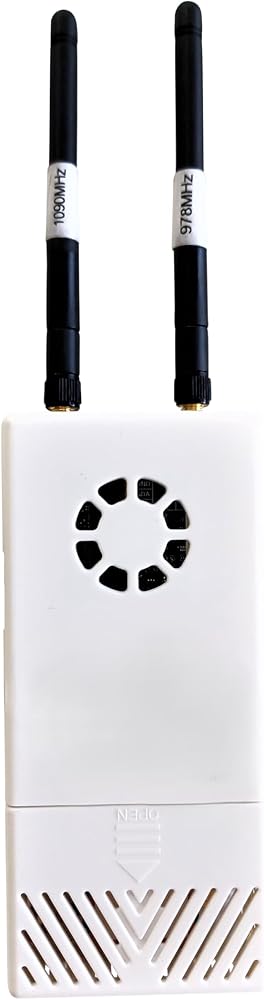
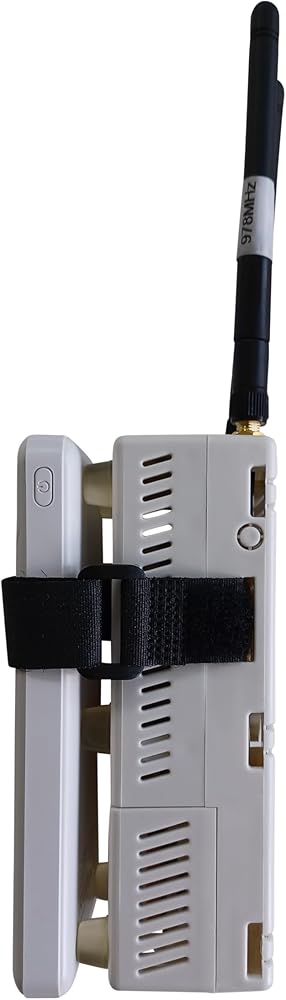
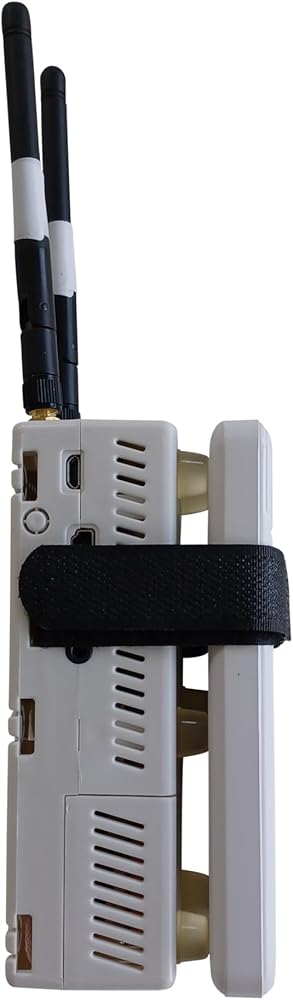
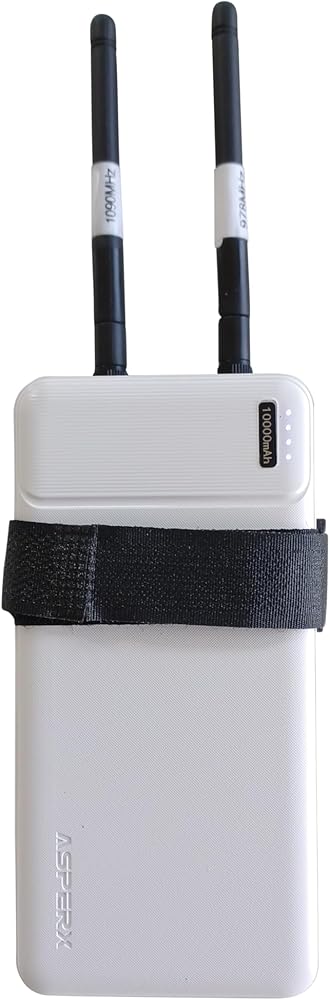
It is ready to go, you do not need to do anything but screw on the antennas. I build them with all new parts and custom-made SDRs for the best performance available. A battery is included, it will last about 4-5 hours on a full charge.
Please understand what you are buying and how the STUX... software works. Ask any questions before ordering, Check with your efb to make sure it will work. Sta... uses Wifi to connect to your device, not bluetooth. Ask any questions before ordering.
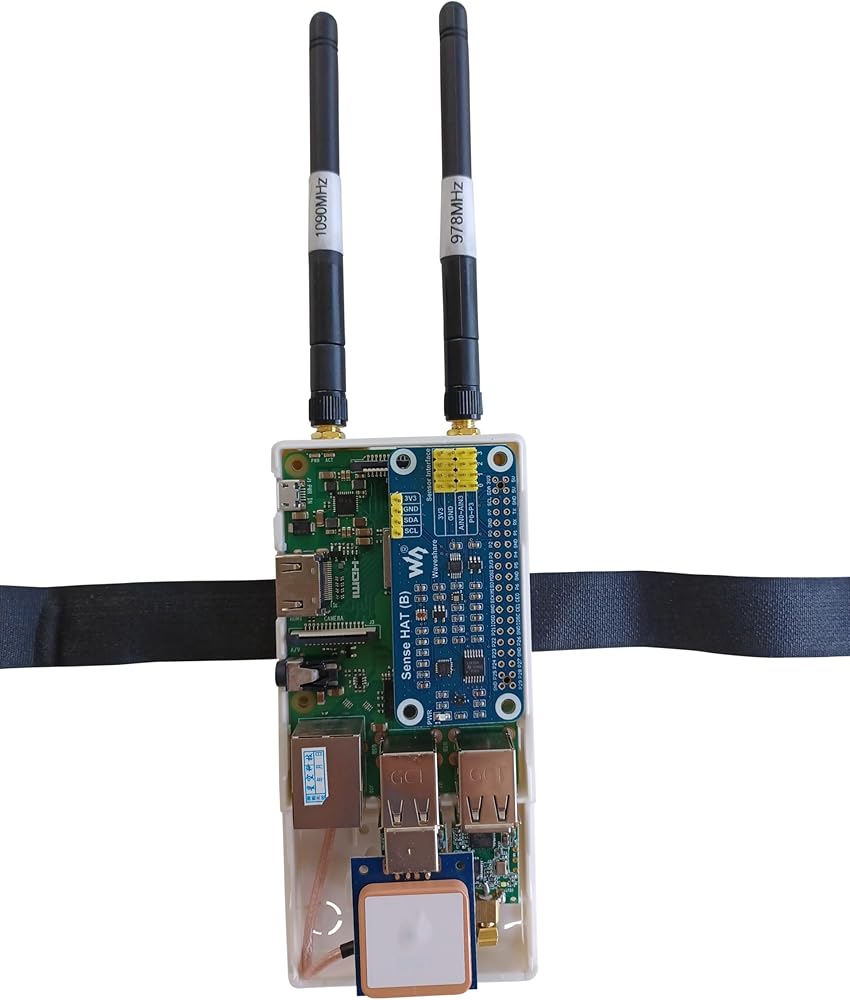
It has dual band receiver for 978mhz weather and 1090mhz traffic, has the internal GPS unit for gps it also has AHRS installed. Guaranteed to work out of the box.
Uses a Raspberry PI 3B+
2- Custom made SDRs
Latest release of the software is included
1- Gps unit
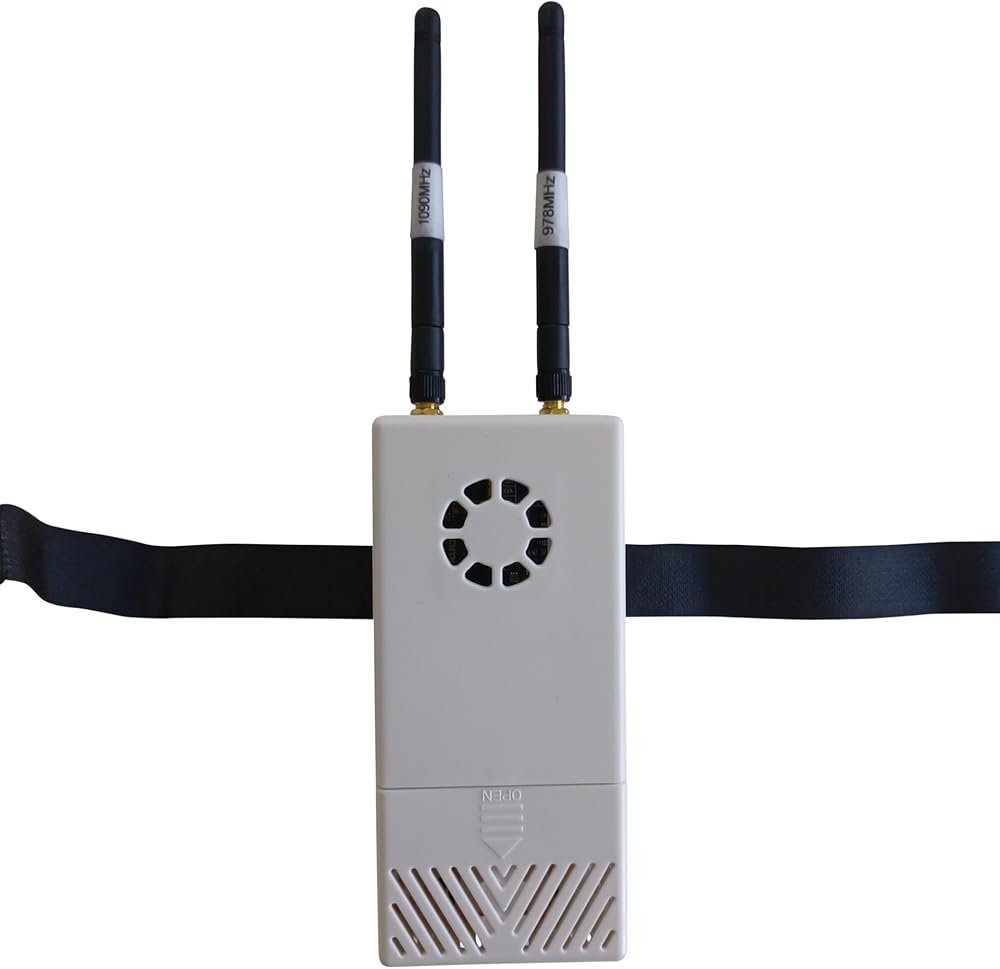
Summitlink case with suction cup mounts
Comes with long antennas +5db gain 1090mhz and 978mhz tuned
Has the AHRS unit installed
Most recent software installed on SD card installed and tested
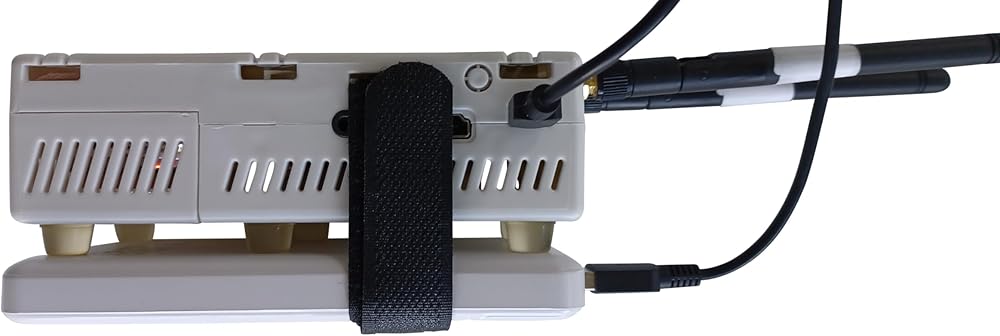
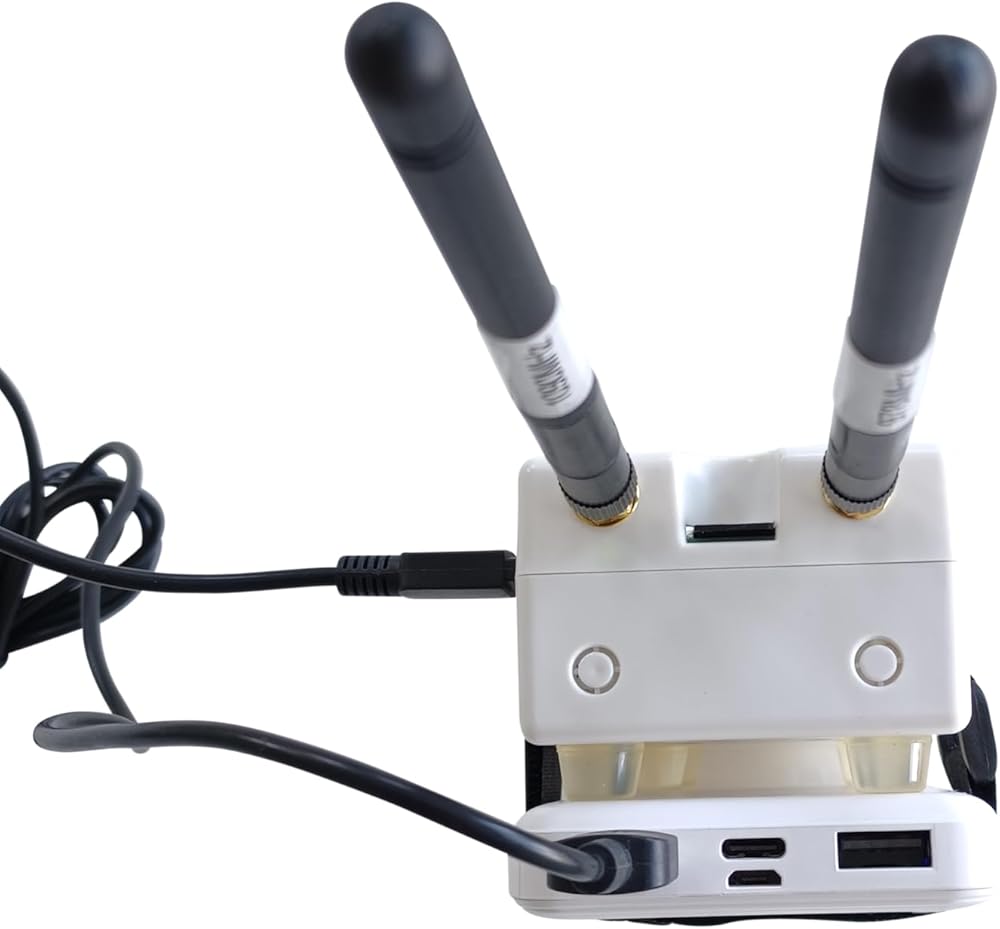
Comes with a rechargeable 10000mAh battery pack and short cable
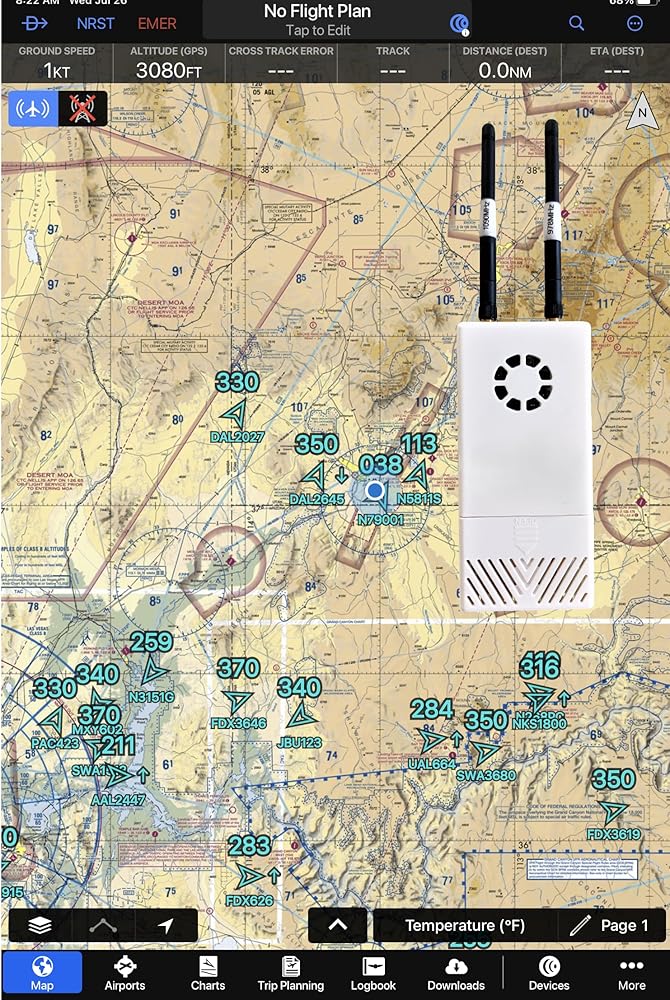
Works with Foreflight, Avare, Garmin pilot (on iPad), and most other EFB apps Not a Stratus receiver.
Battery lasts 3-4 hours at full charge
Quick Start Guide for the Strat Software ADS-B Receiver
Welcome to your Strat Software ADS-B Receiver! This guide will help you set up and start using your device quickly and easily.
What's in the Box
- Stra... ADS-B Receiver
- 1090mhz and 978mhz antennas
- Battery and USB power cable
- Quick Start Guide
Step 1: Unbox and Inspect
1. **Verify Contents:** Ensure you have all components listed above.
2. **Check Device:** Inspect the Stra receiver for any visible damage.
Step 2: Connect the Antennas
1. **Locate the Antenna Ports:** Find the 1090 mhz and the 978 mhz antenna ports on the Stra unit.
2. **Attach Antennas:** Screw the ADS-B antenna into the proper place. Ensure they are securely connected and oriented vertically for optimal reception.
Step 3: Power Up
1. **Power Source:** Connect the USB power cable to the Stra receiver.
2. **Connect Power:** Plug the other end of the USB cable into a USB power adapter or portable power bank.
3. **Turn On:** Ensure the power source is turned on. The Stra unit should start up and begin broadcasting a Wi-Fi signal, it can take a couple of minutes on first start. Stra does not have a power button, it is on all the time it is plugged in to the battery.
Step 4: Connect to the Wi-Fi Network
1. **Open Wi-Fi Settings:** On your tablet or smartphone, go to the Wi-Fi settings.
2. **Select Network:** Find and connect to the Wi-Fi network named “Strat..” . No password is needed.
Step 5: Access the Web Interface
1. **Open a Web Browser:** Launch a web browser on your connected device.
2. **Enter IP Address:** Type `192.168.10.1` into the address bar and press Enter. This will open the Strat web interface.
Step 6: Configure Your Receiver
1. Check the status page to ensure everything is working properly.
2. **Adjust Settings:** Configure the device settings to match your preferences. This may include setting update frequencies, enabling or disabling features, and checking the device status.
Step 7: Connect to an Aviation App
1. **Download an App:** Ensure you have a compatible aviation app installed on your tablet or smartphone (e.g., ForeFlight, SkyRadar, Avare).
2. **Open the App:** Launch the app and navigate to the settings or connections menu.
3. **Select Stra...:** Choose the Stra... receiver from the list of available sources to start receiving data.
Step 8: Start Receiving Data
1. **View Data:** The app will begin displaying real-time ADS-B data, including aircraft positions, weather updates (if you are near a tower), and more.
2. **Monitor:** Use the data to enhance your situational awareness and flight planning.
Troubleshooting Tips
- **No Signal:** Ensure antennas are properly connected and oriented. Check for obstructions. - **Connection Issues:** Restart both the receiver and your device. Verify that you're connected to the correct Wi-Fi network. - **Data Not Updating:** Check app settings to confirm it's connected to the receiver. Verify configuration in the web interface. Safety and Maintenance - **Placement:** Keep the receiver in a location with a clear view of the sky for optimal performance. - **Firmware Updates:** Periodically check for and apply firmware updates as needed. - **Cleaning:** Wipe the device with a dry cloth. Avoid using liquids or abrasive materials. Congratulations! You're now ready to use your ADS-B Receiver and enjoy enhanced flight awareness. Safe travels!
 Metra Electronics Metra 72-7800 وصلة مكبر الصوت لمركبات هوندا مختارة، رمادي
KWD 4
Metra Electronics Metra 72-7800 وصلة مكبر الصوت لمركبات هوندا مختارة، رمادي
KWD 4
 Scosche CR1289B متوافق مع 2005-08 كرايسلر / دودج / جيب ISO Double DIN & DIN+Pocket Dash Kit، نماذج مع Nav
KWD 8.500
Scosche CR1289B متوافق مع 2005-08 كرايسلر / دودج / جيب ISO Double DIN & DIN+Pocket Dash Kit، نماذج مع Nav
KWD 8.500
 Carxtc طقم أجهزة قياس ستيريو للسيارة مزدوج أو فردي Din لراديو ما بعد البيع 381
KWD 11.500
Carxtc طقم أجهزة قياس ستيريو للسيارة مزدوج أو فردي Din لراديو ما بعد البيع 381
KWD 11.500
 كابل هوائي كرايسلر 56043089AF
KWD 8.500
كابل هوائي كرايسلر 56043089AF
KWD 8.500