- التسوق ، اصبح سهلا.
- /
- احصل على التطبيق!

Description:
- Receive Display Settings:
- 1, press [FUNC] key to enter the setup menu, enable the extended menu.
- 2, rotate [SELECT] to call up the setup menu item No-060 [MTR ARX SEL].
- 3, rotate [DIAL] to select an external instrument display:
- SIG: the input signal strength display
- C T R: Discriminator Center Meter
- VLT: battery voltage
- N / A: blank
- FS: buckle in the instrument 1mA full scale output signal calibration standard external instruments
- OFF:Turn off the meter.
- 4, press [FUNC] button to save the settings and exit the setup menu.
- Emission Display Settings:
- 1, press [FUNC] key to enter the setup menu, enable the extended menu.
- 2, rotate [SELECT] to call up the setup menu item No-061 [MTR ATX SEL].
- 3, rotate [DIAL] to select an external instrument display:
- PWR: transmit power display
- ALC: Automatic Level Control voltage display
- MOD: Modulation Level Display
- SWR: SWR display
- VLT: Display Supply Voltage
- N / A: blank
- OFF: Turn off the meter.
Specification:
- Material: Plastic
- Size: Approx.12x15x12 cm / 4.72x5.91x4.72 inch
Package Includes:
1 Pc Power Meter
:
1.If you can not find the numbers 60, 61 menu, is this two radio hidden menu. Long press the F key to open the menu settings, the 1st menu set to ON, press the F key to open the exit to save the hidden menu.
2.Please allow 1-3cm error between the size from the above and the actual item due to manual measurement.
 LM533 مقياس الضوء الشمسي
KWD 41
LM533 مقياس الضوء الشمسي
KWD 41
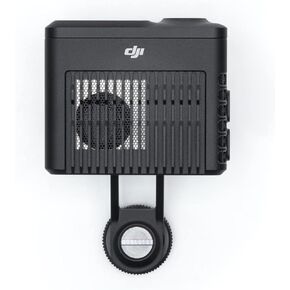 -24%
جهاز تحديد المدى من دي جيه اي ليدار CP.RN.00000288.01
KWD 182
-24%
جهاز تحديد المدى من دي جيه اي ليدار CP.RN.00000288.01
KWD 182
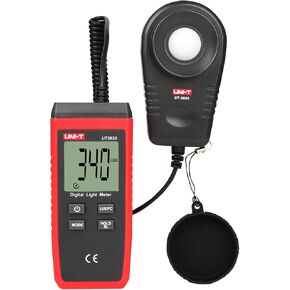 UNI-T UT383S مقياس الضوء المحمول لوكس متر مقياس الإضاءة الرقمي 0 ~ 199900 لوكس (0 ~ 18500 FC) شموع القدم Luxmeter لنباتات التصوير الفوتوغرافي السينمائي مقياس الضوء لقياس سطوع الإضاءة
KWD 16
UNI-T UT383S مقياس الضوء المحمول لوكس متر مقياس الإضاءة الرقمي 0 ~ 199900 لوكس (0 ~ 18500 FC) شموع القدم Luxmeter لنباتات التصوير الفوتوغرافي السينمائي مقياس الضوء لقياس سطوع الإضاءة
KWD 16
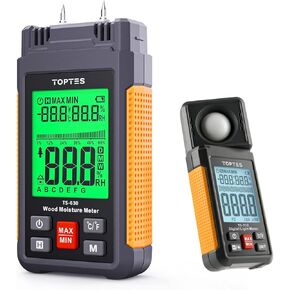 TS-630 Moisture Meter & TS-710 Meter-مجموعة مراقبة بيئية موثوقة لقياس رطوبة الخشب/الجدران الجافة وكثافة الضوء في المنازل والمكاتب والمزارع وورش العمل
KWD 22
TS-630 Moisture Meter & TS-710 Meter-مجموعة مراقبة بيئية موثوقة لقياس رطوبة الخشب/الجدران الجافة وكثافة الضوء في المنازل والمكاتب والمزارع وورش العمل
KWD 22

