- التسوق ، اصبح سهلا.
- /
- احصل على التطبيق!
Note:
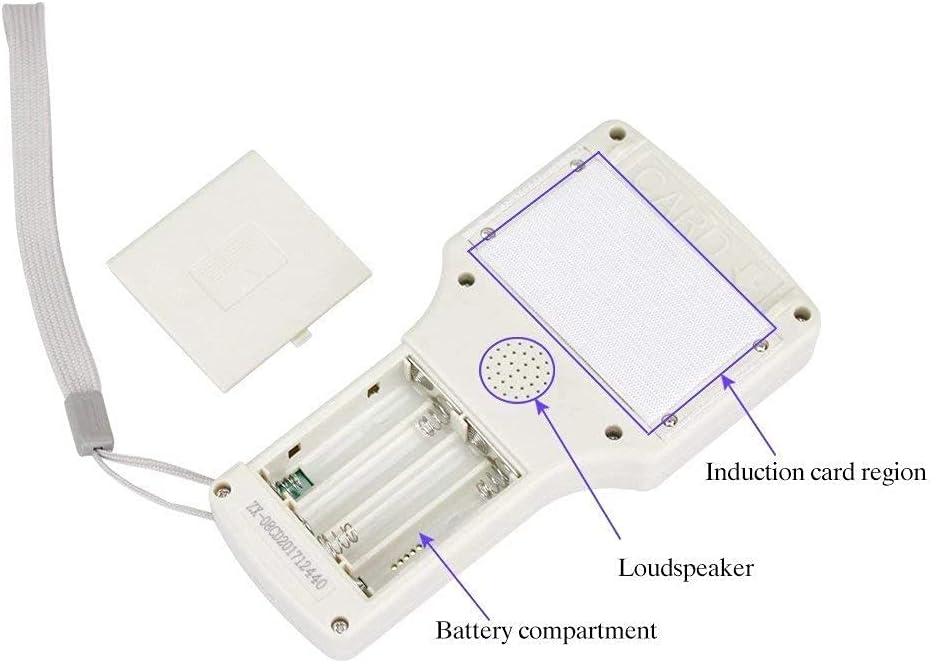
1.4 AAA batteries or USB power supply is supported ( batteries not included)
2.when there is a disclaimer,don't click the "confirm", press "ok"
3.Some partly encrypted, fully encrypted cards aren't applicable.
4.It doesn't work for fully-encrypted cards.
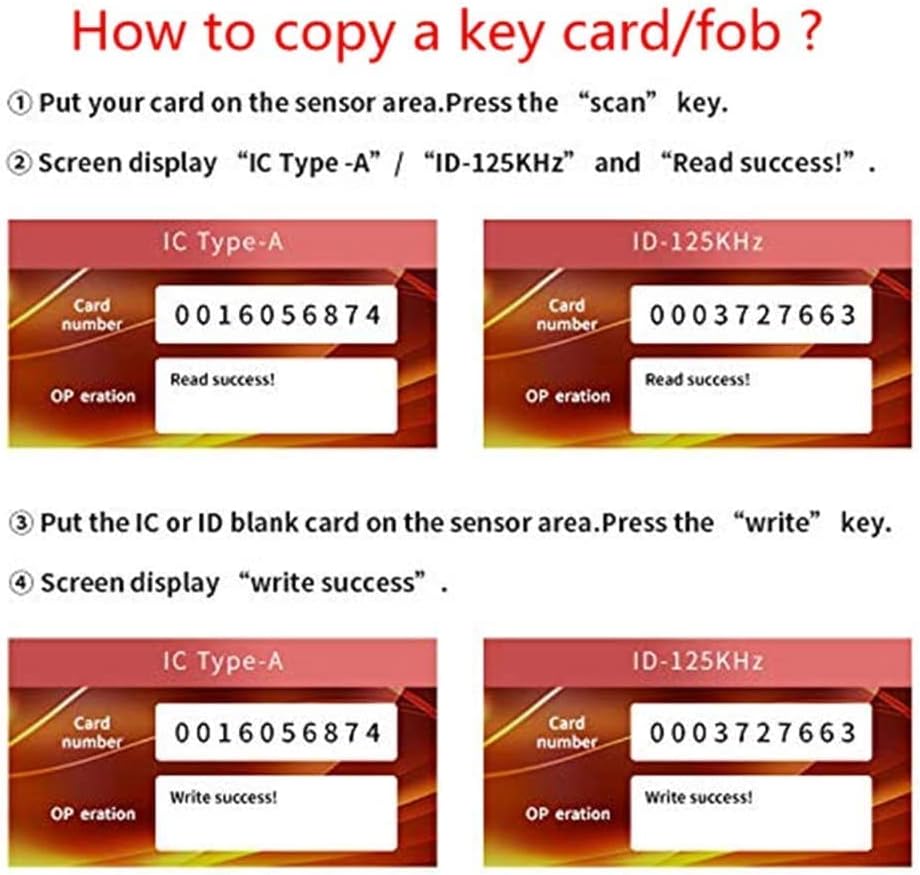
How to Copy a an unencrypted card:
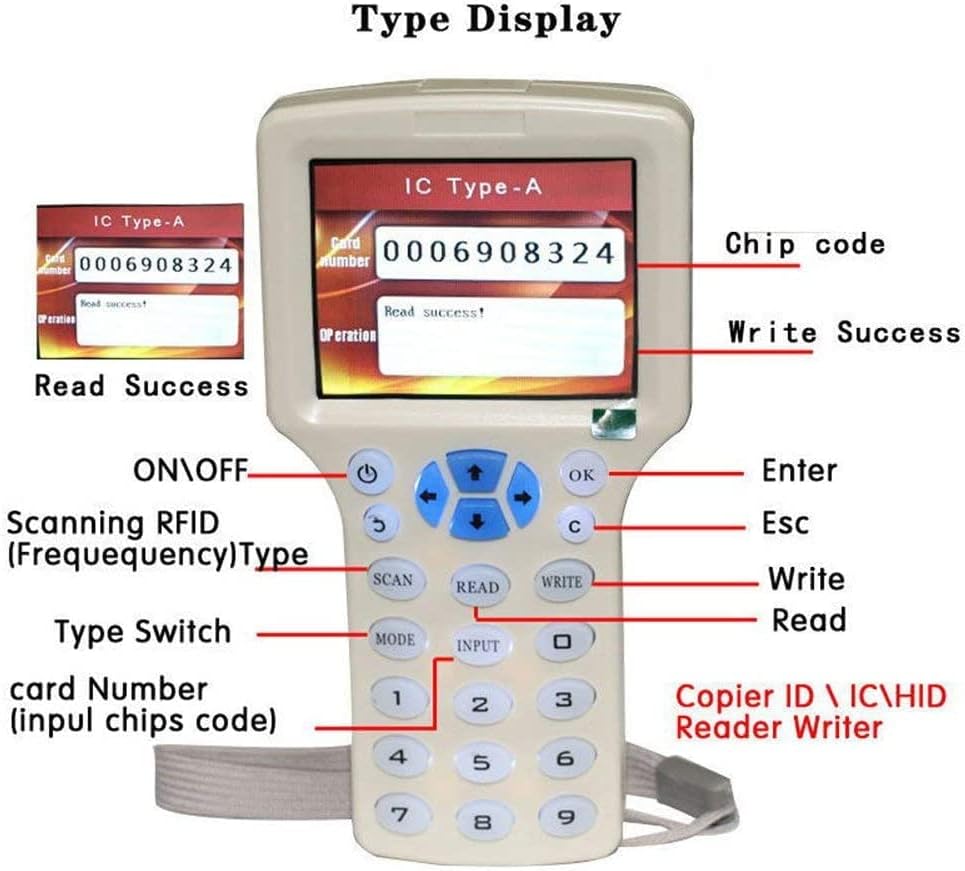
1.Press “on/off "button to start up, a disclaimer will pop up. Press“Ok” button to enter the card reading interface.
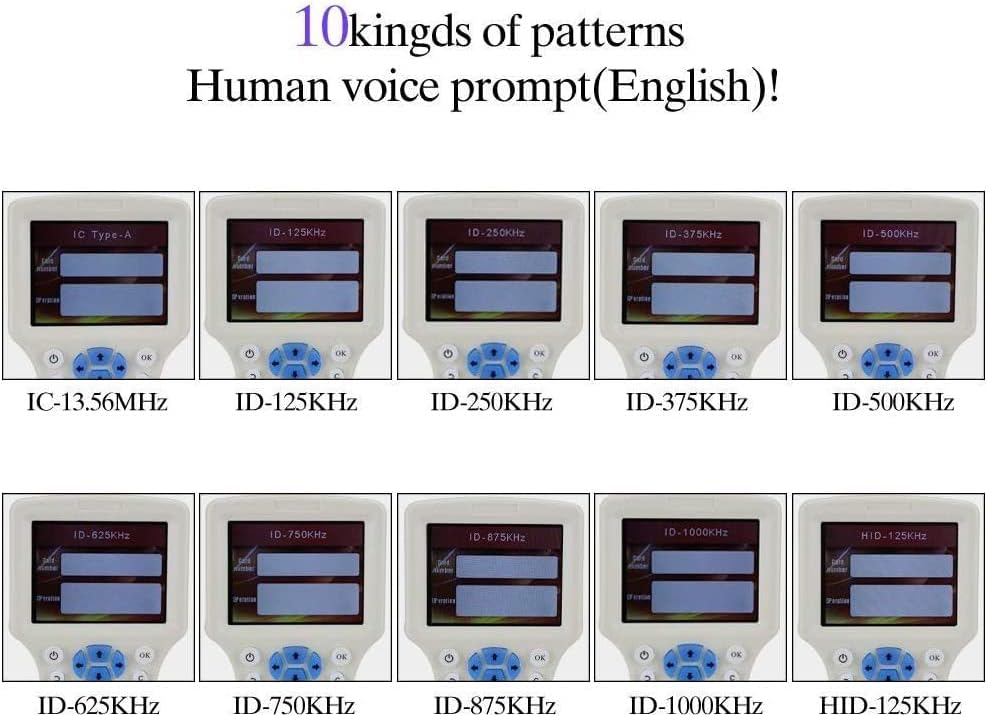
2.Place the card to be copied in the sensor area. Press the"scan" button, card frequency and card number will be displayed. Card reading successful. Replace blank card in the sensor area press the"write" button, complete duplication unencrypted cards.
How to cpoy a Partly encrypted card :
Please note: The decoding software cannot be opened directly from the U disk, please operate in strict accordance with the instructions, otherwise the decoding software cannot be connected
1,Connected the device to your computer (windows only) through the blue USB cable,it will display "disclaimer" page (NOTE:do not press any button ). The computer will pop up a removable disk,open the removable disk, there will have a file"iCopyFZQClient200330-En.exe" copy the file to your computer desktop
2,Press " OK "button on the device ,the device enter user interface, put the Semi-encrypted IC card on the induction area, ,then open the file for on your computer,click" start ", the Smart card decoding software will be running on your computer. (Each square represents a sector of the IC card password)
3,After decoded successfully ,put the IC blank card (UID card)on the sensing area, Press the “write” button, encrypted cards duplication will be completed.
Package include:
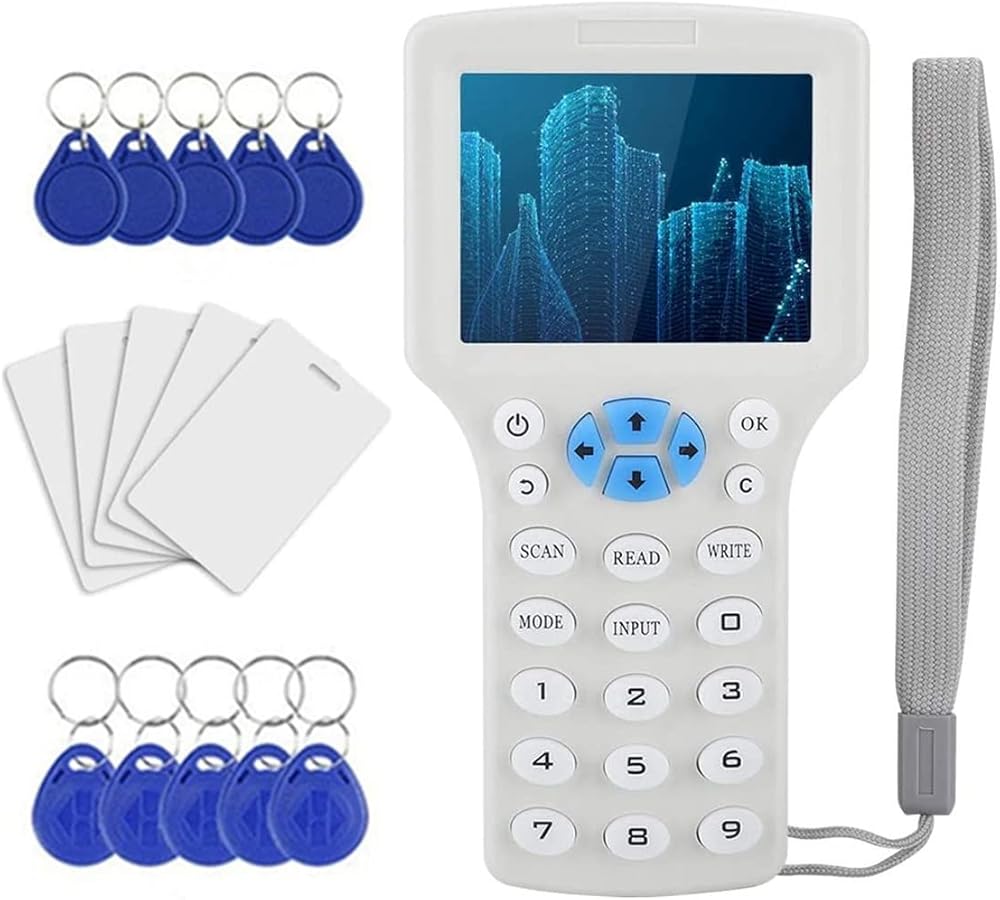
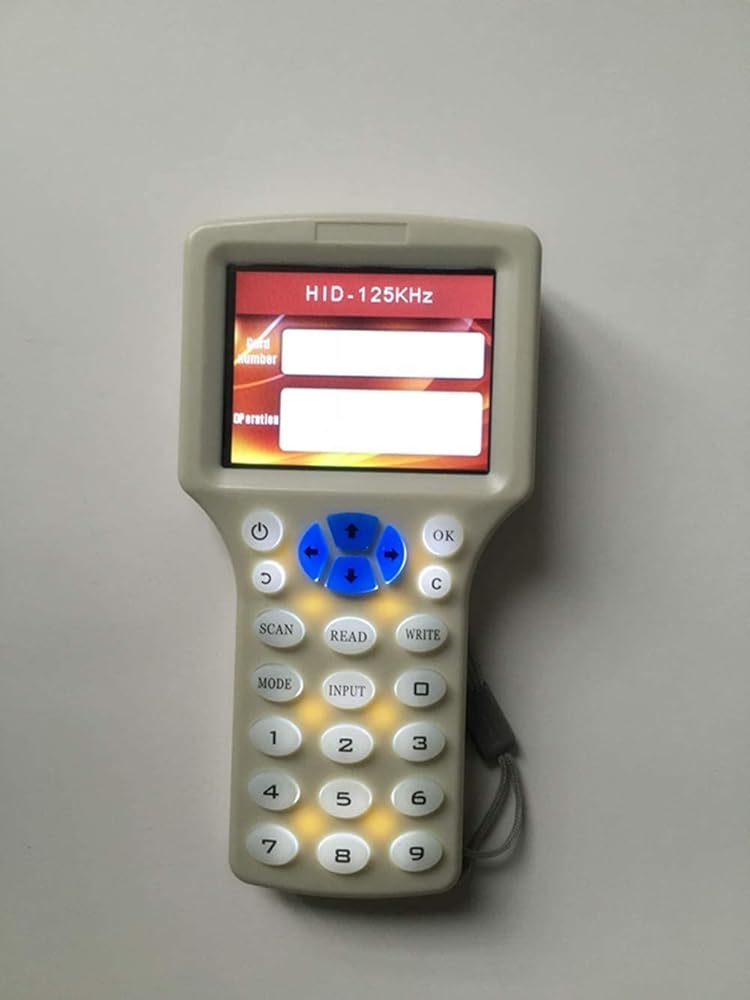
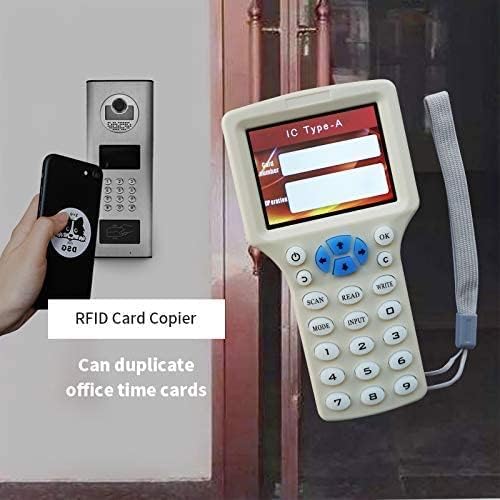
1pc Handheld RFID NFC Copier Reader Writer
1pc USB cable
5pcs ID 125khz cards
5pcs UID 13.56mhz writable key
5pcs ID 125khz keyfobs
 نظام إنذار لاسلكي للممر بالطاقة الشمسية ونظام تنبيه مستشعر للممر وأمن مانع لتسرب الماء ومستشعر وكاشف للحركة الخارجية
KWD 13
نظام إنذار لاسلكي للممر بالطاقة الشمسية ونظام تنبيه مستشعر للممر وأمن مانع لتسرب الماء ومستشعر وكاشف للحركة الخارجية
KWD 13
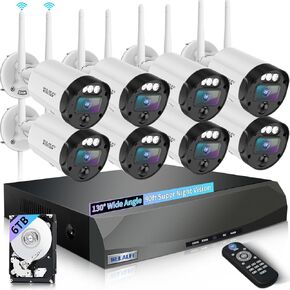 【90 قدمًا في الرؤية الليلية Super】 نظام كاميرات أمان لاسلكي 5MP في الهواء الطلق ، كاميرات لاسلكية للأمن المنزلي ، كاميرات أمان الفيديو المنزلية ، واي فاي مراقبة DVR مجموعات
KWD 98.500
【90 قدمًا في الرؤية الليلية Super】 نظام كاميرات أمان لاسلكي 5MP في الهواء الطلق ، كاميرات لاسلكية للأمن المنزلي ، كاميرات أمان الفيديو المنزلية ، واي فاي مراقبة DVR مجموعات
KWD 98.500
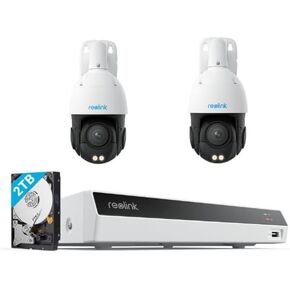 Reolink 4K PTZ Poe Security System ، 2PCS 4K POE CAMERAS مع حزمة 3D 16X البصرية ZOOM RLC-823S2 مع 8CH NVR RLN8-410 أبيض ، آمن 24/7 تخزين محلي ، مسارات السيارات ، مركبة/مركبة/حيوان أليف
KWD 275.500
Reolink 4K PTZ Poe Security System ، 2PCS 4K POE CAMERAS مع حزمة 3D 16X البصرية ZOOM RLC-823S2 مع 8CH NVR RLN8-410 أبيض ، آمن 24/7 تخزين محلي ، مسارات السيارات ، مركبة/مركبة/حيوان أليف
KWD 275.500
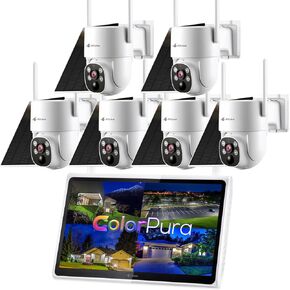 Kittyhok Outdoor Solar Security Camera System Wireless ، 6pcs 2K Solar PTZ Camera ، Pro Color Light Vision ، Detection Human ، 360 Views ، 10Ch NVR ، Storage Local ، حزمة KSBL40T4 مع BLY4
KWD 183.500
Kittyhok Outdoor Solar Security Camera System Wireless ، 6pcs 2K Solar PTZ Camera ، Pro Color Light Vision ، Detection Human ، 360 Views ، 10Ch NVR ، Storage Local ، حزمة KSBL40T4 مع BLY4
KWD 183.500