- التسوق ، اصبح سهلا.
- /
- احصل على التطبيق!
Specification:
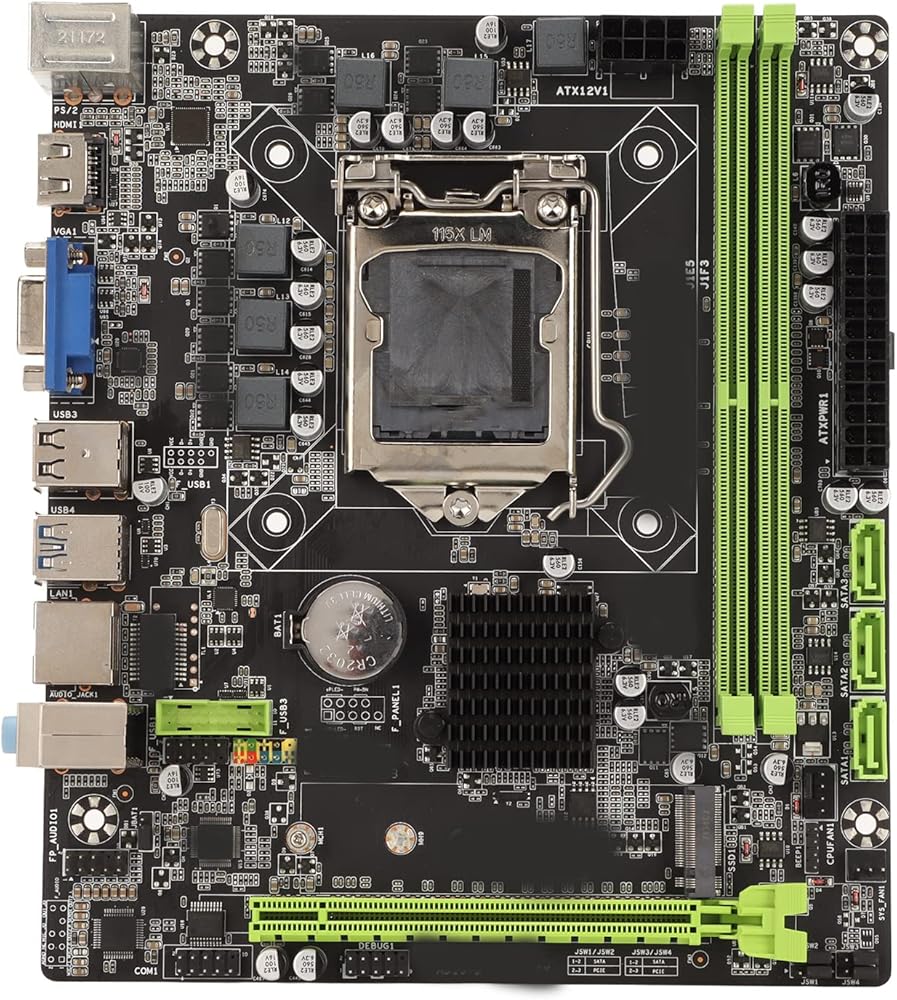
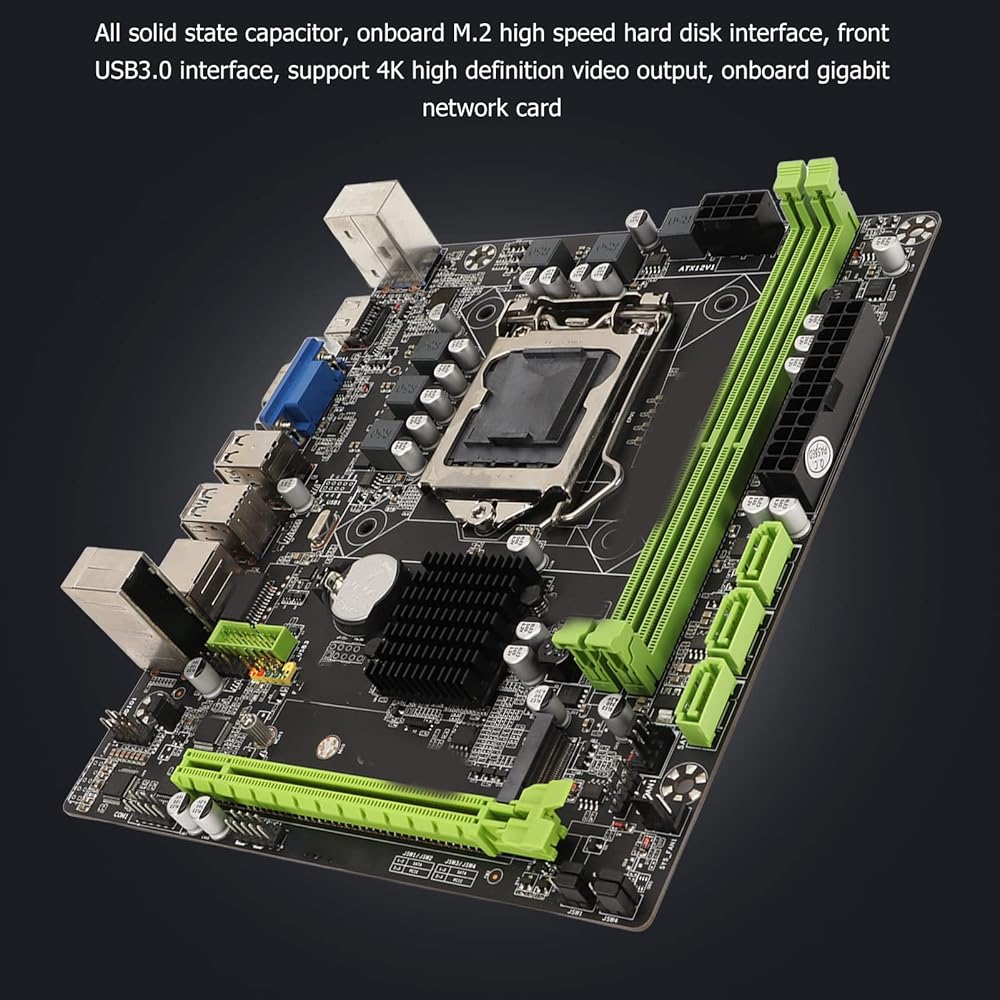
Item Type: Motherboard H310B
Material: PCB
Model No.: H310B
Motherboard Architecture: M ATX
Main plate size: Approx. 196 x 170 mm / 77.2 x 66.9 inches
CPU slot type: Compatible with LGA 1151 (6/7/8/9 generation)
Network Card: Gigabit Network Card
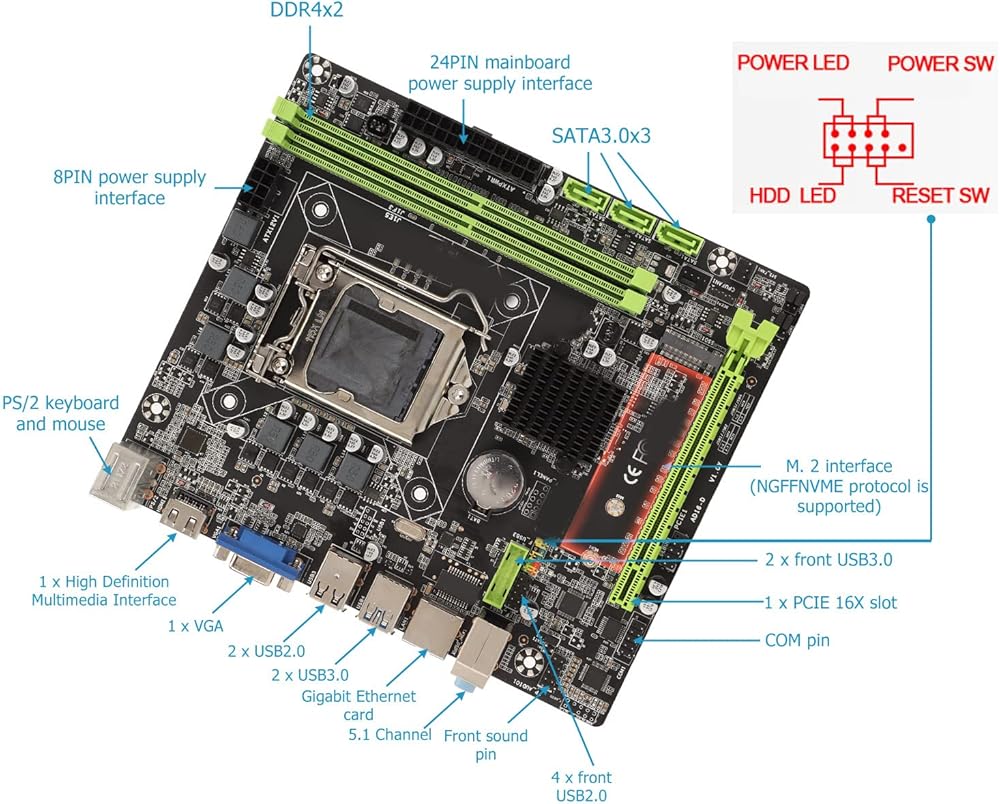
Video Card Slot: 1 x PCIe 3.0 16x
Compatible memory type: 2 x Ddr4
Maximum memory capacity: 32 gb
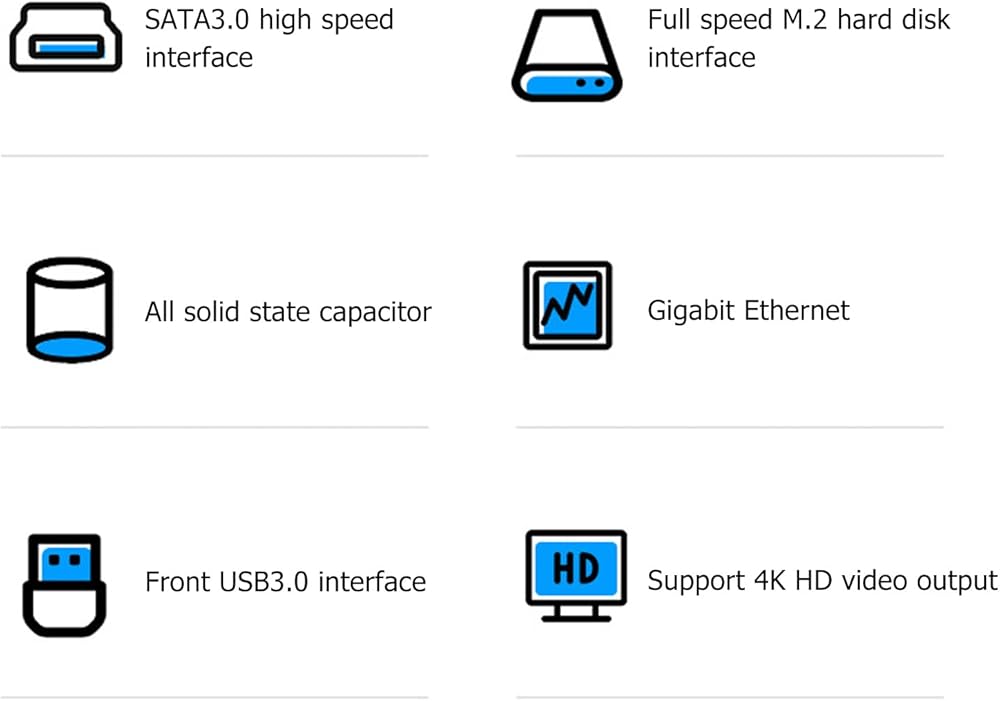
SATA interface: 3 x Sata3.0
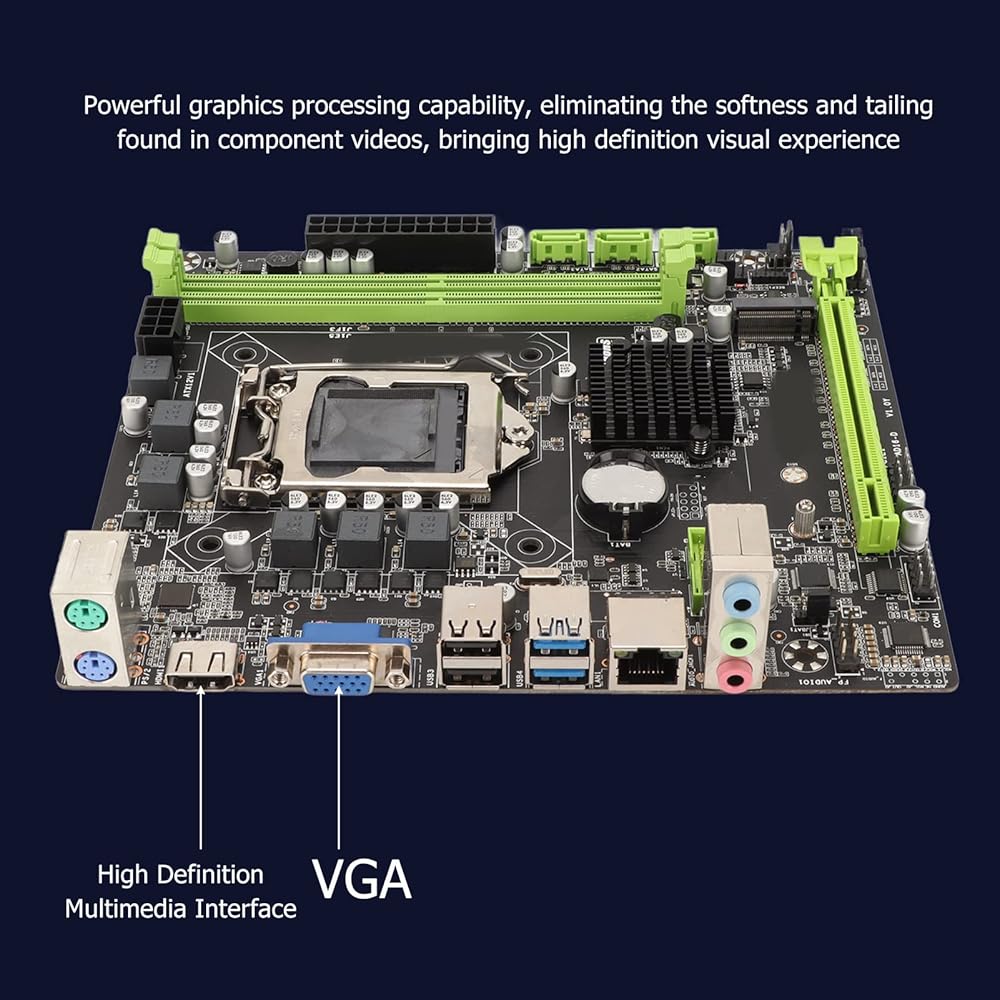
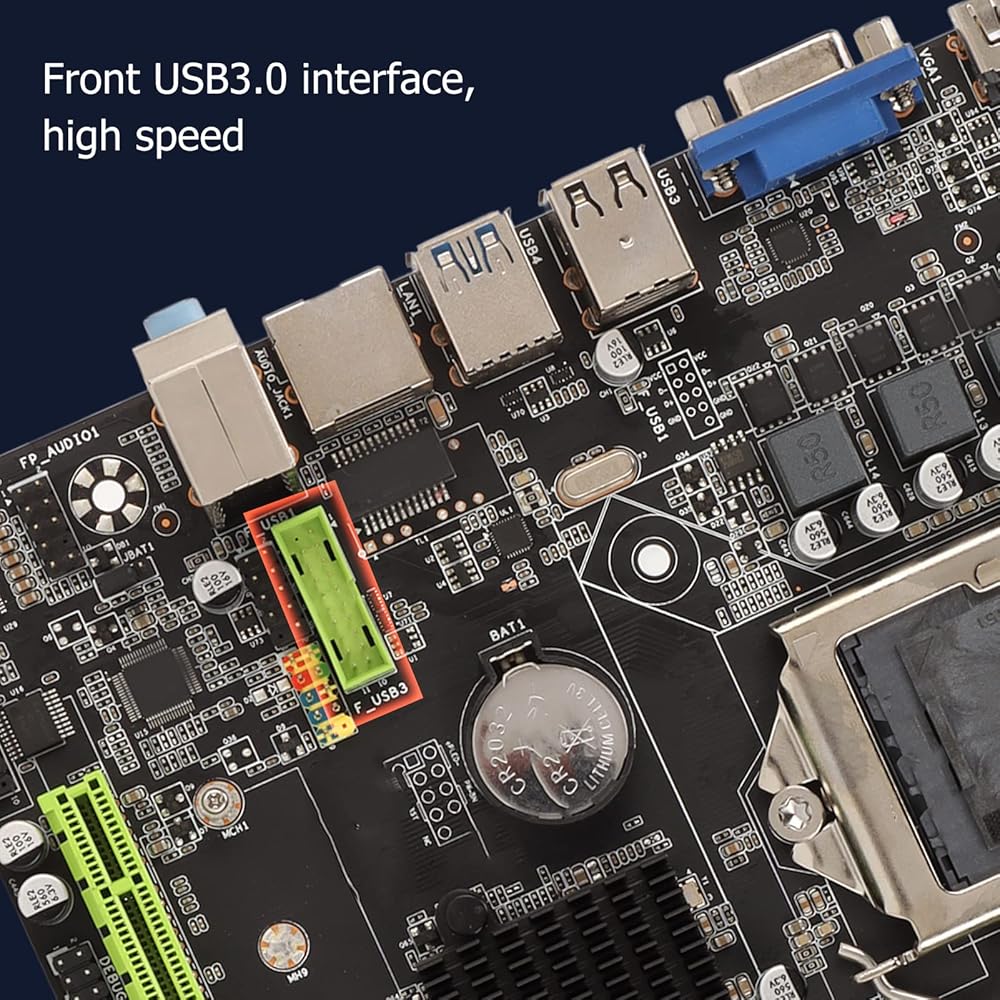
USB Interface: 4 x Usb3.0 (2 x Front Usb3.0 )+ 6 x Usb2.0 (2 x USB2.0 Front)
Ps/2 Interface: Ps/2 Mouse Keyboard Interface
Built-in sound card: 5.1 channel support
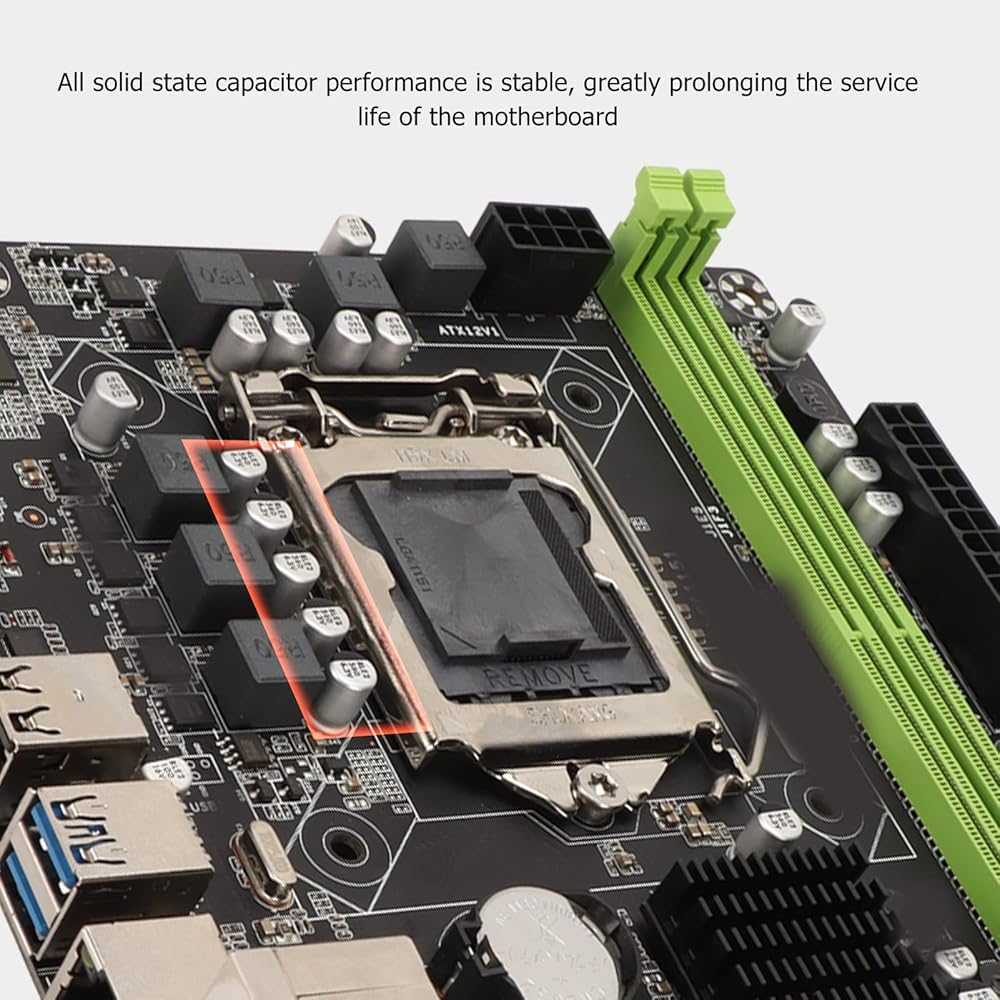
Power interface: 1 x 24 pins, 1 x 8 pins
Expansion interface: 1 x HD multimedia interface, 1 x Vga, M.2 interface (Ngff and Nvme protocols supported)
Battery type: Cr2032 button battery (built-in)
Battery capacity: 240 mah
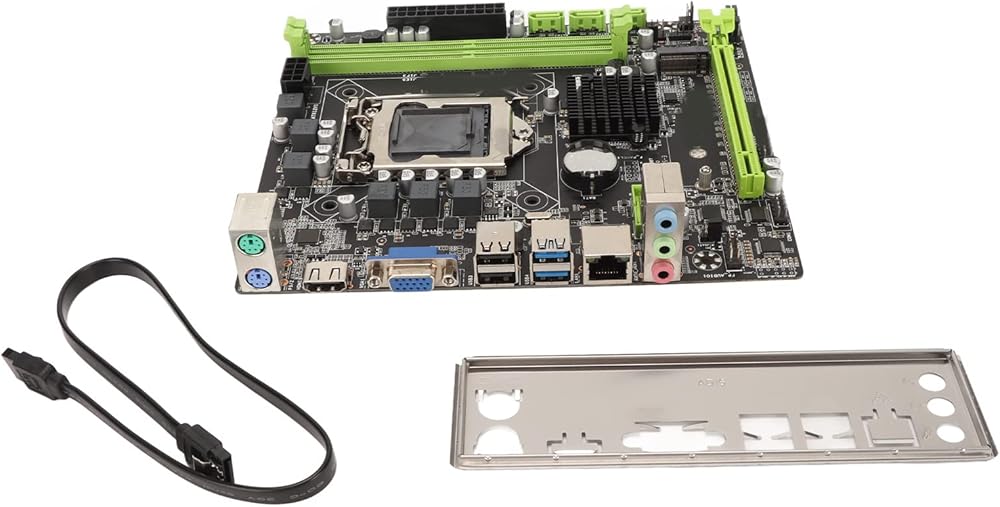
Packing List:
1 x H310B motherboard
1 x SATA Cable
1 x Deflector
Note:
Does not turn on:
When pressing the power button to start the computer, the fan and the Q/QCODE LED indicator do not respond, follow the instructions below to fix the problem
1. Follow the troubleshooting steps above to confirm the motherboard power supply and confirm if the power adapter is properly connected to the ATX power port
2. Keep the CPU, CPU cooler fan and separate RAM on the motherboard. Remove all USB devices and external cards from the motherboard, including mice, keyboards, card readers, flash drives, external hard drives and external PCIE cards. Remove all cables from the motherboard, including network cables, sound cables, and display cables (High-Definition Multimedia Interface/VGA/DVI/DP). Then try to turn on
 لوحة رئيسية X79G A، لوحة رئيسية للكمبيوتر M ATX، تدعم واجهة M.2، SATA2.0، بطاقة شبكة جيجابت، 4xDDR3، 12USB2.0، للكمبيوتر DIY
KWD 32
لوحة رئيسية X79G A، لوحة رئيسية للكمبيوتر M ATX، تدعم واجهة M.2، SATA2.0، بطاقة شبكة جيجابت، 4xDDR3، 12USB2.0، للكمبيوتر DIY
KWD 32
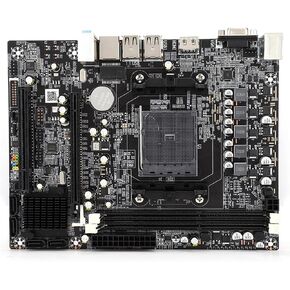 اللوحة الأم، اللوحة الأم لسطح المكتب لـ AMD A10/A8/A6/A4/Athlon مجموعة كاملة من شرائح الرسومات لرسومات APU Core، Dual DDR3 1333/1600MHz، للكمبيوتر
KWD 20
اللوحة الأم، اللوحة الأم لسطح المكتب لـ AMD A10/A8/A6/A4/Athlon مجموعة كاملة من شرائح الرسومات لرسومات APU Core، Dual DDR3 1333/1600MHz، للكمبيوتر
KWD 20
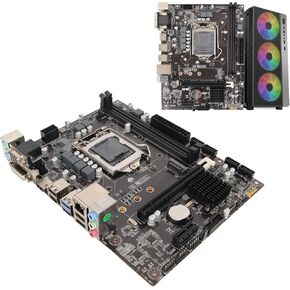 اللوحة الأم للكمبيوتر H310، LGA 1151 ثنائي القناة DDR4 M.2 NVMe M ATX اللوحة الأم لسلسلة Inter، الدعم، VGA، DVI، USB3.0، PS2، للكمبيوتر الشخصي DIY
KWD 33.500
اللوحة الأم للكمبيوتر H310، LGA 1151 ثنائي القناة DDR4 M.2 NVMe M ATX اللوحة الأم لسلسلة Inter، الدعم، VGA، DVI، USB3.0، PS2، للكمبيوتر الشخصي DIY
KWD 33.500
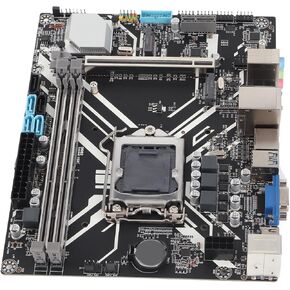 اللوحة الأم للكمبيوتر DDR4، وحدة المعالجة المركزية LGA1150 Core من الجيل الرابع والخامس، وذاكرة DDR4 سعة 64 جيجابايت، وM.2 NVME، ومخرج وسائط متعددة عالي الدقة، وإمداد طاقة بثلاث مراحل
KWD 26.500
اللوحة الأم للكمبيوتر DDR4، وحدة المعالجة المركزية LGA1150 Core من الجيل الرابع والخامس، وذاكرة DDR4 سعة 64 جيجابايت، وM.2 NVME، ومخرج وسائط متعددة عالي الدقة، وإمداد طاقة بثلاث مراحل
KWD 26.500