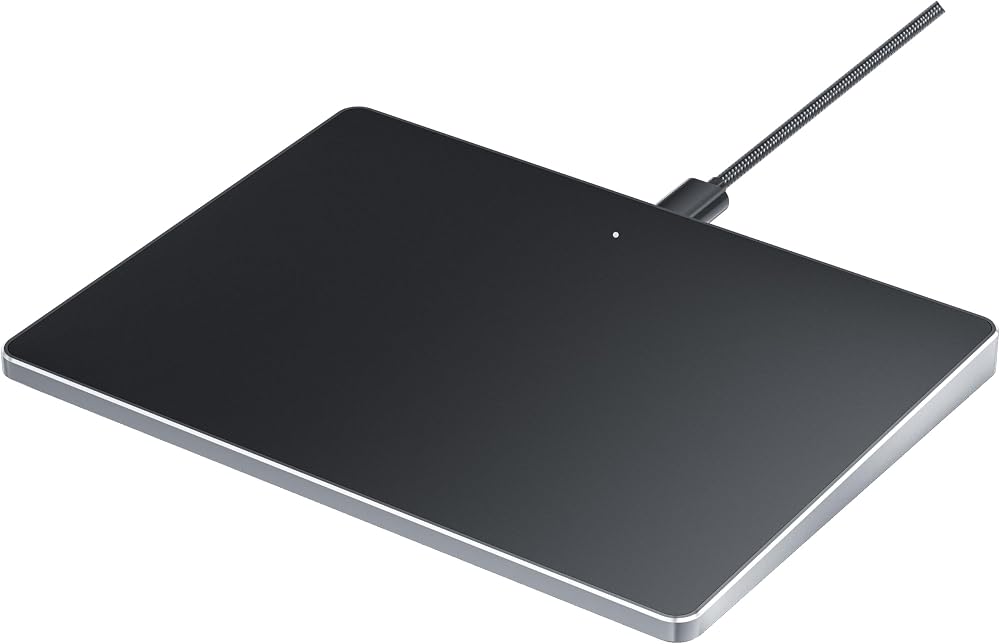
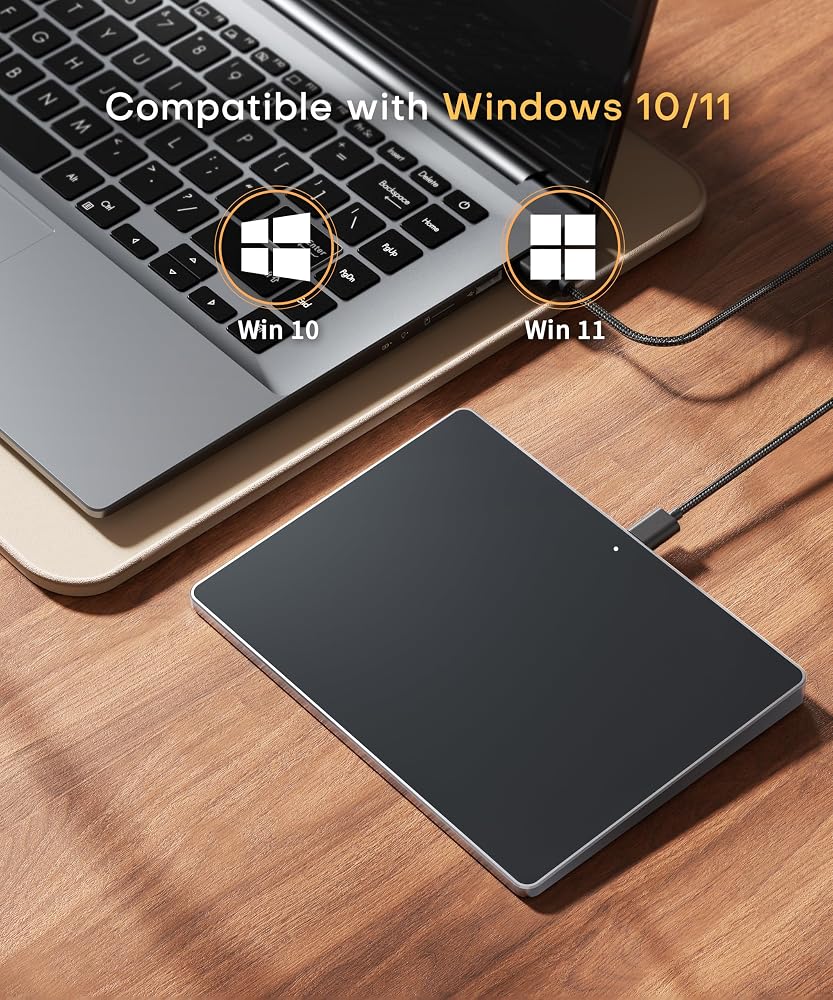
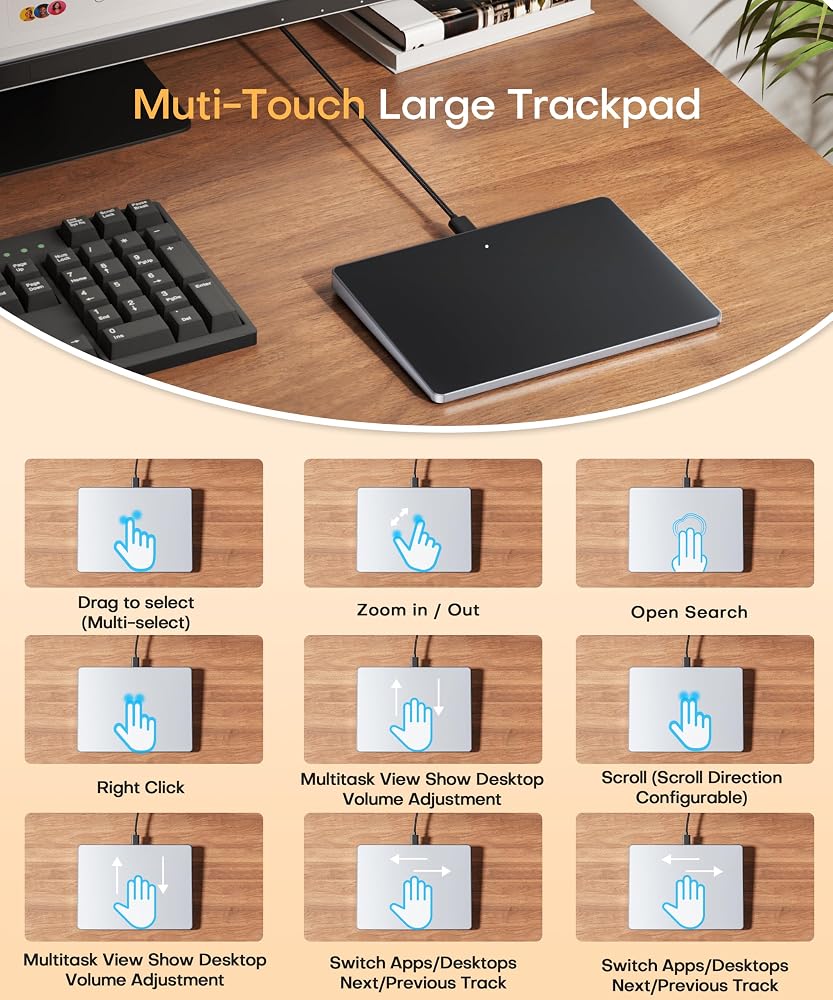
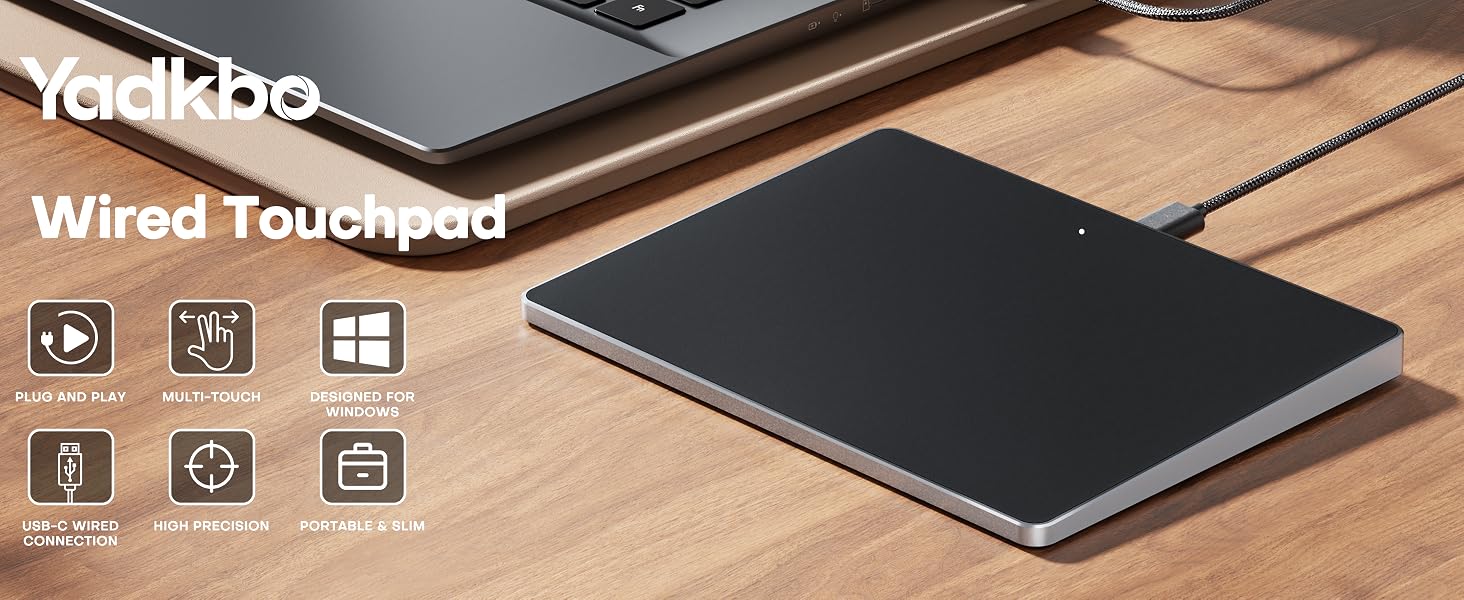
DESIGNED EXCLUSIVELY FOR WINDOWS: Fully compatible with Windows 10 and Windows 11 on PCs, laptops, and desktop computers (Note: NOT compatible with Mac, Chrome OS, or Linux). Please Note: Using this device on unsupported systems may result in missing gesture functions. Additionally, if you disable your laptop's built-in touchpad, any connected external trackpad will typically be disabled as well.
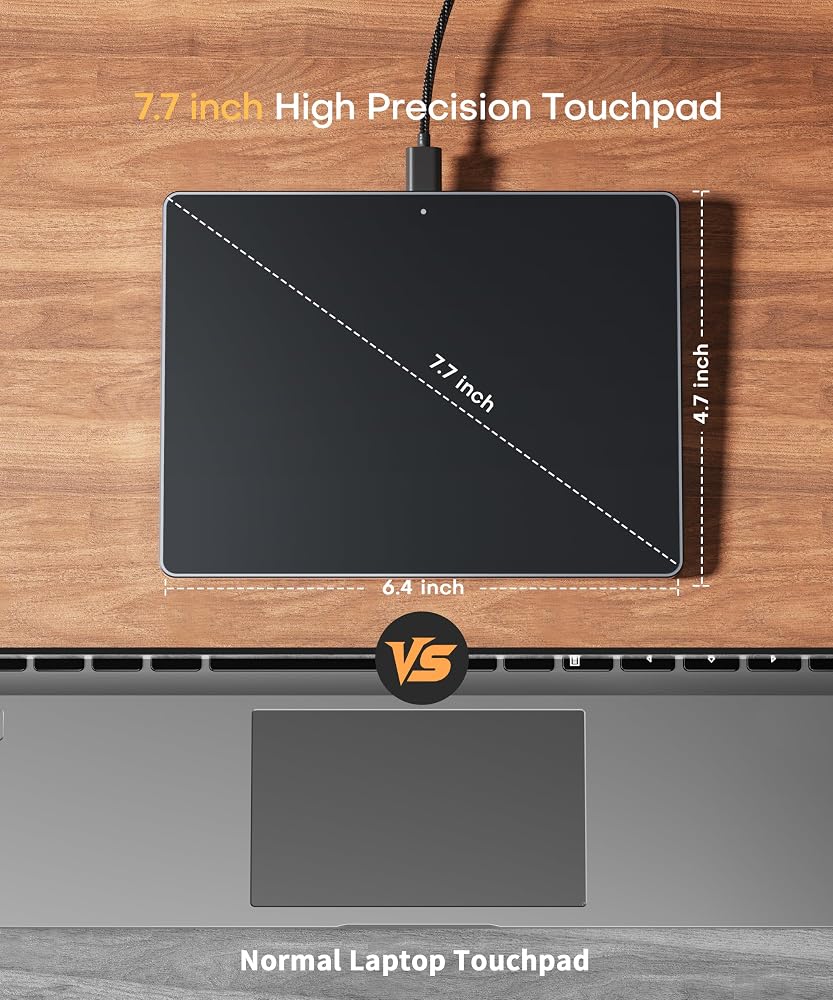
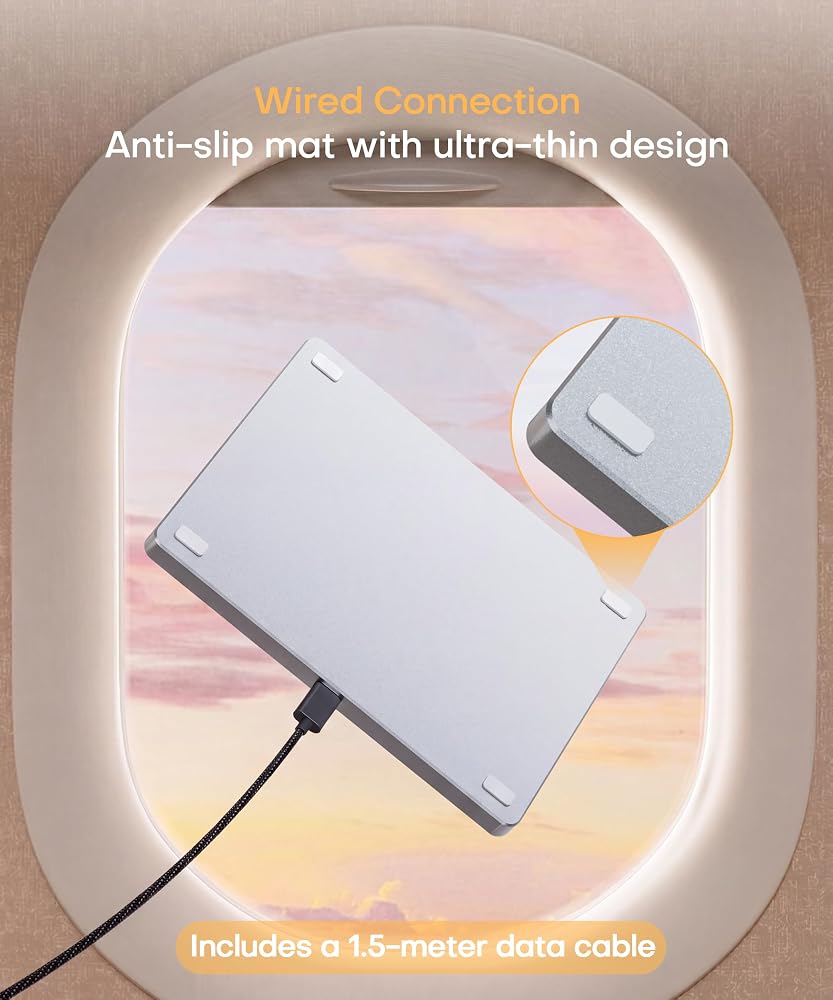
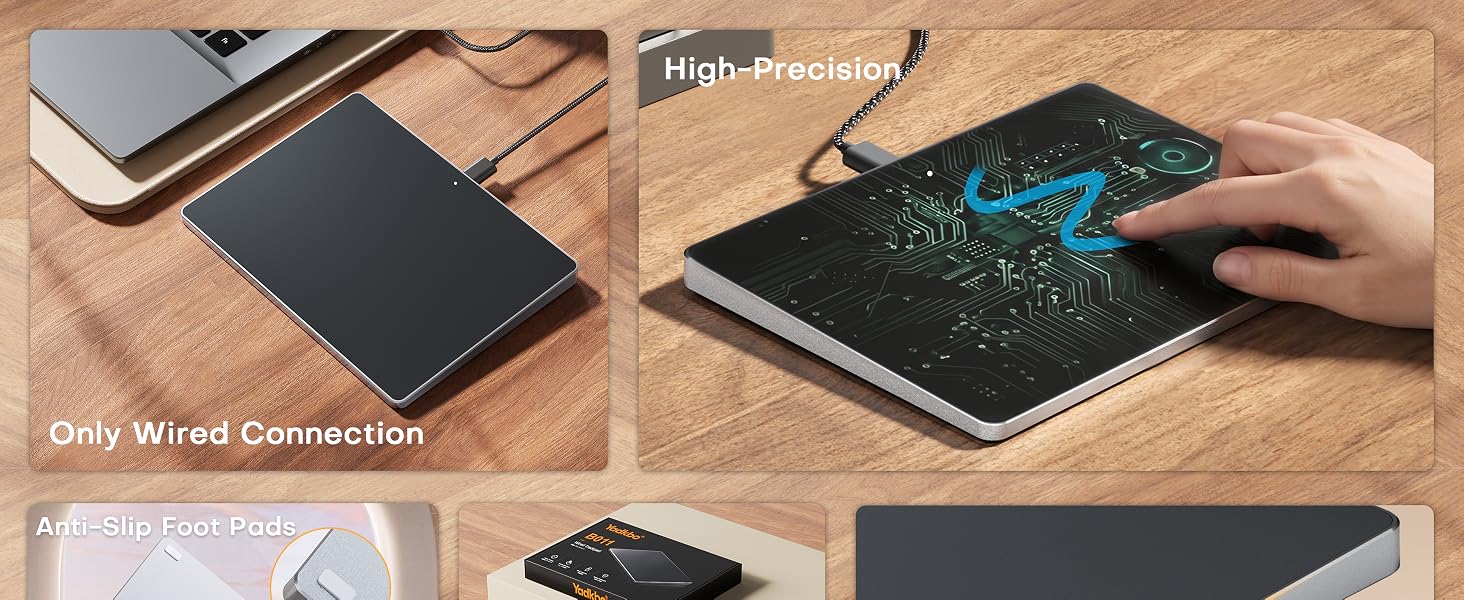
EXTRA LARGE METAL TRACKPAD & PLUG-AND-PLAY: Features a massive 6.4-inch metal touch surface (6.4 x 4.8 inches) with an ultra-thin profile of just 0.19-0.39 inches, making it sleeker than traditional touchpads. Comes with a stable USB-C cable for a reliable connection. No additional drivers required—simply plug and play, eliminating any frustrating connectivity issues.
CONVENIENT CLICKS & PRECISE DRAGGING: Supports full-surface touch controls: a single-finger tap acts as a left click, and a two-finger tap acts as a right click. Pro Tip for Dragging & Selecting Text: Simply double-tap with one finger and hold to slide, allowing you to easily drag files or select large areas of text.
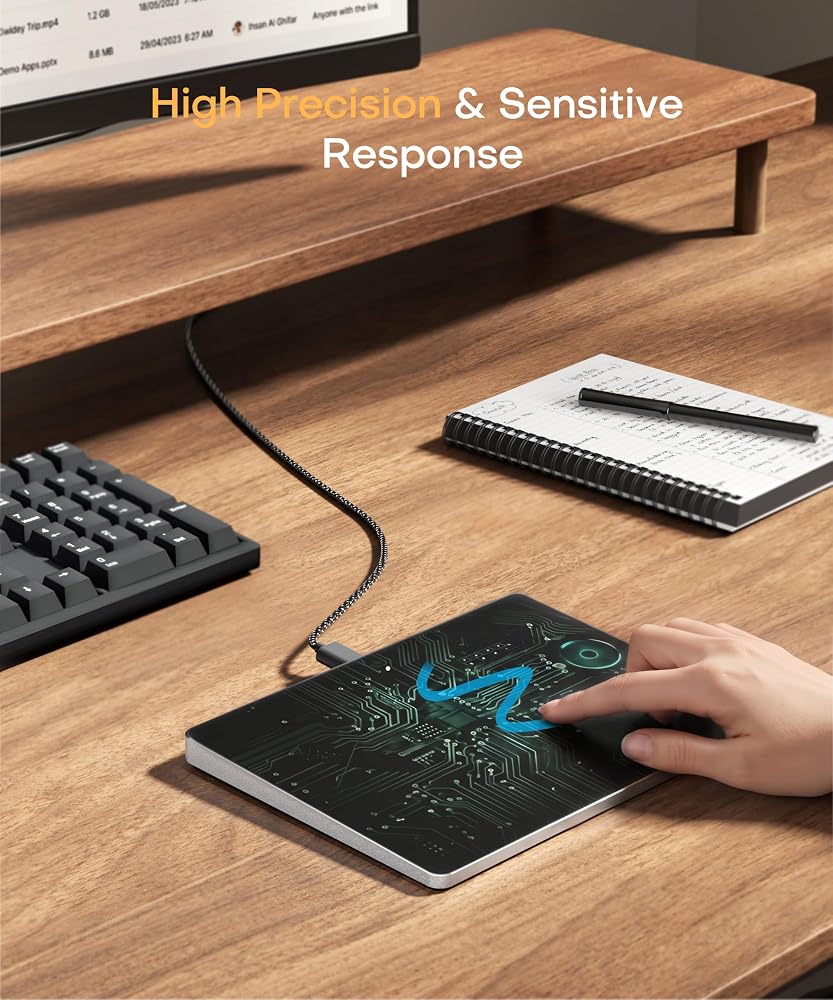
RESPONSIVE MULTI-TOUCH GESTURES: Supports intuitive multi-touch controls with up to four fingers, delivering a smoother experience than standard laptop touchpads. Fast and highly sensitive, it puts powerful functions at your fingertips—including smooth clicking, up/down page scrolling, and pinch-to-zoom for photos—greatly boosting your daily productivity.
CUSTOMIZABLE CURSOR SPEED: Easily adjust the trackpad's cursor speed to match your personal preference. How to Setup: Go to "Windows Settings" → "Bluetooth & devices" → "Touchpad". Simply drag the "Cursor speed" slider to find your perfect sensitivity (slide left for slower, right for faster).
 GT2510-VTBA GT2510-VTBD GT2510-VNBA-شاشة لمس الأفلام الواقية البلاستيكية (لوحة اللمس)
KWD 25
GT2510-VTBA GT2510-VTBD GT2510-VNBA-شاشة لمس الأفلام الواقية البلاستيكية (لوحة اللمس)
KWD 25
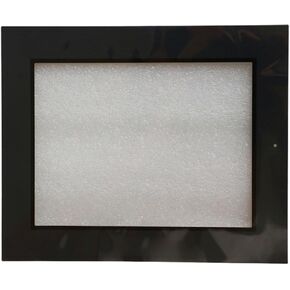 TP3044S2 TP -3044S2 - شاشة لمس الأفلام الواقية البلاستيكية (فيلم ولمس لوحة)
KWD 25
TP3044S2 TP -3044S2 - شاشة لمس الأفلام الواقية البلاستيكية (فيلم ولمس لوحة)
KWD 25
 TP1370 TP1670 TL1370 TL1370 -WTFT - شاشة اللمس في فيلم واقي من البلاستيك (لوحة اللمس)
KWD 25
TP1370 TP1670 TL1370 TL1370 -WTFT - شاشة اللمس في فيلم واقي من البلاستيك (لوحة اللمس)
KWD 25
 SMART700IE V3 6AV6648 6AV6 648-0CC11-3AX0-شاشة لمس الأفلام الواقية البلاستيكية (فيلم ولمس لوحة)
KWD 0
SMART700IE V3 6AV6648 6AV6 648-0CC11-3AX0-شاشة لمس الأفلام الواقية البلاستيكية (فيلم ولمس لوحة)
KWD 0