- التسوق ، اصبح سهلا.
- /
- احصل على التطبيق!
Before you begin:
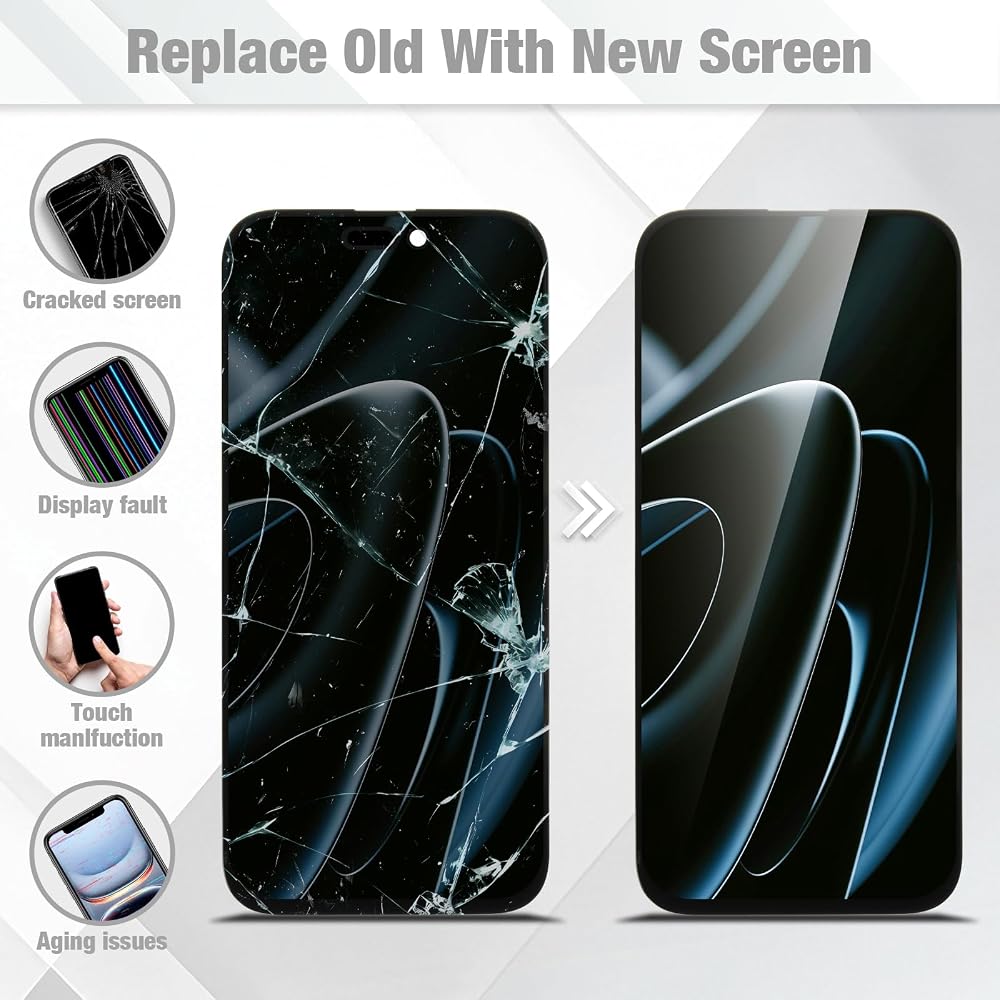
Please search YouTube for "iPhone 16 Pro Max screen replacement" to watch detailed installation tutorials. We recommend watching at least one full guide before starting.
Power off your device completely and remove the battery connector before disconnecting the old screen to avoid short circuits.
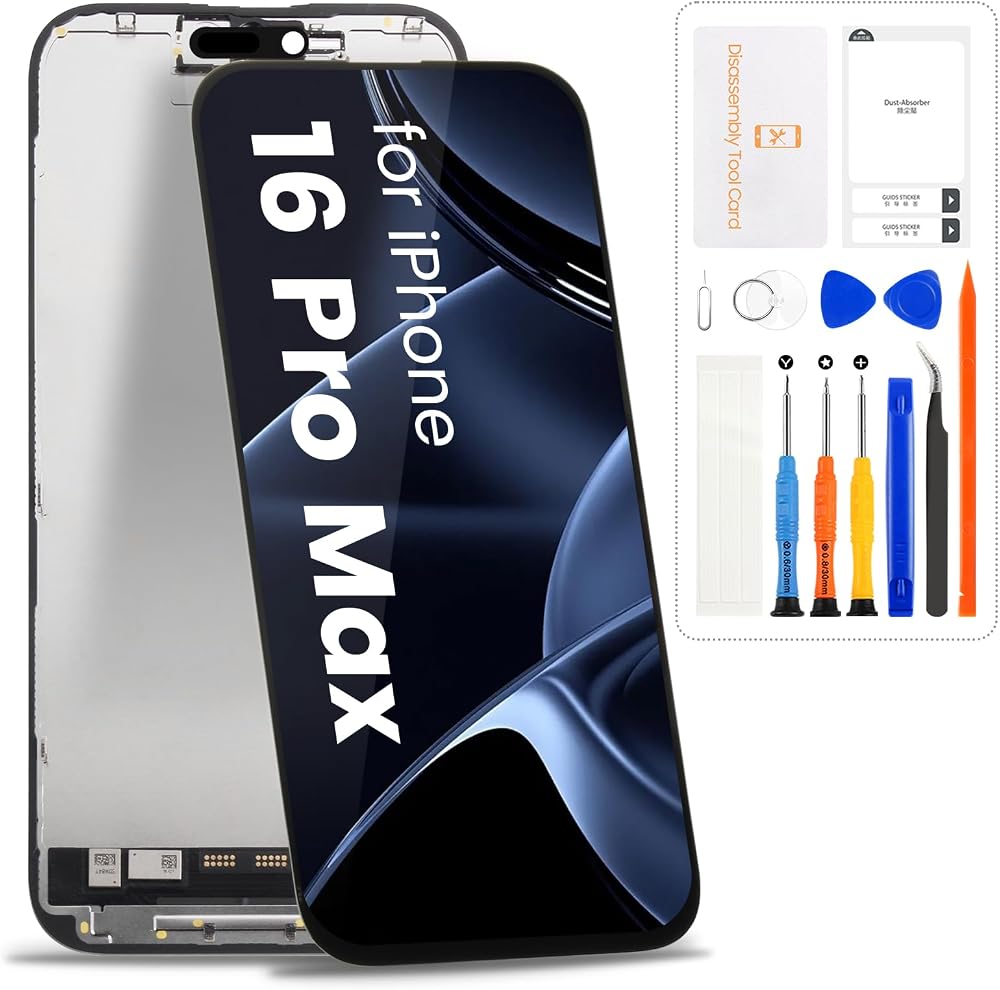
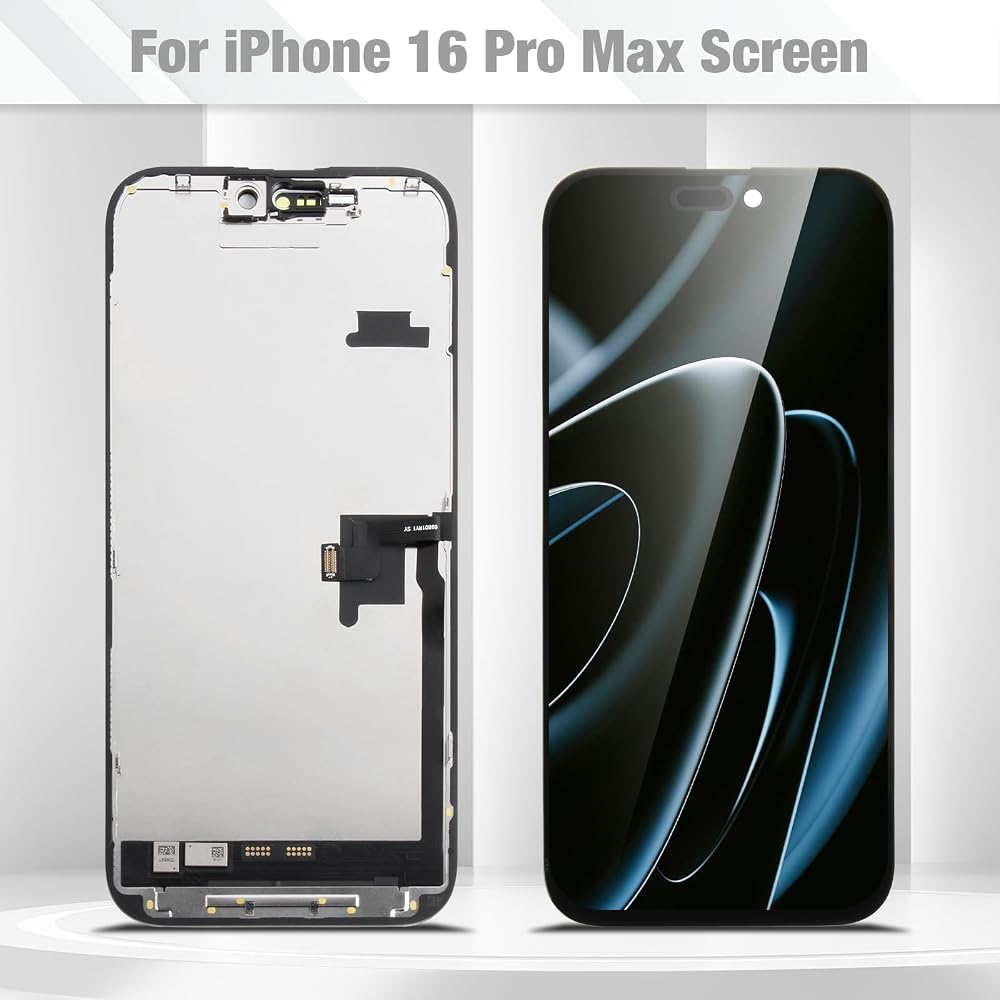
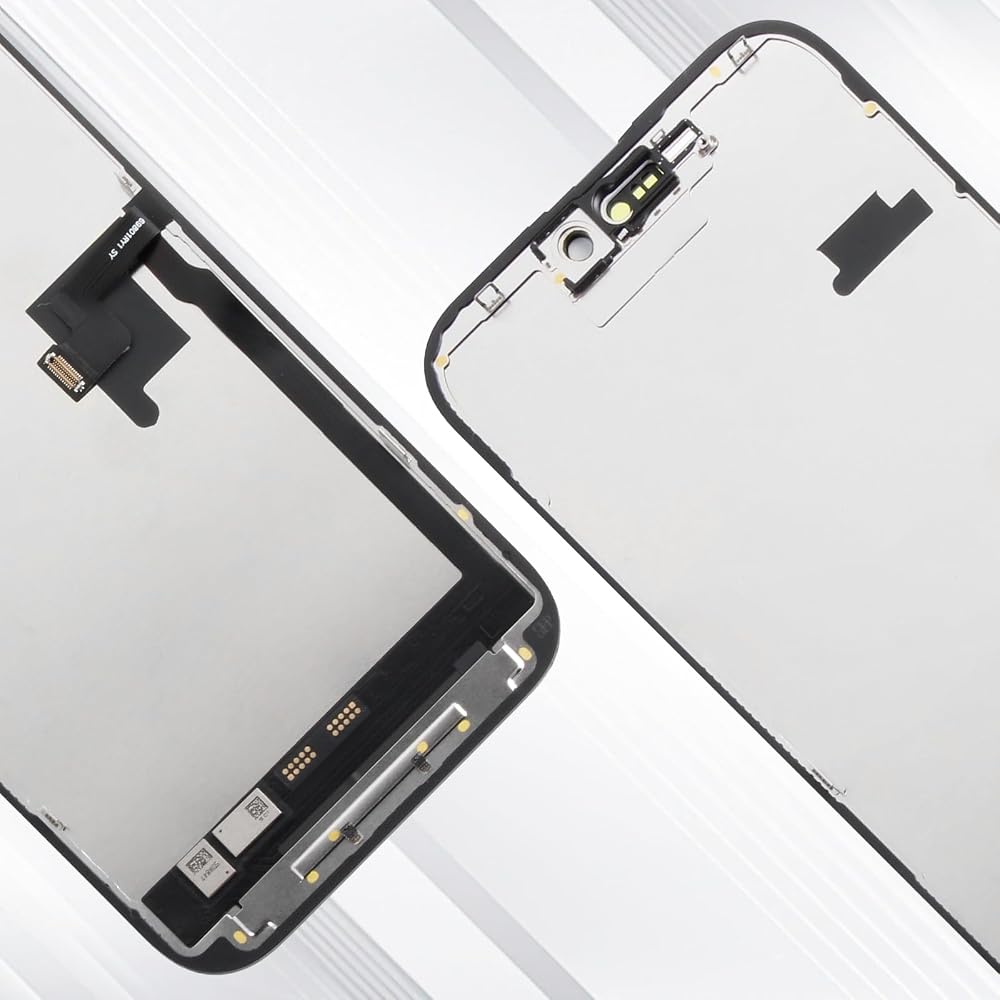
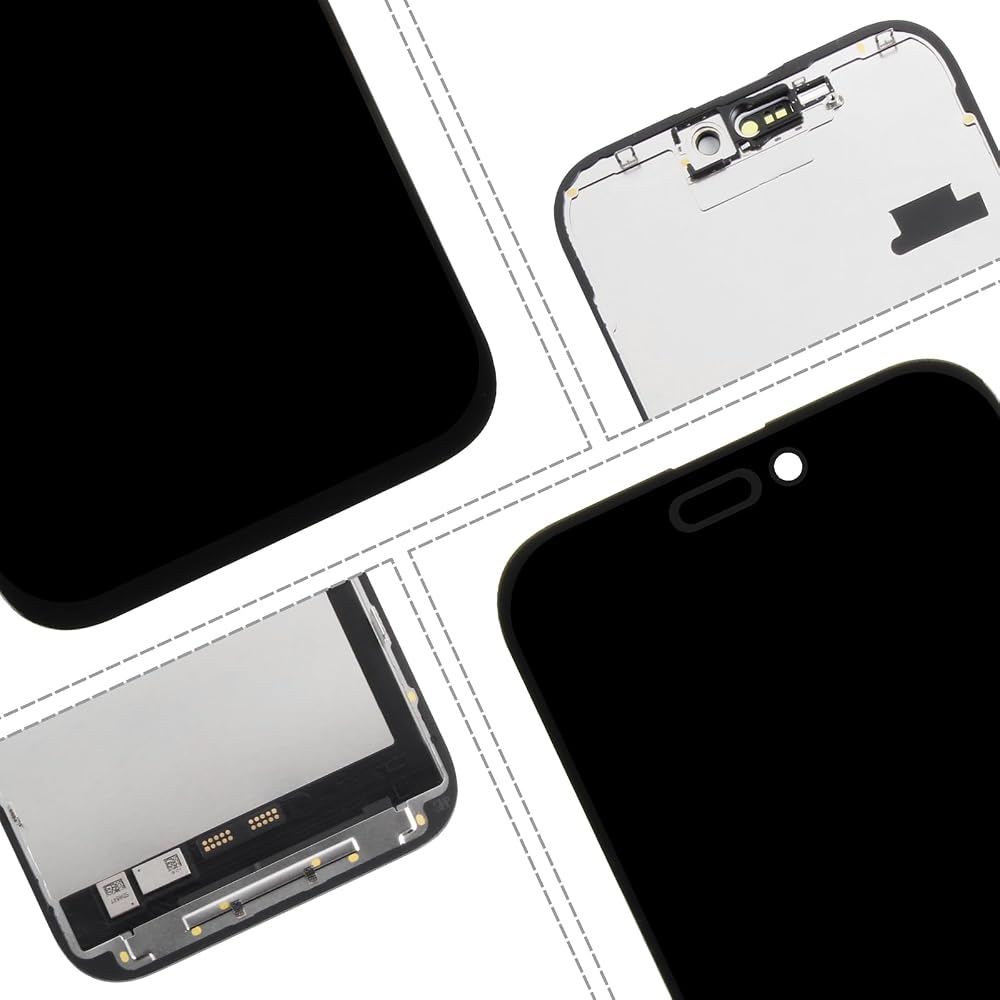
Carefully transfer the original home button, front camera bracket, and ambient light sensor from your old screen to this new one – these parts are not pre-installed.
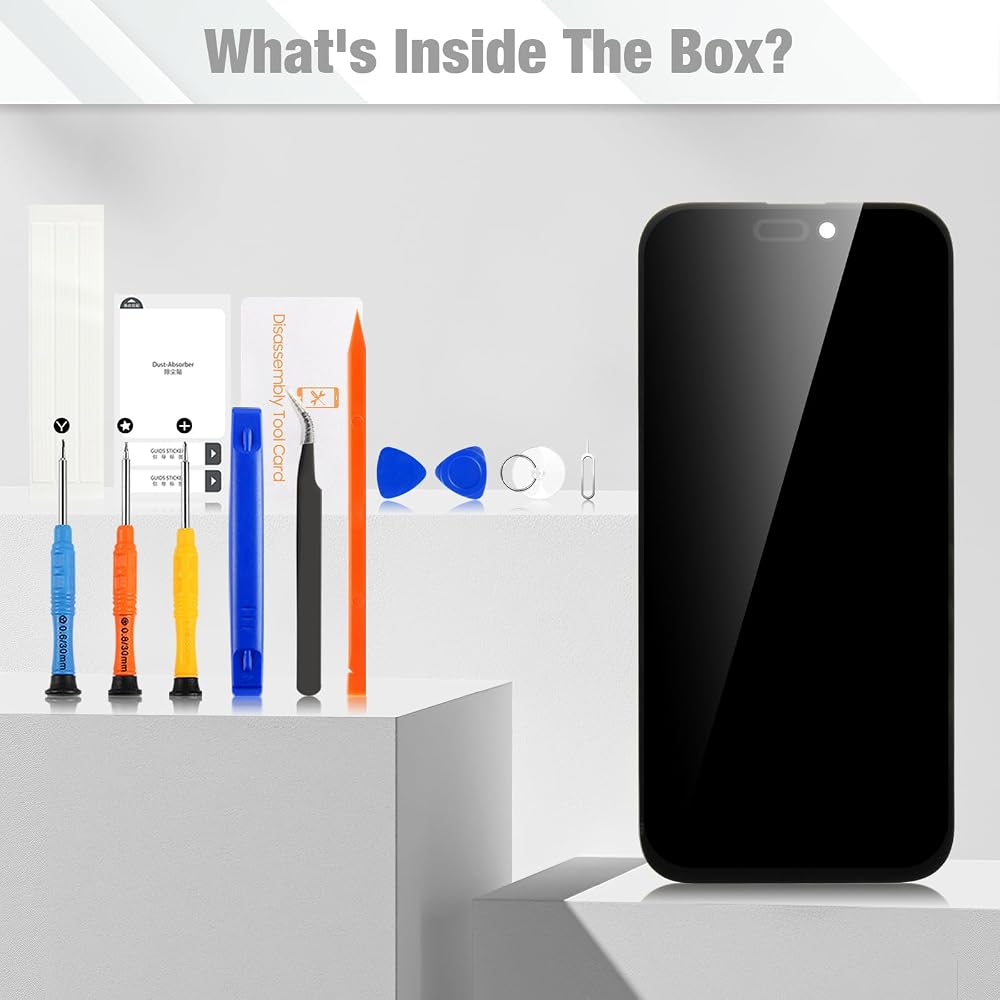
Use the included pre-cut adhesive to seal the new screen. Ensure the phone frame is clean and free of old glue for proper water resistance.
Test the new screen before fully sealing the phone: connect it, power on, and check touch, display, and 3D Touch function.
Troubleshooting tips:
If the screen does not light up, double-check all flex cable connections and ensure the battery is connected.
If touch response is slow, restart the phone or re-seat the touch cable.
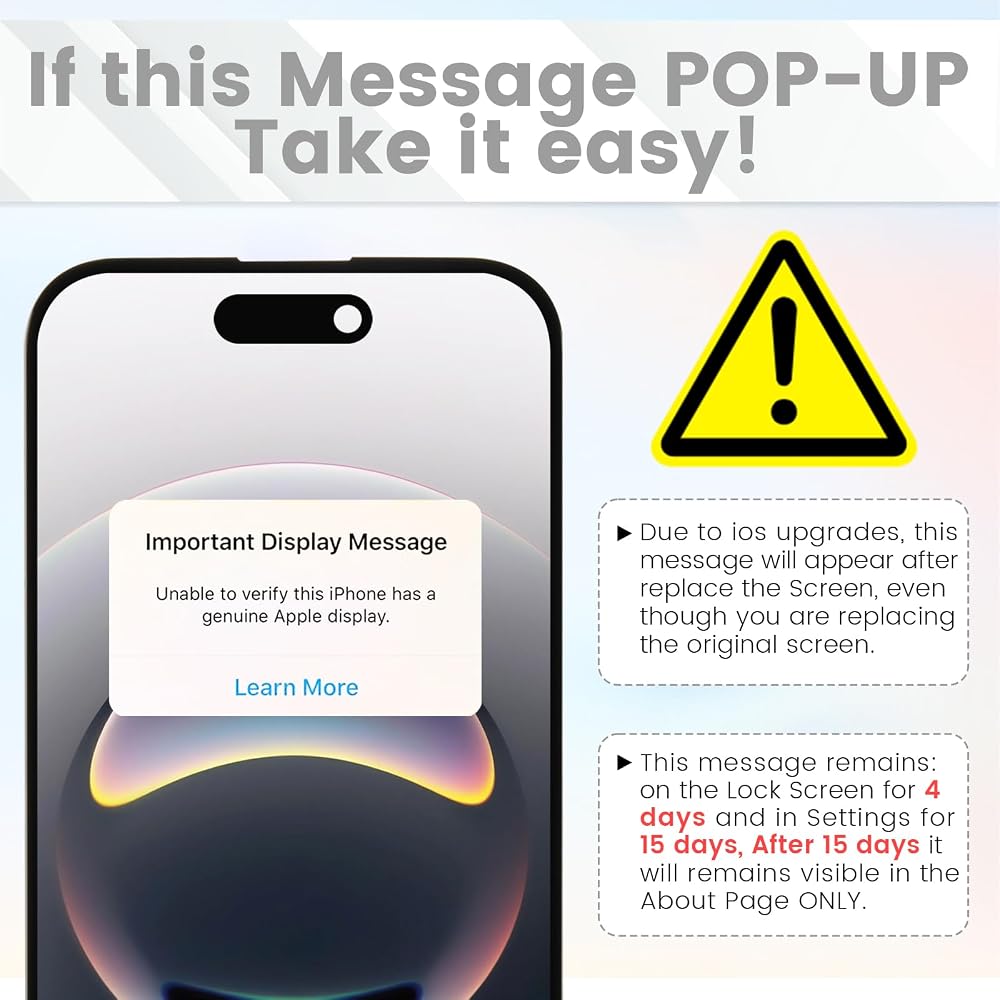
After installation, you may see a "non-genuine part" notification – this is normal for aftermarket screens and does not affect performance. Go to Settings > About > Parts and Service History to manage the notification.
Need help?
Contact us through Amazon buyer-seller messaging – we reply within 24 hours. Please include photos of your installation issue if possible, so we can assist you quickly.
 شاشة لهاتف Samsung Galaxy S20 FE 2022/S20 FE 5G طقم استبدال شاشة Samsung S20 FE LCD SM-G781 G781B G781U مجموعة رقمية تعمل باللمس مع إطار، بدون بصمة إصبع
KWD 12.500
شاشة لهاتف Samsung Galaxy S20 FE 2022/S20 FE 5G طقم استبدال شاشة Samsung S20 FE LCD SM-G781 G781B G781U مجموعة رقمية تعمل باللمس مع إطار، بدون بصمة إصبع
KWD 12.500
 قطعة بديلة للشاشة لهاتف Samsung Galaxy S9 LCD مع إطار لمجموعة شاشة اللمس Galaxy S9 G960U G960W مع أدوات إصلاح (بدون بصمة، Incell)
KWD 16
قطعة بديلة للشاشة لهاتف Samsung Galaxy S9 LCD مع إطار لمجموعة شاشة اللمس Galaxy S9 G960U G960W مع أدوات إصلاح (بدون بصمة، Incell)
KWD 16
 بديل شاشة iPhone 15 لجهاز iPhone 15 LCD محول رقمي A2846 A3089 A3092 A3090 مجموعة لمس الشاشة مع أدوات إصلاح 6.1 بوصة، أسود
KWD 9
بديل شاشة iPhone 15 لجهاز iPhone 15 LCD محول رقمي A2846 A3089 A3092 A3090 مجموعة لمس الشاشة مع أدوات إصلاح 6.1 بوصة، أسود
KWD 9
 بديل شاشة سامسونج جالاكسي A16 5G مع إطار، إنسيل
KWD 7.500
بديل شاشة سامسونج جالاكسي A16 5G مع إطار، إنسيل
KWD 7.500

 الكويت