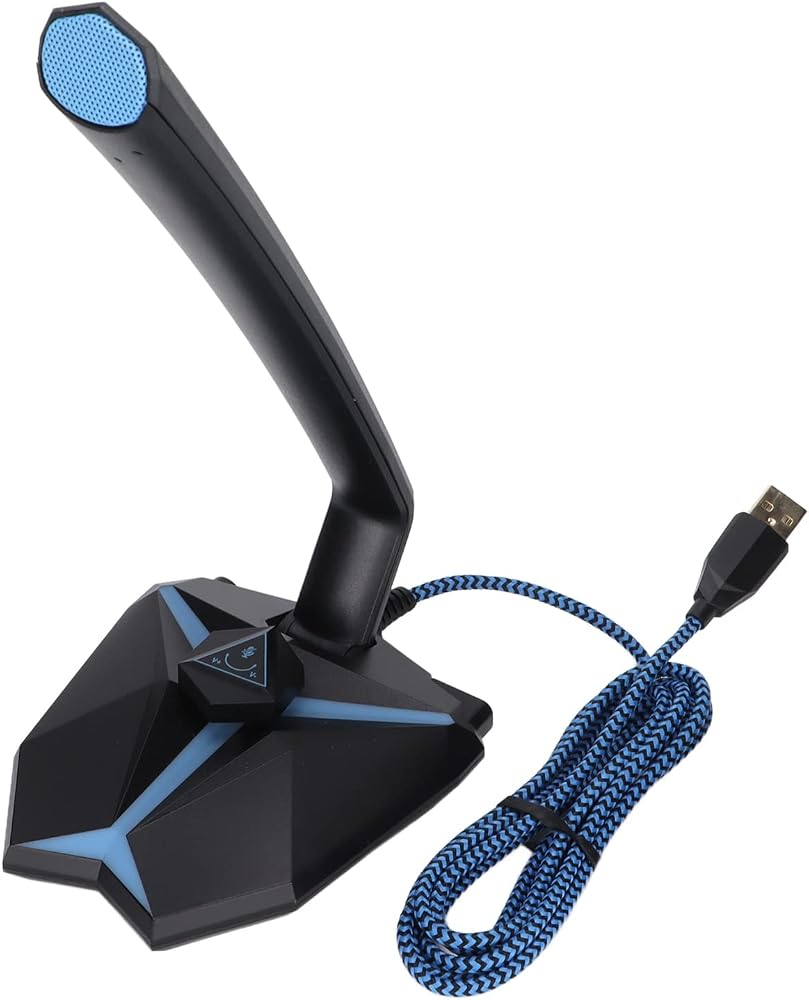
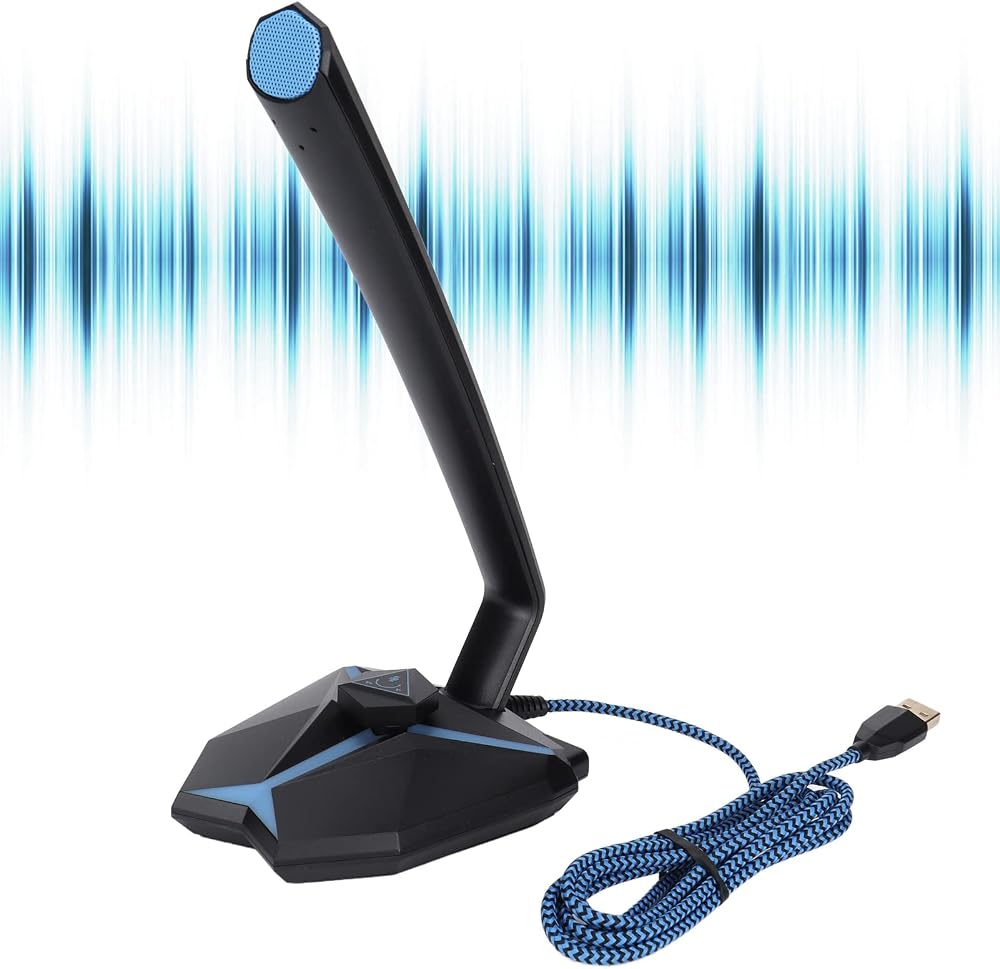
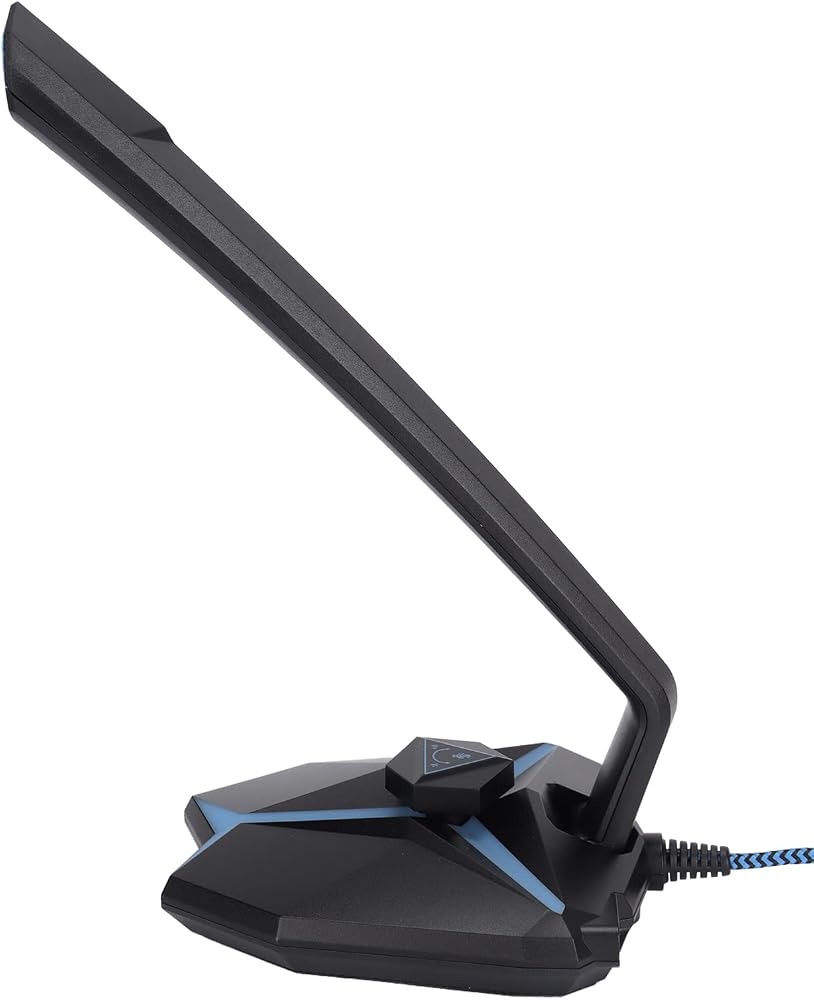
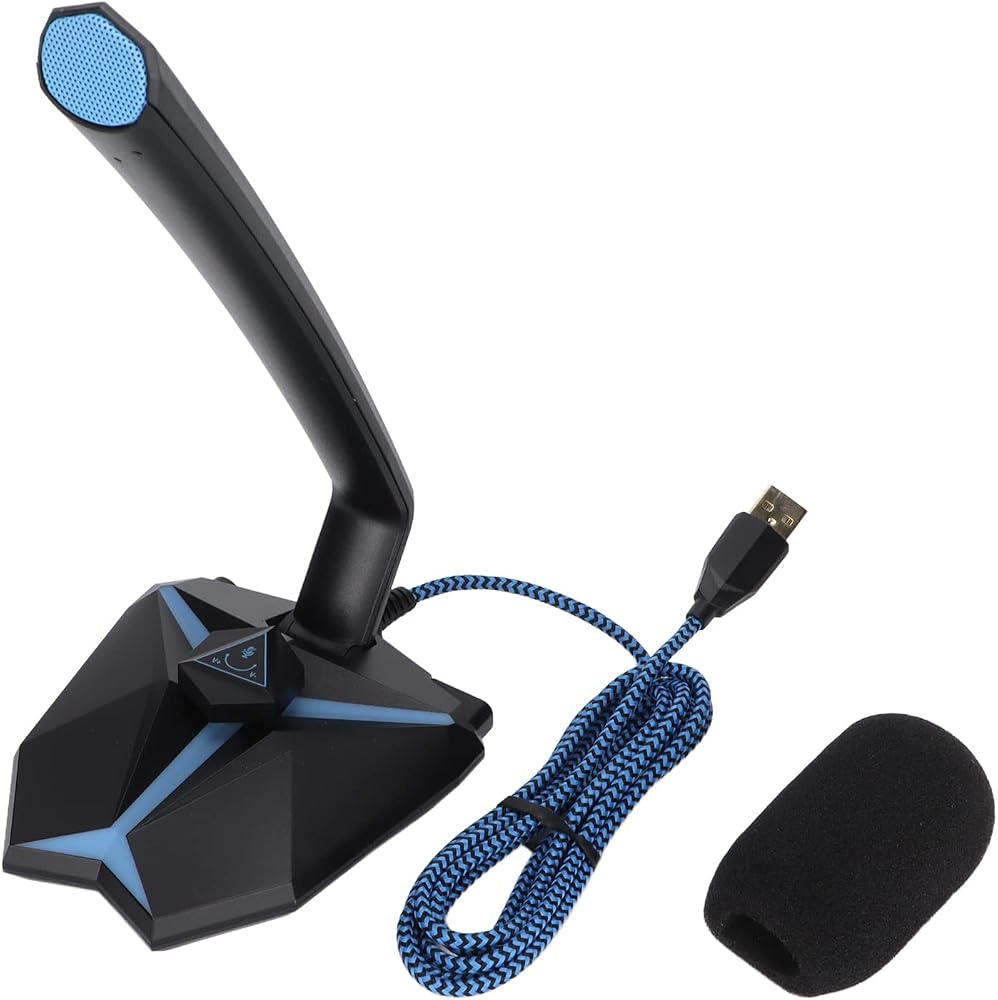
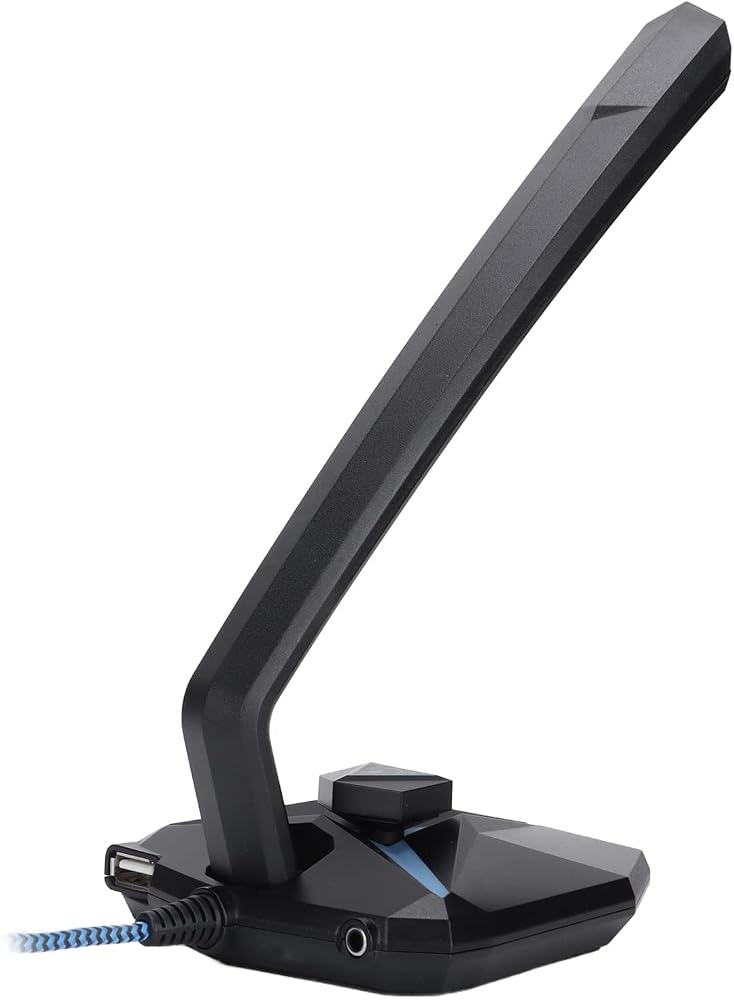
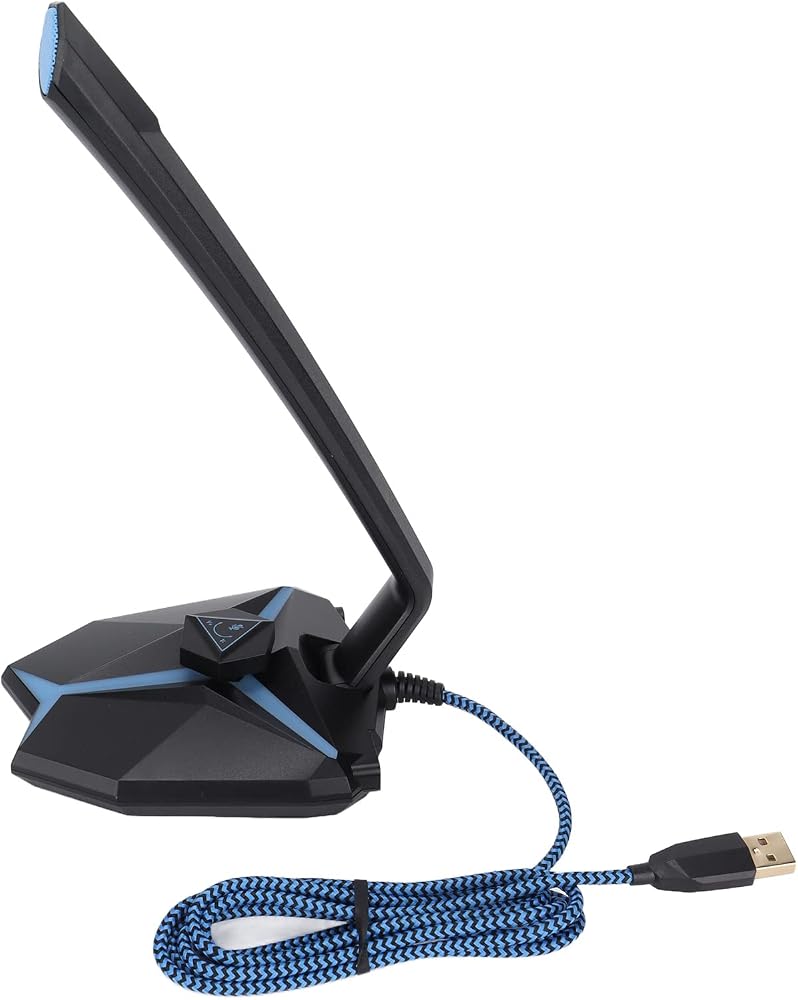
[ ANGLE DESIGN] Experience unparalleled flexibility with our USB Microphone featuring a gooseneck hose design that allows for arbitrary angle adjustments. Whether you need to fine-tune your positioning for a podcast, streaming, or gaming session, you can easily modify the angle to suit your needs and achieve optimal sound quality.
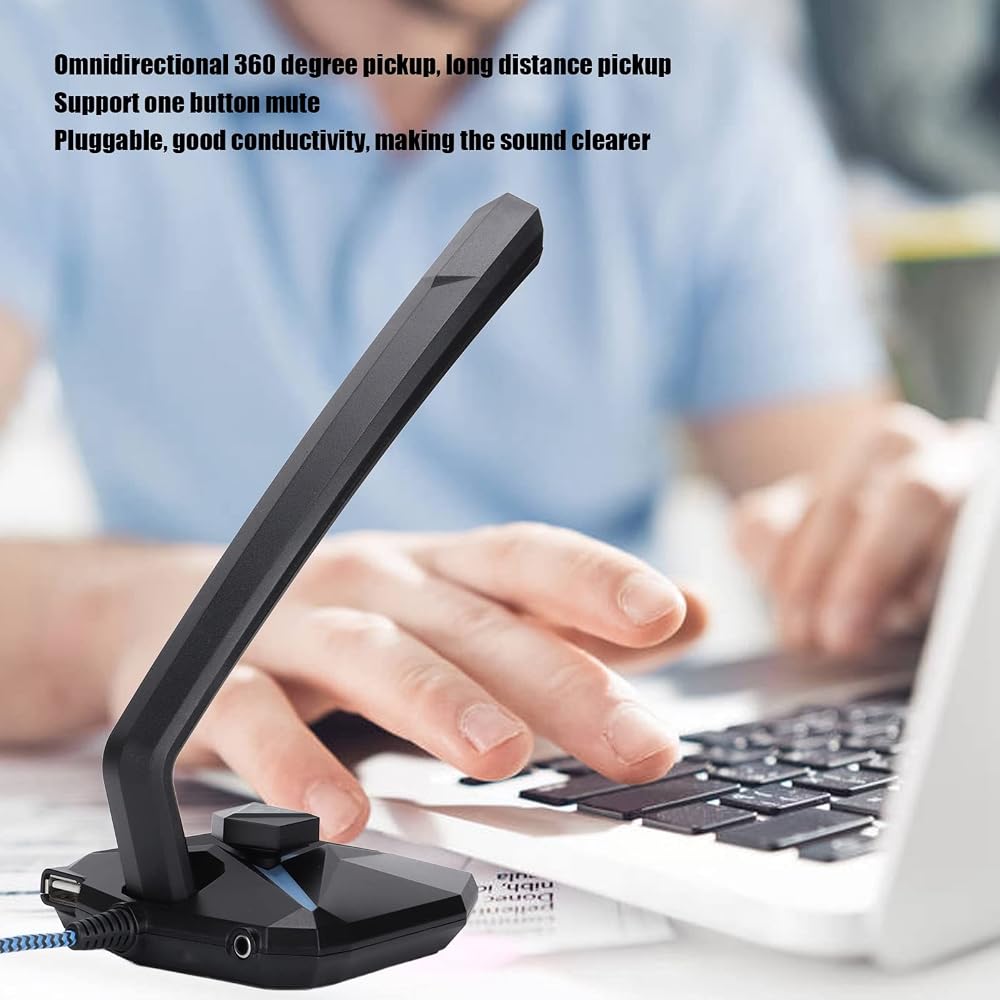
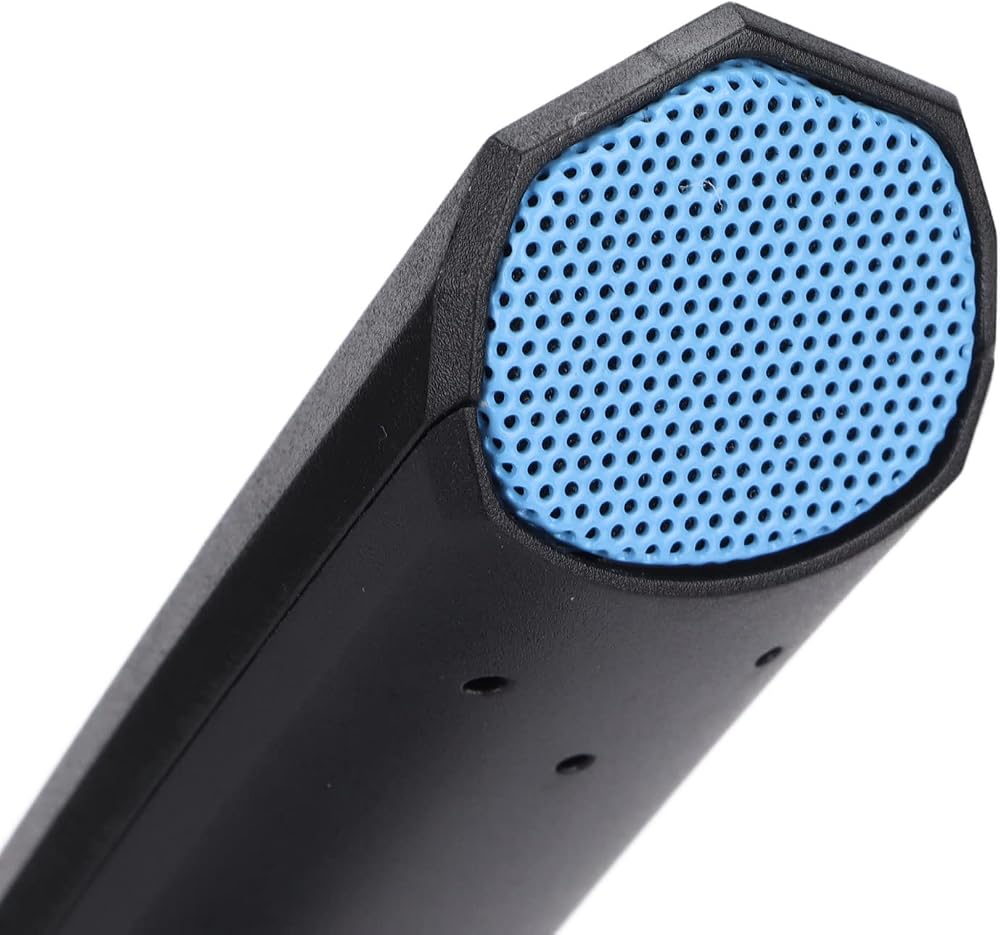
[360 DEGREE -DIRECTIONAL PICKUP] Enjoy audio with the microphone's high-sensitivity condenser core, which captures sound from all directions. The built-in LED indicator signals when it', while long-distance sound pickup ensures your voice is heard loud and clear, making it perfect for gaming and online meetings.
[PLUG AND PLAY EASE OF USE] Forget about complicated installations; our USB Microphone is designed for plug-and-play convenience. With its built-in USB audio digital processing chip, you can record and stream without distortion, fully compatible with various computer systems, allowing you to focus on what matters most—your content.
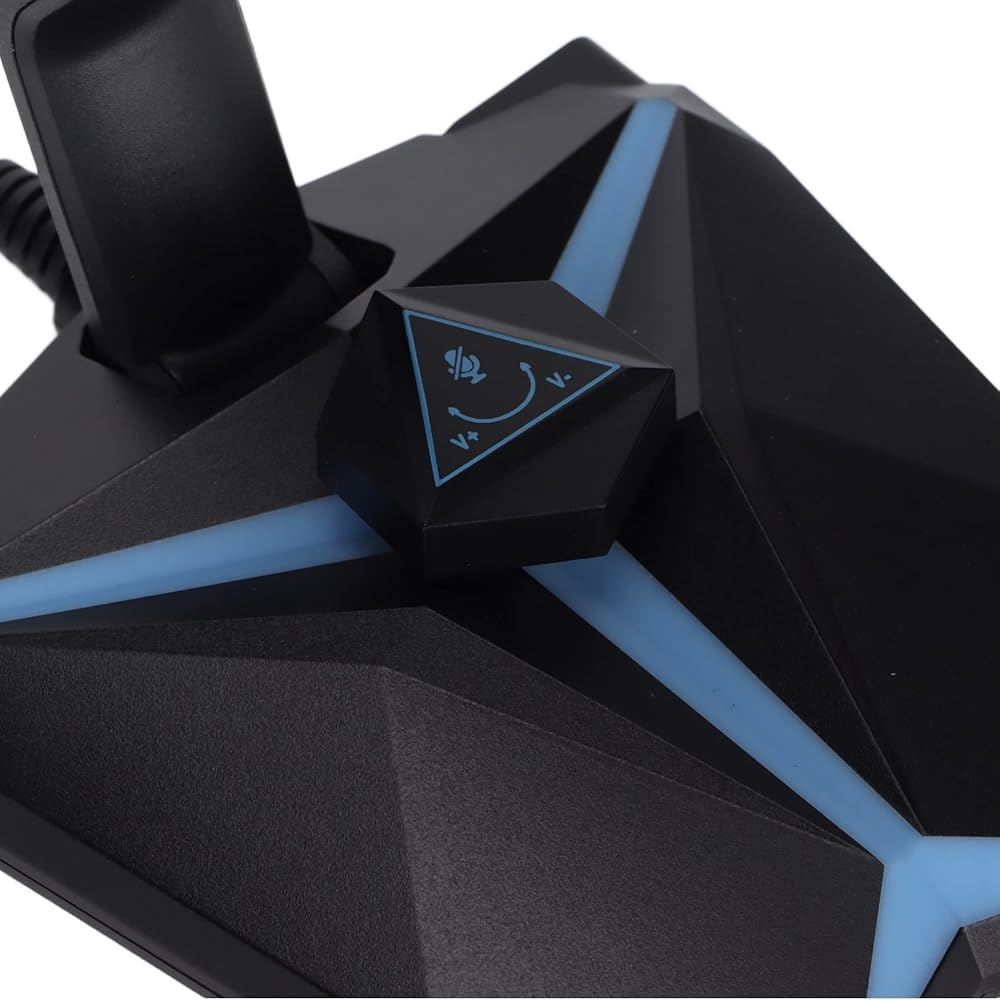
[EXCEPTIONAL SOUND QUALITY] The microphone includes a headphone audio output port for real-time audio monitoring, ensuring that your recordings maintain their integrity. A one-key mute feature helps you control audio effortlessly, while the USB shielding guarantees the highest quality in sound clarity during recordings or broadcasts.
[DURABLE AND RELIABLE CONSTRUCTION] Constructed with a flexure- and tensile- USB cable, this microphone exhibits superior electrical conductivity. The robust build ensures consistent performance, making it a reliable choice for professional laptop users, , and content creators seeking high-quality audio solutions.
وصف
Spec:
Item Type: USB Microphone
Material: ABS
Sensitivity:
Directivity: Omnidirectional
Impedance: ≤ 2.2kΩ
Standard Working Voltage: 5V
Frequency Response: 50Hz-16KHz
Interface: USB
How to Use:
Step 1: click the desktop menu, and then click system preferences
Step 2: find the sound and click
Step 3: select input. You will find the internal microphone and turn off the input volume
Step 4: select USB Microphone sound device and adjust the input volume. (generally adjusted in the middle)
Step 5: test microphone sound: search built in software: QuickTime player.
Step 6: right click and select the new audio recording , you can record again, click
Step 7: select external USB Microphone
Package List:
1 x USB Microphone
1 x Protective Cover
1 x User Manual
 Austar 313mm Wheelbase Hechis Frame W/محاولات لـ 1/10 محوري SCX10 II 90046 90047 RC Crawler Climbing Car DIY
KWD 69.500
Austar 313mm Wheelbase Hechis Frame W/محاولات لـ 1/10 محوري SCX10 II 90046 90047 RC Crawler Climbing Car DIY
KWD 69.500
 شاشة الإسقاط الخلفية للستائر شبه المترجمة بحجم 4 أقدام × 6 أقدام
KWD 5
شاشة الإسقاط الخلفية للستائر شبه المترجمة بحجم 4 أقدام × 6 أقدام
KWD 5
 939A جيب روبوت يتحدث عن الحوار التفاعلي التعرف على الصوت السجل الغناء قصة رواية قصة ميني روبوت
KWD 0
939A جيب روبوت يتحدث عن الحوار التفاعلي التعرف على الصوت السجل الغناء قصة رواية قصة ميني روبوت
KWD 0
 غطاء بالوعة الحرارة SSD، علبة تبريد من سبائك الألومنيوم لـ NVMe M.2 NGFF SSD XPS 15 9500/9510/9520 & Precision 5550/5560
KWD 5
غطاء بالوعة الحرارة SSD، علبة تبريد من سبائك الألومنيوم لـ NVMe M.2 NGFF SSD XPS 15 9500/9510/9520 & Precision 5550/5560
KWD 5