- التسوق ، اصبح سهلا.
- /
- احصل على التطبيق!
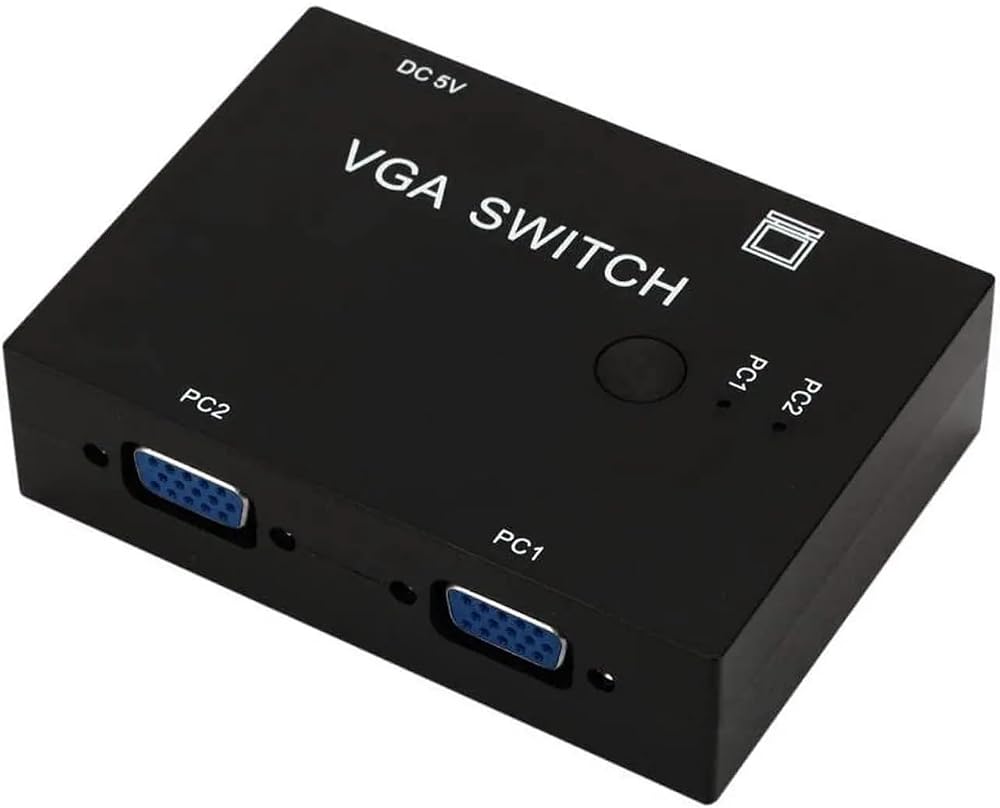
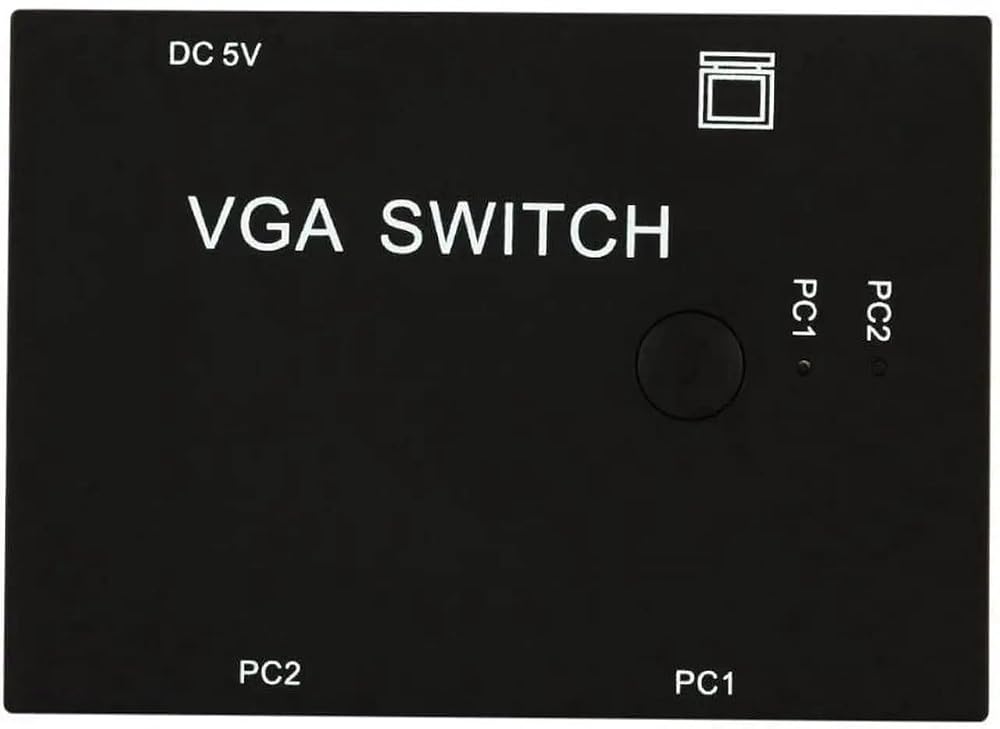
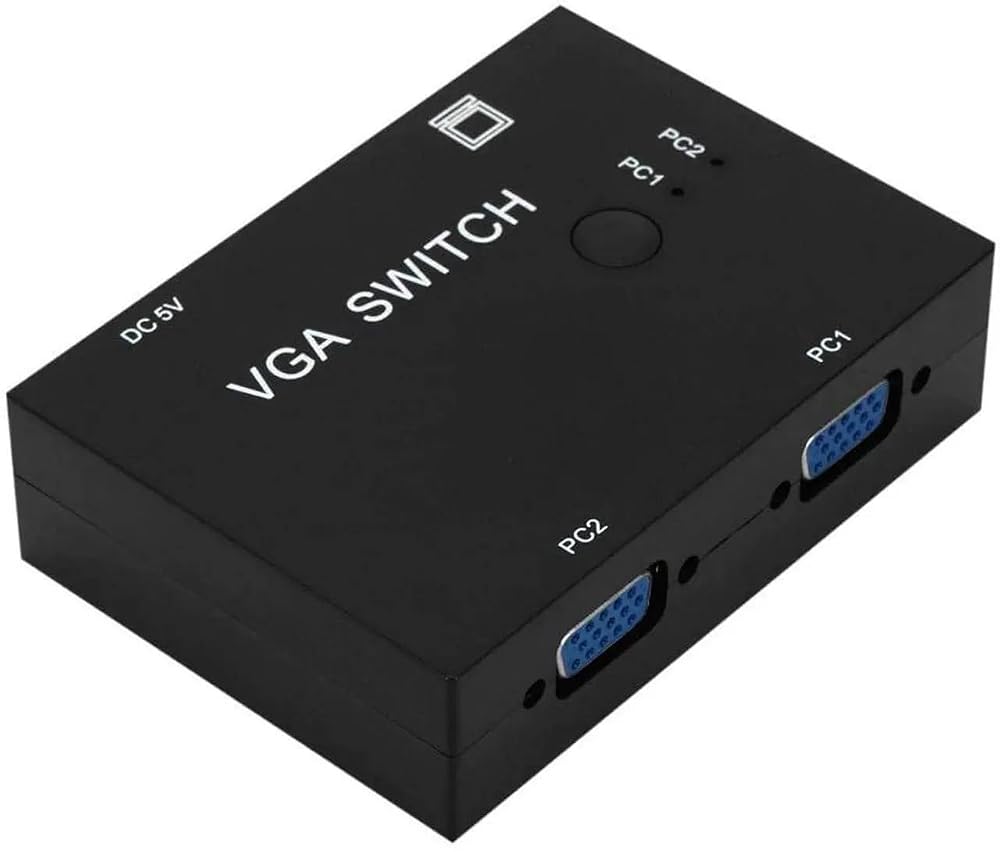
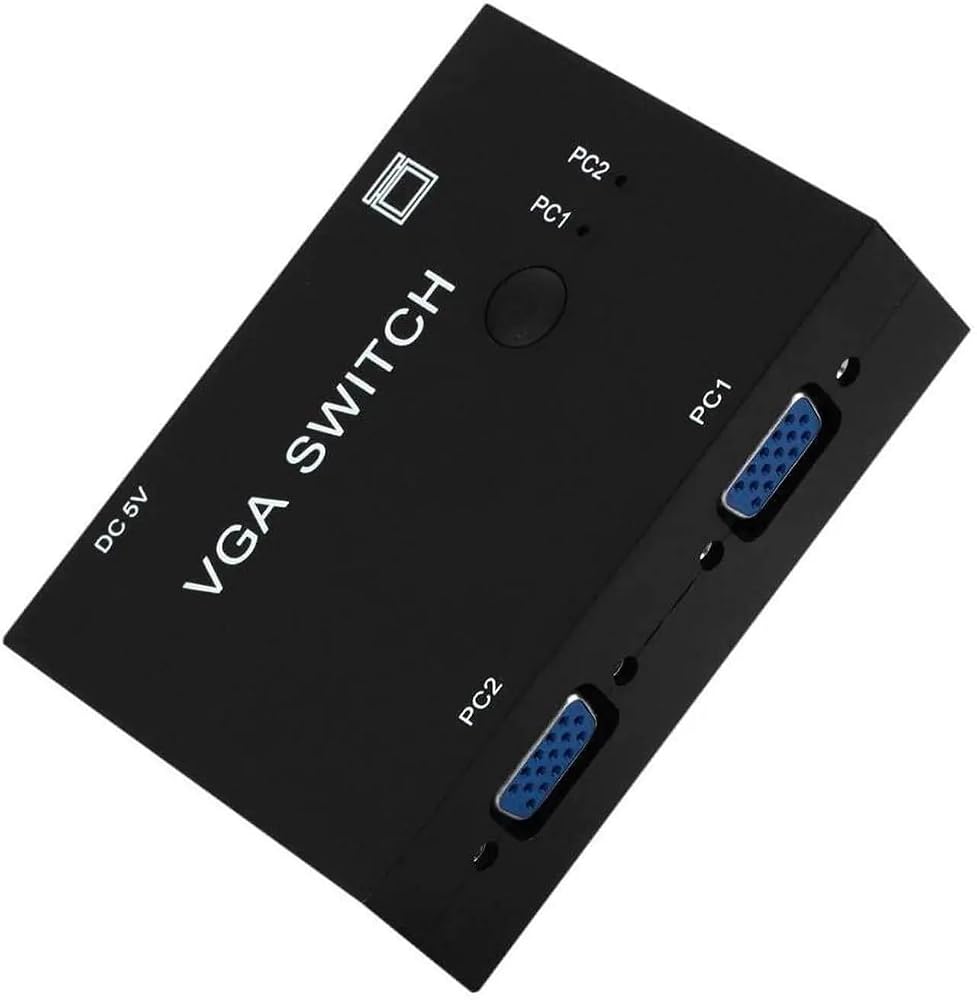
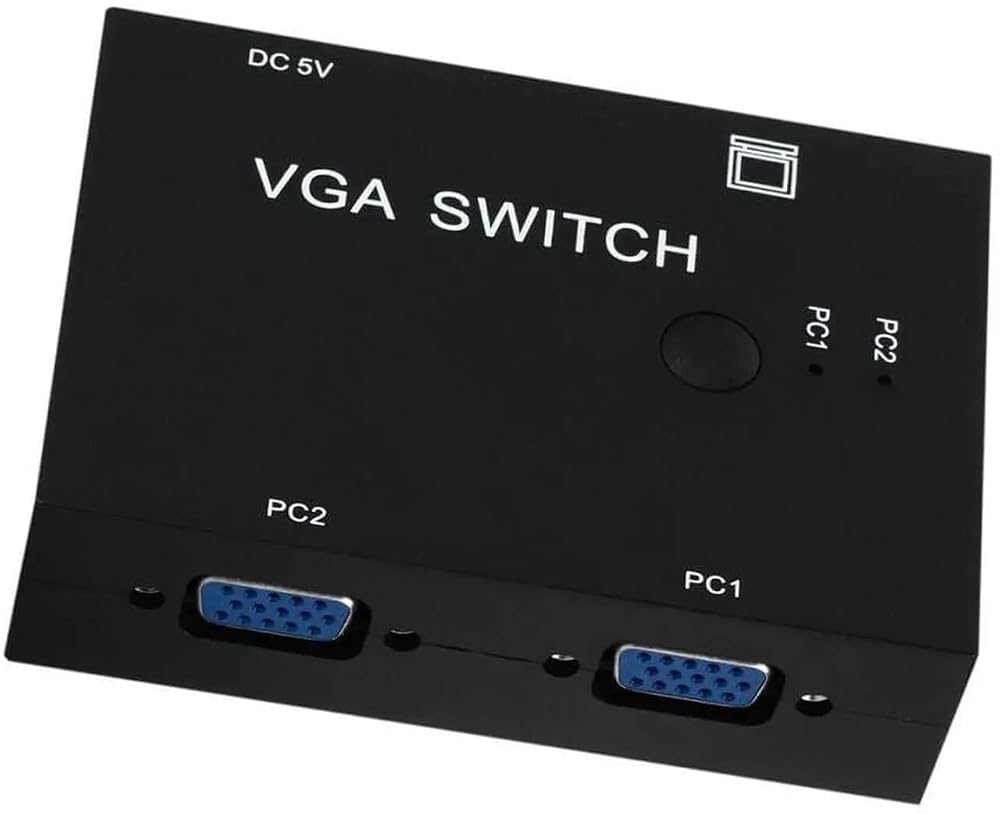
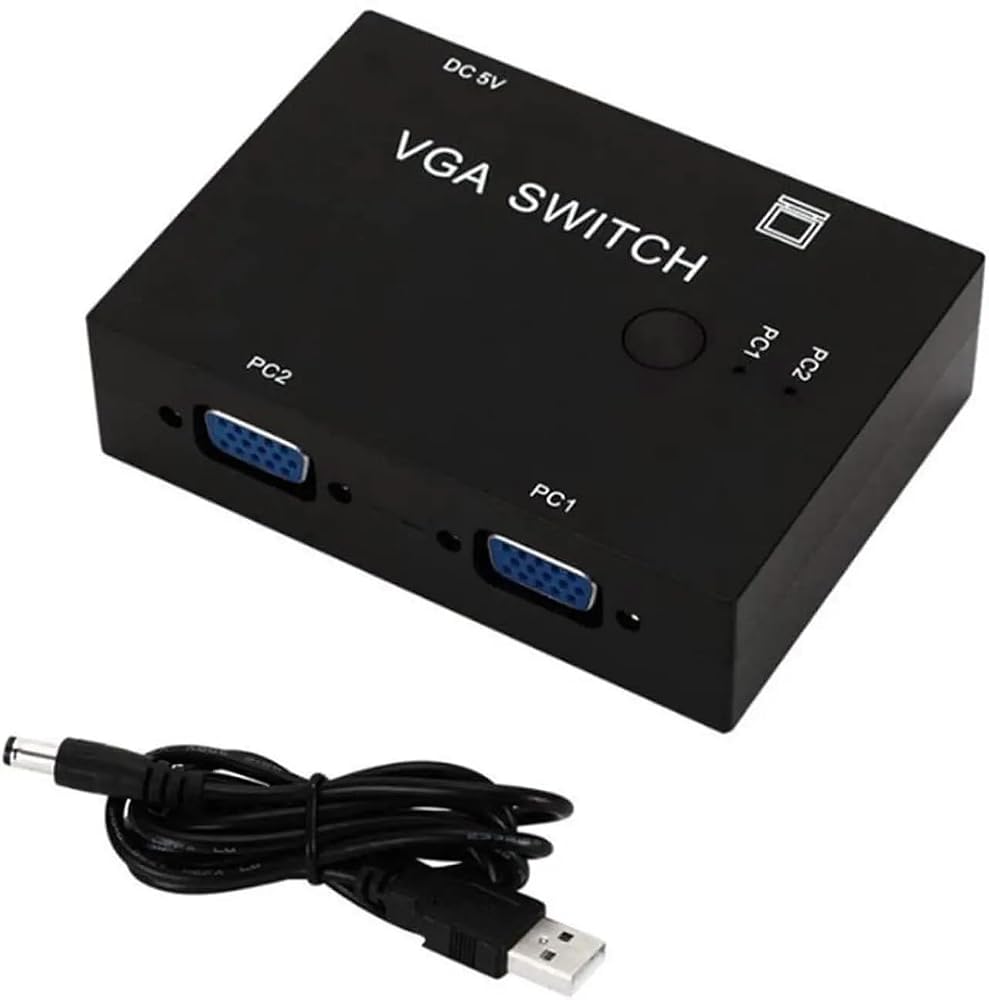
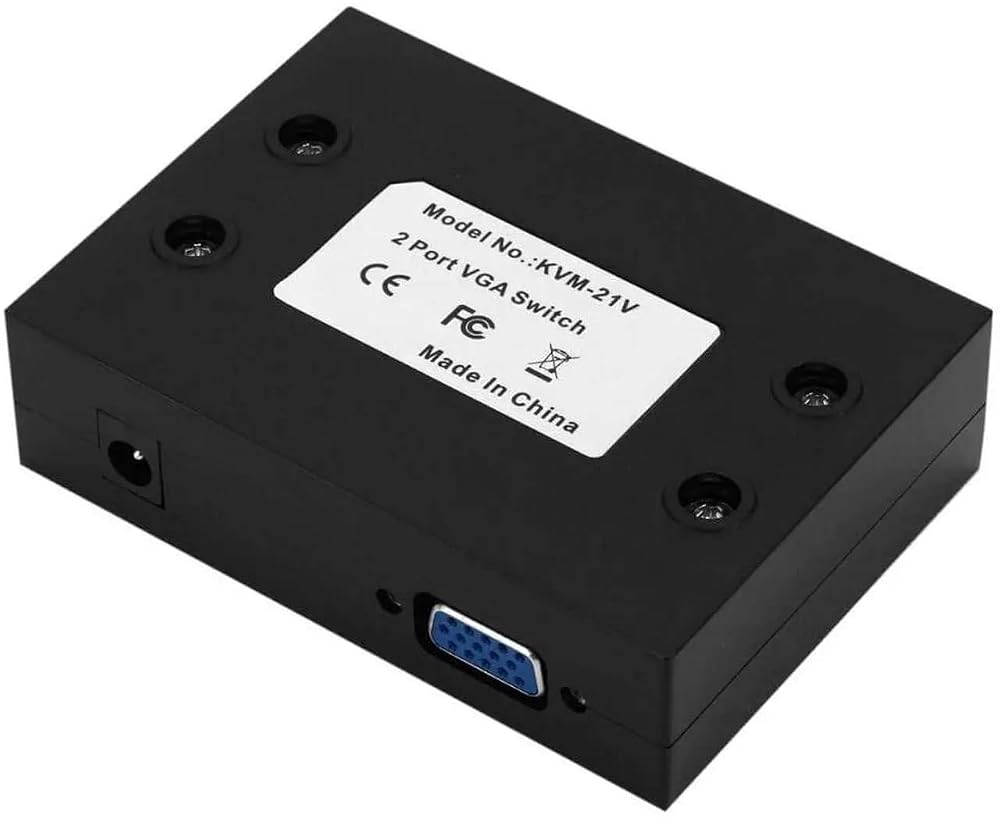
2-Port VGA Switch Box — 2 In 1 Out, No Power, Plug & Play Share one VGA monitor between two computers, or connect one computer to two VGA displays — with a simple button press and zero power consumption. No software, no drivers, no complexity. Important Notes: Two outputs cannot be active simultaneously — one at a time only Does not support DDC, DDC2, or DDC2B VGA cables not included How It Works: Mode 1 — 2 Computers, 1 Monitor: Connect PC 1 to VGA Input 1 Connect PC 2 to VGA Input 2 Connect monitor to VGA Output Press button to switch active computer on monitor Mode 2 — 1 Computer, 2 Monitors: Connect PC to VGA Input 1 Connect Monitor 1 to VGA Output port Connect Monitor 2 to VGA Input 2 port Press button to toggle between displays Source Devices: Desktop PCs and laptops with VGA output Servers and workstations Security cameras with VGA output Any VGA source device Display Devices: VGA monitors (CRT and LCD) Projectors with VGA input Security monitoring displays Any VGA display device Common Use Cases: Office & Workstation: Share one monitor between desktop and laptop Toggle between two workstations on single display Clean desk setup without duplicate monitors Classroom & Presentation: Switch between teacher PC and guest laptop on projector Toggle between two presentation sources Quick source switching during meetings Security Monitoring: Switch between multiple camera feeds on one monitor Monitor different building areas from single display Simple button toggle for security desk operators IT & Server Room: Switch between servers on single KVM monitor Quick access to multiple machines from one display No power draw — ideal for always-on installations
 كاميرا Z03 Mini Action 1080P، كاميرا رياضية WiFi بزاوية واسعة 120 درجة، كاميرا خوذة للدراجة، تسجيل حلقي، كاميرا عمل محمولة مدمجة
KWD 31.500
كاميرا Z03 Mini Action 1080P، كاميرا رياضية WiFi بزاوية واسعة 120 درجة، كاميرا خوذة للدراجة، تسجيل حلقي، كاميرا عمل محمولة مدمجة
KWD 31.500
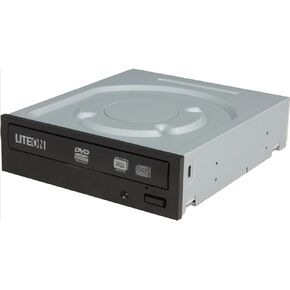 LITE-ON iHAS324-07 24X SATA محرك أقراص DVD/CD داخلي، محرك أقراص DVD±RW ثنائي الطبقة، ناسخ أقراص CD-R 48X، أسود
KWD 24.500
LITE-ON iHAS324-07 24X SATA محرك أقراص DVD/CD داخلي، محرك أقراص DVD±RW ثنائي الطبقة، ناسخ أقراص CD-R 48X، أسود
KWD 24.500
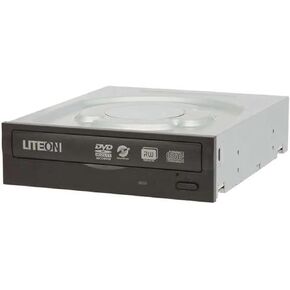 LITE-ON iHAS324-08 ناسخ أقراص DVD/CD داخلي 24X SATA، 24X DVD±R، 8X DVD+RW، 6X DVD-RW، 48X CD-R، محرك أقراص ضوئي أسود
KWD 18.500
LITE-ON iHAS324-08 ناسخ أقراص DVD/CD داخلي 24X SATA، 24X DVD±R، 8X DVD+RW، 6X DVD-RW، 48X CD-R، محرك أقراص ضوئي أسود
KWD 18.500
 محرك أقراص DVD +/-RW داخلي Lite-On 24X SATA + Nero 12 Essentials + مجموعة كابل SATA - محرك الأقراص الضوئية للكمبيوتر الشخصي - ناسخ أقراص DVD/CD - نصف ارتفاع - 16X DVD، 12X CD - سرعة كتابة 8X
KWD 40
محرك أقراص DVD +/-RW داخلي Lite-On 24X SATA + Nero 12 Essentials + مجموعة كابل SATA - محرك الأقراص الضوئية للكمبيوتر الشخصي - ناسخ أقراص DVD/CD - نصف ارتفاع - 16X DVD، 12X CD - سرعة كتابة 8X
KWD 40

 الكويت