- التسوق ، اصبح سهلا.
- /
- احصل على التطبيق!
Spec:
Features:
1. Support IDE / AHCI programming interface.
2. Compliant with Serial version 3.0; Compliant with PCI-E 2.0 specification.
3. Full speed of 6GBPS bandwidth transmission.
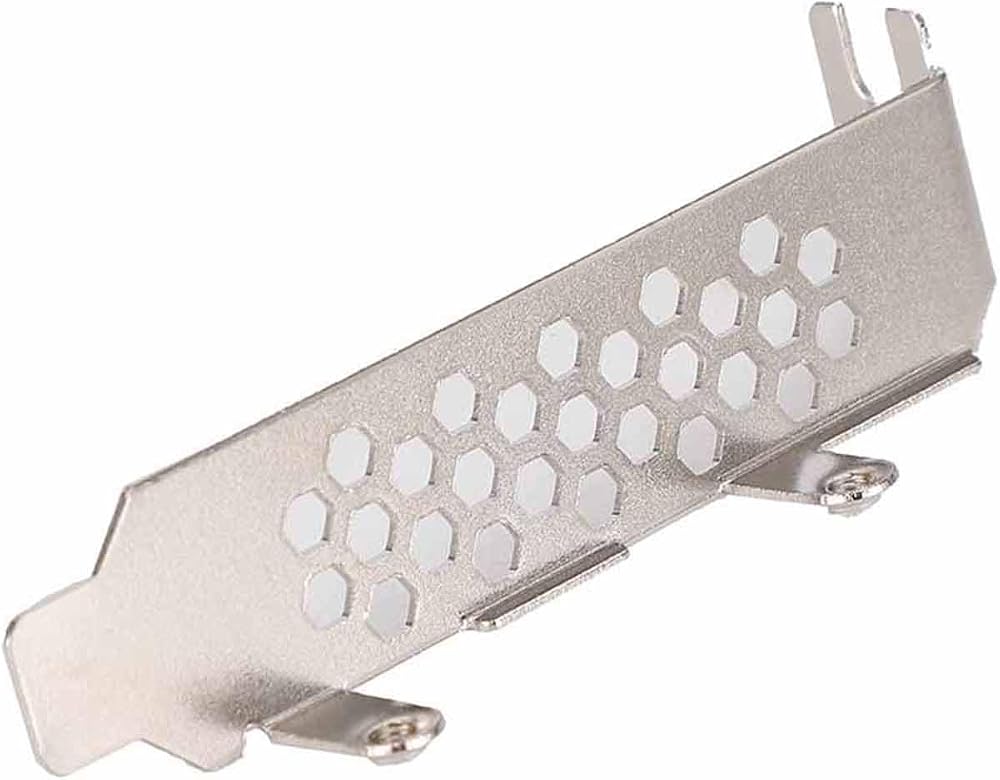
5. Large chassis / small chassis can be used.
Specifications:
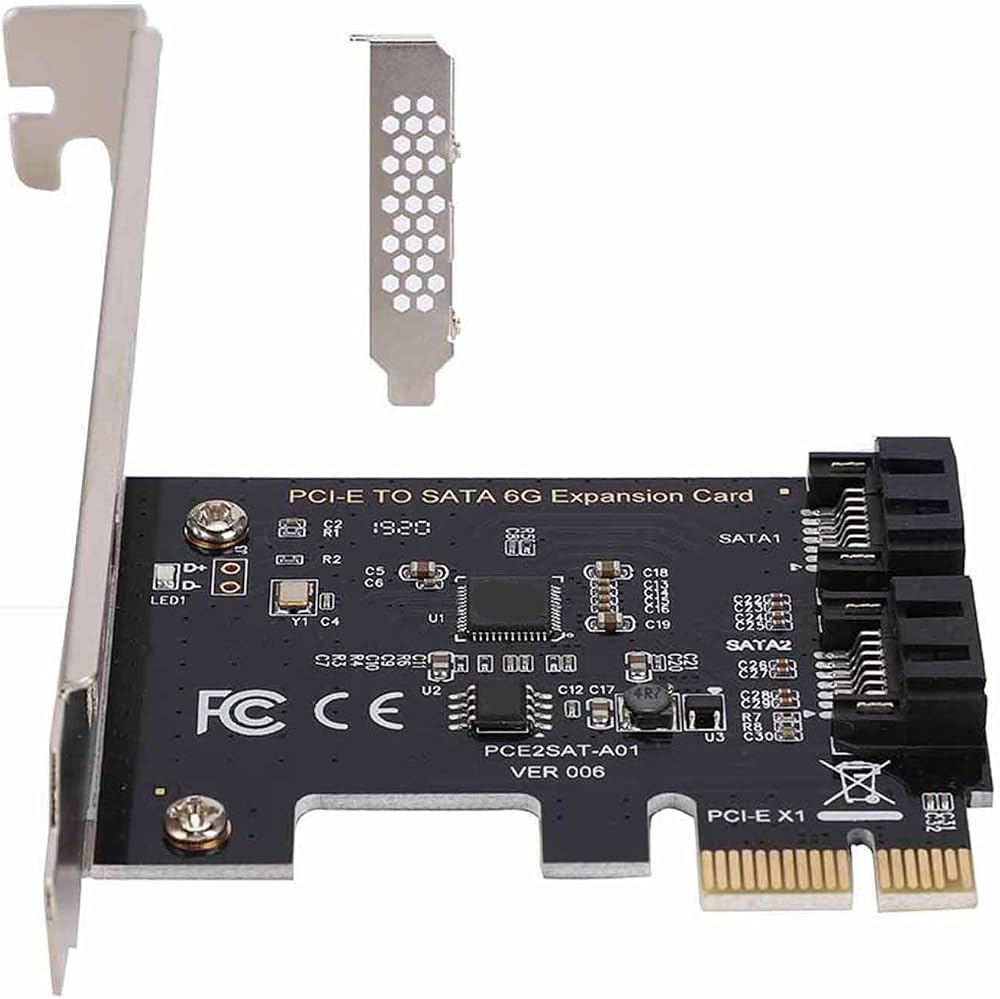
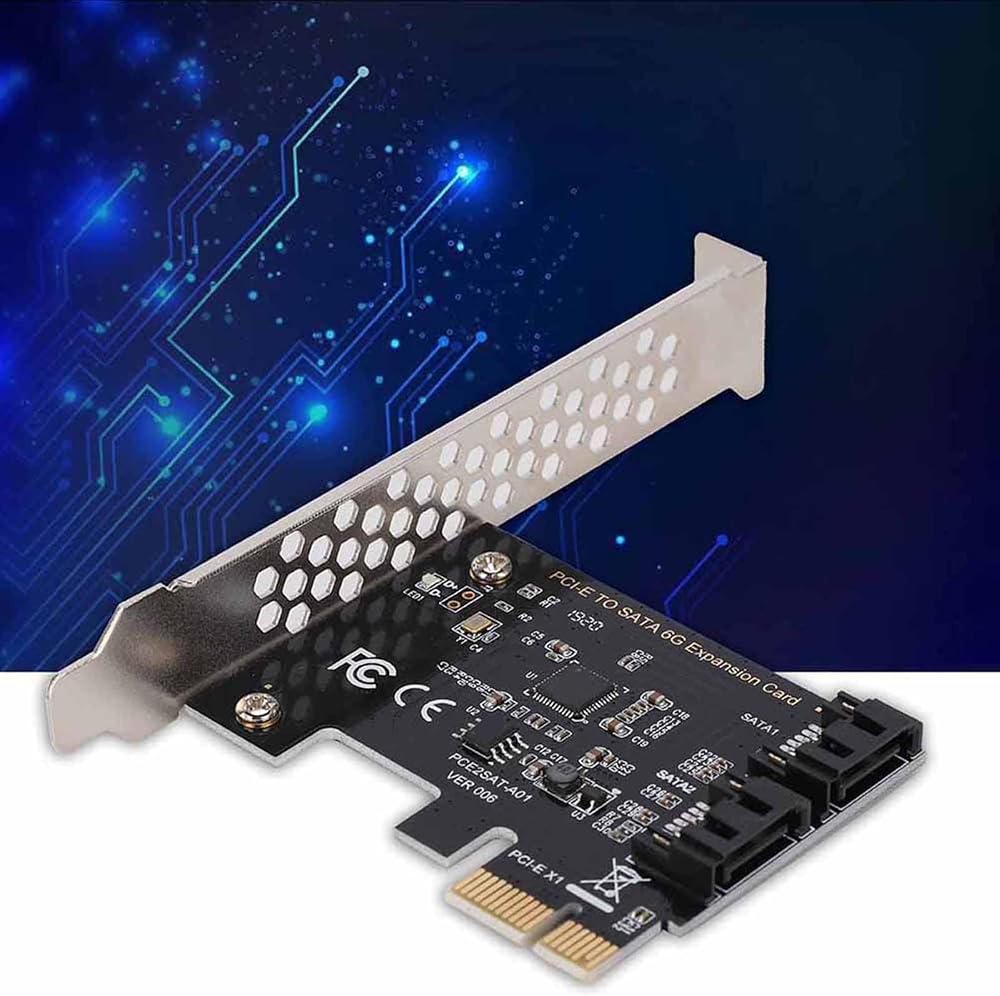
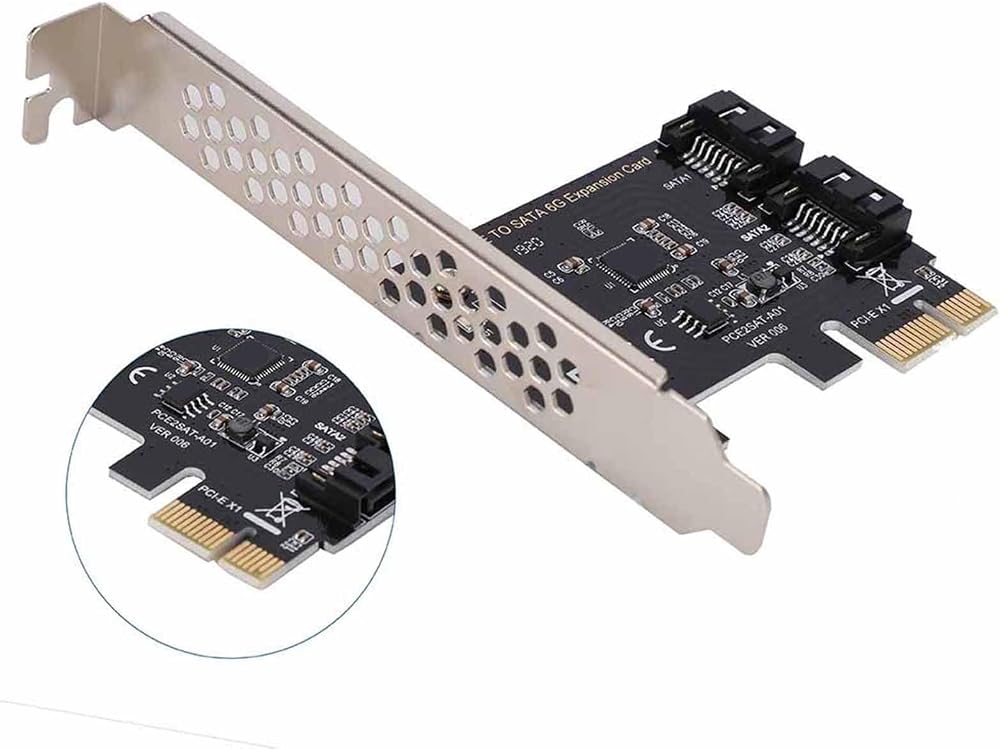
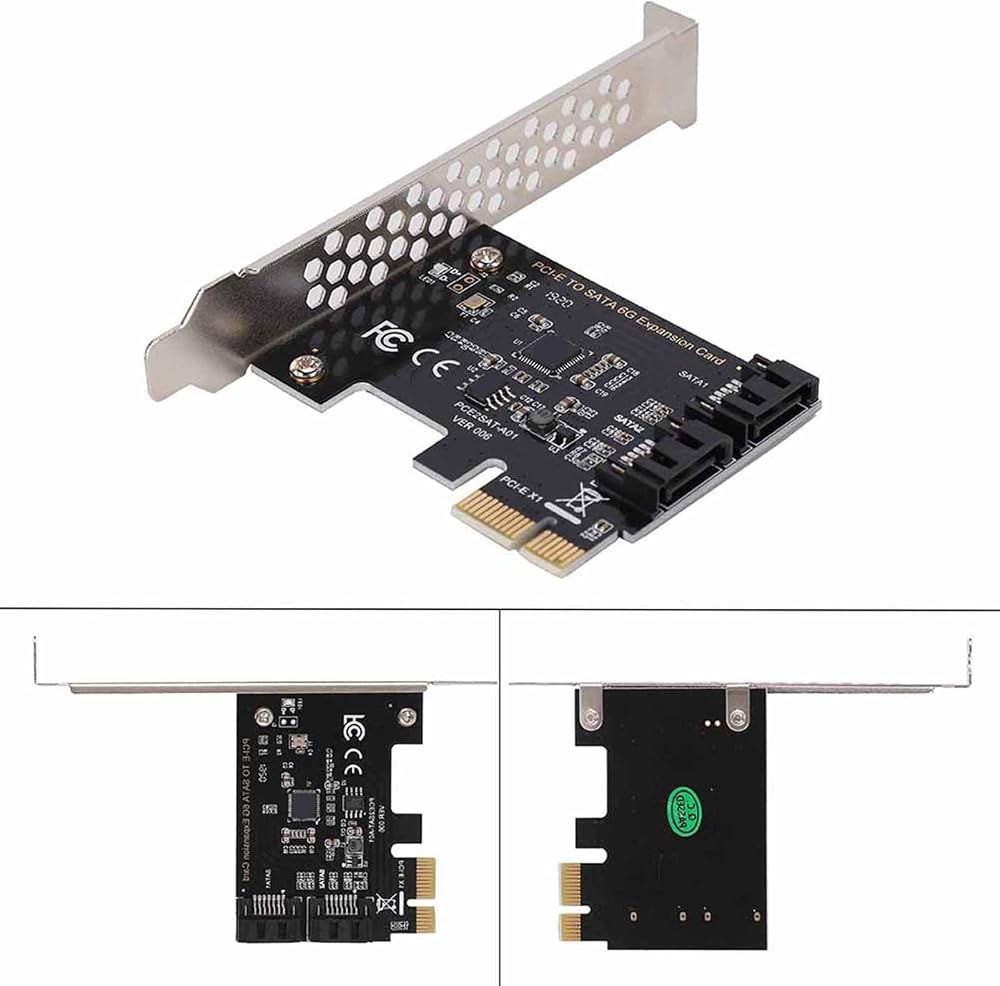
Master Chip: ASM1061
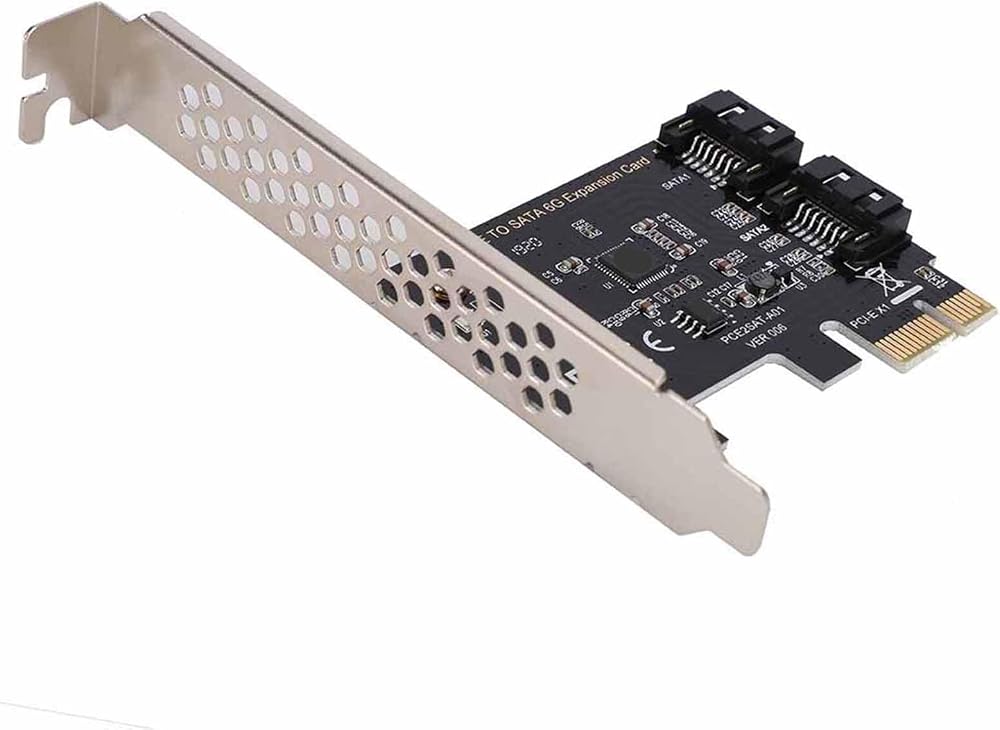
Product Interface: 2 X interface
Applicable Slots: PCI-E (1X 4X 8X 16X)
Support System: for / 7 / 8 / 10 / 11 (32 / 64bit)
Package Weight:80g
Package List:
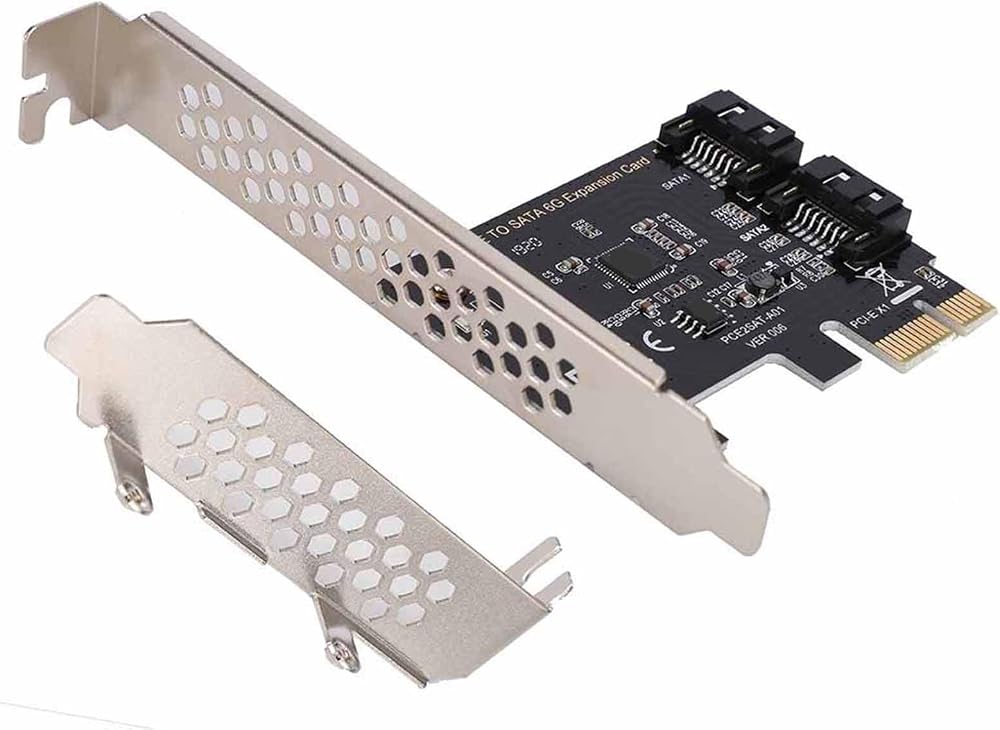
1 x PCI-E to 3.0 Extension Card
1 x Bracket
1 x CD
Question: What caused the computer crash and blue screen after install the ASMEDIA driver program?
Solution: The blue screen has nothing to with the hardware. The system and driver may cause this problem, please download the driver again.
Note:
1: The fastest adapter card above PCI-E2.0 is 370-400M/S, and the fastest is 120-170M/S under PCI-E1.0.
2: Please confirm whether the adapter card supports PCI-E2.0 or above when purchasing (the old motherboard generally supports 16X).
How to Use:
The PCIE to adapter card can be used as follows:
(1). Connection Conditions and Solutions between the system disk and the PCIE to adapter card:
1. The interface mode of PCIE to is AHCI mode. If you want to insert the system disk on our card, the premise is that your system disk must be installed in AHCI mode when installing the system on the motherboard, otherwise, the system cannot be started through our card transfer card.
2, if it is determined that the system disk is inserted on the mainboard interface installation system is AHCI mode, you can directly insert the hard disk on our card, and then enter the mainboard BIOS to set the system disk as the first startup .
3, the above two conditions are met, if still can not start, or repeated restart, then it may be the motherboard's hard disk interface and our adapter card conflict, the solution is to enter the motherboard BIOS, the motherboard's hard disk interface option is set to Disabled, save the restart can start the system
(2). Connection conditions and Solutions for common disks and PCIE to :
1. When the system disk is inserted into the mainboard and the common disk is inserted into the PCIE to card, the conversion card information and the common disk model need to be detected during startup.
2, if the 1 condition is established, or can not start the system, then to enter the motherboard BIOS, the system disk can be set as the first boot.
(3). Connecting System Disks and common disks to PCIE and Solutions:
1, the premise,
packing list:
1 x PCI-E to 3.0 Extension Card
1 x Bracket
1 x CD
 USB Capturing Card Portable 1080P 60Hz HD Input for Streaming Education Gaming Aluminium Alloy
KWD 4.500
USB Capturing Card Portable 1080P 60Hz HD Input for Streaming Education Gaming Aluminium Alloy
KWD 4.500
 Cat 7 Ethernet Cable Durable 10Gbps High Speed Stable Transmission for Home Office (#10)
KWD 11.500
Cat 7 Ethernet Cable Durable 10Gbps High Speed Stable Transmission for Home Office (#10)
KWD 11.500
 Copper Heat Sink Shim 20 * 20mm 10 Pcs for Laptop GPU CPU Cooling High Thermal Conductivity (0.5mm)
KWD 3.500
Copper Heat Sink Shim 20 * 20mm 10 Pcs for Laptop GPU CPU Cooling High Thermal Conductivity (0.5mm)
KWD 3.500
 M.2 2242 SSD Heatsink High Accuracy 2Pcs for Enhanced Heat Conduction Laptop Brass Graphene Pad
KWD 3.500
M.2 2242 SSD Heatsink High Accuracy 2Pcs for Enhanced Heat Conduction Laptop Brass Graphene Pad
KWD 3.500