Apple USB C to HDMI Multiport Adapter for iPhone 15 16 17, 4K@60Hz MFi Certified Type-C Digital AV Dongle with HDMI, USB 3.0, 100W PD Ports Compatible with MacBook Pro Air, iPad Pro, Galaxy 26 25
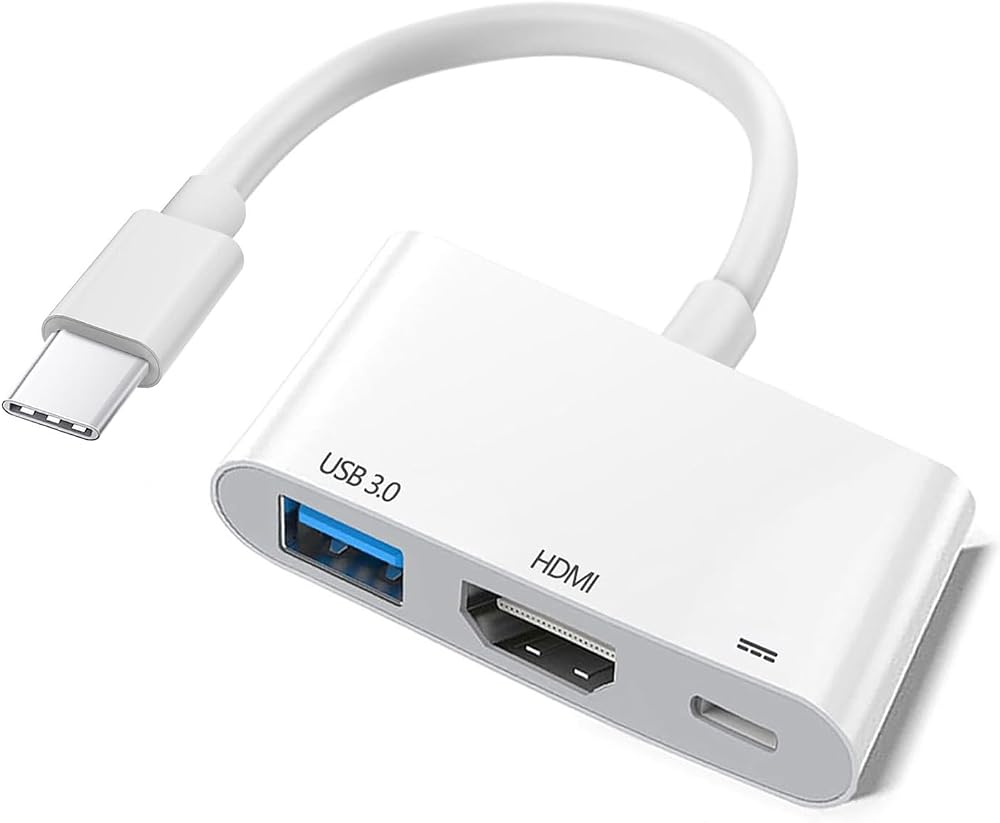
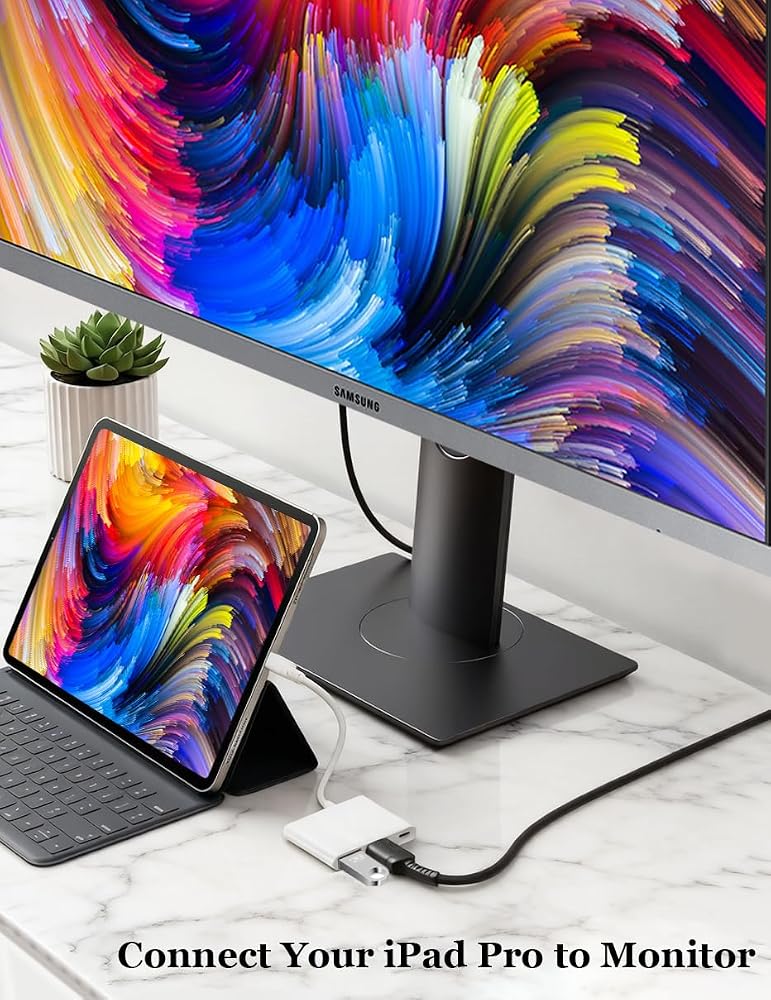
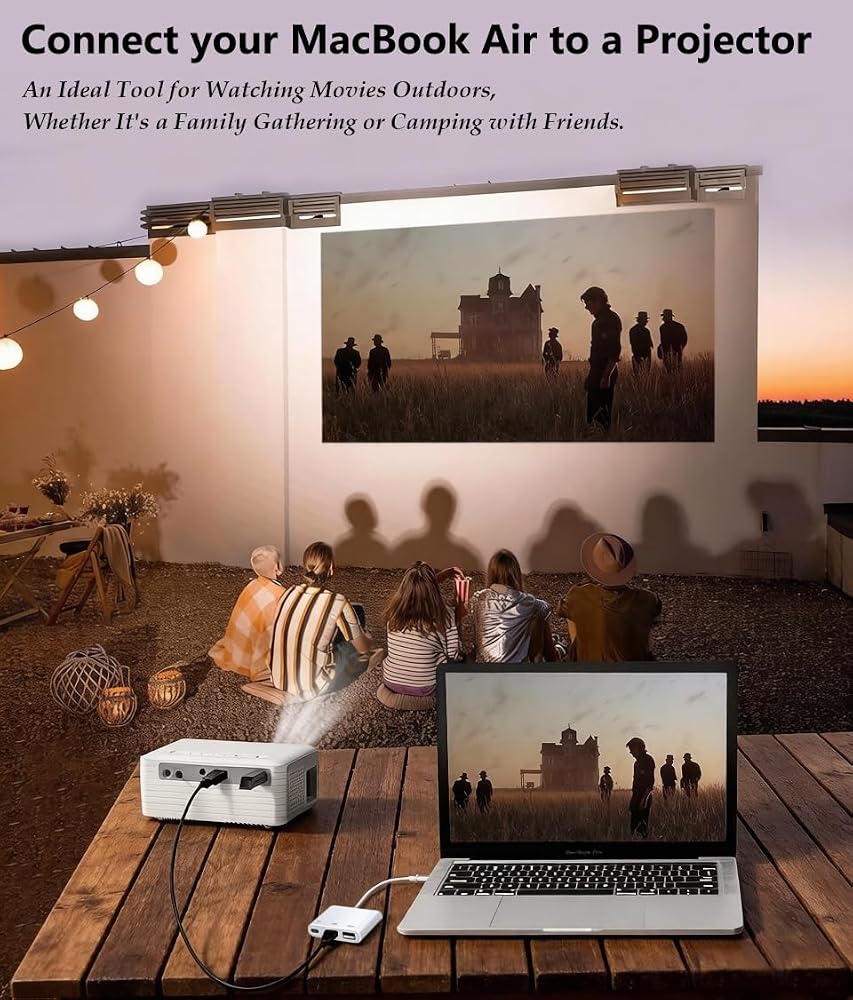
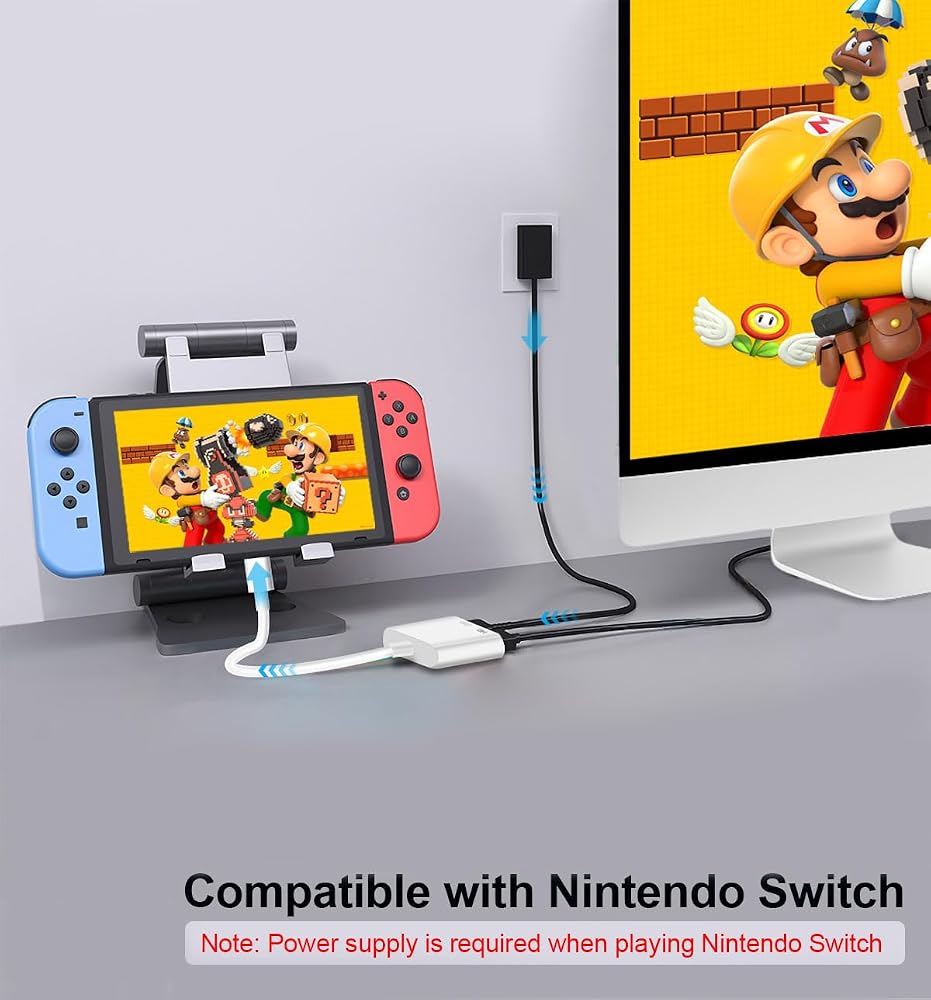
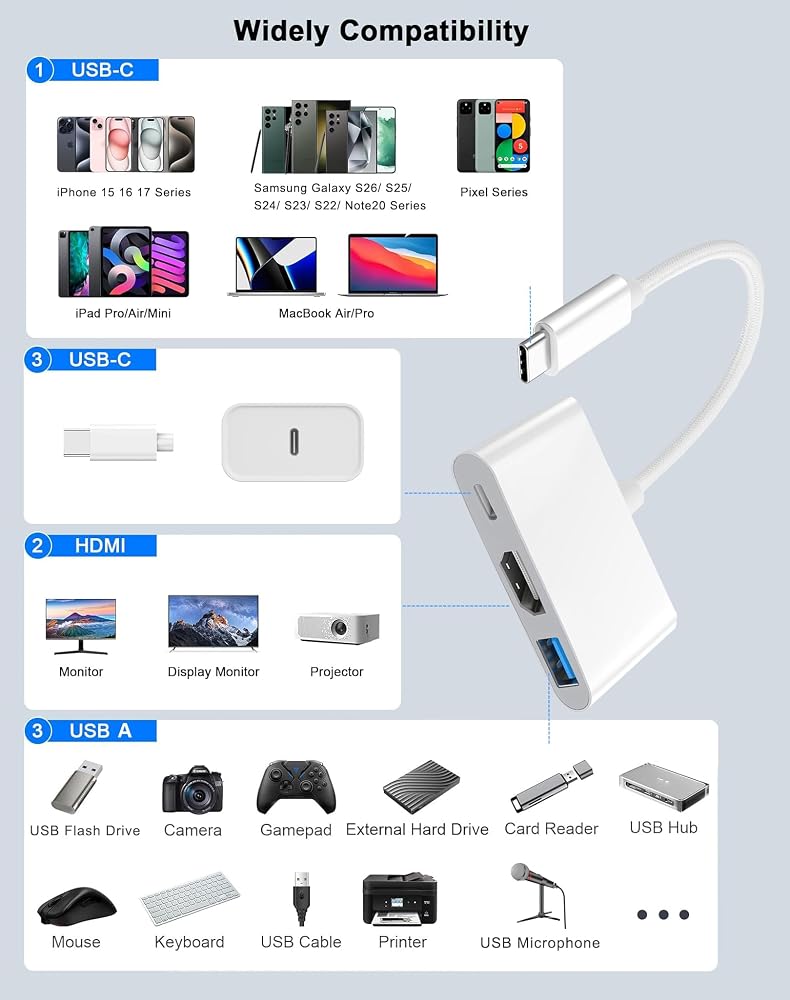
3-in-1 USB-C to HDMI Adapter: Apple MFi Certified Expands your Macbook/iMac/iPad Pro which with USB-C ports into a 4K@60Hz HDMI port, a USB 3.0 port, a USB-C charging port, Three ports can work at the same time. convenient for home-theater entertainment, office work, exhibition, presentation, teaching etc.
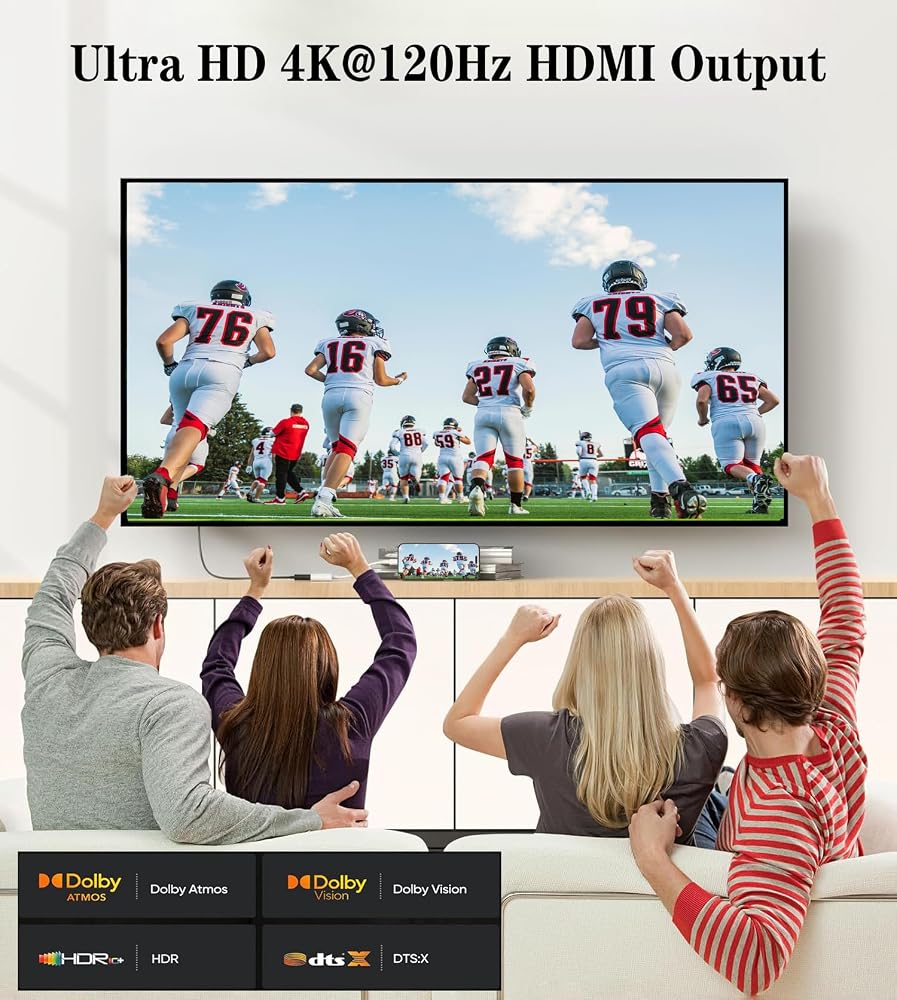
Ultra HD 4K@60Hz HDMI Output: USB C To HDMI Converter transfer up to 4K UHD (3840x2160@60Hz) resolution, Can Stable Transfer Videos/ Pictures/Audio/Games/Files to Monitors, Projectors, TV.
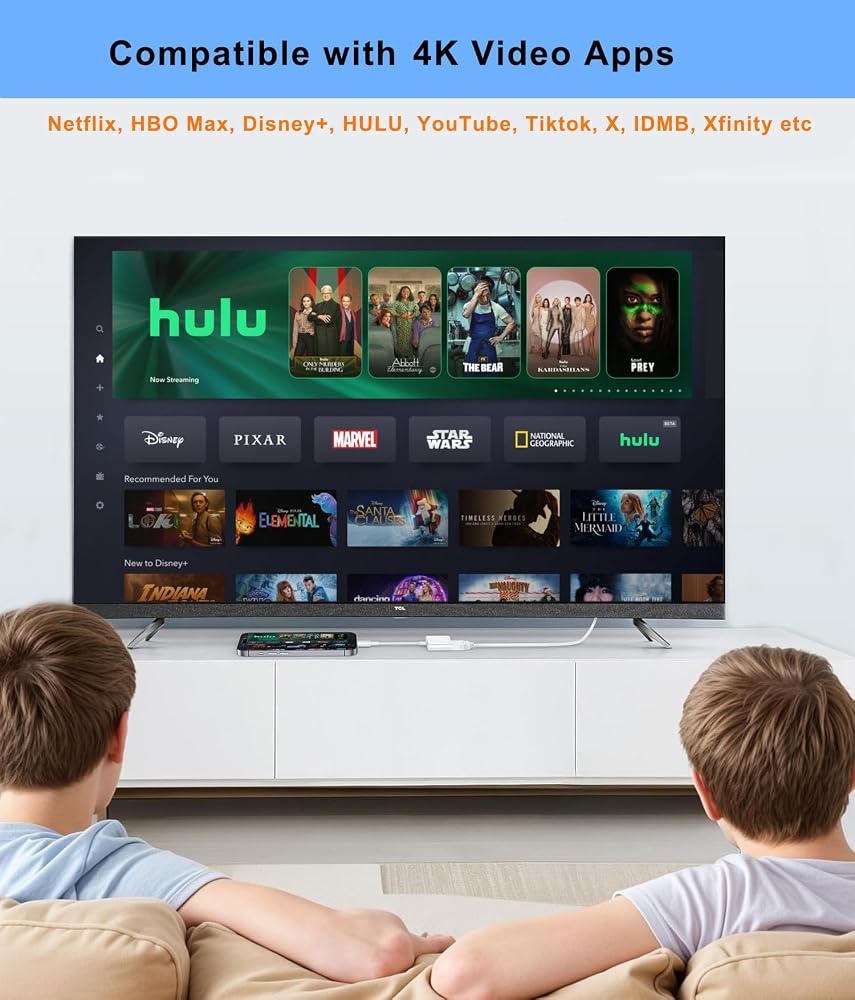
HDCP 2.2 Support: With HDCP 2.2 makes you can stream 4K protected content from video Apps, such as compatible with Netflix, HBO Max, Disney+, HULU, YouTube, Tiktok, X, IDMB, Quickflix, Family On TV, ABC, NBC, FOX, Microsoft Office to a bigger screen.
USB A 3.0 Port: Connect To Your Computer Can Reach Data Transfer Speeds Of Up To 10Gbps. Compatible with USB Flash Drive, camera, removable hard drive, mouse, keyboard or other USB devices.
USB-C 100W PD Fast Charging: The USB-C Port Supports Up to 100W Fast Input Charging For Your USB-C Port Laptop/Tablet/Smartphone. (Note: Actual Charging Speed May Different, Depending On The Device Charging Cable, Charg ing Adapter, Voltage Level)
Widely Compatible: This Type-C to HDMI Dongle compatible with iPhone 17/ 17 Air/ 17 Pro/ 17 Pro Max, 16/ 16 Plus/ 16 Pro/ 16 Pro Max, 15/ 15 Plus/ 15 Pro/ 15 Pro Max, MacBook Pro 2015-2026 and newer, Macbook air 2018-2026 and newer, iPad Pro 2018-2026 and newer, iMac 2017-2026 and newer, Samsung Galaxy S26/ S25/S24/S23/S22/S21/S20/S10/ Note 10/ 20, Pixel 10 9 8 7 etc.
وصف
Apple USB C To HDMI Multiport Adapter with 4K@60Hz HDMI Port & USB 3.0 Port & USB-C Charging Port. 3 Ports Can Work At The Same Time.
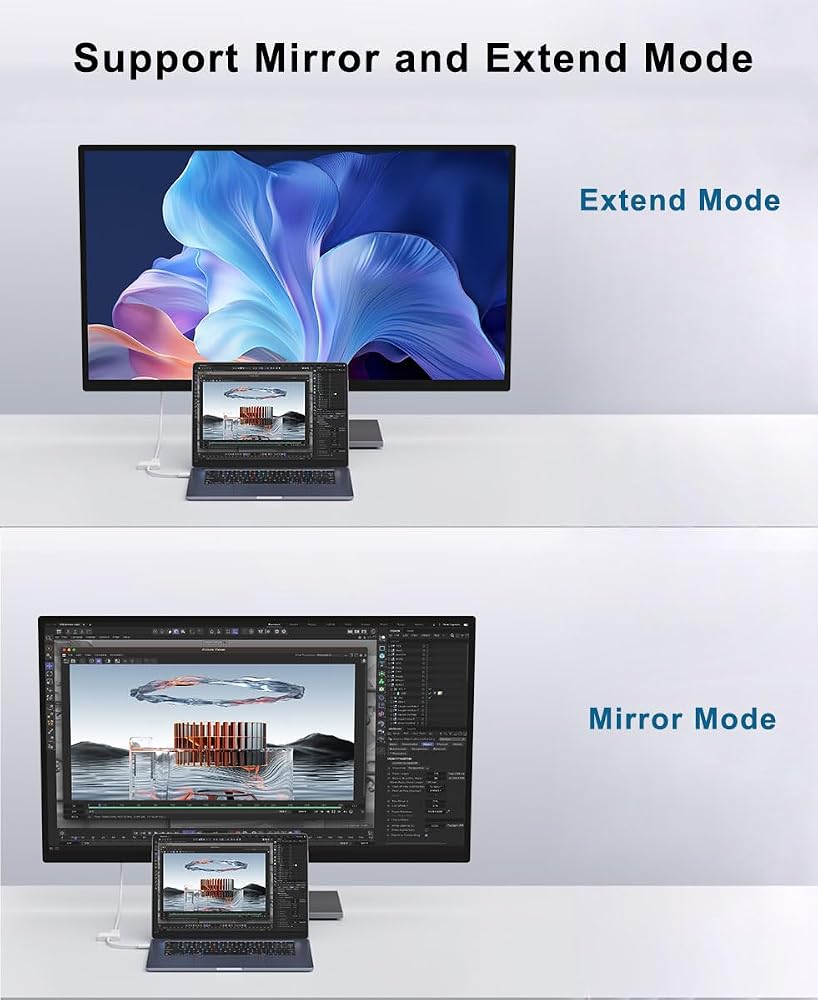
Mirror and Extend Mode Settings:
For MacOS, Top left corner Apple icon - System Preferences - Displays Mirror or Extend Displays;
For Windows 10, press Windows key + P combination command - choose Duplicate or Extend.
For Windows system laptop, if the external monitor could not work, please update the BIOS and graphic card driver from laptop official website.
 كابل صوت Wahbite Lightning إلى 3.5 ملم متوافق مع iPhone 14/13/12/11/XR/XS/X/8/7/6 Plus/SE 2، iPad
KWD 3
كابل صوت Wahbite Lightning إلى 3.5 ملم متوافق مع iPhone 14/13/12/11/XR/XS/X/8/7/6 Plus/SE 2، iPad
KWD 3
 قارئ بطاقات ابل لايتنينج الى اس دي وتي اف بفتحة مزدوجة لايفون/ايباد، محول بطاقة ذاكرة مايكرو اس دي تي اف 2 في 1، عارض كاميرا تريل، قارئ بطاقة SD، التوصيل والتشغيل
KWD 3.500
قارئ بطاقات ابل لايتنينج الى اس دي وتي اف بفتحة مزدوجة لايفون/ايباد، محول بطاقة ذاكرة مايكرو اس دي تي اف 2 في 1، عارض كاميرا تريل، قارئ بطاقة SD، التوصيل والتشغيل
KWD 3.500
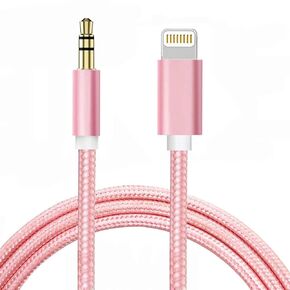 سلك Aux لهاتف iPhone، كابل Lightning إلى 3.5 مم من النايلون المضفر لهاتف iPhone 13 12 11 XS XR X 8 7 6 iPad iPod إلى السيارة/ستيريو المنزل/سماعة الرأس/مكبر الصوت، محول مقبس سماعة الرأس معتمد من Apple MFi (وردي)
KWD 3
سلك Aux لهاتف iPhone، كابل Lightning إلى 3.5 مم من النايلون المضفر لهاتف iPhone 13 12 11 XS XR X 8 7 6 iPad iPod إلى السيارة/ستيريو المنزل/سماعة الرأس/مكبر الصوت، محول مقبس سماعة الرأس معتمد من Apple MFi (وردي)
KWD 3
 محول كاميرا USB من Apple Lightning إلى SD وTF Card مع منفذ شحن لأجهزة iPhone/iPad، وقارئ بطاقات 4 في 1 لمحرك فلاش USB ولوحة المفاتيح والماوس والمحاور وMIDI وبطاقة ذاكرة Micro SD TF والتوصيل والتشغيل
KWD 3.500
محول كاميرا USB من Apple Lightning إلى SD وTF Card مع منفذ شحن لأجهزة iPhone/iPad، وقارئ بطاقات 4 في 1 لمحرك فلاش USB ولوحة المفاتيح والماوس والمحاور وMIDI وبطاقة ذاكرة Micro SD TF والتوصيل والتشغيل
KWD 3.500