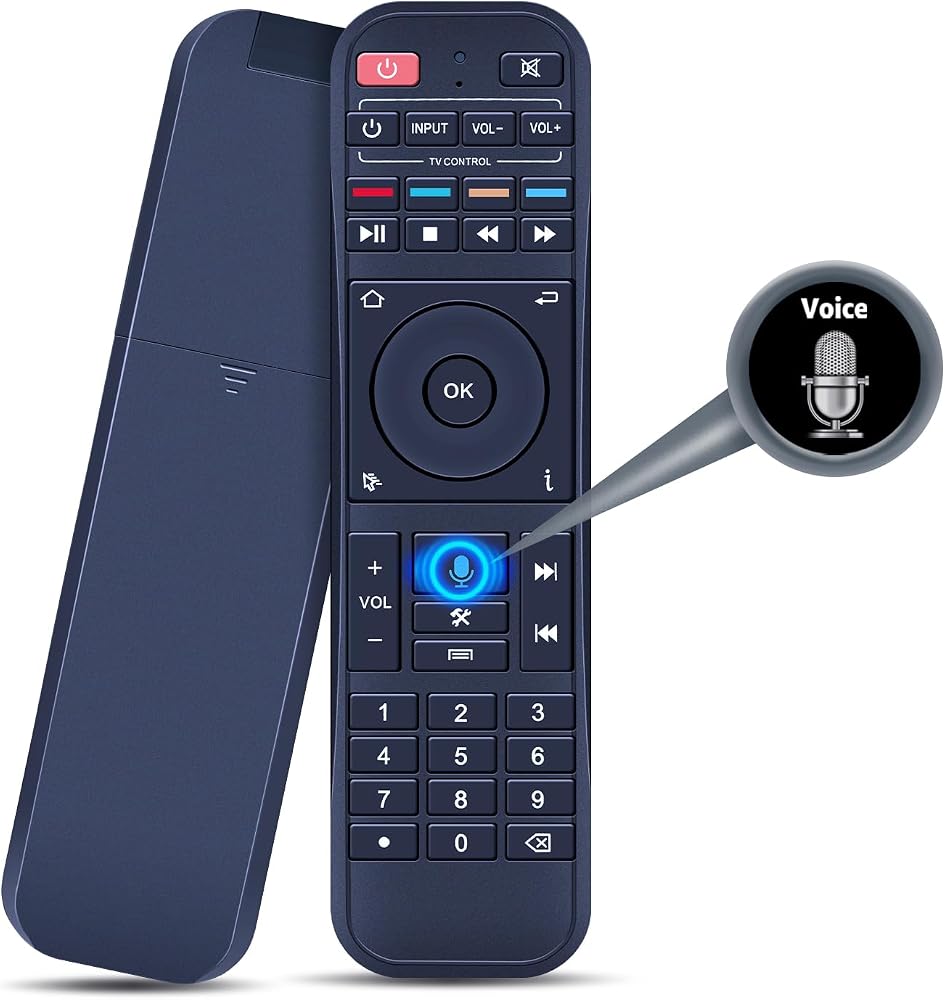
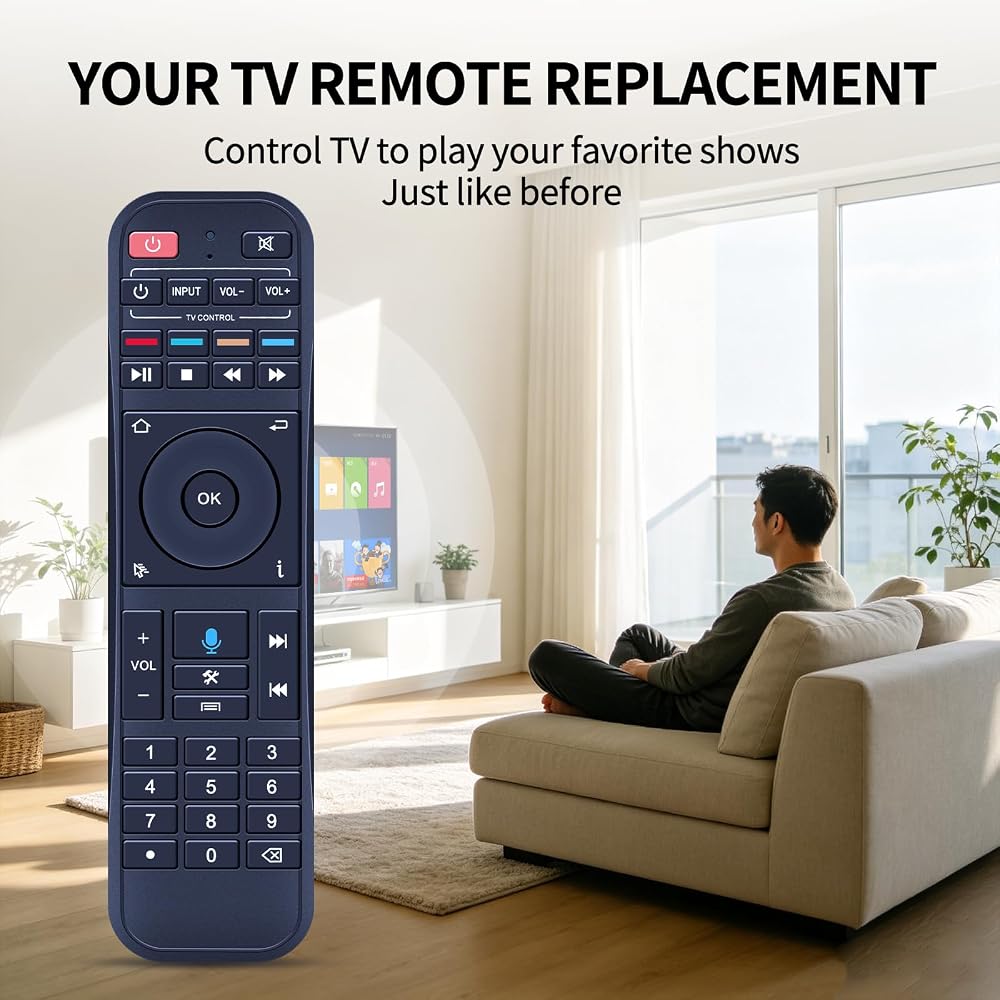
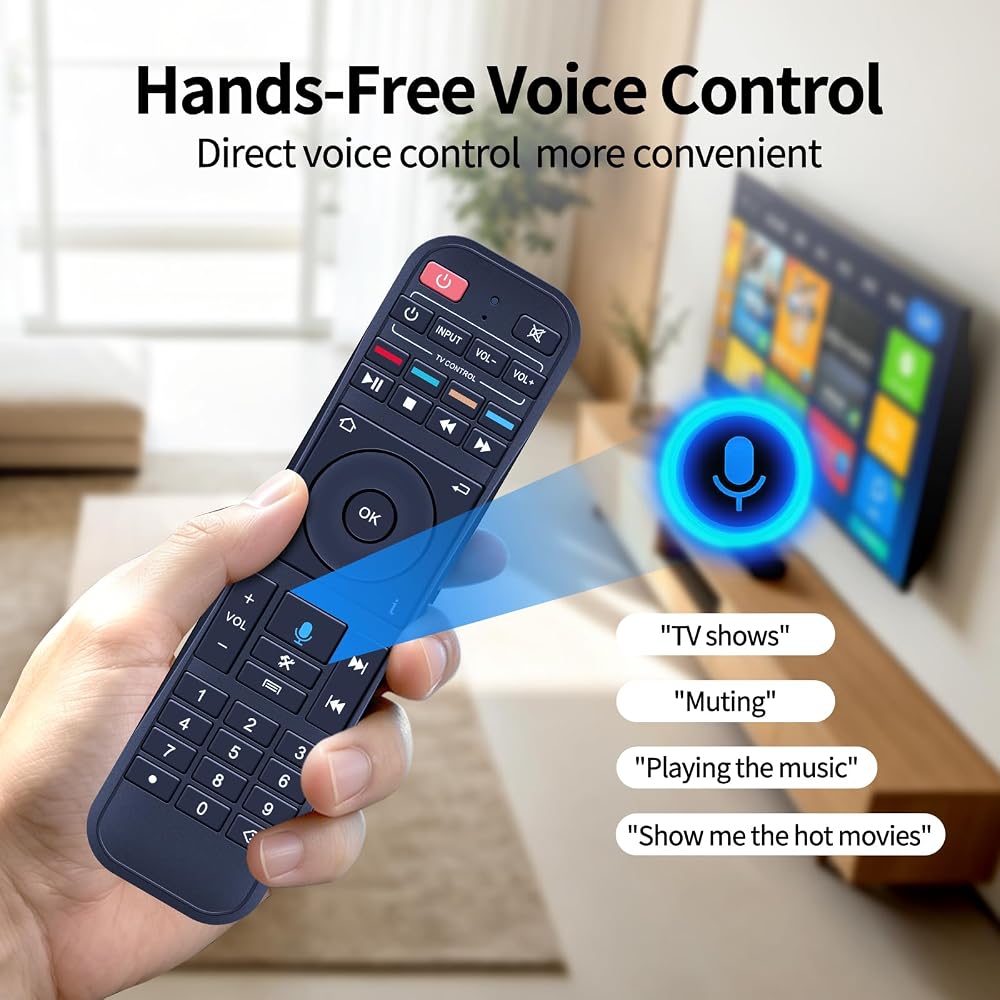
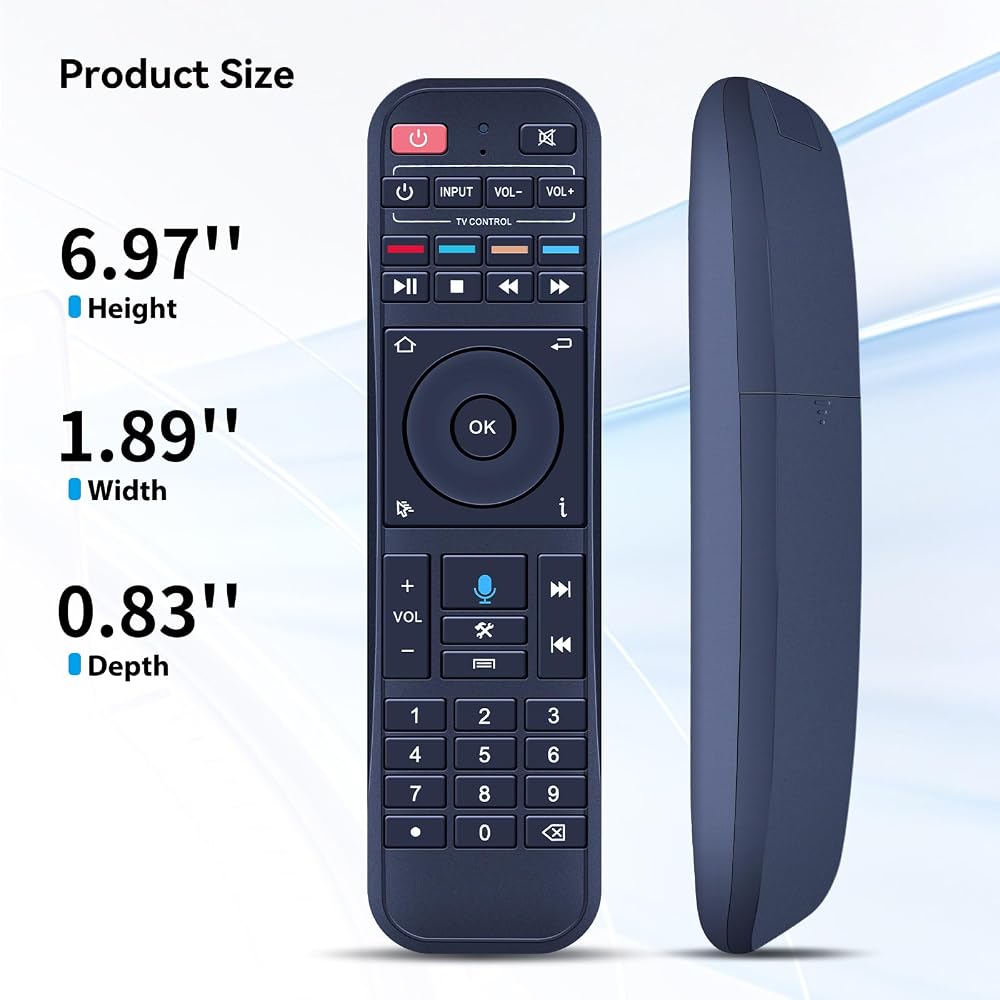
Supported Models: This remote control does not have a backlight feature. Compatible with S7 Pro, S7 Max, S7 Ultra, S7 Prime, S6 Max, S6 Ultra, S5 Max, S5 Pro
Pairing Instruction: 1. Press the "OK" and "Return" buttons at the same time until the indicator light flashes for pairing. Press the "OK" button until the red light stops blinking. 2. Finally, go to [setting] - [Ble] to check if the device is connected. Look for the "RC-200" device to confirm the pairing
Programming Function: 1. Press the power button in the "TV CONTROL" area until the indicator light stays on. Then start programming. 2. Press the button in the "TV CONTROL" area for the function to be programmed. The light will begin to blink. 3. Aim the TV remote at the TV box remote, and press the button on the TV remote that needs to be programmed. 4. If the function is copied. The indicator light will flash 3 times and stay on. Use the same process to program other functions. 5. The indicator light will flash 5 times if failed. Then you need to repeat steps 2-4. 6. Press any button outside "TV CONTROL" area to exit
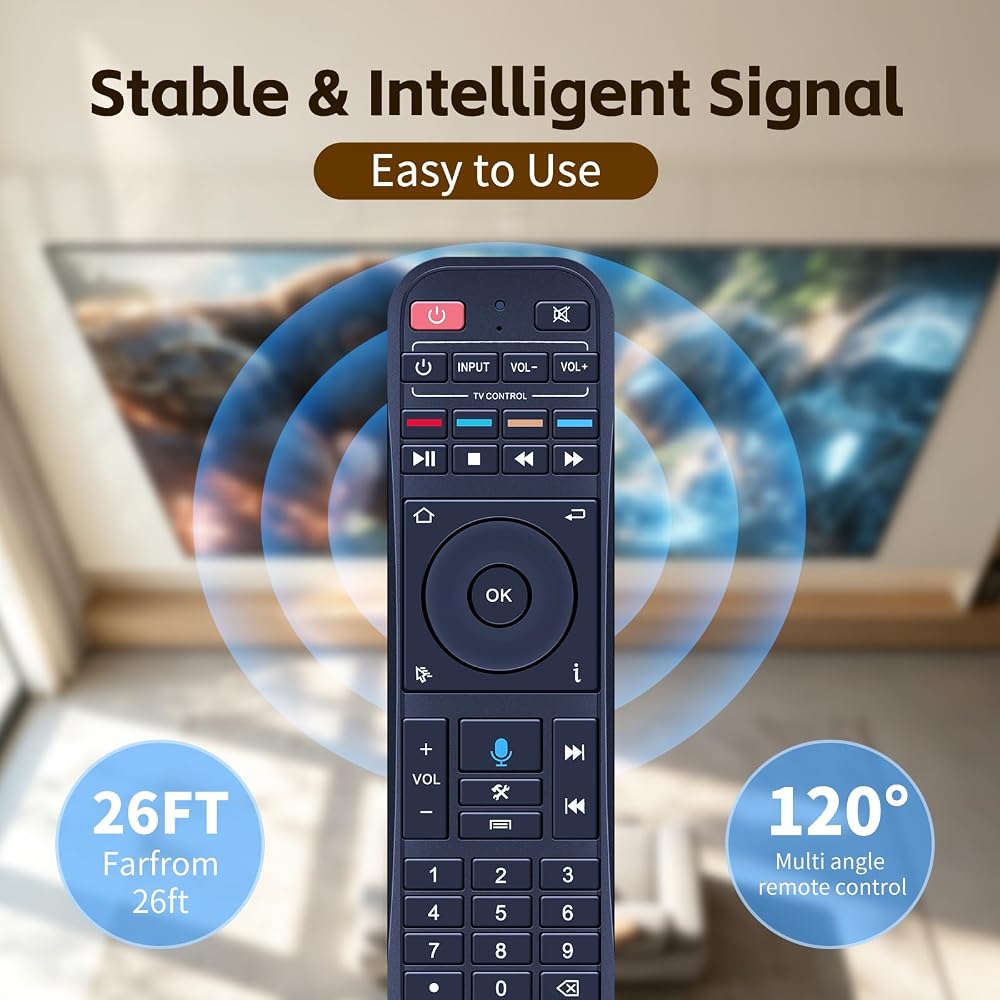
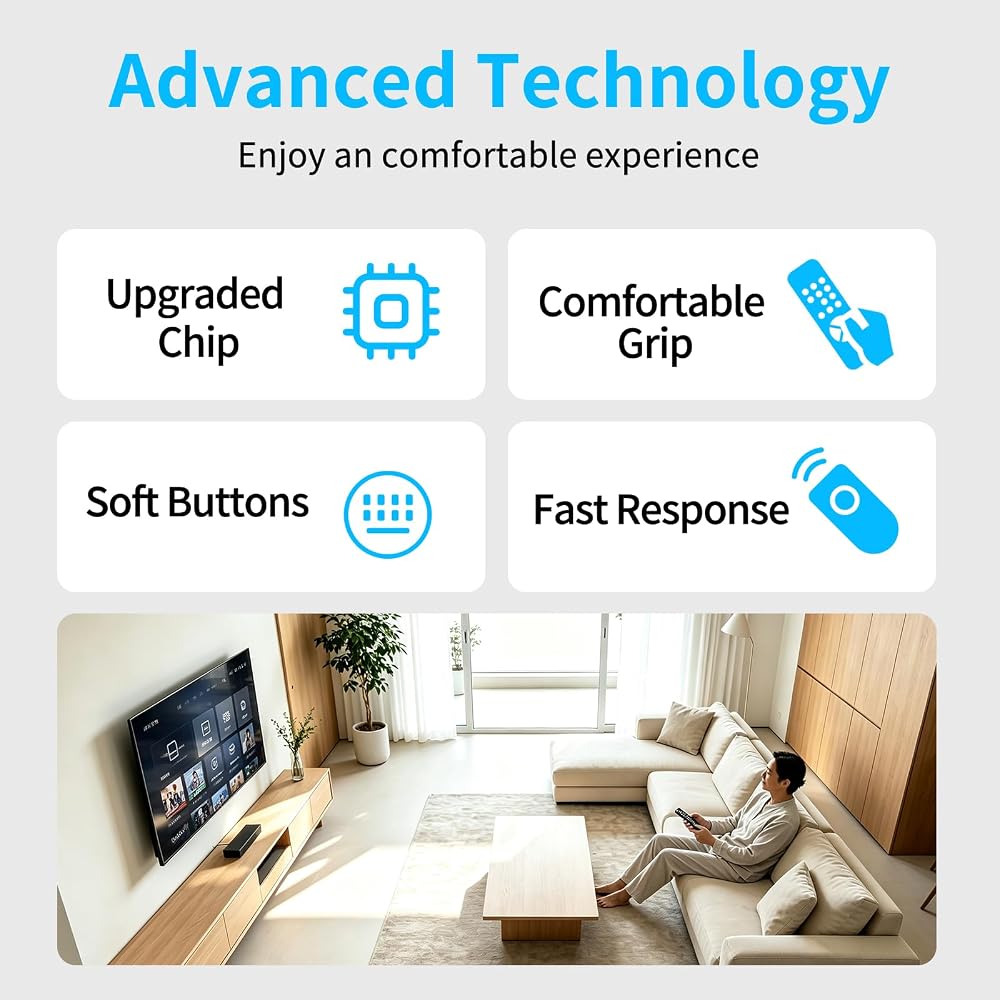
Fast & Comfortable – The upgraded chip provides a 26-foot range and 0.2s response. The ergonomic ABS design feels great in your hand and makes controlling smooth and easy
Before You Order: Please check that this remote matches your original remote. If not, it may not work. Not sure about compatibility? We will be happy to assist you
 25 حزمة من جهاز التحكم عن بعد للتلفزيون برايت ستار BR100B العالمي
KWD 66.500
25 حزمة من جهاز التحكم عن بعد للتلفزيون برايت ستار BR100B العالمي
KWD 66.500
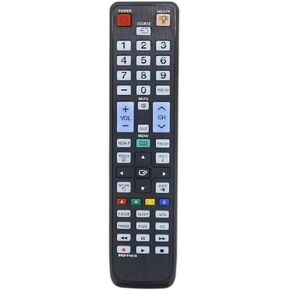 تم استبدال جهاز التحكم عن بعد BN59-01041A الجديد لتلفزيون Samsung HD Smart LED/LCD (الطراز: BN5901041A)
KWD 3
تم استبدال جهاز التحكم عن بعد BN59-01041A الجديد لتلفزيون Samsung HD Smart LED/LCD (الطراز: BN5901041A)
KWD 3
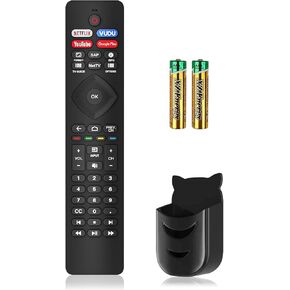 Replacement for Philips TV Remote, Universal for All Philips Android UHD 4K Smart TVs Wr Batteries & Holder, IR Remote for Philips Remote Control for Smart TV Wr 4 Shortcut Buttons, No Voice Function
KWD 4
Replacement for Philips TV Remote, Universal for All Philips Android UHD 4K Smart TVs Wr Batteries & Holder, IR Remote for Philips Remote Control for Smart TV Wr 4 Shortcut Buttons, No Voice Function
KWD 4
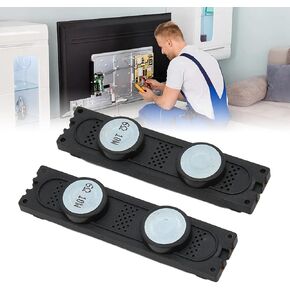 1 زوج من مكبرات الصوت عبر التلفزيون للتلفزيون لـ BN96 16796 16798 18089 18088 18070 A B F H G
KWD 7
1 زوج من مكبرات الصوت عبر التلفزيون للتلفزيون لـ BN96 16796 16798 18089 18088 18070 A B F H G
KWD 7