USB SIM Card Reader for Micro/Nano/Standard Sim Card, Nano Sim Card Adapter with Eject Pin, 480 Mbps Micro Sim Converter for Laptops/Windows, Support Reading and Editing Contacts and Text Messages
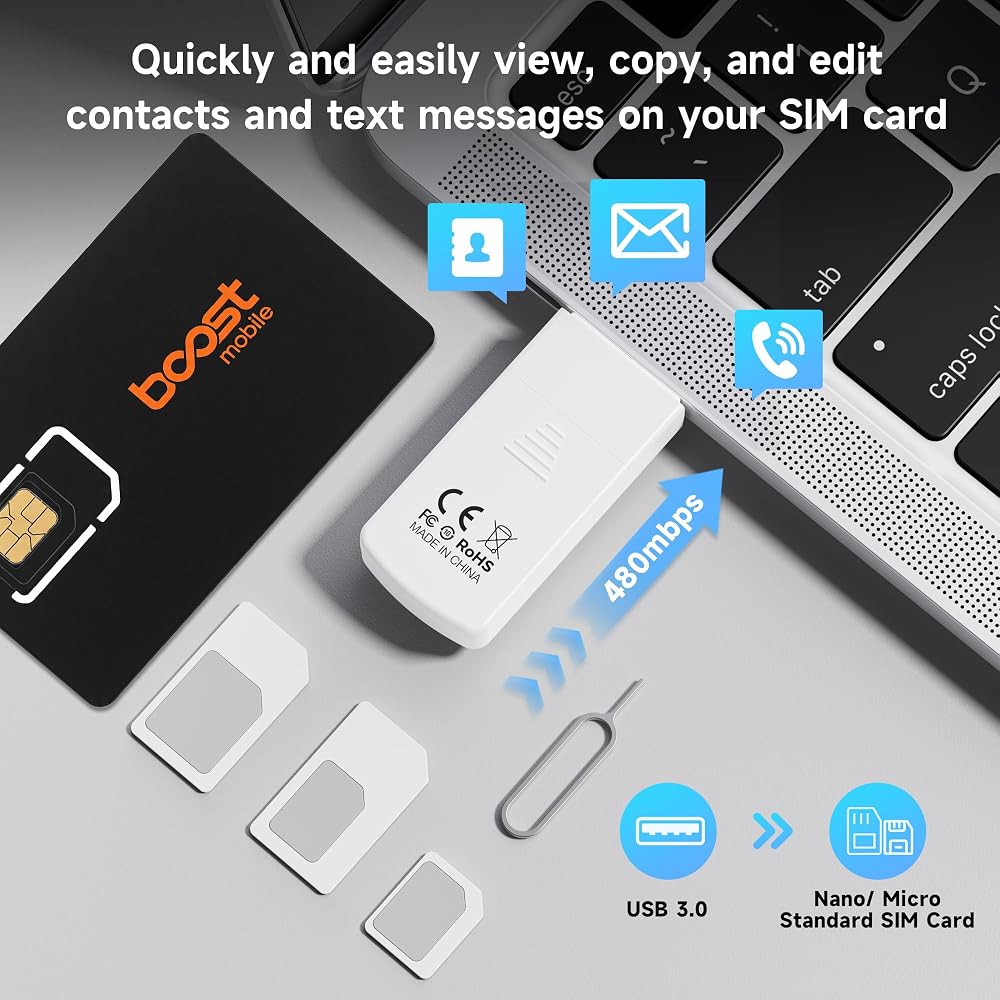
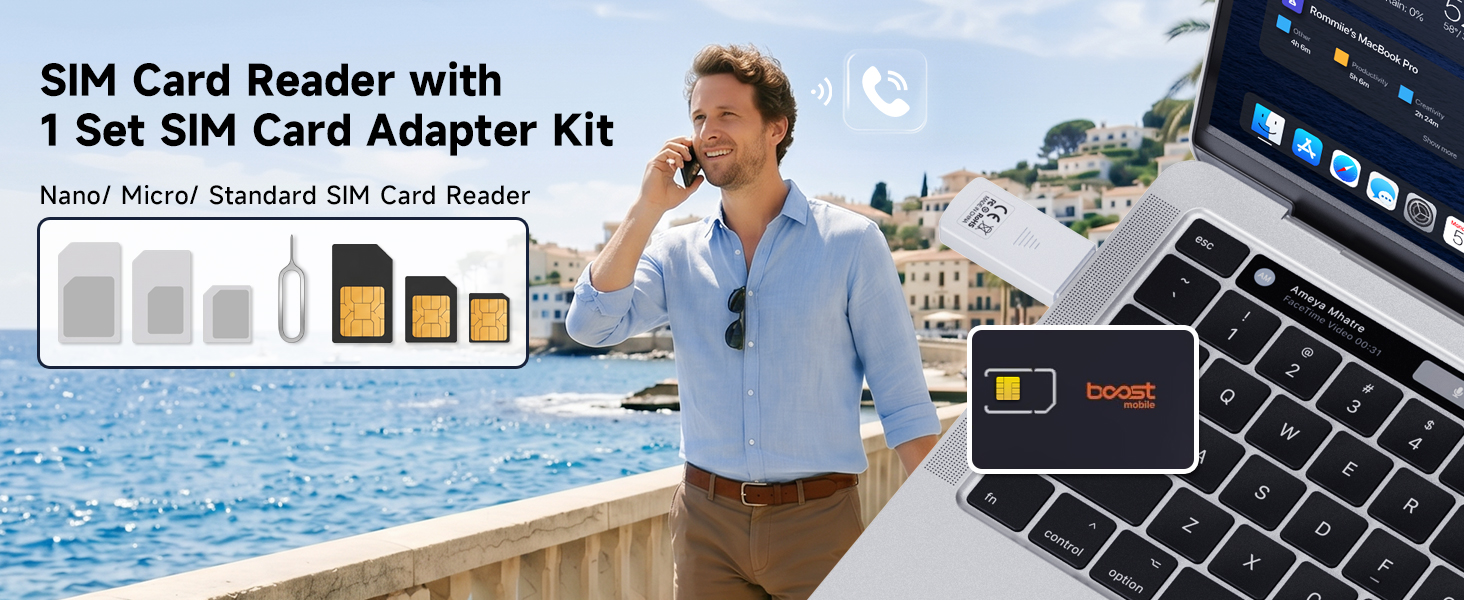
Specially Designed for SIM Card Calls and SMS - No need to worry about losing any contact information. The usb nano sim card reader supports reading contacts and SMS from the SIM card, and you can directly edit, back up, restore, or write data. Whether you want to modify contact names, export multiple SMS, or write backup content to another SIM card, you can manage everything directly on your computer. It is a dedicated tool for handling SIM card communication data.
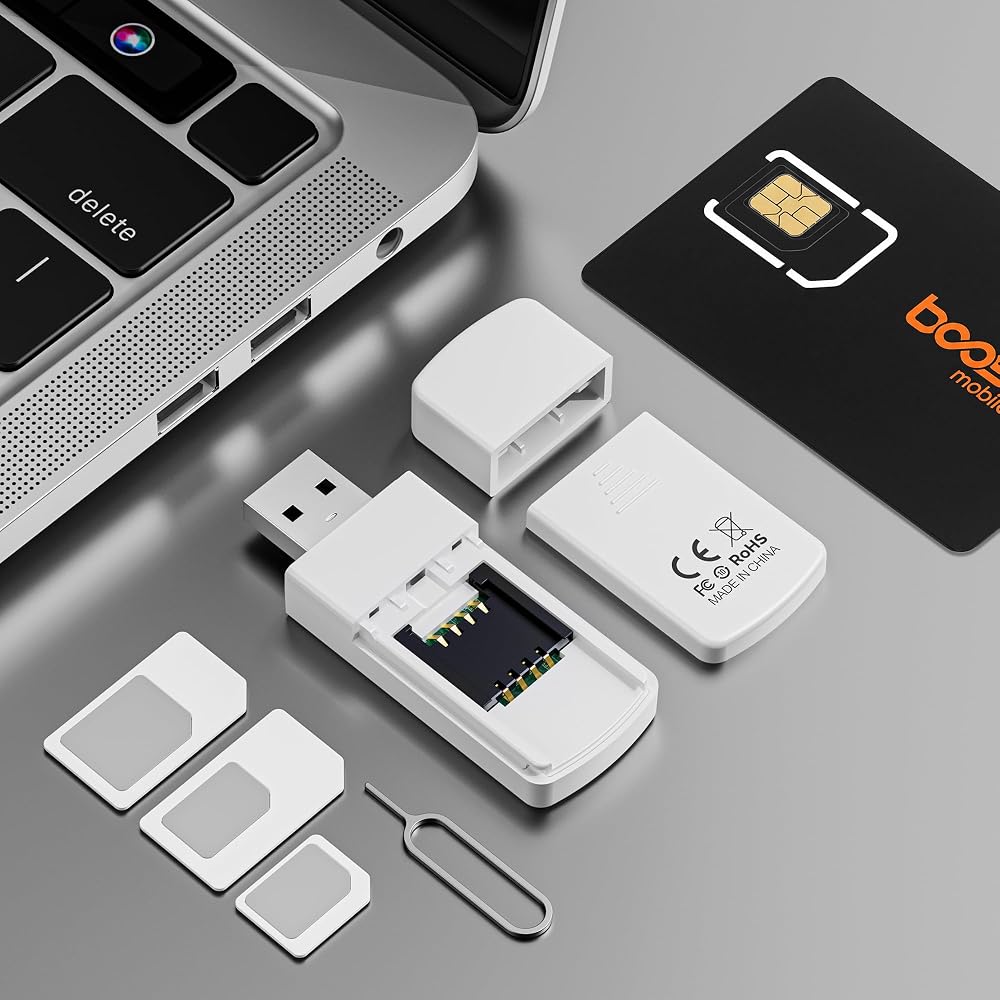
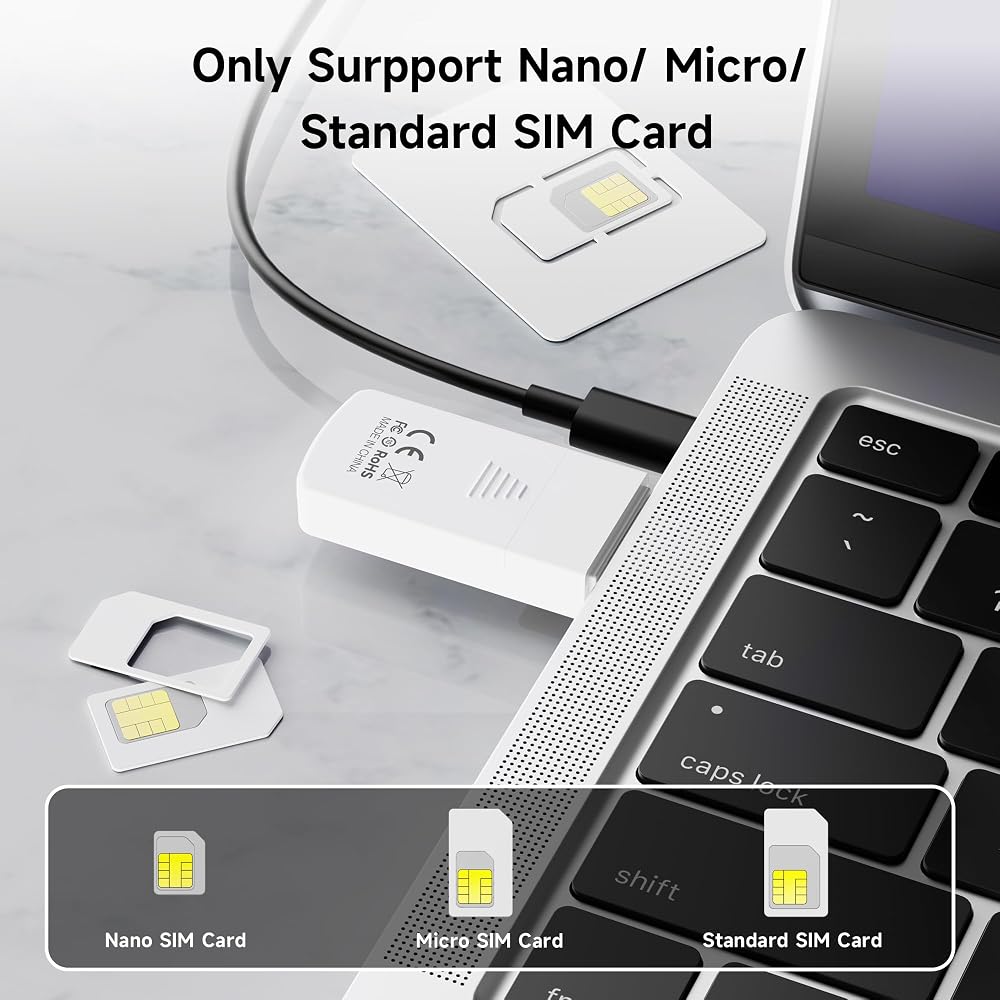
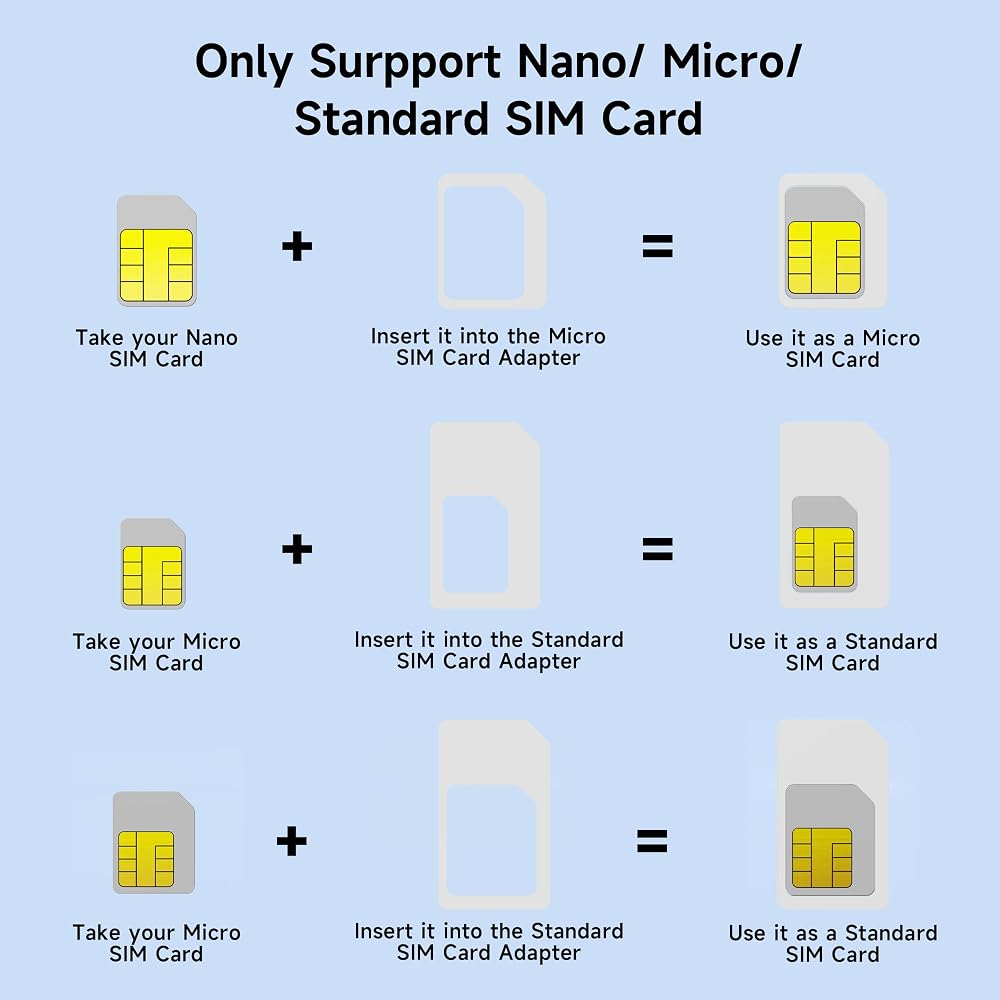
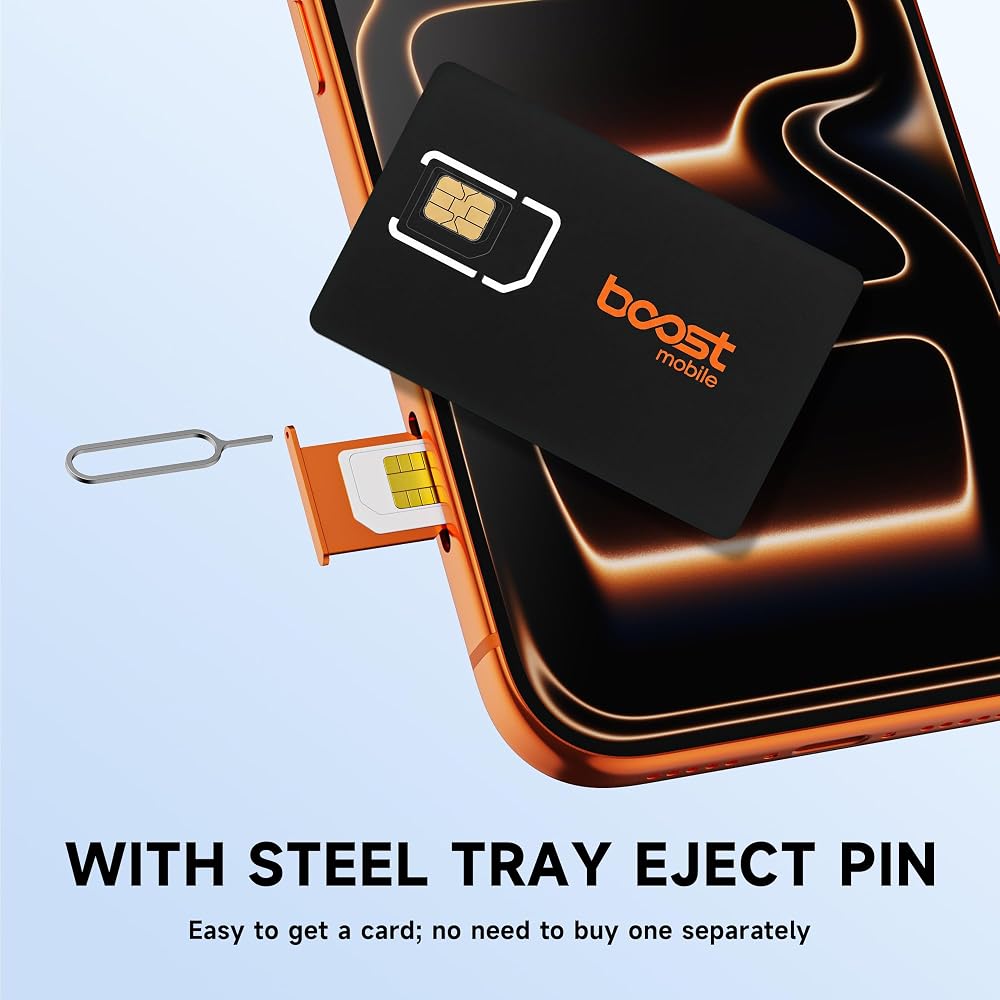
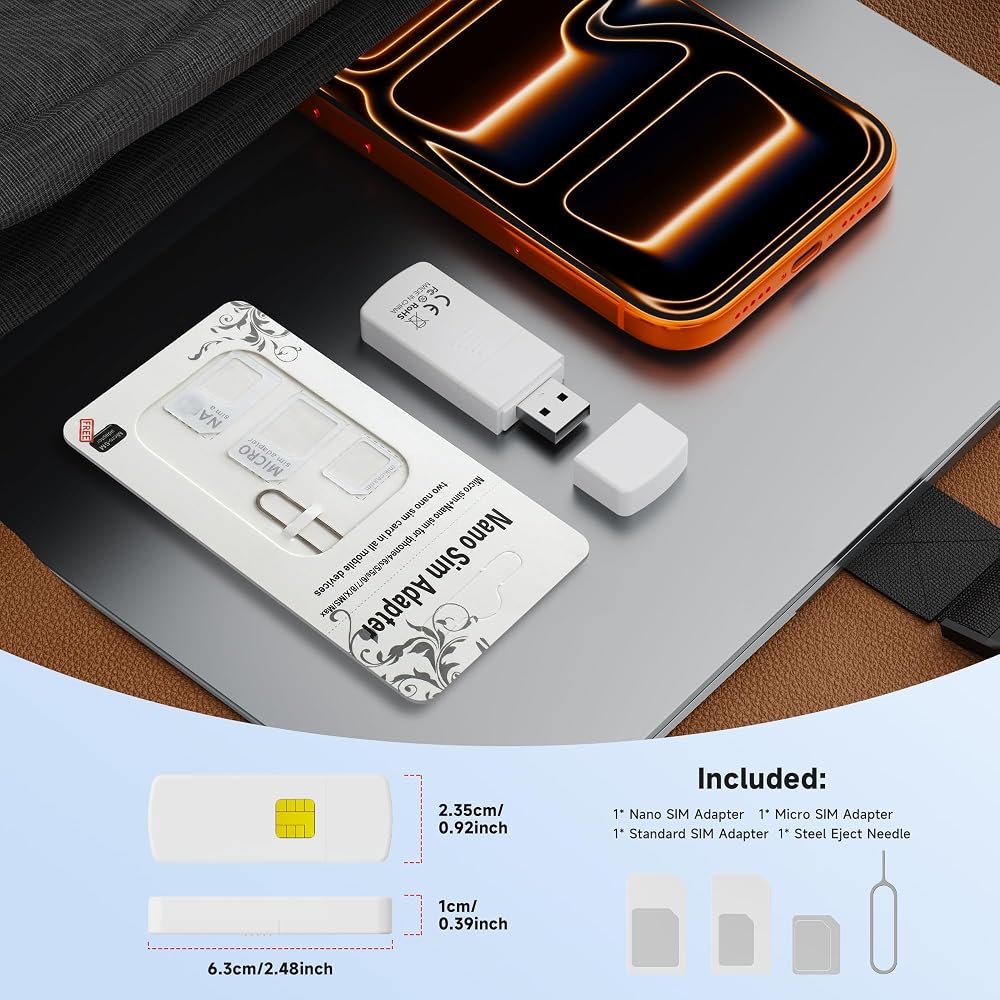
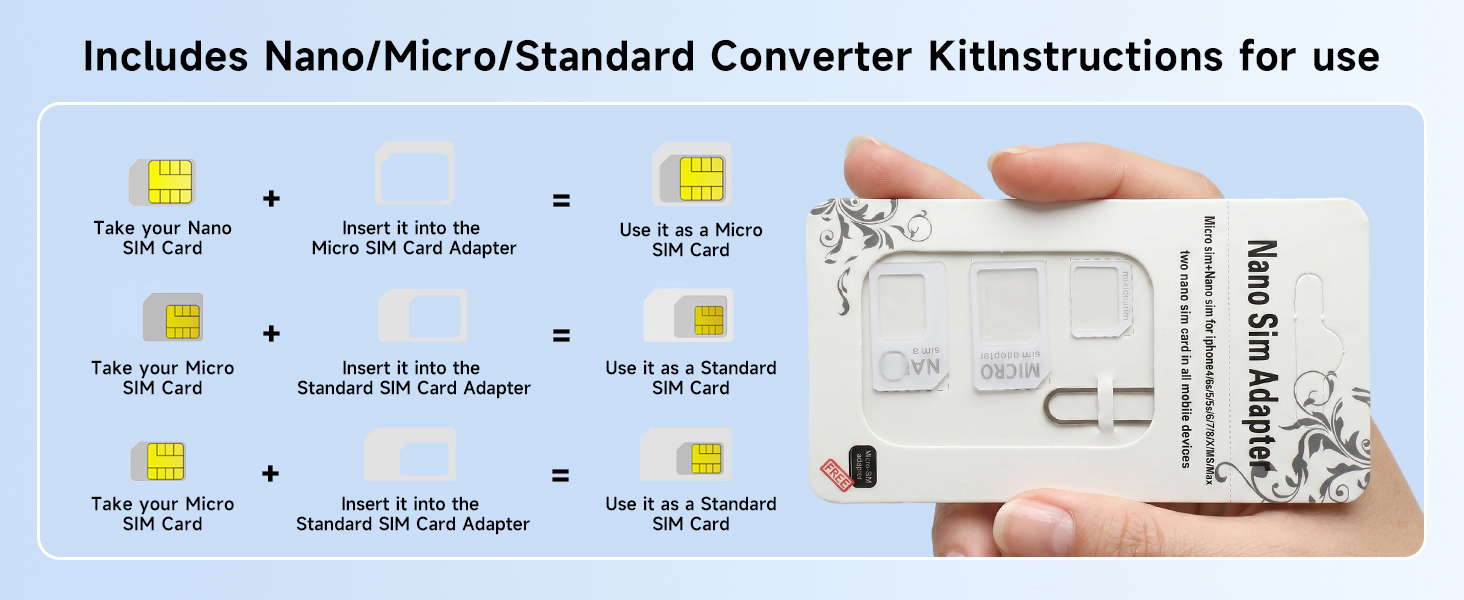
Fully compatible with three SIM card sizes, comes with a professional SIM ejector pin - Sim card usb adapter supports Nano, Micro, and Standard SIM cards without the need for additional adapters, plug and play. The package thoughtfully includes a high-strength pin, making it easy to remove the SIM card from the phone, simple and effortless to operate. The card reader is extremely compact, portable, and burden-free.
480Mbps High-Speed Transmission - The sim reader for laptop has a reading speed of up to 480Mbps, allowing you to quickly back up contacts and messages, or export photos and call records, saying goodbye to long waits.
Built-in Intelligent Control Chip - Computer sim card adapter equipped with a professional-grade intelligent chip, it automatically identifies the SIM card type and matches the appropriate current to prevent overload or short circuit. It also supports hot swapping, so accidental disconnection during reading and writing will not damage the card or data.
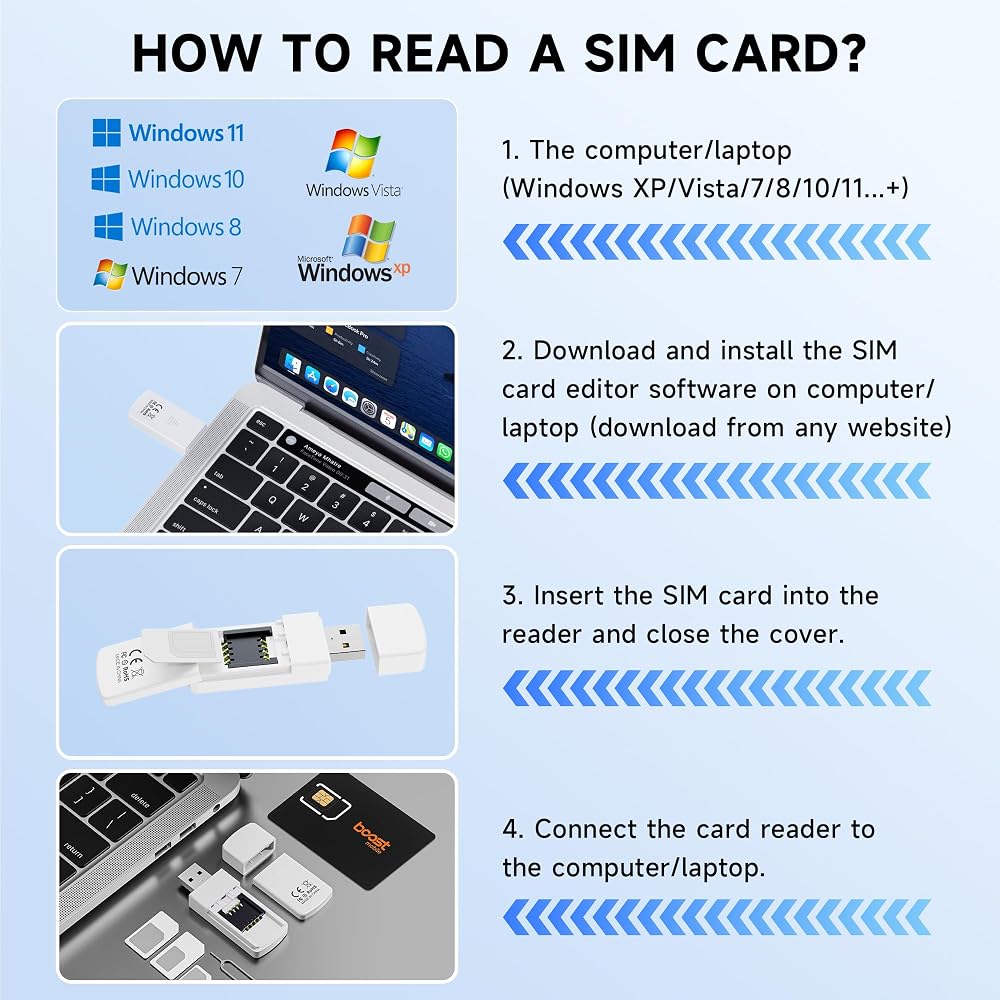
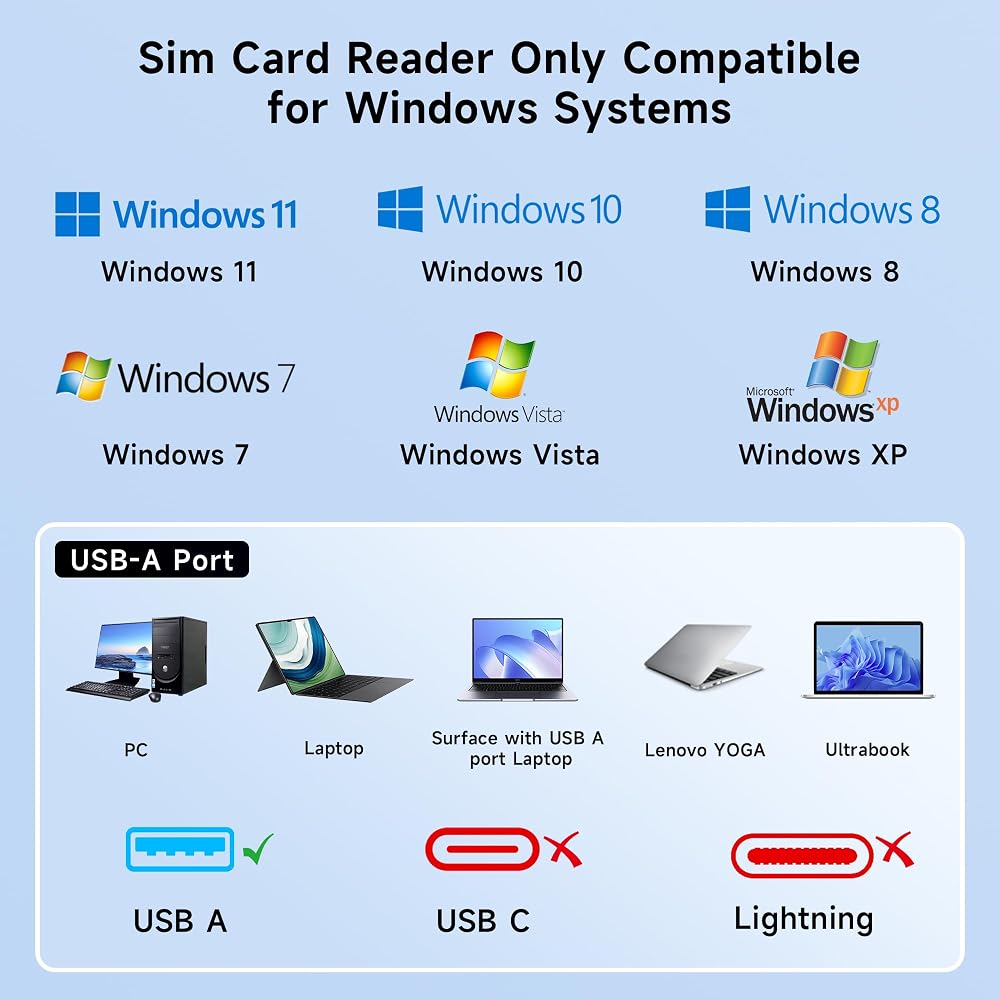
Designed specifically for Windows - This usb sim card adapter android only supports Windows operating systems (Windows XP/Vista/7/8/10/11...), no additional driver installation is required, it will be recognized automatically when plugged into a USB port. (Note: Not compatible with Mac, Linux, Android, or other systems, software not included.)
Important Notice - This sim reader does not contain any software. Please download free third-party SIM management tools online by yourself, such as SIM Browser, PCSC Tool, SIMCardManager, or SimCardExplorer. The red LED indicates power on, and the blue LED indicates that the SIM card has been detected and is working properly. Usually, no blue light means the SIM card is damaged, improperly inserted, or not correctly inserted into the adapter.
 قارئ بطاقات USB C متعدد 7 في 1 من الألومنيوم SD/Micro SD/CF/MS/XD، قارئ بطاقات كاميرا عالي السرعة 5 جيجابت في الثانية لـ SDXC SDHC TF CF MS MMC، محول Sony Memory Stick Pro Duo قراءة 5 بطاقات في وقت واحد
KWD 8
قارئ بطاقات USB C متعدد 7 في 1 من الألومنيوم SD/Micro SD/CF/MS/XD، قارئ بطاقات كاميرا عالي السرعة 5 جيجابت في الثانية لـ SDXC SDHC TF CF MS MMC، محول Sony Memory Stick Pro Duo قراءة 5 بطاقات في وقت واحد
KWD 8
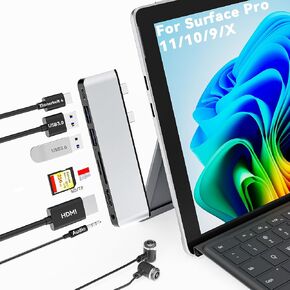 Surface Pro 11/10/9/X USB C Hub, Surface Pro 9 Hub Docking Station with 4K HDMI, Thunerbolt 4 (8K Video+Data+100W PD), 2*USB 3.0, 3.5mm Audio, SD/TF, USB C Adapter for Surface Pro 11 Copilot/10/9/X
KWD 6
Surface Pro 11/10/9/X USB C Hub, Surface Pro 9 Hub Docking Station with 4K HDMI, Thunerbolt 4 (8K Video+Data+100W PD), 2*USB 3.0, 3.5mm Audio, SD/TF, USB C Adapter for Surface Pro 11 Copilot/10/9/X
KWD 6
 قارئ بطاقات CFast، 5 جيجابت في الثانية USB C CFast2.0 قارئ بطاقات CFast/SD/Micro SD/XD/فلاش مدمج يقرأ 5 بطاقات في وقت واحد، محول بطاقة Sony XD SanDisk C-Fast للهاتف/الكمبيوتر الشخصي
KWD 11.500
قارئ بطاقات CFast، 5 جيجابت في الثانية USB C CFast2.0 قارئ بطاقات CFast/SD/Micro SD/XD/فلاش مدمج يقرأ 5 بطاقات في وقت واحد، محول بطاقة Sony XD SanDisk C-Fast للهاتف/الكمبيوتر الشخصي
KWD 11.500
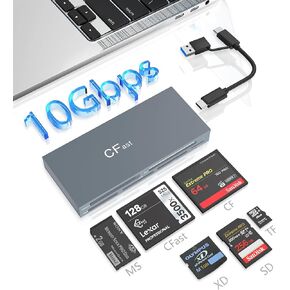 محول قارئ بطاقات CFast Memory Stick Pro Duo، قارئ بطاقات USB C CFast 2.0 لبطاقة CFast/SD/TF/MS/XD/CF CompactFlash، قارئ بطاقات XD USB C USB 3.0 موصل قراءة 6 بطاقات في وقت واحد
KWD 12.500
محول قارئ بطاقات CFast Memory Stick Pro Duo، قارئ بطاقات USB C CFast 2.0 لبطاقة CFast/SD/TF/MS/XD/CF CompactFlash، قارئ بطاقات XD USB C USB 3.0 موصل قراءة 6 بطاقات في وقت واحد
KWD 12.500