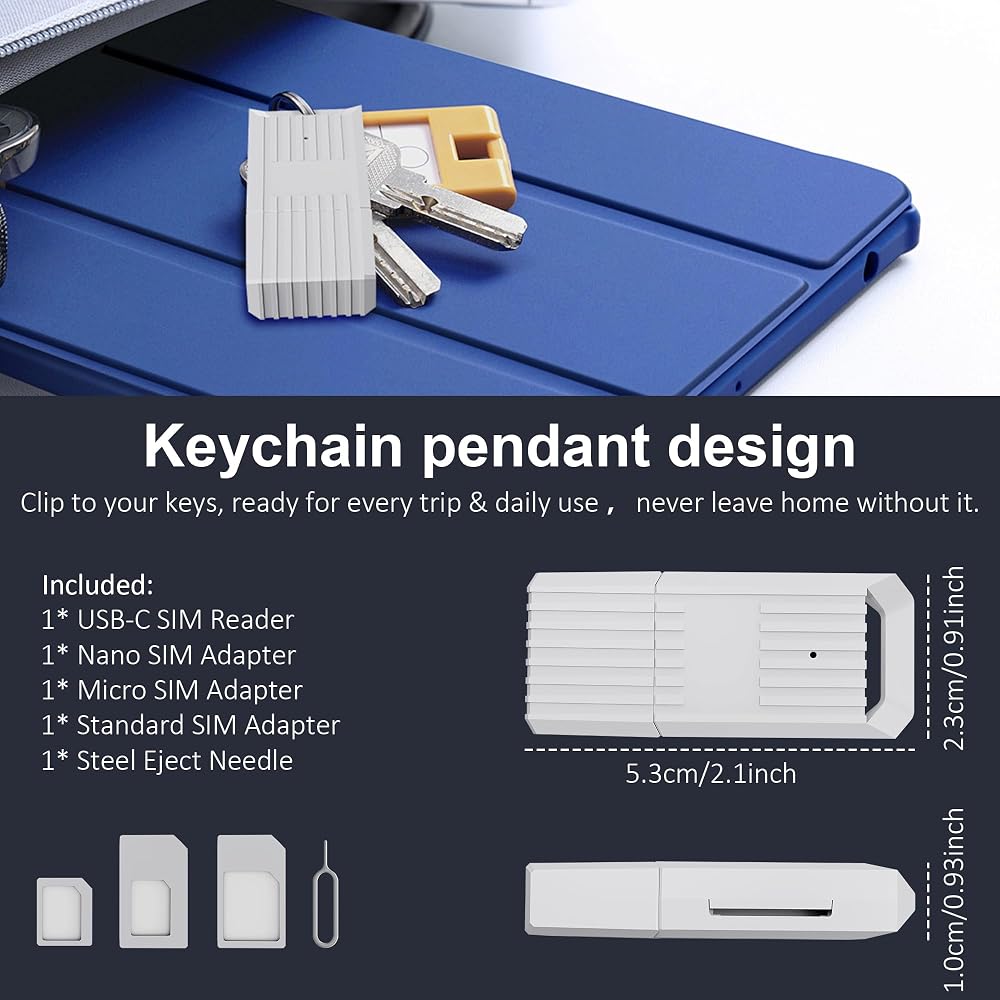
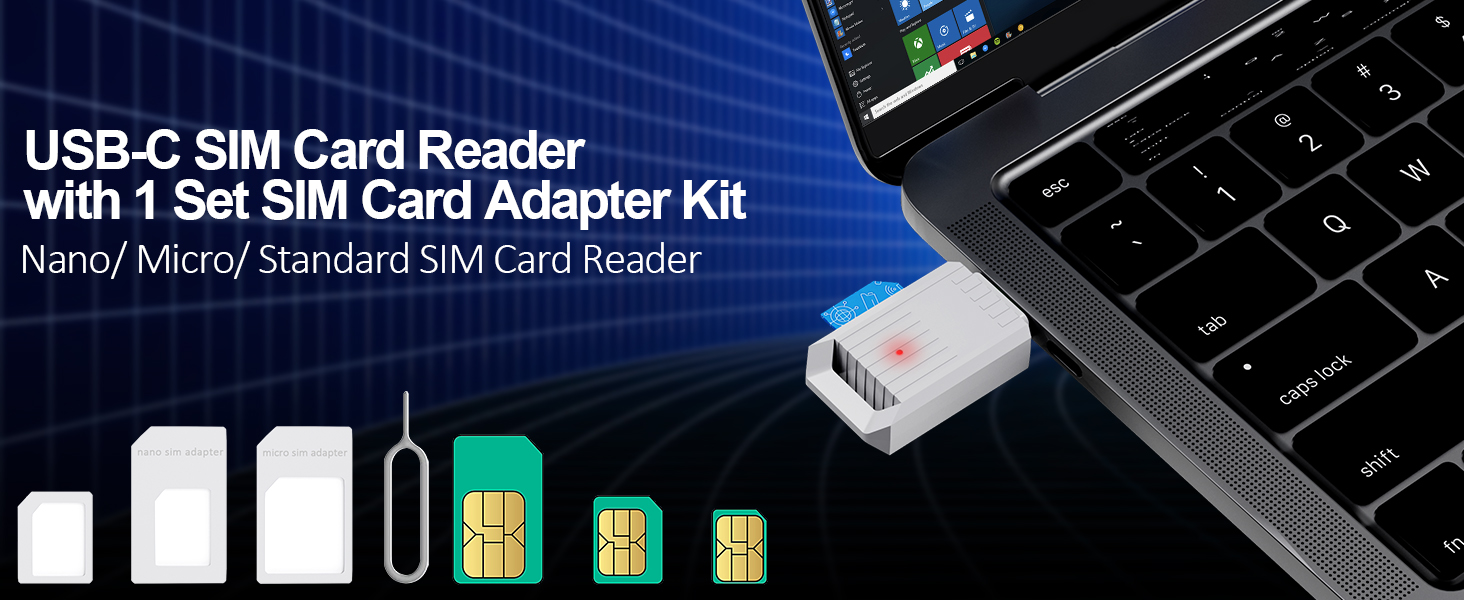
USB C SIM Card Reader-Micro/Nano/Standard SIM Kit with Eject Pin,SIM Card Adapter for Editing & Reading Contacts Messages,USB to SIM Card Adapter Edit,Plug & Play for Windows
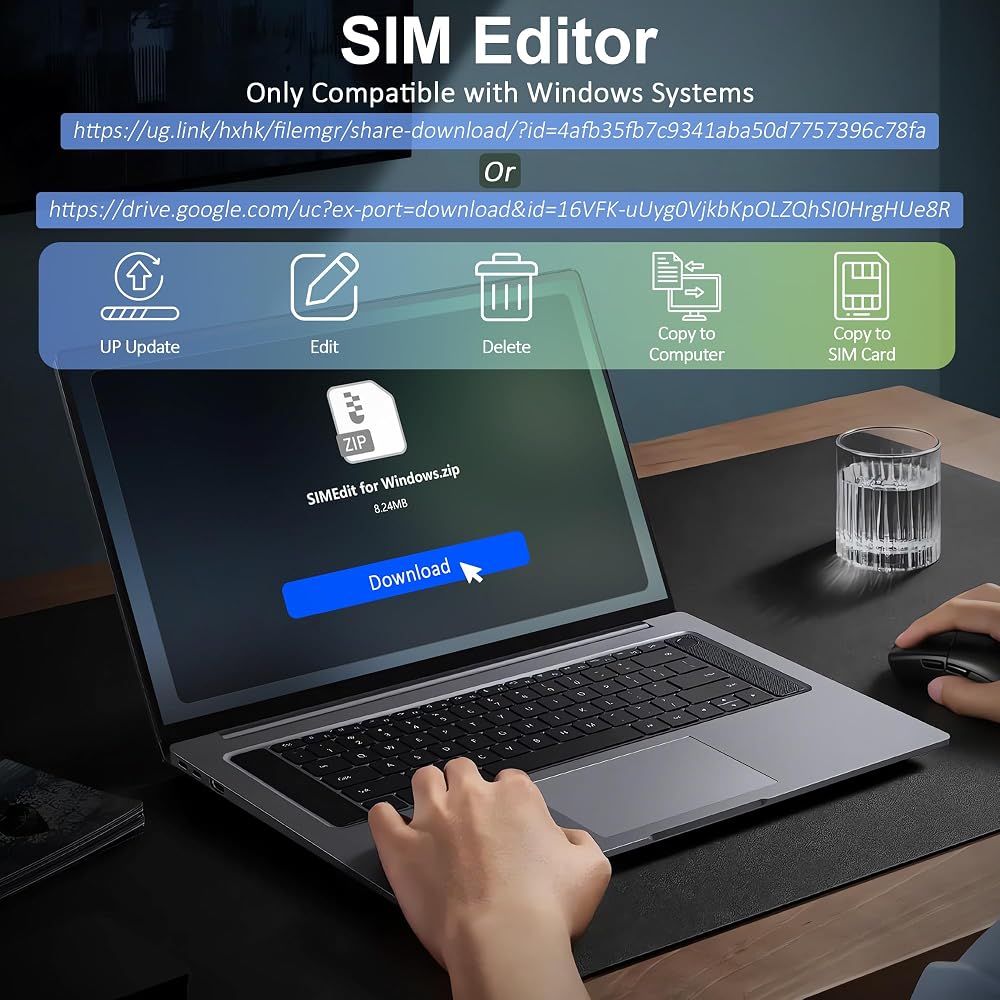
【ملاحظة: قارئ بطاقة SIM هذا يعمل بالتوصيل والتشغيل. ومع ذلك، ستحتاج إلى تنزيل محرر بطاقة SIM على جهاز الكمبيوتر الخاص بك. إذا كنت لا تزال غير قادر على الحصول على محرر، فيمكنك الاتصال بخدمة عملاء البائع للحصول على حزمة التثبيت.
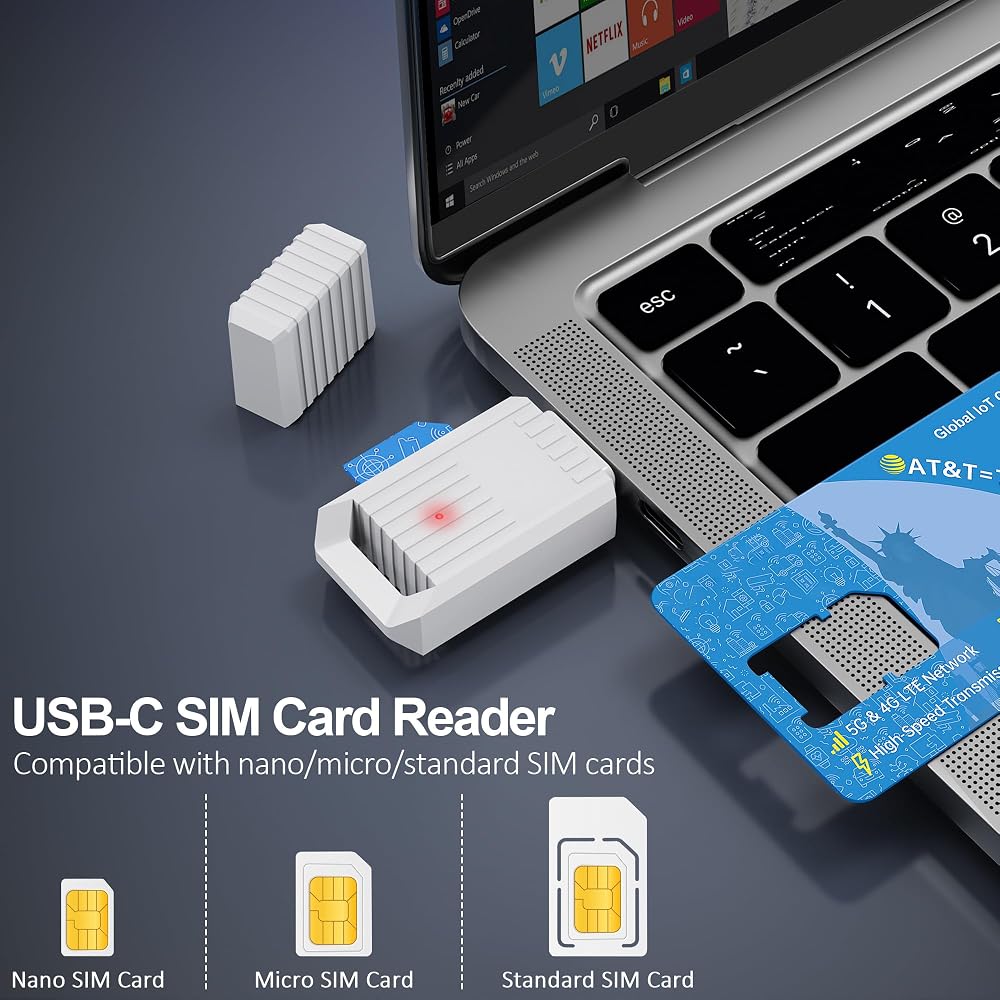
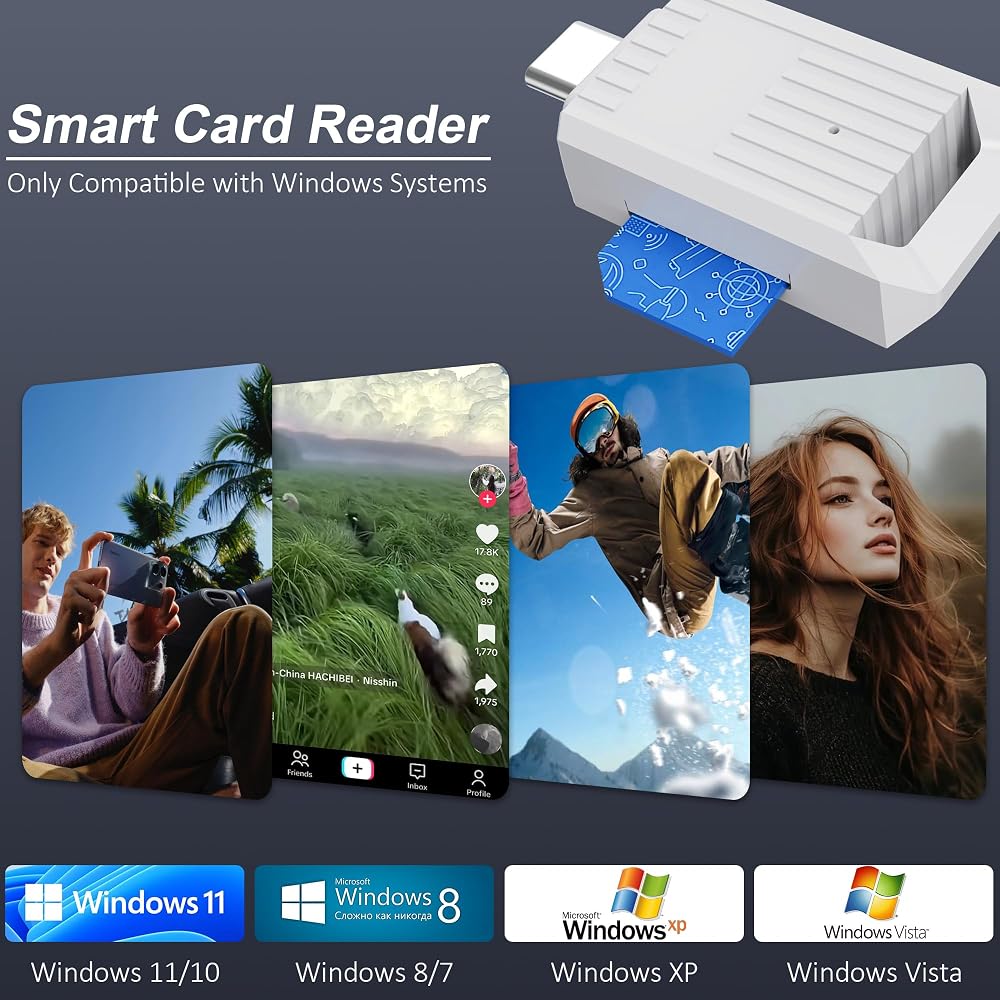
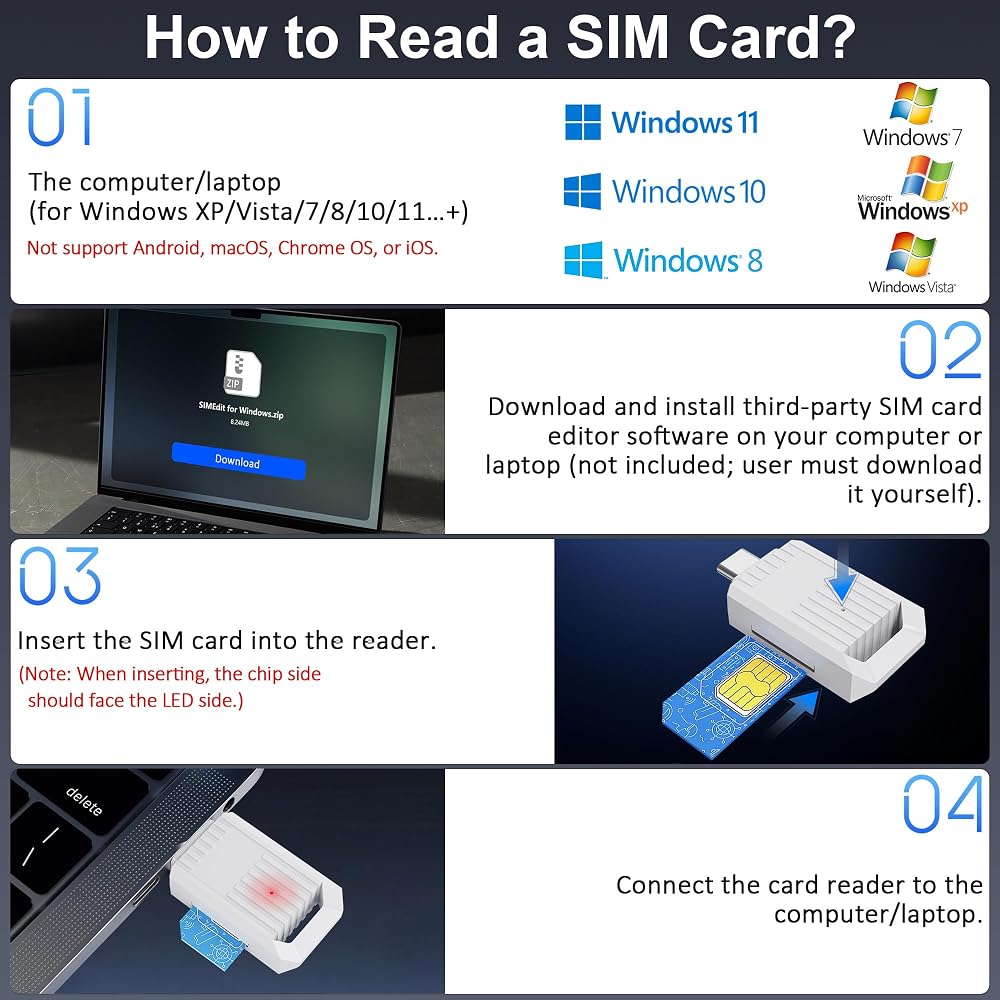
【قارئ بطاقات SIM USB-C لنظام التشغيل Windows】مصمم لنظام التشغيل Windows (XP إلى 11)، يدعم التوصيل والتشغيل لقارئ بطاقات SIM USB-C. أدخل بطاقة SIM، وقم بالاتصال بمنفذ USB-C، وقم بإدارة جهات الاتصال والرسائل النصية القصيرة وبيانات مجموعة أدوات SIM باستخدام برنامج كمبيوتر تابع لجهة خارجية (متوفر مجانًا عبر الإنترنت). ملحوظة: محول USB لبطاقة SIM هذا غير متوافق مع Android أو macOS أو Chrome OS أو iOS.
【أداة احترافية لإدارة بيانات بطاقة SIM 】مثالية لفنيي تكنولوجيا المعلومات ومحلات إصلاح الهواتف المحمولة والمسافرين الدائمين الذين يحتاجون إلى: ① نسخ احتياطي لجهات اتصال دليل الهاتف والرسائل النصية القصيرة من بطاقات SIM إلى جهاز الكمبيوتر. ②تحرير/إضافة أو حذف جهات الاتصال المخزنة على بطاقة SIM بشكل مجمّع باستخدام لوحة مفاتيح وفأرة كاملة. ③قراءة معرفات بطاقة SIM (IMSI، ICCID) للمخزون أو استكشاف الأخطاء وإصلاحها. ④ استرجع رموز PUK أو اعرض بيانات SIM المتعلقة بالشبكة عبر الأدوات المتوافقة. ⑤أرشف بيانات بطاقة SIM القديمة قبل إلغاء تنشيط الأرقام القديمة.
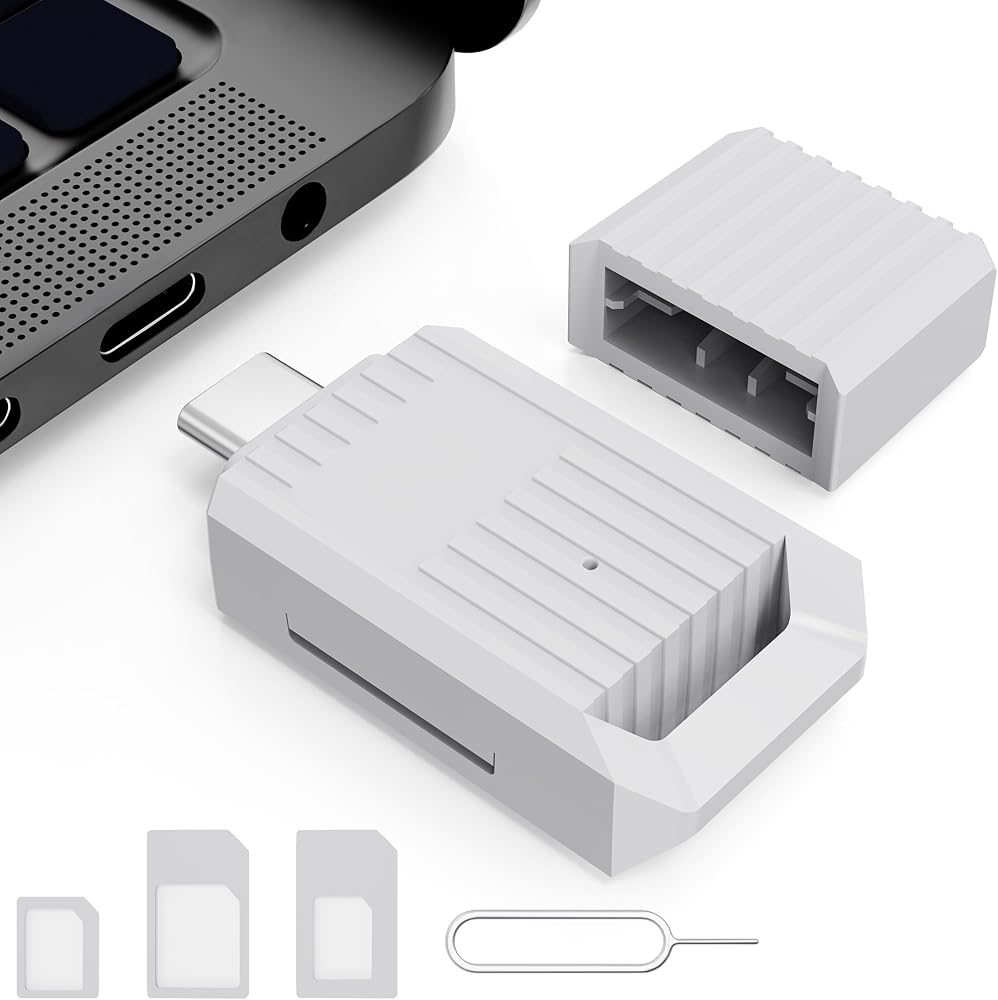
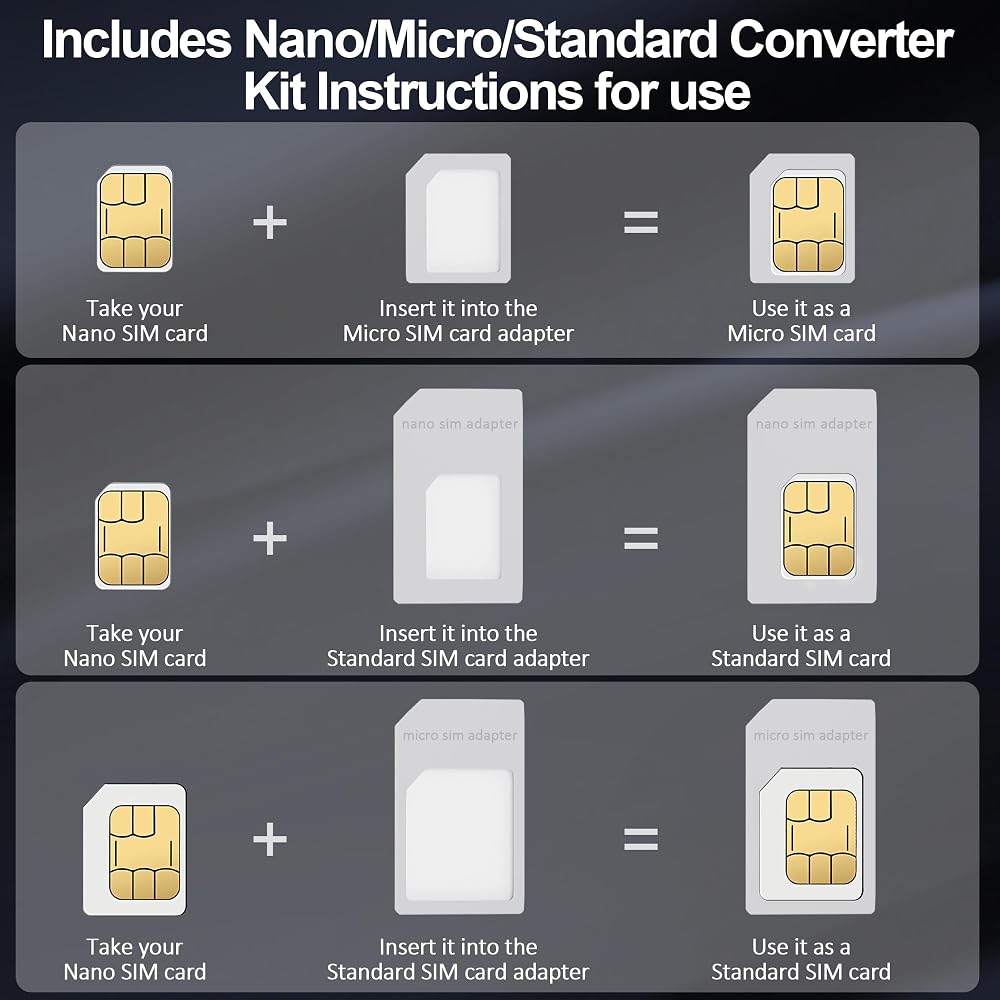
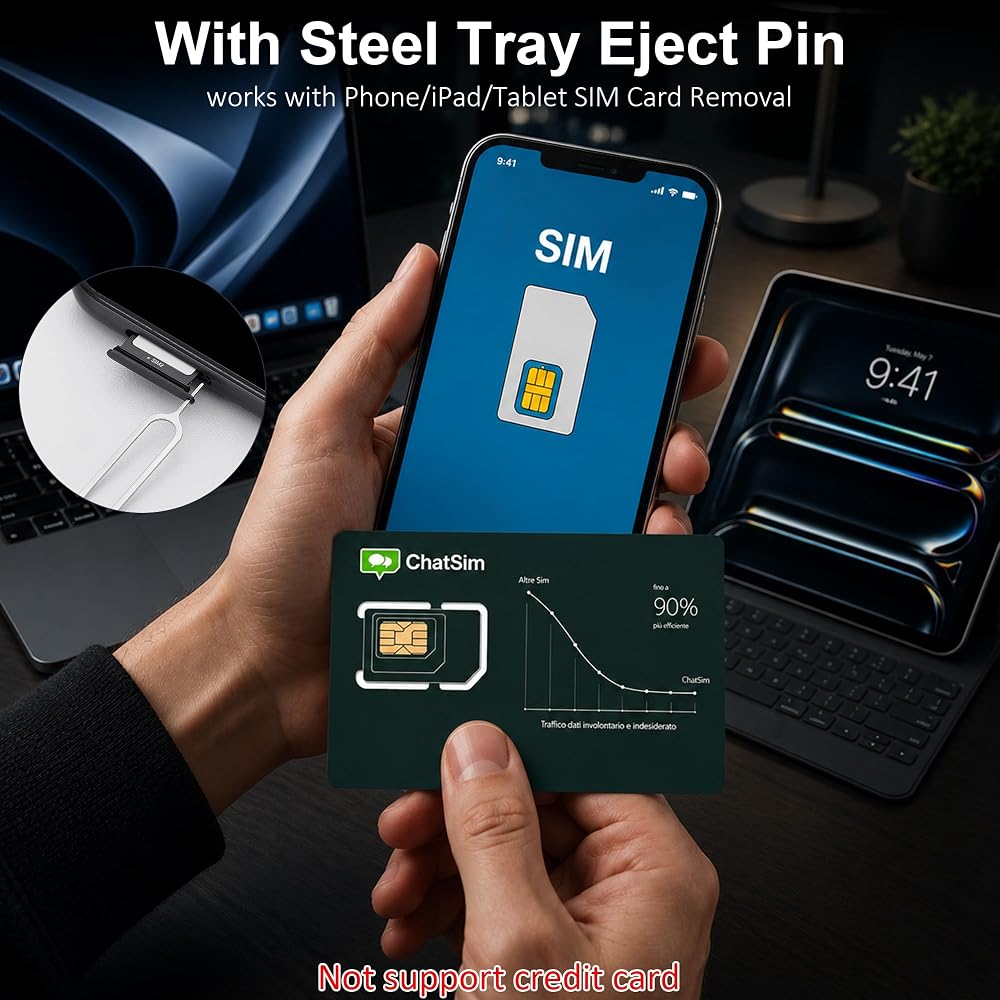
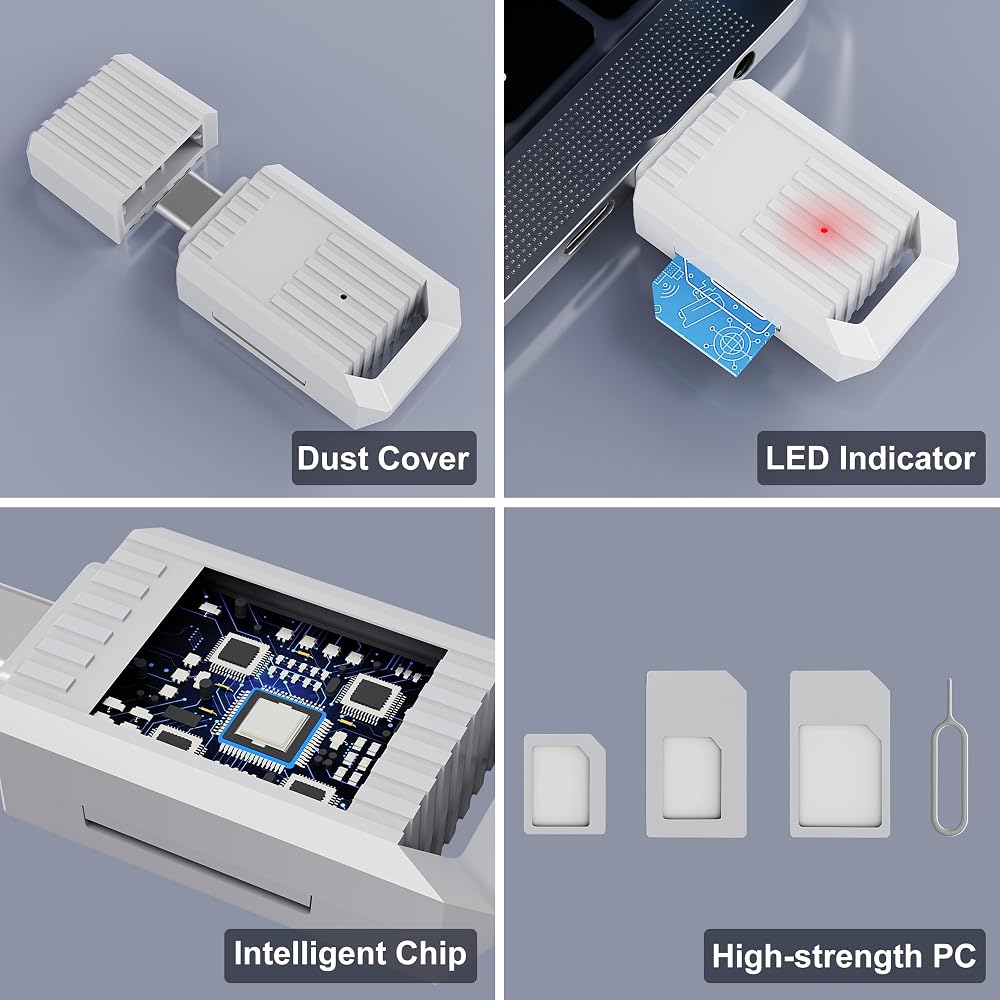
【 تتضمن مجموعة محول SIM】تأتي مع كل ما تحتاجه لأي تنسيق بطاقة SIM: محول Nano-to-Micro، ومحول Micro-to-Standard، ودبوس إخراج SIM. قم بتحويل بطاقات SIM الصغيرة أو النانو إلى الحجم القياسي وقم بإزالة بطاقات SIM بأمان من الهواتف - لا حاجة لشراء محولات SIM منفصلة لأجهزة الكمبيوتر المحمولة.
【تشغيل سهل في 4 خطوات】① قم بإعداد جهاز كمبيوتر أو كمبيوتر محمول يعمل بنظام Windows. ② قم بتنزيل برنامج إدارة بطاقة SIM التابع لجهة خارجية مجانًا (غير مضمن) ③ أدخل بطاقة SIM قياسية - أو استخدم المحول المتضمن لتحويل بطاقة SIM صغيرة الحجم/نانو - إلى القارئ. ④ اتصل عبر USB-C وابدأ في إدارة بيانات بطاقة SIM الخاصة بك على الفور.
[تصميم محمول] يتميز هذا القارئ الصغير وخفيف الوزن بتصميم على شكل سلسلة المفاتيح. بسيطة للمستخدمين المنزليين، وموثوقة للمحترفين. تتضمن الحزمة: 1 × قارئ بطاقة SIM USB-C، 1 × مجموعة محول متعدد SIM، 1 × دبوس إخراج، 1 × دليل المستخدم.
 HID قارئ بطاقات ذكي 920PHRNEK00004 من بيفكلاس RP40-H
KWD 68.500
HID قارئ بطاقات ذكي 920PHRNEK00004 من بيفكلاس RP40-H
KWD 68.500
 USBC SD Card Reader for iPhone 17e/17/Air/16e/16 Pro Max/16 Pro/16 Plus/16
KWD 1.500
USBC SD Card Reader for iPhone 17e/17/Air/16e/16 Pro Max/16 Pro/16 Plus/16
KWD 1.500
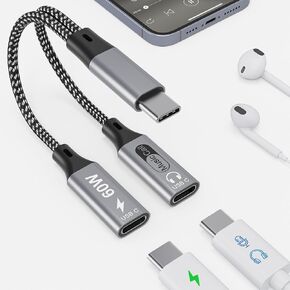 سماعة رأس وشاحن مزدوج USB C مع الشحن السريع PD 100W ، USB C الصوتية الصوتية وشحن موسيقى Surport ، الاتصال ، محول Dual Type C Dongle لسلسلة iPhone 16/15 ، iPad ، MacBook ، Android
KWD 6.500
سماعة رأس وشاحن مزدوج USB C مع الشحن السريع PD 100W ، USB C الصوتية الصوتية وشحن موسيقى Surport ، الاتصال ، محول Dual Type C Dongle لسلسلة iPhone 16/15 ، iPad ، MacBook ، Android
KWD 6.500
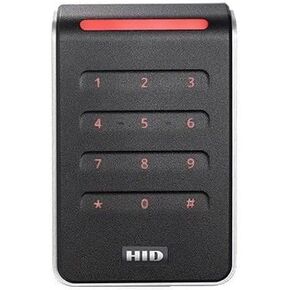 Hid 40knks-T0-000000 Signo 40 قارئ لوحة مفاتيح Smartcard بدون اتصال ، وتكنولوجيا متعددة ، وجاهزة للهواتف المحمولة ، ومحول الجدار ، وضفيرة ، أسود/سيلف
KWD 85.500
Hid 40knks-T0-000000 Signo 40 قارئ لوحة مفاتيح Smartcard بدون اتصال ، وتكنولوجيا متعددة ، وجاهزة للهواتف المحمولة ، ومحول الجدار ، وضفيرة ، أسود/سيلف
KWD 85.500

 الكويت