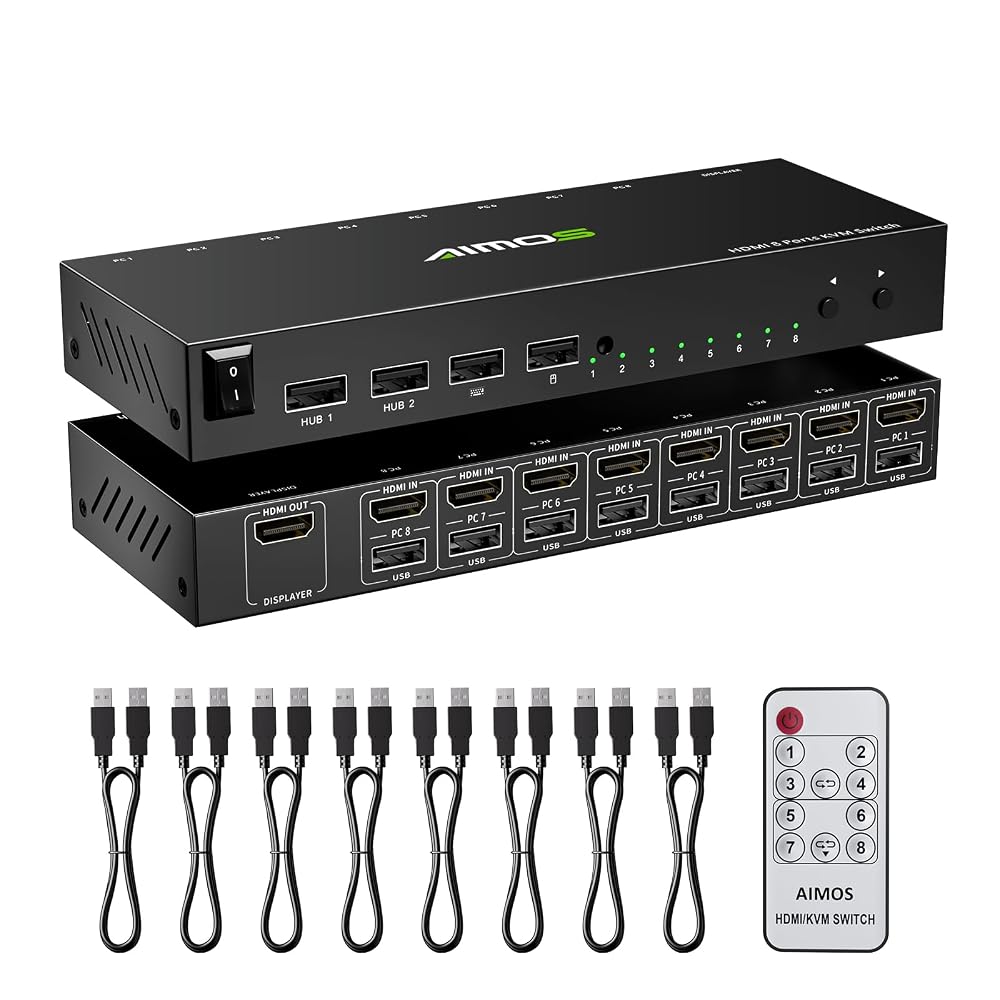
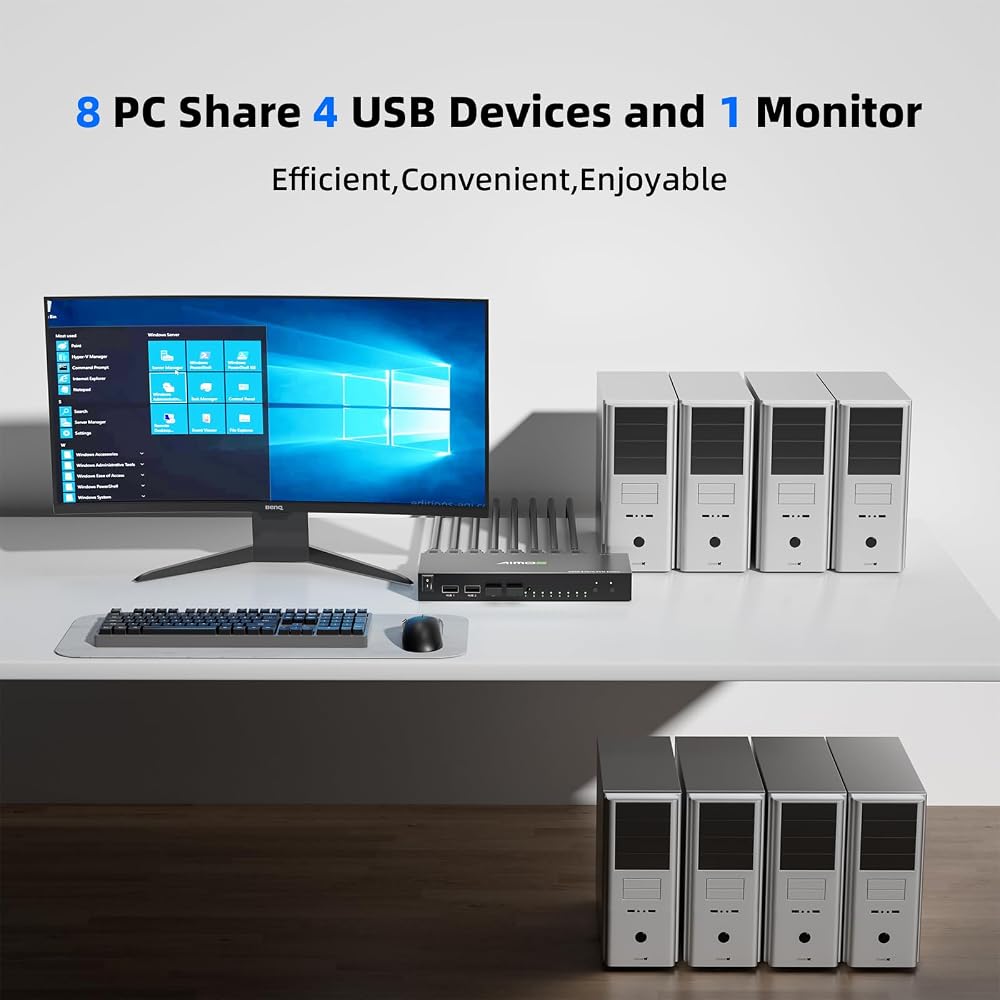
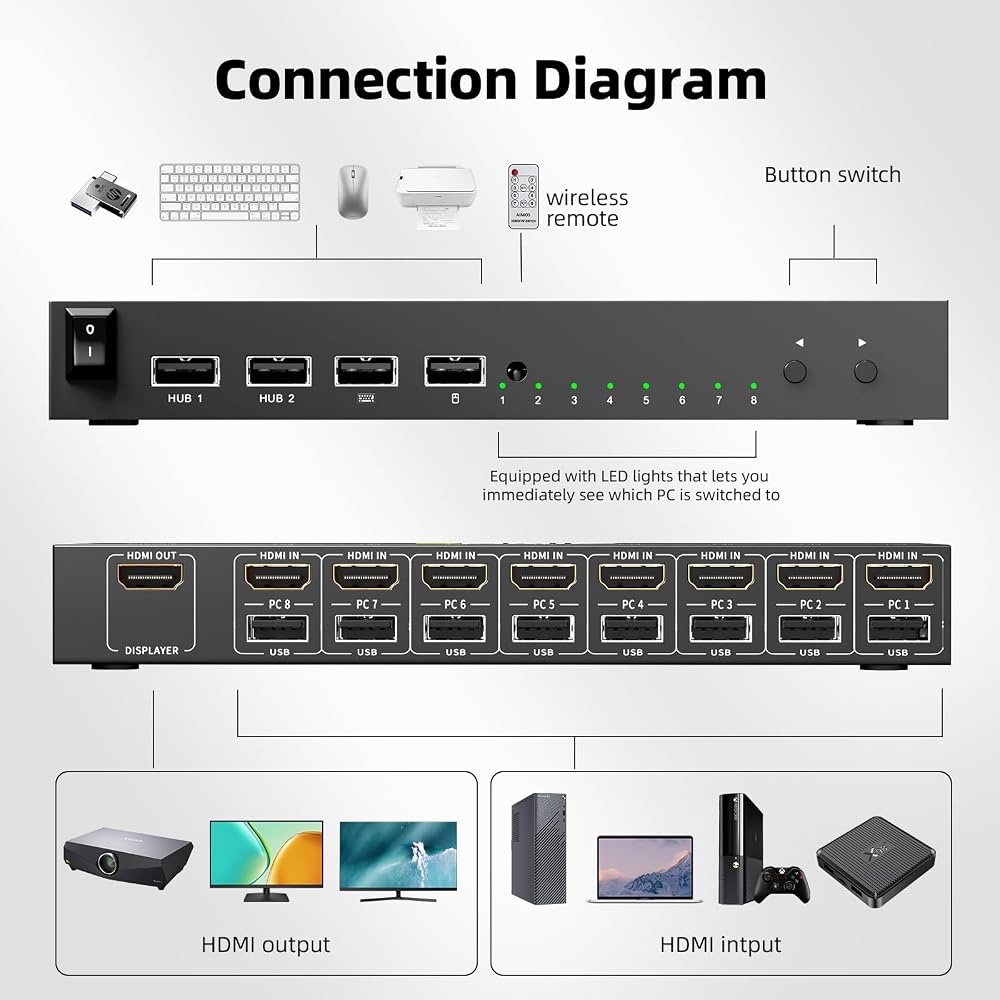
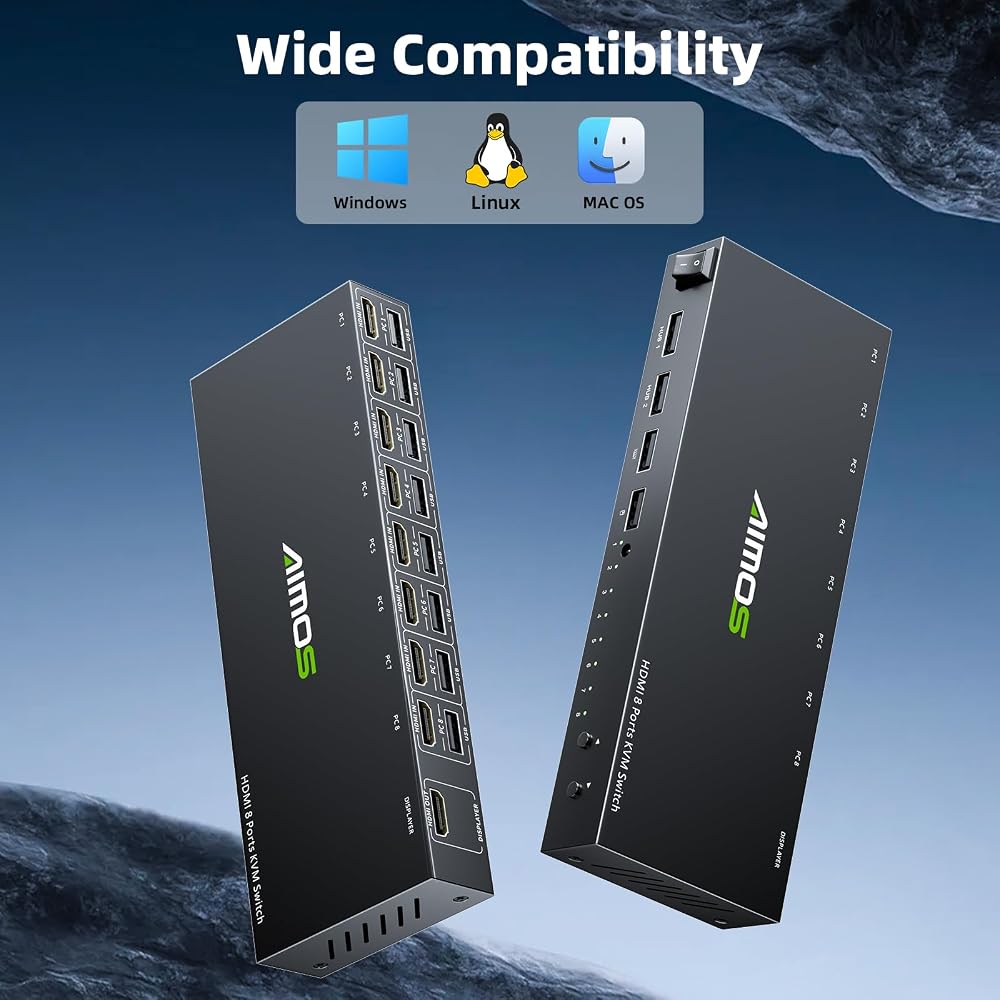
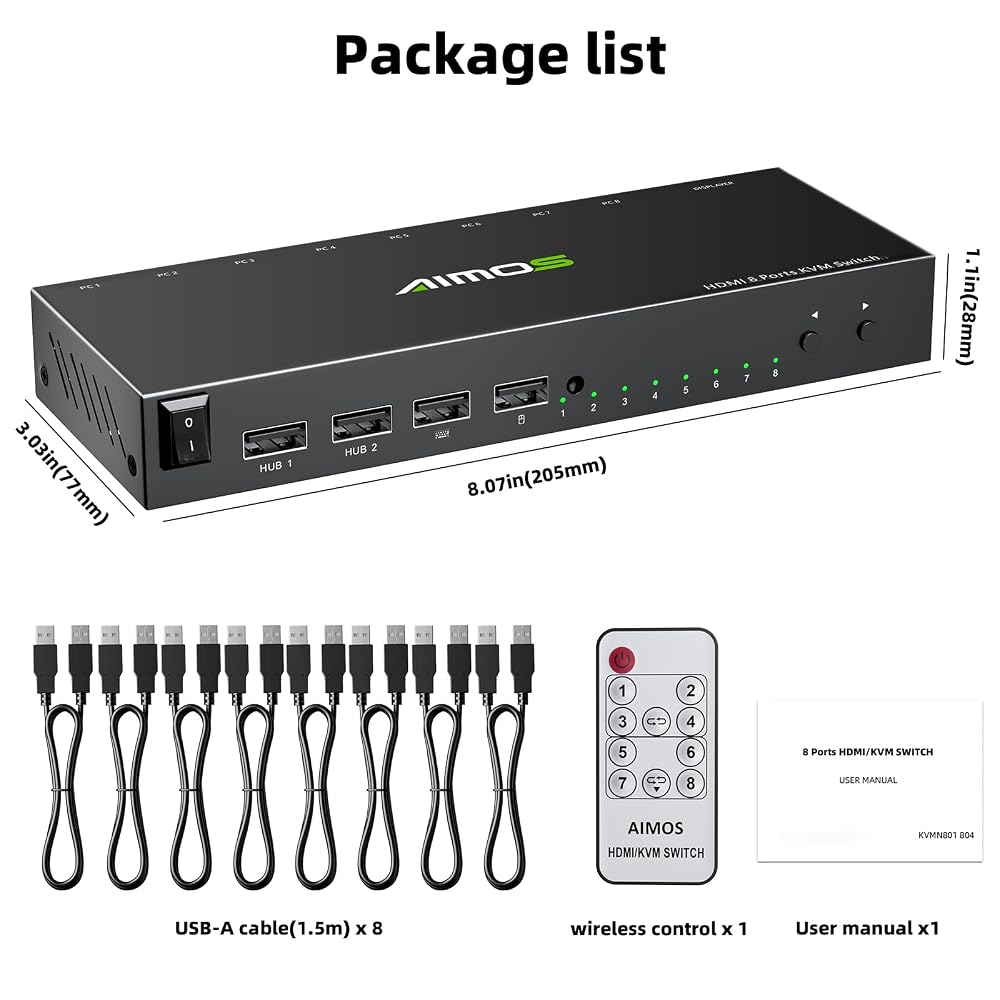
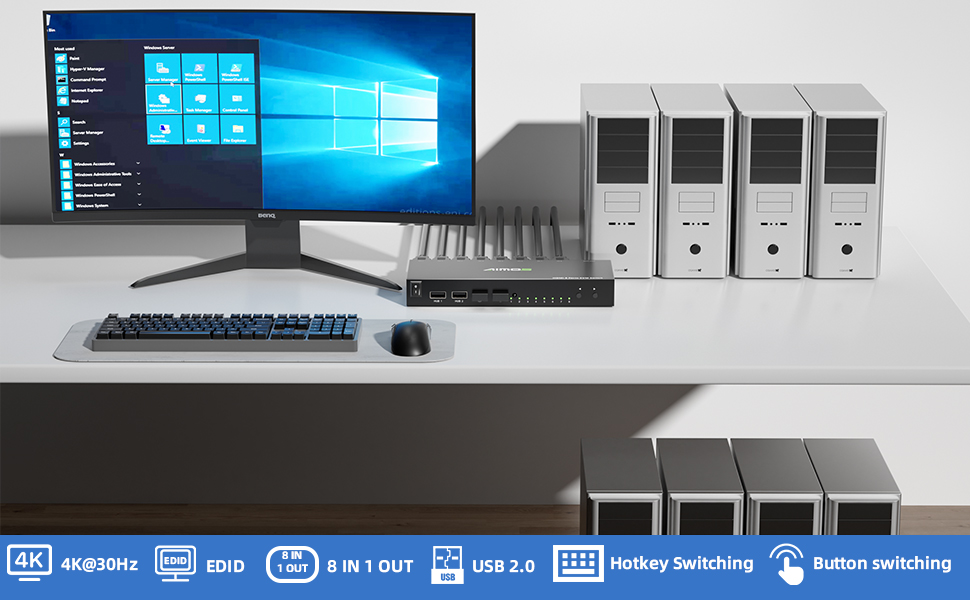
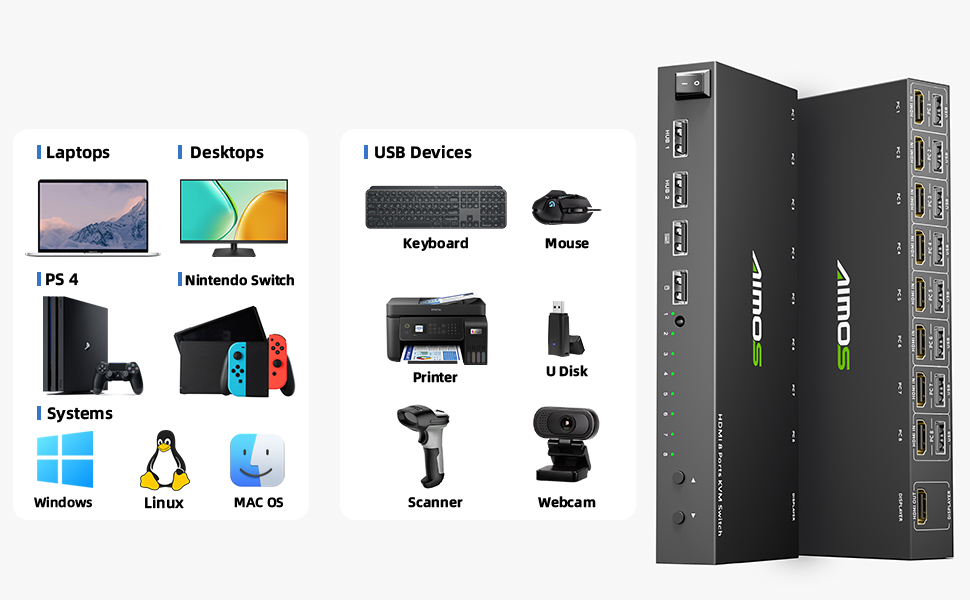
【مفتاح HDMI KVM ذو 8 منافذ】يدعم مفتاح KVM ذو 8 منافذ 8 أجهزة كمبيوتر أو 6 أجهزة كمبيوتر من خلال مجموعة واحدة فقط من ماوس لوحة المفاتيح السلكية أو اللاسلكية التي تشارك شاشة واحدة. يمكنك توفير المساحة والتكلفة وتحسين كفاءة إدارة جهاز الكمبيوتر الخاص بك دون الحاجة إلى شراء شاشات أو لوحات مفاتيح إضافية.
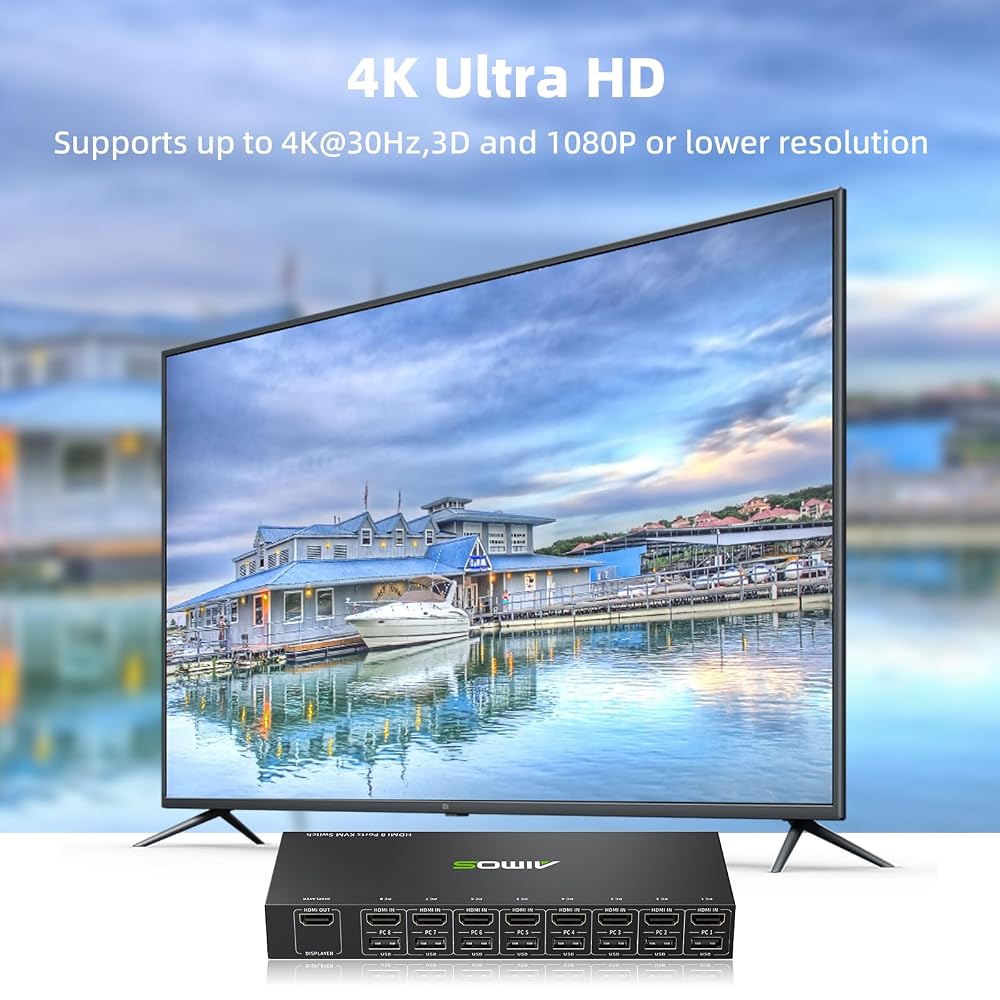
【Ultra HD 4K@30 هرتز】تدعم مفاتيح HDMI KVM 8x1 دقة تصل إلى 4K@30 هرتز ودقة ثلاثية الأبعاد و1080P أو أقل متوافقة مع الإصدارات السابقة. ملحوظة: لا يدعم 4K@60 هرتز
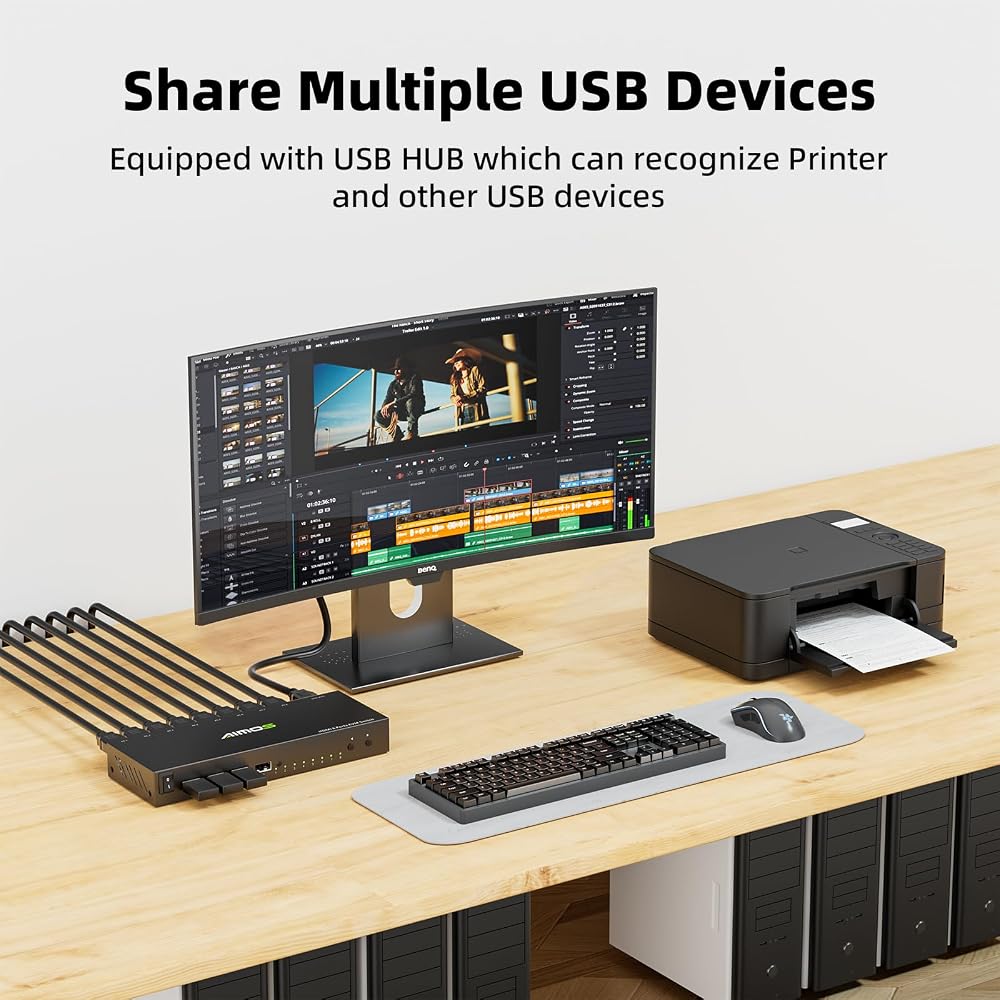
【مع منافذ USB 2.0 القياسية】مفتاح KVM مزود بـ 4 منافذ USB 2.0 يمكنها التعرف على أجهزة USB، مثل لوحة المفاتيح، والفأرة، والطابعة، والماسح الضوئي، والقرص الصلب، إلخ. 𝐍𝐨𝐭𝐞: إذا كنت بحاجة إلى استخدام وظيفة مفتاح التشغيل السريع، فيرجى التأكد من توصيل لوحة المفاتيح والماوس بمنفذ K/M، وليس بمنفذ USB 2.0.
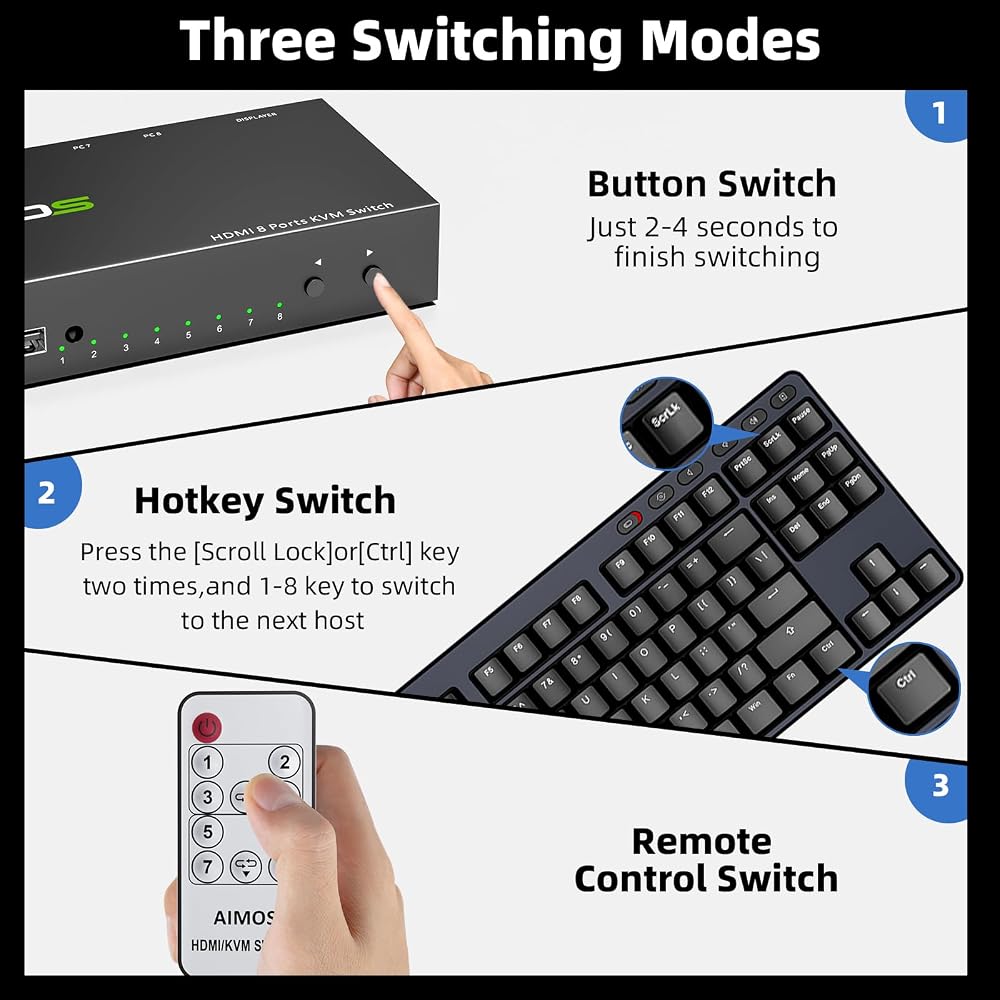
3 طرق للتبديل: يدعم مفتاح HDMI KVM 8 منافذ ثلاثة أوضاع للتبديل: مفتاح الزر، ومفتاح التحكم عن بعد، ومفتاح التشغيل السريع. يشير مؤشر LED إلى الكمبيوتر النشط. 𝐍𝐨𝐭𝐞: قد يتداخل مفتاح KVM هذا مع أجهزة التحكم عن بعد في الأجهزة المنزلية. إذا تأثرت، تجنب استخدام جهاز التحكم عن بعد أو قم بتغطية جهاز استقبال الأشعة تحت الحمراء.
【يدعم مفتاح التشغيل السريع】طرق مفتاح التشغيل السريع لـ 8 أجهزة كمبيوتر HDMI KVM: مفتاح التشغيل السريع 1: "قفل التمرير" + "قفل التمرير" + "1/2/3/4...8"، إذا كانت لوحة المفاتيح الخاصة بك بدون مفتاح "قفل التمرير"، فيرجى استخدام مجموعة مفاتيح تشغيل سريعة أخرى، مفتاح التشغيل السريع 2: "Ctrl" + "Ctrl" + "1/2/3/4...8".
 ACARD 1 إلى 11 CD DVD ناسخة ناسخة برج مستقل 24X ناسخ
KWD 215
ACARD 1 إلى 11 CD DVD ناسخة ناسخة برج مستقل 24X ناسخ
KWD 215
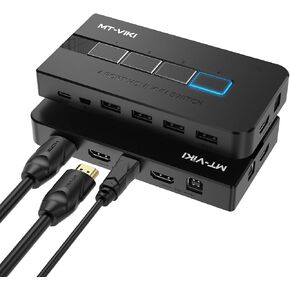 MT-VIKI KVM Switch HDMI 4 Port Boxes, 4K@30Hz USB HDMI KVM Console for 4 PCs Share 1 HD Monitor and Keyboard Mouse, Button + Desktop Selector Switching
KWD 12.500
MT-VIKI KVM Switch HDMI 4 Port Boxes, 4K@30Hz USB HDMI KVM Console for 4 PCs Share 1 HD Monitor and Keyboard Mouse, Button + Desktop Selector Switching
KWD 12.500
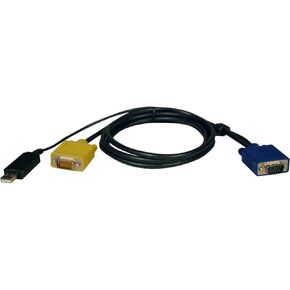 طقم كبلات TRIPP Lite KVM USB لسلسلة B020 و B022-Series KVM ، 2-in-1 HD15 وموصل USB ، 6 أقدام / 1.83 متر ، ضمان LifeTime Limited (P776-006)
KWD 14.500
طقم كبلات TRIPP Lite KVM USB لسلسلة B020 و B022-Series KVM ، 2-in-1 HD15 وموصل USB ، 6 أقدام / 1.83 متر ، ضمان LifeTime Limited (P776-006)
KWD 14.500
 -7%
USB 3.0 Switch 4 Computers ، 4 Port USB Switch لـ 4 أجهزة كمبيوتر تشارك 4 أجهزة USB لطابعة فأر لوحة المفاتيح ، جهاز التحكم عن بعد السلكية و 4 كابلات متضمنة
KWD 19.500
-7%
USB 3.0 Switch 4 Computers ، 4 Port USB Switch لـ 4 أجهزة كمبيوتر تشارك 4 أجهزة USB لطابعة فأر لوحة المفاتيح ، جهاز التحكم عن بعد السلكية و 4 كابلات متضمنة
KWD 19.500

 الكويت