- التسوق ، اصبح سهلا.
- /
- احصل على التطبيق!
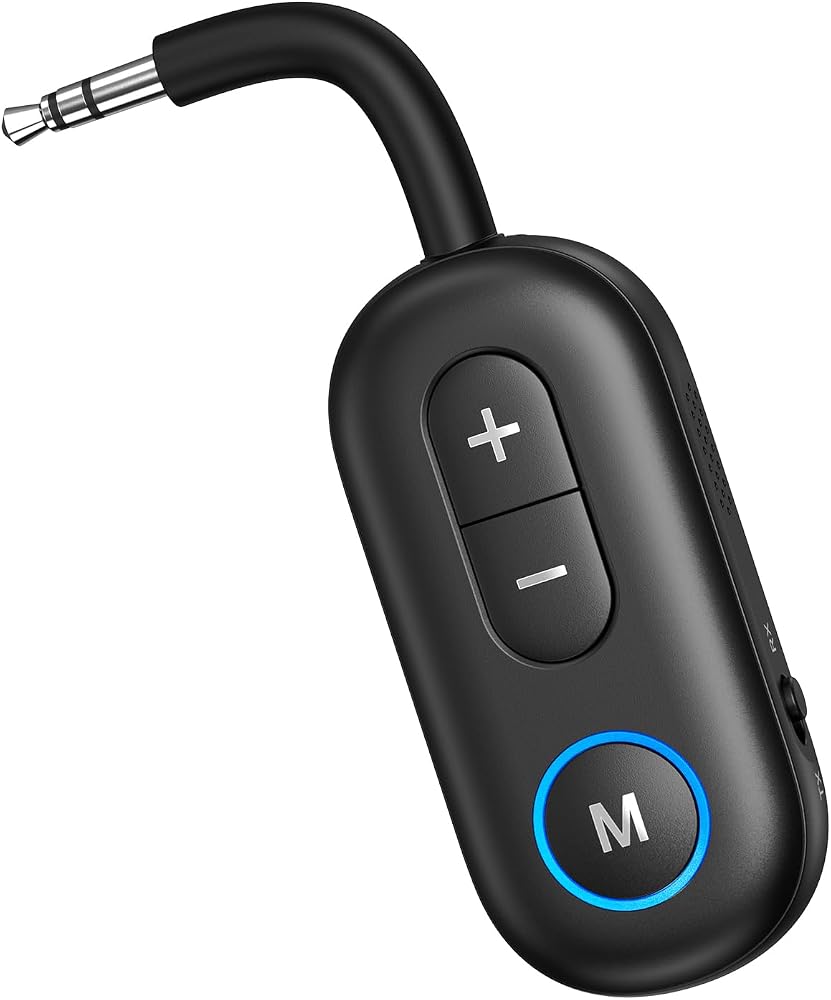
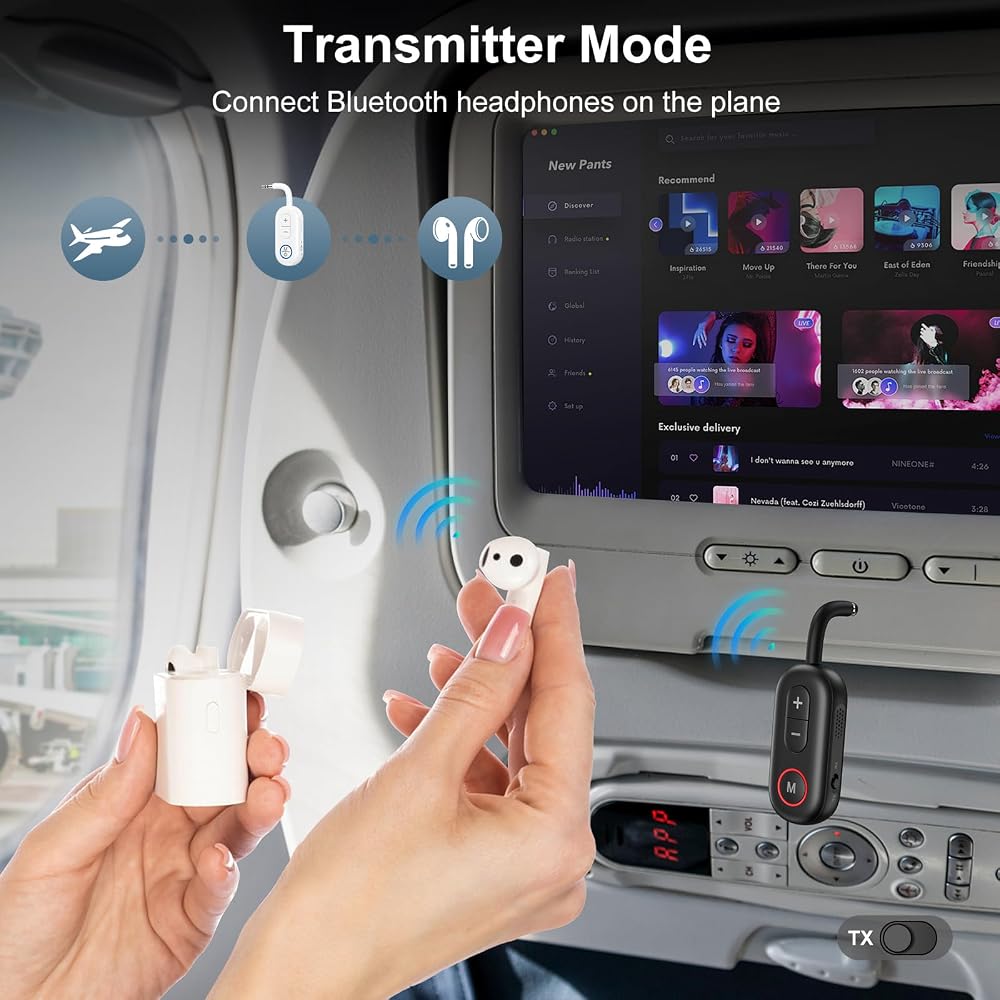
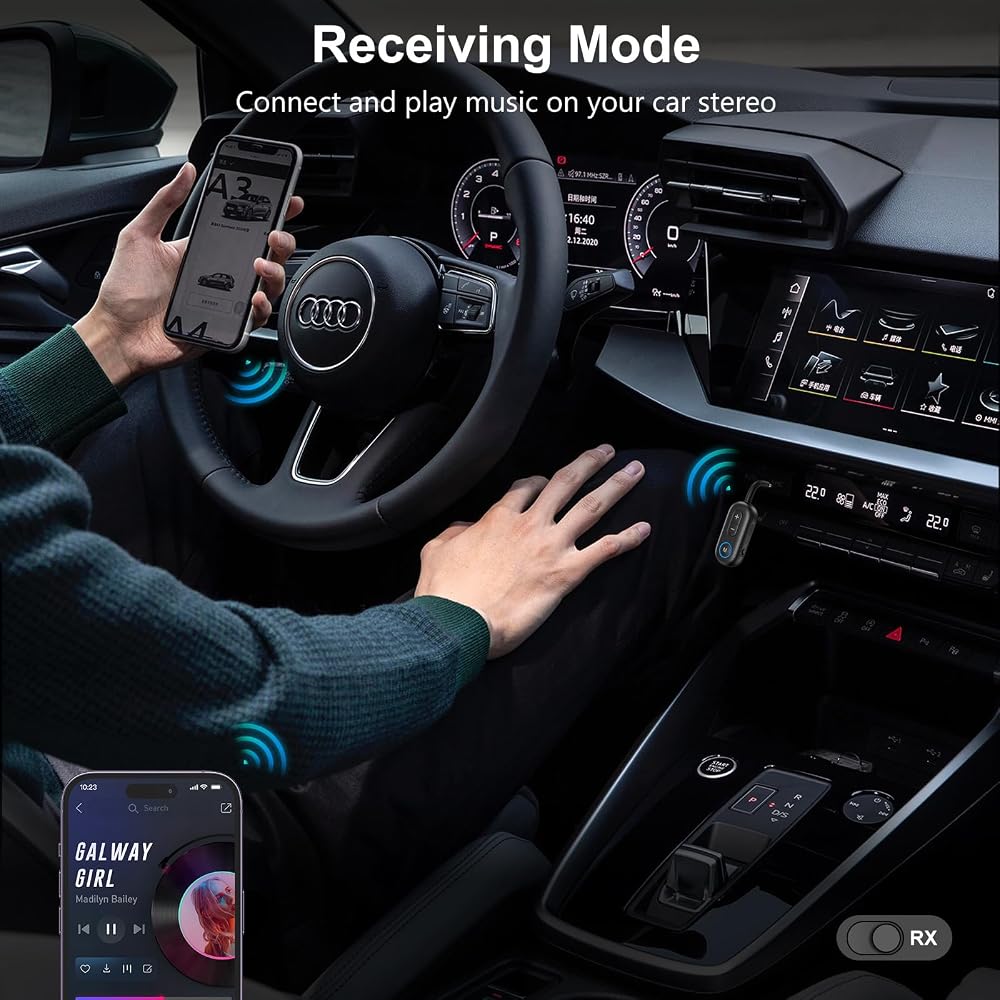
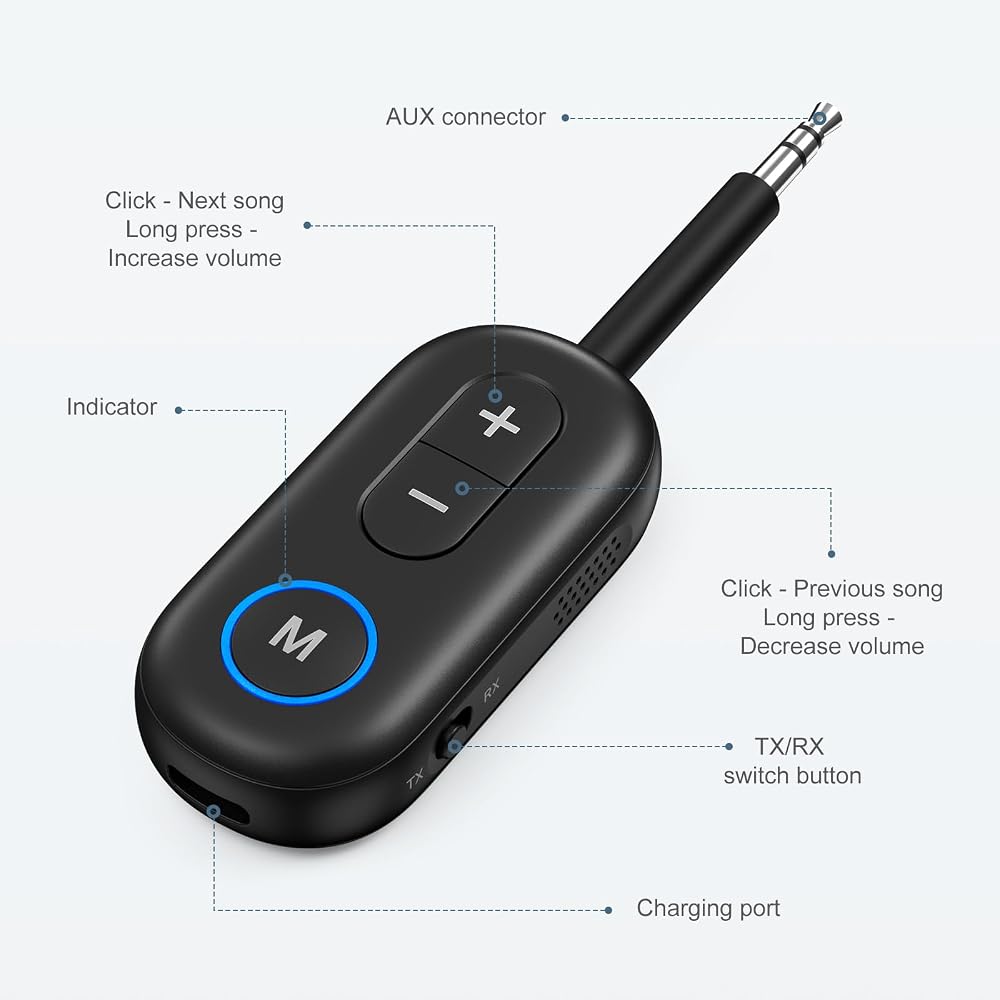
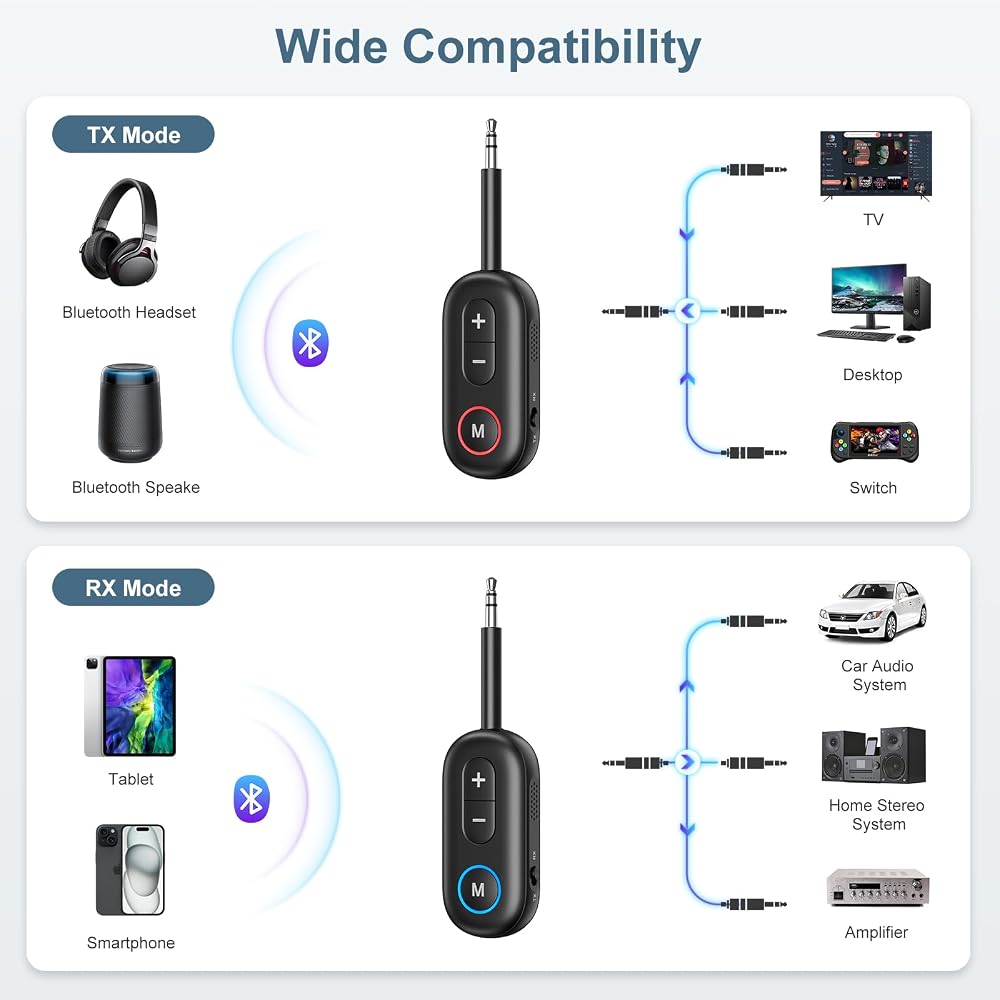
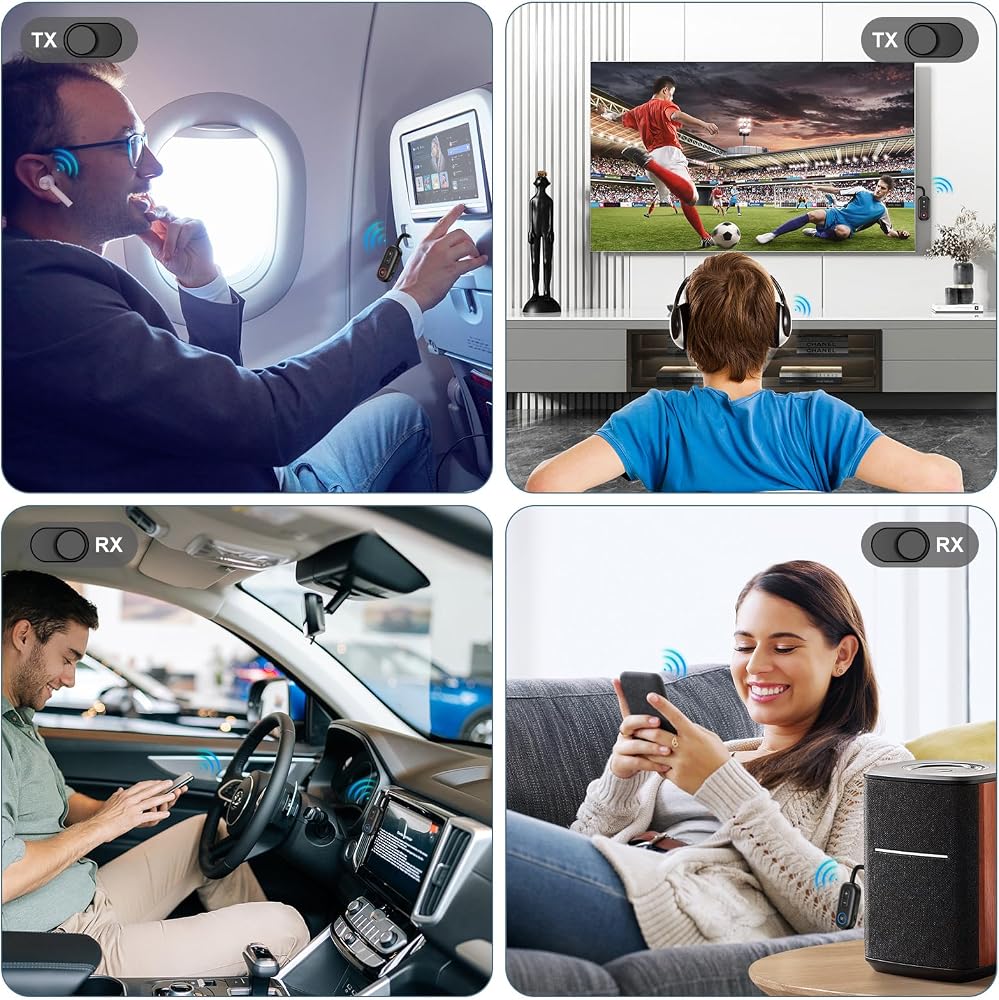
Functions as a transmitter (TX) to send audio from non-Bluetooth devices (e.g., TV, PC) to Bluetooth headphones/speakers. As a receiv
er (RX), it receives audio from smartphones/tablets and plays through wired speakers, car stereos, or home audio systems.
Compact with a 3.5mm audio port. Ideal for in-flight entertainment with wireless headphones. Makes travel more convenient and enjoyable.
Built-in noise-cancelling mic for clear voice pickup. Supports navigation voice alerts. Ensures safe and convenient hands-free calls while driving.
Long-press power to turn on and auto-pair. Ensure Bluetooth device is free from other connections. Working range up to 33ft.
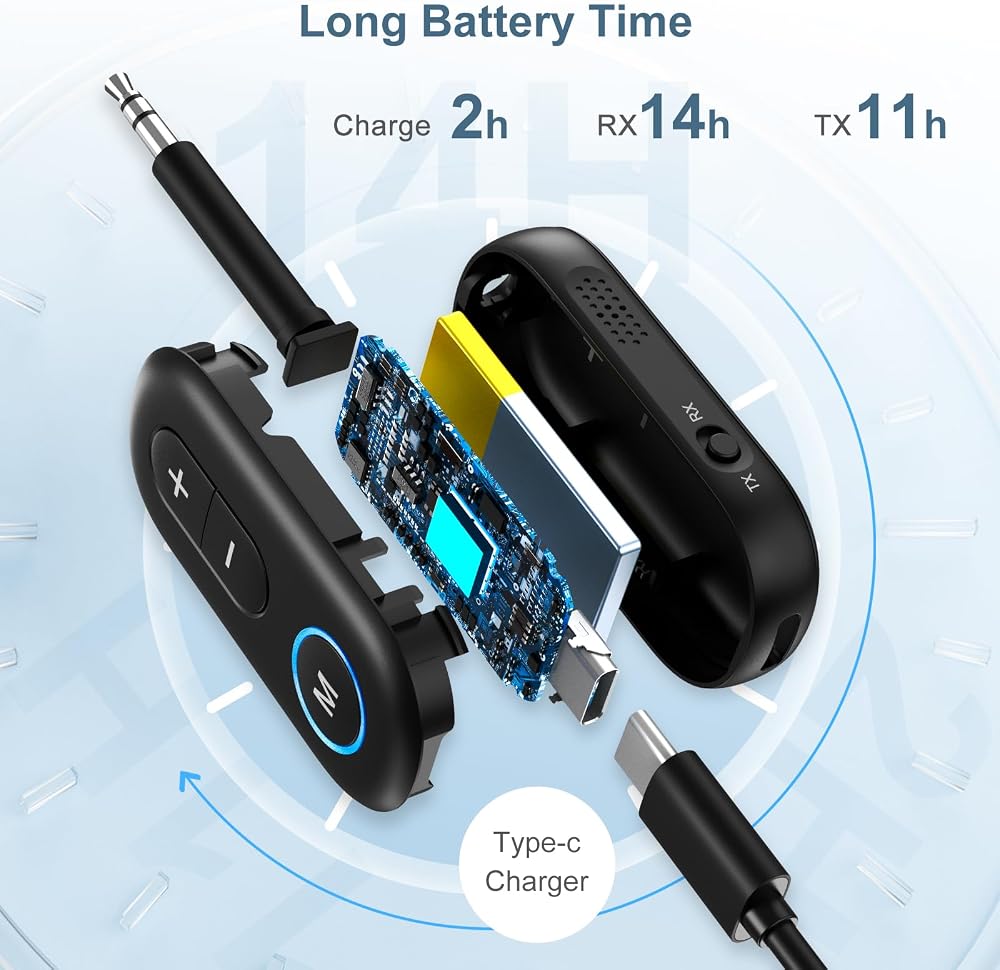
Up to 14 hours playback (TX: 11h, RX: 14h). Features USB-C charging for quick and convenient power-ups
Specifications
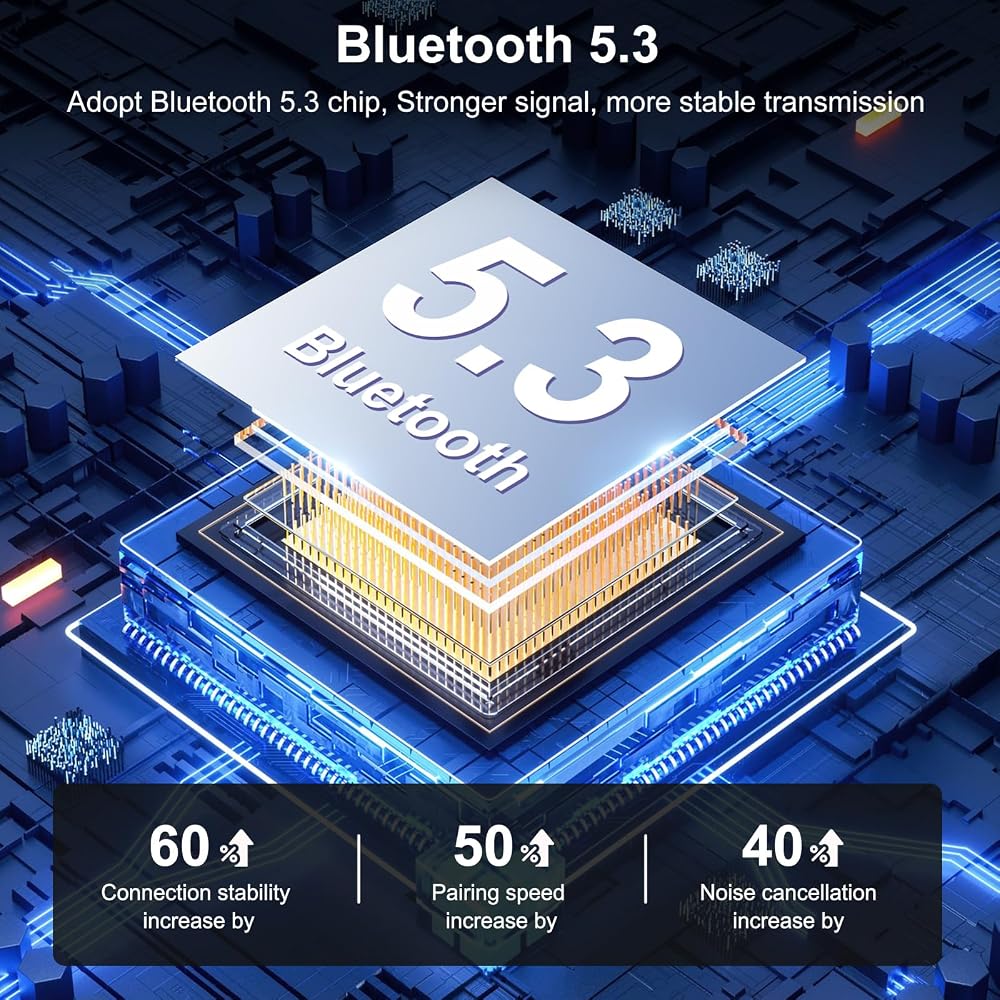
Bluetooth Version: V5.3
Bluetooth Range: 10m (open space)
Model: BT-13 (name when pairing via Bluetooth)
Frequency Range: 20Hz-20kHz
Output Interface: AUX
Product Dimensions: 101.8 x 28.5 x 14mm
Product Weight: 20g
Package Dimensions: 110 x 50 x 17mm
Package Weight: 45g
Type-C Charging Cable Length: 0.3m
Package Includes:
Bluetooth Receiver/Transmitter x1
Type-C Data Cable x1
Product User Manual x1
Pairing Method:
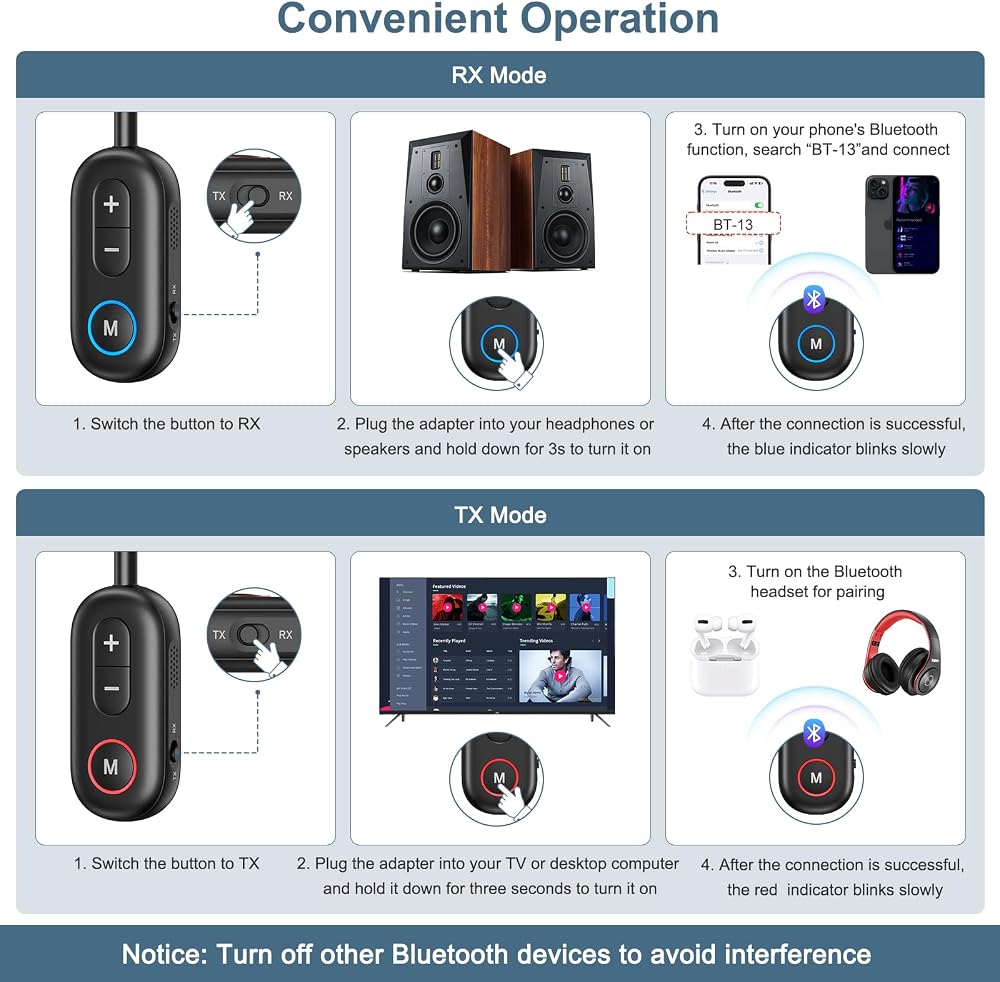
RX Mode:
1. Insert the adapter into the speaker or car audio system, then press and hold the multifunction button to power on.
2. Select ‘RX' using the mode button; the blue light will flash, indicating the device is in pairing mode
3. Open your phone or tablet, search for the Bluetooth device ‘BT-13', and select to pair
4. After pairing is successful, the blue light will slowly flash
Note: After the first successful pairing, the device will automatically reconnect to the previously paired device upon startup
TX Mode:
1. Plug the adapter into a game console, desktop computer, or TV, then press and hold the multifunction button to turn it on.
2. Press the mode button to select ‘TX'; the red light will flash, indicating the device is in pairing mode.
3. Adjust the Bluetooth headphones or Bluetooth speaker to pairing mode.
4. After automatic pairing is successful, the red light will flash continuously.
Note:
1. The first pairing may take approximately 1-3 minutes.
2. After pairing is successful, the device will automatically reconnect next time.
3. After pairing is successful, double-click the multifunction button to re-search for the device and pair it again.
4. If pairing fails, turn off the power, restart the device, and try pairing again.
5. If using the device with a TV, ensure it is plugged into the TV's RCA or 3.5mm audio output port, not the audio input port.
 Ankilo ترقية ميزان حرارة حوض السمك، ميزان حرارة رقمي لاسلكي لخزان الأسماك مع شاشة تعمل باللمس، ± 0.1 درجة فهرنهايت عالية الدقة، سرعة تحديث 5S، مقياس حرارة لاصق لأحواض السمك، حاويات زجاجية
KWD 3
Ankilo ترقية ميزان حرارة حوض السمك، ميزان حرارة رقمي لاسلكي لخزان الأسماك مع شاشة تعمل باللمس، ± 0.1 درجة فهرنهايت عالية الدقة، سرعة تحديث 5S، مقياس حرارة لاصق لأحواض السمك، حاويات زجاجية
KWD 3
 -11%
Ankilo ترقية ساعات المنبه لغرف النوم، 5.8 بوصة LED ساعة رقمية للنوم الثقيل، ساعة مكتب إلكترونية مع التوقيت الصيفي، التقويم، وظيفة الغفوة، 12/24 ساعة، إضاءة خلفية، حجم قابل للتعديل
KWD 8.500
-11%
Ankilo ترقية ساعات المنبه لغرف النوم، 5.8 بوصة LED ساعة رقمية للنوم الثقيل، ساعة مكتب إلكترونية مع التوقيت الصيفي، التقويم، وظيفة الغفوة، 12/24 ساعة، إضاءة خلفية، حجم قابل للتعديل
KWD 8.500
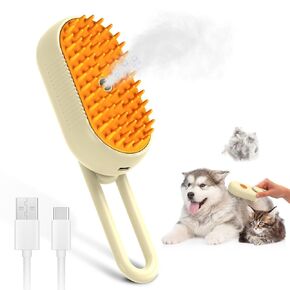 أحدث فرشاة بخار لتساقط شعر القطط، مشط لإزالة شعر الحيوانات الأليفة مع خزان مياه، فرشاة بخار 3 في 1 للقطط، منفذ شحن USB، فرشاة بخار للحيوانات الأليفة مع مشط قابل للإزالة لإزالة الشعر العائم
KWD 2
أحدث فرشاة بخار لتساقط شعر القطط، مشط لإزالة شعر الحيوانات الأليفة مع خزان مياه، فرشاة بخار 3 في 1 للقطط، منفذ شحن USB، فرشاة بخار للحيوانات الأليفة مع مشط قابل للإزالة لإزالة الشعر العائم
KWD 2
 -11%
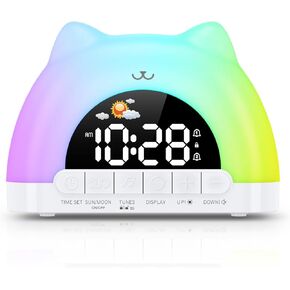
على مدار الساعة على مدار الساعة ، حسنًا ، على مدار الساعة ، على مدار الساعة للأطفال ، ساعة تدريب على النوم الصغار مع 11 لونًا ضوءًا ليلي
KWD 8.500
-11%
على مدار الساعة على مدار الساعة ، حسنًا ، على مدار الساعة ، على مدار الساعة للأطفال ، ساعة تدريب على النوم الصغار مع 11 لونًا ضوءًا ليلي
KWD 8.500

 الكويت