- التسوق ، اصبح سهلا.
- /
- احصل على التطبيق!
Spec:
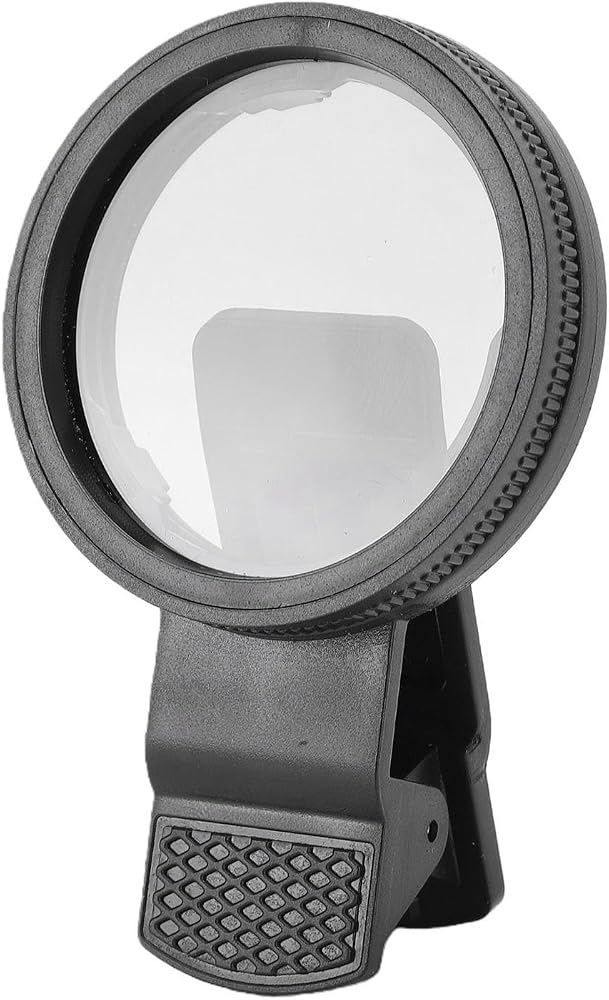
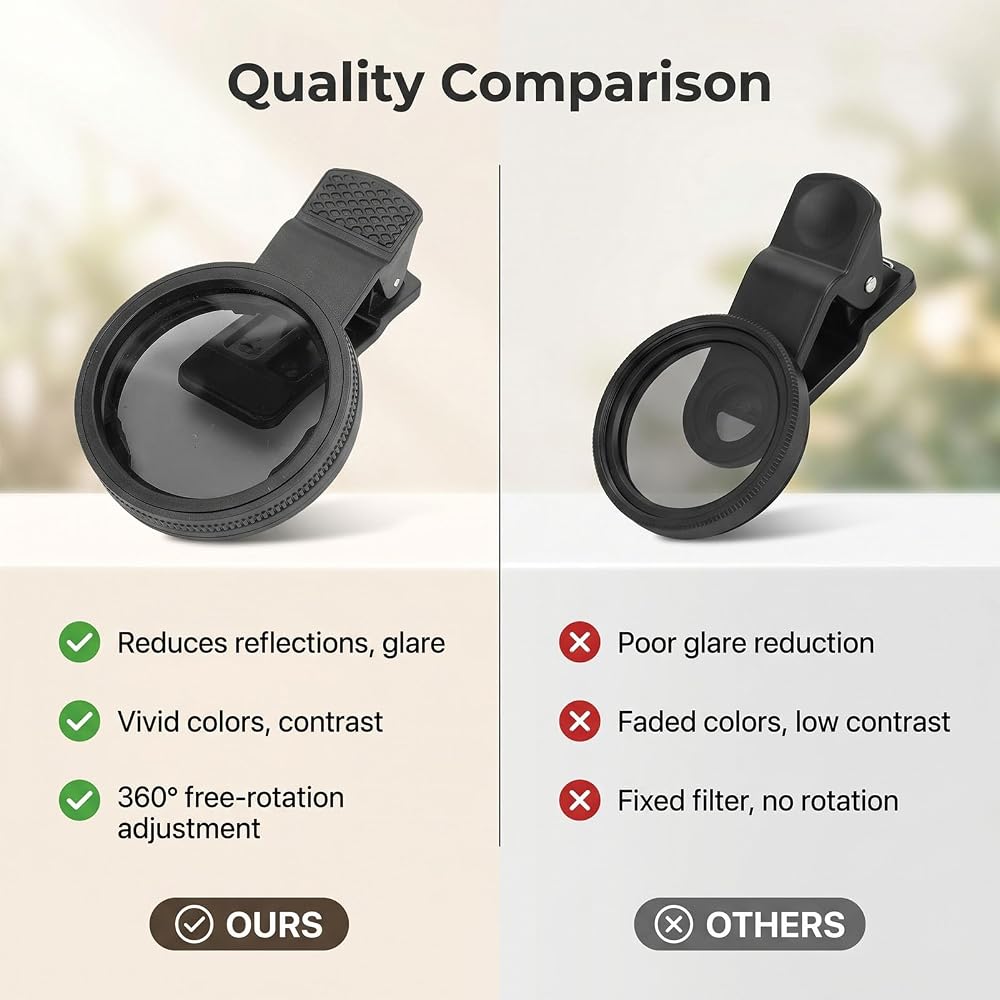
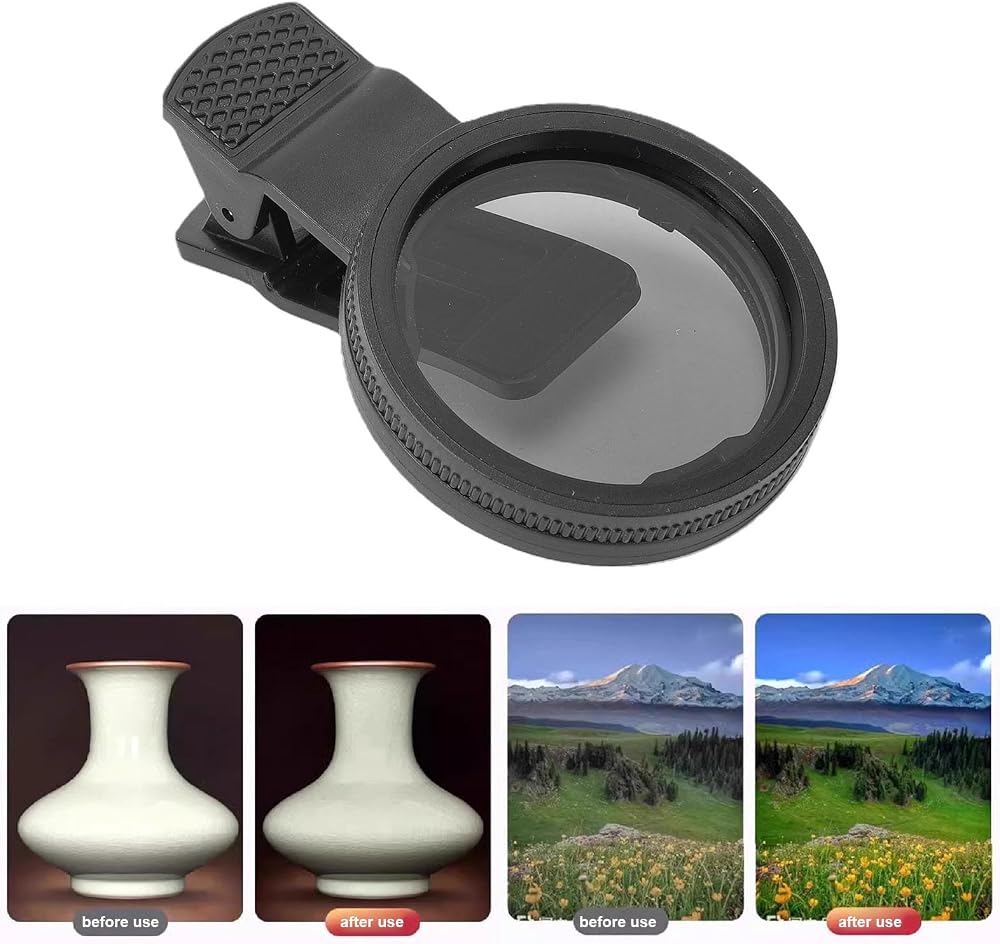
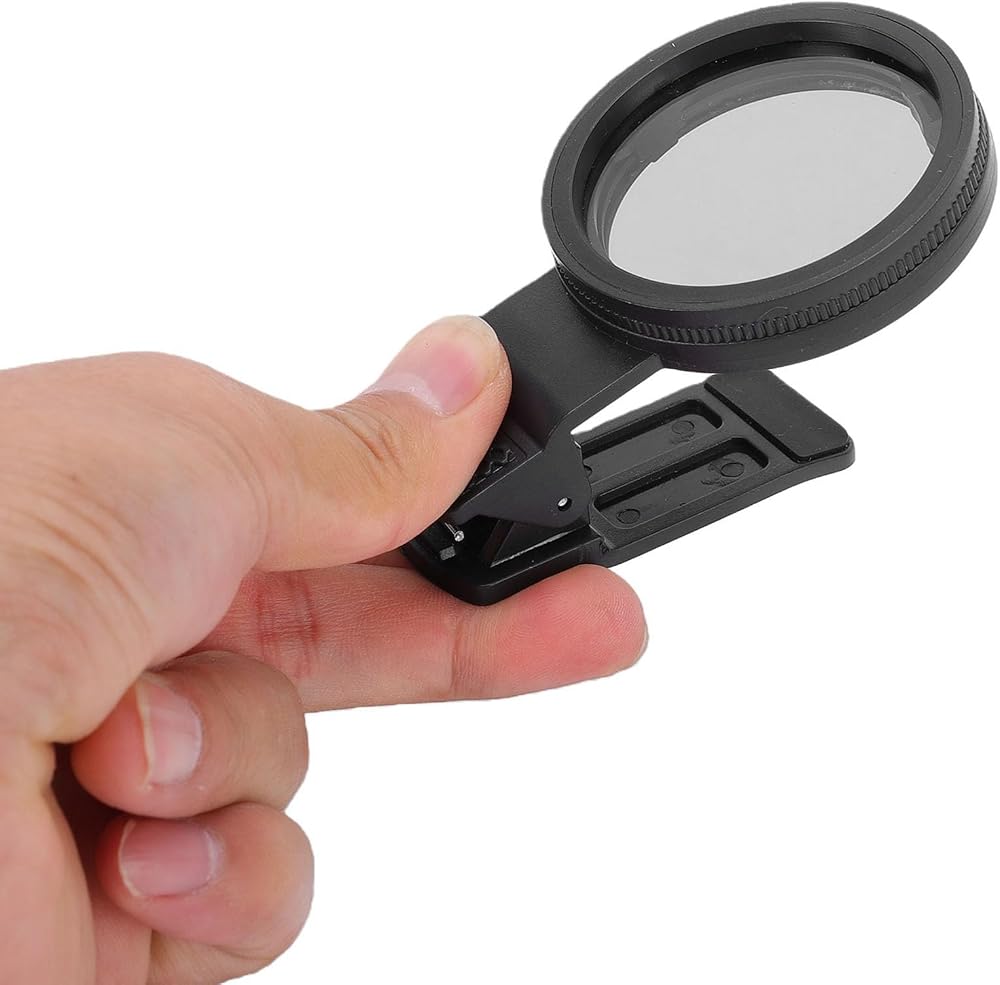
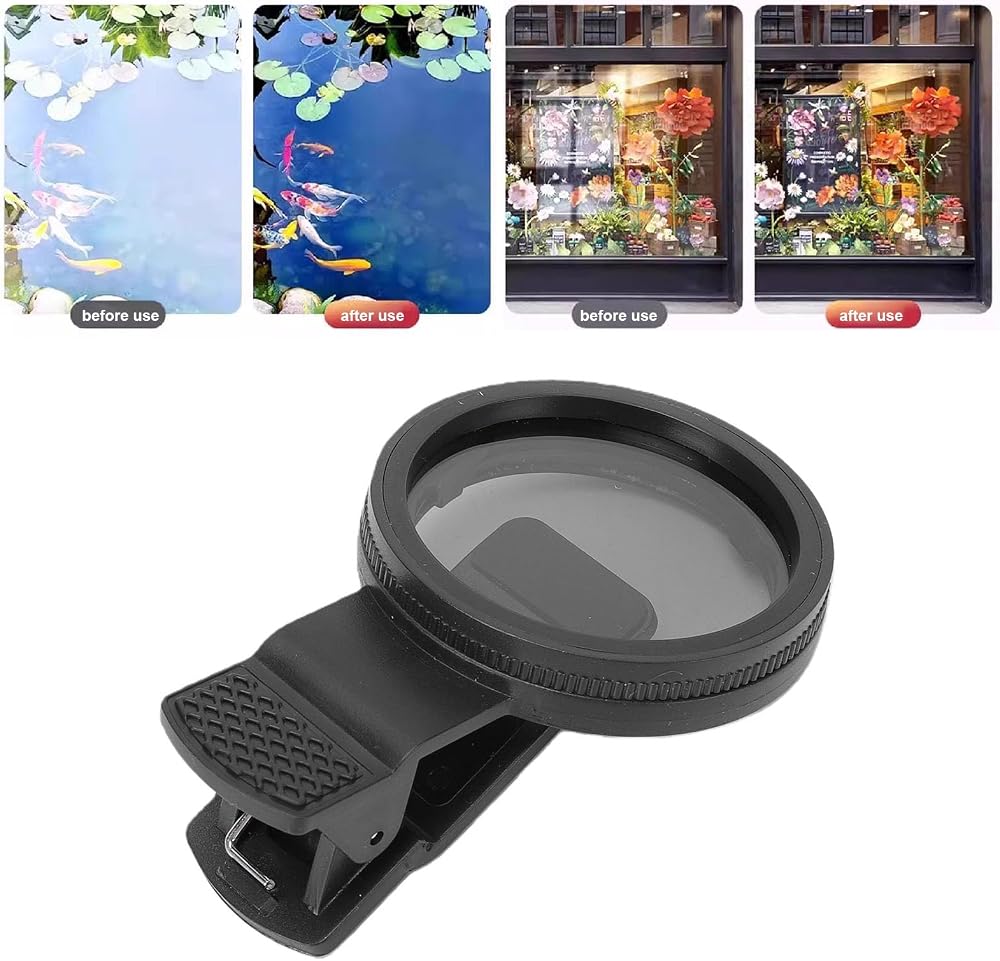
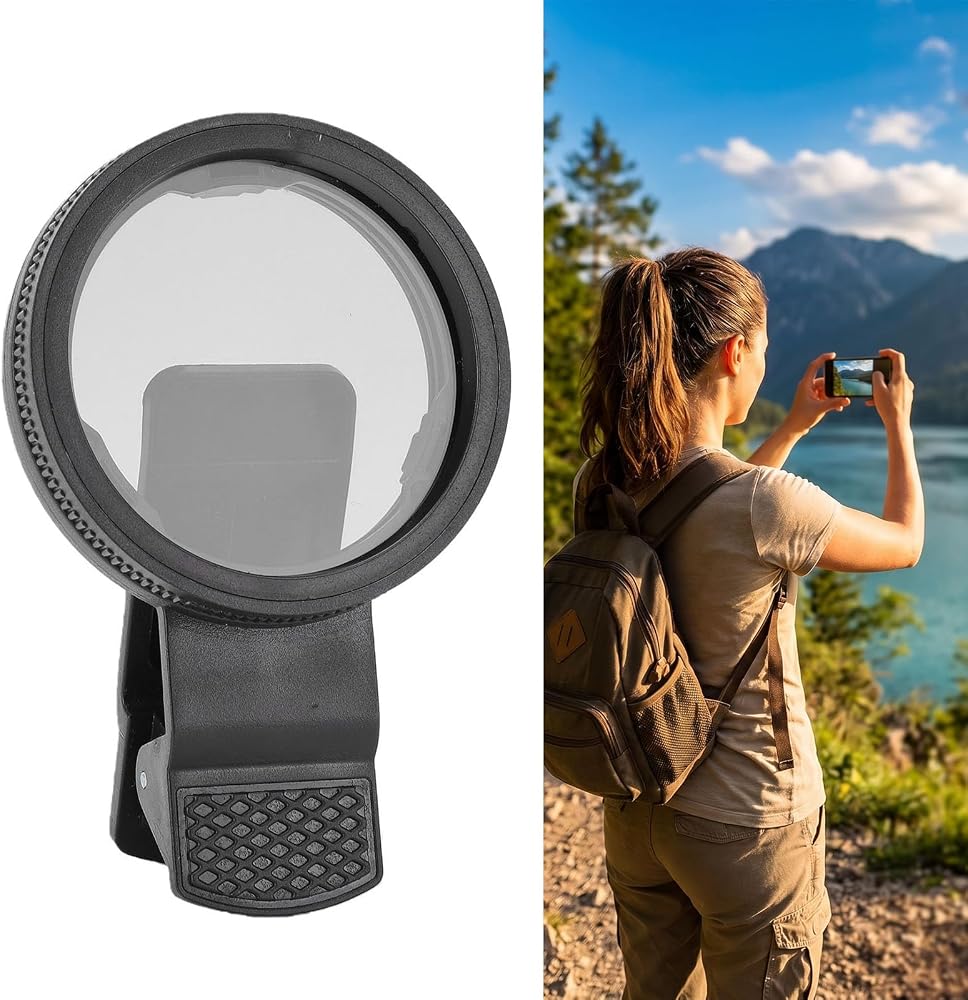
Item Type: Phone Photography CPL Filter
Material: ABS
Package List:
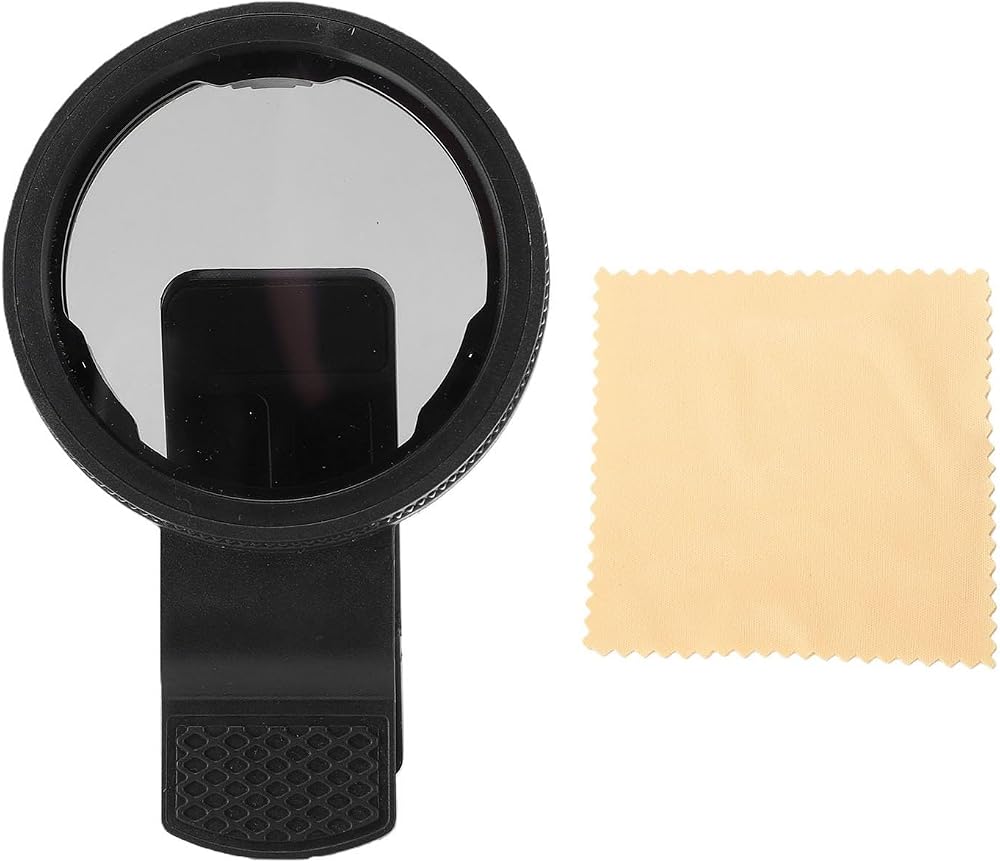
1 x CPL Filter
1 x Cleaning Cloth
How To Use:
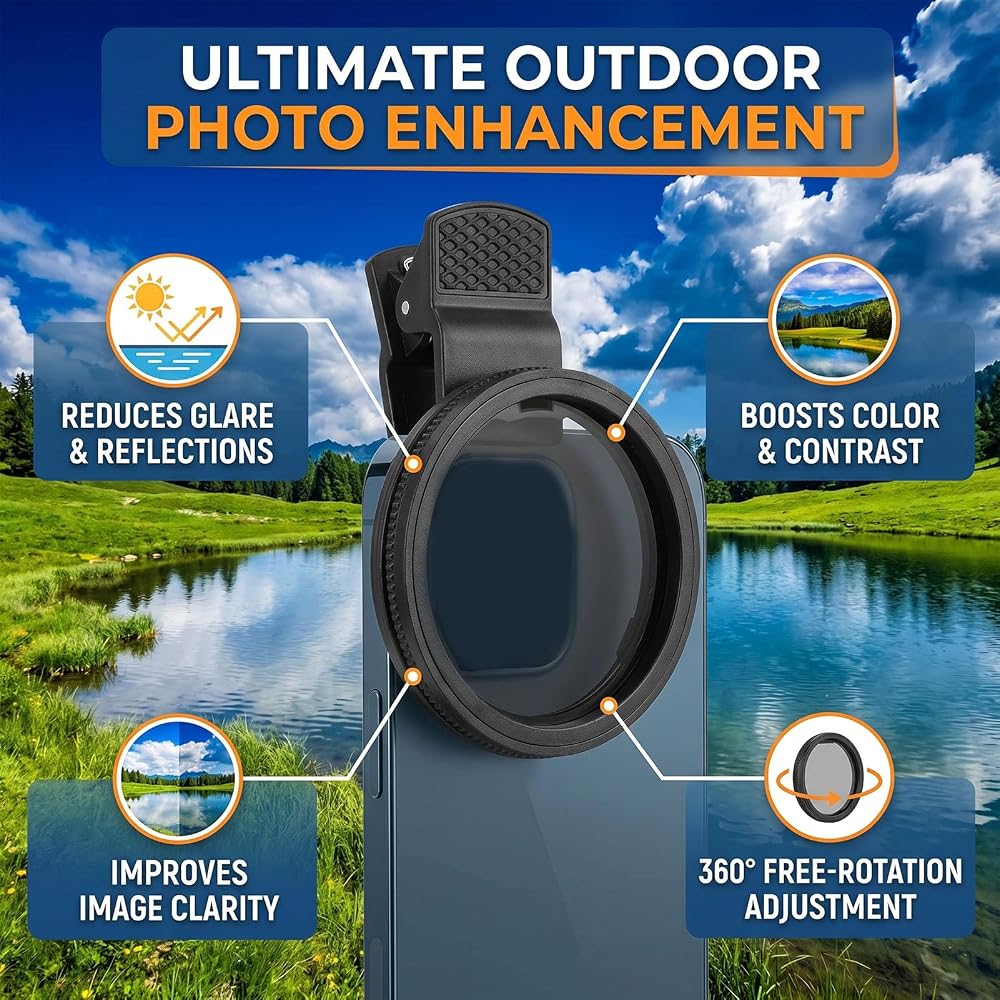
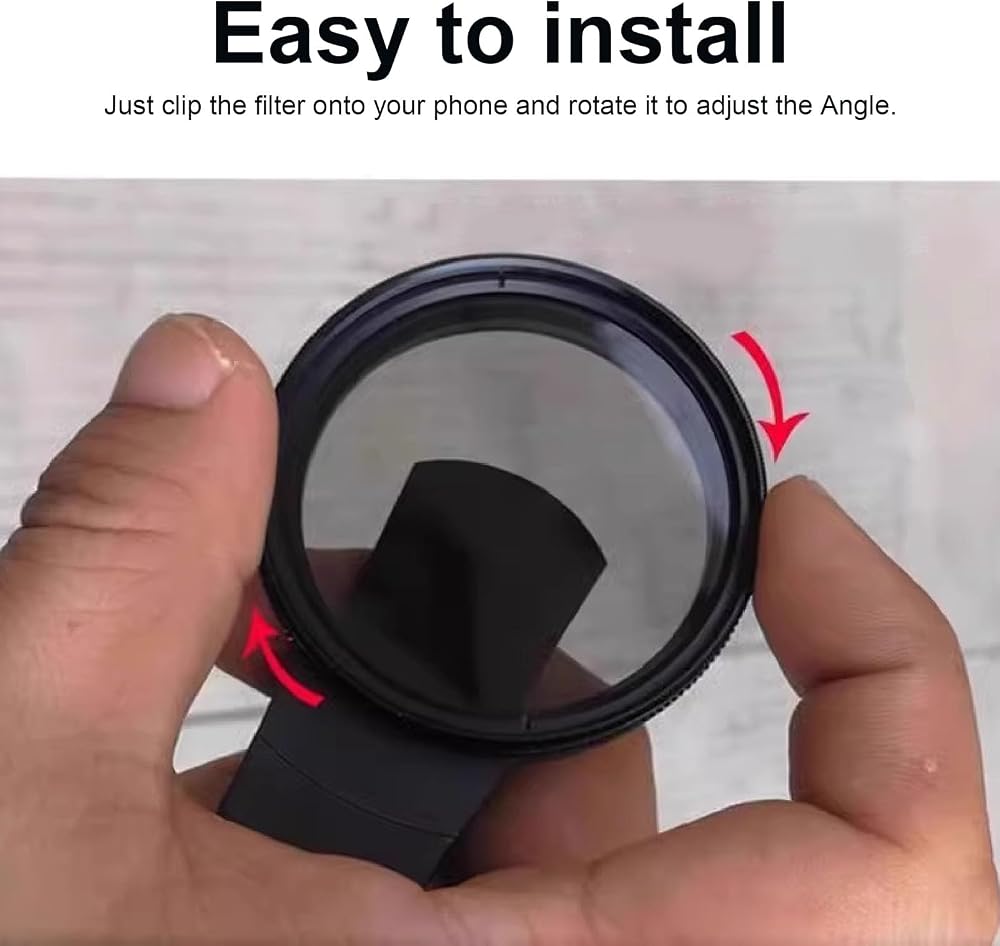
1. Attach the polarizing filter to the back of your phone's main camera.
2. Open your phone's camera and tilt it at an angle (30 to 60 degrees) towards a reflective object. Avoid filming at a 90 degree vertical angle, as it will not yield the desired effect.
3. Rotate the polarizing filter clockwise until scattered reflections gradually reduce.
4. Once you achieve the desired effect, stop rotating the filter and maintain the current filming angle.
5. You can now proceed to take photos or record videos with the adjusted settings.
Note:
A polarizing filter is not a universal lens for reducing reflection. It cannot eliminate all reflections and is mainly used for the scattered reflection of non metallic substances in a certain direction. (For example, cars, leather, plant leaves and flowers, water outside, skin, asphalt road, smooth ground, sky, glass, oily hair, etc.)
 عدسة كاميرا بالأشعة فوق البنفسجية، عدسة فلتر كاميرا زجاجية بصرية بتركيز ناعم 1/8 لتصوير الفيديو (67 مم)
KWD 12
عدسة كاميرا بالأشعة فوق البنفسجية، عدسة فلتر كاميرا زجاجية بصرية بتركيز ناعم 1/8 لتصوير الفيديو (67 مم)
KWD 12
 Camera Lens Filter,1/8 Lens Filter Mist Diffusion Lens Filter for Video Shooting Portrait Shooting Still Life Scenery (39MM)
KWD 7
Camera Lens Filter,1/8 Lens Filter Mist Diffusion Lens Filter for Video Shooting Portrait Shooting Still Life Scenery (39MM)
KWD 7
 52mm Camera Lens Filter, Optical Glass Camera Lens Filter Suitable for Nikon for Fujifilm Digital Cameras Series(Blue)
KWD 4
52mm Camera Lens Filter, Optical Glass Camera Lens Filter Suitable for Nikon for Fujifilm Digital Cameras Series(Blue)
KWD 4
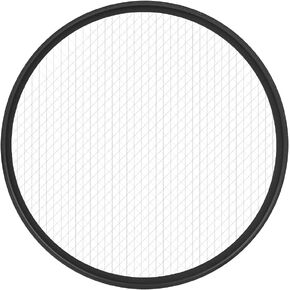 8 Lines Star Lens Filter for 95mm Camera Lenses,Water Scratch Optical Glass for Wedding Photography Night Scene Portrait Photography,Black
KWD 10.500
8 Lines Star Lens Filter for 95mm Camera Lenses,Water Scratch Optical Glass for Wedding Photography Night Scene Portrait Photography,Black
KWD 10.500