- التسوق ، اصبح سهلا.
- /
- احصل على التطبيق!
Desription:
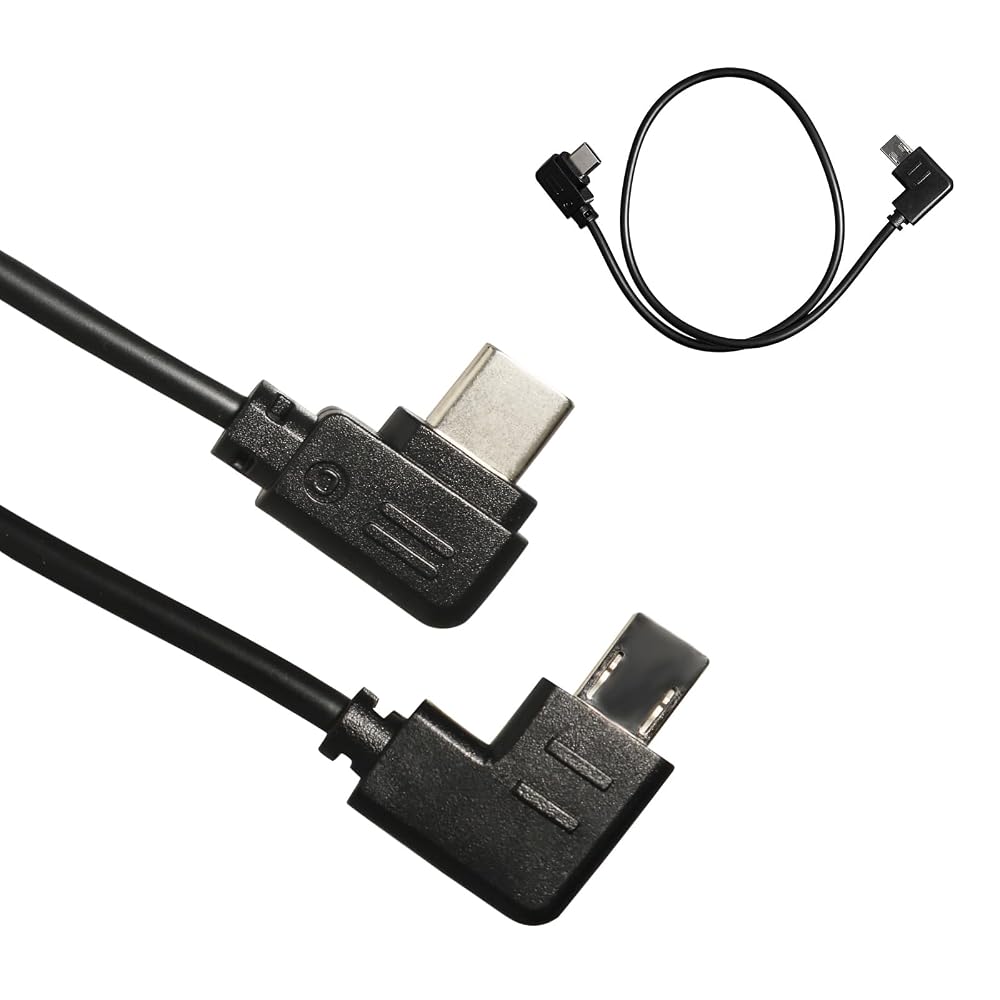
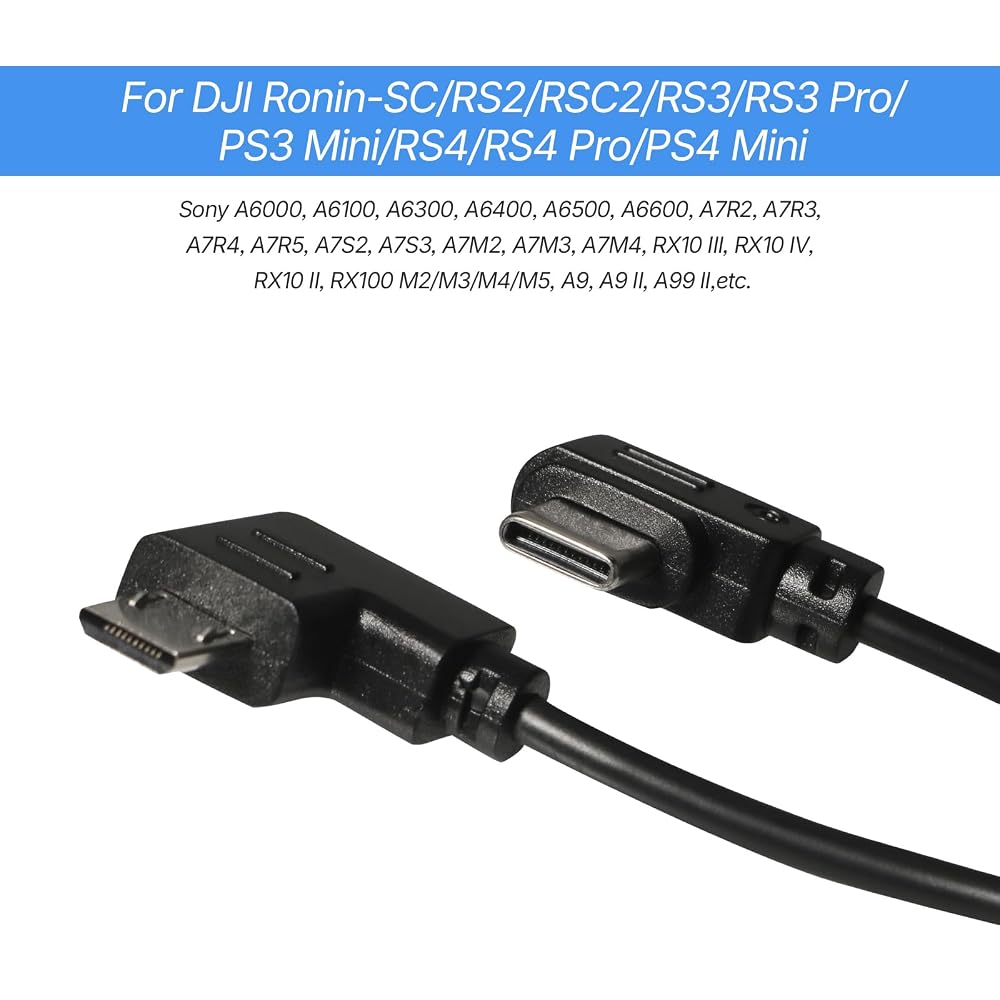
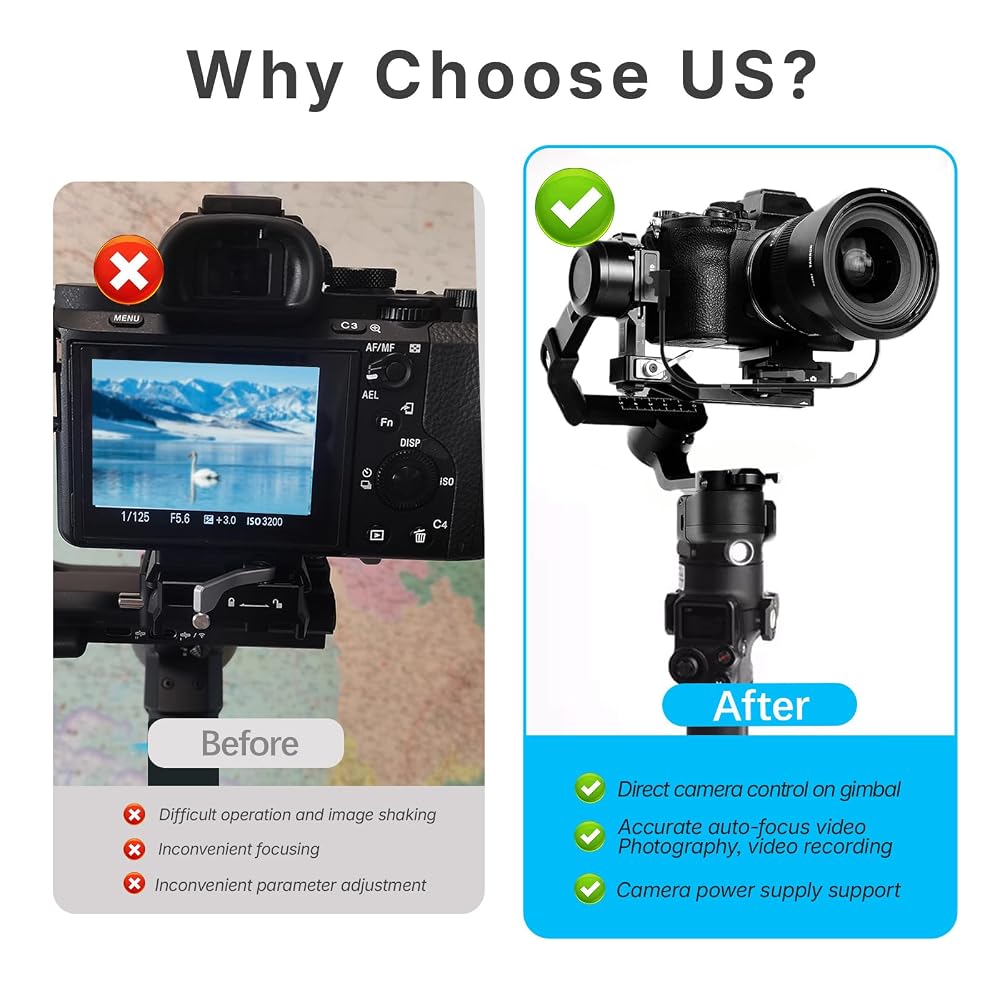
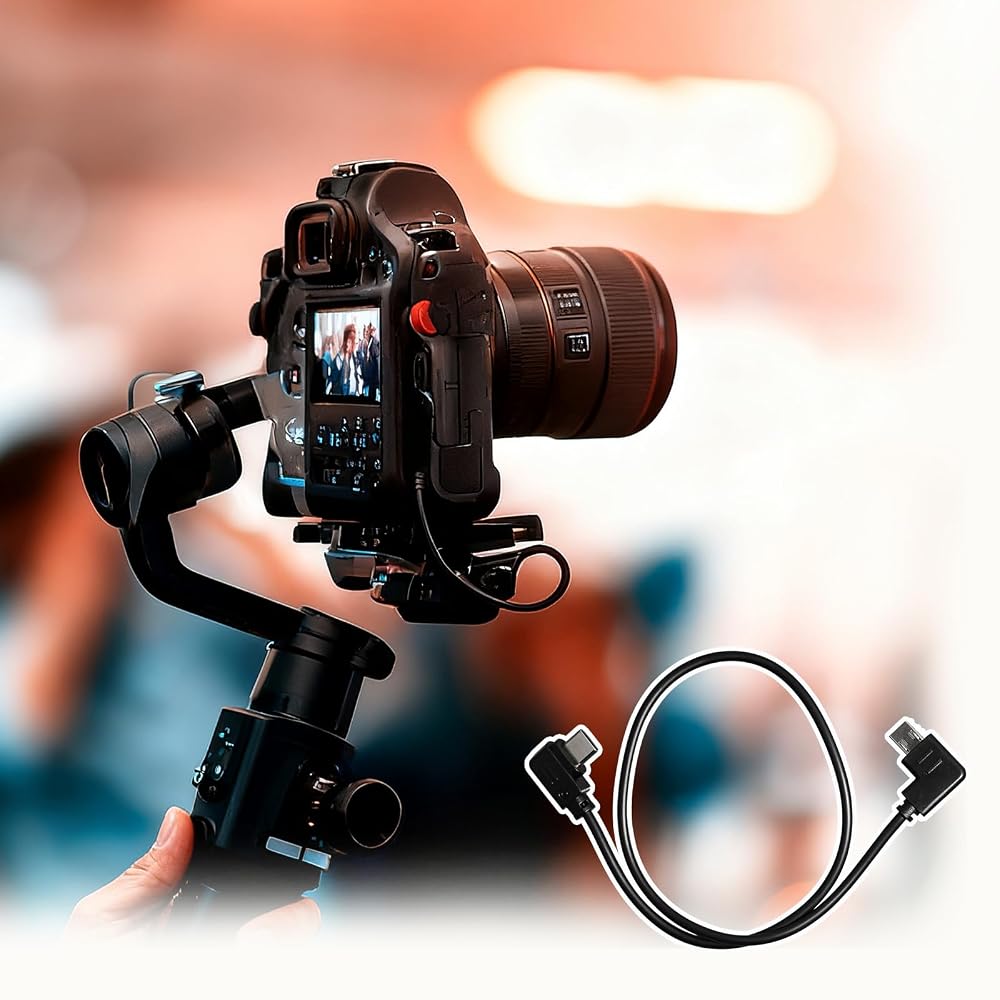
This camera control cable compatible with DJI stabilizer and for Sony camera, allowing you to remotely trigger photo capture, start/stop video recording, activate autofocus, and control zoom functions directly from your stabilizer's handle while maintaining perfect balance during movement.
Specification:
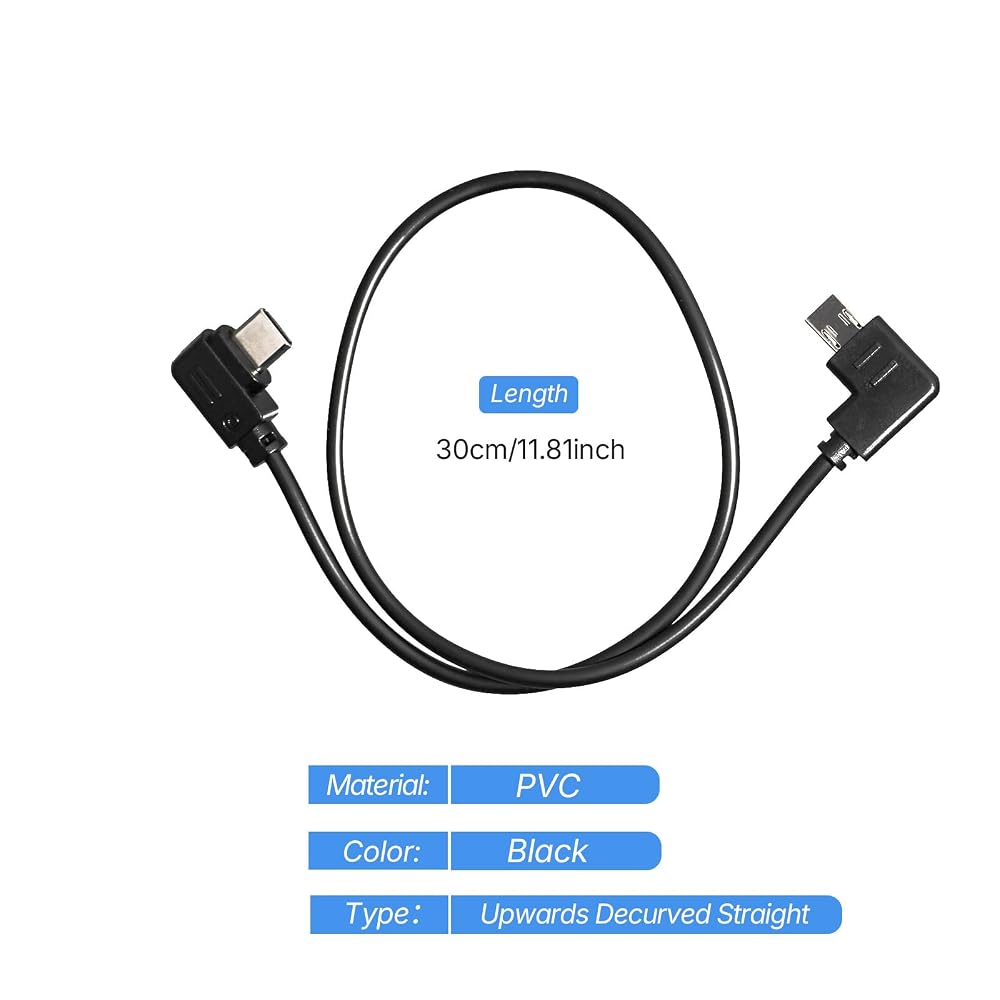
Color: Black
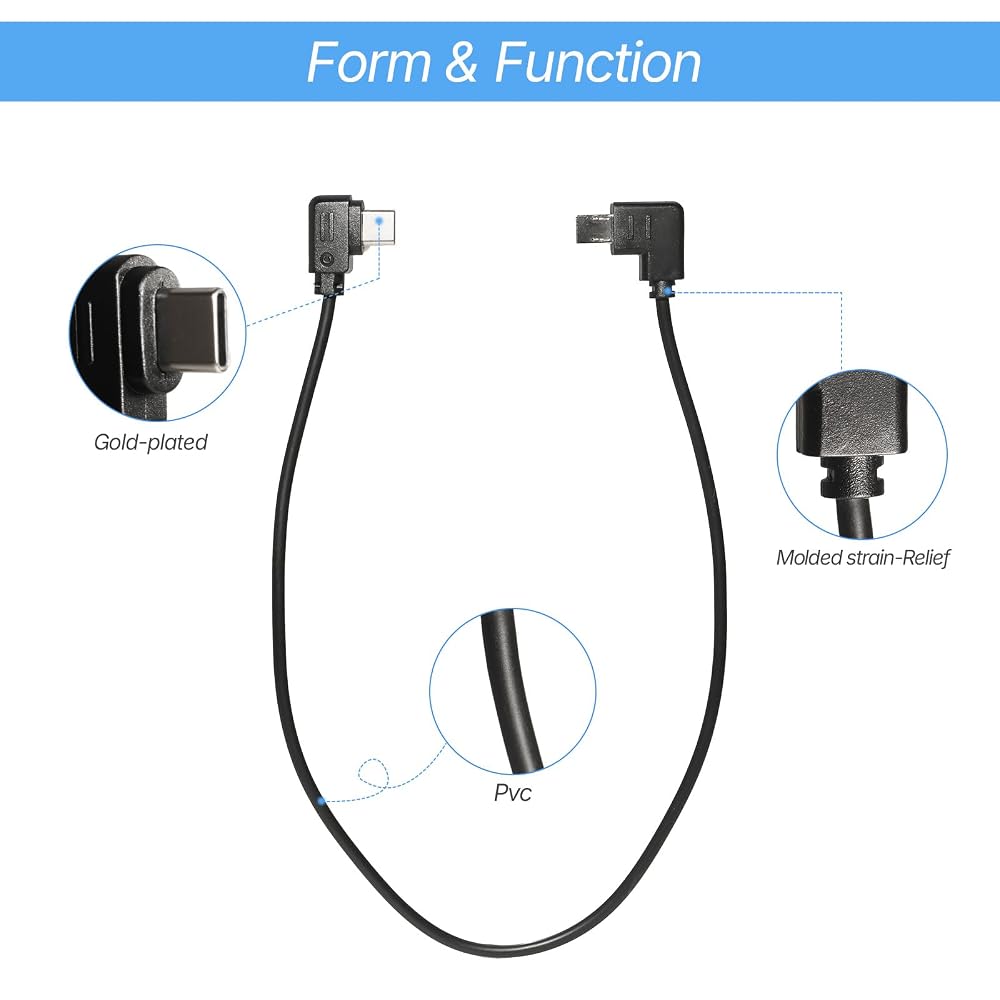
Material: PVC
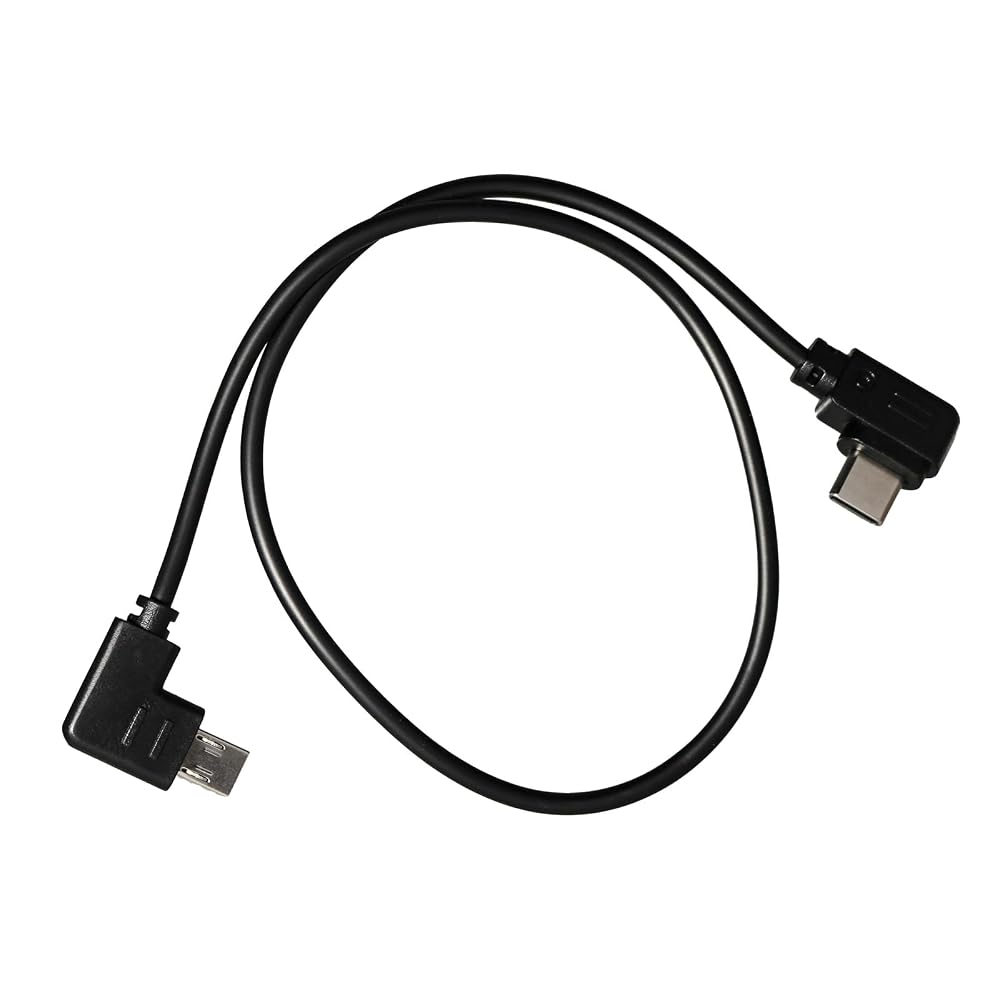
Length: 30cm(manual measurement, with 1-2cm tolerances)
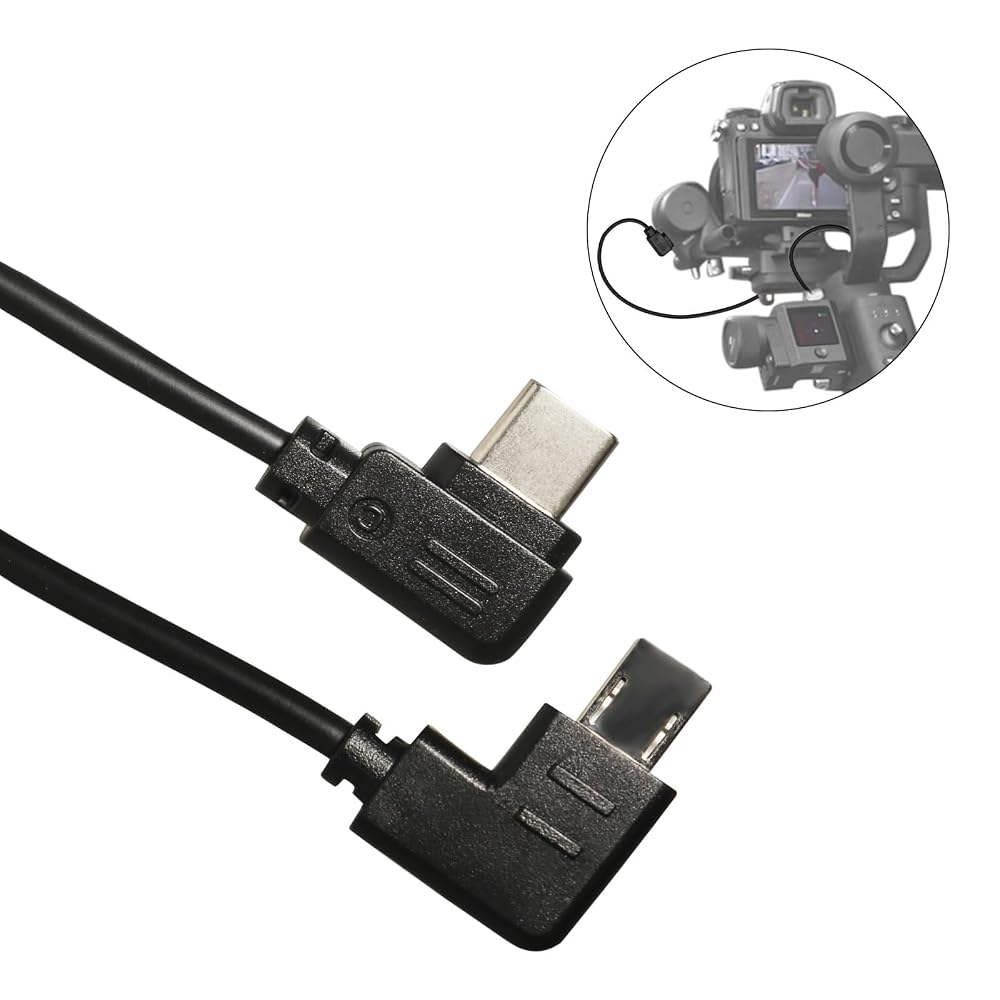
Stabilizer interface type:Type-C USB,also called USB-C
Camera interface type:Multi USB,also called S2
Type: Upwards control cable
Supporting functions:Support photo, video, focusing and zoom function.
Other:It's the alternatives, not the original product
How to operate (Press the red button on the stabilizer)
1. Focus: half-press of the red button to activate focus
2. Shoot: Press the red button for 2 seconds means photography one time
3. Making video: click red button and then let go on the stabilizer to start recording
How to use?
1. Connect the cable to Camera and Stabilizer.
2. Turn on the stabilizer and select specified camera in the setting.
3. Switch on the camera.
4. If not work, re-start the stabilizer first and turn on the camera.
5. When using a lens without the Power Zoom function, please activate the camera's digital zoom function to control the digital Zoom.Specific setting method: Select menu--select settings--select zoom settings--select digital zoom.
6.Notice: When you connect the cable to your camera, Set the "USB Connection" function of the camera to "Computer Remote". The specific setting method is as follows:
Select "menu"-Select "Settings" - select "USB connection"-- select "computer remote control”.
Note:
Some cameras may not be able to shoot when proper focus has not been achieved due to focus speed or in a complex environment, such as low light situations. If there's an issue with the shutter or rec button not responding properly in these situations, manual focus mode is recommended.
When using intelligent functions such as Time-lapse, it is recommended to turn off the camera's auto review to reduce system latency.
After connecting with Sony camera using the control cable, if you need to swap to a camera of other manufacturers then a gimbal reboot is required.
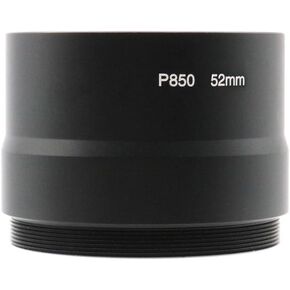 52 مم عدسة محول أنبوب حلقة مرشح أنبوب محول ل Kodak P850 كاميرا أسود
KWD 7.500
52 مم عدسة محول أنبوب حلقة مرشح أنبوب محول ل Kodak P850 كاميرا أسود
KWD 7.500
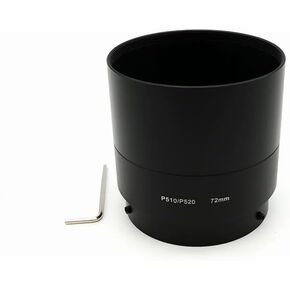 72 مم عدسة محول أنبوب حلقة مرشح أنبوب محول لنيكون كولبيكس P510 P520 كاميرا أسود
KWD 8
72 مم عدسة محول أنبوب حلقة مرشح أنبوب محول لنيكون كولبيكس P510 P520 كاميرا أسود
KWD 8
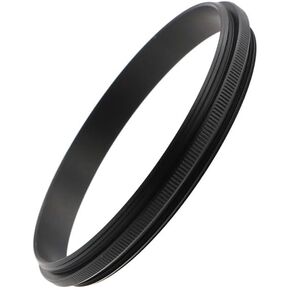 حلقة محول عدسة ذكر إلى ذكر 55-72 مم للتصوير الفوتوغرافي الماكرو | 55-55 مللي متر ، 55-58 مللي متر ، 55-62 مللي متر ، 55-67 مللي متر ، 55-72 مللي متر ، 55-77 مللي متر ، 55-82 مللي متر حلقة محول ذكر الألومنيوم
KWD 5
حلقة محول عدسة ذكر إلى ذكر 55-72 مم للتصوير الفوتوغرافي الماكرو | 55-55 مللي متر ، 55-58 مللي متر ، 55-62 مللي متر ، 55-67 مللي متر ، 55-72 مللي متر ، 55-77 مللي متر ، 55-82 مللي متر حلقة محول ذكر الألومنيوم
KWD 5
 حلقة محول عدسة ذكر إلى ذكر 67-72 مم للتصوير الفوتوغرافي الماكرو | 67-67 مللي متر ، 67-72 مللي متر ، 67-77 مللي متر ، 67-82 مللي متر خاتم محول ذكر الألومنيوم
KWD 5.500
حلقة محول عدسة ذكر إلى ذكر 67-72 مم للتصوير الفوتوغرافي الماكرو | 67-67 مللي متر ، 67-72 مللي متر ، 67-77 مللي متر ، 67-82 مللي متر خاتم محول ذكر الألومنيوم
KWD 5.500