- التسوق ، اصبح سهلا.
- /
- احصل على التطبيق!
Specification:
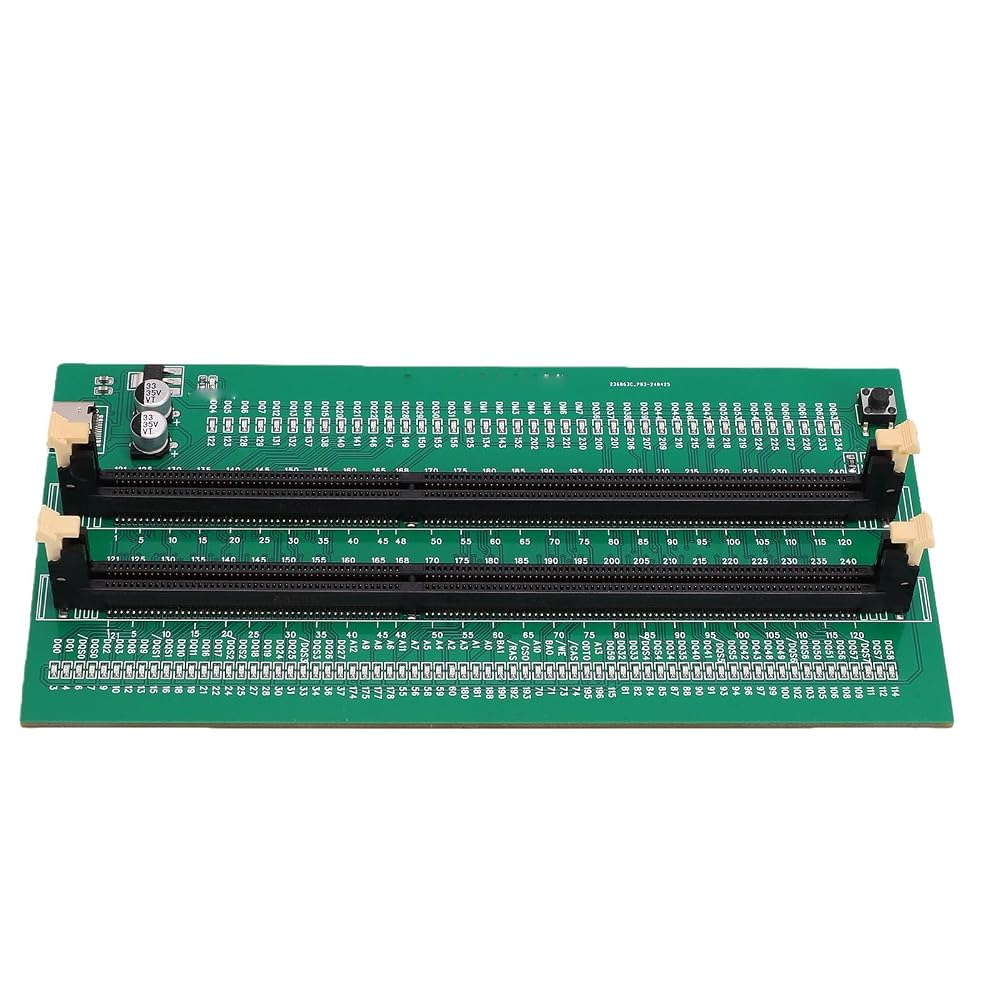
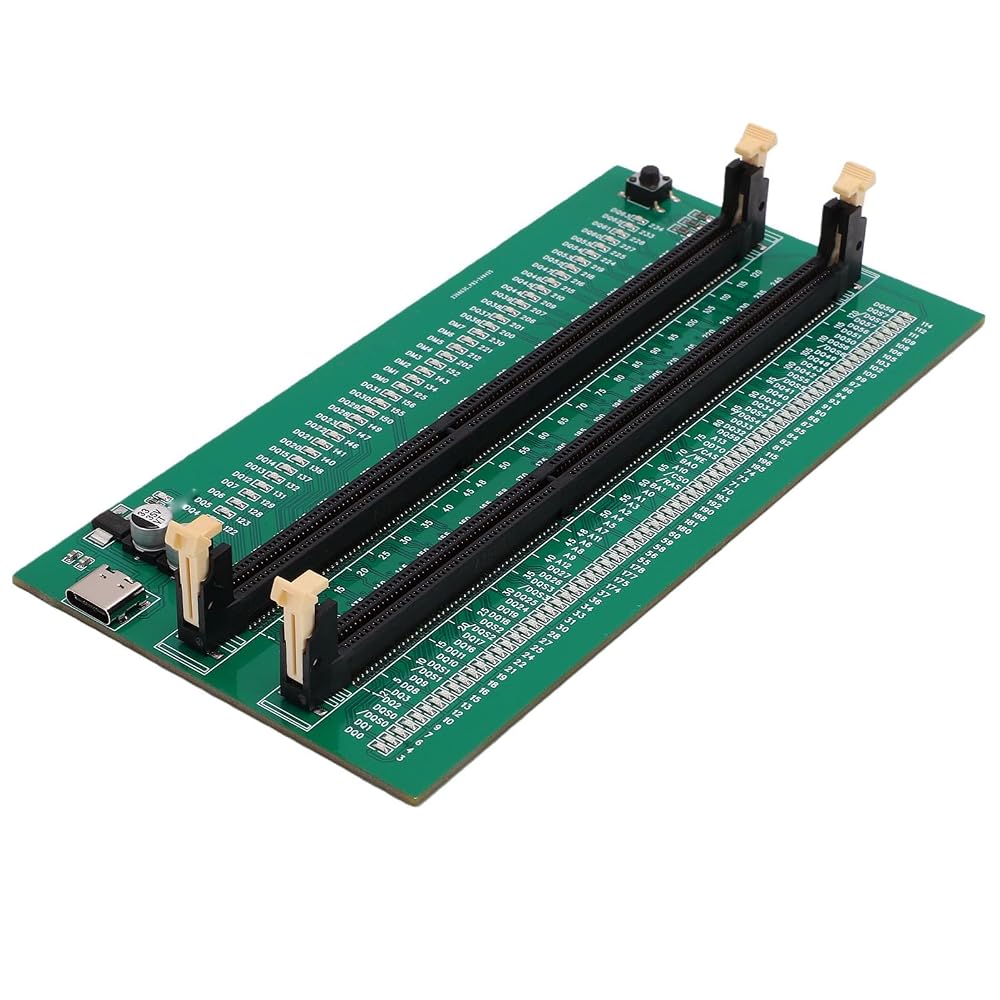
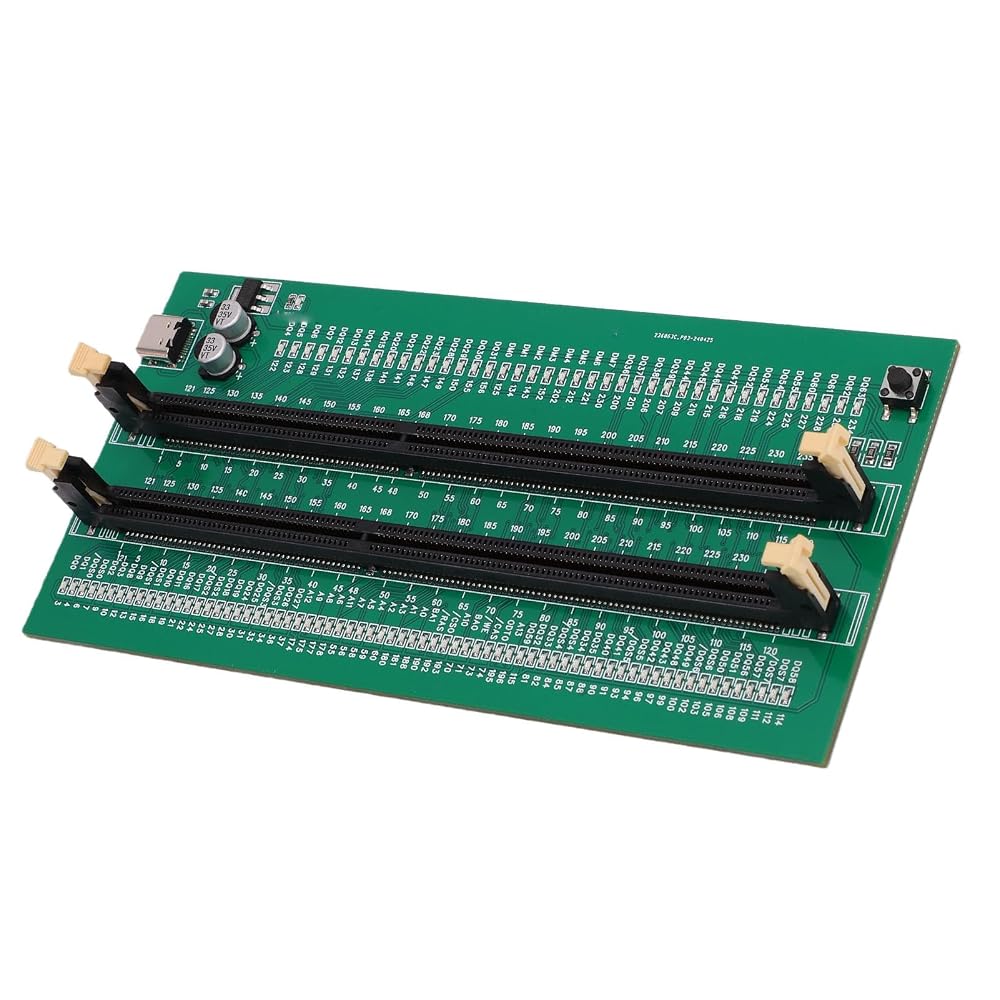
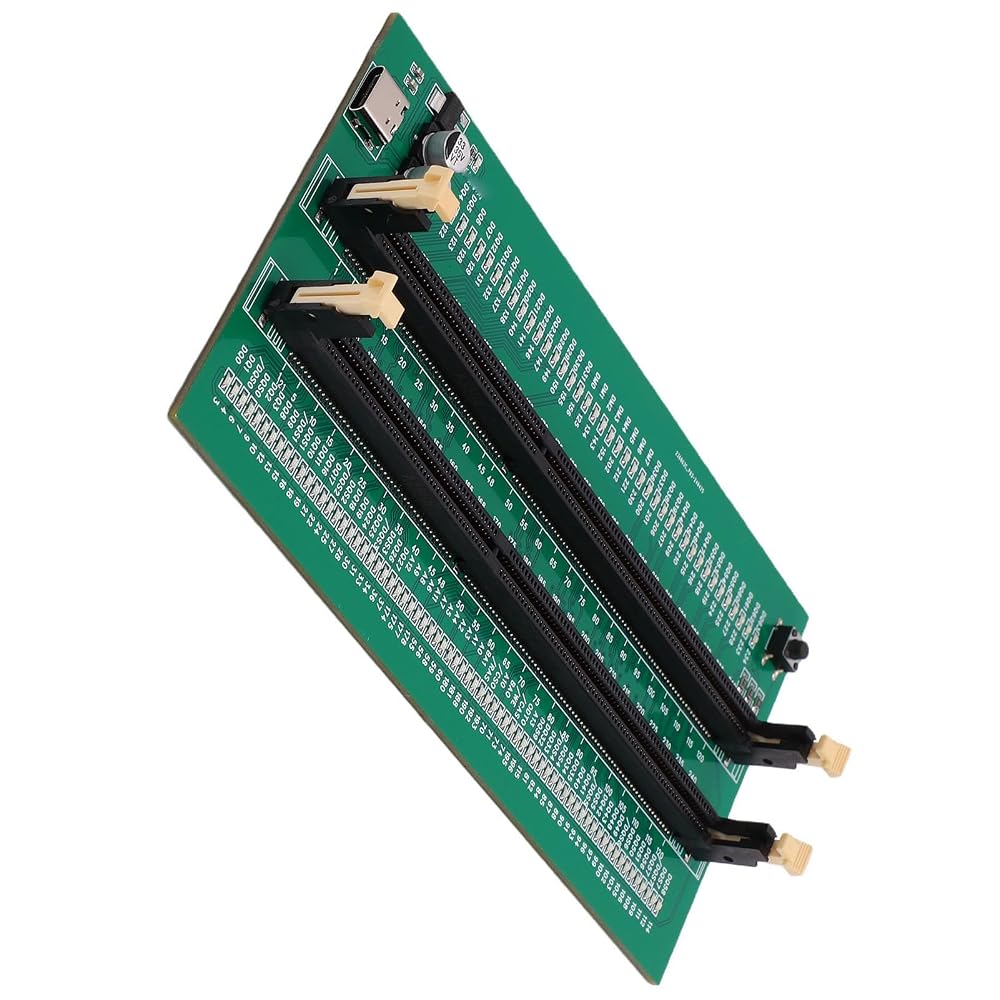
Item Type: DDR3 Memory Tester
Material: PCB
Function: Suitable for testing DDR3 memory on desktop computers, determining faults such as bad PCB, damaged resistor, open or short circuit in memory module, and poor memory performance
Instructions:
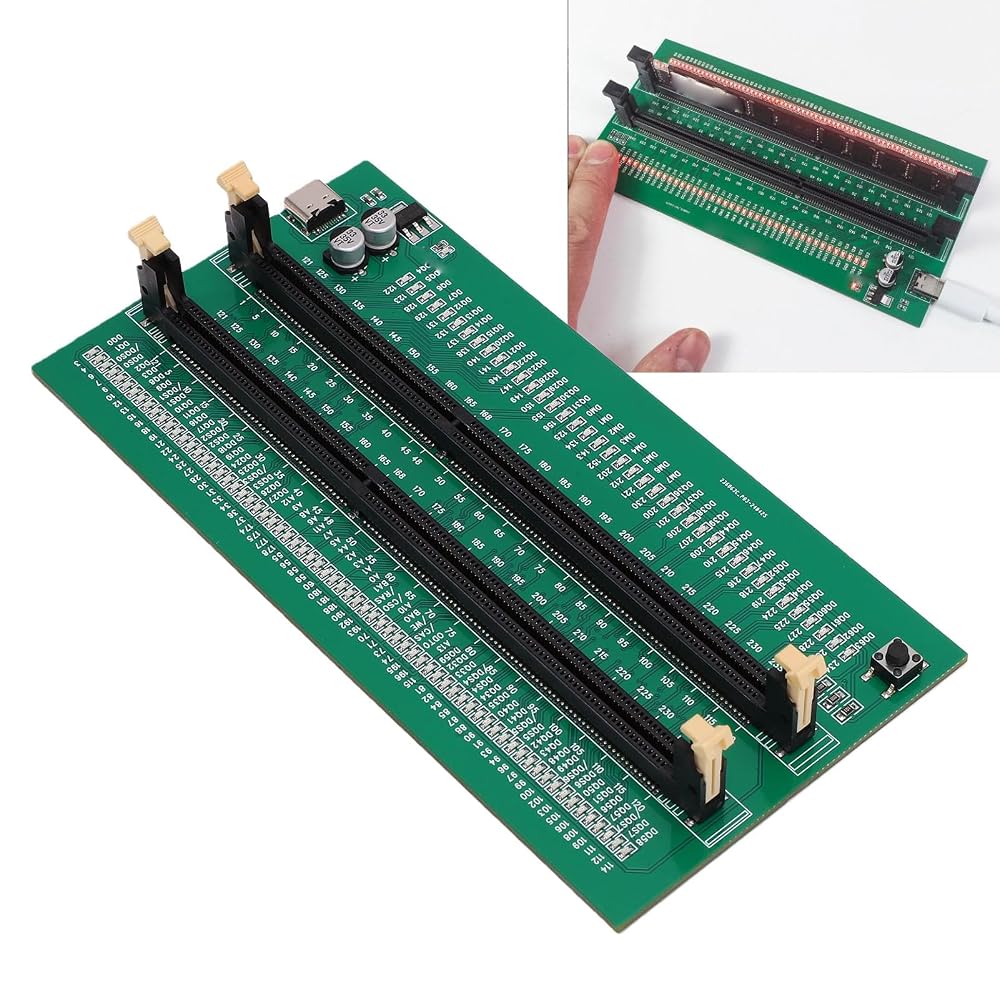
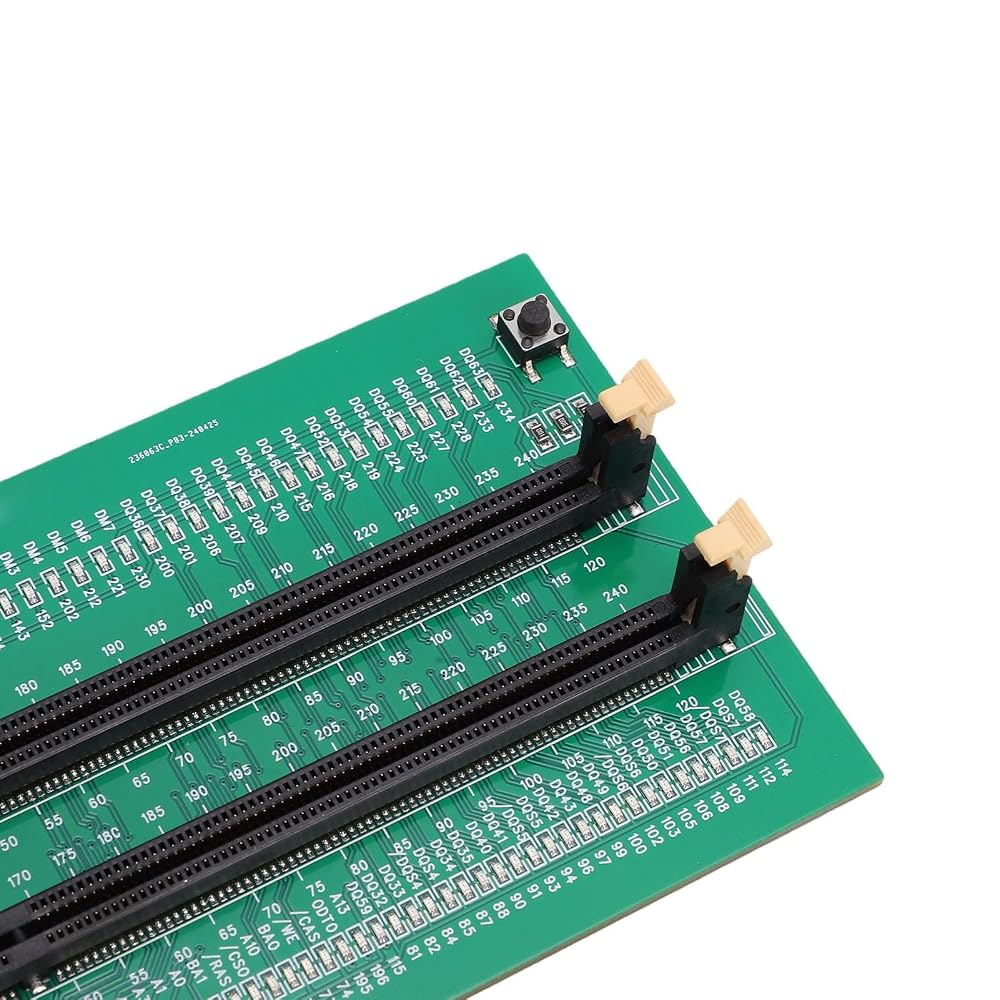
1. Use LED lights to test all data cables in the memory. When hardware faults occur in these data cable circuits, the brightness of the LED indicator lights will change, regardless of whether they are particularly bright or not.
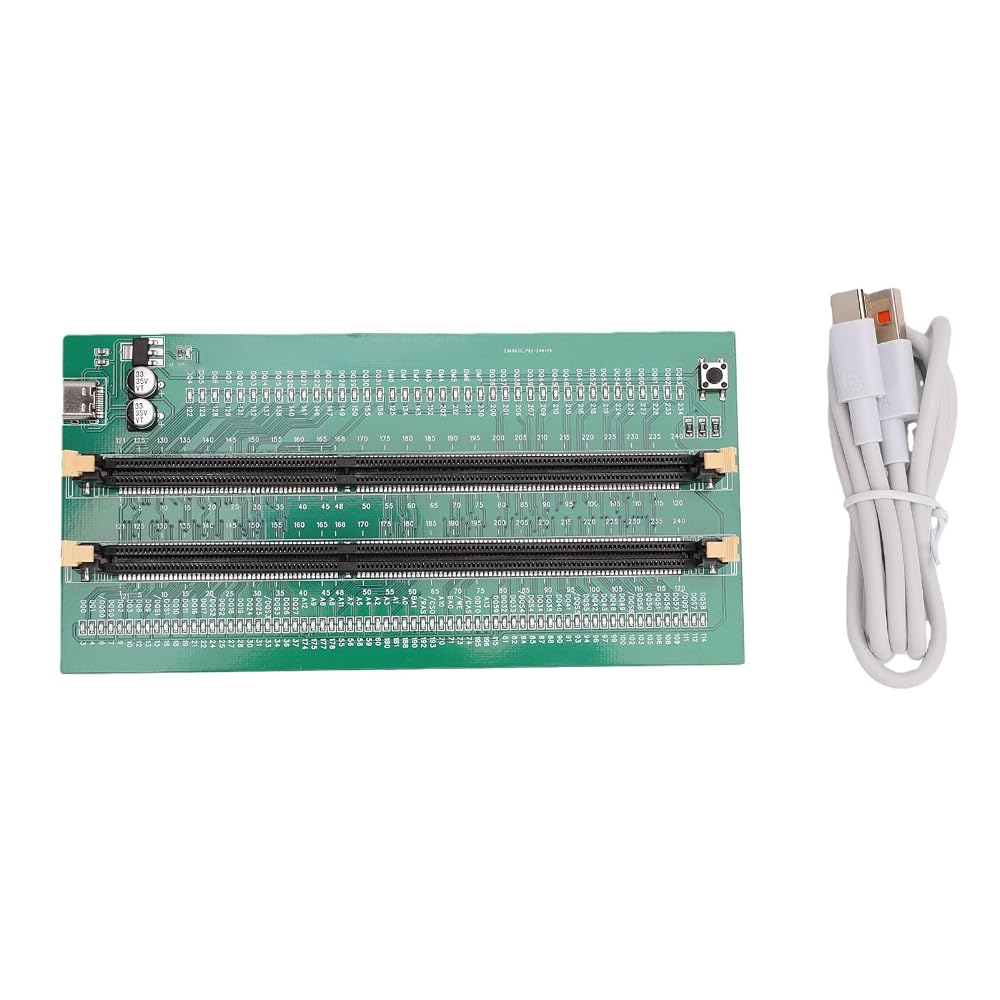
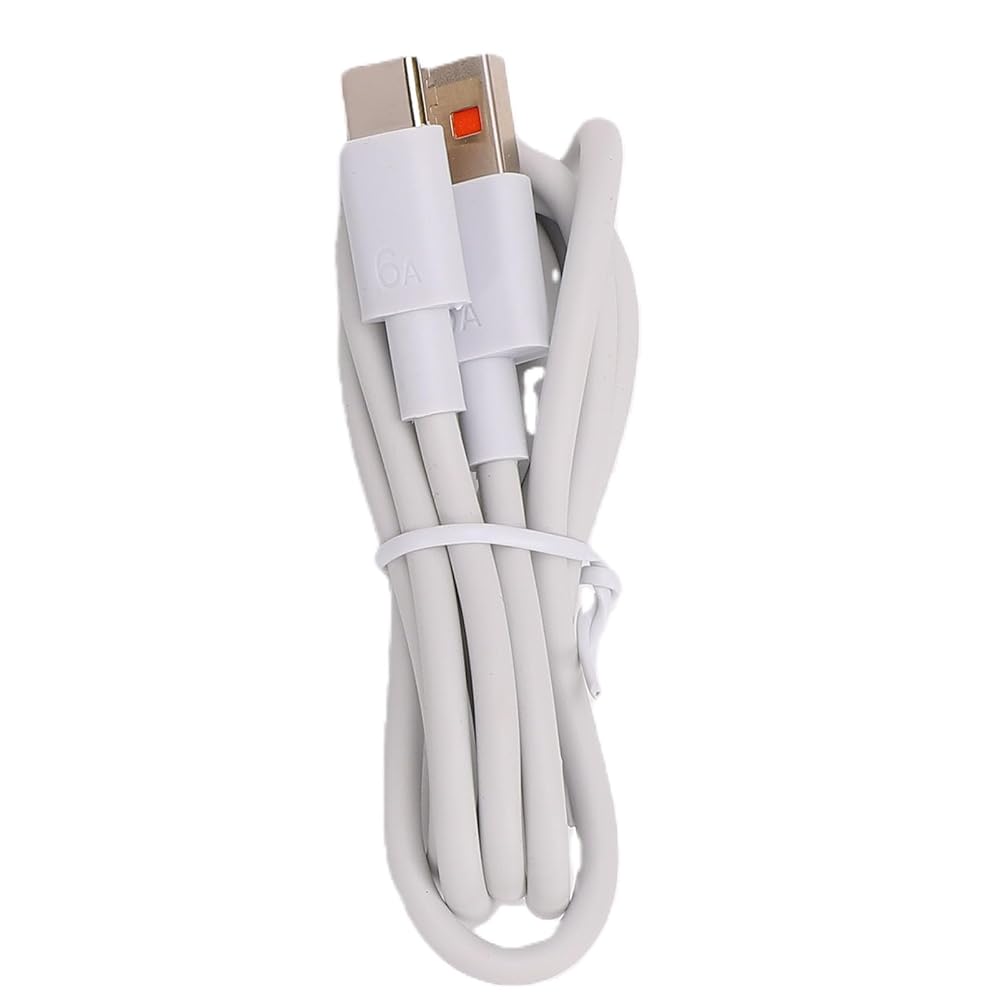
2. Use TYPE C cable for power supply. Insert the memory module to be tested into the slot of the memory tester. If all indicator lights are on and the brightness is consistent, it indicates that there is no open or short circuit fault in the data line circuit of the memory module.
3. If the indicator light flashes during the testing process, it indicates poor touch with the connecting finger.
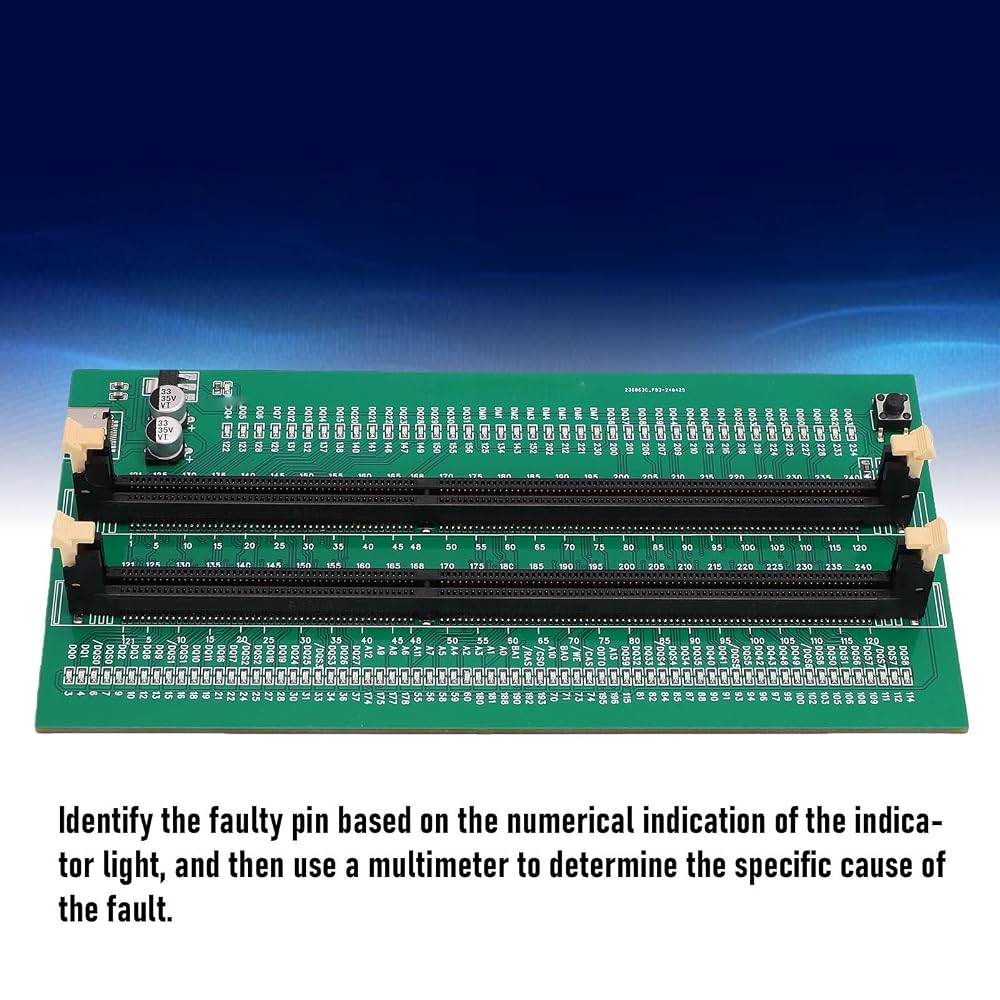
4. If the indicator light is not on, it indicates that there is an open circuit fault in the hardware. Check the wear of the connecting finger, whether the resistor is damaged, and whether the PCB circuit is open. Identify the faulty pin based on the numerical indication of the indicator light, and then use a multimeter to determine the specific cause of the fault.
5. After hardware testing of the memory module, the issue of poor performance of the graphics memory should be considered, and alternative methods or corresponding testing software should be used to locate the faulty graphics memory.
Package List:
1 x DDR3 Memory Tester
1 x Type C Cable
 مونوبود كاميرا 63 بوصة، مونوبود ألومنيوم 11 بوصة إلى 63 بوصة، 8 أقسام محمولة مونوبود للسفر مع حقيبة حمل، غمد إسفنجي، وسادة قدم 3/8 قابلة للإزالة
KWD 13.500
مونوبود كاميرا 63 بوصة، مونوبود ألومنيوم 11 بوصة إلى 63 بوصة، 8 أقسام محمولة مونوبود للسفر مع حقيبة حمل، غمد إسفنجي، وسادة قدم 3/8 قابلة للإزالة
KWD 13.500
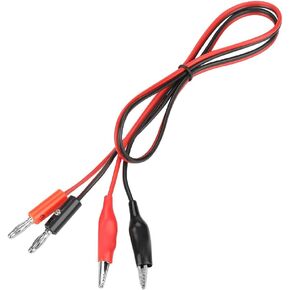 ASHATA Banana Plug to Clip Test، خط كابل الإخراج سلك مشبك قابس الموز 30 فولت 5A لإمدادات الطاقة القابلة للتنظيم بتيار مستمر
KWD 3.500
ASHATA Banana Plug to Clip Test، خط كابل الإخراج سلك مشبك قابس الموز 30 فولت 5A لإمدادات الطاقة القابلة للتنظيم بتيار مستمر
KWD 3.500
 -5%
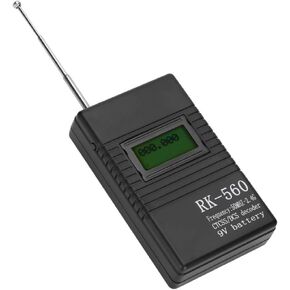
عداد التردد المحمول، RK560 الدقيق 50 ميجا هرتز - 2.4 جيجا هرتز عداد التردد اختبار تردد الراديو المحمول المحمول، لجهاز فك ترميز الراديو ثنائي الاتجاه
KWD 9.500
-5%
عداد التردد المحمول، RK560 الدقيق 50 ميجا هرتز - 2.4 جيجا هرتز عداد التردد اختبار تردد الراديو المحمول المحمول، لجهاز فك ترميز الراديو ثنائي الاتجاه
KWD 9.500
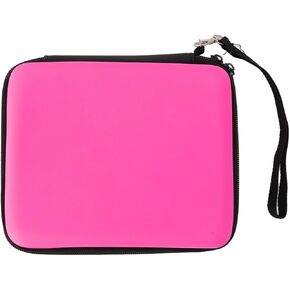 حافظة بطاقات ألعاب ASHATA لبطاقات ألعاب وحدة التحكم 2DS وغيرها من الملحقات، حقيبة حمل ذات هيكل صلب مع 8 حاملات بطاقات ألعاب باللون الأحمر
KWD 6
حافظة بطاقات ألعاب ASHATA لبطاقات ألعاب وحدة التحكم 2DS وغيرها من الملحقات، حقيبة حمل ذات هيكل صلب مع 8 حاملات بطاقات ألعاب باللون الأحمر
KWD 6

 الكويت