- التسوق ، اصبح سهلا.
- /
- احصل على التطبيق!
Important Notes:
1. This product is only compatible with older motherboards such as Intel and AMD. It is not compatible with newer motherboard models featuring firmware TPM, all-in-one PCs, or laptops.
2. The minimum hardware requirements for upgrading to Windows 11 via TPM 2.0 are as follows: a 1 GHz or faster 64-bit processor (dual-core/multi-core), 4 GB of memory, 64 GB of storage space, firmware supporting UEFI Secure Boot and TPM 2.0, a DirectX 12-compatible graphics card, and a display with a resolution of 720p or higher.
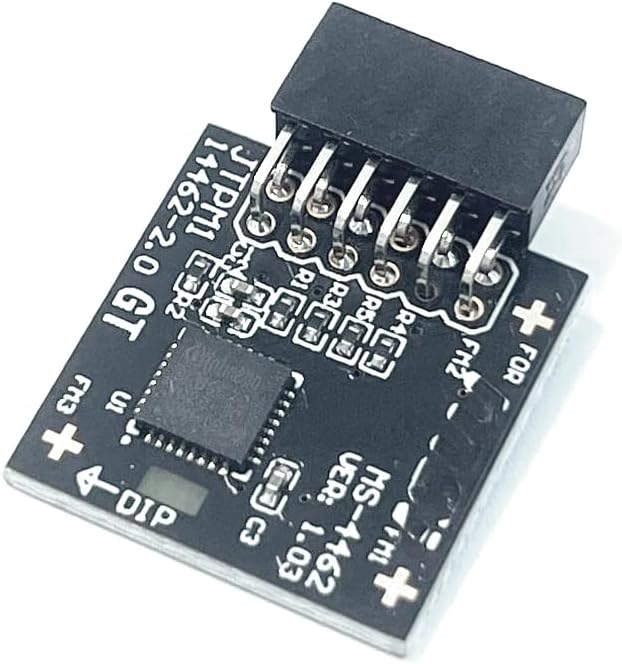
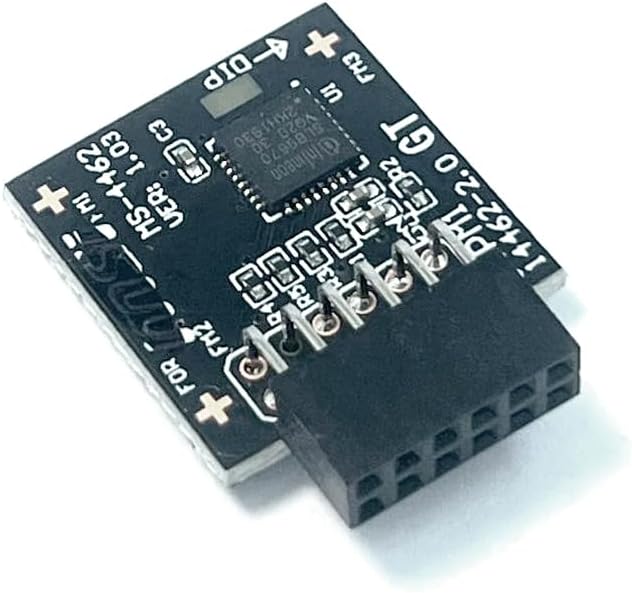
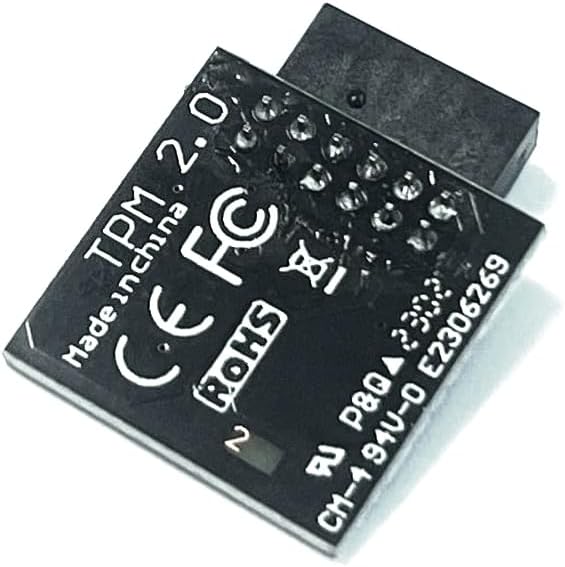
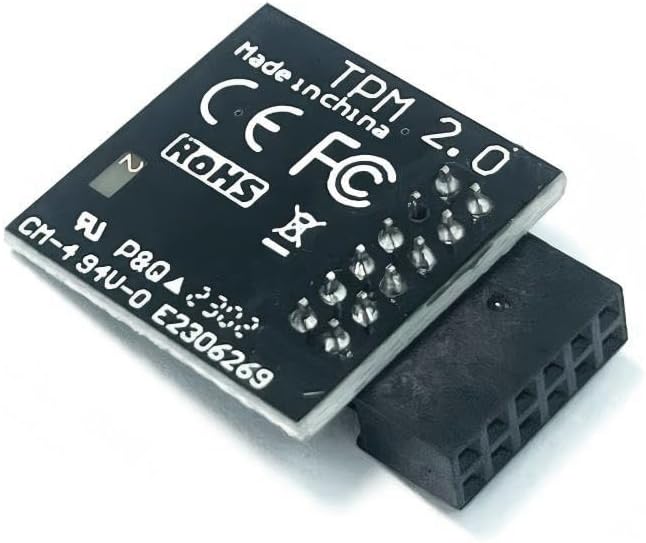
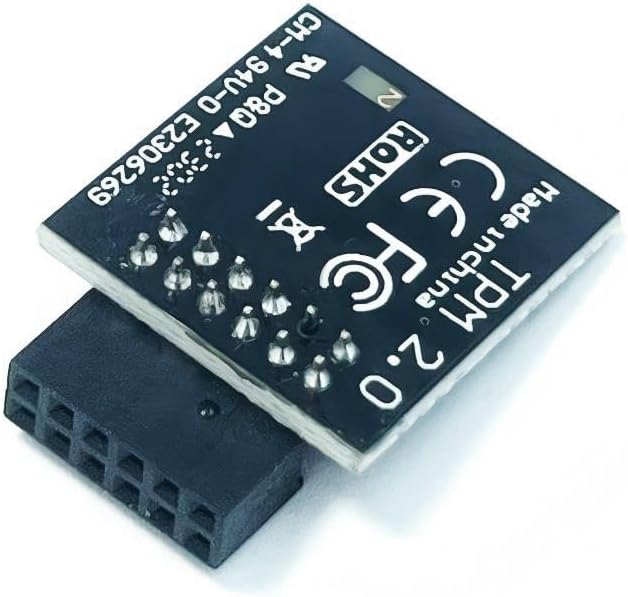
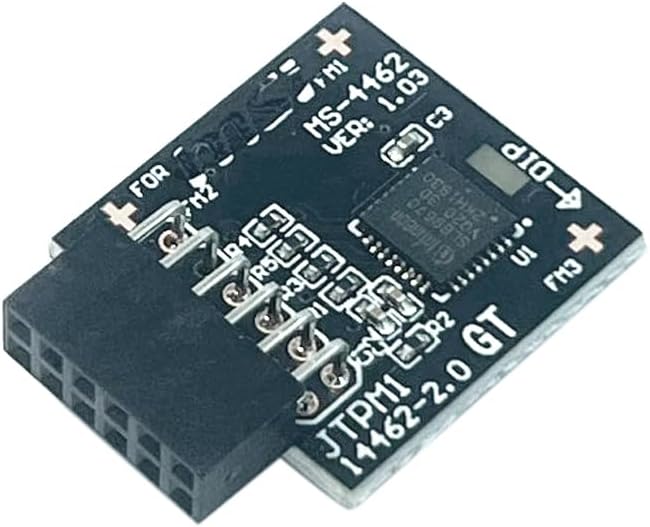
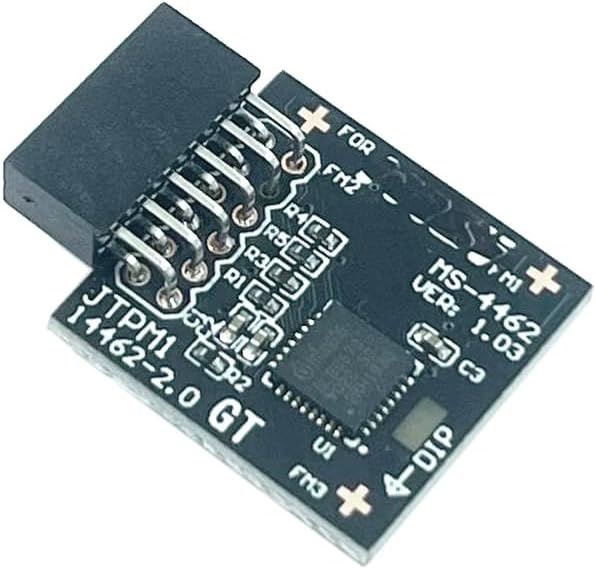
3. This product has a 12pin-1 connector. Please carefully check the pin positions in the image to ensure compatibility with your motherboard before purchasing.
TPM 2.0 Trusted Platform Supports:
for MSI Intel 800 700 600 500 400 W790 series Motherboards
for MSI AMD 800 X670 X570S WRX80 B650 B550 A520 series Motherboards
for MSI Motherboard
B550 GAMING WIFI
B550-A PRO
B550-A PRO (CEC)
B550M PRO
B550M PRO-VDH
B550M PRO-VDH WIFI (CEC)
B550M PRO-VDH WIFI
B550M PRO-DASH
B650 GAMING PLUS
B650 GAMING PLUS WIFI
B650M PROJECT ZERO
B650M GAMING PLUS WIFI
B650M GAMING WIFI
B650M BOMBER WIFI
Supports:
for MSI Intel 800 700 600 500 400 W790 series Motherboards
for MSI AMD 800 X670 X570S WRX80 B650 B550 A520 series Motherboards
Compatible with TPM 2.0 (12pin-1 )
Chipset: SLB9670
PIN DEFINE:12pin
Interface:SPI
Important Notes:
1. This product is only compatible with older motherboards such as Intel and AMD. It is not compatible with newer motherboard models featuring firmware TPM, all-in-one PCs, or laptops.
2. The minimum hardware requirements for upgrading to Windows 11 via TPM 2.0 are as follows: a 1 GHz or faster 64-bit processor (dual-core/multi-core), 4 GB of memory, 64 GB of storage space, firmware supporting UEFI Secure Boot and TPM 2.0, a DirectX 12-compatible graphics card, and a display with a resolution of 720p or higher.
3. This product has a 12pin-1 connector. Please carefully check the pin positions in the image to ensure compatibility with your motherboard before purchasing.
Important Notes:
1. This product is only compatible with older motherboards such as Intel and AMD. It is not compatible with newer motherboard models featuring firmware TPM, all-in-one PCs, or laptops.
2. The minimum hardware requirements for upgrading to Windows 11 via TPM 2.0 are as follows: a 1 GHz or faster 64-bit processor (dual-core/multi-core), 4 GB of memory, 64 GB of storage space, firmware supporting UEFI Secure Boot and TPM 2.0, a DirectX 12-compatible graphics card, and a display with a resolution of 720p or higher.
3. This product has a 12pin-1 connector. Please carefully check the pin positions in the image to ensure compatibility with your motherboard before purchasing.
How to select and install a security module:
1. Confirm whether the host has TPM 2.0 or if TPM 2.0 is enabled.
2. Click “Run,” enter: tpm.msc (Win+R keys), and check if the TPM version is ready.
3. If version 2.0 is displayed but not ready, you need to configure settings in the BIOS; consult the motherboard manufacturer's customer service.
4. Open the host and inspect the TPM pins on the motherboard.
5. When installing the module, ensure the chip-side faces inward, align with the pins, and insert fully to prevent loosening. (See image for direction) TPM Chip

 غطاء محمول أسفل غطاء أقدام المطاط بديل لـ HP 14-CM 14-CF 14-CY 14-CK 14-DG 140 240 245 G7 340
KWD 4
غطاء محمول أسفل غطاء أقدام المطاط بديل لـ HP 14-CM 14-CF 14-CY 14-CK 14-DG 140 240 245 G7 340
KWD 4
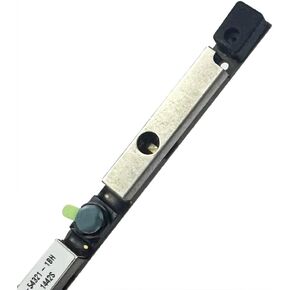 Laotop Camera WebCame Board استبدال Dell Latitude 3520 /Inspiron 15 3511 ، 3525 ، 15 3510 ، 15 3521 ، 15 3515 ، 15 3520 CN-M05K0 0M05K0 Laotop WebCame Module Camera
KWD 8.500
Laotop Camera WebCame Board استبدال Dell Latitude 3520 /Inspiron 15 3511 ، 3525 ، 15 3510 ، 15 3521 ، 15 3515 ، 15 3520 CN-M05K0 0M05K0 Laotop WebCame Module Camera
KWD 8.500
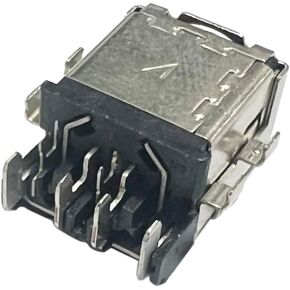 استبدال جهاز الكمبيوتر المحمول AC DC في منفذ شحن جاك Power لـ ASUS GV601 GA402 GA402R GA402RK HQ058T H5600Q W5600 LAPTOP AC DC CORCTING COKKTER
KWD 6.500
استبدال جهاز الكمبيوتر المحمول AC DC في منفذ شحن جاك Power لـ ASUS GV601 GA402 GA402R GA402RK HQ058T H5600Q W5600 LAPTOP AC DC CORCTING COKKTER
KWD 6.500
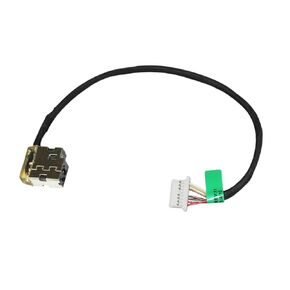 استبدال كبل DC Jack لـ HP 15-DY1051WM 15-DY1062NR 15-DY1071WM 15-DY2010DS 15-DY2011CY 15-DY2011DS 15-DY5033DX DC في COMPLE CABLE CABLE 799749-S17 931613-001 806746-001
KWD 5
استبدال كبل DC Jack لـ HP 15-DY1051WM 15-DY1062NR 15-DY1071WM 15-DY2010DS 15-DY2011CY 15-DY2011DS 15-DY5033DX DC في COMPLE CABLE CABLE 799749-S17 931613-001 806746-001
KWD 5