- التسوق ، اصبح سهلا.
- /
- احصل على التطبيق!
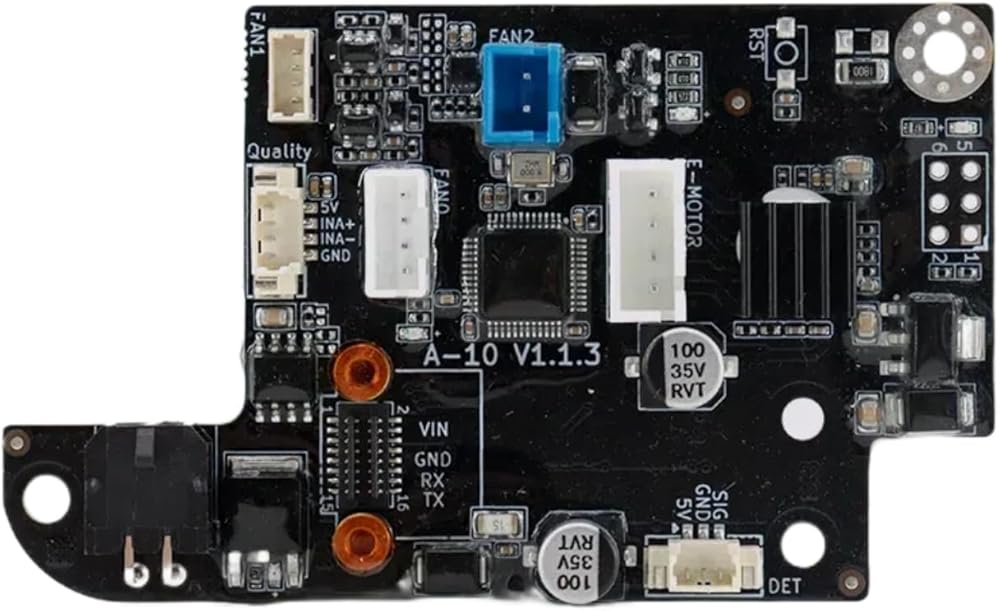
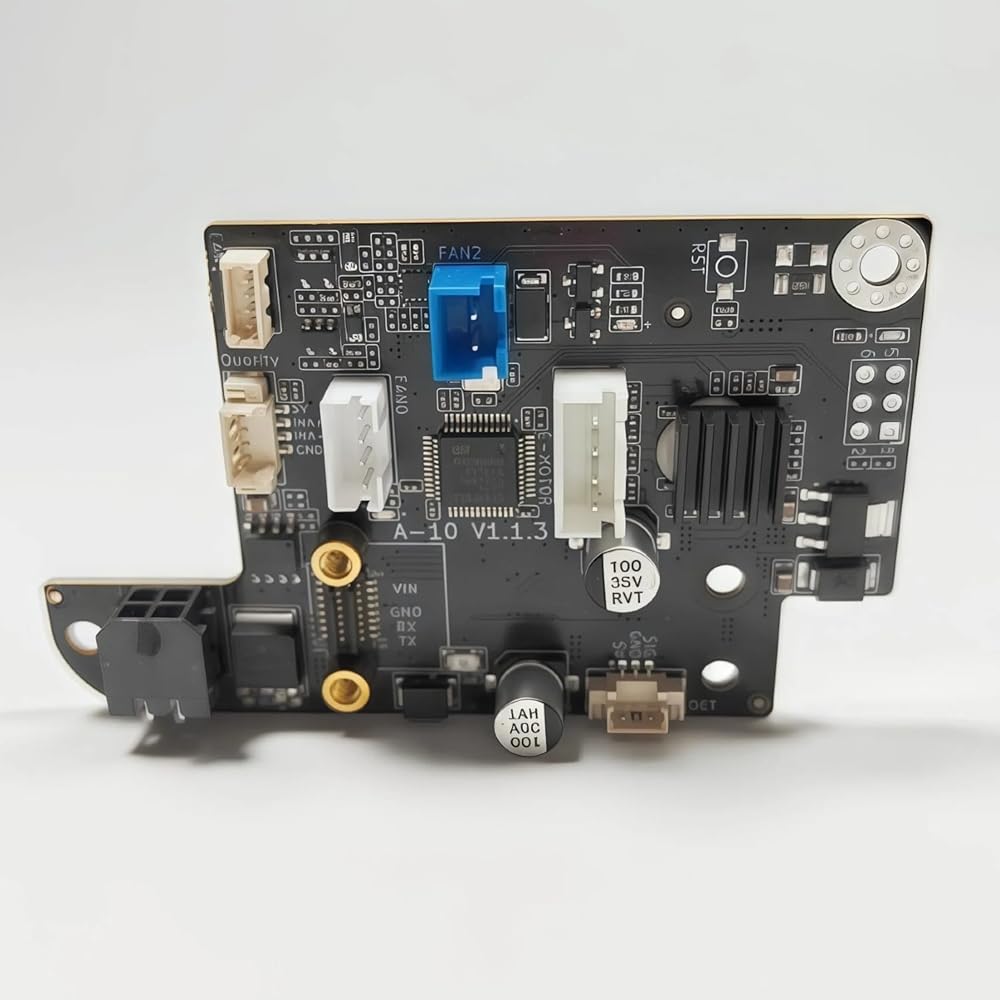
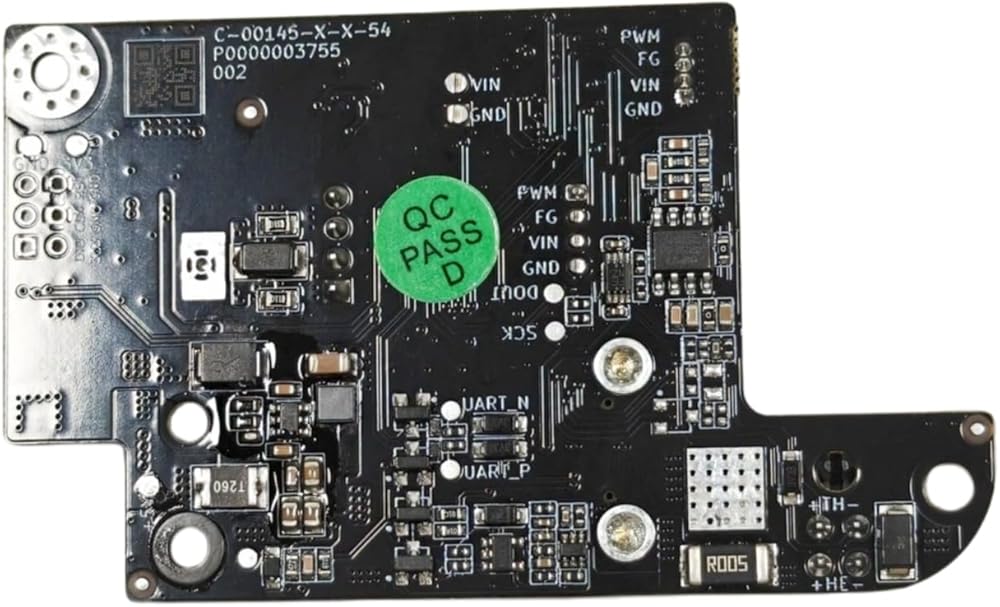
Keep your QIDI Q2 3D printer running at peak performance with these genuine replacement circuit boards. This listing includes the Motherboard (X-9-3 V1.3.0), the Main Control Board (X-9-1 V1.5), and the Adapter Plate AP Board (A-10 V1.1.3), giving you everything you need to restore full functionality to your machine. The motherboard features four integrated stepper motor drivers with blue aluminum heatsinks for efficient thermal management, dual Z-axis motor support, multiple fan connectors, and a USB interface for easy connectivity. The slim main control board includes an Ethernet port, USB-OTG, RGB panel connector, onboard Wi-Fi module, and a reset button for convenient operation. The adapter plate board handles extruder motor control, dual fan outputs, and filament detection, rounding out a complete electronics solution. Whether you are troubleshooting a malfunction or performing a proactive upgrade, these replacement boards are designed as direct-fit components for the QIDI Q2 printer. Please verify compatibility with your specific printer model and firmware version before installation.
 A1989 2019 لوحة المنطق 2.4 جيجا هرتز I5 8GB 256GB Intel IRIS PLUS GRASTS 655 820-00850-A 661-12813
KWD 104
A1989 2019 لوحة المنطق 2.4 جيجا هرتز I5 8GB 256GB Intel IRIS PLUS GRASTS 655 820-00850-A 661-12813
KWD 104
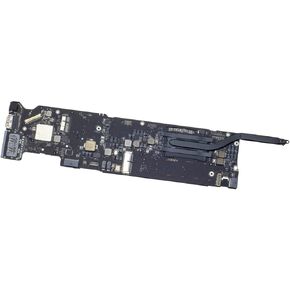 A1466 2015 Logic Board I5 1.6GHz 8GB Intel HD Graphics 6000 820-00165-A 661-02392
KWD 66.500
A1466 2015 Logic Board I5 1.6GHz 8GB Intel HD Graphics 6000 820-00165-A 661-02392
KWD 66.500
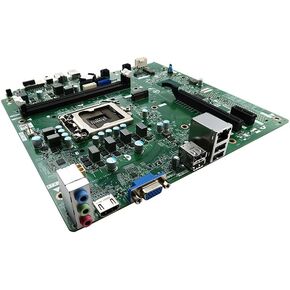 سطح المكتب اللوحة الأم R6JMP 0R6JMP CN-0R6JMP استبدال بديل مقسم لـ Dell Inspiron 3670 Series Intel Chipset B360 Socket LGA1151 Eagle-MT
KWD 10.500
سطح المكتب اللوحة الأم R6JMP 0R6JMP CN-0R6JMP استبدال بديل مقسم لـ Dell Inspiron 3670 Series Intel Chipset B360 Socket LGA1151 Eagle-MT
KWD 10.500
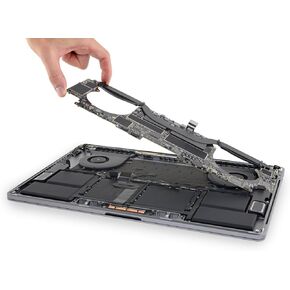 A1990 LOGIC LOGAL لعام 2019 MacBook Pro 15 بوصة 2.3 GHz (Core I9) 32GB 512GB AMD RADEON PRO 560X 820-01326-A ، 661-12869
KWD 123
A1990 LOGIC LOGAL لعام 2019 MacBook Pro 15 بوصة 2.3 GHz (Core I9) 32GB 512GB AMD RADEON PRO 560X 820-01326-A ، 661-12869
KWD 123