- التسوق ، اصبح سهلا.
- /
- احصل على التطبيق!
Spec:
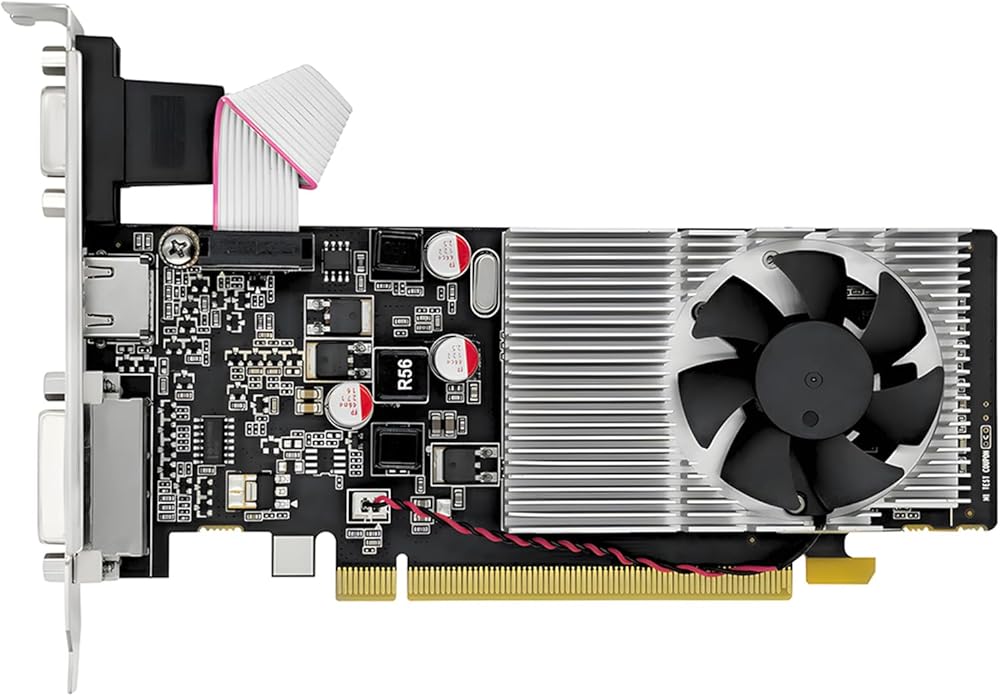
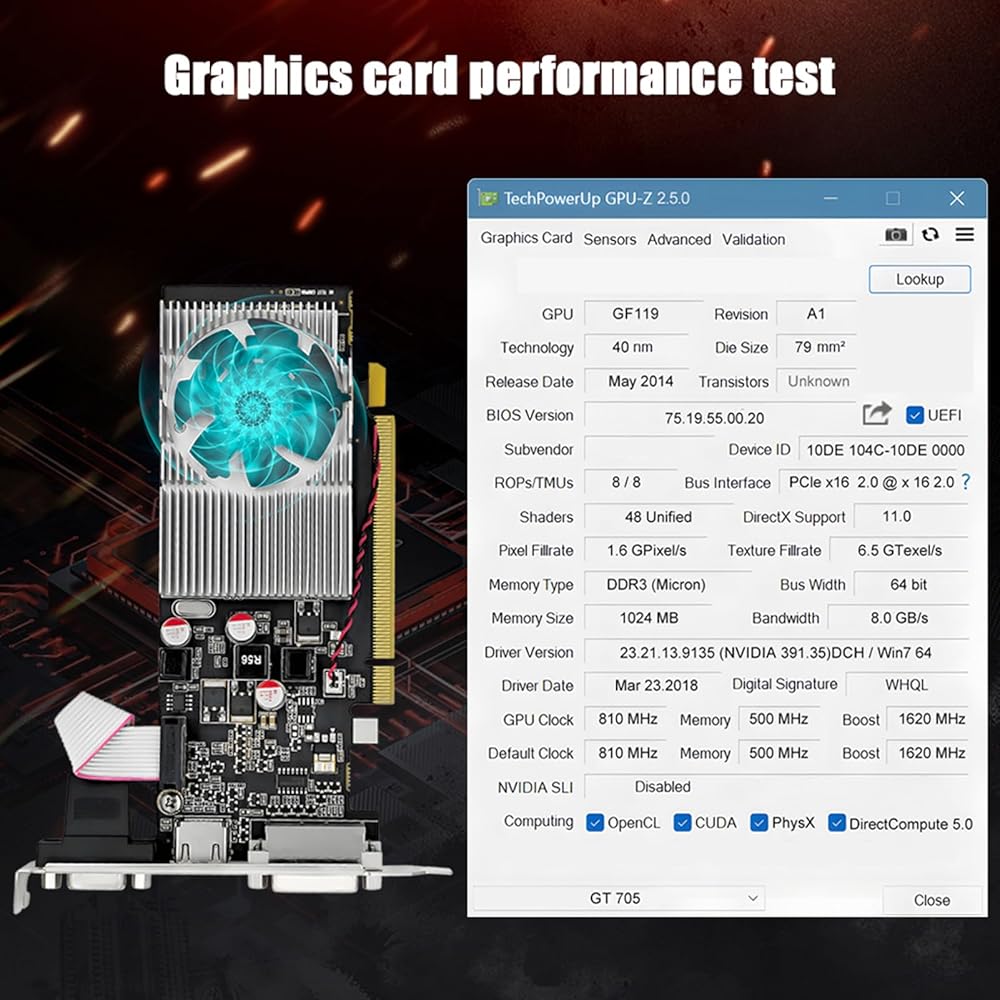
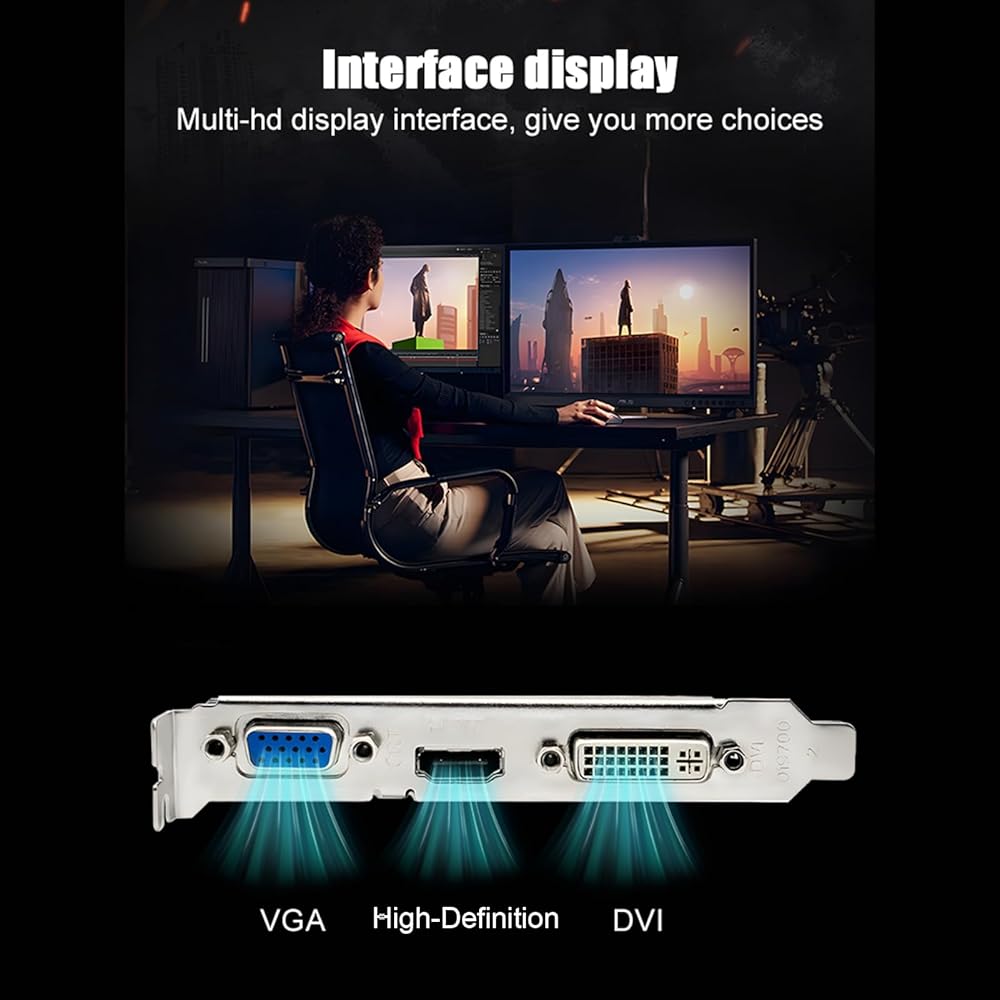
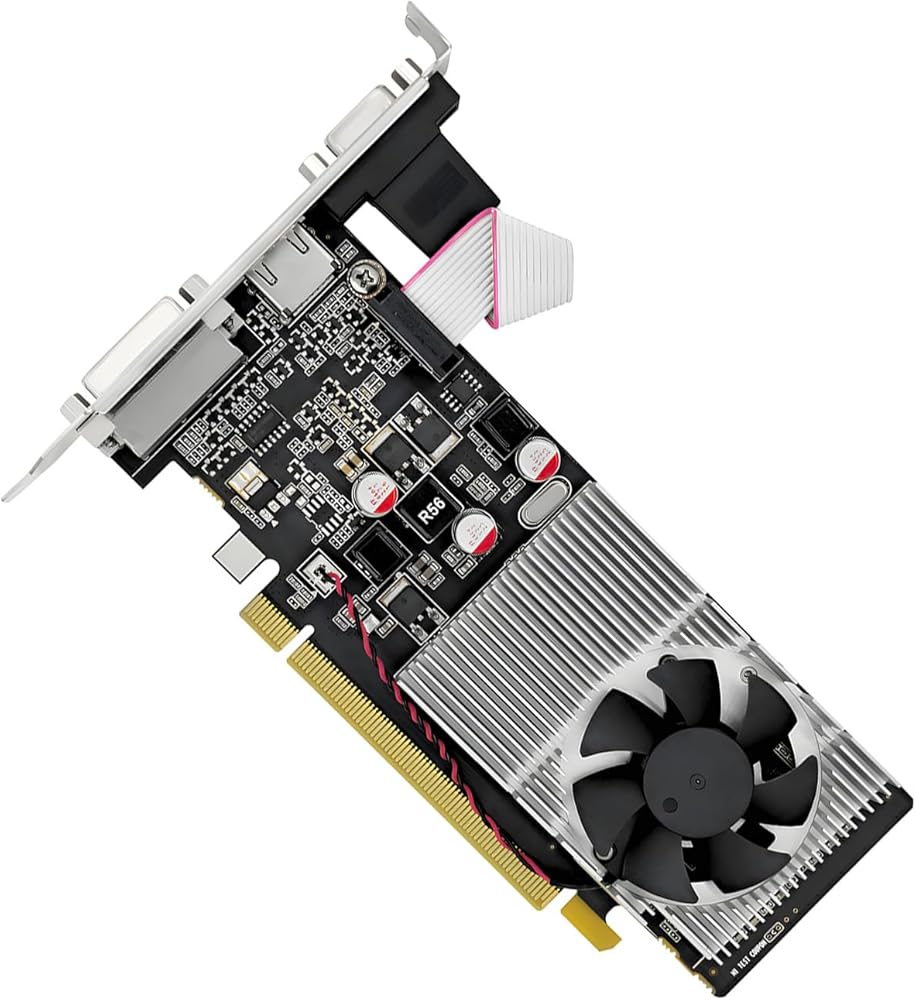
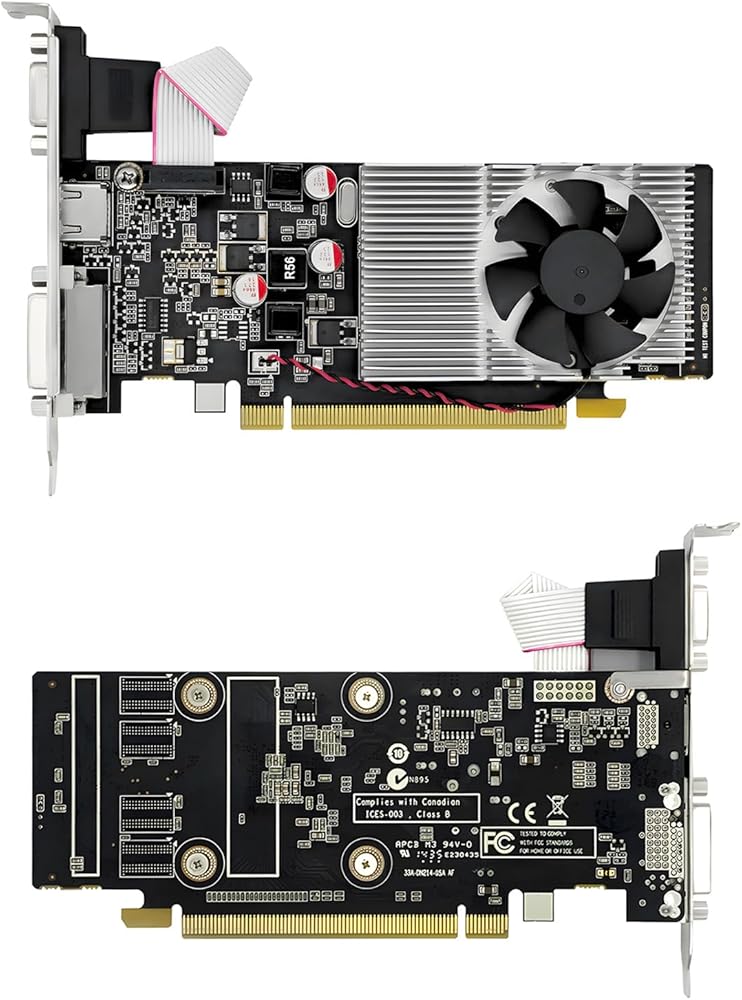
1GB GDDR3 (64-bit) independent graphics card with powerful image processing capabilities, 1029 - 1228MHz core frequency. Equipped with a single fan and an integrated heat dissipation module for fast cooling, which increases the space, and strong winds carry away core heat. Multiple output ensures a high-clear display, a wide field of view, and support interconnection.
Item Type: 1G
Manufacturing Process: 28nm
Core Frequency: 1029 - 1228MHz
Compute Unified Device Architecture Cores: 48
Memory Type: GDDR3
Memory Capacity: 1GB
Memory Interface Width: 64-bit
Memory Bandwidth: 14.4GB/s
3D API: DirectX 11 support and others
Maximum Resolution: Supports 1080P resolution output
Power Consumption: Approx. 25W
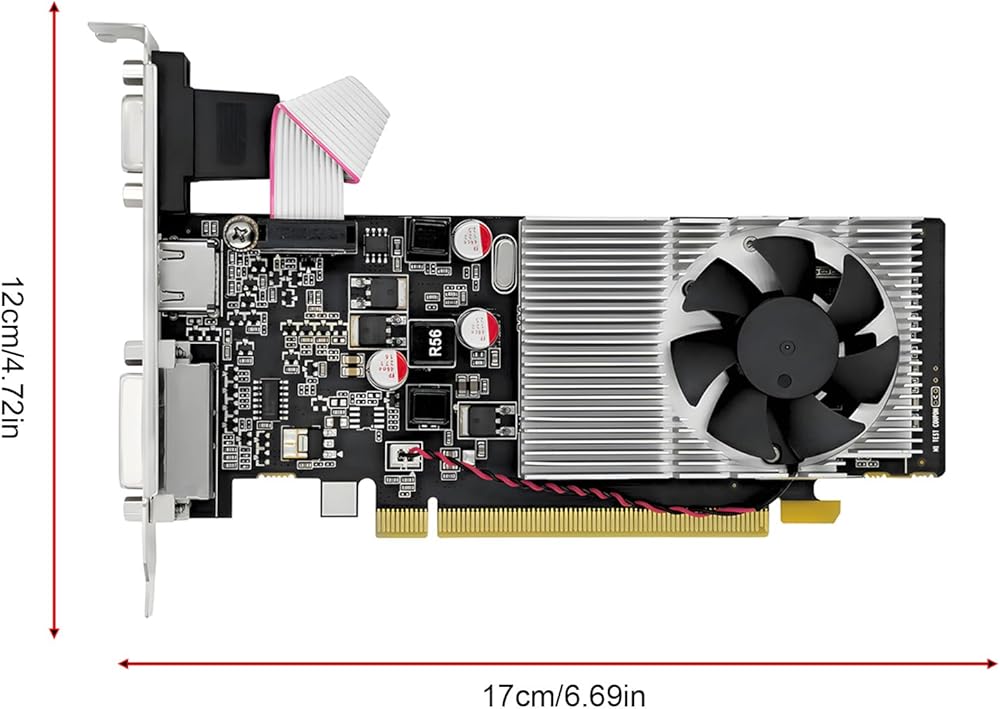
Item Size: 17x12x2cm/6.69x4.72x0.79in
Package Size: 29x20x7cm/11.42x7.87x2.76in
Gross Weight: 331g/11.68oz
Package List:
1 x Graphics Card
How To Use:
1. Turn off the computer and open the side panel of the case.
2. Locate the PCIe slot on the motherboard (usually the longest one), align the golden fingers of the graphics card with the slot, and gently press down until it is securely in place.
3. Connect the auxiliary power connectors of the graphics card (if any, usually 6-pin or 8-pin).
Secure the graphics card with screws to ensure it does not come loose.
4. Connect the monitor to the graphics card's output ports.
5. Power on the computer, enter the BIOS/UEFI settings, and ensure that the system recognizes the newly installed graphics card.
6. Driver installation:
Visit the official website of the graphics card manufacturer and download the latest driver installation package.
Double-click on the downloaded driver installation package and follow the prompts to complete the installation process. The installation process may require a computer restart.
 حامل ثلاثي احترافي للكاميرا، حامل ثلاثي من الألومنيوم عالي التحمل، مع رأس سائل تحميل 10 كجم، رأس كروي بانورامي 360 درجة، ارتفاع 86-190 سم قابل للتعديل، حقيبة حمل، لكاميرات الفيديو الرقمية ذات العدسة الأحادية العاكسة (DSLR)
KWD 97
حامل ثلاثي احترافي للكاميرا، حامل ثلاثي من الألومنيوم عالي التحمل، مع رأس سائل تحميل 10 كجم، رأس كروي بانورامي 360 درجة، ارتفاع 86-190 سم قابل للتعديل، حقيبة حمل، لكاميرات الفيديو الرقمية ذات العدسة الأحادية العاكسة (DSLR)
KWD 97
 كاميرا رقمية 1080 بيكسل، كاميرا واي فاي محمولة مع جيروسكوب 6 محاور IP65، للسفر وركوب الدراجات النارية والأنشطة الخارجية
KWD 15.500
كاميرا رقمية 1080 بيكسل، كاميرا واي فاي محمولة مع جيروسكوب 6 محاور IP65، للسفر وركوب الدراجات النارية والأنشطة الخارجية
KWD 15.500
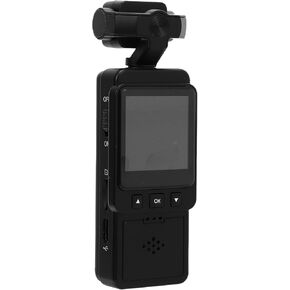 كاميرا فيديو يمكن ارتداؤها، عدسة 1080 بكسل عالية الوضوح قابلة للدوران 360 درجة مع شاشة LCD ملونة وكشف الحركة، للسفر والمشي لمسافات طويلة والتزلج والتخييم وركوب الدراجات
KWD 13.500
كاميرا فيديو يمكن ارتداؤها، عدسة 1080 بكسل عالية الوضوح قابلة للدوران 360 درجة مع شاشة LCD ملونة وكشف الحركة، للسفر والمشي لمسافات طويلة والتزلج والتخييم وركوب الدراجات
KWD 13.500
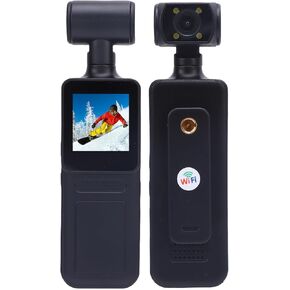 كاميرا أكشن بدقة 4K، عدسة قابلة للدوران 180 درجة مع زاوية عرض واسعة 135 درجة وتطبيق WiFi، بطارية مدمجة بقوة 1000 مللي أمبير في الساعة للسفر أثناء ممارسة الرياضة في الهواء الطلق
KWD 15.500
كاميرا أكشن بدقة 4K، عدسة قابلة للدوران 180 درجة مع زاوية عرض واسعة 135 درجة وتطبيق WiFi، بطارية مدمجة بقوة 1000 مللي أمبير في الساعة للسفر أثناء ممارسة الرياضة في الهواء الطلق
KWD 15.500

 الكويت