- التسوق ، اصبح سهلا.
- /
- احصل على التطبيق!
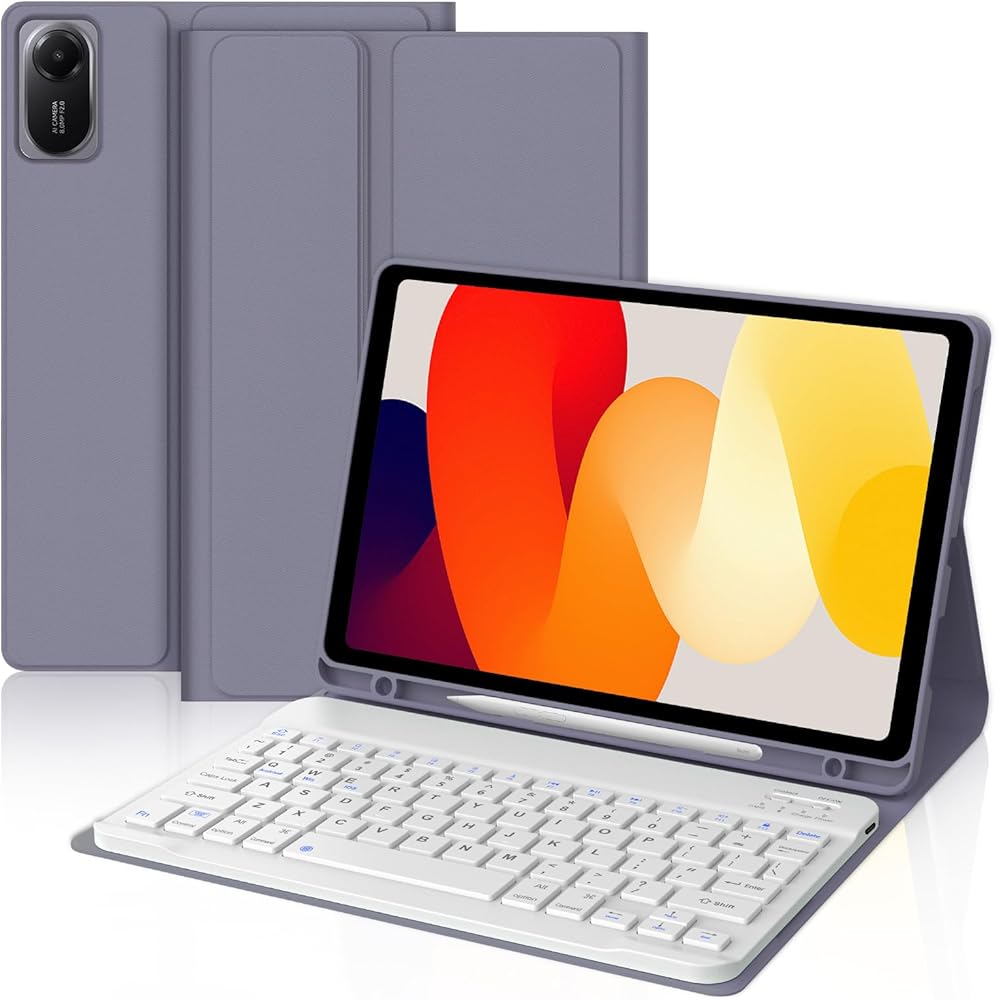
We devoted to providing premium keyboard case that set the standard for high quality and convenience, ensuring that products are designed to meet needs and exceed expectations.
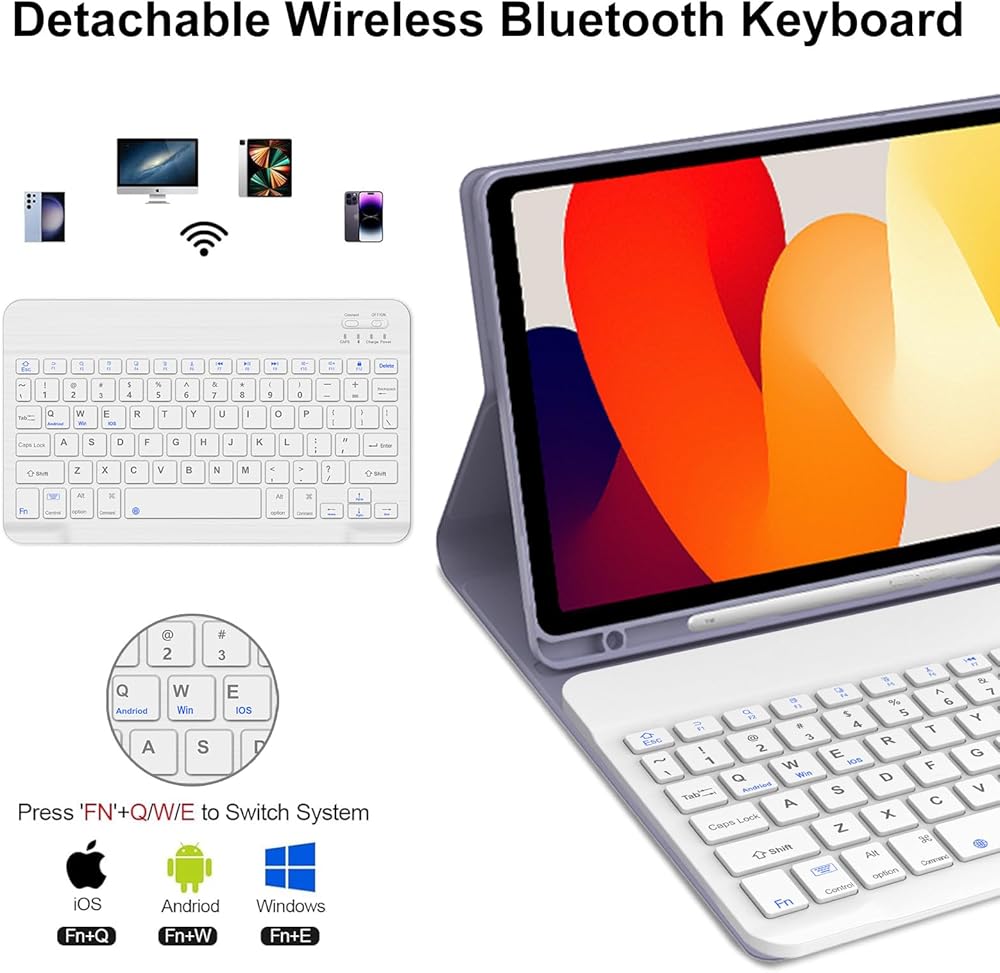
How to connect to a Bluetooth keyboard:
Step 1: Turn on the Bluetooth keyboard ignition switch. The blue ignition indicator lights up.
Step 2: Press the [Connection] button. The [Bluetooth] indicator light flashes in blue.
Step 3: Unlock the tablet. Click the Configuration symbol on the home page.
Step 4: In the Configuration configuration, activate the Bluetooth button so that the tablet is in the Search state.
Step 5: The tablet displays the Bluetooth 5.0 keyboard as available device. Click the Bluetooth 5.0 keyboard on the tablet screen.
Step 6: The name of "Bluetooth 5.0 Keyboard" is "Connection"
Detachable Keyboard
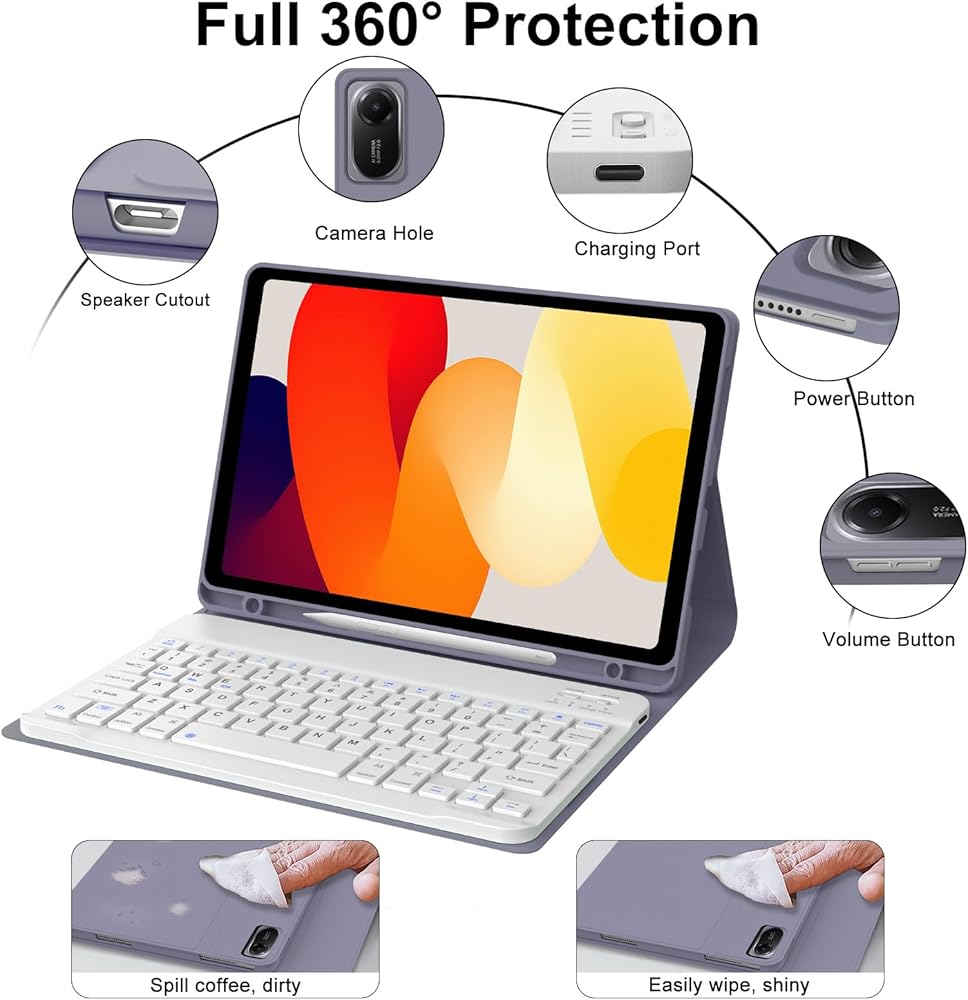
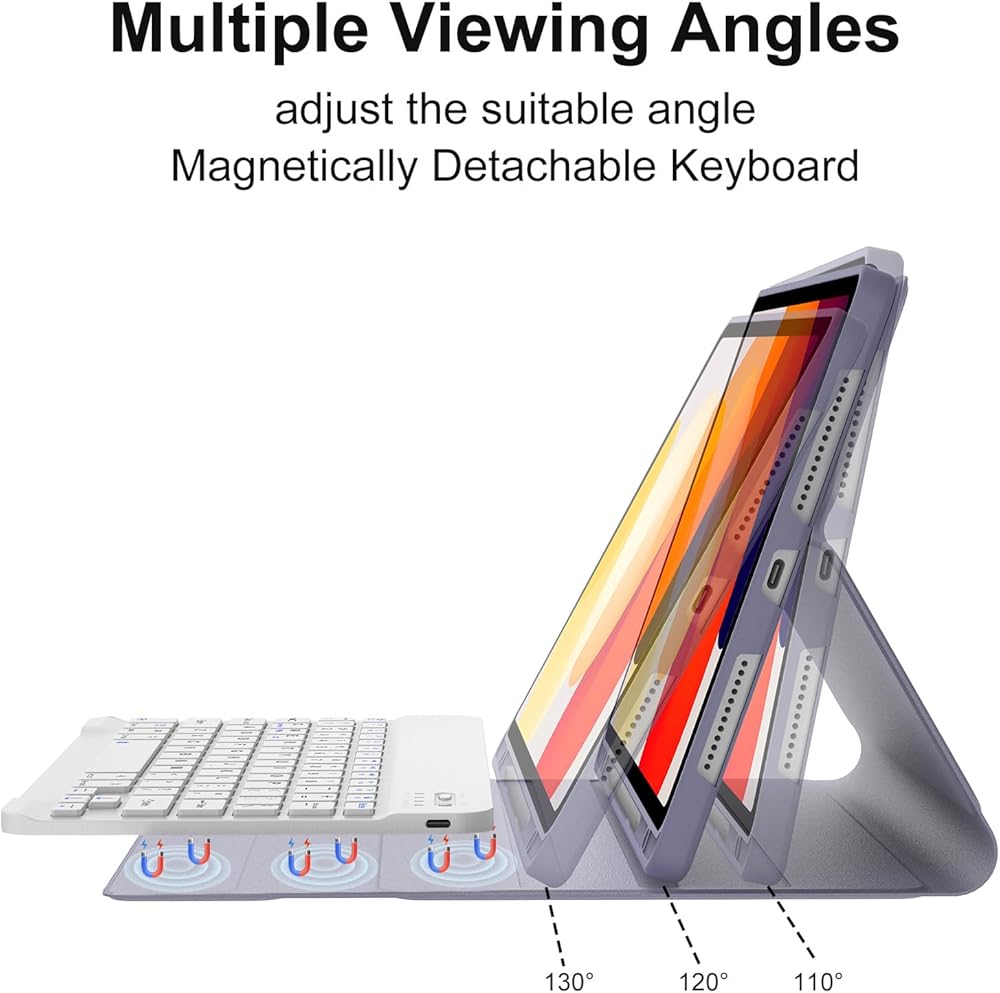
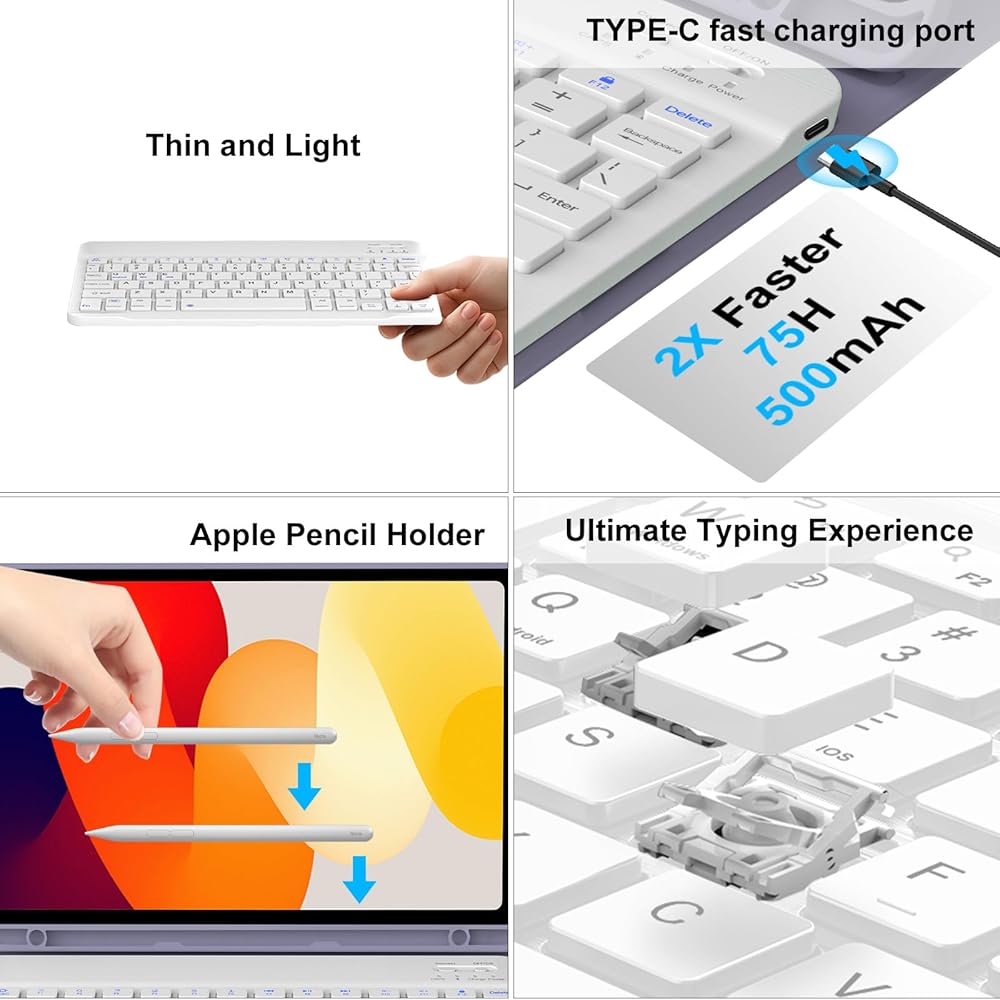
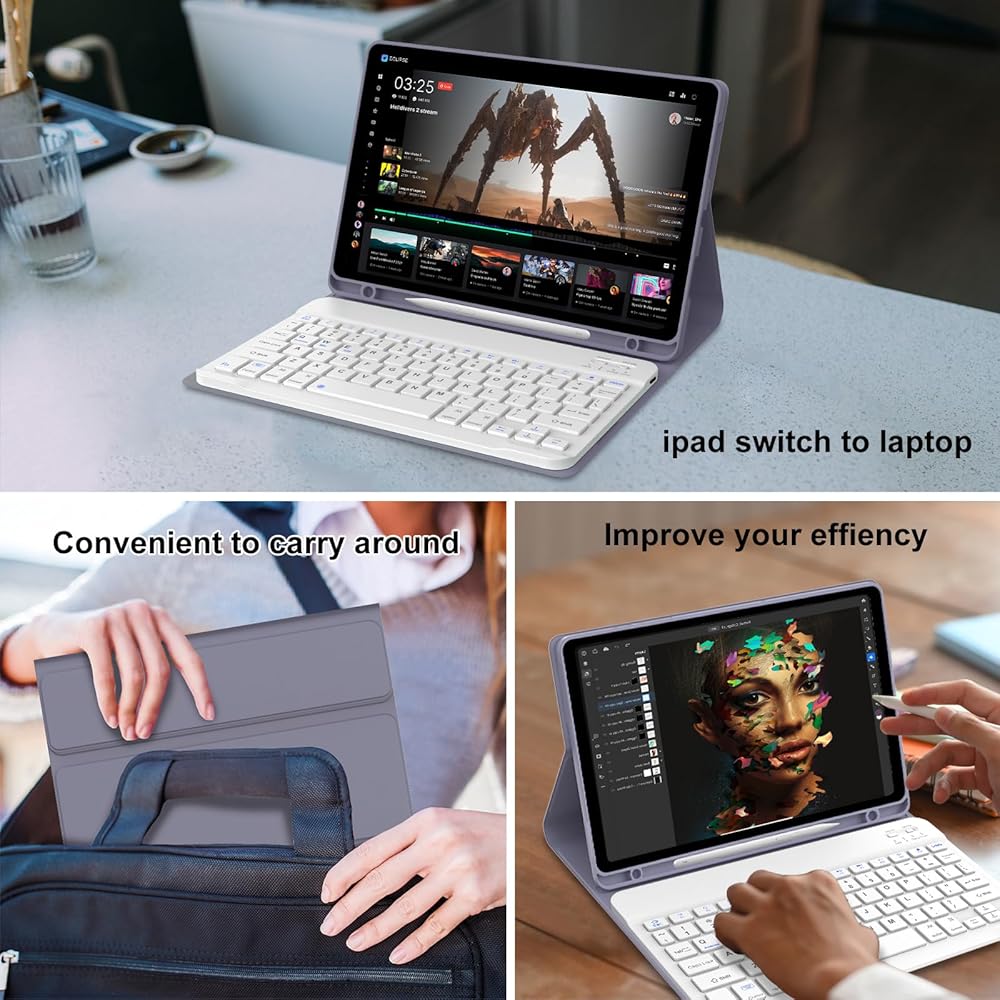
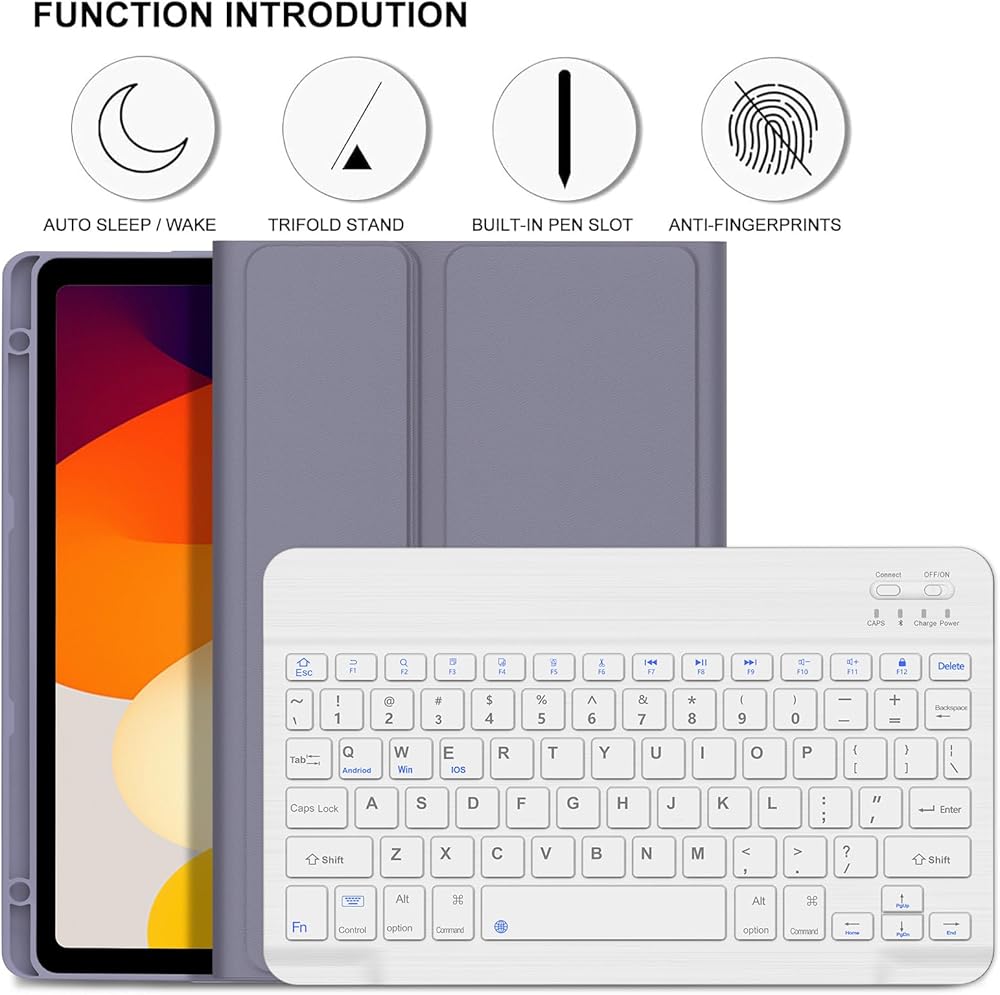
Comes with magnetic, removeable, slim and lightweight wireless keyboard. This detachable wireless keyboard provides you with the ultimate convenience.
Multi-Touch Trackpad
Multi-touch trackpad that perfectly adapts to the tablet, with various trackpad gestures, providing a comfortable usage experience while clicking, scrolling, and swiping through content effortlessly.
Fast Response Keyboard
A spring mechanism underneath each key ensures a tactile response with every stroke, helping you to input faster and with less error than on the touchscreen keyboard of the galaxy tablet.
Package Included:
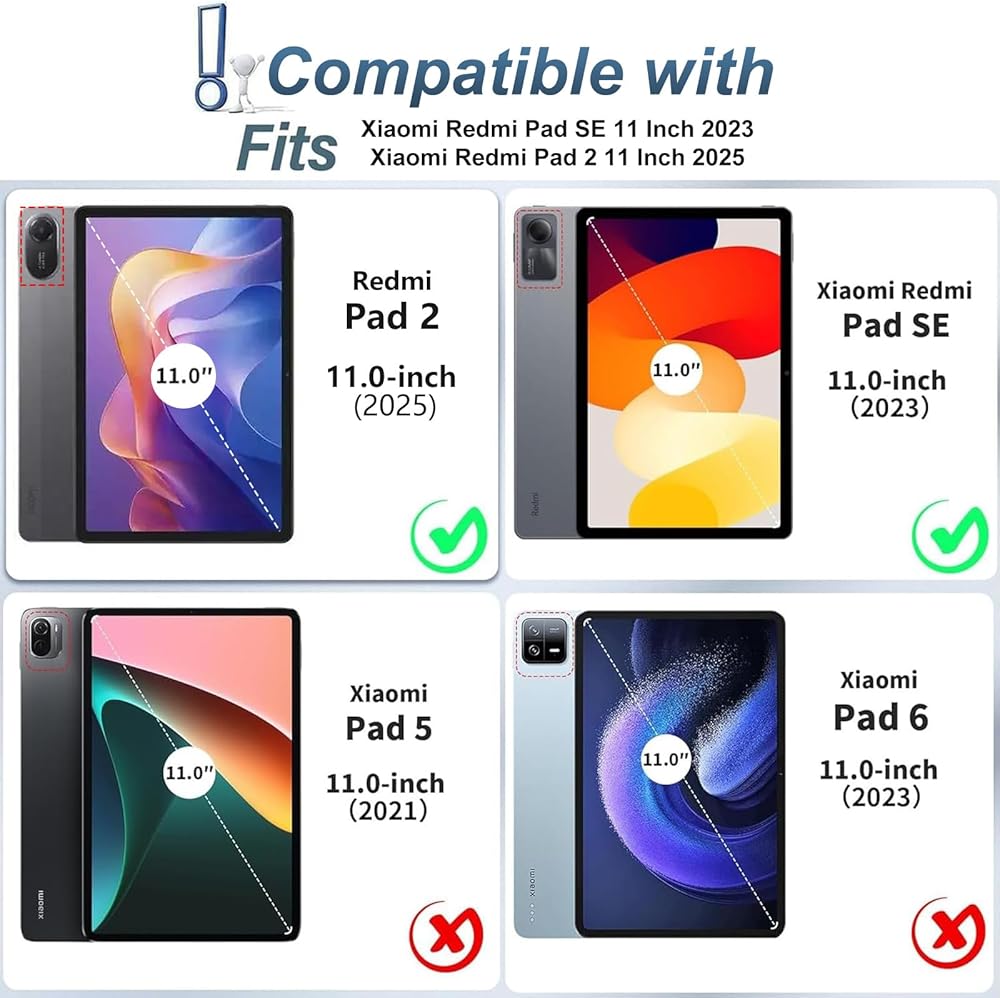
1 x Xiaomi Redmi Pad SE 11 Inch 2023 Case
1 x Bluetooth Keyboard
1 x USB C Charging Cable
1 x User Manual.
iPad and Pencil not included.
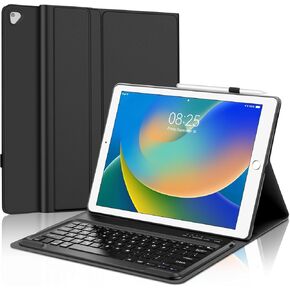 iPad Air 13 Inch Case Keyboard (M2 ، 2024) و iPad Pro 12.9 "(6 2022/5th 2021/4th 2020/3rd 2018 Gen) ، لوحة تتبع متعددة اللمس ، Magic 360 ° Rotatable & Dwivel ، 7 ألوان خلفية مع حامل قلم رصاص
KWD 0
iPad Air 13 Inch Case Keyboard (M2 ، 2024) و iPad Pro 12.9 "(6 2022/5th 2021/4th 2020/3rd 2018 Gen) ، لوحة تتبع متعددة اللمس ، Magic 360 ° Rotatable & Dwivel ، 7 ألوان خلفية مع حامل قلم رصاص
KWD 0
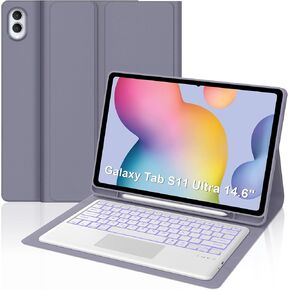 علامات Galaxy Tab A8 مع لوحة المفاتيح 10.5 بوصة 2022 ، لوحة مفاتيح Bluetooth اللاسلكية القابلة للفصل المغناطيسية ، ذكية 7 ألوان الإضاءة الخلفية ، غطاء حامل خفيف الوزن نحيف لعلامة التبويب A8 (الطراز: SM-X200/X205/x207) الأرجواني
KWD 21
علامات Galaxy Tab A8 مع لوحة المفاتيح 10.5 بوصة 2022 ، لوحة مفاتيح Bluetooth اللاسلكية القابلة للفصل المغناطيسية ، ذكية 7 ألوان الإضاءة الخلفية ، غطاء حامل خفيف الوزن نحيف لعلامة التبويب A8 (الطراز: SM-X200/X205/x207) الأرجواني
KWD 21
 Galaxy Tab A9 Plus Case Keyboard ، لوحة مفاتيح Bluetooth اللاسلكية القابلة للفصل ، A9 Plus Case مع حامل القلم S ، نوم/إيقاظ تلقائي ، Tab Galaxy A9 Plus/A9+ 5G 11 Inch 2023 (SM-X210/X216/X218) الأصفر الأصفر)
KWD 15.500
Galaxy Tab A9 Plus Case Keyboard ، لوحة مفاتيح Bluetooth اللاسلكية القابلة للفصل ، A9 Plus Case مع حامل القلم S ، نوم/إيقاظ تلقائي ، Tab Galaxy A9 Plus/A9+ 5G 11 Inch 2023 (SM-X210/X216/X218) الأصفر الأصفر)
KWD 15.500
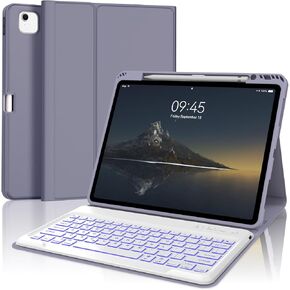 IPAD AIR 13 Inch Case مع لوحة المفاتيح (M2 2024 M3 2025) ، لوحة مفاتيح Bluetooth اللاسلكية القابلة للفصل ، غطاء الورقة النحيفة مع حامل القلم لـ IPAD 12.9
KWD 0
IPAD AIR 13 Inch Case مع لوحة المفاتيح (M2 2024 M3 2025) ، لوحة مفاتيح Bluetooth اللاسلكية القابلة للفصل ، غطاء الورقة النحيفة مع حامل القلم لـ IPAD 12.9
KWD 0