- التسوق ، اصبح سهلا.
- /
- احصل على التطبيق!
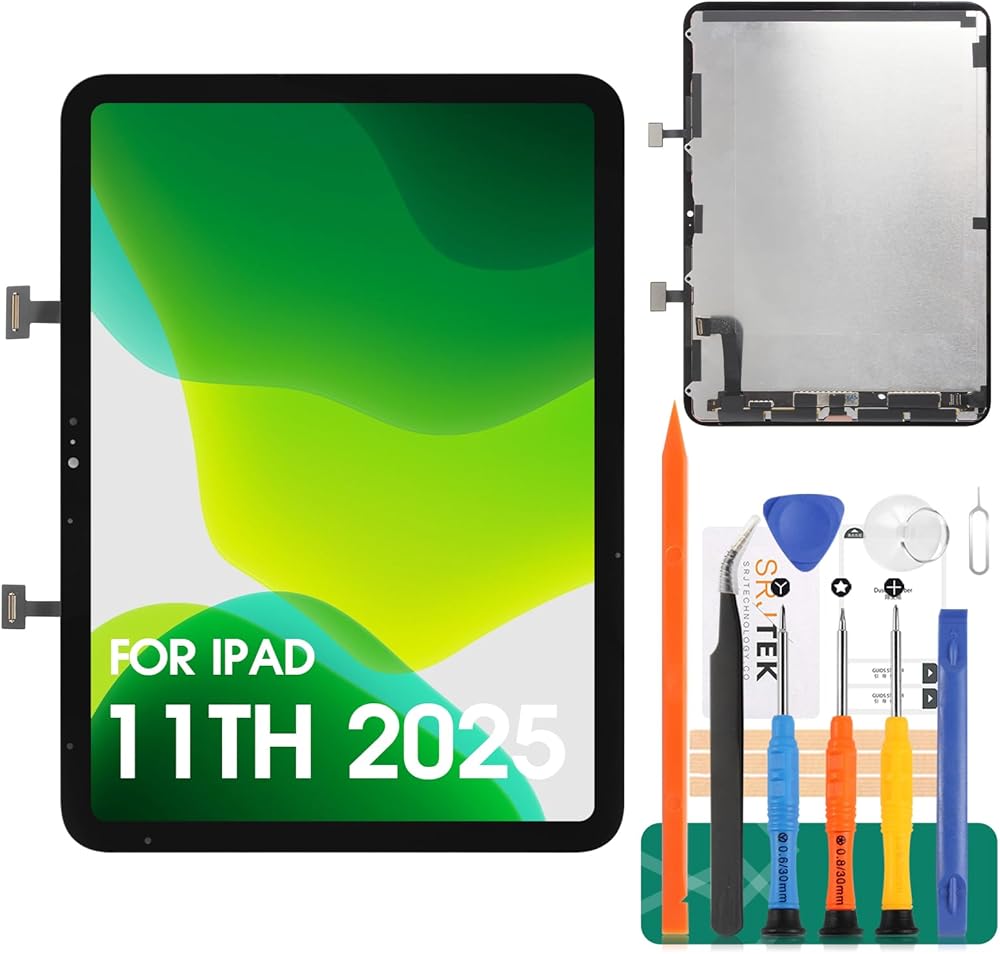
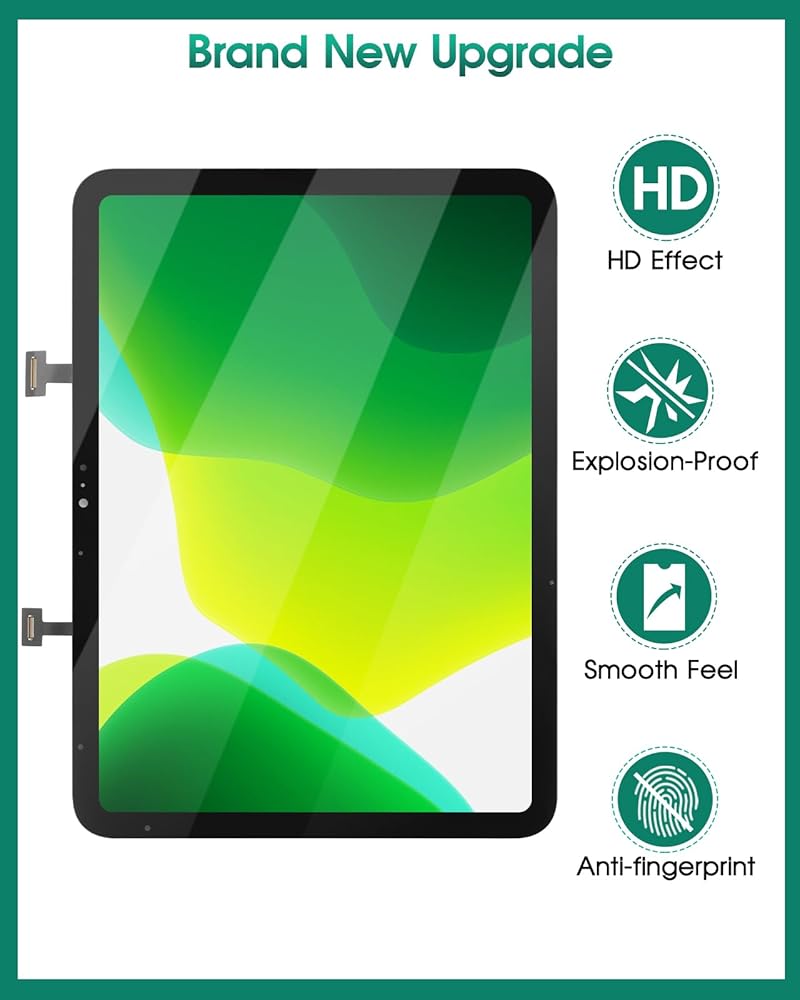
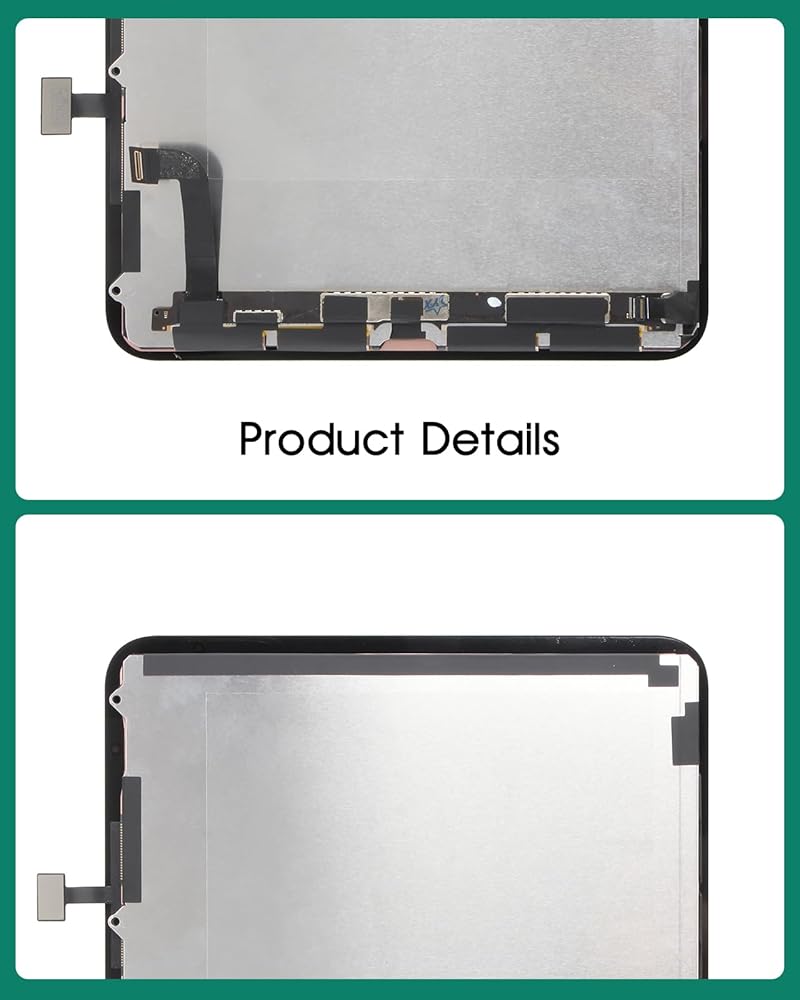
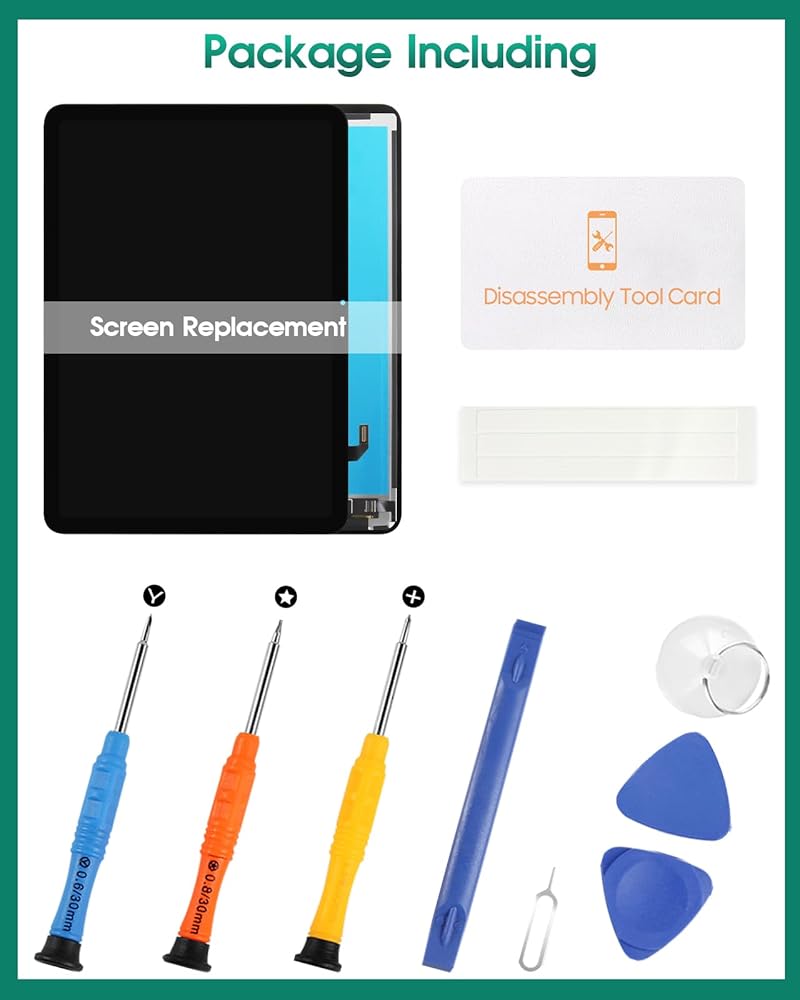
Our Screen Is High Quality LCD Display Touch Screen Digitizer Assembly Replacement For iPad A16 2025 (For iPad 11th Gen)
Product Description:
-Size: 11 inches
-Material: IPS
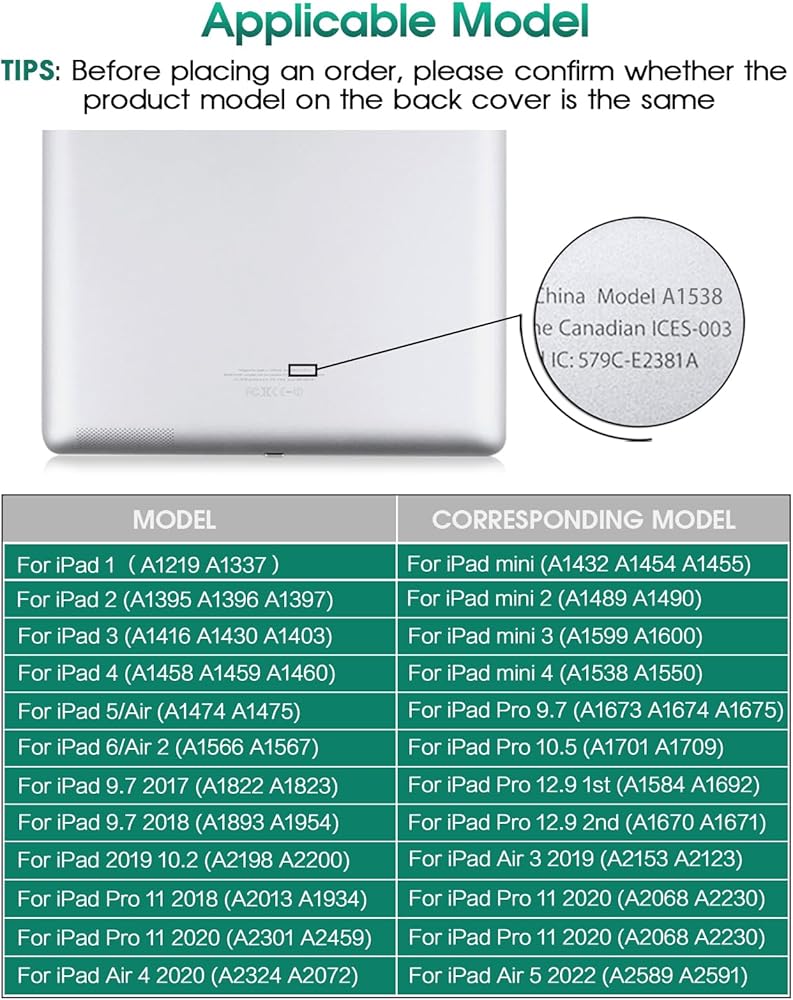
-Models: A3355, A3356, A3354
-Suitable For: For iPad A16 2025 (For iPad 11th Gen) LCD Touch Screen Digitizer Display Assembly Replacement
-Package Including:
1x For iPad A16 2025 (For iPad 11th Gen) LCD Display Touch Screen Digitizer Assembly Replacement
1x A Set Of Custom Professional Disassembly Kits
Installation Precautions:
1. Check whether the product is in good condition and test it before installation. Do not remove protective film or labels during testing. Watch out for static issues.
2. The screen is glass, which is a very fragile product. Testing before installation is strongly recommended.
3. Do not bend the cable. During installation and testing, make sure the LCD cable is not bent.
4. If your phone has a black screen during installation, press and hold the power key and volume key at the same time. If the phone vibrates, it's because the mainline is not installed properly. Then reinstall the product.
5. For non-professionals or those without electronic repair experience, self- screen replacement is not recommended. Take it to a repair shop or find installation videos on YouTube and follow the steps to save time and money.
 شاشة تعمل باللمس الجديدة للمنطق T10L 10.1 "شاشة شاشة لوحة الرقم اللوحي (لا تشمل شاشة LCD)
KWD 7
شاشة تعمل باللمس الجديدة للمنطق T10L 10.1 "شاشة شاشة لوحة الرقم اللوحي (لا تشمل شاشة LCD)
KWD 7
 للحصول على استبدال شاشة Samsung Tab S9 Fe لـ Samsung Galaxy Tab S9 Fe 10.9 "شاشة LCD لـ Samsung SM-X510 Touch Screen Displizer Replay Assembly
KWD 20.500
للحصول على استبدال شاشة Samsung Tab S9 Fe لـ Samsung Galaxy Tab S9 Fe 10.9 "شاشة LCD لـ Samsung SM-X510 Touch Screen Displizer Replay Assembly
KWD 20.500
 استبدال الشاشة لـ iPad Mini 3-Srjtek Touch Digitizer Glass A1599 A1600 ، وأجزاء إصلاح مع مجموعات مجموعة رقائق IC ، والزجاج المقسى ، والأبيض
KWD 7
استبدال الشاشة لـ iPad Mini 3-Srjtek Touch Digitizer Glass A1599 A1600 ، وأجزاء إصلاح مع مجموعات مجموعة رقائق IC ، والزجاج المقسى ، والأبيض
KWD 7
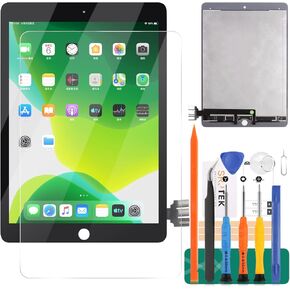 لـ iPad Pro 9.7 A1673 A1674 A1675 استبدال شاشة LCD شاشة LCD Assection Touch Digitizer Assembly لا يوجد زر منزلي
KWD 40.500
لـ iPad Pro 9.7 A1673 A1674 A1675 استبدال شاشة LCD شاشة LCD Assection Touch Digitizer Assembly لا يوجد زر منزلي
KWD 40.500