- التسوق ، اصبح سهلا.
- /
- احصل على التطبيق!
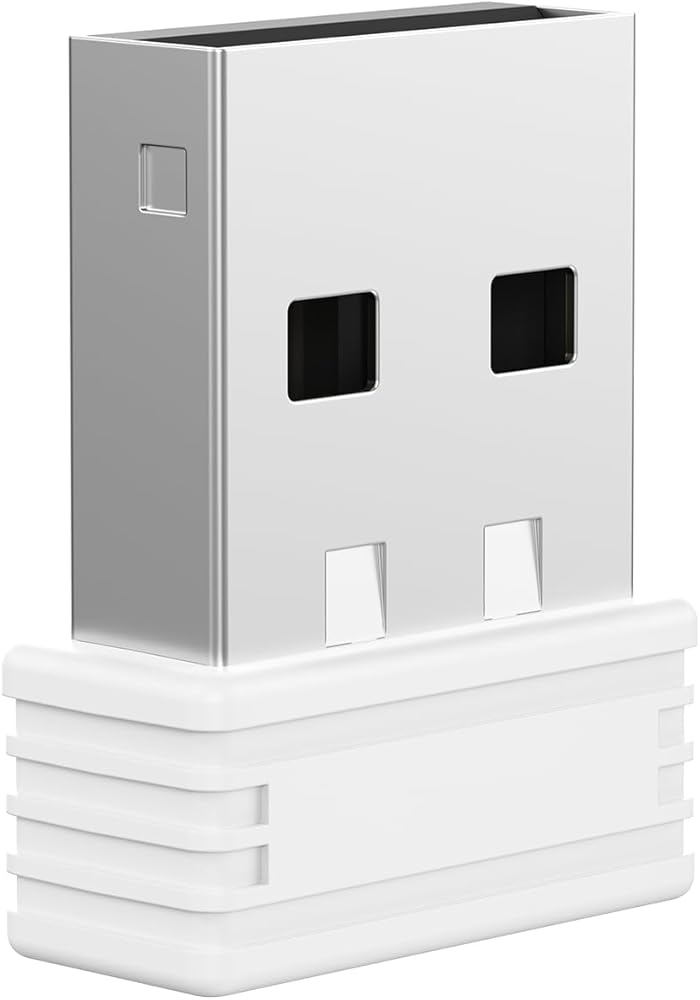
Our receivers come in multiple versions. Please confirm the version and compatibility before purchasing to ensure proper functionality.
The new USB receiver will not automatically connect to your keyboard or mouse. You need to manually pair the new USB receiver with your keyboard or mouse.
【Pairing Process】
(1) Keyboard:
Turn on the keyboard, then press and hold the Esc and = keys simultaneously. After three seconds, the keyboard indicator will light up — release the keys at this point (entering pairing mode). Within 20 seconds, bring the keyboard close to the USB port and insert the USB receiver into the USB port.
(2) Mouse: Turn on the mouse, then simultaneously press and hold the left button, scroll wheel, and right button. Wait for 5 seconds and release the buttons (must hold for 5 seconds). Within 30 seconds, bring the mouse close to the USB port and insert the USB receiver into the USB port.
Compatibility: This USB receiver is not compatible with keyboards or mice from other brands.
Only applicable for the following ASINs: B0F937FPGB, B0DSP6KND5, B0DMKDJ17J, B0DJVFYZ45, B0D4TD7BW9.
Version: FX-V6.0-A
 FENIFOX ماوس بلوتوث نحيف صغير همس - ماوس لاسلكي مسطح وهادئ قابل لإعادة الشحن متوافق مع أجهزة الكمبيوتر المحمول والكمبيوتر الشخصي والكمبيوتر اللوحي Android Windows XP (أسود)
KWD 11.500
FENIFOX ماوس بلوتوث نحيف صغير همس - ماوس لاسلكي مسطح وهادئ قابل لإعادة الشحن متوافق مع أجهزة الكمبيوتر المحمول والكمبيوتر الشخصي والكمبيوتر اللوحي Android Windows XP (أسود)
KWD 11.500
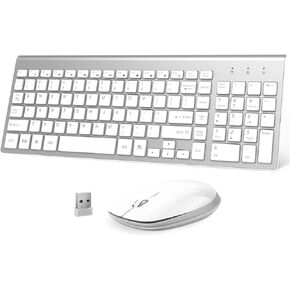 لوحة مفاتيح وماوس لاسلكيين - مجموعة لوحة مفاتيح وماوس لاسلكية مدمجة بحجم 2.4 جيجا بايت USB مريحة للكمبيوتر الشخصي والكمبيوتر المحمول ونظام التشغيل Windows mac MacBook - أسود رمادي
KWD 14.500
لوحة مفاتيح وماوس لاسلكيين - مجموعة لوحة مفاتيح وماوس لاسلكية مدمجة بحجم 2.4 جيجا بايت USB مريحة للكمبيوتر الشخصي والكمبيوتر المحمول ونظام التشغيل Windows mac MacBook - أسود رمادي
KWD 14.500
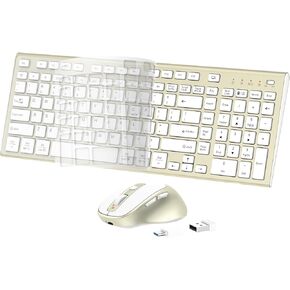 لوحة مفاتيح وماوس لاسلكي قابلان لإعادة الشحن - مجموعة ماوس لوحة مفاتيح صامتة نحيفة ومريحة - حجم صغير مع لوحة أرقام ومفاتيح وسائط مستقلة لنظام التشغيل Windows وmacOS، الكمبيوتر الشخصي/الكمبيوتر المحمول/الكمبيوتر اللوحي - أبيض
KWD 14.500
لوحة مفاتيح وماوس لاسلكي قابلان لإعادة الشحن - مجموعة ماوس لوحة مفاتيح صامتة نحيفة ومريحة - حجم صغير مع لوحة أرقام ومفاتيح وسائط مستقلة لنظام التشغيل Windows وmacOS، الكمبيوتر الشخصي/الكمبيوتر المحمول/الكمبيوتر اللوحي - أبيض
KWD 14.500
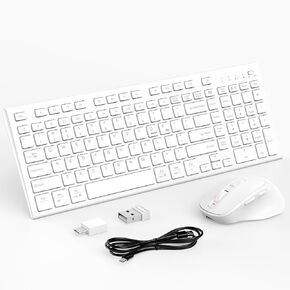 لوحة مفاتيح وماوس لاسلكيين، مجموعة لوحة مفاتيح وماوس صامتة رفيعة قابلة لإعادة الشحن من النوع C - لوحة مفاتيح لاسلكية كاملة الحجم بنسبة 90% مع مفاتيح وسائط مستقلة لنظام التشغيل Windows، وmacOS، والكمبيوتر/الكمبيوتر المحمول/الكمبيوتر الشخصي - أبيض
KWD 15
لوحة مفاتيح وماوس لاسلكيين، مجموعة لوحة مفاتيح وماوس صامتة رفيعة قابلة لإعادة الشحن من النوع C - لوحة مفاتيح لاسلكية كاملة الحجم بنسبة 90% مع مفاتيح وسائط مستقلة لنظام التشغيل Windows، وmacOS، والكمبيوتر/الكمبيوتر المحمول/الكمبيوتر الشخصي - أبيض
KWD 15

