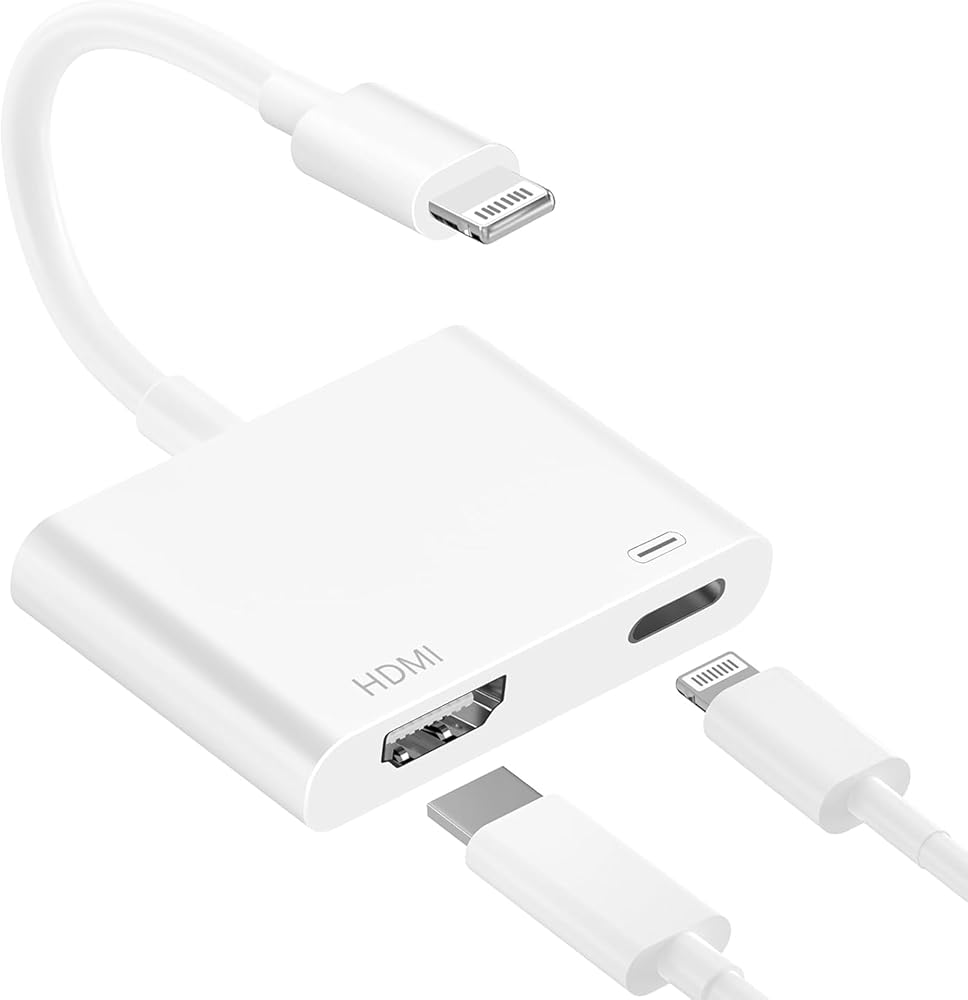
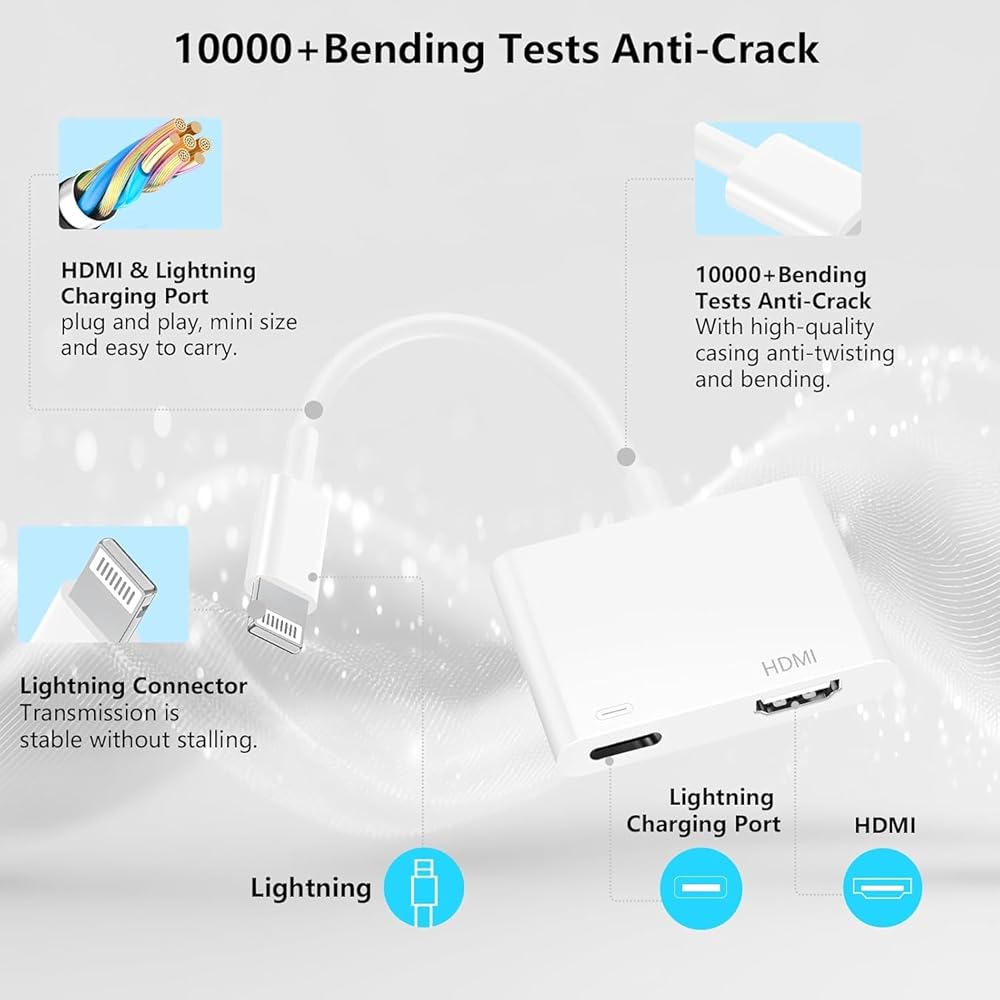
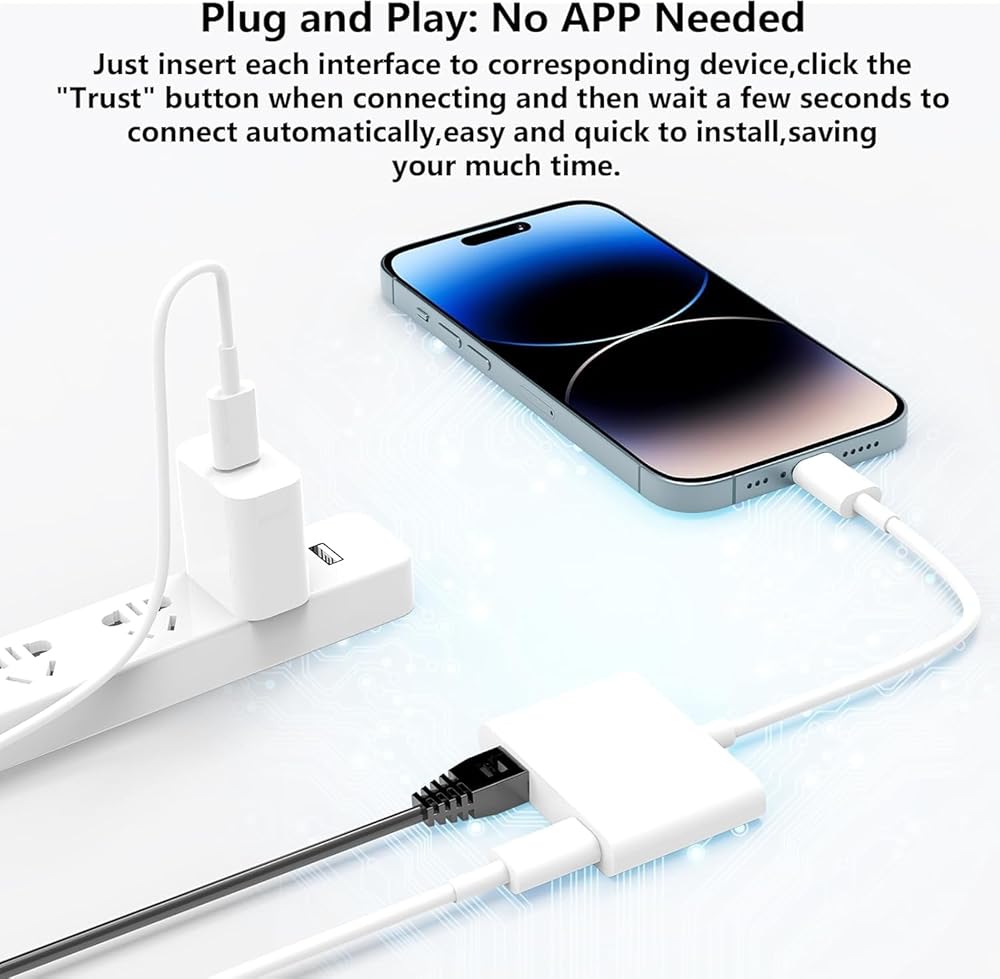
No Need Install Any Driver/App & Personal Hot spot or WIFI,No Need to adjust the Mirror of iPhone/iPad,just insert each interface to corresponding device,click the "Trust" button when connecting and then wait a few seconds to connect automatically,easy and quick to install,saving your much time.(Please Note: 5V 1A USB Charging cable MUST be plugged before use.)
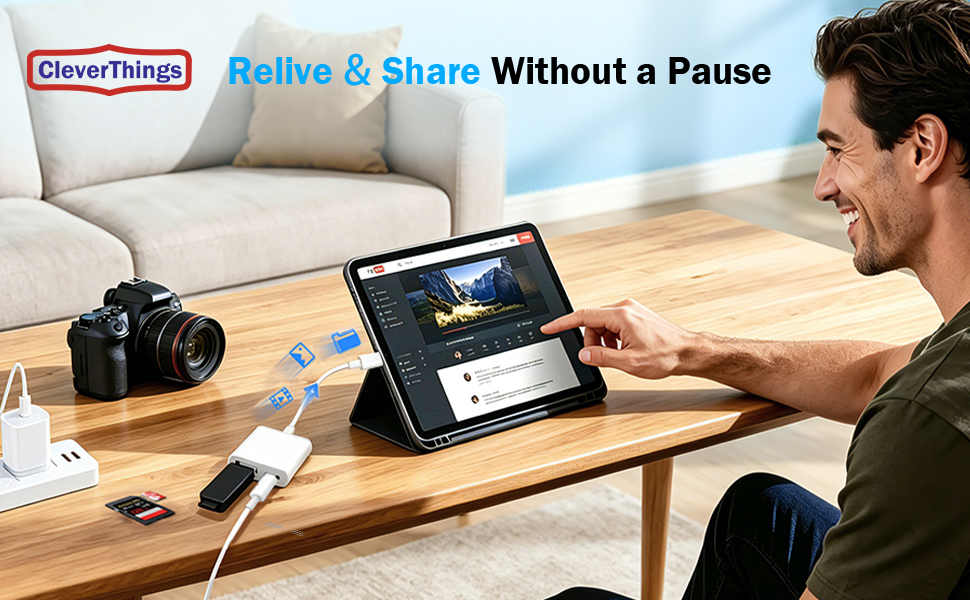
This iPhone Lightning to HDMI connector supports mirror videos from Apps,such as YouTube,Quickflix,Hulu Plus,IDMB,Family On TV,ABC,NBC,FOX, Microsoft Office and more videos downloaded and saved on your iOS Devices for stream.But Please Note : (It DOESN'T work with Apps which have "HDCP" video copyrights protection,such as Netflix,Prime video,Amazon video,HBO go,HULU )
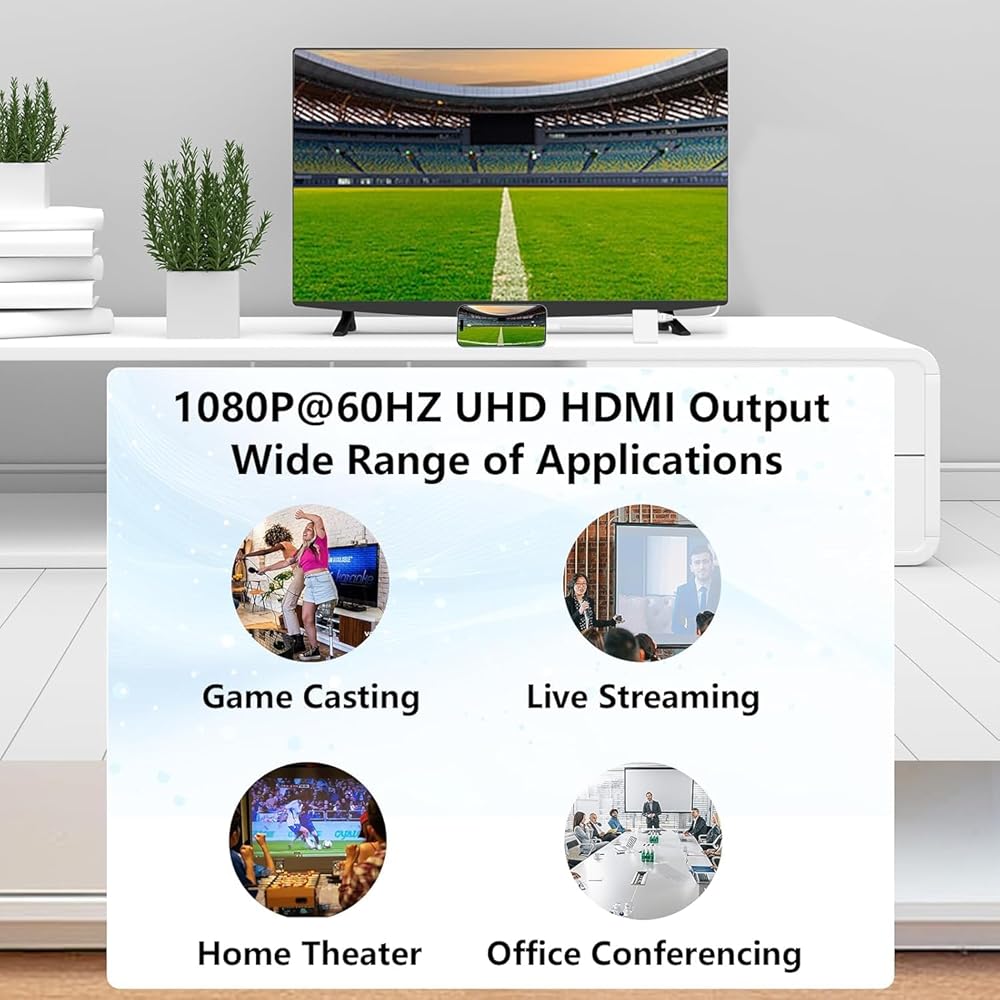
The Lightning to HDMI Adapter Cable supports mirroring of what is displayed on your device screen - including apps, presentations, websites, slideshows and more - to your HDMI-equipped TV, display, projector or other compatible display in up to 1080P HD.
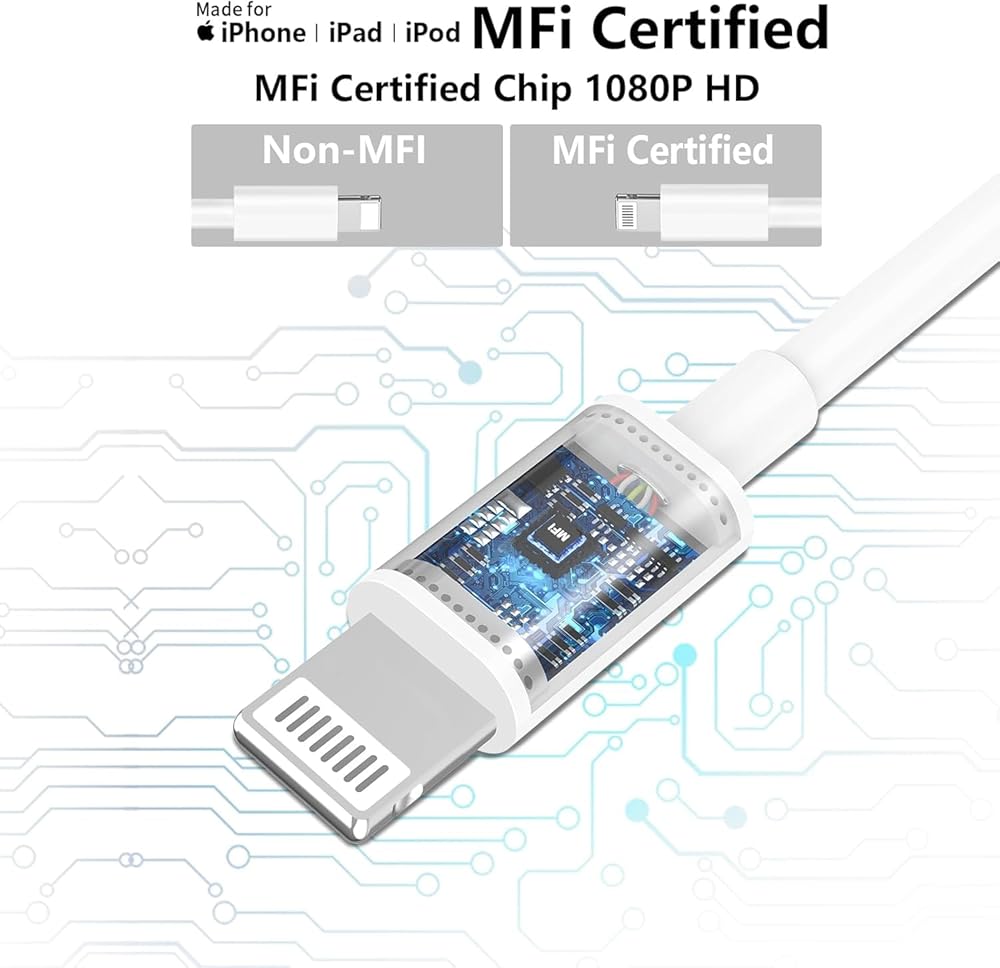
The pocket size Lightning to HDMI Adapter for iPhone, Digital AV Audio Dongle,1080P Sync Screen Cable with Lightning Charging Port allow you to carry it everywhere. Watch your media or deliver your presentation on a bigger screen wherever it is most convenient. a 5-year worry-free warranty and 24/7 friendly customer service. Any questions about the lightning to HDMI Adapter, please contact us for fast support, we will reply within 12 hours.
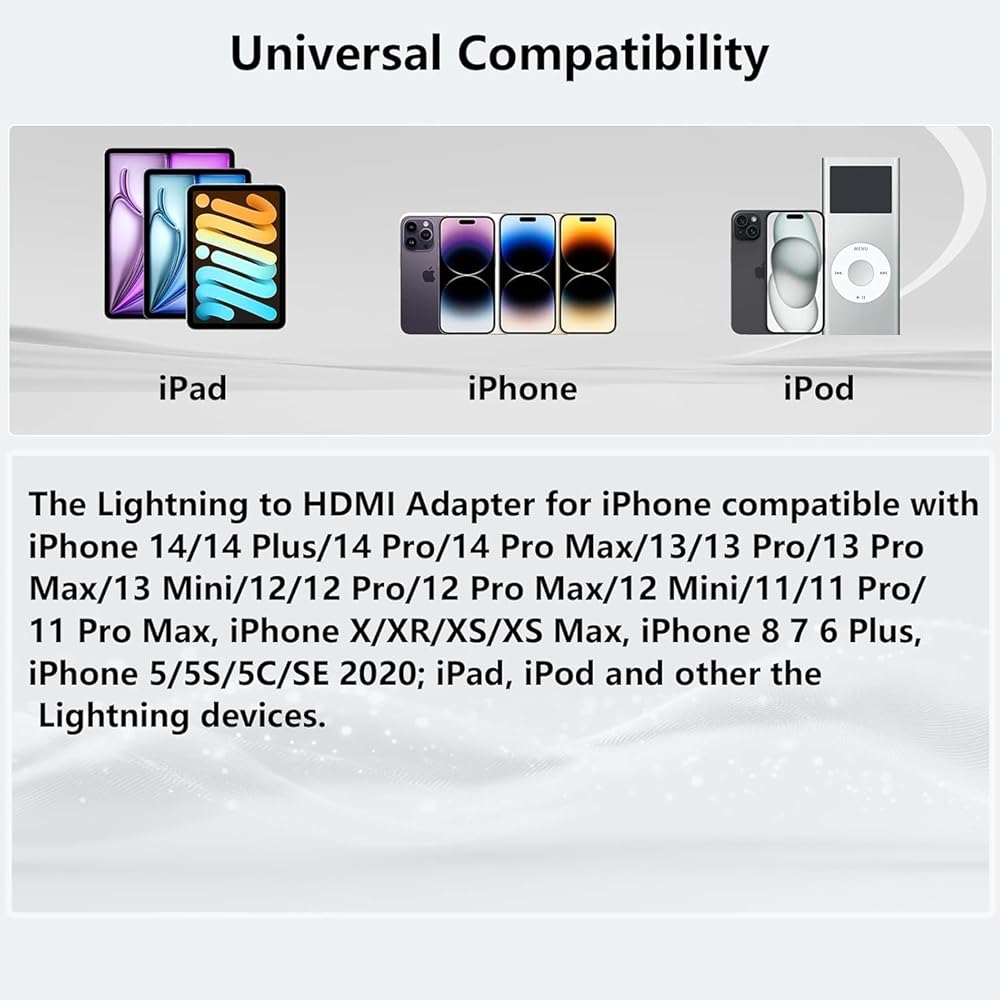
The Lightning to HDMI adapter for TV enable support for multiple devices, This iPhone to HDMI adapter Compatible with iPhone 14/14 Plus/14 Pro/14 Pro Max/13/13 Pro/13 Pro Max/13 Mini/12/12 Pro/12 Pro Max/12 Mini/11/11 Pro/11 Pro Max, iPhone X/XR/XS/XS Max, iPhone 8 7 6 Plus, iPhone 5/5S/5C/SE 2020; iPad, iPod and other the Lightning devices, it supports iOS 17 system and before.
وصف
How to Connect it to Work?
1.Insert the lightning cable into the 5V/1A USB AC Adapter.
2.HDMI Port: connect to your TV or big screen via HDMI cable.
3.Lightning connection: connect into your iPhone, iPad, iPod.
4.Please click the "Trust" and wait 7 seconds to synchronize the phone screen with the TV.
PLEASE NOTE:
Must be connected to power source(5V/1A, iPad needs 5V/2A)to function.
Not compatible with Netflix / HBO GO / Xfinity Player / Amazon Prime / Hulu / Directv and other Paid Videos.
The adapter will get a little hot whilst using but it's NORMAL and SAFE.
Please use it in a dry environment to increase the service life of the adapter.
Universal Compatibility
The Lightning to HDMI Adapter for iPhone compatible with iPhone 14/14 Plus/14 Pro/14 Pro Max/13/13 Pro/13 Pro Max/13 Mini/12/12 Pro/12 Pro Max/12 Mini/11/11 Pro/11 Pro Max, iPhone X/XR/XS/XS Max, iPhone 8 7 6 Plus, iPhone 5/5S/5C/SE 2020; iPad, iPod and other the Lightning devices.

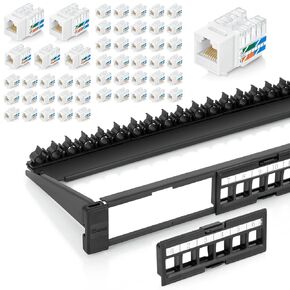 -12%
حزمة Everest Media Solutions - 2 عنصر: لوحة تصحيح Keystone 24 منفذ + 50 حزمة من RJ45 CAT6 Keystone Jacks - أبيض
KWD 32.500
-12%
حزمة Everest Media Solutions - 2 عنصر: لوحة تصحيح Keystone 24 منفذ + 50 حزمة من RJ45 CAT6 Keystone Jacks - أبيض
KWD 32.500
 Startech.com USB 3.1 إلى 2.5 "محول محرك الأقراص الثابتة SATA - 10 جيجابت في الثانية ، أسود و SATA إلى كابل USB - محول خارجي لنقل بيانات SSD/HDD
KWD 0
Startech.com USB 3.1 إلى 2.5 "محول محرك الأقراص الثابتة SATA - 10 جيجابت في الثانية ، أسود و SATA إلى كابل USB - محول خارجي لنقل بيانات SSD/HDD
KWD 0
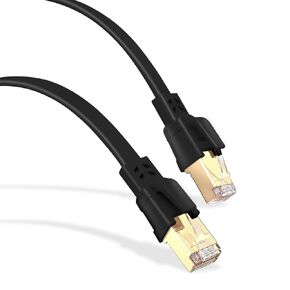 HUO JI Cat8 Ethernet Cable 8FT - 40Gbps 2000MHz High Speed PVC Flat
KWD 5.500
HUO JI Cat8 Ethernet Cable 8FT - 40Gbps 2000MHz High Speed PVC Flat
KWD 5.500
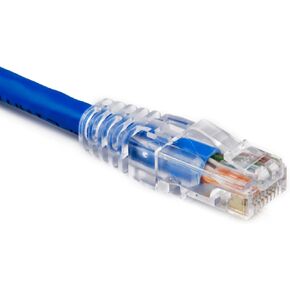 7ft Cat 5e Bluerj475Snagless Network Patch Cable - 7 ft RJ45 M/M الفئة 5E 370
KWD 4.500
7ft Cat 5e Bluerj475Snagless Network Patch Cable - 7 ft RJ45 M/M الفئة 5E 370
KWD 4.500