- التسوق ، اصبح سهلا.
- /
- احصل على التطبيق!
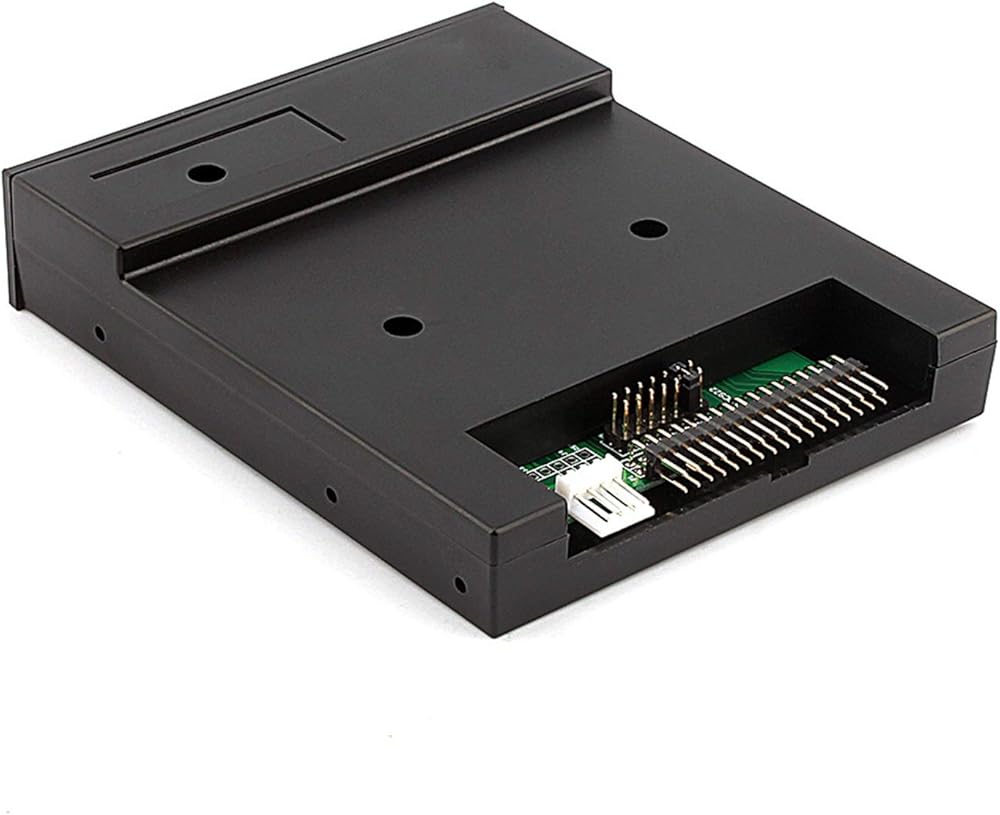
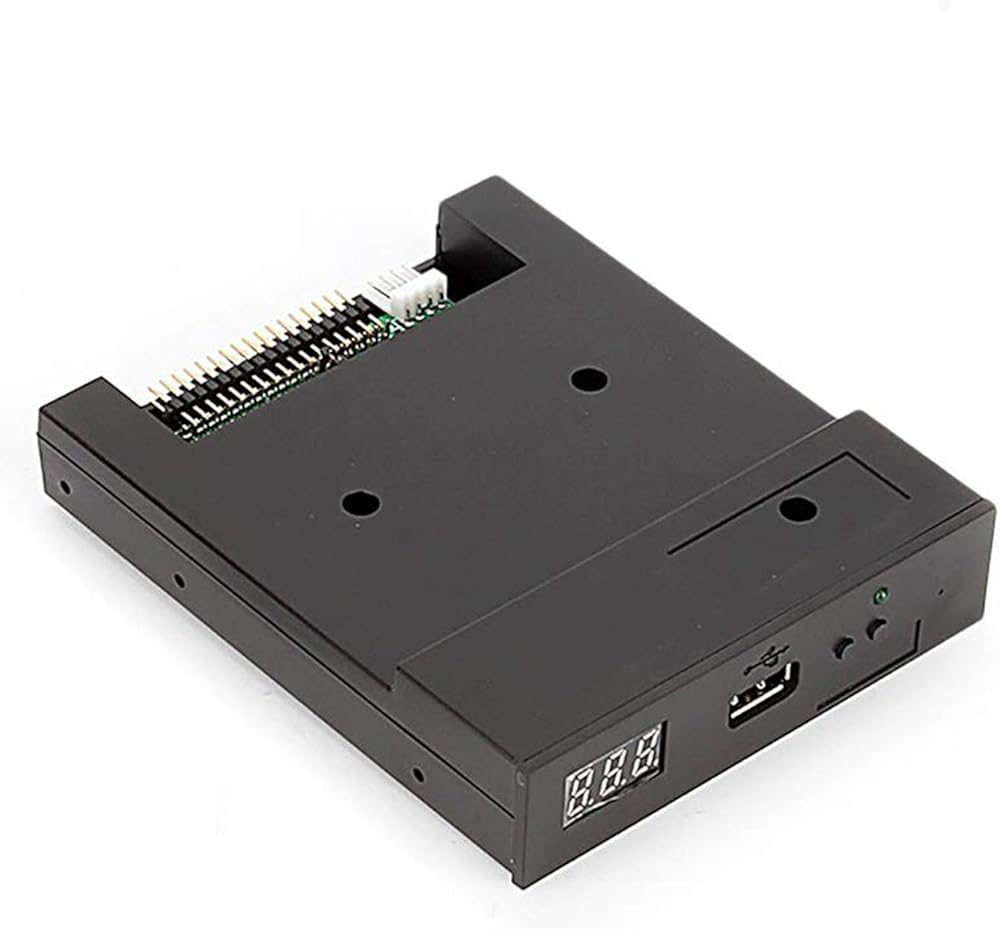
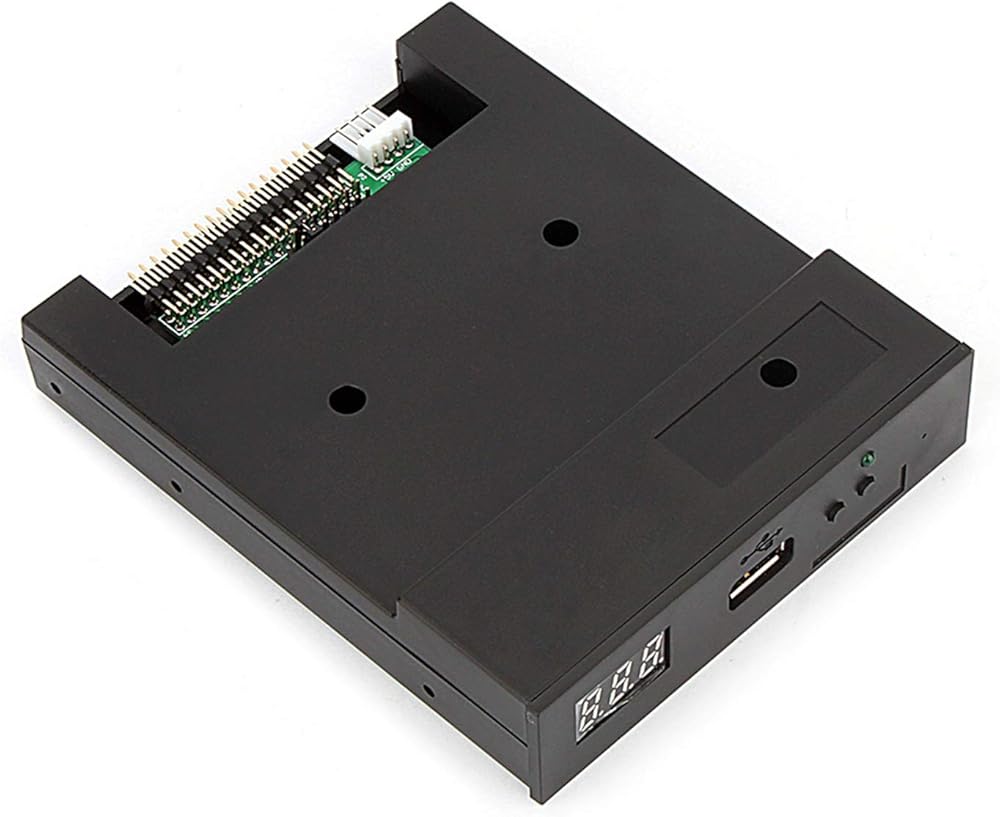
Floppy driver with below function needed:
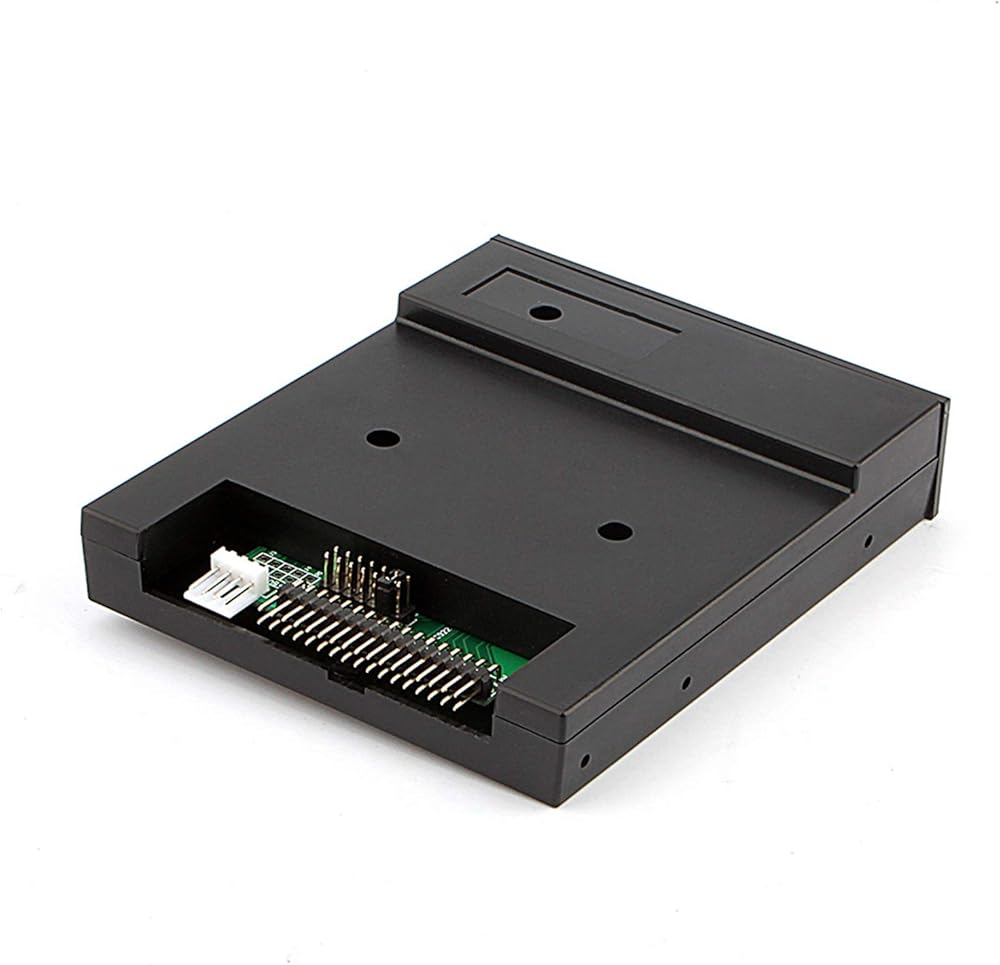
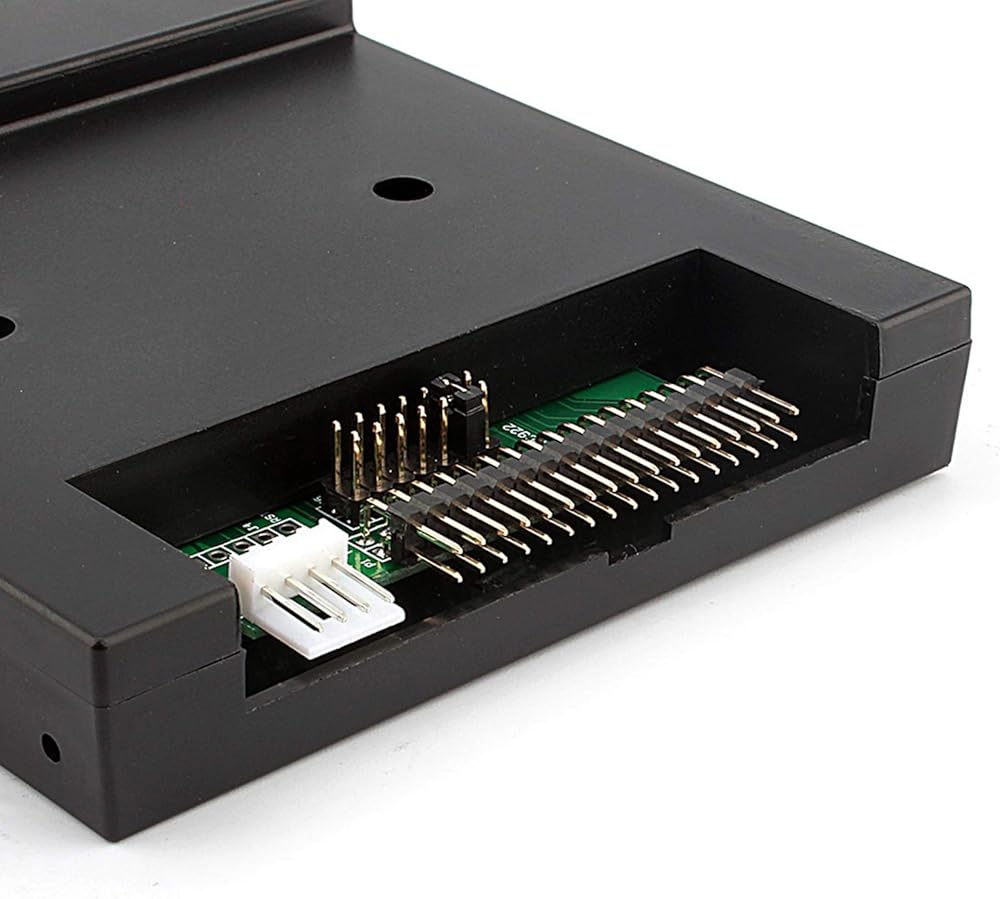
Floppy driver with 34pin interface,and 5V DC power plug
Use 2HD flpppy disk with 1.44MB capacity
Format of disk:Cylinders:80
Tracks:160 Sectors/Track
18 Bytes/Sector:512 Data
Transfer rate:500 kbps
Encoding method:MFM
Features:
Use normal usb flash drive as the medium for transfer design.
34pin floppy driver interface,5V DC power supply,easy to install.
Capacity:1.44MB 2HD Cylinders:80 Tracks:160 Sectors/Track: 18 Bytes/Sector:512 Data
Transfer rate:500 kbps
Encoding method:MFM.
1000pcs partitions in usb flash drive can be used.
Built-in self-format function.(read relevant documents to use this function)
Jumpers with function for different machines(SFR1M44-U100K not support jumpers).
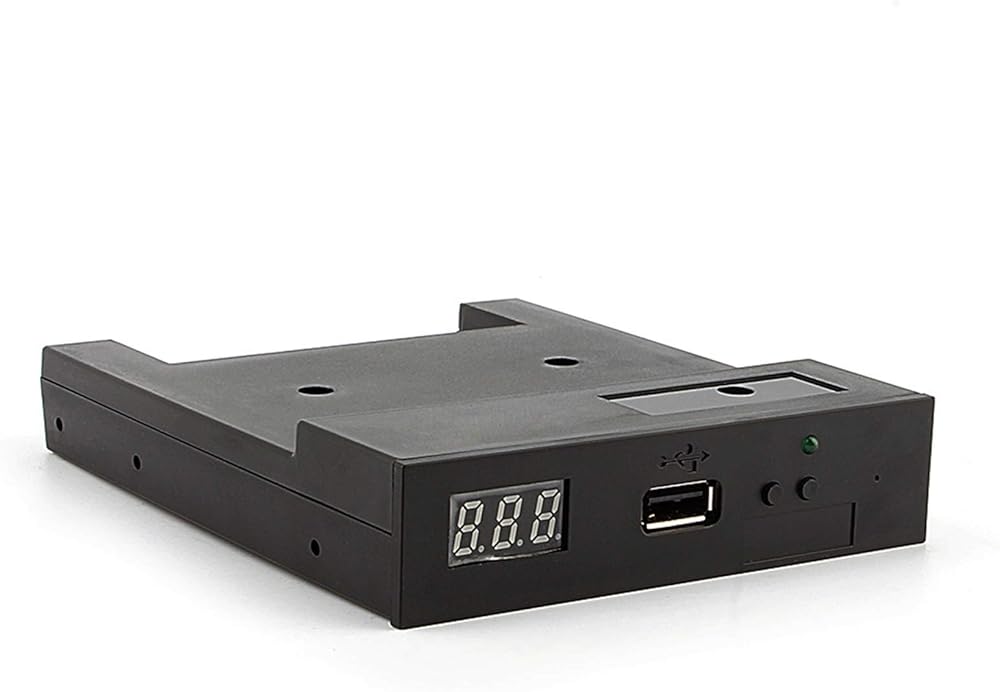
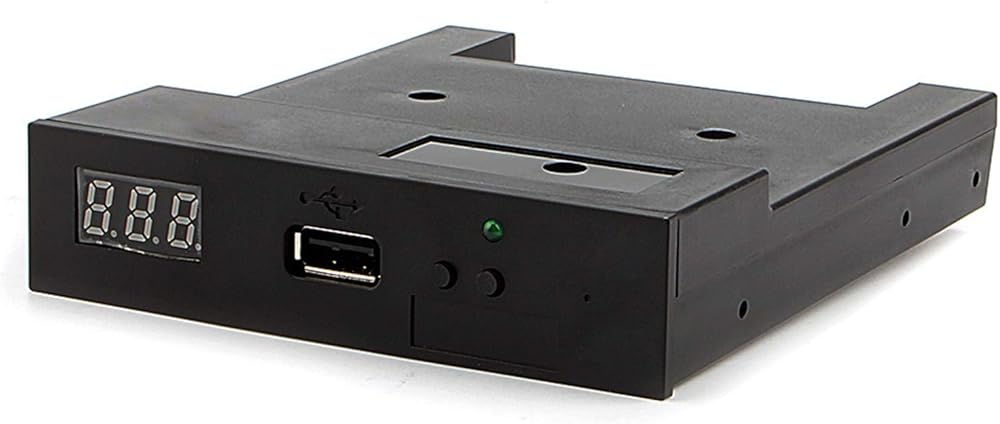
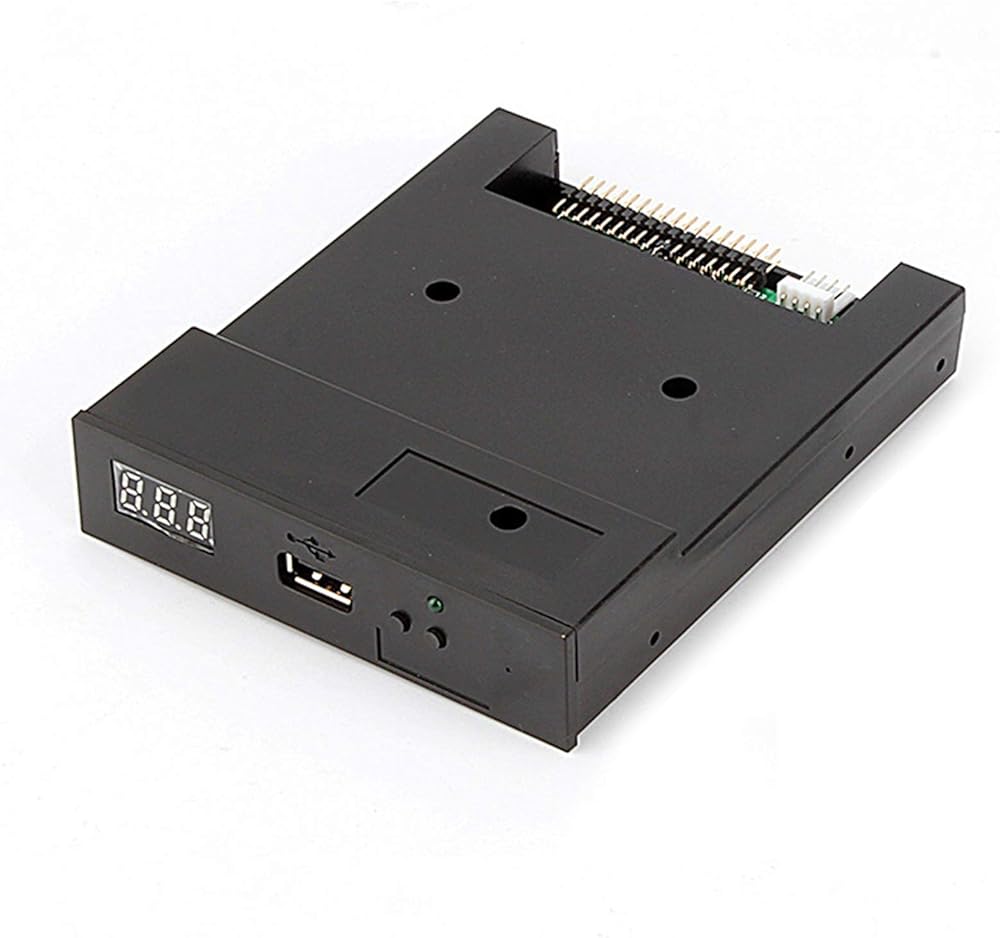
Panel:
8segment numbers:represent partitions number
Green led:status of read and write operation
USB port:connect usb flash drive
Button:
Left used to rise ten-digit,right botton used to rise single-digit,press 2 together to
rise hundred-digit
Operation :
Format usb flash drive.
1.use built-in self-format function to format usb flash drive into 1000pcs partitions
2.install an emulator on computer,and format every partitions by operate driver A.
3.use emulator UFA1M44-100,plug usb flash drive on it,
connect to computer,it will recognized as removabe driver A or B under for XP/2000/7,format every partitions.
UFA1M44-100 also built in self-format function.
Read and write data.
1.install emulator on machine
2.install emulator on computer
3.connect usb flash drive on computer,read and write data directory by software, under for XP/2000
4.use emulator UFA1M44-100,plug usb flash drive on it, connect to computer,read and write data under for XP/2000/7.
Package Include:
1x USB Emulator
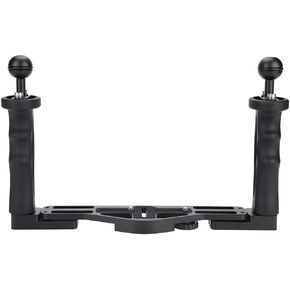 مقبض صينية تحت الماء مقاس 25 × 18 × 6 صينية ألومنيوم مع مقابض مقبض لملحقات حافظة الكاميرا تحت الماء
KWD 26.500
مقبض صينية تحت الماء مقاس 25 × 18 × 6 صينية ألومنيوم مع مقابض مقبض لملحقات حافظة الكاميرا تحت الماء
KWD 26.500
 عدسة شيشاير كوليماتور 8 × 4 × 4 1.25 بوصة تلسكوب فلكي عدسة تصادم بصرية
KWD 6.500
عدسة شيشاير كوليماتور 8 × 4 × 4 1.25 بوصة تلسكوب فلكي عدسة تصادم بصرية
KWD 6.500
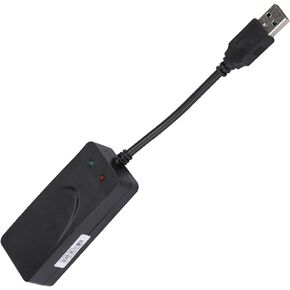 مودم 56K مودم خارجي 56K 11×8×3 مودم فاكس ثنائي المنفذ Usb2.0 56K برنامج تشغيل مودم خارجي لـ 7 8 10
KWD 11.500
مودم 56K مودم خارجي 56K 11×8×3 مودم فاكس ثنائي المنفذ Usb2.0 56K برنامج تشغيل مودم خارجي لـ 7 8 10
KWD 11.500
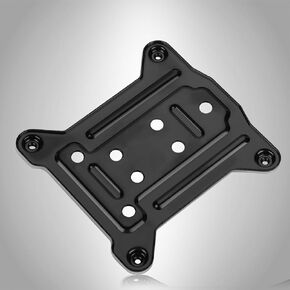 Lga 1200 لوحة خلفية وحدة المعالجة المركزية 10 × 10 × 1 وحدة المعالجة المركزية المبرد قوس لوحة الكترونية معززة لوحة خلفية صفيحة حديدية لـ 1150 1151 1155 1156
KWD 3.500
Lga 1200 لوحة خلفية وحدة المعالجة المركزية 10 × 10 × 1 وحدة المعالجة المركزية المبرد قوس لوحة الكترونية معززة لوحة خلفية صفيحة حديدية لـ 1150 1151 1155 1156
KWD 3.500

 الكويت