- التسوق ، اصبح سهلا.
- /
- احصل على التطبيق!
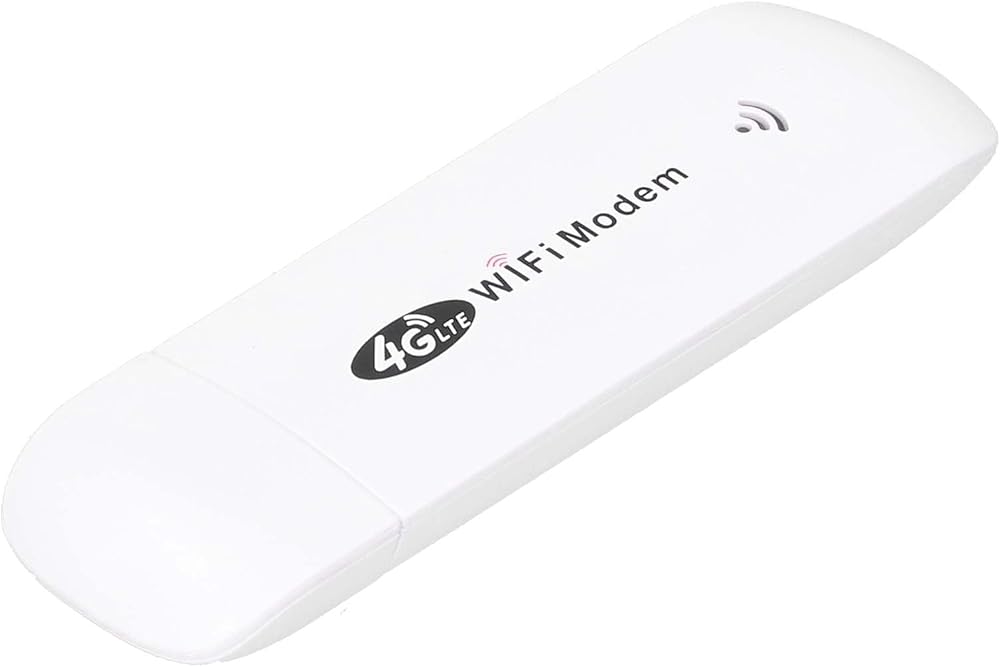
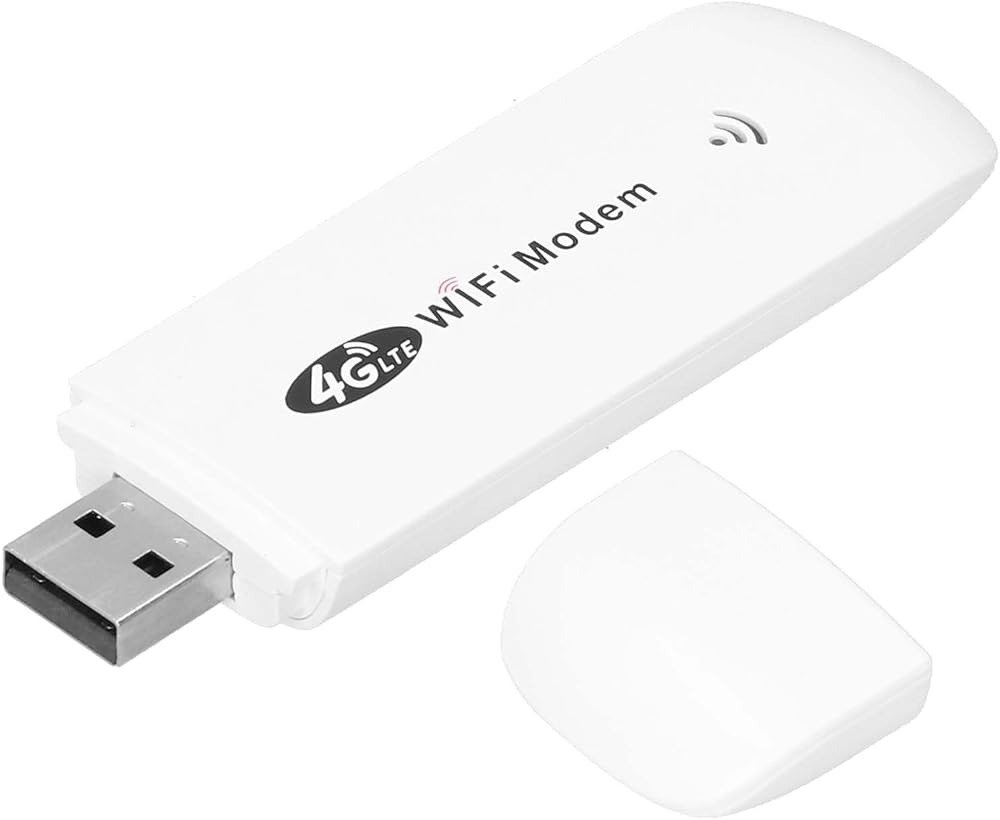
1. [FAST DATA TRANSFER] Experience peak rates of up to 150M/50 Mbps for efficient data transfer.
2. [WIRELESS INTERNET] Connect wirelessly to the 2.4G network with 802.11 b/g/n support for reliable internet access.
3. [USB POWER PORT] Power the device through a USB2.0 port for easy connectivity and charging.
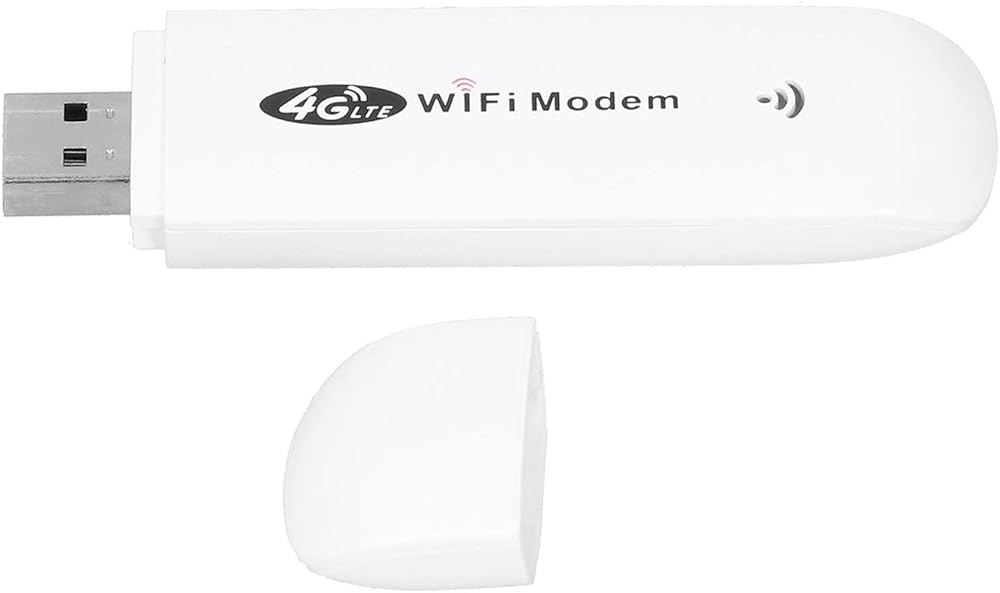
4. [MICRO SIM CARD SLOT] Insert a micro SIM card for smooth network access and sharing.
5. [SUPPORTS UP TO 10 USERS] Share the network with up to 10 associated users for increased productivity.
Specification:
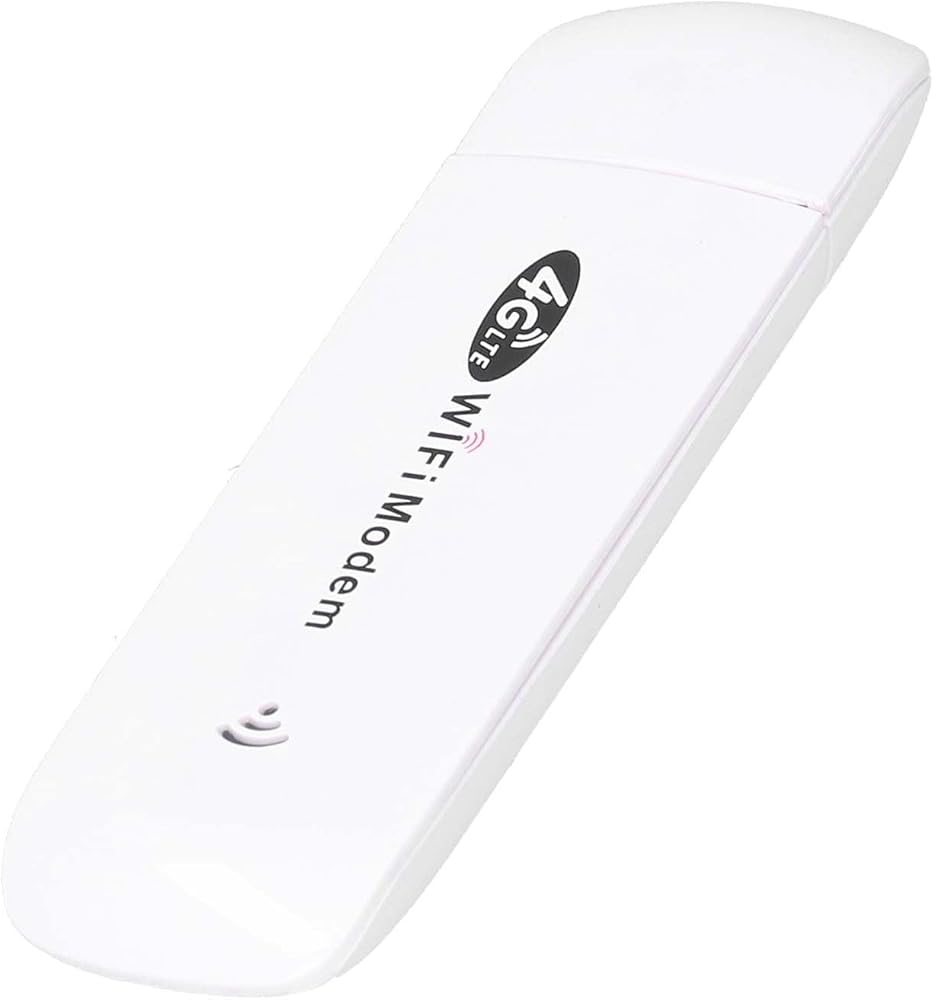
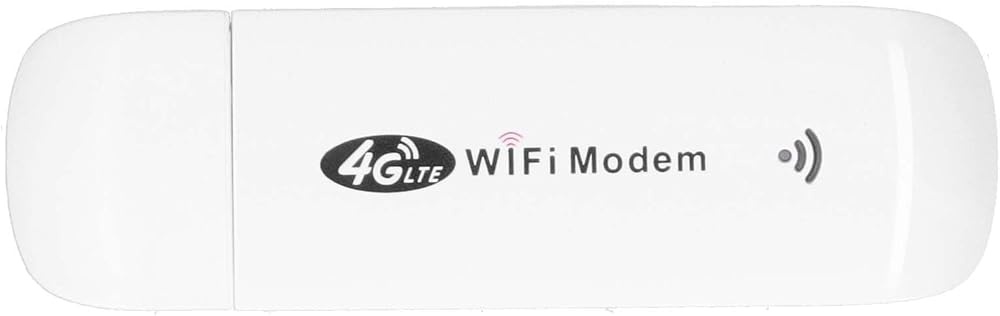
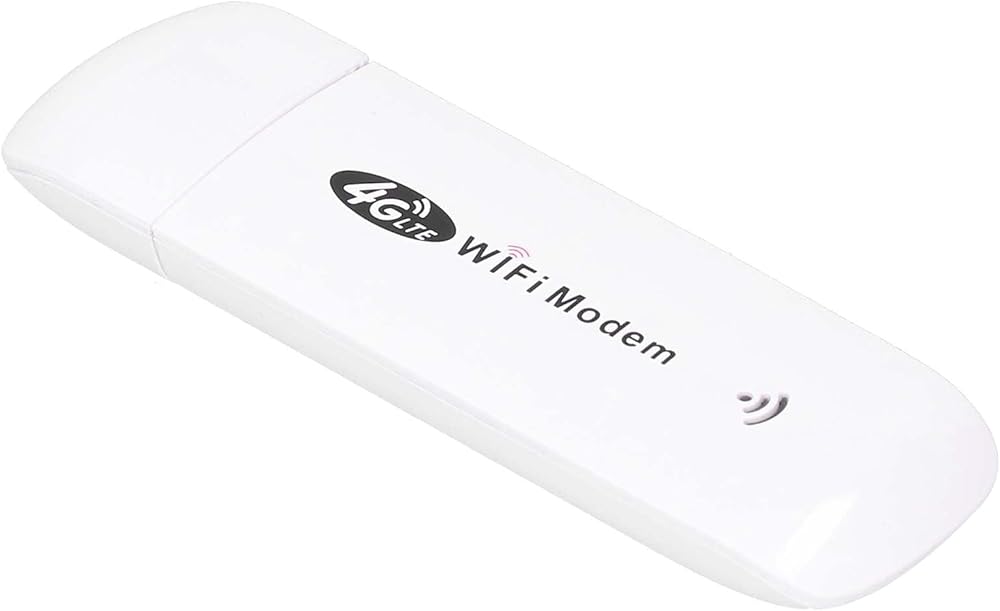
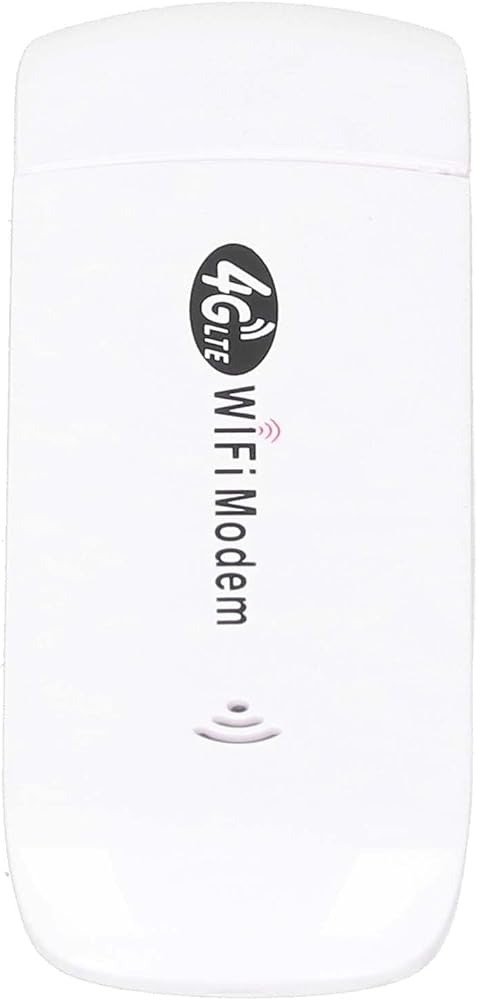
Item Type: WiFi Modem Dongle
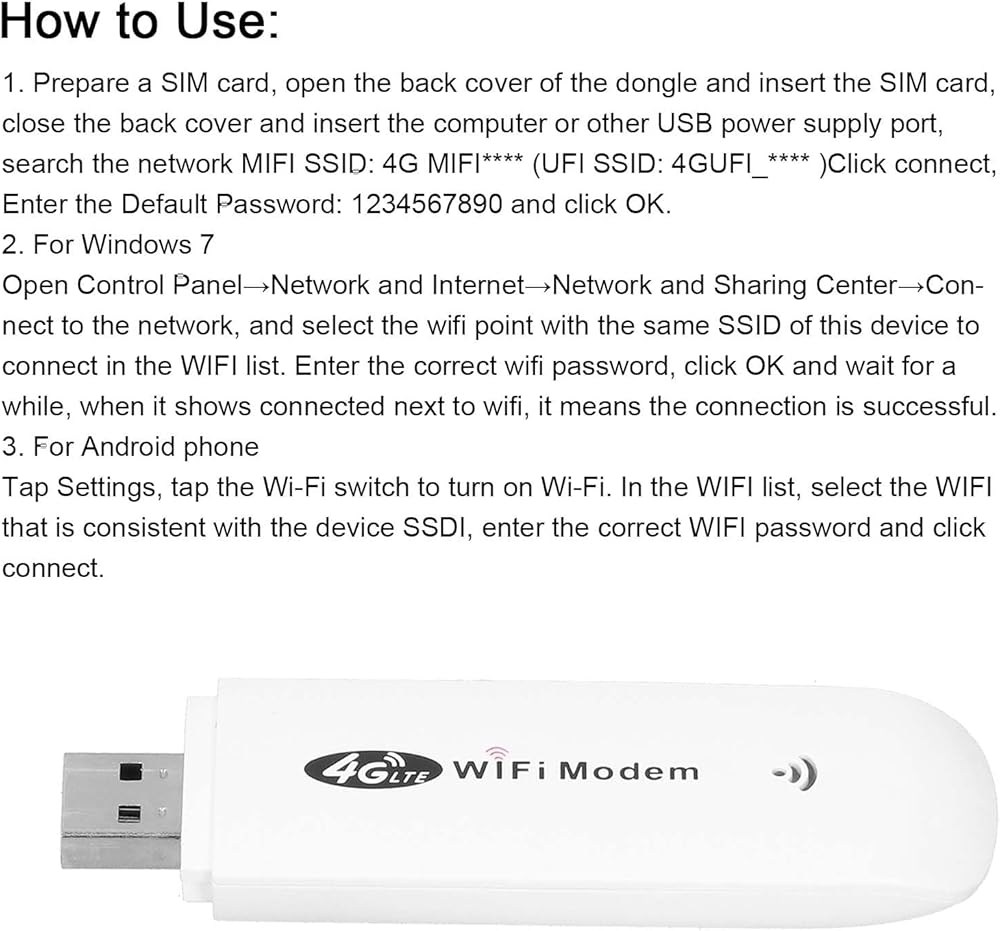
How to Use:
1. Prepare a SIM card, open the back cover of the dongle and insert the SIM card, close the back cover and insert the computer or other USB power supply port, search the network SSID: 4G ( SSID: )Click connect, Enter the Default Password: 1234567890 and click OK.
2. For 7
Open Control Panel→Network and Internet→Network and Sharing Center→Connect to the network, and select the wifi point with the same SSID of this device to connect in the WIFI list. Enter the correct wifi password, click OK and wait for a while, when it shows connected next to wifi, it means the connection is successful.
3. For phone
Tap Settings, tap the Wi-Fi switch to turn on Wi-Fi. In the WIFI list, select the WIFI that is consistent with the device SSDI, enter the correct WIFI password and click connect.
Frequency: 4G / LTE-FDD: B1 / B3 / B5 (850/1800/2100MHz)
4G / LTE-TDD: B38 / B39 / B40 / B41 (1900/2300/2500/2600MHz)
3G / WCDMA: B1 (2100MHz)
Peak Rate: LTE FDD: DLUL 150M / 50 Mbps (category 4)
Wireless Internet: 2.4G, 802.11 b/g/n
Display Mode: LED status indicator
Power Port: USB2.0
SIM Card: Micro SIM
Port Input Voltage: 5V / 1A
Operating Systems Supported by WIFI: For / Vista / 7/8/10 / OS X / /
Associated Users: Up to 10
Language: Chinese and English shared
APN Settings: Support
Wireless Network Settings: Support
Device Settings: Support
Routing Setting: Support
Firewall setting: Support
PackageList:
1 x WiFi Modem Dongle
1 x User Manual
Notice:
This product does not include SIM card
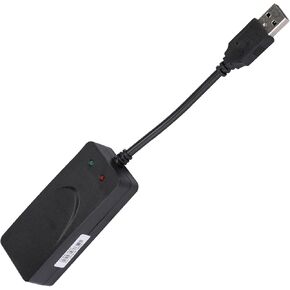 USB 56K برنامج تشغيل المودم الخارجي التوصيل والتشغيل لـ 10/8/7/ - مناسب للاستخدام المنزلي والمكاتب
KWD 10
USB 56K برنامج تشغيل المودم الخارجي التوصيل والتشغيل لـ 10/8/7/ - مناسب للاستخدام المنزلي والمكاتب
KWD 10
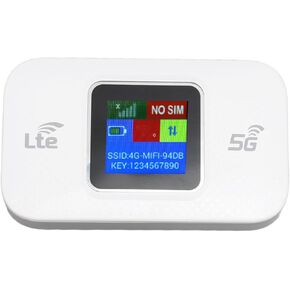 مودم واي فاي 4G LTE محمول بسرعة 300 ميجابت في الثانية وشاشة ملونة عالية السرعة 4G راوتر واي فاي متنقل للهاتف المحمول والكمبيوتر اللوحي مع تشفير WPA2
KWD 8
مودم واي فاي 4G LTE محمول بسرعة 300 ميجابت في الثانية وشاشة ملونة عالية السرعة 4G راوتر واي فاي متنقل للهاتف المحمول والكمبيوتر اللوحي مع تشفير WPA2
KWD 8
 4G LTE Mobile WiFi Hotspot 150Mbps عالي السرعة USB WiFi مودم للإنترنت اللاسلكي فتحة بطاقة SIM مشاركة ما يصل إلى 10 مستخدمين ABS 3.86 X 0.79 X 2.28in
KWD 7.500
4G LTE Mobile WiFi Hotspot 150Mbps عالي السرعة USB WiFi مودم للإنترنت اللاسلكي فتحة بطاقة SIM مشاركة ما يصل إلى 10 مستخدمين ABS 3.86 X 0.79 X 2.28in
KWD 7.500
 كابل مقسم إيثرنت 1 إلى 4 مطلي بالذهب 8 دبوس لنقل الإشارة لمستخدمي أجهزة الكمبيوتر المحمول، أسود ABS
KWD 4.500
كابل مقسم إيثرنت 1 إلى 4 مطلي بالذهب 8 دبوس لنقل الإشارة لمستخدمي أجهزة الكمبيوتر المحمول، أسود ABS
KWD 4.500