- التسوق ، اصبح سهلا.
- /
- احصل على التطبيق!
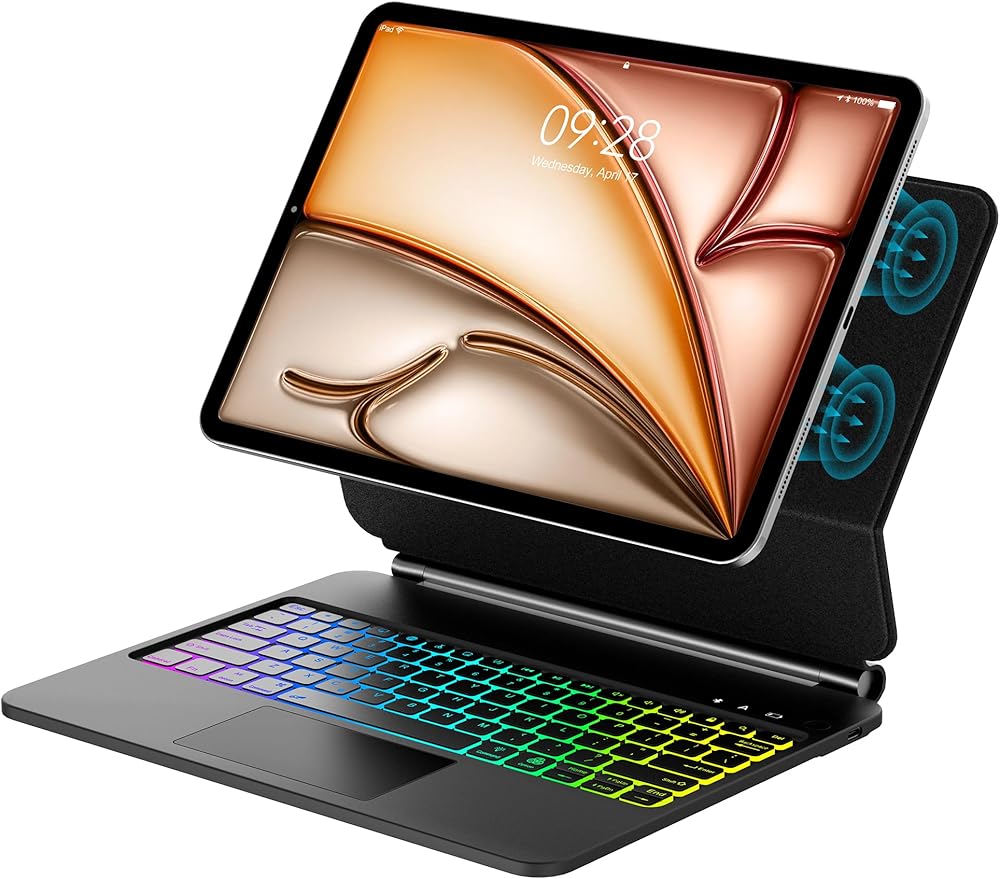
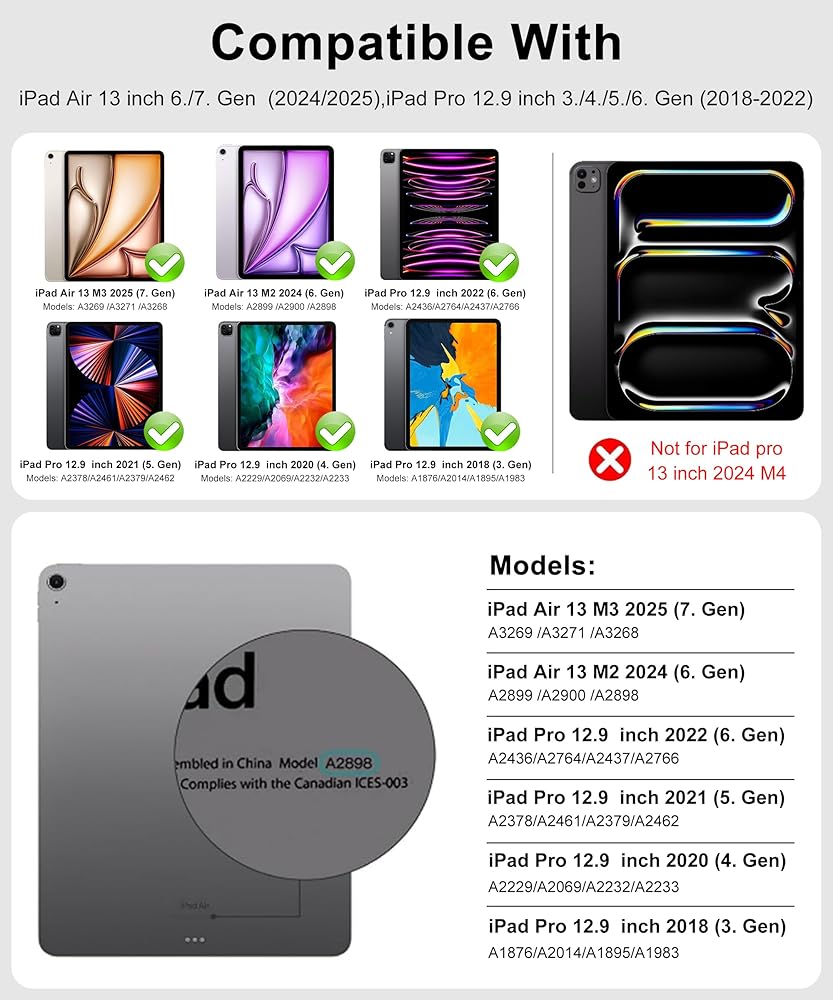
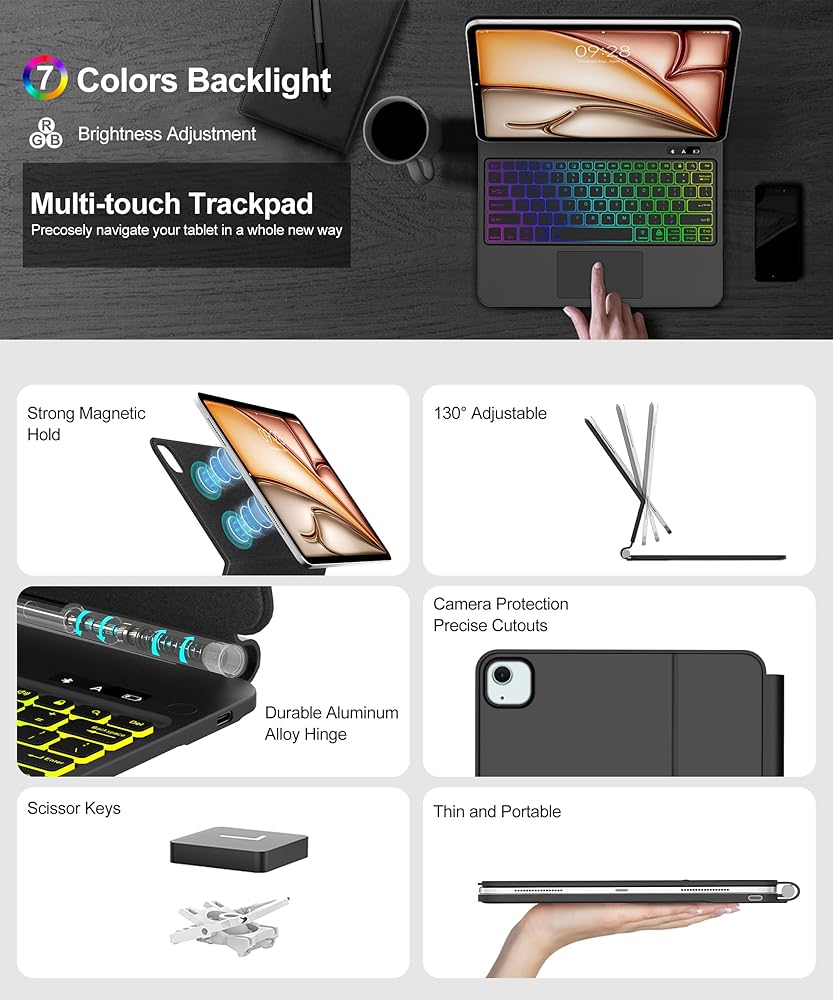
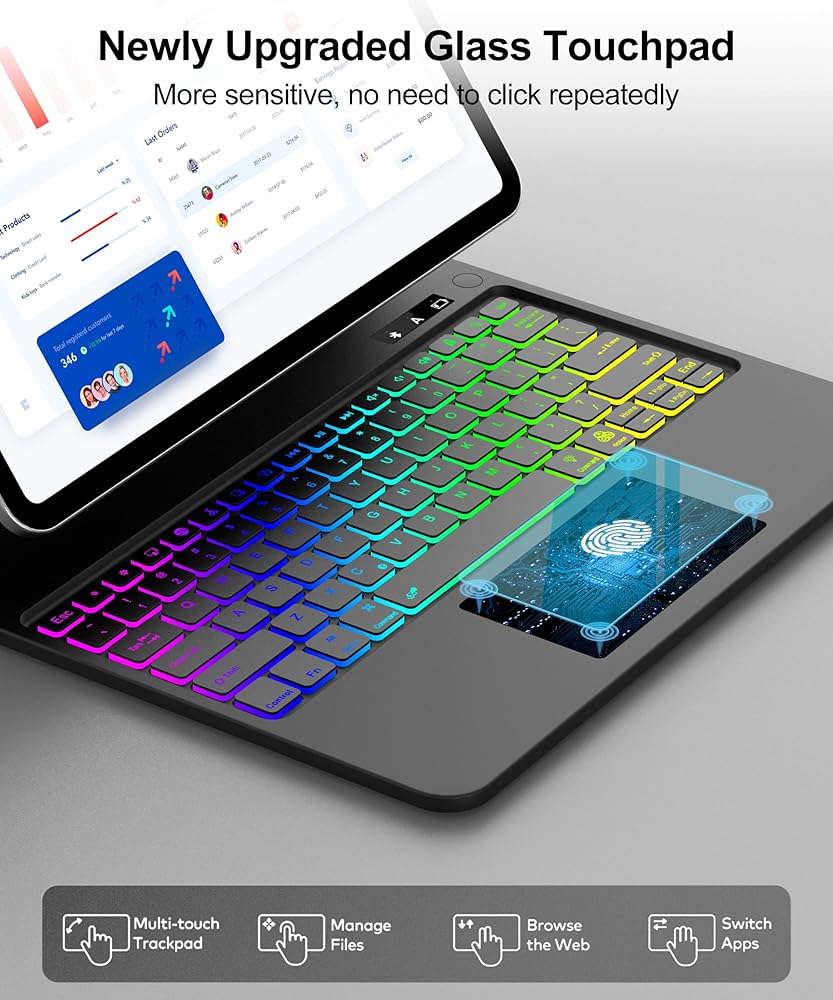
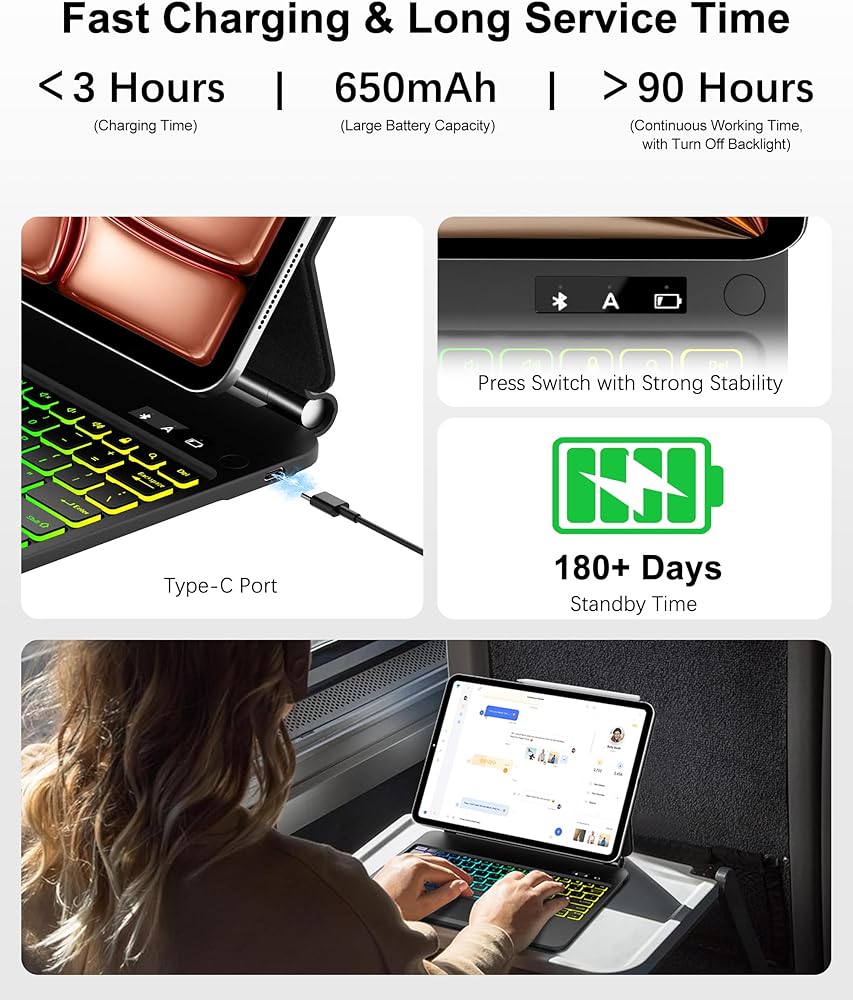
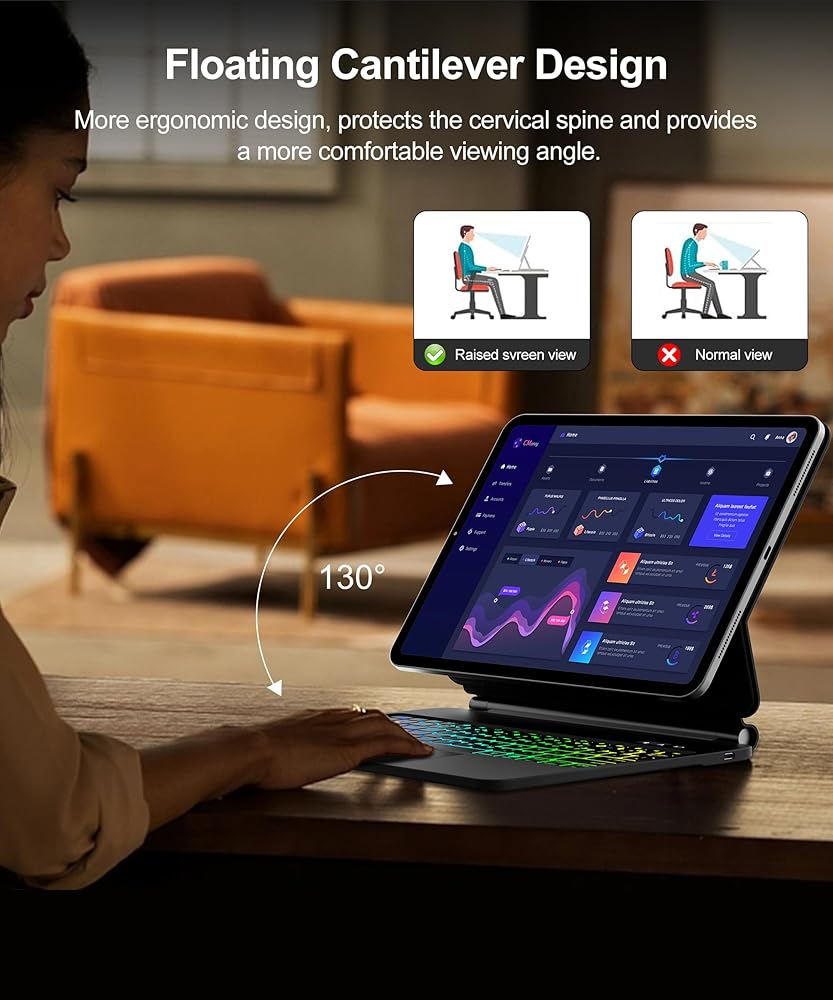
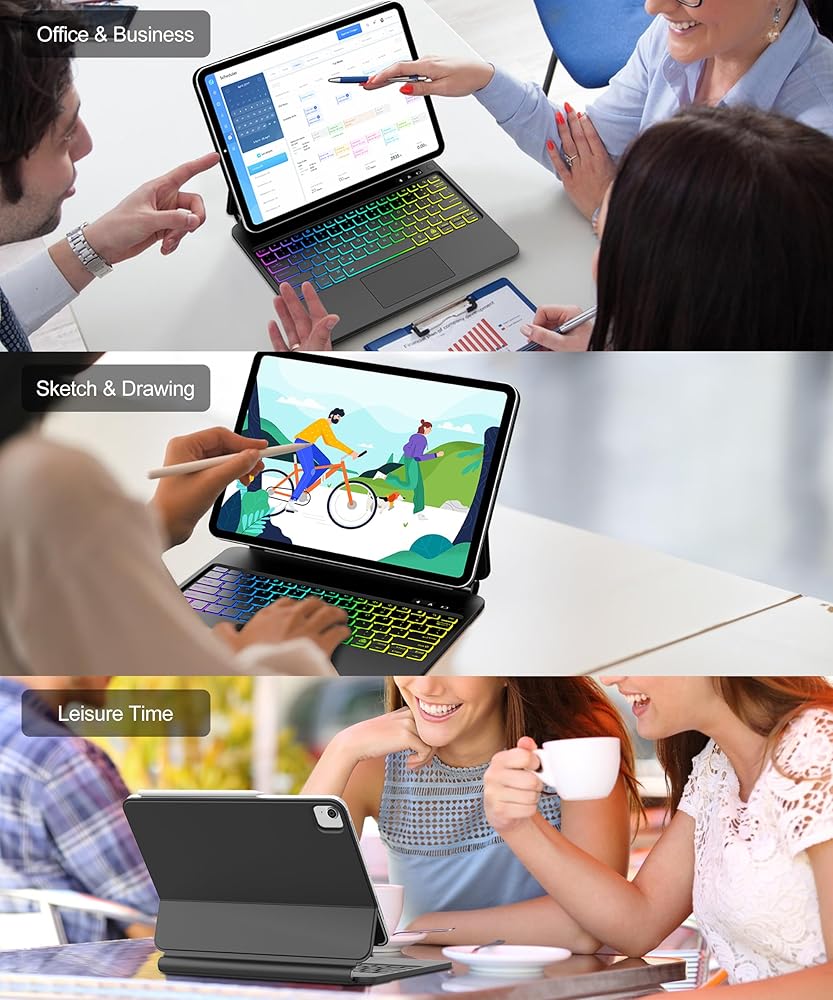
Magic Keyboard for iPad Air 13-inch (2025 M3/2024 M2) and iPad Pro 12.9-inch (6th, 5th, 4th, 3rd Gen 2018/2020/2021/2022) with Rainbow Color Backlit and Upgraded Multi-Touch Trackpad. US Layout.
(Matching Model:A3268/A3269/A3271/A2898/A2900/A2899/A2436/A2764/A2437/A2766/A2378/A2461/A2379/A2462/A2229/A2069/A2232/A2233/A1876/A2014/A1895/A1983)
We would like to inform you that the iPad Pro 13-inch 2024 (M4) is not compatible.
The keyboard for the iPad impresses with its elegant, wireless and magnetic keyboard with integrated stand and cover. With it, you can turn your iPad into a laptop in no time at all, offering you more comfort in everyday life and when traveling.
How to connect the keyboard to your iPad:
1.after the keypad is switched on, please press the "Fn+C" key It is in standby mode and the blue light flashes for 3 minutes.
2. open your iPad settings, switch Bluetooth on and leave your iPad in wireless pairing mode.
3. search for the wireless keyboard signal "Bluetooth keyboard" click "Connect" and it will be displayed on the iPad. "Connected" is displayed and the pairing is successful.
*Note: The second time you boot up, the Bluetooth connection will automatically establish a connection when you do this.
After you have established a Bluetooth connection, switch both your tablet and your keyboard to US mode. To switch to another language, hold down the Ctrl key and press the space bar or hold down the FN key and press F7.
Package contains
1 x Magic keyboard for your iPad
1 x USB charging cable (only for keyboard, not for tablet)
1 x User manual
If there is a quality problem with the product, we will not only sincerely apologize, but also negotiate with you to replace the product or find the best solution for different situations.
 حافظة لوحة المفاتيح لجهاز سامسونج جالاكسي تاب S8 بلس 2022/S7 FE 2021/S7 بلس 2020/12.4 بوصة - 7 ألوان خلفية، لوحة مفاتيح بلوتوث قابلة للفصل، غطاء حماية ذكي مع حامل قلم S، أزرق
KWD 14
حافظة لوحة المفاتيح لجهاز سامسونج جالاكسي تاب S8 بلس 2022/S7 FE 2021/S7 بلس 2020/12.4 بوصة - 7 ألوان خلفية، لوحة مفاتيح بلوتوث قابلة للفصل، غطاء حماية ذكي مع حامل قلم S، أزرق
KWD 14
 لوحة مفاتيح لجهاز iPad الجيل التاسع مع لوحة مفاتيح 10.2 بوصة iPad 8th/7th /iPad Air 3rd/iPad Pro 10.5 بوصة، حافظة غطاء لوحة مفاتيح لاسلكية قابلة للفصل مع حامل أقلام (أرجواني)
KWD 11
لوحة مفاتيح لجهاز iPad الجيل التاسع مع لوحة مفاتيح 10.2 بوصة iPad 8th/7th /iPad Air 3rd/iPad Pro 10.5 بوصة، حافظة غطاء لوحة مفاتيح لاسلكية قابلة للفصل مع حامل أقلام (أرجواني)
KWD 11
 Samsung Galaxy Tab S9 Fe Case 5G 10g 10g/Galaxy Tab S9 11 بوصة 2023 مع لوحة مفاتيح ، 7 لون لوحة مفاتيح اللوحة اللاسلكية القابلة للفصل مع حامل قلم S (أسود)
KWD 40
Samsung Galaxy Tab S9 Fe Case 5G 10g 10g/Galaxy Tab S9 11 بوصة 2023 مع لوحة مفاتيح ، 7 لون لوحة مفاتيح اللوحة اللاسلكية القابلة للفصل مع حامل قلم S (أسود)
KWD 40
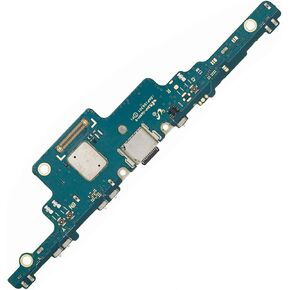 شحن موصل Dock Dock لـ Samsung Galaxy Tab S7 Fe SM-T730 T735 T736
KWD 9.500
شحن موصل Dock Dock لـ Samsung Galaxy Tab S7 Fe SM-T730 T735 T736
KWD 9.500

 الكويت