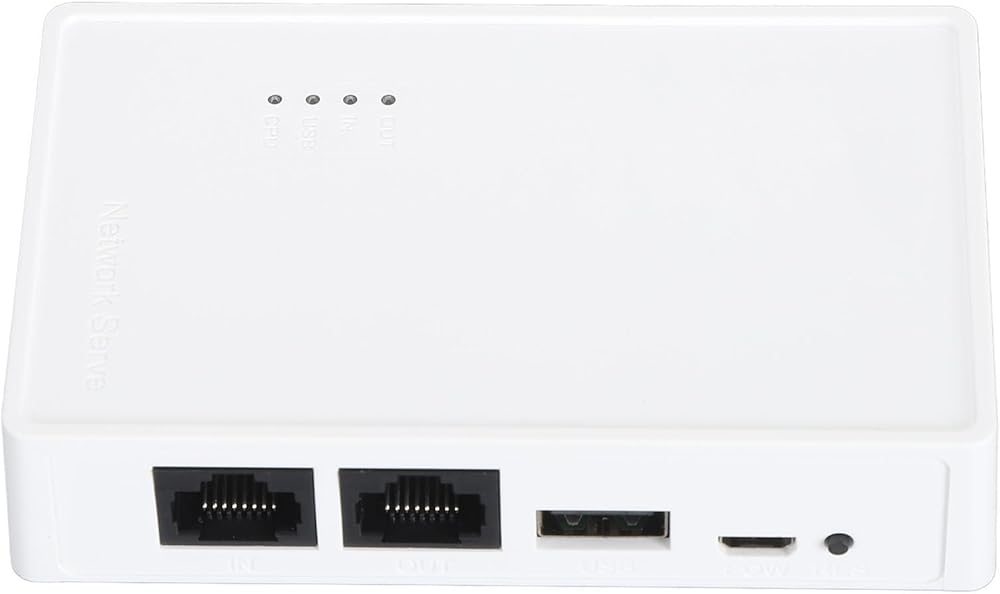
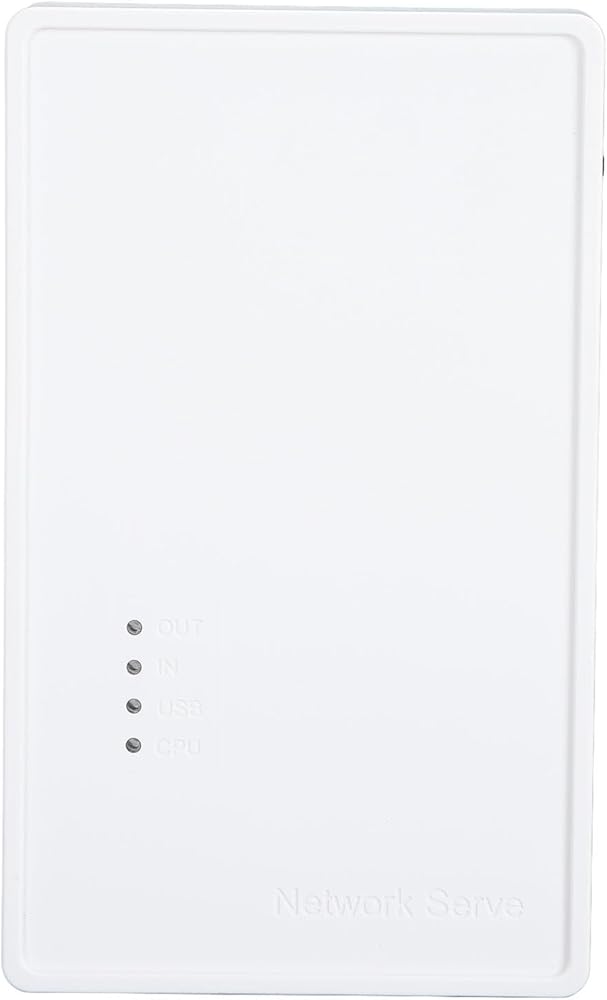
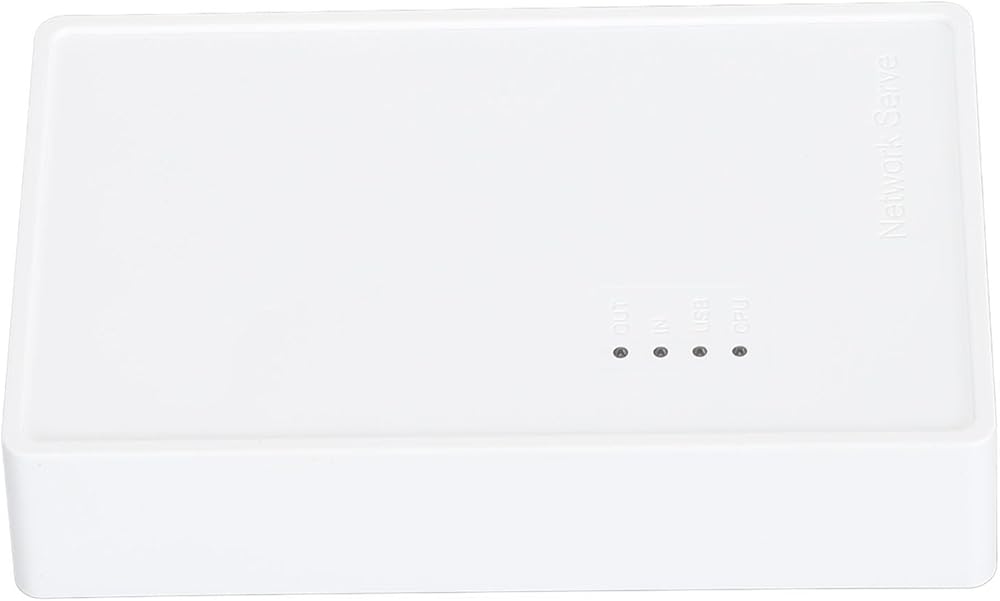
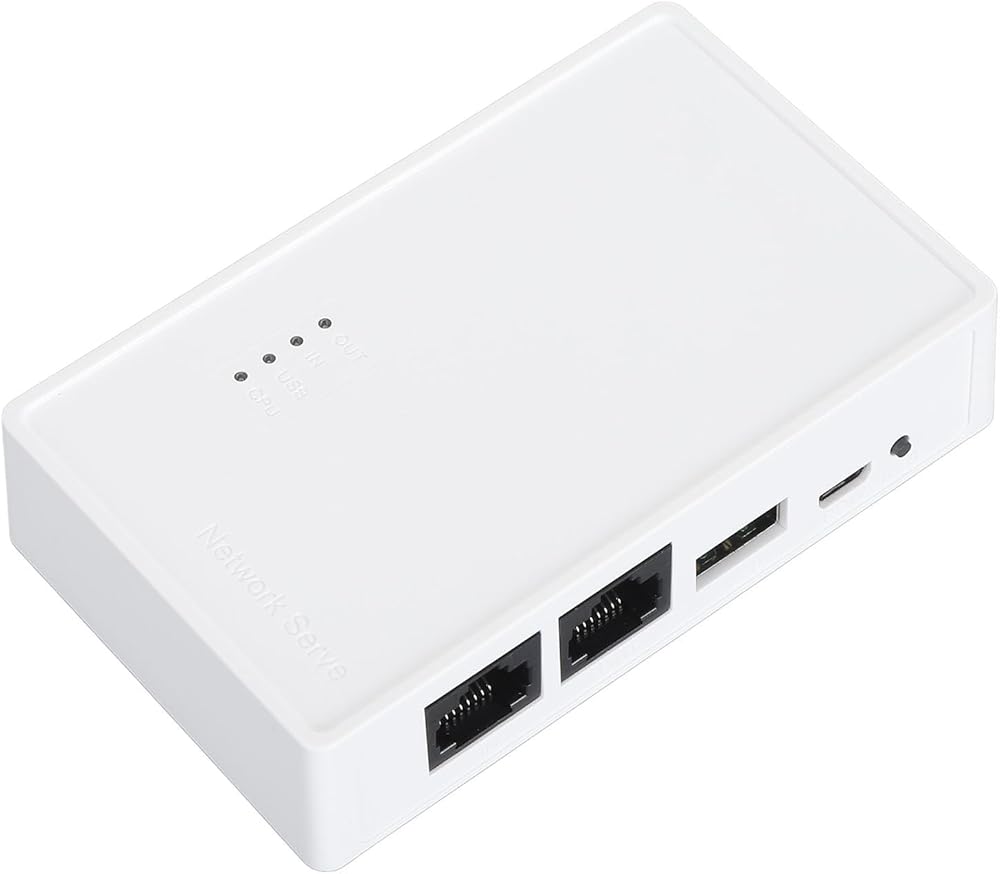
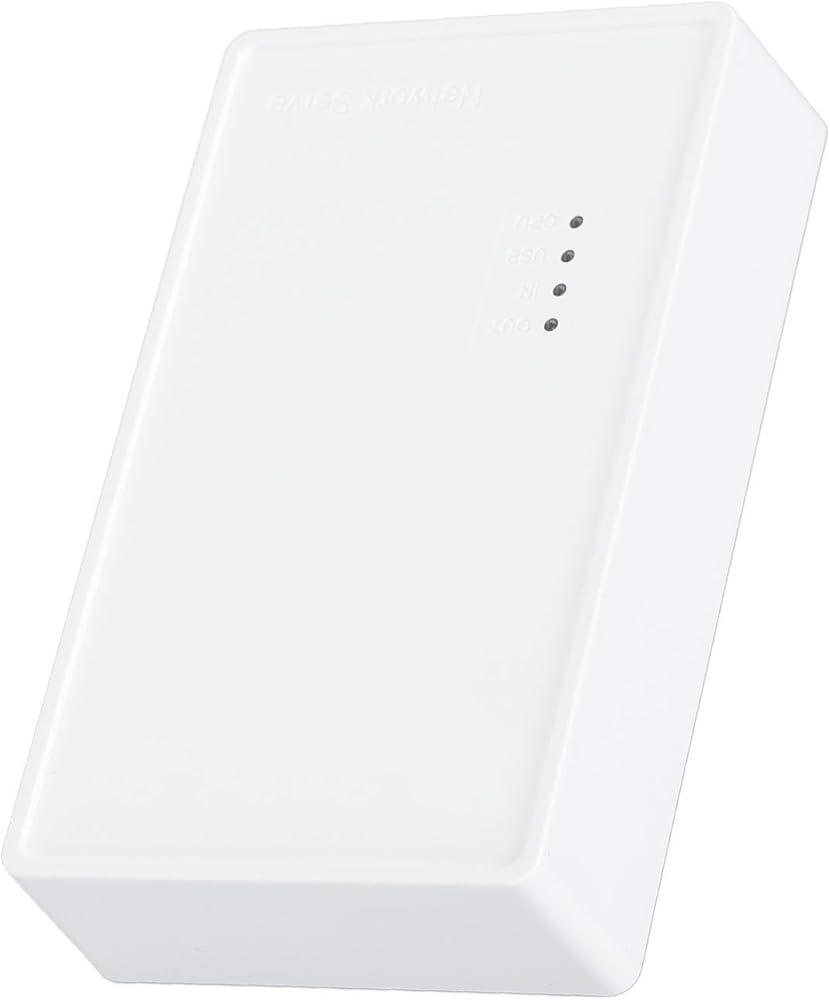
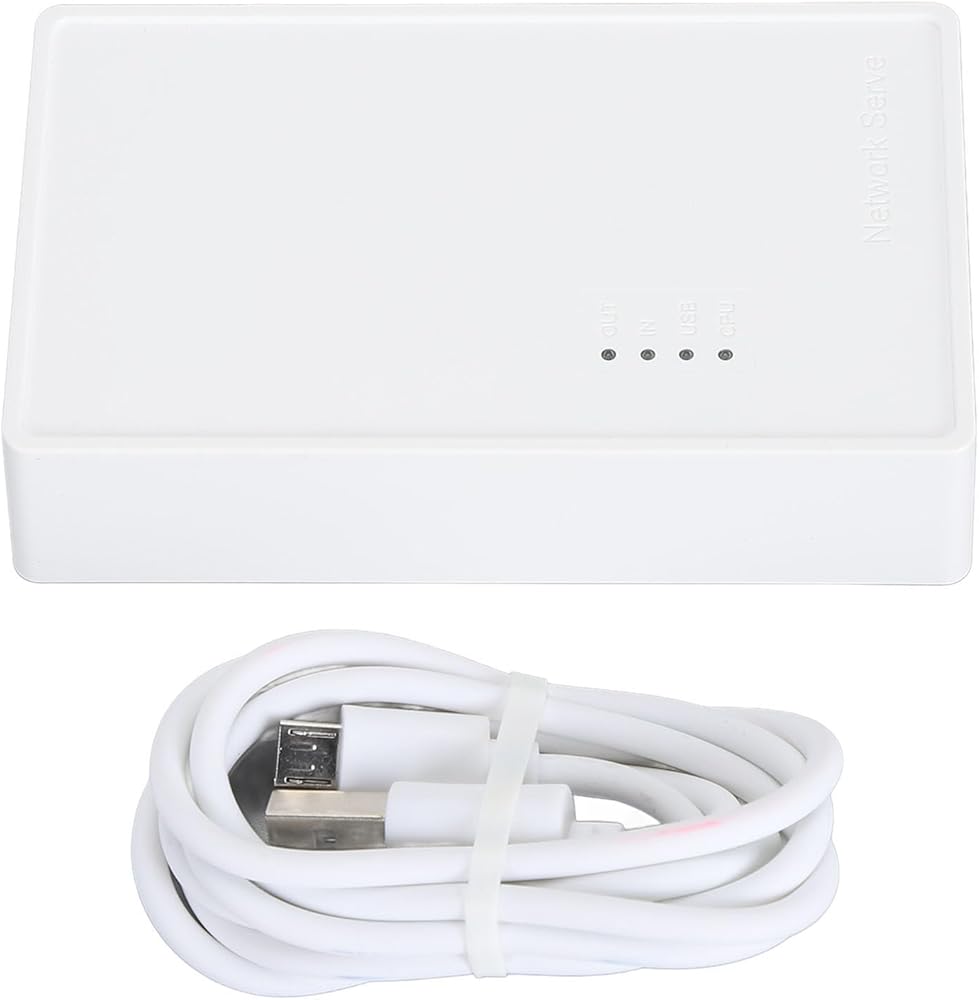
خادم طباعة لاسلكي Yoidesu USB، تحويل USB إلى طابعة WiFi مع منفذ USB2.0 بسرعة 480 ميجابت في الثانية وجسر LAN بسرعة 100 ميجابت في الثانية، لنظام التشغيل Wins OS X وطابعات متعددة
الاجهزه الالكترونيات الامريكية قد تحتاج الى محمول فولت من ١١٠ الى ٢٢٠.قد تحتاج إلى محول كهرباء
مميزات خاصة
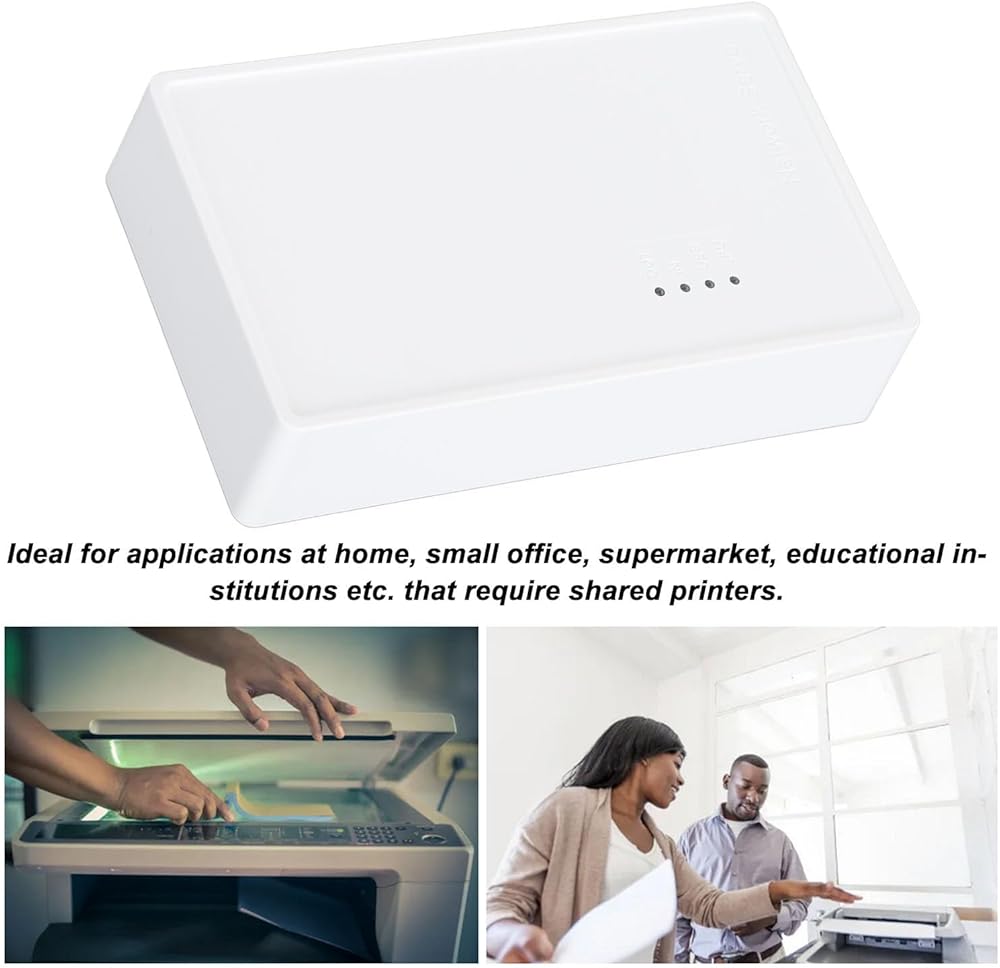
[High Speed Performance] Experience fast printing with a 480mbps usb2.0 port and 100mbps lan/bridge ports. this compact and lightweight print server supports automatic queue printing, delivering high efficiency for busy environments like small offices, supermarkets.
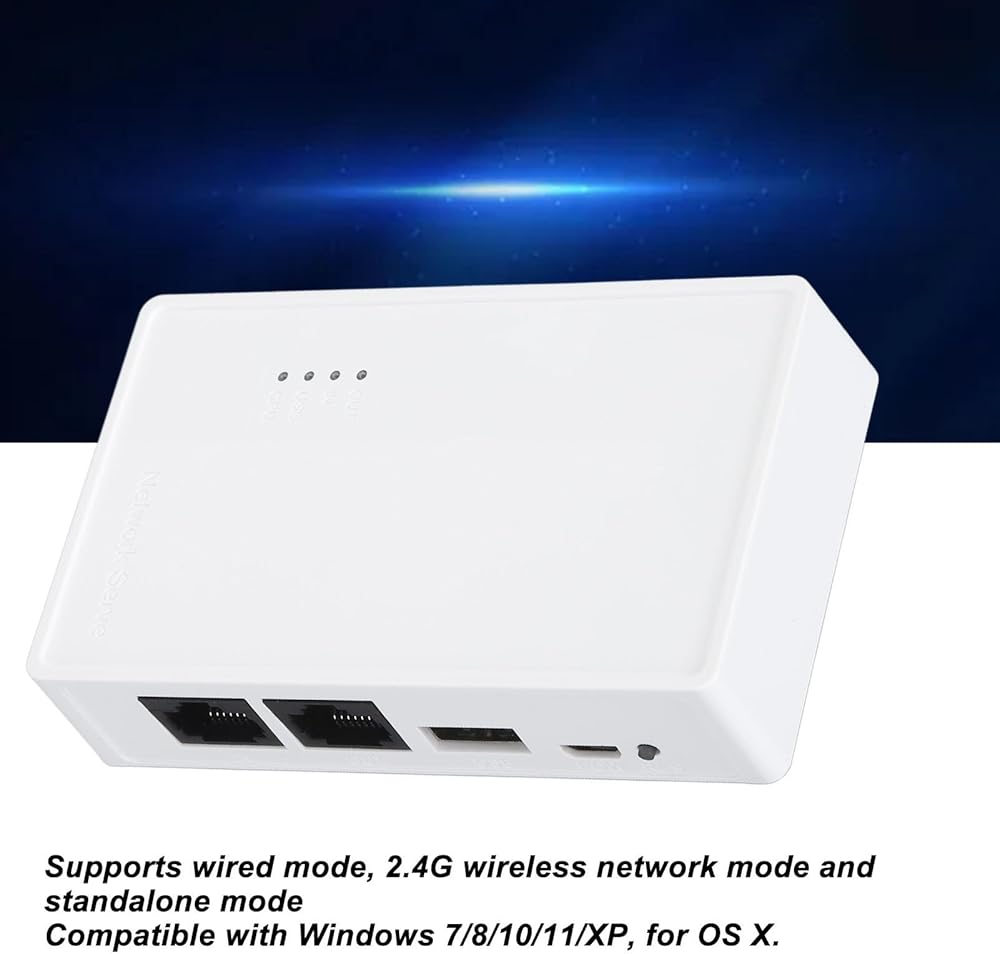
[Multiple Connection Modes] Enjoy versatile connectivity options with wired, 2.4g wireless, and standalone modes. convert your usb printer to a wifi printer without the need for a superior router in standalone mode. ideal for flexible printing solutions in various locations, though note that standalone mode disables network access.
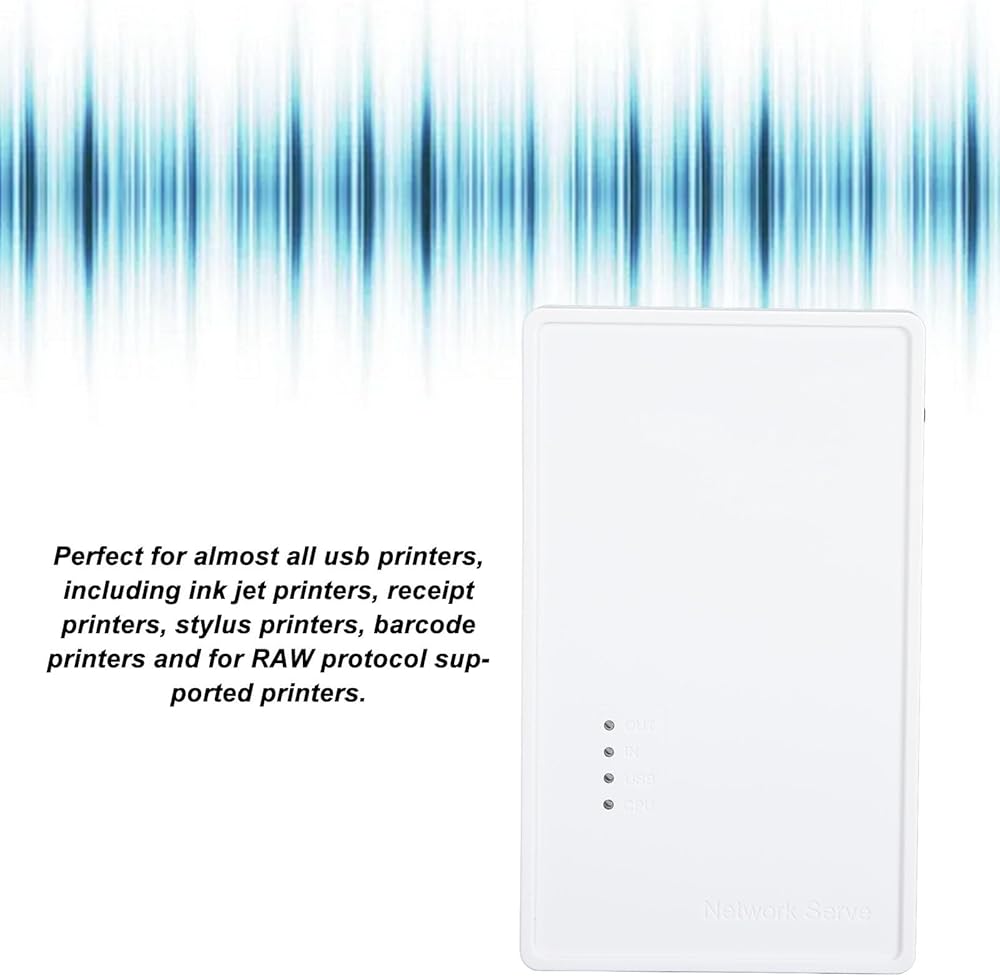
[Easy Setup & Compatibility] Skip the hassle of complex installations with our user-friendly web interface for quick configuration. no external driver is required for the print server, but ensure your printer driver is installed from the official website. compatible with wins 7/8/10/11/x p and os x, it works seamlessly with most usb printers, including inkjet, receipt, and barcode printers.
[Plug and Play Convenience] Get started in minutes with simple setup steps. connect the power, usb, and network cables, and you're ready to print. the intuitive web interface and mobile access make configuration a breeze, ensuring smooth operation for both tech-savvy users and beginners.
[Wireless Printing Anywhere] Transform your usb printer into a wireless printer effortlessly with this usb wireless print server. as long as your devices are on the same network, you can access and print from anywhere in your home or office. plus, with a usb hub, you can connect up to 4 printers simultaneously, making it perfect for shared environments like offices or schools.
وصف
Spec:
Item Type: USB Wireless Print Server
Material: ABS
Color: White
Output Interface: Bridge (10/100Mbps)
Input Interface: LAN (10/100Mbps)
Power Port: Type C
USB Port: USB 2.0
Package List:
1 x USB Print Server
1 x Power Cord
Note:
Common problem handling:
Q: My settings are all normal, but the computer just can't print.
A: Check if the printer is offline, check if the title appears offline in the print queue, if so, uncheck it and it will be able to use the printer again.
Q: My printer can print, but it keeps printing paper continuously.
A: Go to the printer's properties, port, uncheck Enable bidirectional support.
Note: The product does not include a USB adapter for shipment, you need to bring your own 1A USB adapter.
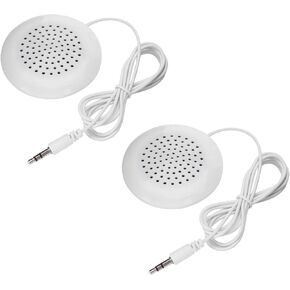 مكبر صوت Yoidesu 2PCS Mini ، مكبر صوت DIY 3.5 ملم مع صوت استريو ، تحت مكبر صوت وسادة ، خط محمول في مكبرات الصوت HIFI لـ MP3 ، MP4 ، مشغل الأقراص المضغوطة ، الهاتف المحمول
KWD 4
مكبر صوت Yoidesu 2PCS Mini ، مكبر صوت DIY 3.5 ملم مع صوت استريو ، تحت مكبر صوت وسادة ، خط محمول في مكبرات الصوت HIFI لـ MP3 ، MP4 ، مشغل الأقراص المضغوطة ، الهاتف المحمول
KWD 4
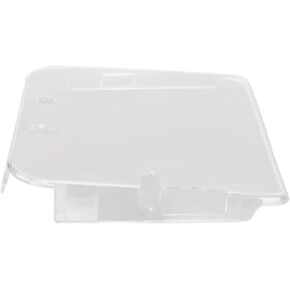 2DS Crystal Case ، قذيفة غلاف واقية شفافة لـ 2ds ، والأزياء ، طويلة الأمد ، ومريحة مع تصميم مضغوط لجلسات الألعاب الطويلة
KWD 4
2DS Crystal Case ، قذيفة غلاف واقية شفافة لـ 2ds ، والأزياء ، طويلة الأمد ، ومريحة مع تصميم مضغوط لجلسات الألعاب الطويلة
KWD 4
 -5%
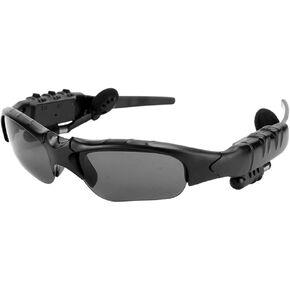
نظارة شمسية Bluetooth Yoidesu ، العدسات المستقطبة ، النظارات الشمسية للرجال والنساء ، النظارات الذكية مفتوحة للنظارات الشمسية للموسيقى الرياضية لركوب الدراجات في الهواء الطلق أثناء القيادة
KWD 9
-5%
نظارة شمسية Bluetooth Yoidesu ، العدسات المستقطبة ، النظارات الشمسية للرجال والنساء ، النظارات الذكية مفتوحة للنظارات الشمسية للموسيقى الرياضية لركوب الدراجات في الهواء الطلق أثناء القيادة
KWD 9
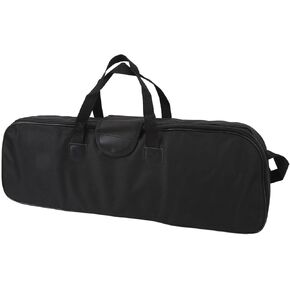 حقيبة تلسكوب Yoidesu 60x19x8cm ، وتخزين الصدمات ، والملحق ، وسهل حملها ، أفضل لعلماء الفلك
KWD 7.500
حقيبة تلسكوب Yoidesu 60x19x8cm ، وتخزين الصدمات ، والملحق ، وسهل حملها ، أفضل لعلماء الفلك
KWD 7.500

 الكويت