- التسوق ، اصبح سهلا.
- /
- احصل على التطبيق!
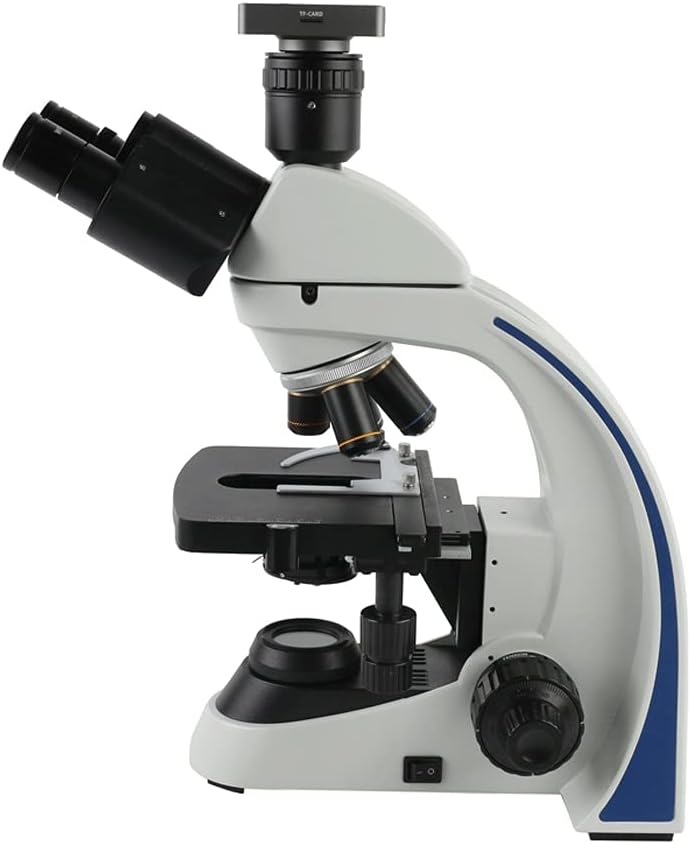
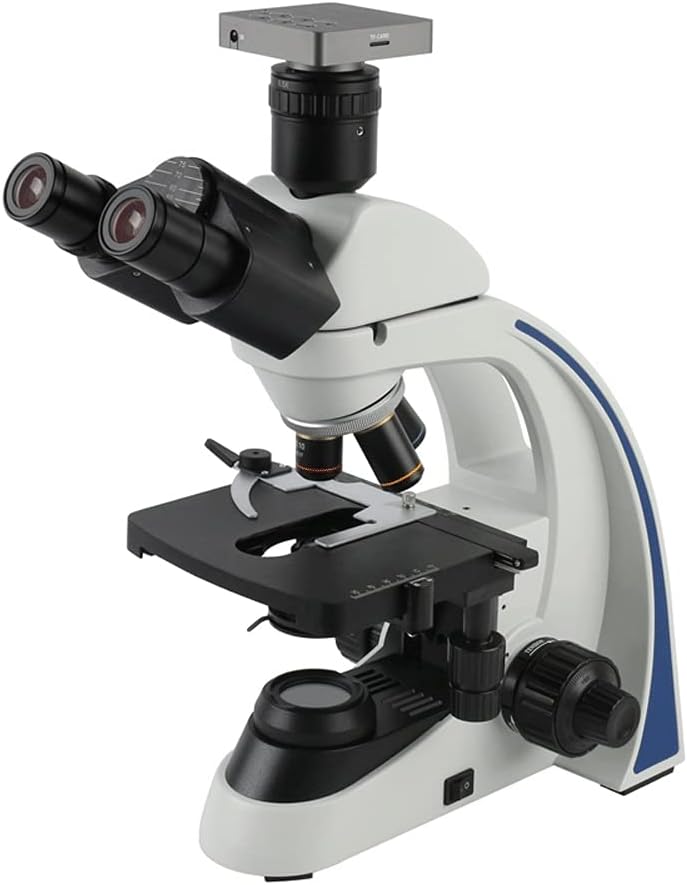
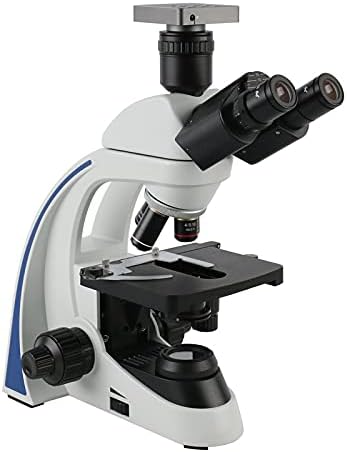
Black and white switching, date adjustment. Image adjustment:Exposure, Flicker restrain, Acutance. Camera function:Digital zoom, Horizontal. vertical mirror, image freeze. Storage:Image capture,video, image preview, TF card formatting. Reticle:4 sets of reticle, can define the color, line, displacement, and hidden Crosshair:Can adjust color, line size, hide or display White balance: Auto/manual Industry CMOS Camera. It can Show the live image directly on any HDMI monitor , Projector or TV. It builds in digital crosshairs and color control, add line in the pictures, freeze ,Mirror, Rotate, Negative Specification: Housing: Aluminium alloy Pixel size:1.43μm × 1.43μm Sensor size:1/2.3" Power:DC-12V/1A USB Image resolution: 1920 *1080 (for PC USB) Video resolution: 1920 *1080 @ 60FPS for HDMI, 1920 *1080 @ 30FPS 1280*720@ 30FPS 640*480 @ 30FPS 320*240 @ 30FPS for USB Video format: MP4 Image format:JPG Color: Color/black and white Freeze: Support Exposure:Auto/manual Camera Interface:C CS Mount EV:+/- Remote operation:Yes Package including: 1 x Biological Microscope Set 1 x Microscope Camera 1 x Power supply(AU/EU) 1 x USB cable 1 x HDMI cable 1 x Software DISC 1 x Remote control 1 x 8G TF Card 1.HDMI connection monitor or UVC link computer, plug in 12V power supply 2.Lightly press the switch key, when the LED light changes from red light to blue light, the camera is running, waiting for the display to show 3.Tap the main function key to bring up the setup menu. 4.Tap the left button or right button to jump to the recording function, tap the right button again to start recording, and tap the left button again to browse the stored picture. 5.Tap the white balance button to adjust the white balance automatically with one button. 6.Tap the zoom button to enlarge the image in the screen. 7.Tap the
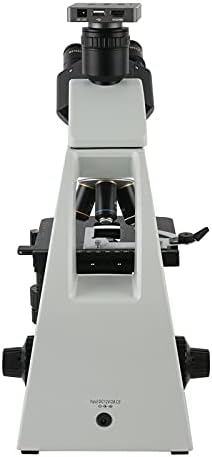
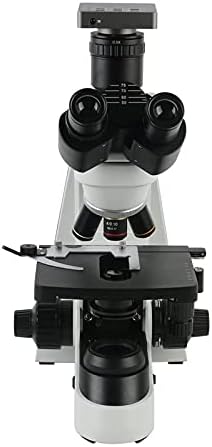
 مجهر LED مركب ثنائي العينين OMAX M82EZ-C02 2500X مع مزدوج | نطاق التكبير 40X-2500X USB 2.0 مجمع الاتصال المجهر البيولوجي طبقة مزدوجة المرحلة الميكانيكية
KWD 99
مجهر LED مركب ثنائي العينين OMAX M82EZ-C02 2500X مع مزدوج | نطاق التكبير 40X-2500X USB 2.0 مجمع الاتصال المجهر البيولوجي طبقة مزدوجة المرحلة الميكانيكية
KWD 99
 1pc barn door tast mat metal hook lock tratch country rerucory decoration زخرفة الزاوية اليمنى زاوية انزلاق الباب (الحجم: صغير)
KWD 66.500
1pc barn door tast mat metal hook lock tratch country rerucory decoration زخرفة الزاوية اليمنى زاوية انزلاق الباب (الحجم: صغير)
KWD 66.500
 1PCS Guitar Holder Wall Mount Mount Parts Accessories Music Rack حامل الغيتار (اللون: كما هو موضح: حجم واحد)
KWD 48
1PCS Guitar Holder Wall Mount Mount Parts Accessories Music Rack حامل الغيتار (اللون: كما هو موضح: حجم واحد)
KWD 48
 حامل الغيتار القيثري المحمولة حامل الكمان حامل الخشب حامل العمودي القابلة للطي القابلة للطي غير القابلة للطي الملحقات عرض الغيتار (اللون: كما هو موضح: حجم واحد)
KWD 63
حامل الغيتار القيثري المحمولة حامل الكمان حامل الخشب حامل العمودي القابلة للطي القابلة للطي غير القابلة للطي الملحقات عرض الغيتار (اللون: كما هو موضح: حجم واحد)
KWD 63

 الكويت