- التسوق ، اصبح سهلا.
- /
- احصل على التطبيق!
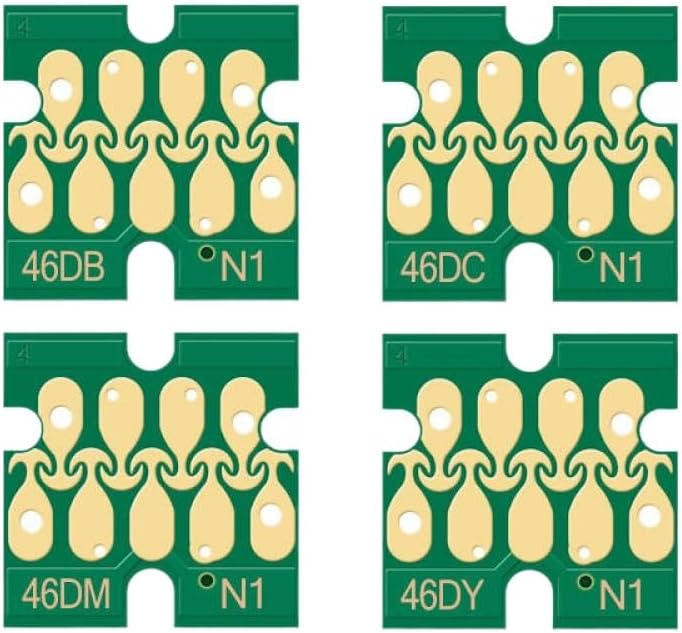
For F6300 Chip Europe 1100ML Sublimation Ink Bag ChipT46D8 T46D2 T46D4 Ink Pack For F6300 F6360 F9400 F9400H F9460
There are 5 sets of chip serial numbers.If they are not recognized, remove the chip and reinstall it.Dye-Sublimation Ink Pack for SureColor SC-F6300, SC-F6360, SC-F9400, SC-F9400H, and SC-F9460 printers.Includes CMYK ink with density black.Designed to deliver broad color gamut, vivid colors, deep blacks, details, and smooth tonal transitions.Offers fast drying times and low operating cost with refill packs.Product Name: Dye-Sublimation Ink Pack
Cartridge Model: T46D8, T46D1, T46D2, T46D3, T46D4
OEM Part Number:
C13T46D840 – Density Black
C13T46D140 – Black
C13T46D240 – Cyan
C13T46D340 – Magenta
C13T46D440 – Yellow
Cartridge Color: HDK, BK, C, M, Y
Chip Capacity: 1100ML per pack
Ink Type: Pre-filled with sublimation ink
Chip Type: Shipped with one-time use chip
Condition: Plug and play, compatible with specifications
This upgraded cartridge chip is disposable.Each ink pack includes one chip.When the message "Chip unit expended" appears on the control panel, replace the chip.Printing will stop if any color's chip needs replacement.To replace the chip:
1.Open the ink tank cover.Pull the slider straight outward using the groove on.2.Remove the chip unit from the slider.Keep the slider level to avoid dropping the chip.3.Install the chip unit.4.Attach the chip unit to the slider, insert it horizontally, and close the ink tank cover.To refill the ink tank:
1.Open the slider ink inlet cover and remove the ink inlet cap.2.Cut or tear the seal on the ink pack spout.3.Insert the spout into the groove and slowly tilt the pack to Compatible avec ink into the tank.4.Replace the ink inlet cap and close the slider ink inlet cover.
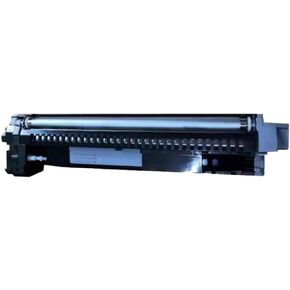 1PCS DV7105 وحدة المطورين متوافقة مع TaskAlfa 3010i 3011i 3510i 3511i نماذج
KWD 236
1PCS DV7105 وحدة المطورين متوافقة مع TaskAlfa 3010i 3011i 3510i 3511i نماذج
KWD 236
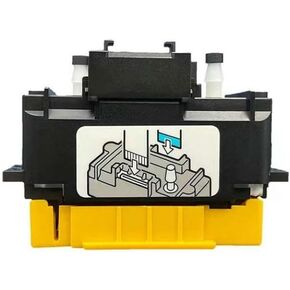 الرؤوس المتوافقة مع طابعة نفايات الحبر المسطحة
KWD 254
الرؤوس المتوافقة مع طابعة نفايات الحبر المسطحة
KWD 254
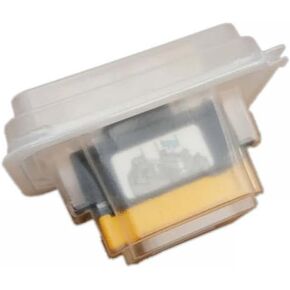 المتوافق المتوافق مع PrinThead for GH2220 Flatbed Subbed Subbed Inkjet Printer Universal Part
KWD 352
المتوافق المتوافق مع PrinThead for GH2220 Flatbed Subbed Subbed Inkjet Printer Universal Part
KWD 352
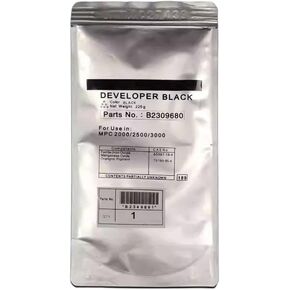 مطور ألوان متوافق 4x225g لـ MP C300 C300SR C305 C400SR C401 C401SR C230 C230SR C240 C240SR LD130C LD140C (C)
KWD 30
مطور ألوان متوافق 4x225g لـ MP C300 C300SR C305 C400SR C401 C401SR C230 C230SR C240 C240SR LD130C LD140C (C)
KWD 30