- التسوق ، اصبح سهلا.
- /
- احصل على التطبيق!
Specification:
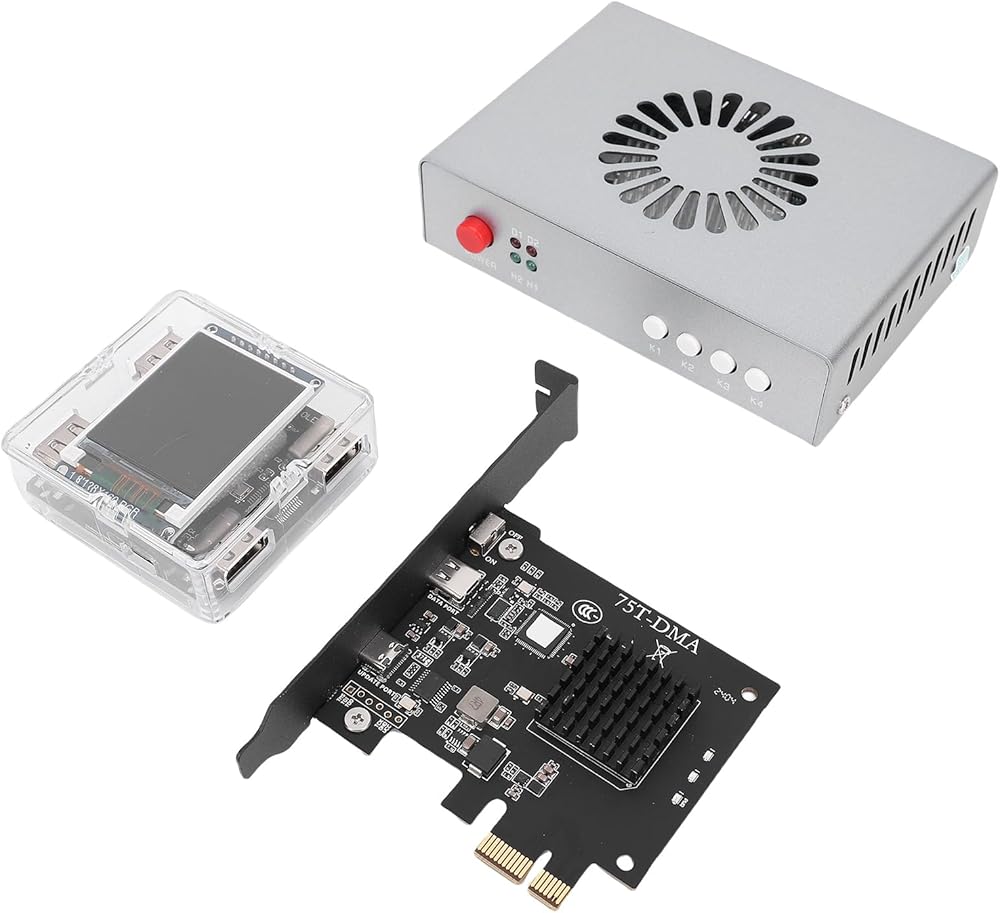
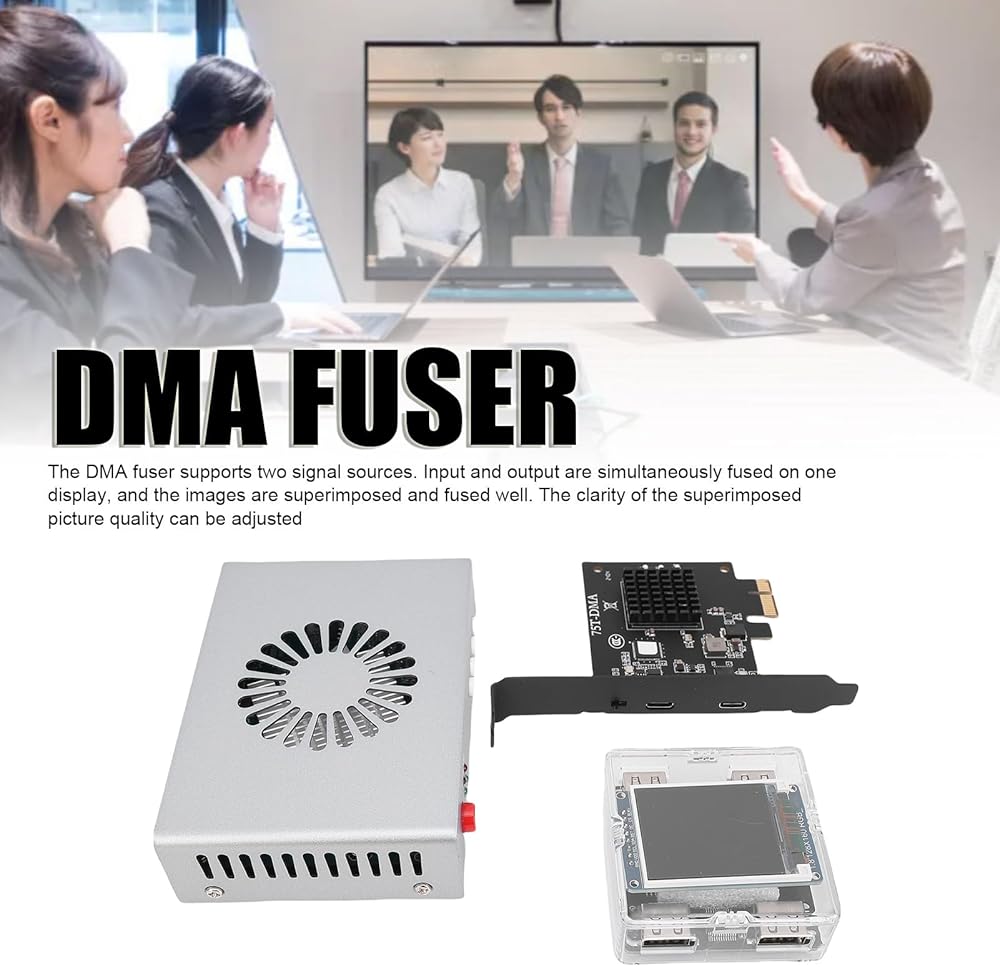
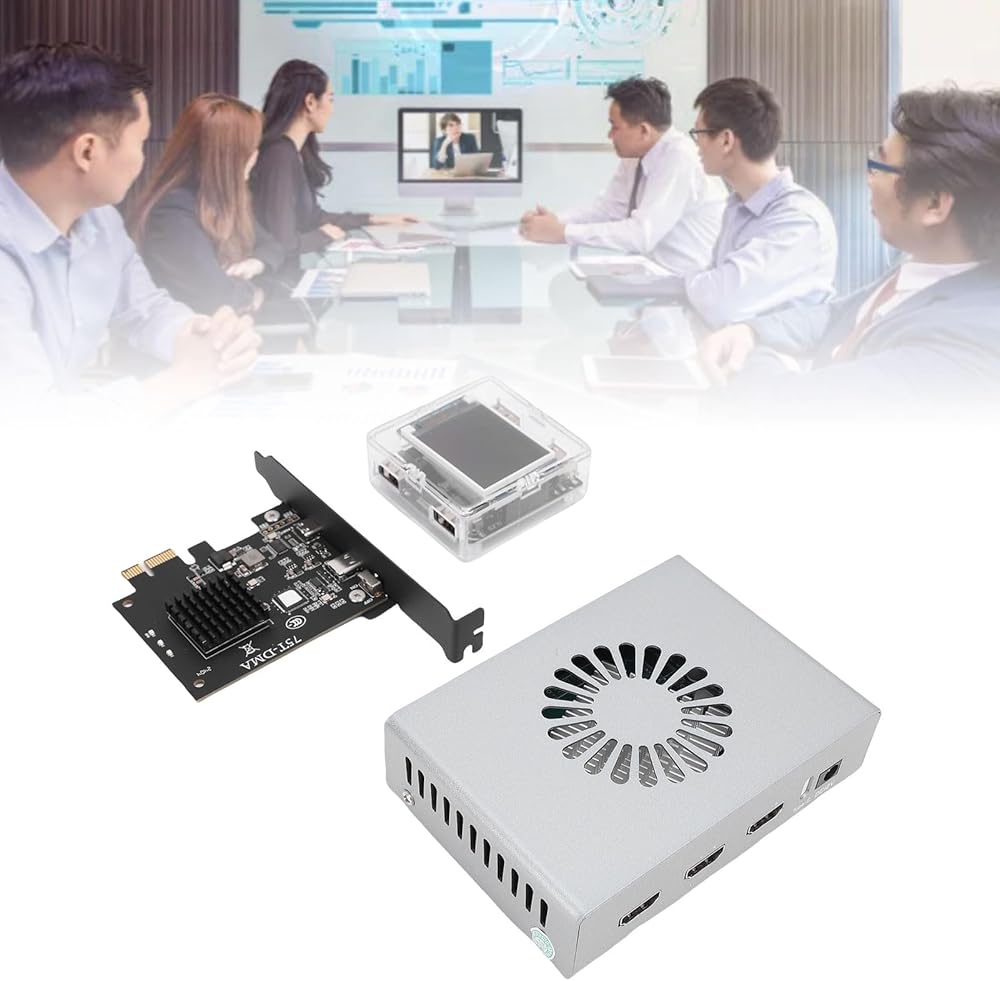
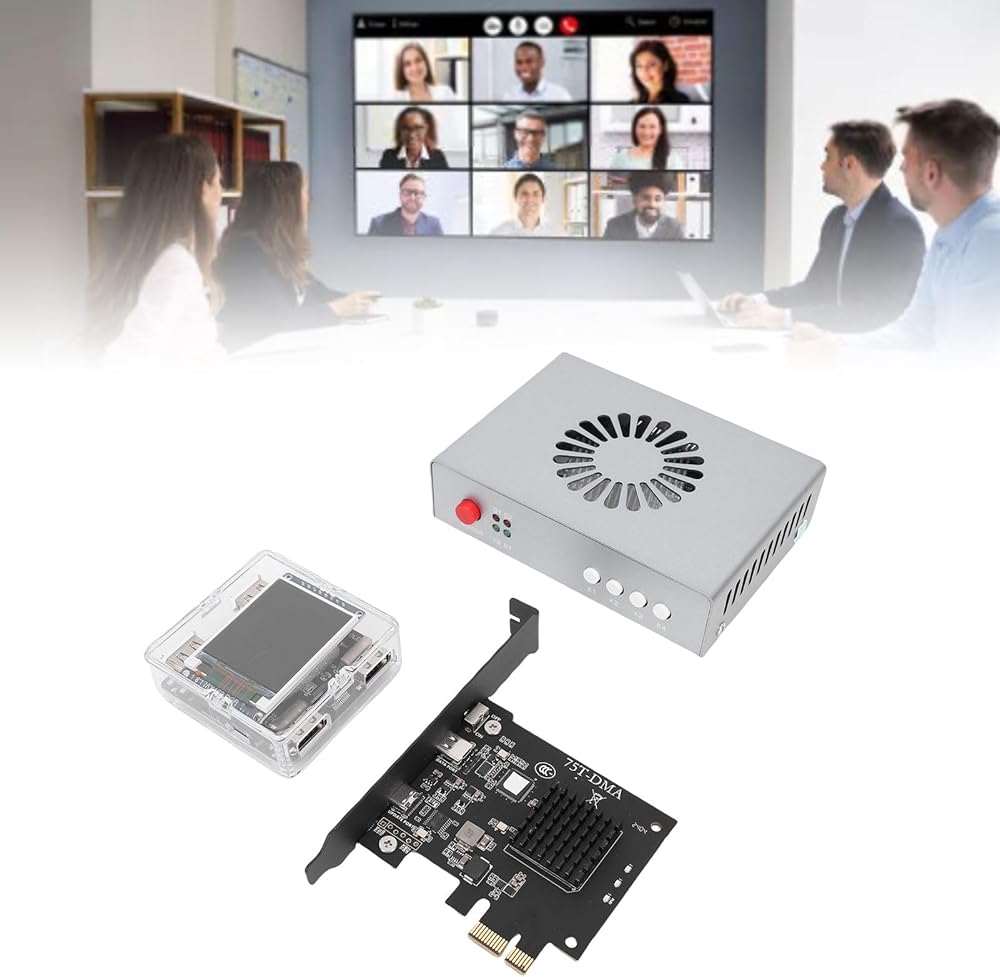
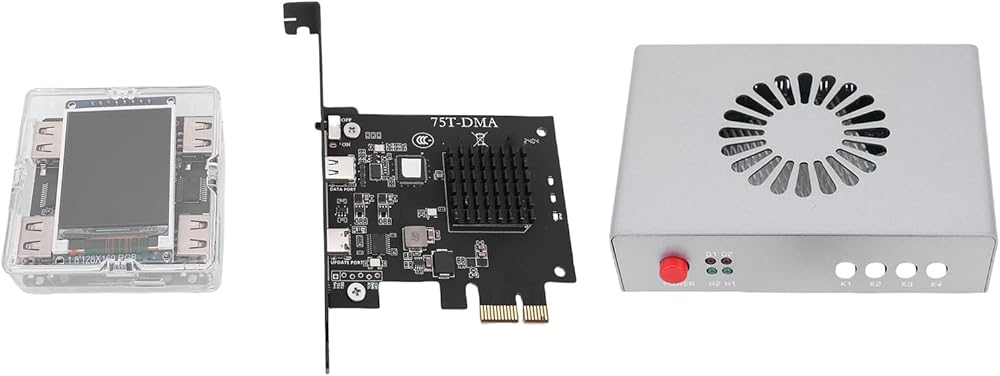
Item Type: DMA Fuser
Material: Aluminum alloy
Interface:
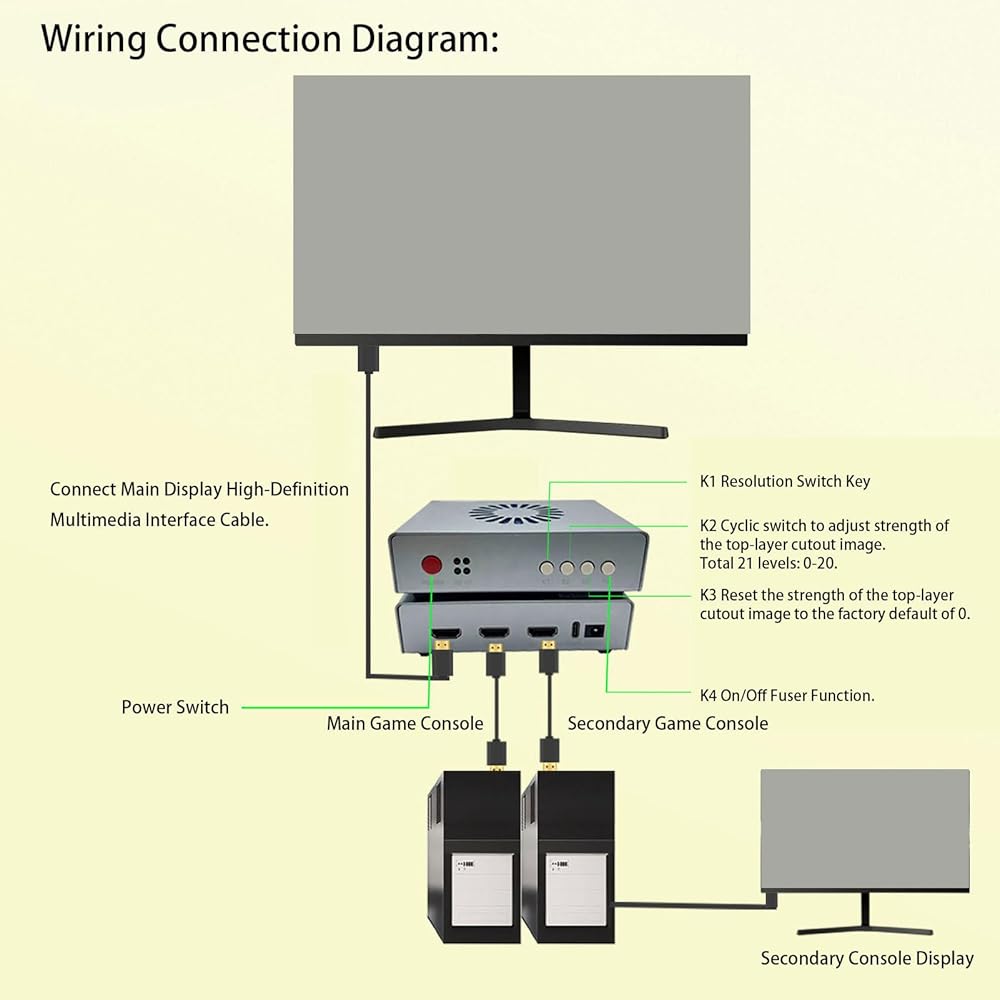
High Definition Multimedia Interface Output: Connect to the main display (the main screen for playing games)
High Definition Multimedia Interface 1 Console: Connect the graphics card of the console (the computer used for playing games)
High Definition Multimedia Interface 2 Secondary Machine: Connect the secondary machine graphics card
Power Cord: Default 2A
Indicator Light:
D1 Light: Power indicator light (remains on when powered on)
D2 Indicator Light: Fuse on or off indicator light
H1 Light: High Definition Multimedia Interface 1 host input indicator light
H2 Light: High Definition Multimedia Interface 2 auxiliary input signal indicator light
Key Function:
Power Key: Power on off
K1 Key: Only displays the auxiliary computer screen
K2 Key: Only displays the host screen
K3 Key: Activate the fusing key(continuously pressing K3 can increase the stimulation strength)
K4 Key: Restore factory mode
How to Use:
1. Refer to the user manual for installation, which includes an electronic document with installation instructions and a fuser tool kit.
2. The 6th generation fusioner does not require resolution adjustments and EDID debugging. Refer to the user manual for more details.
PackageList:
1 x DMA Fuser
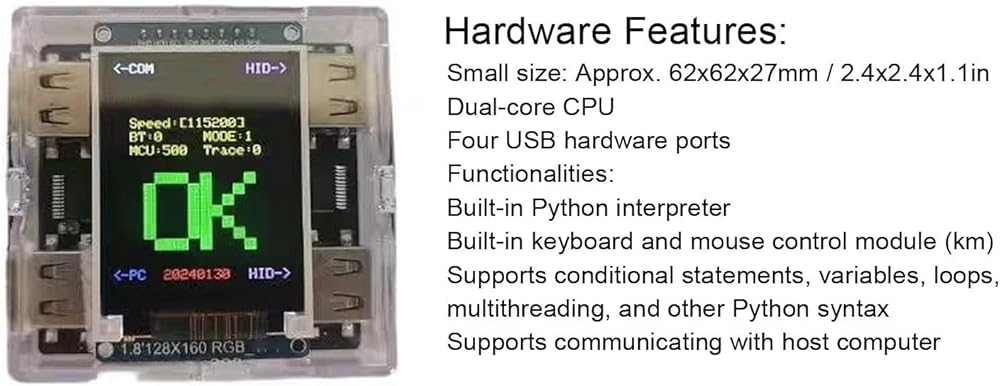
1 x For KMBOX
1 x DMA Board
1 x USB to Type C Cable
1 x User Manual
3 x High Definition Multimedia Interface to High Definition Multimedia Interface Cable
2 x USB to USB Cable
1 x USB to DC Cable
Notice:
1. 6th generation relies on the compatibility provided by the device itself, no manual adjustment of resolution is required. Currently, it supports 95% of displays and computers. 2. Different silk screen labels may exist due to different production batches, and the cable color is sent randomly, but it does not affect the usage.
 لوحة تبريد الكمبيوتر المحمول للألعاب من Goshyda مع 10 مراوح هادئة، ارتفاع 8 مستويات قابل للتعديل و5 إعدادات للسرعة، مبرد كمبيوتر محمول بمصابيح RGB لأجهزة الكمبيوتر المحمول مقاس 12-19 بوصة (13 معجبًا)
KWD 27
لوحة تبريد الكمبيوتر المحمول للألعاب من Goshyda مع 10 مراوح هادئة، ارتفاع 8 مستويات قابل للتعديل و5 إعدادات للسرعة، مبرد كمبيوتر محمول بمصابيح RGB لأجهزة الكمبيوتر المحمول مقاس 12-19 بوصة (13 معجبًا)
KWD 27
 جهاز عرض بمروحة هولوجرام ثلاثي الأبعاد، 224 خرزة إضاءة LED، شاشة عرض إعلانات فيديو ثلاثية الأبعاد بدقة 1080 بكسل مقاس 16.5 بوصة للشركات والحفلات وما إلى ذلك
KWD 17
جهاز عرض بمروحة هولوجرام ثلاثي الأبعاد، 224 خرزة إضاءة LED، شاشة عرض إعلانات فيديو ثلاثية الأبعاد بدقة 1080 بكسل مقاس 16.5 بوصة للشركات والحفلات وما إلى ذلك
KWD 17
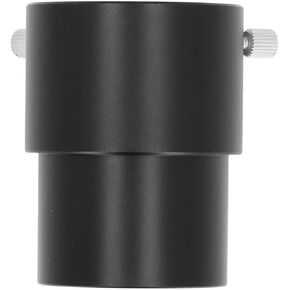 أنبوب تمديد عدسة Goshyda، محول أنبوب تمديد عدسة تلسكوب 2 بوصة، خيط M48x0.75 مم، للتلسكوب (40 مم)
KWD 6.500
أنبوب تمديد عدسة Goshyda، محول أنبوب تمديد عدسة تلسكوب 2 بوصة، خيط M48x0.75 مم، للتلسكوب (40 مم)
KWD 6.500
 مجهر رقمي محمول باليد من Goshyda، تكبير 500X مع شاشة IPS مقاس 2 بوصة، وإضاءة LED 3 مستويات وتسجيل فيديو للصور للبالغين والأطفال وكبار السن
KWD 12.500
مجهر رقمي محمول باليد من Goshyda، تكبير 500X مع شاشة IPS مقاس 2 بوصة، وإضاءة LED 3 مستويات وتسجيل فيديو للصور للبالغين والأطفال وكبار السن
KWD 12.500